
Planning Guides, Style Guide
The Knot Invitations: Wedding Planning Platform Guide
Mar
So About The Knot Invitations Platform
Okay so you’re looking at The Knot for invitations and honestly it’s one of those platforms that seems super straightforward until you actually dive in. I’ve been using it with clients since like 2019 and there’s stuff nobody tells you upfront that’s gonna save you major headaches.
Getting Started With Your Account
First thing – you gotta create a wedding account on The Knot if you haven’t already. It’s free which is great, and it links everything together – your guest list, registry, website, and the invitations. But here’s the annoying part that drove me absolutely nuts back in spring 2022: their system doesn’t automatically sync your guest list to the invitation platform right away. You have to manually import it and then the addresses don’t always populate correctly? Like I had a bride who spent THREE HOURS re-entering addresses because the import function glitched.
My cat jumped on my keyboard while I was fixing that mess and somehow ordered 50 extra save-the-dates. Thank god for the review process.
Browsing The Invitation Collections
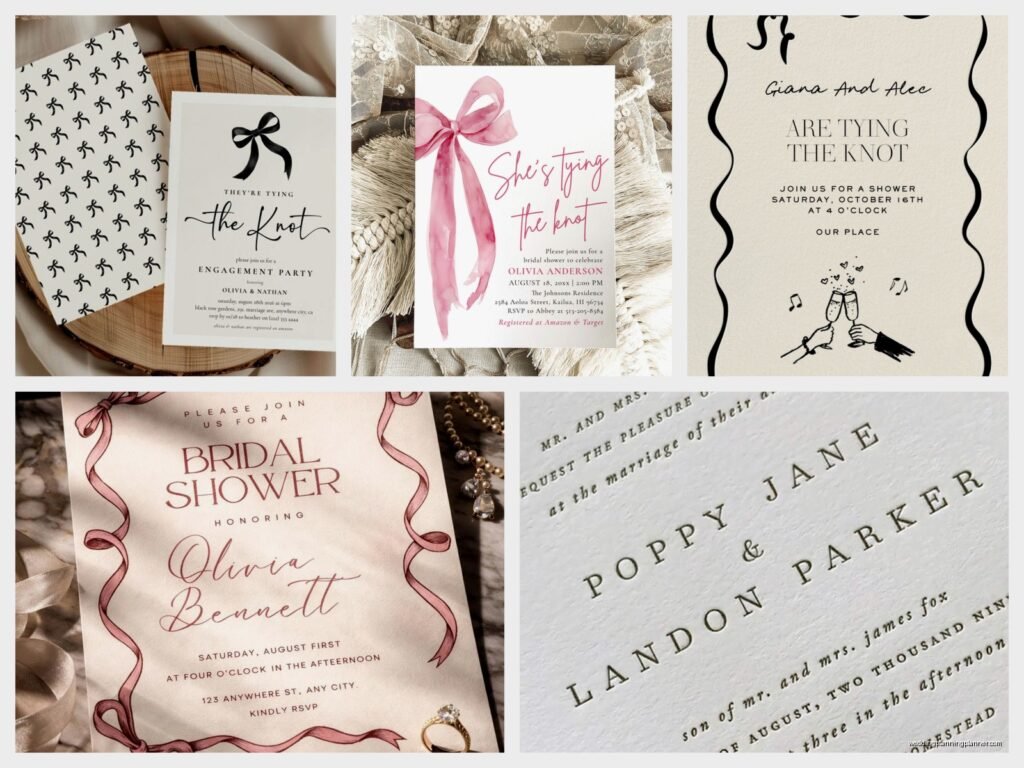
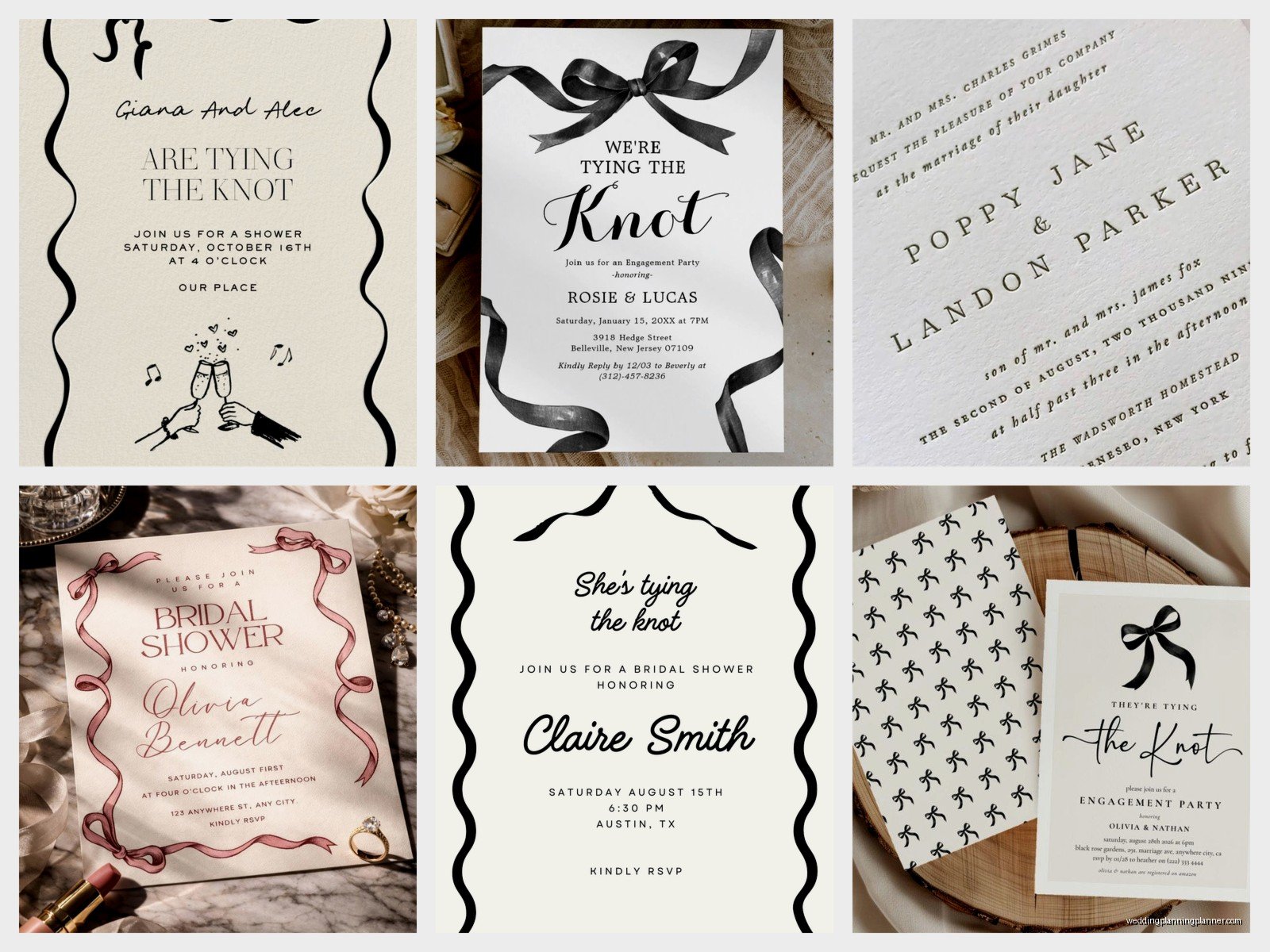
The platform has literally thousands of designs. You can filter by style (modern, rustic, classic, whatever), color, theme, and price point. The price ranges are all over the place – anywhere from like $1.50 per invite to $15+ for the fancy foil-pressed ones.
Here’s what I tell clients: don’t get sucked into the “suites” right away. The Knot bundles everything – invitations, RSVP cards, details cards, envelopes, belly bands, all of it. It looks pretty but you might not need half that stuff if you’re doing online RSVPs or have a wedding website with all the details.
Customization Options
Once you pick a design, the customization editor pops up. It’s pretty intuitive but umm… there are some limitations that annoyed me. You can change:
- Text and wording obviously
- Font choices (but only from their pre-selected options)
- Colors for certain design elements
- Upload your own photos if it’s a photo invitation
- Paper type and finish
What you CAN’T do: move design elements around, change the layout significantly, or add extra text boxes beyond what the template allows. I had this whole situation in summer 2024 where a couple wanted to add a line about their dog being the ring bearer and there was literally no space in the template for it. We had to pick a different design entirely.
Paper Quality and Printing
The Knot uses different paper stocks depending on what you choose. Standard is 120lb cardstock which is fine – not flimsy but not super luxe either. You can upgrade to:
- Signature paper (thicker, has a nice weight)
- Pearl Shimmer (kinda fancy, catches the light)
- Recycled paper (eco-friendly option)
- Plantable seed paper (guests can plant it after)
The foil-pressed options are genuinely beautiful but they take longer to produce – like 2-3 weeks vs. the standard 5-7 business days. Plan accordingly because people always wait until the last minute and then panic.
Addressing and Envelope Printing
This feature is honestly one of the best things about The Knot platform. You can have them print your guest addresses directly on the envelopes OR print them on clear labels. The addressing is free for the outer envelopes on most orders which saves SO much time.
You upload your guest list from the main Knot account (remember that sync issue I mentioned? yeah) and then you can edit how each name appears. Like if you want “Mr. and Mrs. Smith” vs. “John and Sarah Smith” vs. “The Smith Family” – you control all of that.
Pro tip: triple check the spelling of every single name and address before you approve. I’ve seen too many invitations go to “Micheal” instead of “Michael” or wrong zip codes that delay delivery.
Samples and Proofs
You can order a sample of any invitation design for like $3-5 which I ALWAYS recommend. The colors look different in person than on your screen. What looks like a soft blush pink online might be more coral in real life, and that’s gonna bother you if your whole wedding palette is blush and navy.
Before they print your full order, you get a digital proof to review. Check EVERYTHING. Names, dates, times, venue address, spelling, formatting. They won’t reprint for free if you approved a proof with an error.
Quantities and Extras
Order about 10-15% more invitations than you think you need. People lose them, addresses change, you’ll want to keep one for yourself as a keepsake. Also some couples send them to out-of-town guests who aren’t invited to the actual wedding but might send gifts anyway (which is its own etiquette debate but whatever).
The Knot usually has quantity breaks – like it might only be $20 more to go from 100 to 125 invitations because of how they price printing runs.
Timeline for Ordering
Here’s the realistic timeline you need:
- Order samples: 8-9 months before wedding
- Finalize design and order: 4-5 months before
- Receive invitations: 3-4 months before
- Address and mail: 6-8 weeks before wedding
Those timeframes assume nothing goes wrong but… things go wrong. Production delays happen, shipping gets delayed, hurricanes interrupt delivery (true story from last year).
Pricing and Sales
The Knot runs sales constantly. Like almost every week there’s some kind of promotion – 40% off invitations, free shipping, free guest addressing, whatever. DO NOT pay full price. Sign up for their emails and wait for a sale unless you’re super pressed for time.
I was watching that new season of The Bear while comparing prices one night and realized the sales cycle is pretty predictable – usually bigger discounts around major holidays and wedding season kickoff in January.
Customer Service Experience
Their customer service is hit or miss honestly. Sometimes you get someone super helpful who fixes issues immediately. Other times you’re stuck in chat limbo or waiting days for an email response. There’s a phone number but good luck getting through during peak wedding season (March-May).
Integration With Other Knot Features
If you’re using The Knot for your wedding website too, there’s some nice integration. You can match your invitation design to your website theme, and guests can RSVP directly through the website instead of mailing cards back. This saves you money on RSVP cards and postage, plus you get instant updates instead of waiting for mail.
The guest list manager tracks who you’ve sent invitations to, who’s opened your website, who’s RSVPed, dietary restrictions, plus-ones – it’s all in one place. Makes tracking easier than those Excel spreadsheets people used to use, though I still keep a backup spreadsheet because I’m paranoid about tech failures.
Common Mistakes People Make
Okay so from my experience, here’s what trips people up:
- Not accounting for inner envelopes if they want formal invitations – those cost extra
- Forgetting to order Thank You cards at the same time (usually discounted when bundled)
- Choosing designs that don’t leave enough room for long venue names or multiple event details
- Waiting too long and then paying rush fees
- Not considering postage costs – fancy shaped invitations or heavy suites need extra postage
That last one gets people every time. You assemble these beautiful invitations with belly bands and vellum overlays and ribbon, then you get to the post office and find out they need $2+ in postage each because they’re too thick or— wait, speaking of which, always hand-cancel fancy invitations at the post office or they’ll get chewed up in the sorting machines.
Alternatives Within The Platform
The Knot also offers digital invitations now which is perfect for smaller events, casual weddings, or additional events like rehearsal dinners. They’re way cheaper (some are even free) and you can track opens and RSVPs in real-time.
