
Uncategorized
Wedding Templates: Free Downloads & Customizable Designs
Feb
So I’m gonna be completely honest with you, wedding templates have saved my butt more times than I can count, and I’ve spent probably way too many hours downloading, testing, and customizing every free option out there because my Type-A brain won’t let me recommend something I haven’t personally played with.
Where to Actually Find Good Free Templates Without Getting Scammed
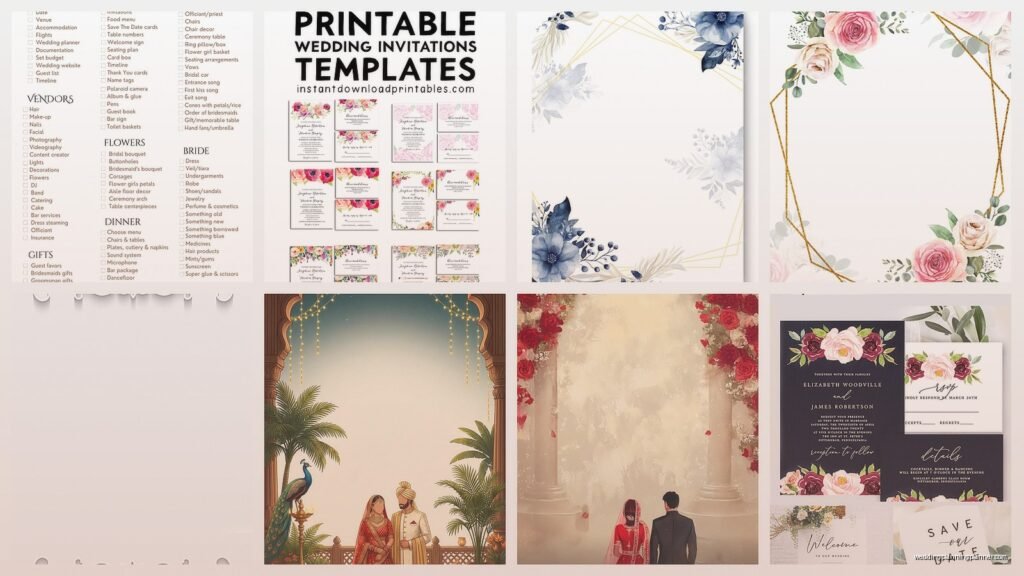
Okay first things first, Canva is like my ride-or-die for wedding templates. I know everyone talks about it but there’s a reason. They have this massive library of free wedding templates and you can customize literally everything without needing design skills. I use it for save-the-dates, programs, menus, place cards, all of it. The free version gives you enough options that most couples won’t even need the paid upgrade unless they’re obsessed with a specific premium font.
Template.net is another one I stumbled on like three years ago when a client needed Spanish-language invitations and I was panicking. They have hundreds of free Microsoft Word templates which sounds boring but hear me out. Word templates are actually genius for older couples or anyone who isn’t tech-savvy because everyone knows how to use Word. You download it, change the text, print. Done.
Etsy has free templates too which seems counterintuitive since it’s a marketplace but sellers will offer freebies to get you on their email list. I’ve downloaded some gorgeous minimalist invitation templates that way. Just search “free wedding template” and filter by price: free to low.
Google Docs and Sheets Templates Nobody Talks About
Wait I forgot to mention this earlier but Google has this whole template gallery that’s completely free and people sleep on it. Go to Google Docs or Sheets and click on the template gallery. They have wedding invitation templates, budget planners, guest list trackers, seating chart templates. The guest list template specifically is one I customize for every single client because it has columns for addresses, meal preferences, RSVP status, plus-ones, everything you need.
The budget template in Google Sheets is actually better than some paid wedding planning apps I’ve tried. You can share it with your partner or parents and everyone can update it in real-time. I had a groom last year who was super into tracking expenses and he added like fifteen extra categories and formulas. It became this whole elaborate spreadsheet situation but it worked for them.
Customizing Without Losing Your Mind
Here’s where people usually mess up. They download a template and then realize they have no idea how to change the colors or fonts to match their wedding palette. Let me walk you through the actual process I use.
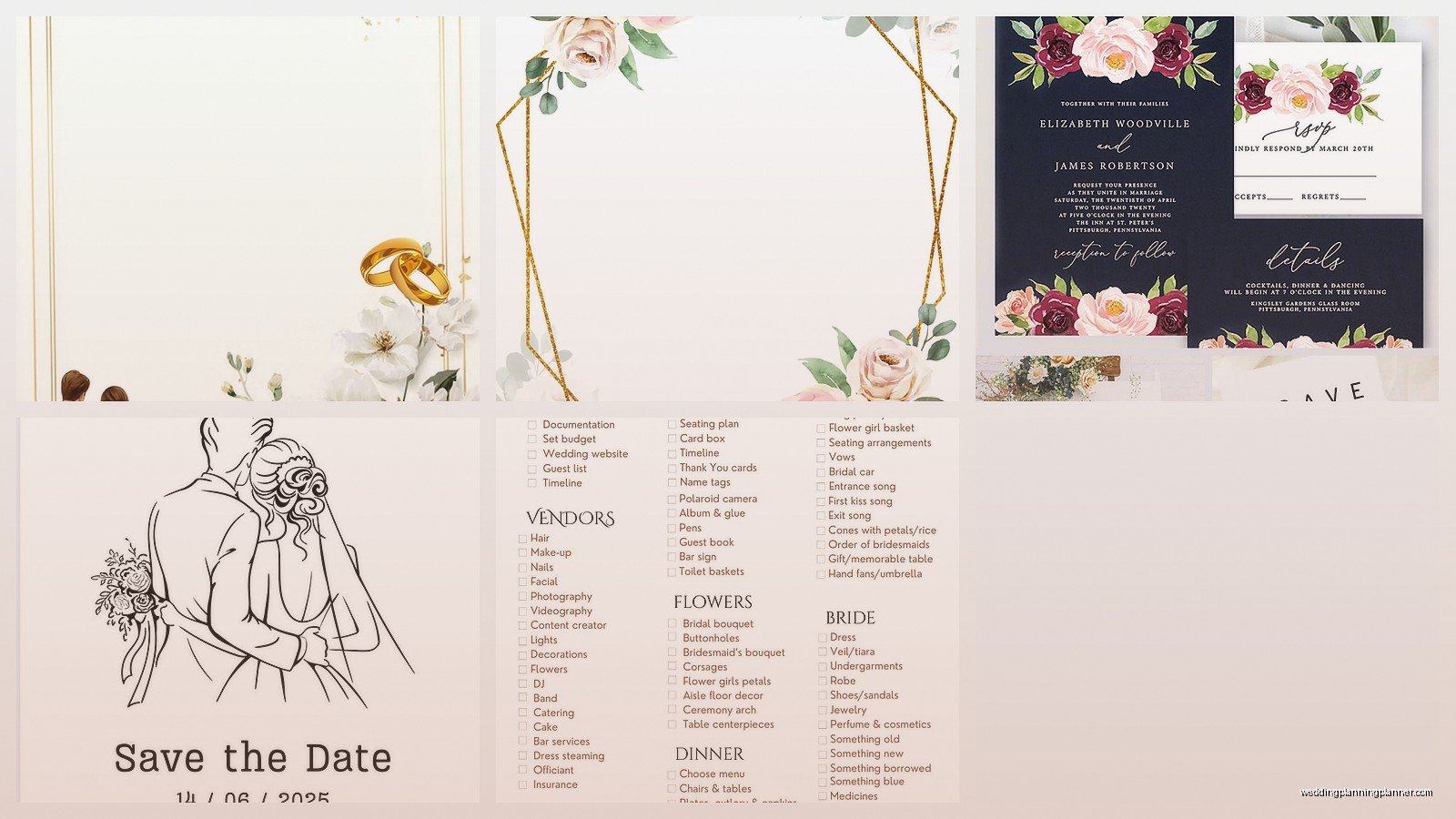
For Canva templates, click on any text box and you’ll see the font options at the top. Don’t just use the default fonts, scroll through and find something that matches your vibe. Script fonts for formal weddings, sans-serif for modern, that kind of thing. Colors work the same way, click on any element and you’ll see a color picker. Pro tip: create a color palette in Canva by clicking the plus sign next to your recent colors and saving your wedding colors so you’re not searching for that exact shade of dusty rose every single time.
Word templates are even easier honestly. Just highlight the text you wanna change and type over it. To change colors, highlight and go to the font color dropdown. I always tell couples to print a test page before they order 150 invitations because what looks good on screen can look washed out or too dark printed.
The Templates I Actually Use Most Often
Okay so funny story, I have this folder on my desktop called “Templates That Don’t Suck” and it’s organized by wedding style because I’m that person. Let me tell you what’s actually in there.
For minimalist modern weddings, I use these clean Canva templates with lots of white space and simple typography. Think black text on cream cardstock, maybe one accent color. I customized one for a couple getting married at this industrial loft venue and we just changed the color to terracotta and it was perfect.
Rustic barn weddings, I’ve got Word templates with kraft paper textures and casual fonts. You can print these on actual kraft cardstock from any office supply store. My client last fall printed hers at home and tied them with twine and people thought she paid a fortune for custom invitations.
Traditional formal weddings need that classic look so I use templates with elegant borders, script fonts, traditional wording. There’s this one invitation suite on Template.net with a formal border design that I’ve used probably ten times just changing the colors and details.
Day-Of Templates You’re Gonna Need
Everyone focuses on invitations but then panics two weeks before the wedding when they realize they need programs, menus, place cards, signage, all that stuff. Let me save you the stress.
Programs: Canva has bifold and trifold program templates. I like the trifold ones because they’re sturdier and people don’t drop them as much during the ceremony. Include your wedding party names, ceremony order, maybe a thank you note to guests or a memory of how you met.
Menus: This is gonna sound weird but I actually prefer making menus in Google Docs using their restaurant menu templates and just customizing them for weddings. They have better formatting for multiple courses and dietary indicators than most wedding-specific templates.
Place cards: Print these on cardstock and fold them in half. Canva has tent-style place card templates that fit ten cards per page. I always make extras because someone will spill wine on theirs or the calligrapher will mess one up or you’ll have last-minute guest additions.
Table numbers: You need these unless you’re doing a super casual buffet situation. I’ve used everything from simple numbers in frames to elaborate designs. The free templates on Canva are honestly better than a lot of what I see couples paying for from stationery companies.
Printing These Things Without Breaking the Bank
So you’ve customized your templates, now what. Printing is where people either save a ton of money or accidentally spend more than if they’d just hired a stationer in the first place.
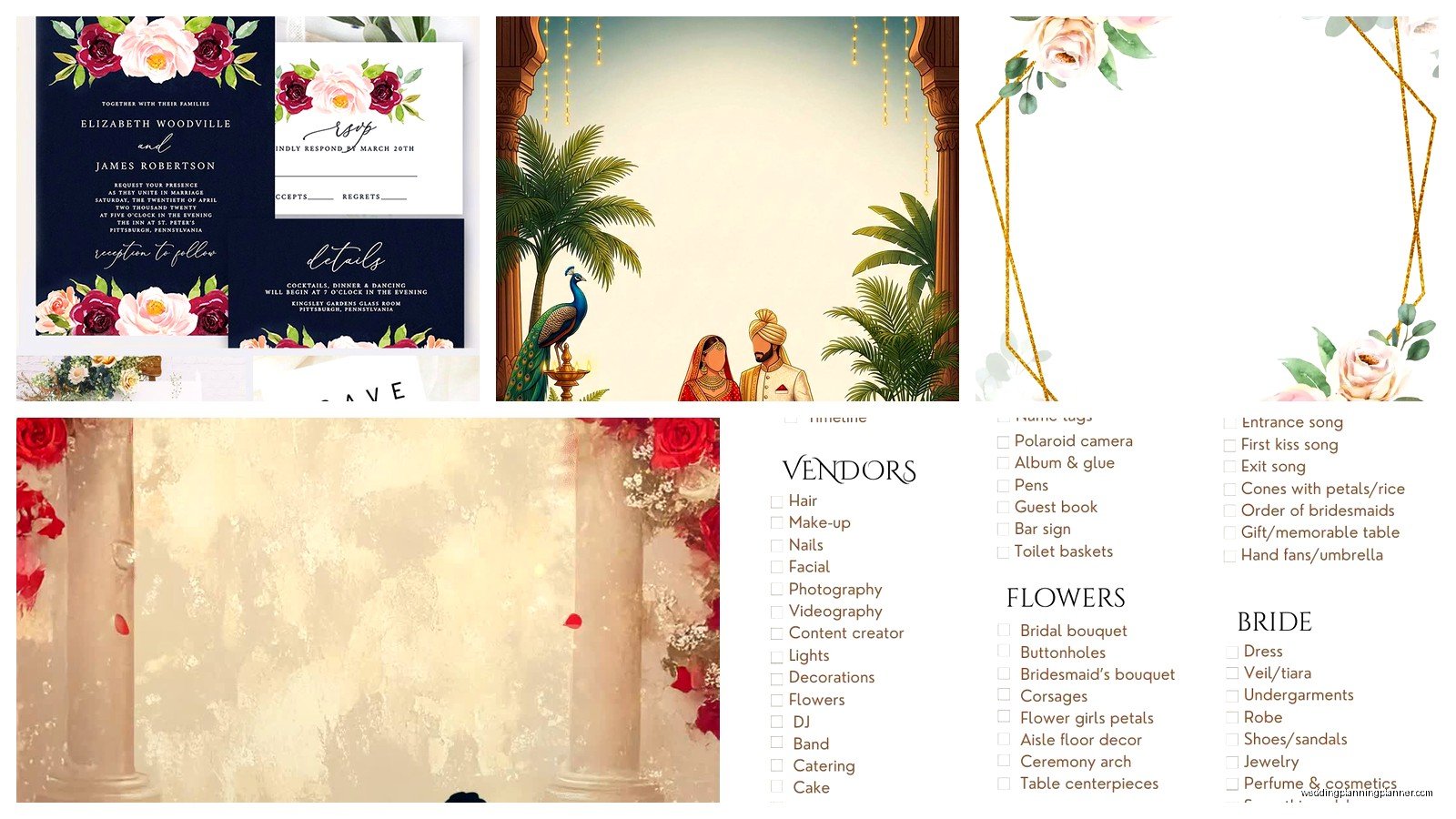
For small quantities like programs and menus, print at home if you have a decent inkjet or laser printer. Get good cardstock, I recommend 80lb or higher weight. Michaels and Hobby Lobby have it in every color and it’s always on sale. My dog ate an entire pack of blush pink cardstock once and I’m still mad about it.
For invitations, I actually tell couples to use a print shop like FedEx Office or a local printer. Upload your PDF, choose your paper stock, and they’ll print and cut everything for you. It’s cheaper than buying envelopes, paper, and doing it yourself unless you only need like 25 invitations.
Oh and another thing, Vistaprint does wedding invitations and you can upload your own template design. Their prices are competitive and the quality is solid. I’ve used them for clients who wanted something between DIY and custom but didn’t wanna spend hours printing at home.
Common Template Mistakes I See All the Time
Don’t use more than three fonts on any one piece. I see people get excited and use five different fonts and it looks chaotic. Pick one for headers, one for body text, maybe one for accents and stop there.
Watch your margins. Templates sometimes have text too close to the edges and it gets cut off during printing. Leave at least a quarter-inch margin on all sides, more if you’re printing at home because home printers are unpredictable.
Proofread like your life depends on it. Then have someone else proofread. Then proofread again. I once had a couple print 200 programs with the wrong ceremony date because they were looking at an old template version. Check the date, time, location, names, everything.
Color matching across different templates is hard. If you’re using templates from different sources for your invitation suite, make sure you’re using the exact same color codes. RGB for digital, CMYK for print. This is where having your colors saved in Canva is clutch because it keeps everything consistent.
The Stuff You Can Skip
Real talk, not every template category is necessary. You don’t need rehearsal dinner invitations if you’re just texting people the details. You probably don’t need ceremony programs if your ceremony is fifteen minutes long. Thank you cards yes, but those can wait until after the wedding to design and print.
I had a bride last month who wanted to DIY literally everything including napkin rings with custom tags and I had to gently explain that nobody looks at napkin rings. Focus your template energy on the stuff people actually see and keep: invitations, programs if you’re having a long ceremony, menus for seated dinners, and signage.
Organization System That Actually Works
Create a folder on your computer called Wedding Templates or whatever. Inside that, make folders for each category: Invitations, Programs, Menus, Signage, Place Cards. As you download and customize templates, save versions with dates like “Program_Draft_Jan15” so you can go back if you change your mind.
Keep all your print-ready PDFs in one folder called Final Files. This is what you’ll send to printers or use for printing at home. I also tell couples to save everything to Google Drive or Dropbox as backup because I’ve seen people’s computers crash and lose everything.
My client last spring didn’t do this and ended up recreating her entire invitation suite three days before she needed to print because she couldn’t find the final version. Learn from her mistakes.
When Free Templates Aren’t Enough
Look sometimes free templates just aren’t gonna cut it for what you’re envisioning. If you need something really specific or you want that ultra-custom look, it might be worth spending like $15-30 on a premium Etsy template that’s closer to your vision. The time you save not customizing something extensively is worth the cost.
I bought a premium invitation template pack last year for a client’s art deco themed wedding and it came with matching programs, menus, place cards, table numbers, the whole suite. It was $35 and saved us probably ten hours of design work. Sometimes paying a little is the right move.
But honestly for most weddings, free templates are totally sufficient especially if you’re willing to spend time customizing them properly. I’ve planned weddings where every single piece of paper was from a free template and they looked expensive and cohesive because we took the time to make everything match and printed on quality materials.
Just remember the template is just the starting point, it’s what you do with it that makes it special for your wedding specifically.
