
Uncategorized
Wedding Templates: Free Downloads & Customizable Designs
Feb
So I’ve been helping brides with wedding templates for about fifteen years now, and honestly, the free options have gotten ridiculously good compared to when I started. Like, you used to have to pay $200 minimum for a decent invitation suite and now… well, let me just walk you through what actually works.
Where to Actually Find Quality Free Wedding Templates
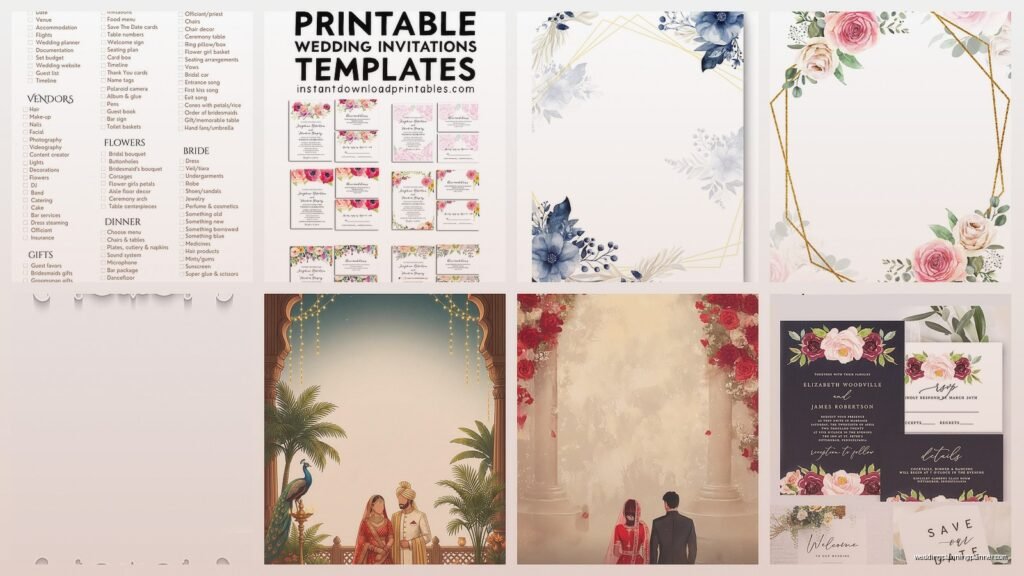
Canva is gonna be your first stop, I’m not even sorry about this. Yes, everyone uses it, but there’s a reason. They’ve got thousands of wedding templates and the free tier is legitimately useful. I had a client last month who insisted on DIY-ing everything and she created her entire suite—save the dates, invitations, programs, menus—without paying a cent. The trick is knowing that “free” on Canva means you can’t use their premium photos or elements, but if you upload your own photos or stick to the free graphics, you’re golden.
Etsy has this weird category that nobody talks about where sellers offer free samples of their paid templates. Search “free wedding template” and filter by price: low to high. You’ll find designers who give away one or two templates hoping you’ll buy the full suite. I’ve downloaded probably 50 of these over the years for clients on tight budgets.
Oh and another thing, Google Docs and Microsoft Word have template galleries that are criminally underused. The wedding invitation templates aren’t gonna win design awards but if you need a simple program or menu and you’re comfortable with basic formatting, they work perfectly fine. I used one for my nephew’s wedding last summer because the couple wanted something minimal and elegant, not fussy.
Customizing Without Losing Your Mind
Here’s where people mess up constantly. They download a template and try to change everything—fonts, colors, layout, graphics—and it ends up looking like a ransom note. Pick a template that’s already 70% what you want. You should only be changing text and maybe one or two colors.
When you’re working with Canva templates specifically, duplicate the original design before you touch anything. I learned this the hard way after spending three hours customizing a save the date only to accidentally delete a layer I couldn’t recover. Now I make duplicates obsessively, my Canva account is a mess but whatever.
Font Choices That Don’t Scream “Free Template”
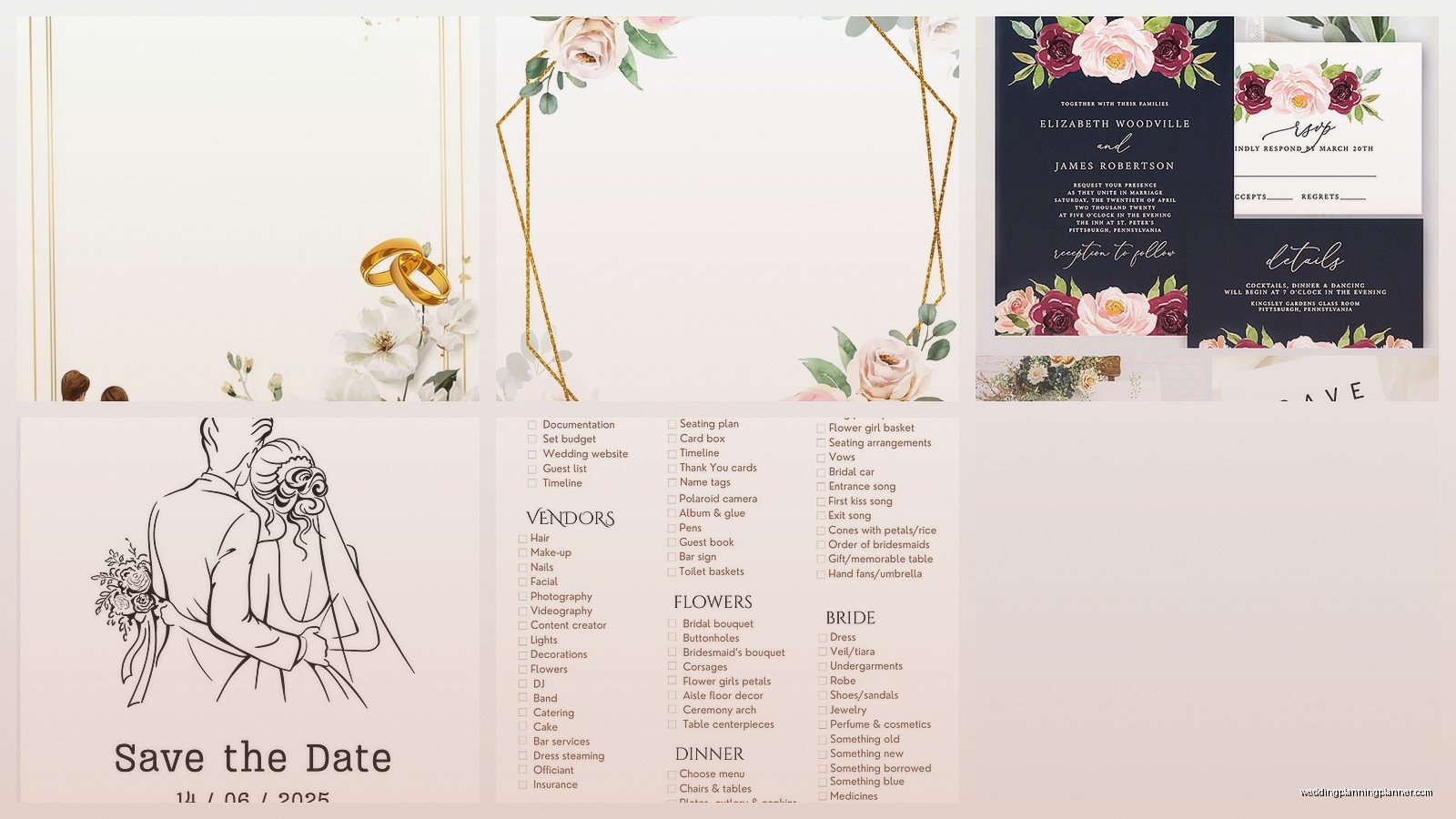
The fastest way to make a free template look cheap is keeping the default fonts or choosing something too trendy. Here’s what I tell every couple: pick one script font for names or headers, and one clean sans-serif or serif for body text. That’s it. Two fonts maximum.
Some combinations I use repeatedly:
- Cormorant Garamond with Montserrat
- Playfair Display with Source Sans Pro
- Lora with Open Sans
- Great Vibes with Raleway (but seriously go easy on Great Vibes, a little script goes a long way)
Wait I forgot to mention, if you’re downloading templates from multiple sources, try to keep your fonts consistent across all pieces. Nothing looks more amateur than save the dates in one font family and invitations in completely different ones. Your wedding stationery should look like a family, not random strangers.
The Customization Checklist Nobody Tells You About
Okay so funny story, I once had a bride send out 150 invitations with the wrong ceremony time because she forgot to update that one text box. We’ve all been there—well, I’ve been there through my clients anyway. Here’s the checklist I literally print out and give people:
- Names (double-check spelling, you’d be surprised)
- Date and day of the week (make sure they match)
- Time (AM vs PM, be specific)
- Venue name and full address
- RSVP details and deadline
- Website URL if you have one (test that it works)
- Dress code if you’re including it
- Registry information if appropriate
Print one test copy before you print 100. I cannot stress this enough. The colors on your screen will not match the printed version exactly, and sometimes what looks like ivory on your laptop prints as straight-up yellow.
Free Download Sites That Are Actually Legit
Template.net has a wedding section with Word and Pages templates that are simple but functional. The site looks sketchy at first glance—tons of ads—but the downloads are clean. I’ve used their templates for ceremony programs at least a dozen times.
Greetings Island is specifically for cards and invitations. They let you customize online and download as a PDF for free, or you can pay them to print. The free PDF option is perfect if you’re planning to print at home or take files to a print shop. My cat walked across my keyboard while I was using this site last week and somehow created the most bizarre invitation with overlapping text… anyway.
Hloom has surprisingly elegant templates for the more formal paper goods like menus and place cards. Their stuff tends toward traditional which works if that’s your vibe.
This Is Gonna Sound Weird But Check Pinterest
Not for inspiration (okay, for that too) but because people literally upload free template files to Pinterest now. Search “free wedding invitation template download” and filter recent pins. You’ll find Canva links, Google Docs templates, and direct downloads to Photoshop or Illustrator files if you’re fancy like that.
Printing Your Free Templates Without Them Looking Free
Here’s the thing about DIY wedding stationery—the template is only half the equation. The paper quality matters SO much. I had a bride print gorgeous custom invitations on regular copy paper and they looked… well, like she printed them on copy paper.
Go to an actual paper store or order online from somewhere like Paper Source or even Amazon. You want cardstock that’s at least 80lb, preferably 100lb for invitations. For programs and menus, 65lb to 80lb is fine.
Paper colors that photograph well and look expensive:
- Bright white (not cream, actual white)
- Natural/ecru (this is different from ivory, less yellow)
- Kraft paper for rustic vibes
- Navy or forest green if you’re doing colored stationery
Print at home if you’ve got a decent inkjet printer, but test it first. Some home printers can’t handle cardstock over 80lb without jamming constantly. I spent an entire Saturday helping a groom print 200 invitations on his home printer and we jammed it probably 30 times. Would not recommend unless you’re very patient or day drinking.
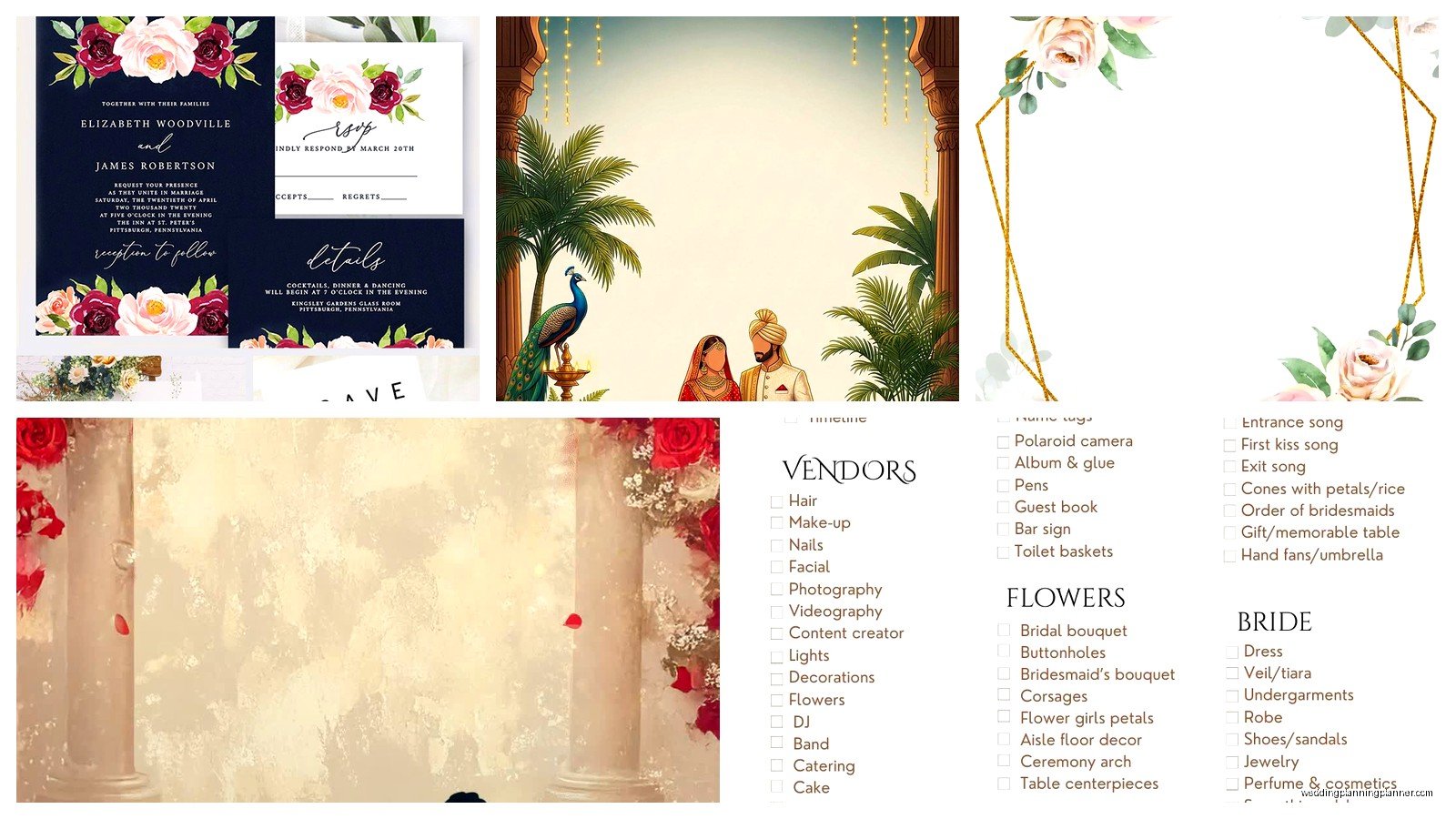
Local print shops (like FedEx Office or local quick printers) will print your PDFs for reasonable prices, usually like $1-3 per invitation depending on paper. This is worth it for larger quantities because the color consistency is better and you won’t want to throw your printer out the window.
Customizing Beyond Just Text Changes
If you wanna make a free template look more unique without being a graphic designer, here are the small changes that make big differences:
Add a monogram: Create a simple one using your initials in Canva or download a free monogram maker template. Drop it at the top of your invitation or on the back of programs.
Change the color palette: Most templates come in blush and gold or navy and white or whatever. Use a color picker tool to extract colors from your wedding inspiration photos and apply those instead. Just keep it to three colors max.
Border modifications: If a template has a thick border, make it thinner. If it has no border, add a simple line border. This tiny change makes it look less like the original template.
Photo additions: Templates without photos can have them added. Engagement photos work great on save the dates obviously, but also consider adding a small photo to the back of your ceremony program or on thank you cards.
The File Format Thing You Need to Understand
When you download templates, you’ll see different file types and it matters for printing:
PDF is your friend for printing. It preserves formatting exactly how you designed it. When you’re done customizing in Canva or wherever, always download as PDF for print, not for digital. The print version has higher resolution.
PNG files work if you need to insert your design into something else or if you’re printing photos at a photo printing service. Make sure it’s high resolution—at least 300 DPI.
JPG is fine for digital stuff like posting on your wedding website but don’t print from JPGs if you can avoid it. The quality degrades.
DOCX or DOC (Word files) are editable which is great, but they can look different depending on what fonts are installed on your computer. If the template uses a font you don’t have, Word will substitute it and your design will look weird.
Common Mistakes I See Every Single Time
Not ordering enough paper. You will mess up some prints. Buy 25% more paper than you need. If you need 100 invitations, buy enough paper for 125.
Forgetting about envelopes. Your beautiful custom invitations need envelopes, and finding the right size can be annoying. A7 envelopes (5.25″ x 7.25″) fit standard 5×7 invitations. A6 (4.75″ x 6.5″) fit 4×6 cards. Buy these at the same time you buy your cardstock.
Not testing the full process. Print one complete invitation with envelope, address it, put a stamp on it, and mail it to yourself. See what it looks like when it arrives. Does the ink smudge? Is it too thick for mail sorting machines? Better to know before you make 150 of them.
Choosing templates with too much going on. Simpler templates are easier to customize and they look more elegant anyway. If a free template has like 47 different design elements and five fonts, keep scrolling.
My Client Canceled Last Month So I Spent Three Hours Testing Different Template Sites
This actually gave me good data though. I downloaded templates from like 20 different free sites and compared quality. Here’s what I found:
Canva’s free templates are the most professionally designed overall, but they do look recognizable if you don’t customize them enough. The editing interface is intuitive even for people who claim they’re “not tech savvy.”
Microsoft’s templates are underrated for programs and menus but underwhelming for invitations. The invitation designs feel dated but the program templates are actually quite nice.
Random free template blogs are hit or miss. Some are gorgeous, some look like they were designed in 2003. Check the comments or reviews if available before downloading.
Etsy’s free offerings are often loss leaders for designers, which means they’re usually pretty good quality because the designer wants to impress you enough to buy the full suite. Take advantage of this.
Specific Templates Worth Downloading Right Now
On Canva, search “minimalist wedding invitation” and look for the ones with lots of white space and simple geometric borders. These customize well for any wedding style—just change the colors and fonts.
For programs, the “Elegant Wedding Program” template on Template.net is my go-to. It’s a Word doc, super easy to edit, prints beautifully on ivory cardstock.
Save the dates from Greetings Island, specifically their “Save the Date Postcard” templates, are great because postcards are cheaper to mail than envelopes and they look intentional, not cheap.
Menu cards are where you can get really creative with free templates. Canva has restaurant menu templates that work perfectly for wedding receptions if you remove any restaurant-specific graphics and customize with your colors.
Wait, One More Thing About Customization
If you’re using Canva and you want elements from their premium library but don’t wanna pay, try this: search for similar free elements. Instead of that specific premium flower, search “watercolor flower free” and you’ll usually find something similar. Takes more time but saves money.
Also, remove any design elements you don’t love. Just because a template has floral corners doesn’t mean you need to keep them. Delete what doesn’t work for your vision.
Typography hierarchy matters—your names should be the biggest text, then the date, then the location details, then RSVP info. This visual hierarchy guides your guests’ eyes and makes information easy to find.
Okay, that’s pretty much everything I tell clients about free templates. The key is really just starting with a quality template that matches your style and making minimal changes. Less is more, always. And test print everything before you commit to the full quantity, seriously cannot emphasize that enough.
