
Uncategorized
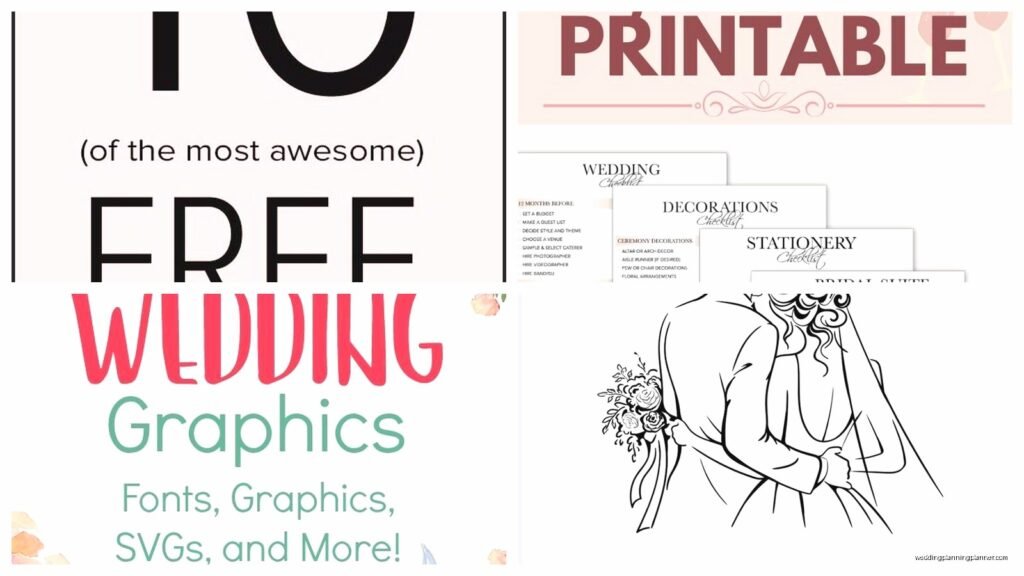
Wedding Printable: Free Downloads & DIY Resources
Feb
So I’ve been downloading wedding printables for like seven years now and honestly, the landscape has changed SO much since I started my stationery consulting business. Let me just jump right into what actually works because I’ve wasted probably hundreds of hours sorting through garbage templates that look cute in previews but fall apart when you try to customize them.
Where to Actually Find Quality Free Wedding Printables
Okay so Canva is obviously the first place everyone goes, and yeah, it’s decent. But here’s the thing—their free wedding templates are kinda repetitive? I mean, you’ll see the same eucalyptus leaf design on like forty different save-the-dates. What I do is use Canva for the basic structure but then I’ll grab design elements from other sources to make it feel less… templat-y.
Template.net has this massive collection that nobody really talks about. I found them when my client canceled last minute and I went down a rabbit hole searching for Art Deco themed programs. They’ve got thousands of free downloads but you gotta be careful because some require attribution and some are actually just trials for their paid plans. Always read the licensing info before you print 200 copies.
Oh and Etsy has free stuff too which sounds weird but a lot of sellers will offer one or two freebies to get you into their shop. I’ve found some really gorgeous watercolor invitation templates that way. Just filter by price and set it to free—you’d be surprised what shows up.
The Print-At-Home vs Professional Printing Situation
Listen, I’m gonna be real with you. Print-at-home only works for certain things. I’ve seen brides try to print their own invitations on regular printer paper and it just looks… well, it looks like you printed it at home. But programs, menus, place cards, table numbers? Those are totally fair game for DIY printing.
Here’s what I tell every couple: if you’re printing at home, invest in decent cardstock. Not the flimsy stuff from the drugstore. I always recommend 110lb cardstock minimum. Neenah or Mohawk brands if you can find them. The weight makes such a difference—it’s the difference between “we made this” and “we MADE this.”
For invitations specifically, I send people to Catprint or PrintRunner with their downloaded templates. You can upload your customized design and get professional printing for way less than traditional stationery companies charge. My cat knocked over my coffee on a stack of test prints once and I learned the hard way that inkjet printing is NOT water resistant, so professional printing also gives you that security.
File Formats That Won’t Drive You Crazy
PDF is your friend. Seriously. When you’re downloading templates, always go for PDF over PNG or JPG if you have the choice. PDFs maintain quality when you resize, and most print shops prefer them anyway. I’ve had brides send me pixelated JPGs asking why their printed invitations look blurry and it’s because they stretched a 72dpi image to 5×7 inches.
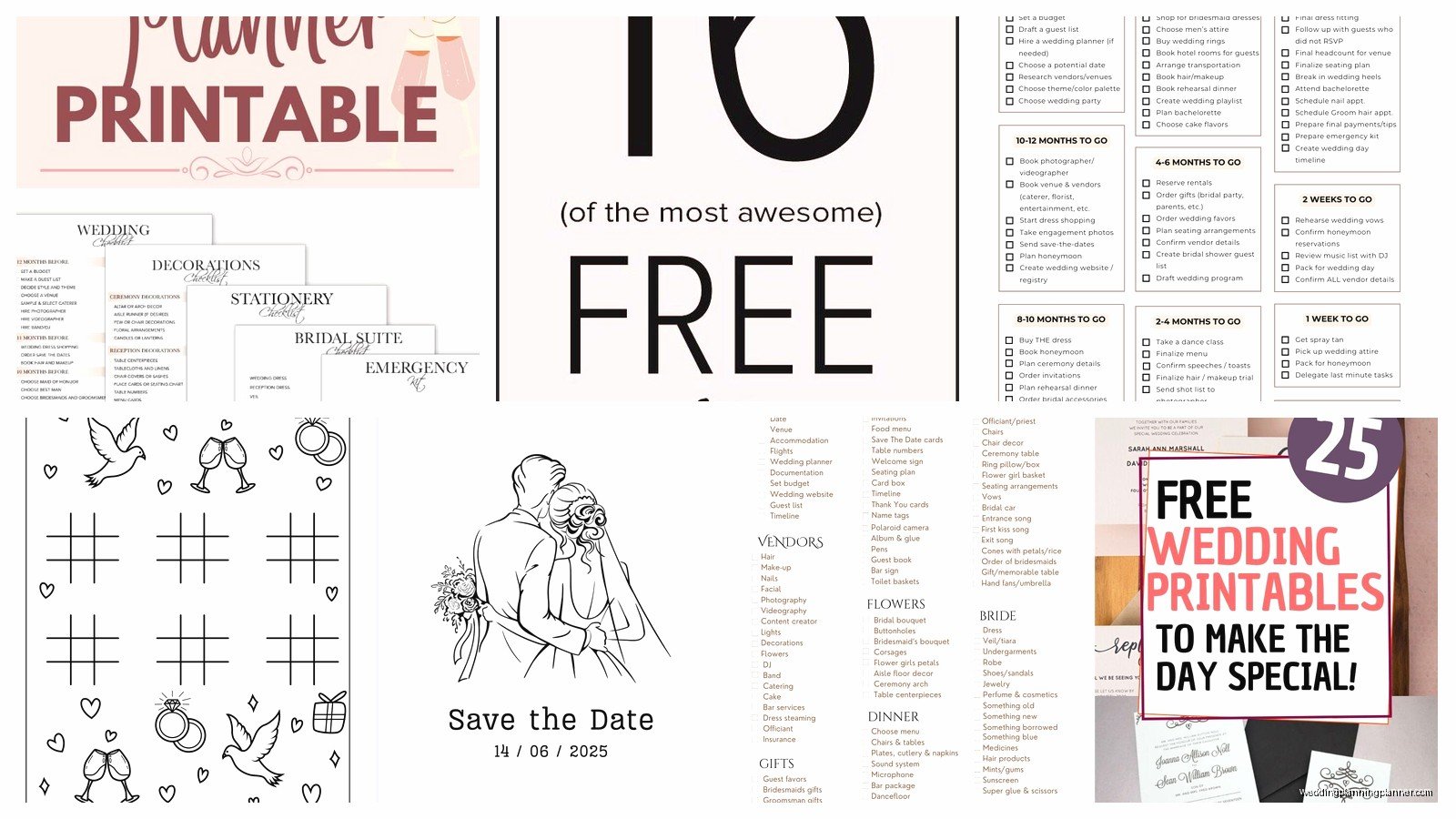
Editable PDFs are even better—you can type directly into them without needing design software. But here’s a weird thing I discovered: not all PDF editors are created equal. Adobe Acrobat obviously works great, but if you don’t wanna pay for that, PDFescape is a free browser-based option that handles most wedding printables just fine.
My Actual Tested Resources List
I’ve bookmarked probably 50+ sites over the years but these are the ones I actually return to:
- Canva (obvi, but upgrade to Pro if you’re doing a whole suite—worth it)
- Template.net for variety
- Greetings Island for last-minute stuff when clients decide they need programs three days before the wedding
- Wedding Chicks has a free section that’s actually good
- Minted offers free digital downloads if you sign up for their emails
- Paperless Post has some free options mixed in with their paid designs
What You Should Actually Download
Okay so not everything needs to be custom designed and printed. I’m all about picking your battles. Here’s what I think is worth downloading and DIY-ing versus what you should just buy or skip:
Totally Worth It to DIY
- Table numbers—these are stupidly expensive to buy and SO easy to print
- Menu cards—especially if you’re doing a buffet or stations setup
- Programs (but only if your ceremony is longer than 15 minutes, otherwise people don’t care)
- Welcome signs—print big at a copy shop like FedEx, mount on foam board
- Place cards if you have under 100 guests
- Favor tags
- Reserved seating signs
Maybe Not Worth the Hassle
Invitations with envelopes—just trust me on this one. The amount of time spent printing, cutting, and addressing isn’t worth the $100 you’ll save unless you genuinely enjoy that kind of thing. Some people do! But most people think they do and then they’re up at 2am with paper cuts everywhere asking themselves why they didn’t just order from Vistaprint.
Envelope liners are another thing that sounds like a cute DIY but becomes tedious real quick. I watched a bride try to glue 150 envelope liners while we were watching The Bachelor and she gave up around guest number 40.
Customization Tips That Actually Matter
So you’ve downloaded your template, now what? This is where people usually mess up because they either over-customize or under-customize. Finding that balance is key.
Fonts: Please, I’m begging you, don’t use more than two font families. Three absolute maximum if you’re using a script, a serif, and a sans-serif for different elements. I see so many DIY printables that look like a ransom note because someone discovered Google Fonts and went wild.
Colors: Stick to your wedding palette but remember that colors look different on screen versus printed. Always do a test print. I learned this when a “dusty rose” printed as straight-up salmon. Not cute. If you’re going for specific brand colors, look up the CMYK values not just RGB.
Spacing: This is gonna sound weird but leave more white space than you think you need. Cramped designs look homemade in a bad way. If your template feels crowded, delete something. Less is genuinely more with wedding printables.
The Canva Pro Situation
I know I mentioned this earlier but let me explain why it matters. The free version of Canva is fine for one or two items, but if you’re doing a whole suite—invitations, programs, menus, signage—you’re gonna want Pro. It’s like $13 a month and you can cancel after the wedding.
Why? Brand kit feature. You can upload your exact colors and fonts once and apply them across everything with one click. It’s a timesaver that’ll keep you from going insane. Plus you get access to their entire photo and element library which is massive. The free version makes you work around “premium” elements and it’s annoying.
Printing Tips from Someone Who’s Ruined Many Print Jobs
Test print EVERYTHING before you do the full run. Not just one—print at least three to see if there’s consistency. My printer has this weird thing where the first print is always slightly darker than subsequent ones. Yours might too.
Paper direction matters more than you’d think. Cardstock has a grain, and if you print against it, the paper might jam or curl. Usually the grain runs along the long edge of the sheet but not always. You can test by gently bending the paper both ways—it’ll bend easier with the grain.
Margins: Set them to at least 0.25 inches on all sides, preferably 0.5 inches. Most home printers can’t print edge-to-edge anyway, and you need buffer room for cutting if you’re trimming things down.
If you’re printing double-sided stuff like programs or menus, for the love of everything, buy a printer with auto-duplex. Manually flipping paper to print the back side is how mistakes happen. I’ve seen entire batches ruined because someone lost track of which way to reinsert the paper.
Cutting and Finishing
So you’ve printed everything and now you’ve got sheets of stuff that needs to be cut. Don’t use regular scissors unless you want your hand to fall off and your edges to look wavy. Get a paper trimmer—you can find decent ones for like $25. The Fiskars one on Amazon works fine for occasional use.
For circles or fancy shapes, a Cricut or Silhouette machine is amazing but that’s obviously an investment. Some libraries have them available to use though! Worth checking if you need to cut 100 circular favor tags or something.
Corner rounders are this tiny tool that nobody thinks about but they make everything look more professional. Sharp corners on cardstock can be… aggressive? A little rounding softens the whole look. They’re like $8 at craft stores.
The Timeline Thing Everyone Forgets
Okay real talk—DIY printables take longer than you think. Way longer. When you’re planning your timeline, budget at least double the time you imagine it’ll take. Printing 50 menus might seem like a 30-minute job but between loading paper, fixing jams, adjusting colors, and reprinting the ones that came out weird, you’re looking at 2+ hours easy.
I usually tell couples to have everything designed and test-printed at least 3 weeks before the wedding. Then do the full print run 1-2 weeks out. Gives you buffer time if something goes wrong or if you need to order rush printing from a professional service as backup.
Licensing and Legal Stuff Nobody Reads
Quick thing about free downloads—read the license. Some are only free for personal use and specifically exclude commercial use. If you’re a bride using it for your own wedding, you’re fine. If you’re a planner using it for client weddings, you might not be. I know it’s boring but I’ve seen designers send cease and desist letters over this.
Also, be careful with templates that include stock photos. The template might be free but if it has images, those images might have separate licensing. Usually you’re supposed to replace them with your own photos anyway, but just something to watch out for.
Fonts are another licensing rabbit hole. A template might use a specific font that isn’t licensed for commercial printing. If you’re just printing at home, no one’s checking. If you’re sending files to a print shop, they might flag it. When in doubt, replace with Google Fonts which are all free and clear for any use.
What to Do When Templates Don’t Work
Sometimes you’ll download something that just won’t cooperate. The text boxes won’t move, the colors won’t change, the whole thing is locked. Super frustrating. If it’s a PDF, try opening it in a different program—sometimes what won’t work in Preview will work fine in Acrobat or vice versa.
If a template is truly locked down, you might need to recreate it. I know that sounds extreme but honestly it’s a good learning experience and then you have complete control. Just use it as visual inspiration rather than trying to unlock it, which is usually against the terms anyway and also kind of a pain.
Oh and another thing—if you’re using a template that requires specific fonts you don’t have, Google the font name plus “free alternative” and you’ll usually find something close enough. No one at your wedding is gonna notice that you used a similar serif instead of the exact one the designer specified.
Supplies I Actually Keep Stocked
Since I do this professionally, I’ve got a whole setup, but here’s what regular people actually need if they’re doing wedding printables:
- 110lb white or ivory cardstock (buy more than you think you need)
- Color ink cartridges (also backup cartridges because they WILL run out mid-project)
- Paper trimmer
- Bone folder for creasing
- Glue stick or double-sided tape
- Cutting mat if you’re using a craft knife
- Ruler—metal edge, not plastic
You don’t need a fancy printer. Honestly, a basic inkjet that’s relatively new will do fine. The key is using good paper. I’ve seen beautiful results from a $80 Canon printer on premium cardstock and terrible results from a $400 printer on cheap paper.
Emergency Backup Plans
Always have a backup. I can’t stress this enough. The week before the wedding is not when you wanna discover your printer died or you ran out of cardstock. Keep the digital files somewhere you can access them from anywhere—Google Drive, Dropbox, whatever. Email them to yourself even.
Know where your nearest 24-hour print shop is. FedEx Office, Staples, local copy places. If disaster strikes, you need to know you can get stuff printed in a pinch. I keep a list of them on my phone with their hours and whether they do cardstock.
Also gonna mention that sometimes the DIY approach just isn’t working and that’s okay. I’ve had clients pivot to ordering printed stuff with rush shipping and it was the right call. There’s no prize for suffering through a project that’s making you miserable. The goal is a nice wedding, not proving you can operate a paper trimmer.
Wait I forgot to mention—if you’re doing escort cards or place cards, leave a few blank extras. Someone will bring an unexpected plus-one or you’ll misspell a name and need a replacement. I always print 10% extra for any guest-specific items.
