
Planning Guides, Style Guide
Digital Wedding Invitations Free: No-Cost E-Invite Options
Jun
Okay So Free Digital Wedding Invitations Are Actually Pretty Good Now
Look, I’m gonna be honest with you—back in like 2019, I would’ve told couples to avoid free digital invites because they all looked kinda cheap and had these awful watermarks everywhere. But things have changed SO much, especially after the pandemic forced everyone to get creative with their weddings. I had this couple in summer 2021 who literally had $400 total for their entire invitation situation (they were putting everything into the venue), and we found options that looked legitimately beautiful. Not just “good for free” but actually good.
The biggest thing you need to know is that free doesn’t mean you’re stuck with clipart hearts and Comic Sans anymore. There are actually legit platforms now that offer genuinely nice templates without charging you, though obviously they’re hoping you’ll upgrade to paid features eventually.
Greenvelope Is My Go-To For Elegant Stuff
So Greenvelope has this free tier that people don’t always know about. You get access to a decent selection of their templates—not ALL of them, obviously, but enough that you’ll find something that doesn’t scream “budget wedding.” The designs are clean, modern, and you can customize colors and fonts to match your wedding vibe.
What I love: The interface is super intuitive. You can track who’s opened your invitation and who hasn’t, which is incredibly useful when you’re chasing down RSVPs. They also have this feature where guests can RSVP directly through the invite without creating an account or anything annoying like that.
What’s limiting: The free version caps you at like 25 invitations, I think? So this works if you’re having a small wedding or if you’re just doing a casual celebration. For anything bigger, you’d need to pay, but honestly their paid tiers aren’t that expensive compared to paper invites.
Paperless Post Has Changed Their Whole Thing
Paperless Post used to be my favorite but then they got kinda annoying with their “coin” system where you had to buy virtual coins to send invites, which felt super gimmicky to me. BUT they do have free options now if you filter specifically for them. You won’t get their fancy designer collaborations for free, but there are simple, tasteful designs that work perfectly fine.
The thing about Paperless Post is that even their free designs look expensive because of how they present them—they have this envelope-opening animation that makes it feel more special than just clicking a link. My cat walked across my keyboard while I was setting one up for a client once and somehow managed to change the entire color scheme to neon green, which… anyway.
You can customize text, add photos, and the RSVP system is straightforward. They’ll send reminder emails to people who haven’t responded, which saves you SO much time.
Canva Is Where Everyone Ends Up Eventually
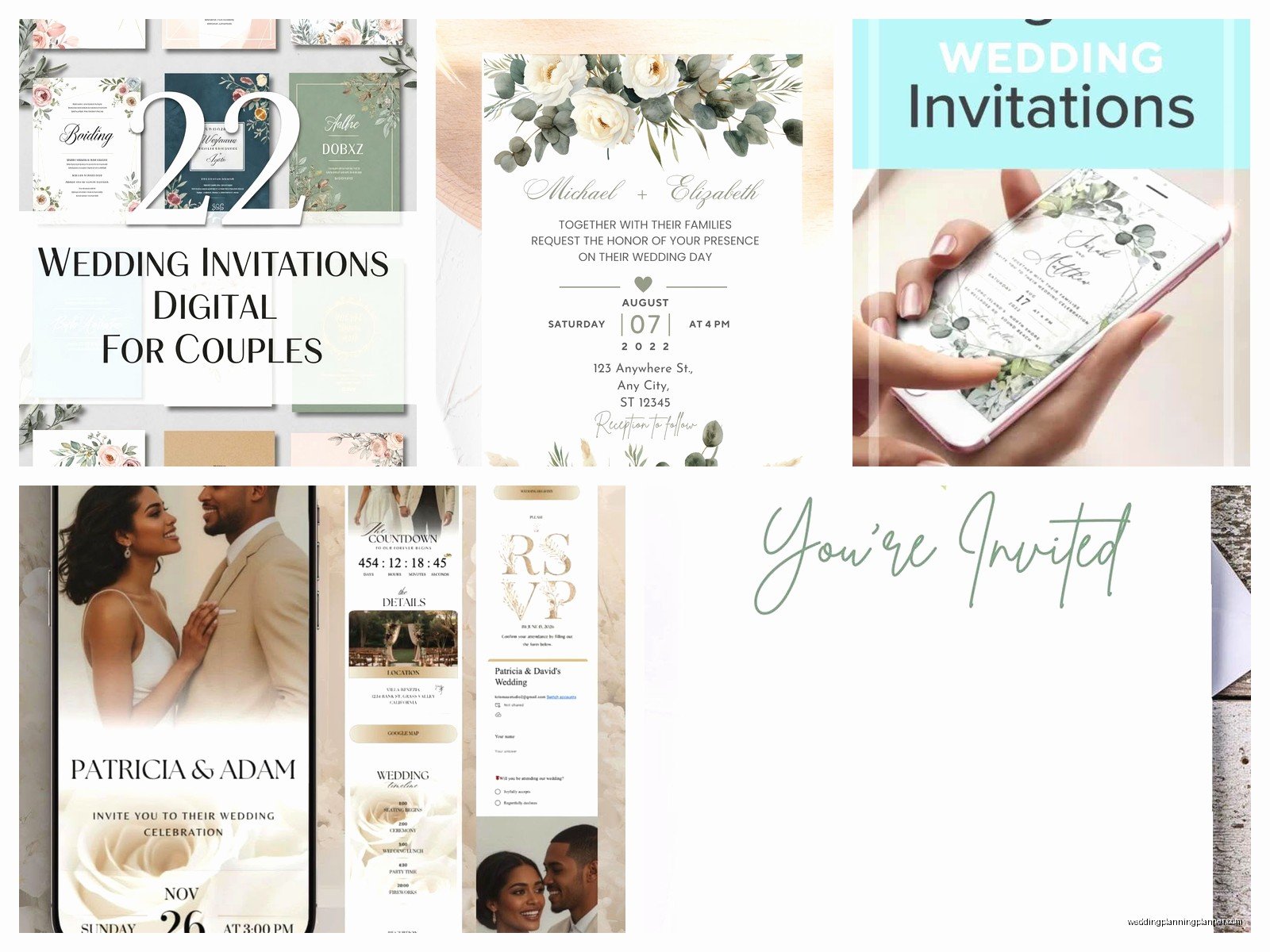
Okay so Canva isn’t technically a wedding invitation platform, it’s a design tool, but hear me out. They have hundreds of wedding invitation templates that you can customize completely for free. You design it yourself, download it as a PDF or image, and then send it however you want—email, text, social media, whatever.
The free version gives you access to tons of templates, though some of the fancier graphic elements require Canva Pro. But honestly? The free elements are more than enough. I’ve seen couples create absolutely stunning invitations using only the free stuff.
Here’s how you’d actually use it: Search for “wedding invitation” in Canva, pick a template you like, customize the text with your details, change colors to match your wedding palette, maybe add a photo of you and your partner, then download it. Then you can either email it directly to guests or upload it to a platform like Mailchimp (which also has a free tier for small lists) to send it out.
The annoying part is that you have to manually track RSVPs since Canva doesn’t have that functionality built in. You’ll need to include a link to a Google Form or something similar for responses. Speaking of which…
Google Forms For RSVPs Is Actually Smart
I know, I know, Google Forms sounds super unglamorous for a wedding, but stay with me. You can customize the colors and add your own header image to make it look nice. Create questions for meal choices, dietary restrictions, plus-one info, song requests, whatever you need.
The responses automatically go into a Google Sheet, which makes it really easy to track everything and share with your venue or caterer later. It’s completely free and unlimited. I had a couple in spring 2023 who were really worried about looking “cheap” with a Google Form, but we designed their Canva invitation so beautifully and made the form match perfectly, and literally no one said anything negative. Everyone just cared that it was easy to respond.
Evite Still Exists And It’s Better Than You Remember
Evite has been around forever, and yeah, it used to be associated with like… birthday parties and baby showers more than weddings. But they’ve really upgraded their wedding collection. Completely free to use, no guest limits, and they handle all the RSVP tracking for you.
You can add registry information, directions, hotel blocks, all that stuff. The designs are… fine. Not gonna lie, they’re not as sophisticated as Greenvelope or Paperless Post, but they’re perfectly acceptable, especially for more casual weddings or if you’re doing a backyard thing or a brunch wedding.
One thing that annoyed me though—they have ads. Your guests might see ads when they open the invitation, which feels kinda tacky for a wedding. You can pay to remove them, but then it’s not free anymore, so.
Joy Is Specifically For Weddings
Joy is a wedding website platform, but they also let you send digital invitations for free. The templates are nice—modern, clean, nothing too fussy. What’s cool is that everything connects: your invitation, your website, your RSVP system, your guest list management. It’s all in one place.
The free version is pretty generous. You can have unlimited guests, collect RSVPs, manage meal selections, and even collect mailing addresses for thank-you cards later. The main limitation is that you don’t get access to ALL their designs on the free plan, but there are enough good ones that you’ll find something workable.
I’ve used Joy with probably a dozen couples at this point, and the thing I appreciate most is how it reduces the back-and-forth. Guests can see all the wedding information on the website, RSVP with a few clicks, and you can send updates or reminders through the platform.
Withjoy vs. Minted vs. Zola
Wait, I should clarify—both Minted and Zola offer free wedding websites with basic digital invitations included, but their actually nice-looking e-invites usually cost money. Zola’s free option is pretty bare-bones. Minted’s free tier is basically just a link to your wedding website where guests can RSVP, not really a designed invitation.
So if you’re choosing between these platforms specifically for FREE invitations, Joy is your better bet. But if you’re already using Zola for your registry or Minted for something else, it might be worth seeing if their free options work for you just to keep everything in one place.
The Email-It-Yourself Route
This is what I did for my own cousin’s super casual wedding, actually—she designed her invitation in Canva, saved it as a nice high-res image, and then just… emailed it to everyone personally. Not through a platform, just regular email with a personal message.
It worked fine! She included a link to a Google Form for RSVPs and a link to her wedding website for details. Cost: zero dollars. The main issue is that you can’t track opens or automatically remind people, so you’ll be doing more manual follow-up. But for a small wedding or if you’re organized enough to track everything yourself, this is totally viable.
You could also text it to people, honestly, especially for a really casual celebration or like an elopement announcement or something… though I guess that’s less of an invitation and more of a “hey we did this thing” notification.
What You Actually Need To Include
Regardless of which platform you use, make sure your digital invitation has:
- Your names (obviously)
- The date and time
- The venue name and address with a map link
- Dress code if you have one
- RSVP deadline and how to respond
- Link to your wedding website if you have one
- Registry information OR a note that you’ll share it on your website
You can also include hotel block info, parking details, whether kids are invited, whatever else is important. Digital invites give you more space than paper ones, so you can be more detailed without things looking cluttered.
The Timing Thing Everyone Messes Up
Send your digital invitations 6-8 weeks before your wedding, same as you would with paper invites. I see people thinking “oh it’s digital so I can send it last minute” but nah, people still need time to plan, request time off work, book travel, whatever.
For destination weddings or holiday weekends, send them earlier—like 3 months out. And send a save-the-date even earlier than that if you’re doing one, which you can also do digitally for free using any of these same platforms.
Making Free Look Intentional Not Cheap
The secret to free digital invitations not looking budget is to commit to them fully. Don’t apologize for them or explain that you’re “going eco-friendly” unless that’s genuinely your reason. Just send them like they’re the plan, because they are.
Use a nice photo of you two. Pick a design that matches your wedding style—if you’re having an elegant ballroom wedding, choose a sophisticated template with clean lines. If it’s a backyard BBQ wedding, something casual and fun is perfect.
Keep your wording traditional if that’s your vibe, or make it personal and casual if that’s more you. The formality of your words matters more than the delivery method.
One couple I worked with sent beautiful Canva invitations and literally had guests compliment them on how “modern and elegant” they were. Nobody said anything about them being digital or free. They just looked intentional and well-designed, which is what matters.
When You Might Actually Want To Spend Money
Look, I’m all for free stuff, but there are situations where paying for a digital invitation service might be worth it. If you’re having a large wedding (100+ guests), the paid tiers usually offer better guest management tools. If you’re terrible at tracking details, paying for a platform that automates reminders and organizes everything might save your sanity.
Also if you’re having a really formal wedding, you might want access to the premium designer templates that cost money. But honestly, for most couples, the free options are completely adequate and sometimes even better because they force you to be more creative and thoughtful about your choices rather than just picking the most expensive-looking thing.
