
Planning Guides, Style Guide
Guest List Template: Wedding Planning Spreadsheet
Jun
Okay so here’s the thing about guest list spreadsheets
You absolutely need one and it needs to be way more detailed than you think. I learned this the hard way back in spring 2023 when I had a bride who swore she could keep everything in her head because her wedding was “only” 120 people. Three weeks before the wedding she’s calling me in tears because she has no idea who confirmed, who needs a vegetarian meal, and whether her cousin Sarah’s plus-one was her boyfriend or her sister. Chaos.
The guest list spreadsheet is literally the foundation of everything else in your wedding planning. Your budget per person, your seating chart, your meal counts, your invitation quantities, your favor orders – it all flows from this one document. So you gotta get it right from the start.
What columns you actually need
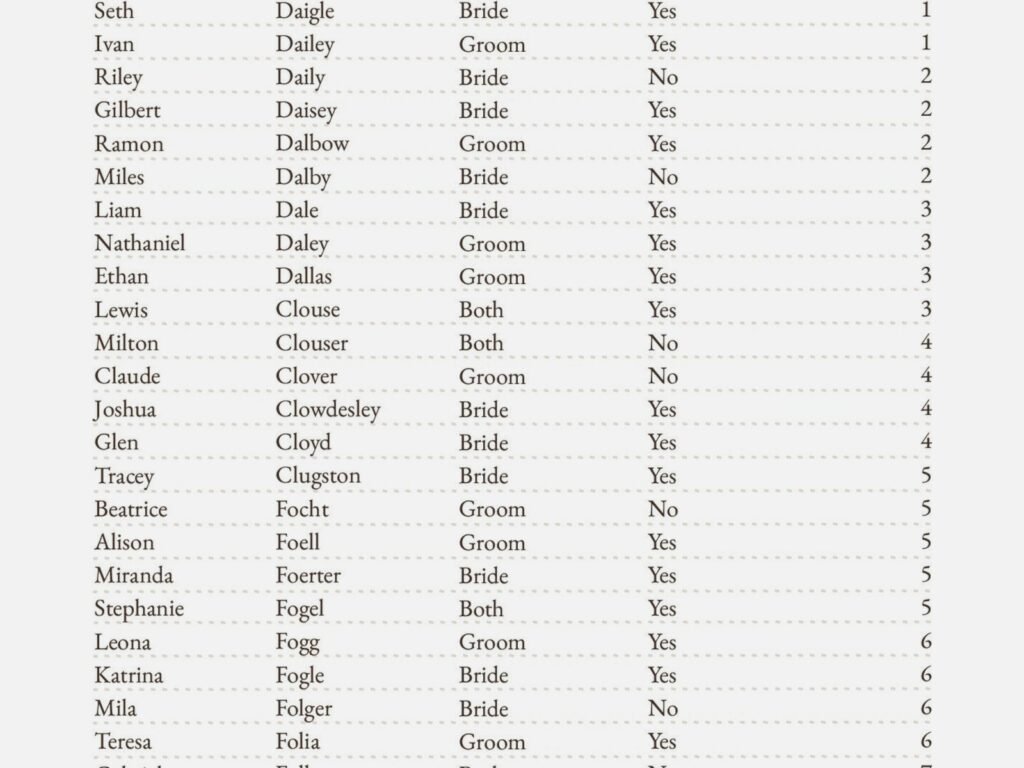
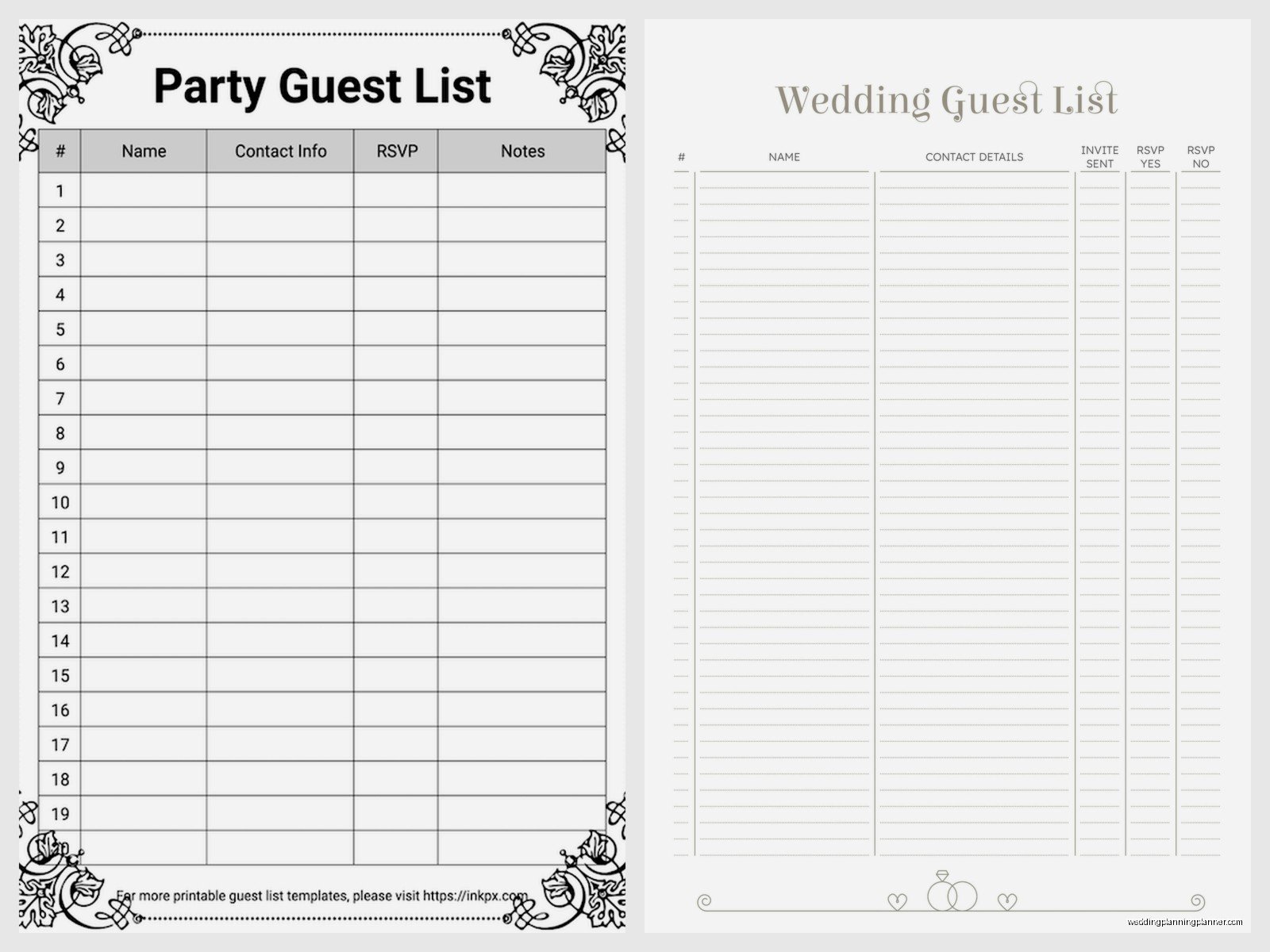
Alright so here’s what I put in every guest list template I create, and I’ve made like hundreds of these at this point. First column is always Guest Name – full legal name if possible because you’ll need this for place cards and some vendors. Then I do a separate column for Household or Family Group because you’re probably not inviting random individual people, you’re inviting the Smith Family or whatever.
Next you need Address – and keep this updated because people move and there’s nothing more annoying than… actually wait, I’ll tell you what’s more annoying in a sec. Phone number and email go in separate columns. You’ll need these for follow-ups when people don’t RSVP by the deadline, which is gonna be like 30% of your guests I swear.
Then I always include a Category column. This is where you mark whether they’re Bride’s Family, Groom’s Family, Bride’s Friends, Groom’s Friends, Coworkers, Parents’ Friends, whatever makes sense for your situation. This helps SO much when you’re trying to cut people or balance the guest list between both sides.
Relationship to Couple is similar but more specific – like “bride’s college roommate” or “groom’s uncle” or “mom’s book club friend.” Trust me you’ll forget who half these people are by the time you’re doing the seating chart six months later.
The RSVP tracking columns
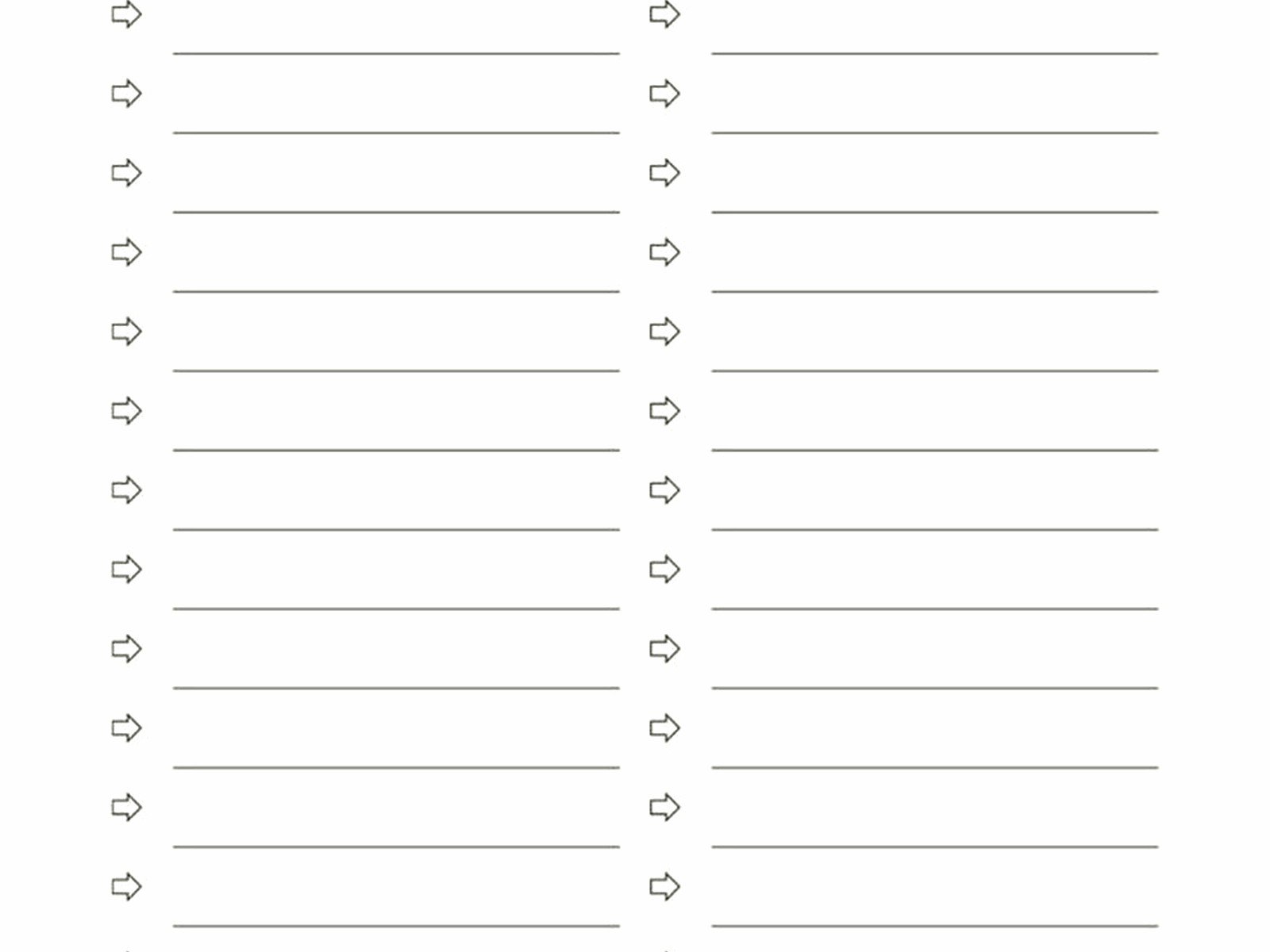
This is where it gets real. You need an Invitation Sent column with a date. Then Save the Date Sent if you’re doing those. RSVP Status is crucial – I use dropdown options like “Not Sent,” “Awaiting Reply,” “Attending,” “Declined,” “Maybe” (even though maybe isn’t supposed to be an option, people still do it).
Number Attending is its own column separate from the RSVP status. So if you invited the Johnson family of 4 but only 2 are coming, you track that. Plus One Allowed – yes or no. Plus One Name – because “and guest” is fine for the invitation but you need actual names eventually for the seating chart and place cards.
I also add a Dietary Restrictions column and this has saved my butt so many times. When the caterer asks you two weeks before how many vegetarian meals you need, you don’t wanna be scrambling through old emails and text messages trying to remember who said what.
The stuff people forget
Okay here’s what most DIY spreadsheets miss. You need a Gift Received column and a Thank You Sent column with dates. Yes I know you’re not supposed to track gifts in the same place as your guest list or whatever etiquette says, but like… you’re gonna do it anyway and it’s way more practical to have everything in one place.
Table Assignment goes in there too eventually. Meal Choice if you’re doing plated dinner with options – chicken, fish, vegetarian, whatever. Some couples do a Bridal Party indicator column so you can easily filter for your wedding party.
Transportation Needed is good if you’re providing shuttles or group transport. Hotel Block column for tracking who might need accommodations. Kids Attending if you’re doing a situation where some kids are invited but not others, which gets messy but whatever.
The thing that annoyed me most
People who don’t update their spreadsheet in real time drive me absolutely insane. They’ll get an RSVP in the mail, stick it in a pile, and update the spreadsheet “later” which never happens. Then they’ve got like 40 RSVPs in a stack and they can’t remember which ones they already entered and it becomes this whole thing. Just update it immediately when you get the response. Takes 30 seconds.
I had a groom once who kept a separate list in his phone notes app because he didn’t like spreadsheets, while his fiancée maintained the official spreadsheet, and they weren’t syncing their information and it was a nightmare. Don’t be that couple.
How to actually set it up
I use Google Sheets for like 90% of my clients because both partners can access it from anywhere, it saves automatically, and you can share it with your planner or your mom or whoever needs to see it. Excel works too if you prefer Microsoft stuff, just make sure you’re saving it to OneDrive or something so you both can access it.
Start by doing a brain dump of literally everyone you might possibly invite. Don’t worry about numbers yet, just get names down. Then go through with your partner and your parents if they’re contributing financially and categorize everyone into A-List (definitely inviting), B-List (inviting if budget allows), and C-List (probably not but maybe).
Here’s a thing – I always tell couples to track their “invited” count separately from their “expected to attend” count. Usually you can expect like 75-85% attendance for a local wedding, maybe 50% if it’s destination. This helps with budgeting because you’re not paying for 150 people if you only invited 150 and realistically 120 will show up.
Formulas that make your life easier
Okay so if you’re using Google Sheets or Excel you can set up some formulas that automatically calculate stuff for you. Like a total count of people invited, total attending, total declined. You can use COUNTIF formulas to count how many people are in each RSVP status category.
I usually set up a little summary section at the top of the spreadsheet that shows: Total Invited, Total Attending, Total Declined, Total Awaiting Response, Total Kids, Total Adults. Then you can see your numbers at a glance without scrolling through everything.
You can also use conditional formatting to color-code stuff. Like make the row turn green when someone RSVPs yes, red when they decline, yellow when you’re still waiting. Makes it really visual and easy to see where you’re at.
The B-list situation
So about B-lists… they’re kinda controversial but also really practical? If you’ve got a venue that holds 150 and you wanna invite 200 people, you can invite your A-list first, then as declines come in, you send invites to your B-list. The key is timing it so the B-list people don’t feel like afterthoughts.
In your spreadsheet, mark your A-list and B-list clearly. When you get a decline from the A-list, immediately send an invite to someone from the B-list. Don’t wait until you’ve gotten all your A-list responses because then your B-list people are getting invites like 3 weeks before the wedding which is kinda obvious.
I usually recommend sending the first round of invites 10-12 weeks before, with an RSVP deadline of like 6-8 weeks before. Then you’ve got a month to chase down non-responders and potentially invite B-listers.
Dealing with plus-ones
This is where your spreadsheet becomes your best friend because plus-one rules get complicated. I usually advise couples to have a clear policy: like everyone in a serious relationship gets a plus-one, or everyone in the bridal party, or all married/engaged couples, or whatever makes sense for your budget and vibe.
Mark in your spreadsheet who gets a plus-one and stick to it. Don’t make exceptions because then you’ll have drama. If your cousin asks why her boyfriend of 3 months doesn’t get a plus-one but your other cousin’s girlfriend does, you can point to your rule (engaged couples only, or whatever) instead of making it personal.
Unknown plus-ones are tricky for planning. I usually have couples set a deadline like “we need your plus-one’s name by X date” which is usually the same as the RSVP deadline. Then you follow up with anyone who said yes to a plus-one but didn’t provide a name.
Kids or no kids
Your spreadsheet needs to track this clearly. If you’re doing adults-only, mark every single guest’s age if possible so you know who you’re not inviting. If you’re allowing some kids but not others (like family kids but not friends’ kids, or kids in the wedding party only), you gotta track that because people will ask and you need to be consistent.
I had this couple summer 2021 who said no kids except for immediate family, but they didn’t track it well in their spreadsheet, and they accidentally told some friends their kids could come and told others they couldn’t, and it created so much unnecessary drama. Just be clear in your tracking.
Sharing the spreadsheet
Figure out early who needs access. Usually it’s the couple, maybe the wedding planner, sometimes parents if they’re heavily involved. I don’t usually recommend giving edit access to bridesmaids or multiple people because then you get too many cooks and information gets messed up.
You can give people view-only access if they just need to see the list. Like your caterer might need to see the meal counts but doesn’t need to edit anything. Google Sheets makes this really easy with different permission levels.
One thing though – be careful about privacy. Your guests’ addresses and phone numbers and dietary information is kinda personal. Don’t just like share the spreadsheet with everyone. Keep it limited to people who actually need access for planning purposes.
Keeping it updated
I can’t stress this enough – the spreadsheet only works if you update it regularly. Set a reminder to check it weekly leading up to the RSVP deadline. When you get responses, enter them immediately. When someone texts you that they’re vegetarian now, update it right then.
After the RSVP deadline passes, you’ll need to chase people down. I usually give it a few days then start calling or texting non-responders. Update the spreadsheet as you get verbal confirmations. Some people are just never gonna send back that RSVP card, so you’ll end up tracking their response as “confirmed by text” or whatever.
The week before the wedding, go through one final time and make sure everything is accurate. This is when you’re giving final counts to caterers and venues and making place cards, so the information needs to be locked down.
Additional tabs you might want
I usually create multiple tabs in the same spreadsheet for different purposes. Like one tab is the main guest list, another tab is the seating chart, another is vendor contacts, another is budget tracking. Keeps everything in one place but organized.
For the seating chart tab, I’ll copy over just the names of attending guests and then assign them to tables. You can rearrange this without messing up your main guest list. Some people do a visual seating chart too but I find the spreadsheet version easier for making changes.
A gift tracker tab is useful if you’re gonna be receiving gifts at a shower or the wedding itself. Just list the guest name, gift received, date, and thank you sent date. Makes writing thank you notes so much less overwhelming when you can work through the list systematically.
Common mistakes
Not accounting for your vendors’ meals in your final count. Your photographer, DJ, planner, etc. usually need to eat too. Some venues charge full price for vendor meals, some do it at a reduced rate, but you gotta include them in your headcount.
Forgetting to track children as actual people in your count. Like if you invite a family of four and two are kids, that’s still four meals, four seats, four favors. Don’t just track households, track actual humans.
Not having a backup of your spreadsheet. I know Google Sheets saves automatically but like download a copy every so often just in case. I’ve seen people accidentally delete whole columns and freak out.
Making it too complicated with like 50 columns of information you don’t actually need. Keep it practical. You can always add columns later if you realize you need them, but starting with a massive overwhelming spreadsheet just makes you not wanna use it.
Oh and my cat just jumped on my keyboard which happens approximately every time I’m trying to work, but anyway – the point is you need this spreadsheet and you need to actually maintain it. It’s not the fun part of wedding planning but it’s gonna save you so much stress and confusion. Trust me on this one because I’ve seen what happens when couples try to wing it and it’s never pretty. Just set it up right from the beginning and keep it updated and you’ll be fine.
