
Planning Guides, Style Guide
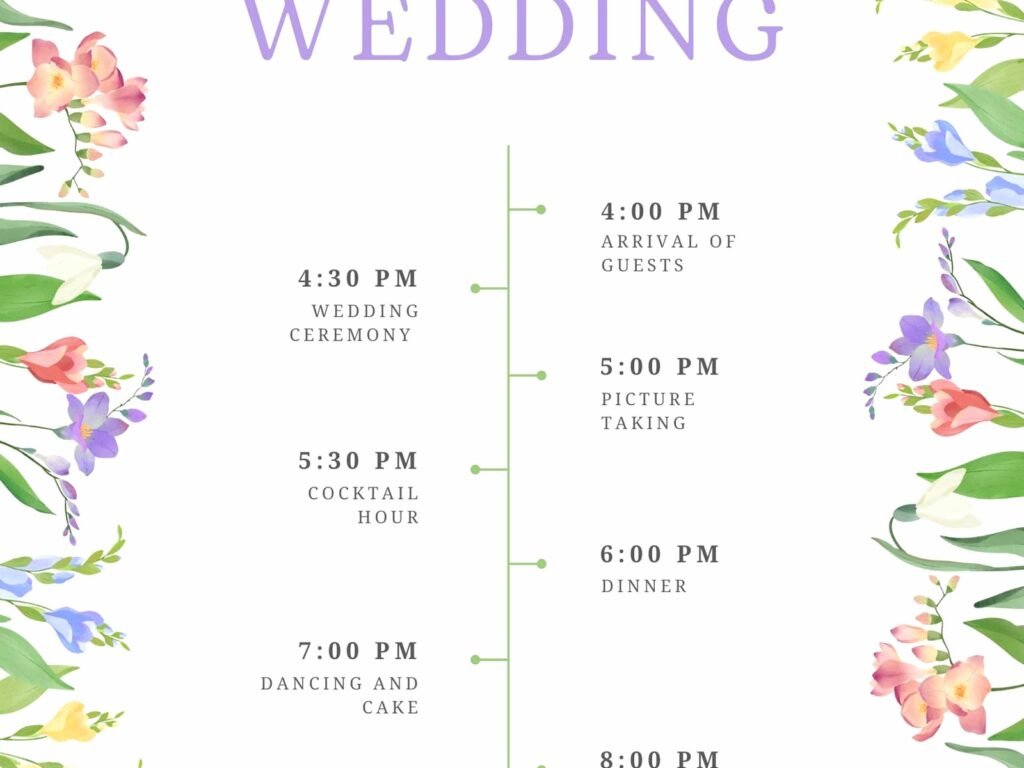
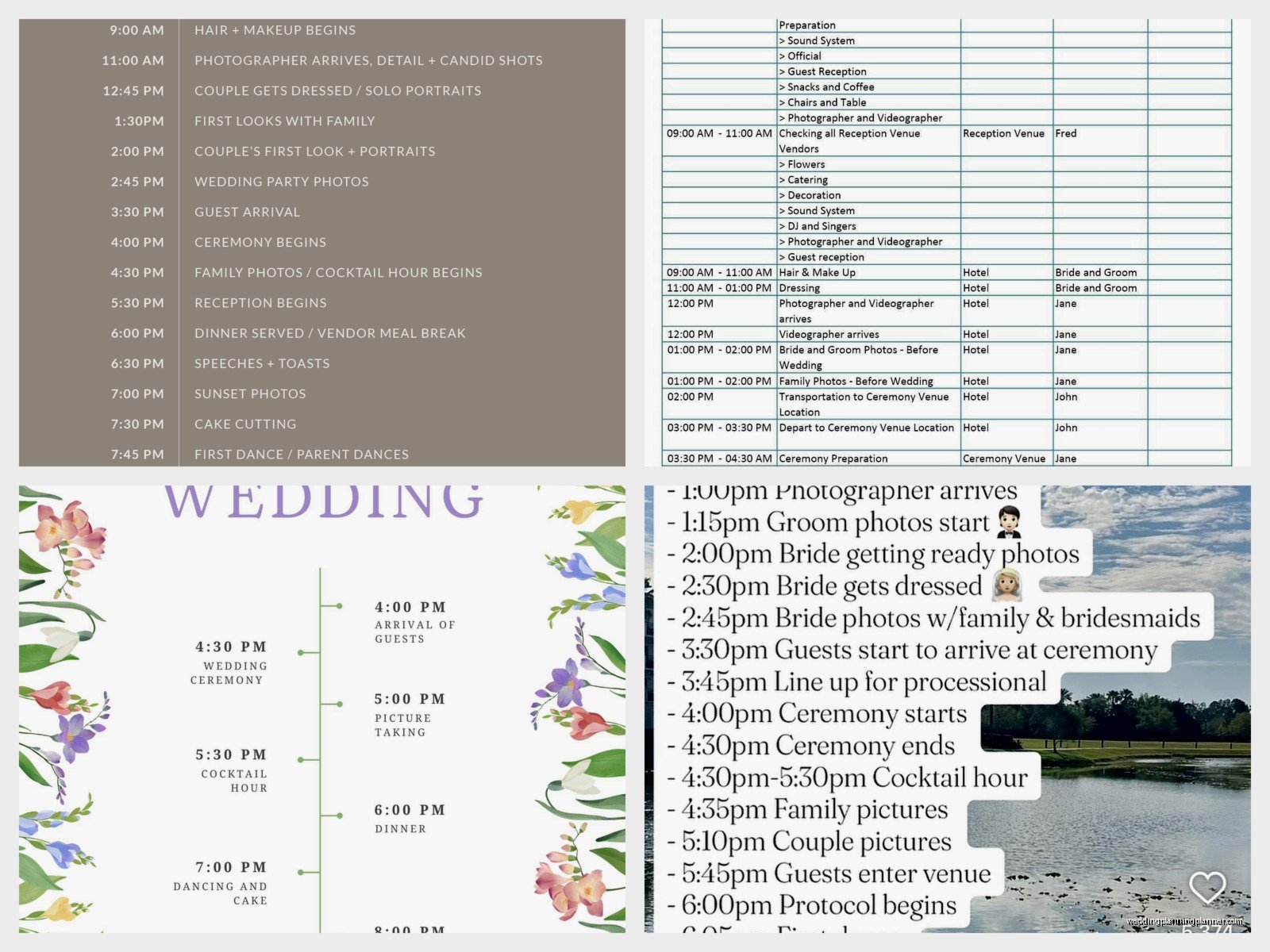
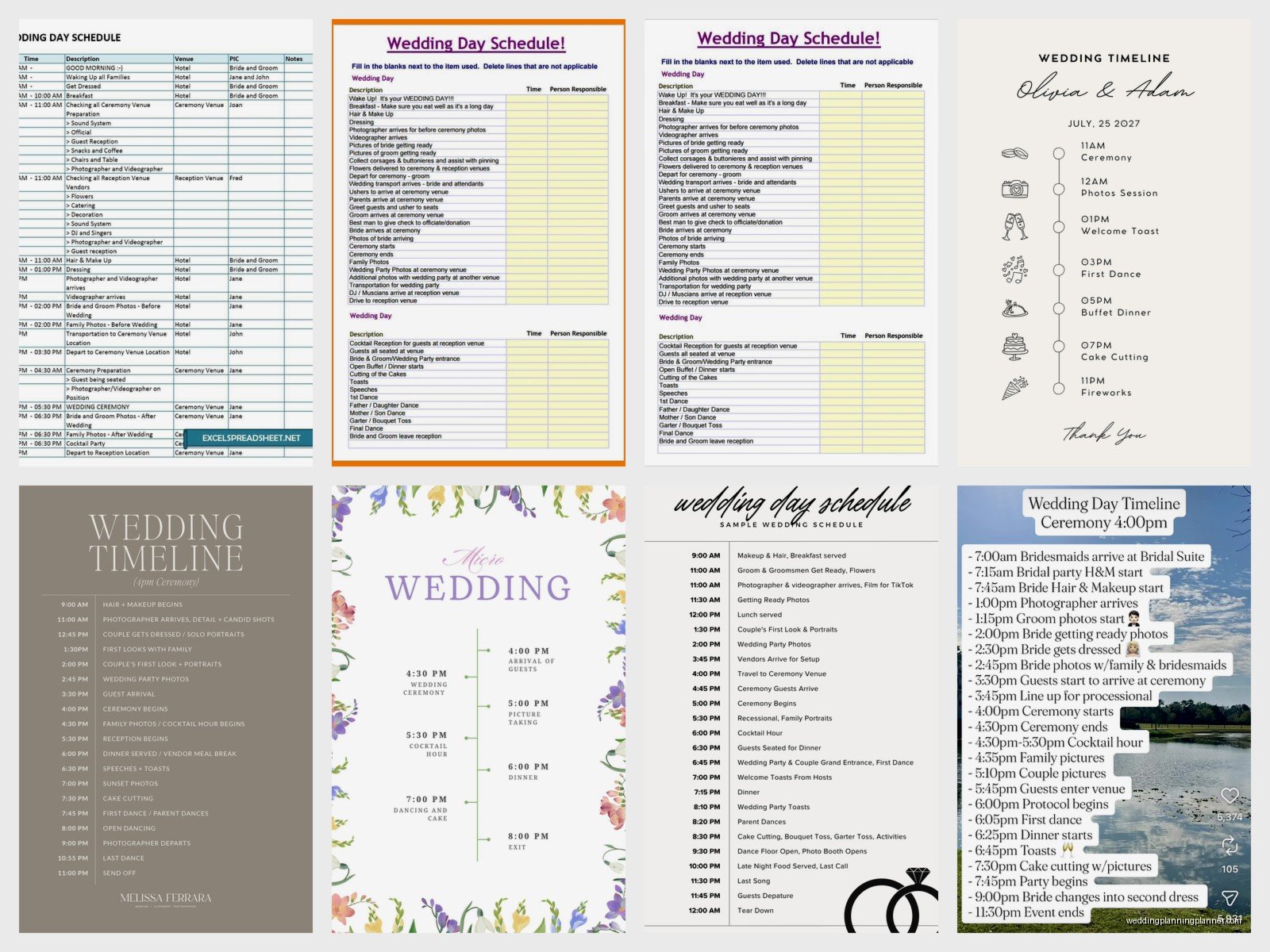
Wedding Schedule Template: Day Timeline Downloads
Jun
Okay So Wedding Timeline Templates Are Actually Important
Look I’m just gonna say it right away – those downloadable wedding day timeline templates everyone’s obsessed with? They’re actually super useful but also kinda misleading because no two weddings run on the exact same schedule and I learned this the hard way back in spring 2023 when a bride printed out some generic timeline from Pinterest and tried to fit a full Catholic mass plus a tea ceremony into a 4-hour window and… yeah that didn’t work.
The thing about wedding timeline templates is they give you structure but you gotta customize them. Like really customize them. Not just change the times but actually think through YOUR specific wedding elements.
What Actually Goes Into A Day-Of Timeline
So basically you need different timelines for different people. I usually create like 4-5 versions:
- The master timeline (that’s for me, the planner, and maybe the venue coordinator)
- Vendor timeline (photographer, videographer, DJ, caterer)
- Wedding party timeline (bridesmaids, groomsmen)
- Family timeline (parents, grandparents who need to know when to show up for photos)
- Hair and makeup timeline (this one’s separate because it starts so early)
Most templates you download only give you one generic version and then you’re stuck trying to figure out how to break it down. It’s annoying honestly because you end up doing twice the work.
Starting With Getting Ready Time
This is where everyone messes up. EVERYONE. You need way more time than you think. For hair and makeup alone, I budget:
- Bride: 90 minutes minimum (hair + makeup)
- Each bridesmaid: 60 minutes
- Mothers: 45-60 minutes
- Flower girls if they’re getting anything done: 30 minutes
And these times STACK. If you have 5 bridesmaids and 2 hair stylists, you’re looking at like 2.5-3 hours total. I had this one wedding where the bride downloaded a template that said “getting ready: 9am-11am” and she had 8 bridesmaids and we didn’t even finish hair until 12:30pm and the ceremony was at 2pm and I was like… this is why we go through this stuff in detail.
Also factor in the photographer arriving. They usually come during the last hour of getting ready to capture those detail shots and candid moments. Your timeline needs to note when they arrive, when you want them to shoot the dress, rings, shoes, all that stuff.
Building In The Ceremony Timeline
Okay so ceremony timing depends heavily on whether it’s religious or not. Like a quick non-denominational ceremony might be 20 minutes but a full Catholic mass could be 90 minutes. Jewish weddings vary depending on how traditional. I once had a Hindu ceremony that was 3 hours and the template the couple found online had “ceremony: 30 minutes” and I was like umm no.
Standard ceremony timeline breakdown looks like:
- Guests arrive and get seated: 30 minutes before start time
- Processional: 5-10 minutes (depends how many people)
- Actual ceremony: 20-90 minutes (seriously varies)
- Recessional: 5 minutes
- Receiving line if you’re doing one: 20-30 minutes (or skip it, most people do now)
One thing that drives me crazy about downloaded templates is they never account for the gap time. Like what happens between ceremony end and reception start? If your ceremony ends at 3pm and cocktail hour starts at 4pm, where is everyone? Usually that’s family photo time but you need to actually schedule it.
The Photo Schedule Within The Timeline
This deserves its own section because it’s where timelines fall apart. Your photographer needs a shot list and specific times. I usually work backwards from the ceremony:
Before ceremony:
- Getting ready photos (last 60-90 min of prep)
- First look if you’re doing one (20-30 min)
- Wedding party photos (30-45 min if you’re doing them before)
After ceremony:
- Just married portraits (10-15 min, right after recessional)
- Family formals (30-45 min – this always runs over btw)
- Wedding party if you didn’t do before (30-45 min)
- Couple portraits (20-30 min)
My cat literally just knocked over my coffee while I’m writing this and it’s everywhere but anyway – the point is you need buffer time. If photos are scheduled for 60 minutes, assume 75. Families are always late, someone’s always in the bathroom, Uncle Bob wants one more shot with his phone.
Cocktail Hour Through Dinner
Standard cocktail hour is 60 minutes. Some templates say 45 minutes but that’s kinda tight especially if you’re doing photos during this time. Guests need time to get drinks, eat appetizers, find their table assignments.
Your timeline should note:
- Cocktail hour start
- When couple finishes photos and might make an appearance (or not)
- When doors open to reception space
- Grand entrance time
- First dance (right after entrance or after dinner, your choice)
- Welcome toasts
- Dinner service start
Dinner timing is tricky because it depends on service style. Plated dinner usually takes 60-90 minutes from first course to last. Buffet can be faster or slower depending on how many lines you have. Family style is usually pretty efficient, like 45-60 minutes.
I had this moment in summer 2021 where a couple’s timeline template they downloaded had “dinner: 6pm-7pm” but they were serving a 4-course plated meal to 200 guests and I was like… babe that’s not physically possible. We had to completely redo their timeline and push everything back 45 minutes.
Evening Events And Activities
After dinner is when templates really fall apart because every wedding is different. Some couples want:
- Parent dances
- Cake cutting
- Bouquet/garter toss
- Special performances
- Cultural traditions
- Anniversary dance
- Open dancing
You gotta schedule these intentionally or they just… don’t happen. I usually space formal events about 20-30 minutes apart during dancing. So like first dance at 7:30pm, parent dances at 8pm, cake cutting at 8:30pm, bouquet toss at 9pm. This keeps energy up and gives your photographer moments to capture.
Open dancing should be in blocks. Your DJ needs to know when to play high-energy stuff versus when to slow it down. Most templates don’t include this level of detail.
The Ending Timeline
This is something people forget entirely. You need a wind-down plan:
- Last call (usually 30 min before end)
- Last dance
- Send-off if you’re doing one (sparkler exit, ribbon wave, etc)
- Venue must be cleared by X time
- Who’s handling gifts/cards
- Who’s taking the cake home
- Transportation for couple
I cannot tell you how many weddings I’ve seen where it hits 11pm and everyone’s like “wait what now?” because there’s no plan.
Actually Finding And Using Templates
Okay so where do you actually download these things. There’s a bunch of options:
Free options:
- The Knot and WeddingWire both have free downloadable timelines
- Pinterest has tons but honestly they’re kinda basic
- Google Docs templates (search “wedding timeline template”)
- Canva has free versions you can customize
Paid options:
- Etsy has really detailed ones for like $5-15
- Planning websites like Aisle Planner (if you’re working with a planner)
- Some stationery designers include timeline templates
The thing is even paid templates need customization. I usually start with a template just to get the structure, then I rebuild it completely based on the specific wedding.
Excel vs Word vs Design Programs
Most downloadable templates come in Excel, Word, or PDF format. Here’s my take:
Excel: Best for the master timeline because you can easily adjust times and everything auto-calculates. You can also sort by vendor or by time. Kinda ugly though.
Word: Good for creating pretty versions to print and distribute. Easy to format and add your wedding colors/fonts.
Canva/Design programs: Beautiful for the couple’s keepsake version but annoying to edit if times change last-minute.
Google Sheets: Actually my favorite because multiple people can access it and it updates in real-time. Your planner can adjust it, you can check it, vendors can reference it.
I usually maintain the working timeline in Google Sheets and then create pretty versions in Canva for printing.
Common Timeline Mistakes In Templates
Since I’ve probably done like 150+ weddings at this point, here’s what I see go wrong constantly:
Not accounting for travel time: If your ceremony and reception are at different locations, you need 30-45 minutes for guest travel. Templates never include this.
Forgetting vendor arrival times: Your photographer might arrive at 10am but your ceremony’s not til 2pm. The template needs to show when each vendor arrives and leaves.
No buffer time: Everything runs late. Everything. Build in 10-15 minute cushions.
Unrealistic getting ready times: This is the biggest one honestly.
Not sharing timelines early enough: Vendors need your timeline at least 2-3 weeks before the wedding, not 2 days before.
Making it too complicated: Some templates have every single minute accounted for and it’s just… too much. You don’t need “3:47pm – bride touches up lipstick.”
Customizing For Your Situation
The template is just a starting point. You gotta think through your specific situation. Having a band instead of a DJ? They need setup time and break times. Having a cultural ceremony? Research how long it actually takes. Getting married at a historic venue with rules about when you can access spaces? Factor that in.
I always tell couples to walk through their timeline like they’re actually living the day. Start from when you wake up and go minute by minute. Where are you? Who’s with you? What are you doing? This catches so many gaps that templates miss.
Like okay you finish photos at 4:45pm and cocktail hour is happening but where do YOU go? Are you joining cocktail hour? Hiding in a back room? Taking a moment alone? Templates don’t tell you this stuff.
Sharing The Timeline
Once you’ve got your customized timeline, you need to actually distribute it properly. Here’s who needs what:
Vendors: Email them a PDF at least 2 weeks out. Include only the parts relevant to them. Your photographer doesn’t need to know what time the caterer arrives.
Wedding party: Print it out for everyone or create a group chat and share it. Include where to be and when. Be specific like “2:15pm – arrive at bridal suite, 123 Main St, Room 4.”
Parents and VIPs: Give them a simplified version. They need to know photo times, ceremony time, and when dinner starts. That’s it.
Venue coordinator: They need the master timeline with every detail.
Day-of coordinator: If you have one, they need the master plus vendor contacts.
What really annoys me is when couples create this beautiful detailed timeline and then just… don’t share it. Or they share it the morning of the wedding and everyone’s confused. Share it early, remind people about it, and bring printed copies on the day.
Digital vs Printed
I always recommend both. Keep a digital version in Google Drive that everyone can access, but also print copies because phones die and people forget to check their email.
Print copies for:
- Yourself (bride/groom)
- Each member of wedding party
- Parents
- Planner/coordinator
- Venue staff
- At least 2 extras for random people who need it
Laminate your copy and the coordinator’s copy because I’ve seen timelines get destroyed by champagne spills, rain, cake frosting… just trust me on this one.
Last Minute Timeline Adjustments
Even with the best template and planning, things change. Weather forces ceremony inside. Vendor runs late. Traffic. Someone gets sick. Your timeline needs to be flexible.
I keep a pencil version on the day-of and adjust as needed. If hair runs 30 minutes late, I know exactly what that impacts and can shift things. This is why I build in buffer time – it gives you room to adjust without everything falling apart completely.
The couples who struggle most are the ones who treat their timeline like it’s set in stone. It’s a guide, not a law. If your timeline says first dance at 7:30 but dinner runs long and people are still eating, just… push the first dance back. It’s gonna be fine.
Also honestly some of the best moments happen off-timeline. I watched someone’s grandpa give an impromptu speech that wasn’t scheduled and it was the highlight of the night. So yeah use the timeline but don’t let it stress you out so much that you miss the actual wedding happening around you.
