
Planning Guides, Style Guide
Wedding Announcement Template: Post-Wedding Card Downloads
Jun
Okay So Post-Wedding Announcements Are Actually Super Important
Look, I know you just survived the actual wedding and the last thing you wanna think about is more stationery, but post-wedding announcement cards are kinda essential if you had a small ceremony or eloped or just couldn’t invite everyone you wanted to. I learned this the hard way back in spring 2023 when a client got married in her backyard with like 15 people and then had approximately 200 relatives losing their minds on Facebook because they didn’t know it happened until someone posted a photo three weeks later. Drama central.
Post-wedding announcements are basically your way of saying “hey we got married and we’re excited to share this with you” without the pressure of inviting people to the actual event. They’re not asking for gifts, they’re not fishing for anything, they’re just… informative? Celebratory? Both, I guess.
When You Actually Need These Things
You definitely need post-wedding announcements if you:
- Had a tiny ceremony or eloped
- Got married destination-style and only brought your closest people
- Had a courthouse wedding
- Got married during weird times when you couldn’t have everyone there (looking at you, 2020-2021)
- Have a huge extended family or professional network you wanted to inform
- Just prefer keeping the ceremony intimate but still want to share the news formally
One thing that really annoyed me is when people treat these like they’re less important than save-the-dates or invitations. Like no, Susan, your great-aunt still deserves a nice card even if she wasn’t at the wedding. The quality matters.
What Actually Goes On These Cards
The wording is pretty straightforward but you gotta get it right. Traditional format goes something like:
Mr. and Mrs. [Parents’ Names]
announce the marriage of their daughter
[Bride’s Name]
to
[Groom’s Name]
son of Mr. and Mrs. [Parents’ Names]
[Date of Wedding]
[Location]
But honestly? In 2024 most people are skipping the parents’ names entirely and going with:
[Your Names]
joyfully announce their marriage
[Date]
[City, State]
Or even more casual:
We got married!
[Your Names]
[Date and Place]
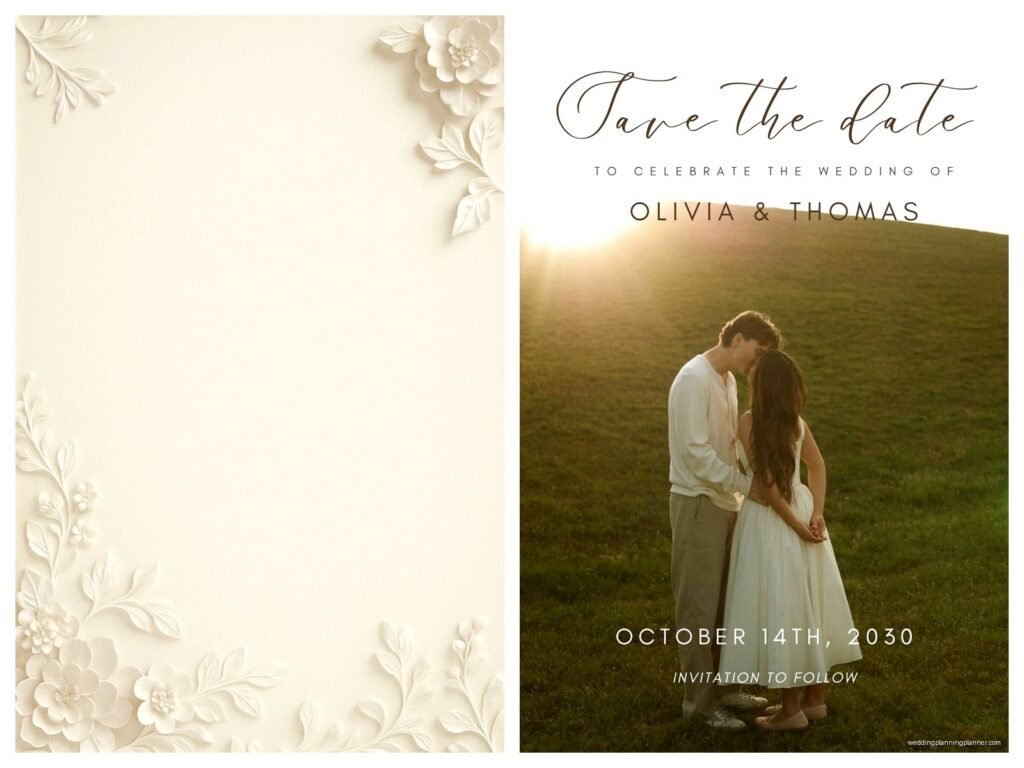
I had this couple in summer 2021 who wrote “We did a thing!” at the top of theirs with a photo from the ceremony and it was absolutely perfect for their vibe. You can also include a wedding photo if you want, which most templates now have space for.
Finding and Using Downloaded Templates
Alright so here’s where we get into the actual practical stuff. There are gonna be a million places online offering templates and honestly the quality varies wildly.
Where to Download Templates
I usually point people toward:
- Etsy – This is my go-to because you’re supporting actual designers and the templates are usually really well-made. You can filter by software type (Canva, Word, Photoshop, whatever). Prices range from like $5 to $25 usually.
- Canva – They have free and paid templates. Super user-friendly if you’re not design-savvy. You can customize everything online and then download as PDF or JPG.
- Creative Market – More professional designs, bit pricier, but gorgeous if you want something really unique.
- Minted or Paperless Post – These aren’t downloads exactly but they let you customize and order prints, which might be easier if you don’t wanna deal with… actually I’ll get to printing in a sec.
- Template.net or Greetings Island – Free options that are pretty basic but functional if you’re on a tight budget.
My cat just knocked over my coffee which is honestly perfect timing because I needed a break from staring at my screen anyway.
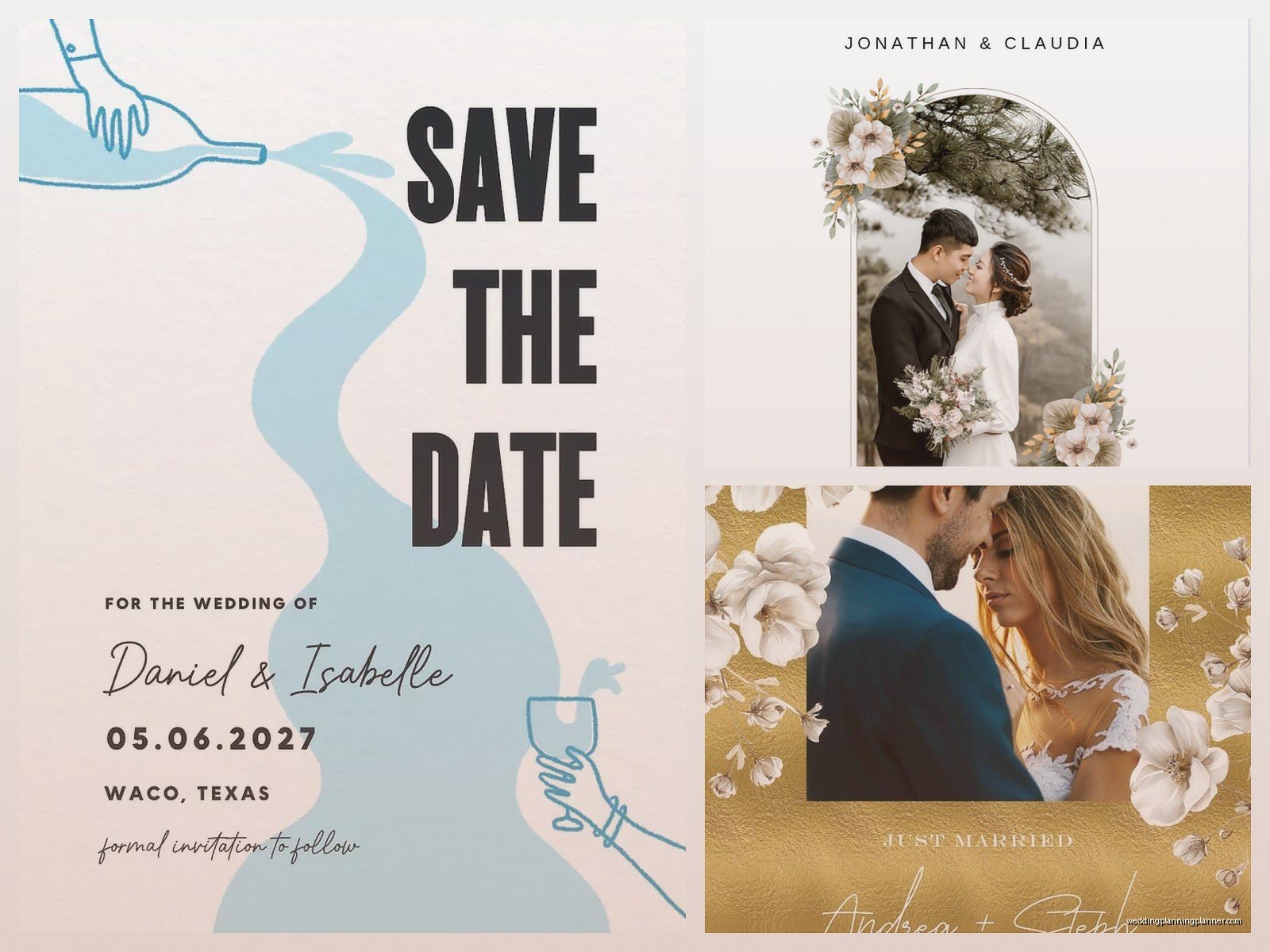
What to Look For in a Template
When you’re browsing, make sure the template:
- Matches your wedding style (if you had a rustic barn wedding, maybe skip the ultra-modern geometric template)
- Has the right format – standard announcement card size is 5×7 inches
- Is editable in software you actually have access to
- Includes the text layout you want (some are photo-focused, some are text-focused)
- Comes with instructions because some designers are better at explaining than others
Also check if it includes envelope liners or matching envelope designs because that’s a nice touch if you’re into that sorta thing.
Actually Customizing Your Template
So you downloaded something, now what? This part trips people up constantly.
If You’re Using Canva
This is the easiest option honestly. You click the template, it opens in Canva, you click on the text boxes and type your info. You can change fonts (but please don’t use more than two different fonts, it gets messy), adjust colors to match your wedding colors, and upload your own photo if there’s a photo placeholder.
When you’re done, download as PDF for printing. Make sure you select “PDF Print” not “PDF Standard” – the print version has better quality. If you’re doing it yourself on a home printer, JPG might work better but the quality won’t be as good for professional printing.
If You’re Using Word or Pages
These templates usually come with text boxes already set up. Double-click to edit the text, and try not to mess with the formatting too much or everything shifts weird. I’ve seen people accidentally delete a text box and then spend an hour trying to figure out why their names disappeared.
Save as PDF when you’re ready to print.
If You’re Using Photoshop or Illustrator
Okay if you’re using these you probably know what you’re doing, but just in case: these templates usually have layers you can show/hide. Text is often on separate layers from graphics. Use the text tool to edit, keep it at 300 DPI for printing, and export as PDF or high-res JPG.
Printing These Bad Boys
You’ve got options here and the right choice depends on your budget and how many you need.
Professional Printing
I always recommend professional printing if you’re sending more than like 20 cards. Places like:
- Catprint – Affordable, good quality, fast turnaround
- Moo – Pricier but the cardstock is chef’s kiss
- Vistaprint – Budget-friendly, frequent sales
- Local print shops – Sometimes more expensive but you can see paper samples in person which is huge
Get samples first if you can. Cardstock weight matters – I recommend at least 100lb cover stock, but 110-130lb feels more substantial. Matte finish is classic, but glossy can make photos pop more.

Home Printing
If you’re only doing a few and wanna save money, you can print at home. Get decent cardstock from an office supply store – at least 80lb, preferably 100lb. Make sure your printer can handle it (check the manual or… actually most people don’t have the manual anymore so just google your printer model and “cardstock weight”).
Print a test page on regular paper first to check alignment. Then print on your cardstock. Your printer might need you to feed cardstock through the manual tray or adjust settings to “heavy” or “cardstock.”
Home printing never looks quite as crisp as professional printing but it works in a pinch.
Timing and Mailing
Send these out within a few months of your wedding. Like, ideally within 3 months max. I had a couple once send theirs 8 months after their wedding and people were confused if it was an anniversary announcement or what.
You don’t need to wait for professional photos if you don’t have them yet – you can use a good phone photo or skip the photo entirely and just do a text-based design.
Who Gets Them
Send to:
- People who would’ve been invited if you’d had a bigger wedding
- Extended family
- Close friends who couldn’t make it
- Professional contacts if you’re close with them
- Anyone who you’d want to know about this major life event
You don’t need to send them to people who were actually at the wedding, though some people do anyway with a photo and a thank you note combo situation.
Envelope Addressing
This is gonna sound nitpicky but it matters – address your envelopes properly. For post-wedding announcements, use your new married name (if you’re changing it) on the return address. Some people do like:
Mr. and Mrs. [New Last Name]
or
[First Name] and [First Name] [Last Name]
or whatever format feels right for you
I personally think the “Mr. and Mrs. Husband’s Full Name” format is outdated but some traditional families still expect it so… know your audience I guess.
You can handwrite addresses or print labels or hire a calligrapher if you’re feeling fancy. There’s no wrong answer here except maybe Comic Sans font, please don’t do that to yourself.
Cost Breakdown Real Quick
Let’s talk money because that’s what everyone actually wants to know:
- Template download: $0-25
- Professional printing (50 cards): $50-150 depending on quality
- Envelopes: Usually included with printing, or $10-30 if buying separately
- Postage: Regular stamps work fine, currently 68 cents each (or whatever they are now, they keep changing)
- Total for 50 announcements: roughly $75-250
If you’re doing 100+, the per-unit cost goes down with most printers.
Common Mistakes I See Constantly
People mess up the bleed and margins all the time – if you’re using a template that goes to the edge of the card (called “full bleed”), make sure your printer can do that. Most home printers can’t. You’ll end up with white borders.
Also, proofread like three times. I’ve seen people send out 150 cards with a typo in the date. They got married on the 15th, card said the 5th. Oops.
Don’t use a photo where you can’t see your faces clearly. Sounds obvious but I’ve seen some real questionable choices – backlit photos where you’re basically silhouettes, photos where you’re tiny in the distance, photos where your face is covered by your bouquet or…
Oh and colors look different on screen versus printed. What looks like a soft blush pink on your monitor might print as almost-white or weirdly orange. This is why test prints matter or why you should order a sample from your print company first.
Digital Alternatives
Some people skip physical cards entirely and do digital announcements via email or social media. It’s cheaper and faster but less formal. I think there’s still something nice about getting actual mail that isn’t bills or junk, but I also get that not everyone has the budget or time for printed cards.
If you go digital, you can use the same templates usually – just download as JPG and attach to an email or post on social media. Paperless Post does nice e-cards specifically for this.
Just remember that older relatives might not see digital announcements if they’re not online much. My grandmother still doesn’t really understand Facebook so she would definitely miss a digital-only announcement.
Extra Touches If You’re Feeling It
Some people add a website URL where guests can see more photos. Some include a QR code that links to their wedding gallery. Some add a small note like “celebration to follow” if they’re planning a reception later.
Envelope liners are pretty and not that hard to DIY if you buy the liner paper and a template. Wax seals are having a moment again. Vintage stamps instead of regular ones add personality.
But honestly? A simple, well-designed card with your names and wedding date is totally sufficient. You don’t need to go overboard unless that’s your thing.
