
Planning Guides, Style Guide
Printable Wedding Planner: Free Organizer Downloads
Jul
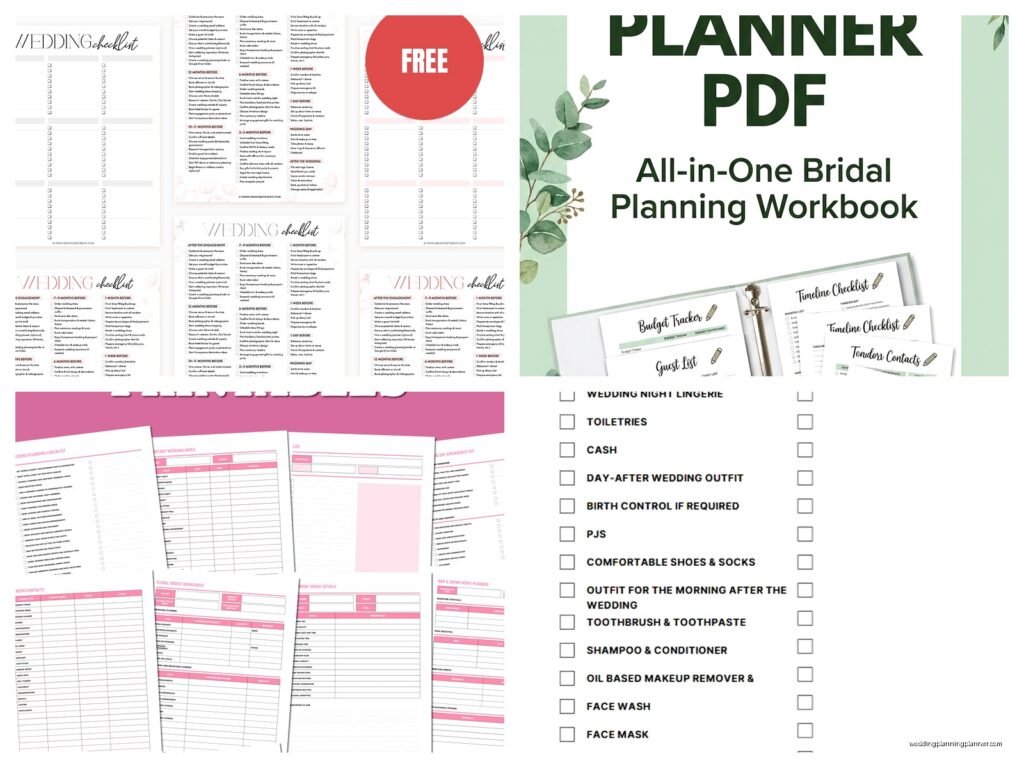
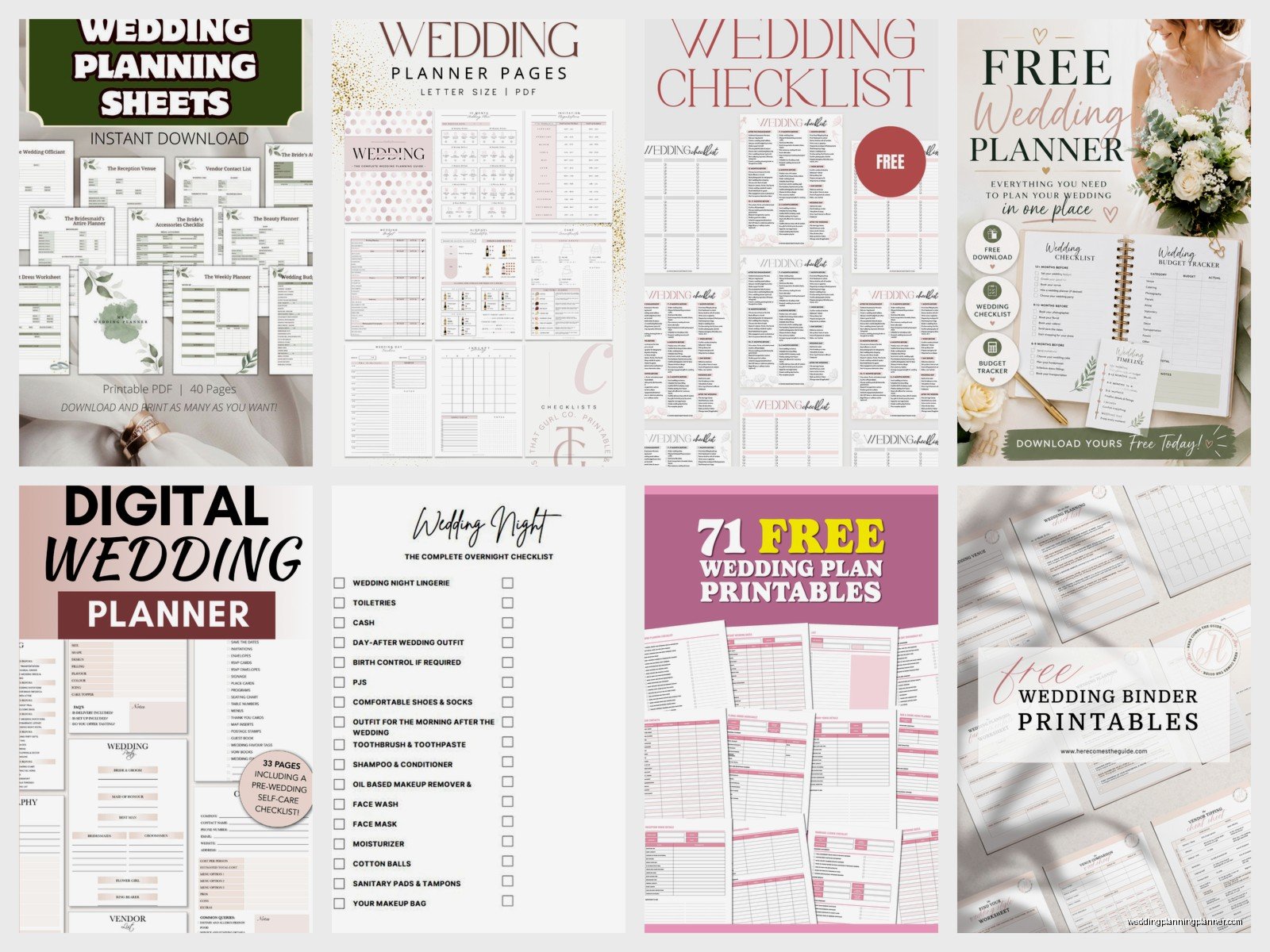
Getting Your Hands on Free Printable Wedding Planners
So the first thing you gotta know is that there are literally hundreds of free printable wedding planners out there but like 90% of them are garbage or they’re trying to get your email for their marketing list. I learned this the hard way in spring 2023 when a bride showed me what she’d been working with and half the pages were just ads for vendors I’d never heard of.
The best free downloads come from a few specific places. Etsy has sellers who offer free basic versions of their paid planners – these are actually decent because they’re hoping you’ll upgrade later. Then you’ve got wedding blogs that create genuinely useful freebies as lead magnets. Pinterest is kinda hit or miss but if you dig through the pins you can find some solid Google Drive links to actual usable PDFs.
What Should Actually Be In Your Printable Planner
You need budget tracking sheets first. Like this is non-negotiable. I don’t care how small your wedding is, you need to track what you’re spending because it gets out of control SO fast. The good printables have columns for estimated cost, actual cost, deposit paid, balance due, and payment due date. Some fancy ones include a percentage breakdown by category which honestly helps you see that yeah you’re spending 40% of your budget on food and maybe that’s too much.
Guest list trackers are next and these need to be detailed. You want columns for names obviously, mailing address, email, phone, invitation sent date, RSVP received, number of guests, meal choice if you’re doing plated dinner, and plus-one status. I’ve seen couples try to wing this part and it never works – someone always gets missed or you send two invitations to the same person.
Vendor contact sheets where you list every single vendor with their info, contract details, payment schedule, and any special notes. This saved my butt more times than I can count because you don’t wanna be scrambling through emails at 10pm trying to find your florist’s cell number.
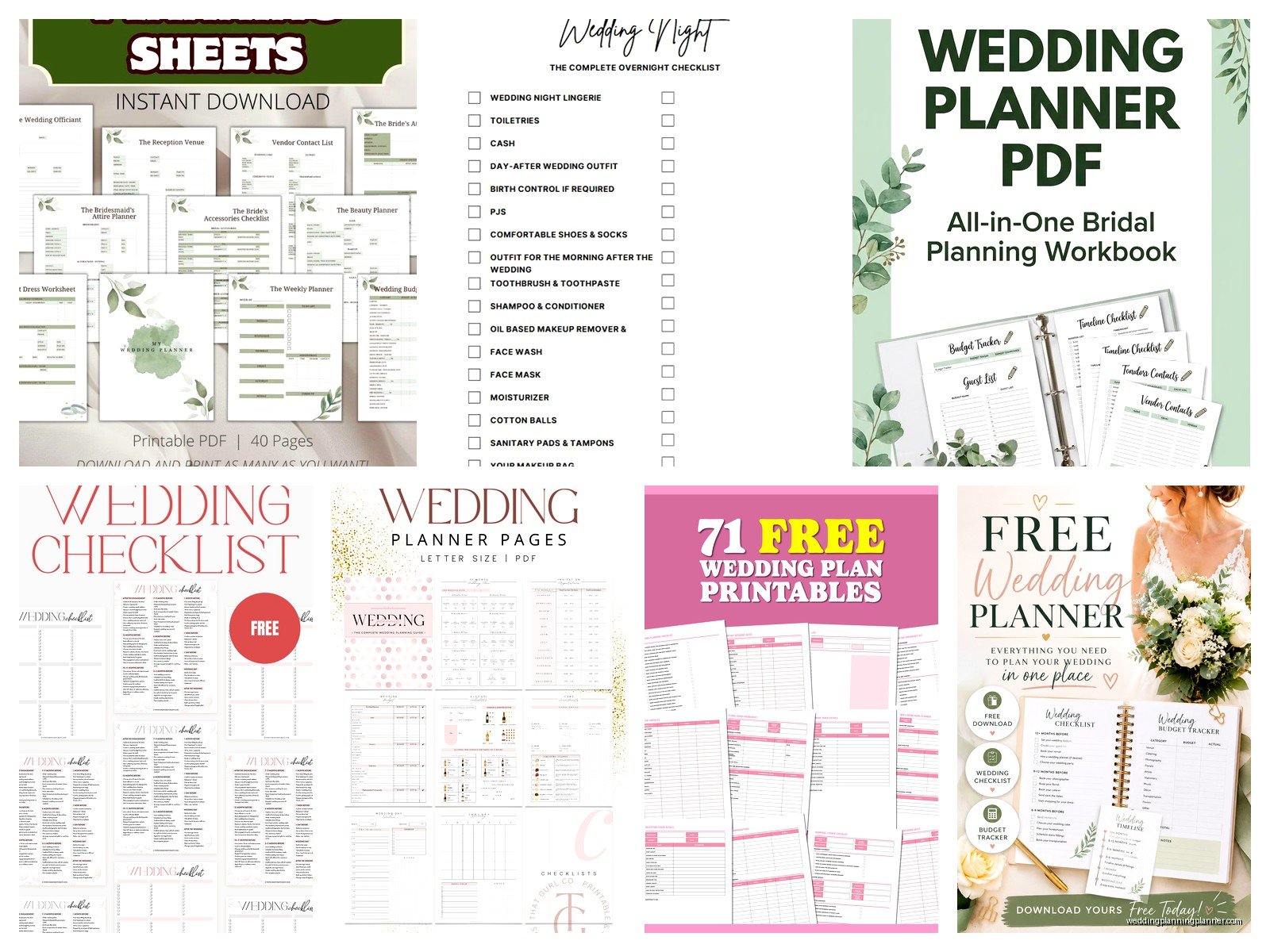
Timeline templates for the actual wedding day are crucial. The free ones usually give you hour-by-hour breakdowns from like 8am to midnight. You fill in hair and makeup times, when the photographer arrives, ceremony start, cocktail hour, reception events, all of it.
Where I Actually Download Stuff From
Okay so I have my go-to spots. The Knot has a free planning tool online but they also have PDFs you can download and print which is nice if you’re old school like some of my clients who want physical binders. Wedding Wire does something similar. These are legit companies so the information architecture is actually good.
There’s this blog called A Practical Wedding that has amazing free downloads and they’re not trying to sell you stuff constantly which I appreciate. Their budget spreadsheet is one I recommend all the time because it breaks down costs in a realistic way.
Canva – and I know everyone’s sick of hearing about Canva but listen – they have wedding planner templates you can customize and download as PDFs for free. You need an account but it’s free. You can change colors, fonts, add your names, whatever. It’s gonna take you like 20 minutes to personalize but then you have something that actually matches your wedding aesthetic instead of generic templates.
How To Actually Use These Things
Print everything at once. Don’t be that person who prints one sheet at a time as you need it because you’ll lose stuff and it’ll be a mess. Get a 2-inch binder, print the whole planner, use divider tabs to separate sections. I use: Budget, Guests, Vendors, Timeline, Ceremony Details, Reception Details, Honeymoon, and Miscellaneous.
The thing that annoyed me SO much last year was this couple who downloaded like five different free planners and tried to use pages from each one and nothing matched up, the formats were different, they had duplicate information everywhere… just pick ONE system and stick with it. You can supplement with additional sheets if you need something specific but don’t try to Frankenstein together multiple planners.
Fill out what you know immediately. Even if you don’t have vendors booked yet, you can list your budget, your guest list, your ideal timeline. Update it weekly – I usually tell couples to pick Sunday evening or whenever they have their weekly wedding planning session and update everything then.
Digital vs Physical Planning
Some of the free printables come as PDFs you can fill out digitally before printing or you can use them entirely on your tablet. I’m personally a paper person because I like physically checking things off and there’s something about writing it down that makes it stick in my brain better but that’s just me.
If you go digital you need a good PDF editor. Adobe Reader is free and lets you fill in forms. GoodNotes if you have an iPad is amazing for this – you can import PDFs and write on them with the Apple Pencil. My cat walked across my iPad once while I was working on a client’s timeline and added a bunch of random marks which was actually pretty funny.
The hybrid approach works well too where you keep the master copy digital in Google Drive or Dropbox so you can access it anywhere and you both can edit it if you’re planning with a partner, but you also print key pages to keep in a physical binder for vendor meetings and the wedding day itself.
Budget Tracking Specifics
Your printable budget sheet needs to be super detailed or it’s useless. Start with your total budget at the top. Then break it down by category – venue, catering, bar, photography, videography, flowers, dress, suit, rings, invitations, favors, decorations, entertainment, transportation, hair and makeup, wedding planner if you’re hiring one, and miscellaneous because there’s always random stuff.
For each category list the vendor name, what’s included in their package, total cost, deposit amount and date paid, remaining balance, and when that’s due. Some printables have a notes column which is perfect for things like “includes setup and teardown” or “bringing own linens saves $200”.
Update this thing constantly. Every time you pay a deposit or make a payment, write it down immediately. I’ve seen couples lose track of what they’ve paid and accidentally double-pay or miss a payment deadline which is awkward and sometimes costs you your vendor.
Guest List Management
The guest list tracker is probably gonna be the most-used page in your planner honestly. Start with your A-list – people who absolutely must be invited. Then your B-list if you’re doing that. Some planners have separate sheets for different meal choices which gets complicated but necessary if you’re doing a plated dinner.
Track your RSVPs obsessively. Mark the date you sent the invitation, the RSVP deadline, and the date you actually received their response. This helps you figure out who to follow up with. You’ll have people who don’t respond by the deadline – it happens every single time – and you need to track who you need to call or text.
Also track dietary restrictions in detail. Don’t just write “vegetarian” – write exactly what they can’t eat because your caterer will need specifics. Someone who’s vegetarian for ethical reasons is different from someone with a dairy allergy or someone who keeps kosher.
Vendor Management Sheets
Every vendor gets their own page or section. At minimum you need their business name, contact person’s name, phone, email, website, and social media handles. Then contract details – date signed, total cost, payment schedule, cancellation policy, and what exactly they’re providing.
I always add a section for “questions to ask” before you book them and then “confirmed details” after booking. For photographers this might include how many hours of coverage, how many photographers, when you get the photos, how many edited images, whether you get the raw files, printing rights, all that stuff.
Some free printables include vendor comparison sheets which are super helpful when you’re trying to decide between options. You can list 3-4 vendors side by side with their pricing and what’s included to make an easier decision… or at least that’s the theory, in practice you usually go with whoever you vibed with best regardless of the spreadsheet.
Timeline Templates
The wedding day timeline template is something you’ll probably remake like five times as things get confirmed and changed. Start with the basic structure – ceremony time works backward from there. If your ceremony is at 5pm and photos take 30 minutes and you need 30 minutes before that for final touches, you’re getting dressed at 3:30pm latest.
Good printables have separate timelines for different people. The bride’s timeline, groom’s timeline, wedding party timeline, vendor timeline, and family timeline might all be different. Your photographer needs to know when and where to show up but they don’t need to know what time your aunt is getting her hair done.
Build in buffer time. This is something I always tell couples – if you think something takes 30 minutes, schedule 45. Hair always takes longer than expected, people are late, traffic happens, someone needs a bathroom break or forgot something at the hotel.
Customizing Your Printables
Most free PDFs are pretty basic looking which is fine but if you want them to match your wedding colors or style you can edit them before printing. Canva templates are easiest for this – just change the colors and fonts to match your invitation suite.
If you’ve got a PDF that’s not editable, you can print it and use colored pens, washi tape, stickers, whatever. Some people get really into making their wedding planner aesthetic which like… if that’s your thing go for it but functionally it doesn’t matter if it’s pretty, it just needs to work.
Add extra pages as needed. Most free planners are pretty generic so they work for everyone which means they might not have specific things you need. Getting married at a destination? Add a travel planning section. Having a multi-day celebration? You’ll need multiple timeline pages. DIYing your decorations? Add project planning sheets with supply lists and deadlines.
Keeping Everything Organized
Use a 3-ring binder so you can add and remove pages easily. Those bound planners look nice but you can’t reorganize them when your needs change. Get the kind with pockets in the front and back for keeping business cards, fabric swatches, inspiration photos, whatever random stuff you accumulate.
Divider tabs are your friend. Label them clearly and maybe color-code if you’re into that. Keep your most-used sections toward the front – probably budget and guest list for most people.
Bring your planner to every vendor meeting. You’ll want to reference your budget, check your timeline, make notes about what you’re discussing. I can always tell which couples are organized because they show up with their planner and can answer questions immediately instead of “umm let me check and get back to you”.
What’s Usually Missing From Free Planners
Free downloads usually don’t include super specific ceremony planning worksheets like processional order, readings, vows, music cues. You might need to create these yourself or find supplemental downloads.
They also typically don’t have detailed floor plans or seating charts because those are so venue-specific. You’ll probably need to do that separately either with your venue’s tool or just draw it out.
Registry tracking and gift recording sheets are sometimes missing which is kinda important for writing thank you notes later. Make your own with columns for gift received, from whom, date received, thank you sent date.
Honeymoon planning is often just a page or two but if you’re doing a big trip you might want a more detailed travel planner. Packing lists, reservation confirmations, daily itineraries, all that.
Sharing Your Planner With Others
If you’re planning with a partner you need a system for both accessing the information. Either keep the physical binder somewhere you both can get to it, or maintain a digital version you can both edit, or… I guess take photos of updated pages and text them which is kinda inefficient but whatever works.
Your wedding party might need certain info from your planner – like the timeline for the wedding day or their specific responsibilities. Don’t hand them your whole planner but you can print relevant pages to share.
Some couples share their vendor contact sheet with their parents or wedding party so if there’s an emergency someone else can make calls. This is smart honestly because on your wedding day you won’t wanna be dealing with vendor issues yourself.
