
Planning Guides, Style Guide
Wedding Planning Excel Template: Complete Spreadsheet
Jul
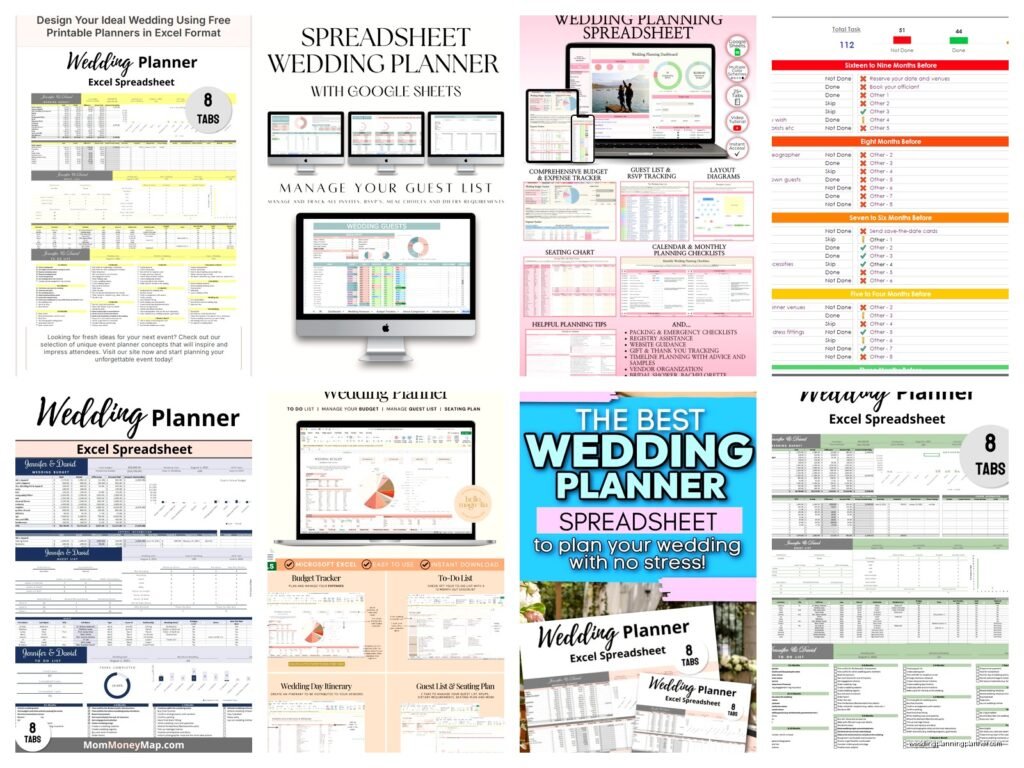
Setting Up Your Wedding Planning Excel Template
Okay so you need a wedding planning spreadsheet and honestly this is gonna save your sanity. I’ve been doing this for like 15 years and every single time a couple tells me they’re just “keeping track in their head” I physically cringe because that’s how you end up with three florists showing up on the same day or… actually that happened to me in spring 2023 and we’ll get to that disaster in a minute.
First thing you need is to open Excel or Google Sheets, whatever you’ve got. I prefer Google Sheets now because you can share it with your partner and your mom won’t accidentally delete the entire guest list like mine did once. Start with your main tabs at the bottom – you’re gonna need at least Budget, Guest List, Vendor Contacts, Timeline, and To-Do List as separate sheets.
Budget Sheet Setup
Your budget sheet is literally the most important thing and also the thing that will make you cry so let’s just rip off that band-aid. Column A should be your category – Venue, Catering, Photography, Flowers, Dress, Suits, Invitations, all that stuff. Column B is your estimated cost (what you THINK it’ll cost), Column C is your actual cost (what it REALLY costs because surprise everything is more expensive), Column D is your deposit paid, Column E is balance due, and Column F is the date payment is due.
At the top of the sheet you want your total budget number in big bold letters. Then at the bottom you need formulas that add up all your estimated costs, all your actual costs, total paid so far, and total remaining. The formula is just =SUM(B2:B50) or whatever your range is. When that “actual cost” total starts creeping toward your max budget, you’ll see it immediately and can panic accordingly.
One thing that annoyed me SO MUCH is when couples don’t include tax and service fees in their budget calculations. Like you’ll budget $5000 for catering but that doesn’t include the 20% service charge and 8% tax, so suddenly you’re at $6400 and you’re shocked? Include a column for tax/fees or just assume everything costs 25-30% more than the base quote.
Guest List Tab Because This Gets Messy
The guest list sheet needs way more columns than you think. Column A is guest name (full legal name for invitations), Column B is their address, Column C is their email, Column D is their phone number. Then you need Column E for “group” – like “bride’s college friends” or “groom’s work” or whatever because trust me you’ll want to filter this later.
Column F should be “invited to” – options are Ceremony & Reception, Reception Only, or if you’re doing like a welcome party or brunch the next day. Column G is “save the date sent” with a date, Column H is “invitation sent” with a date, Column I is “RSVP received” as yes/no, Column J is their meal choice if you’re doing plated dinner, Column K is dietary restrictions (this is SO important), and Column L is plus-one name if applicable.
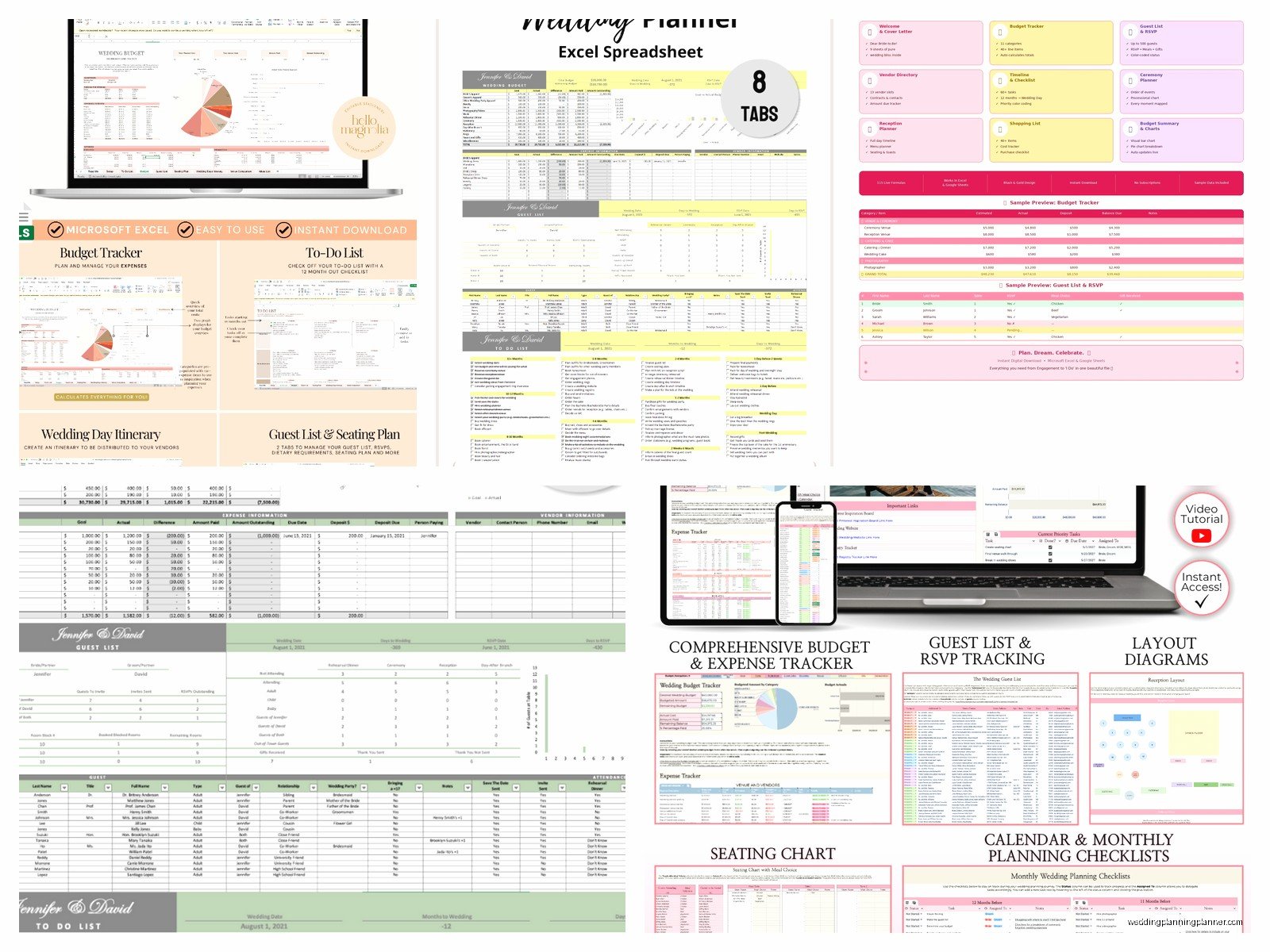
Then I always add Column M for gifts received and Column N for thank you note sent because you gotta track that stuff. My cat just jumped on my keyboard sorry. Anyway, at the bottom you want a count of total invited, total yes responses, total no responses, and total no reply yet. The formula for counting yes responses is =COUNTIF(I2:I300,”Yes”) – adjust your range obviously.
Vendor Contact Information
This sheet saved my butt in spring 2023 when I had a bride who booked two florists because she forgot about the first one and the deposit was non-refundable and it was a MESS. So yeah, you need one central place for every vendor.
Columns should be: Vendor Category, Company Name, Contact Person, Phone, Email, Website, Contract Signed (yes/no), Deposit Amount, Deposit Paid Date, Balance Due, Balance Due Date, and Notes. In the notes section put stuff like “needs final headcount by May 1st” or “bringing backup equipment” or “allergic to peonies” which was an actual thing I had to track once for a florist.
I also add a column for “confirmed for wedding day” with a date because about two weeks before the wedding you need to confirm with EVERYONE and check off that you’ve done it. There’s nothing worse than assuming your DJ knows the date and then… well you can imagine.
Timeline Sheet That’ll Keep You On Track
The timeline sheet should have two sections – the planning timeline (what you need to do when) and the wedding day timeline (minute by minute schedule). For planning timeline, Column A is task, Column B is deadline date, Column C is who’s responsible, Column D is status (not started, in progress, complete), and Column E is notes.
Start with standard tasks and their typical deadlines like “Book venue” at 12 months out, “Order invitations” at 4 months out, “Final dress fitting” at 1 month out. You can find a million lists online of when to do what, but honestly every wedding is different so adjust based on your actual date and circumstances.
For the wedding day timeline, you want time in Column A (like 2:00 PM), activity in Column B (ceremony begins), location in Column C (garden), people involved in Column D (everyone), and notes in Column E (make sure grandmother has front row seat). This gets shared with literally everyone – your photographer needs it, your DJ needs it, your venue coordinator needs it, your wedding party needs it.
The Detailed Planning Stuff You’ll Actually Use
To-Do List That Doesn’t Overwhelm You
Separate sheet for to-do items because the timeline is more big-picture and this is the nitty-gritty weekly stuff. Columns are: Task, Category (so you can filter), Priority (high/medium/low), Due Date, Status, and Assigned To (because if you’re planning with a partner or family member, you gotta divide and conquer).
I like to add a “Date Completed” column too because it feels really good to put dates in there and see your progress. Sort this sheet by due date so the urgent stuff is always at the top. Use the filter function – in Excel you click Data > Filter and then you get those little dropdown arrows in your header row.
Seating Chart Tab For Maximum Stress
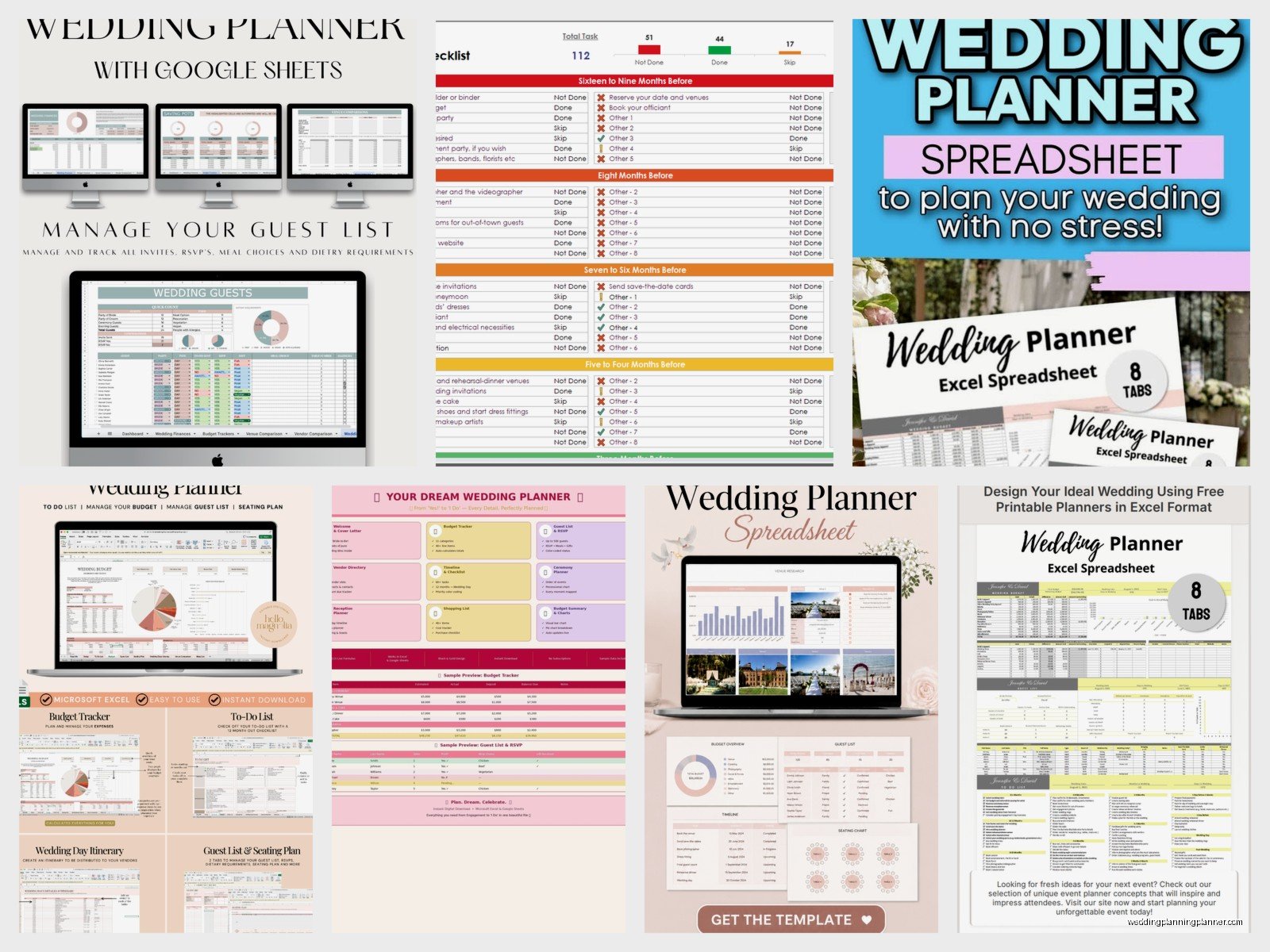
Okay so the seating chart is its own beast and honestly some people use special software for this but you can totally do it in Excel. I set it up with table numbers in Column A, then Columns B through K for seats 1-10 at each table (adjust based on your table size). Put guest names in the cells.
Above the chart I keep a reference list of all guests color-coded by group – bride’s family in blue, groom’s family in green, bride’s friends in yellow, etc. Then you can copy and paste names down into tables and make sure you’re mixing groups or keeping them together, whatever your vibe is. This is tedious and you’ll change it 47 times but that’s just how it goes.
Menu Planning and Catering Numbers
If you’re doing a plated dinner you need to track meal choices which I mentioned in the guest list, but you also need a summary sheet. Create a simple table that shows each meal option and the count of guests who selected it. So like “Chicken Marsala: 47 guests, Salmon: 38 guests, Vegetarian Pasta: 12 guests” and then your total should match your total yes RSVPs.
For cocktail hour appetizers and desserts, make a list of what you’re serving and the quantities you ordered. Your caterer will give you recommendations based on headcount but track it yourself too because I’ve seen caterers forget to bring half the apps and when you have it written down you can be like “umm excuse me where are the 200 mini crab cakes we paid for?”
Decor and Rental Items Inventory
You need to track what you’re renting, what you’re buying, what you’re DIYing, and what the venue provides. Make columns for Item Description, Quantity Needed, Source (rental company, Amazon, DIY, venue provided), Cost Per Item, Total Cost, and Status (ordered, received, in progress).
This is where you list stuff like “gold charger plates – 120 – rental company A – $3 each – $360 total” and “table numbers – 15 – DIY – $2 each – $30 total” and just everything. I once had a couple who didn’t track their centerpiece vases and ended up with 40 vases for 25 tables because three different people ordered them and nobody communicated. Don’t be those people.
Music and Photography Shot Lists
Create a sheet for your must-play songs, do-not-play songs, and special moment songs (first dance, parent dances, cake cutting, etc.). Your DJ will want this list. Include artist names because there are like 50 versions of “At Last” and you probably have a preference.
For photography, list out the specific shots you want – family groupings, specific locations, detail shots of your shoes or whatever. I always tell couples to be specific like “bride with grandmother by the rose garden” because photographers shoot a million weddings and they won’t know your priorities unless you spell it out.
Formulas That’ll Make Your Life Easier
Okay so basic Excel formulas you absolutely need to know. SUM adds up numbers in a range – I use this constantly for budget totals. COUNTIF counts cells that meet criteria – perfect for counting RSVPs or meal choices. SUMIF adds up numbers that meet criteria, like if you want to sum all deposits paid to vendors in a specific category.
The formula looks like =SUMIF(range to check, criteria, range to sum). So =SUMIF(A2:A50,”Flowers”,D2:D50) would sum all deposits in column D where column A says “Flowers”. This is super helpful for tracking spending by category.
Conditional formatting is your friend for visual tracking. You can make cells turn red when a due date is within 7 days, or green when status says “complete”. In Excel go to Home > Conditional Formatting > New Rule and set it up based on cell values or dates. Makes it really easy to see what needs attention at a glance.
Sharing and Protecting Your Spreadsheet
If you’re using Google Sheets, click Share in the top right and add your partner’s email, your planner’s email if you have one, maybe your mom if she’s helpful and not the type to accidentally delete things. You can set permissions to “can edit” or “can view” depending on who you trust.
For Excel, you can protect certain cells from being edited. Like you might want to protect your formula cells so nobody accidentally deletes them. Select the cells you want to protect, right-click, format cells, protection tab, check “locked”, then go to Review > Protect Sheet. It’s kinda complicated but worth it if you have multiple people accessing the file.
Back up your spreadsheet regularly. Google Sheets auto-saves which is great, but Excel files should be saved to cloud storage like Dropbox or OneDrive AND you should email yourself a copy every week or so. I’m paranoid about this because I’ve had files corrupt and it’s devastating when you lose months of planning data.
Additional Tabs You Might Want
Some couples add a Gift Registry tracking sheet where you list items, store, price, and whether it’s been purchased. Honestly the stores track this themselves now so it’s kinda redundant but if you’re doing a cash fund or honeymoon registry you might want to track contributions manually.
A Rehearsal Dinner sheet with its own guest list and budget can be helpful if you’re planning that yourself. Same structure as the main wedding but scaled down obviously.
Transportation and Accommodations sheet if you’re arranging shuttles or hotel blocks – track pickup times, locations, number of guests using each service, confirmation numbers, all that logistical stuff that’s easy to forget.
Honeymoon planning tab with flights, hotels, activities, confirmations, and costs keeps everything in one place. I know some people use separate tools for this but if you’re already living in your wedding spreadsheet why not add another tab.
Weather backup plan sheet if you’re doing an outdoor wedding – list your plan B venue, who to contact if weather looks bad, decision deadline, guest communication plan. I learned this the hard way when a couple didn’t have a clear backup plan and we were checking weather apps at 6am on wedding day trying to decide whether to move 150 chairs inside and it was chaos.
