
Planning Guides, Style Guide
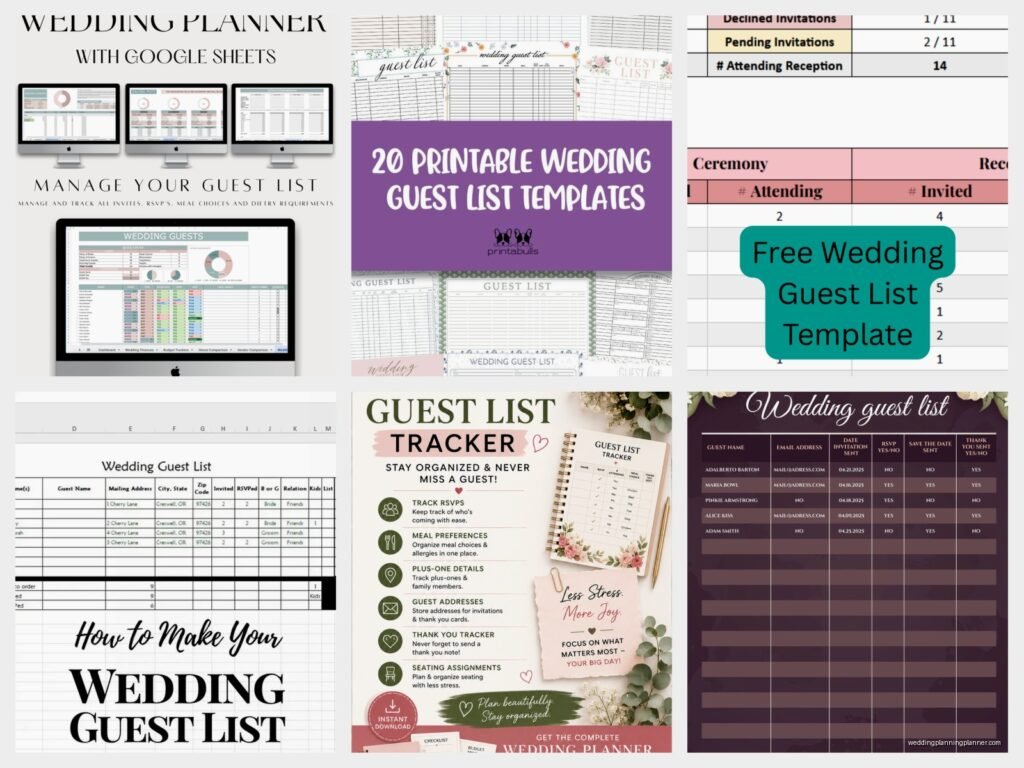
Free Wedding Guest List Template: Printable Downloads
Jul
Okay So Guest List Templates Actually Matter More Than You Think
Look I’m gonna be straight with you – wedding guest lists are where like 80% of couple drama starts and honestly a good template is the difference between keeping your sanity and having seventeen different versions of an Excel spreadsheet that nobody can find. I learned this the hard way back in summer 2021 when I had this couple who showed up to our third meeting with sticky notes, a napkin with names scribbled on it, and THREE different Google docs that all had different headings and… it was a mess.
The thing about free templates is that they’re literally everywhere online but most of them are either too complicated or too simple. You need something in the middle that actually tracks what matters without making you feel like you’re doing data entry for a Fortune 500 company.
What Your Template Actually Needs to Track
So here’s what I always tell people – your guest list isn’t just names. It’s basically a mini database and if you don’t set it up right from the start you’re gonna be scrambling later trying to remember if Aunt Susan said yes or if that was Aunt Sharon.
Your basic columns should include:
- Full names (first and last, trust me on this)
- Relationship to bride or groom (or both)
- Mailing address for invites
- Email address
- Phone number
- Number of guests in their party (are they bringing a plus-one, kids, etc.)
- RSVP status (invited, accepted, declined, no response yet)
- Meal choice if you’re doing plated dinner
- Dietary restrictions
- Gift received (you can track thank you notes here too)
- Which events they’re invited to (rehearsal dinner, ceremony only, reception, brunch)
Some people add a notes column and honestly that’s where the gold is. Like “Sarah’s boyfriend might be deployed” or “doesn’t get along with the Johnson family so don’t seat them together” or whatever random thing you need to remember six months from now.
The Free Templates You Can Actually Use
Alright so where do you find these things. Google Sheets has templates built right in if you go to their template gallery – just search “wedding” and there’s usually a guest list option. It’s free, it’s cloud-based so you and your partner can both access it, and it auto-saves which saved my butt more than once when my cat walked across my keyboard and I thought I’d lost everything.
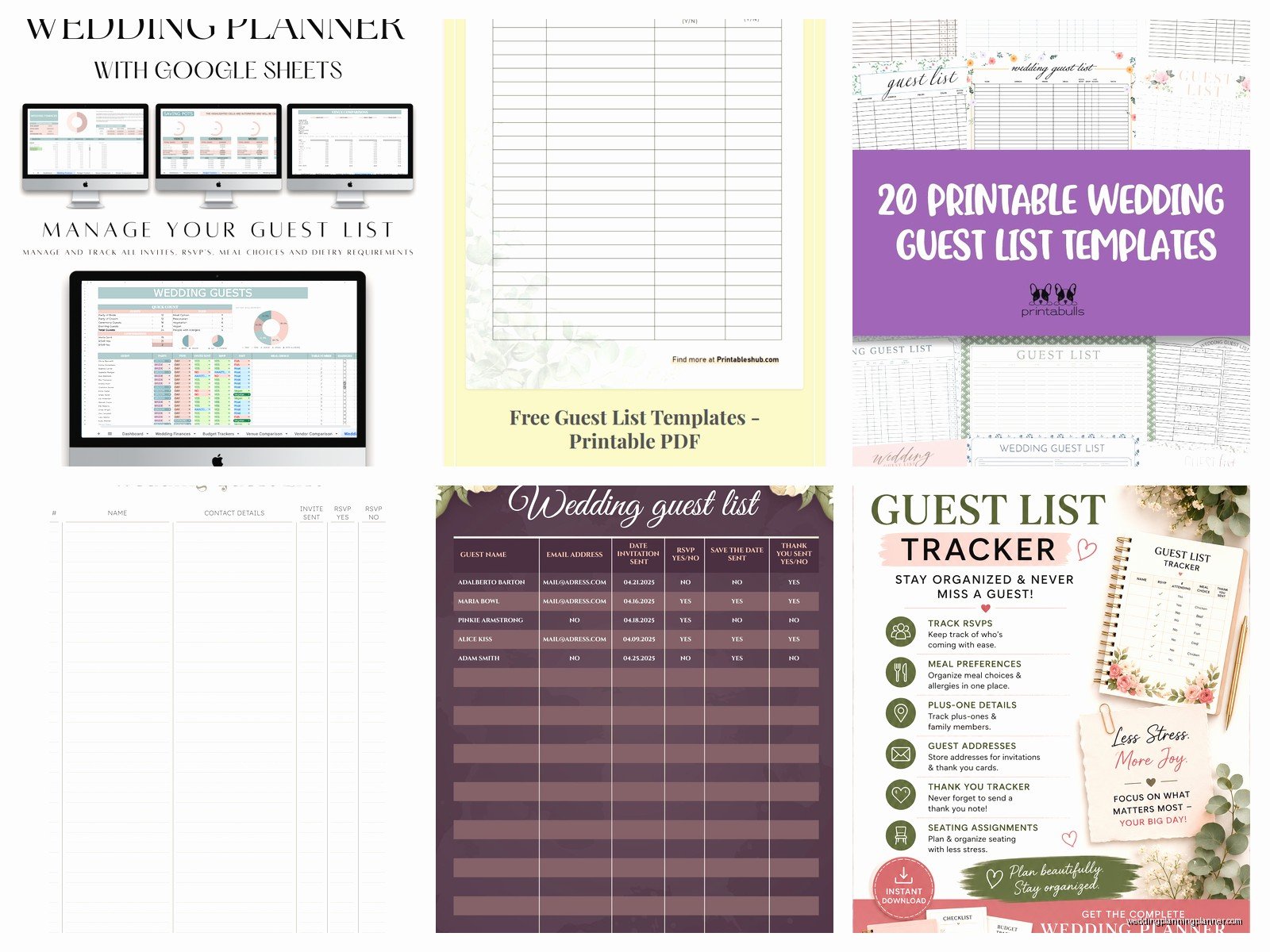
Microsoft also has Excel templates you can download. They’re a bit more formatted and pretty but you need Excel or the free online version. The one thing that annoyed me about their templates is they always have like decorative borders and fancy fonts that make it harder to actually READ the information when you’re trying to sort through 150 people.
Canva surprisingly has some decent printable guest list templates. They’re more designed for people who want something they can physically write on, which honestly some couples prefer. My mom still does everything on paper and I kinda get it – there’s something about physically crossing people off that feels satisfying.
The Knot and WeddingWire both have their own guest list tools but they’re trying to keep you in their ecosystem. They work fine but you might get bombarded with vendor recommendations and ads which… yeah.
Setting It Up So You Don’t Hate Yourself Later
When you first start your list, you’re gonna want to just dump everyone’s names in there. Don’t do that yet. Actually organize it first by “side” – bride’s family, bride’s friends, groom’s family, groom’s friends, mutual friends, coworkers, etc. This makes it SO much easier when your future mother-in-law is like “well WE have 47 people we need to invite” and you can actually see the breakdown.
I always recommend color-coding too. Like green for definite yes, yellow for waiting on response, red for declined, gray for “invited to ceremony only” or whatever system makes sense to you. Excel and Google Sheets both let you do conditional formatting where it’ll automatically change colors based on the RSVP status which is pretty neat if you’re into that.
The A-List B-List Situation Nobody Talks About
Okay so this is kinda controversial but most couples have an A-list and B-list whether they admit it or not. Your template should have a way to track this. I usually add a column called “Priority” or “Tier” because calling it “B-list” feels mean even though that’s what it is.
Here’s how it works – you invite your A-list first. As people decline (and people WILL decline, usually like 20-30% of your list), you send invites to your B-list. The key is timing it so your B-list people don’t realize they’re B-list. You need at least 6-8 weeks between waves.
In spring 2023 I had a bride who didn’t track this properly and she sent B-list invites like three days after A-list people started declining and someone figured it out and posted about it on Instagram and it was… not great. Your template can prevent this kind of disaster by having a “date invited” column so you can space things out properly.
Tracking RSVPs Without Losing Your Mind
Once invites go out, your guest list template becomes your command center. You should be updating it every single day when responses come in. I know that sounds excessive but if you let it pile up you’ll forget who said what and whether that text from your cousin counts as an official RSVP or if you need to follow up.
Add a column for “RSVP received date” so you know who’s cutting it close to your deadline. Some people are just last-minute about everything and you’ll need to chase them down. Having the date helps you know who to bug first.
For meal choices, don’t just write “chicken” or “fish” – use the exact names from your catering contract. Your caterer is gonna need specific counts and “chicken” could mean three different preparations. Be specific: “Herb-roasted chicken breast” vs “Grilled chicken with lemon” or whatever your options actually are.
The Seating Chart Connection
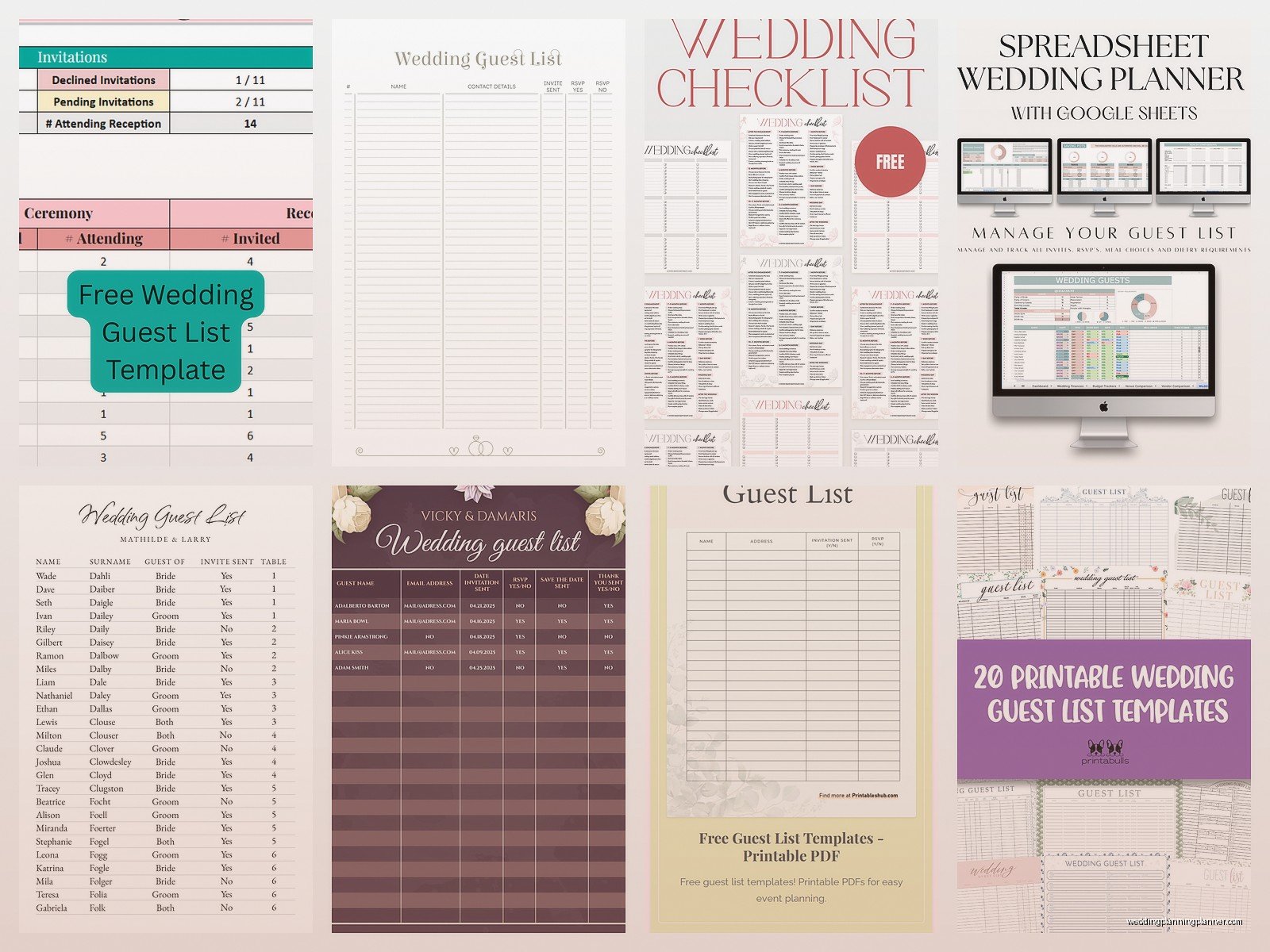
Your guest list feeds directly into your seating chart so make sure you’re tracking relationships and potential conflicts. I add a “table assignment” column about a month before the wedding and start playing around with configurations.
Some templates have a separate tab or sheet for seating arrangements which is helpful. You can group people by table and see if the numbers work out (most reception tables seat 8-10 people depending on the shape). If you’re doing assigned seating you need this. If you’re doing open seating you still kinda need it for head table and family table planning.
Printable Versions vs Digital
So here’s the thing – even if you’re maintaining a digital list, print out a copy for your wedding day. Your day-of coordinator or whoever’s managing the guest book needs a physical list to check people in, handle any last-minute plus-ones, or deal with the random cousin who shows up even though they never RSVPed.
I always create a simplified printed version that just has names and table assignments. You don’t need all seventeen columns of data on your wedding day. Just the essentials. This goes in your day-of binder which is a whole other topic but seriously make a binder.
For printables, format them so they’re actually readable. Use a font size of at least 11pt, maybe 12pt. Your vendors need to be able to read this quickly. Those fancy script fonts might look pretty but when your caterer is trying to figure out who ordered the vegan meal at table 7, they need clarity not calligraphy.
Budget Tracking Integration
Some templates include a column for cost per guest which is actually super useful. If you’re paying $150 per head for dinner, knowing your running total as RSVPs come in helps you stay on budget. Every time someone declines you can literally watch your costs go down which is oddly satisfying.
You can also track gift amounts if you want, though some people find this tacky. I’m neutral on it – it’s your spreadsheet, track what you want. It does help with thank-you notes to remember who gave what.
Common Mistakes People Make With Guest Lists
Not updating it regularly is number one. Your template is useless if it’s not current. Set a reminder to update it every few days at minimum, daily once RSVPs start rolling in.
Forgetting to include children is another big one. If you’re inviting families with kids, each child needs their own line item because they count toward your total and they might need kids’ meals. Don’t just write “The Smith Family (4)” – list everyone out.
Using nicknames instead of legal names will bite you when you’re addressing invitations. Your friend might go by “Bex” but her legal name is Rebecca and that’s what goes on the invitation. Track both if you need to but your formal documents need formal names.
Not backing up your list is honestly the scariest mistake. Save it in multiple places. Email yourself a copy every week. Put it in Dropbox or Google Drive. I once had a groom’s laptop stolen two months before the wedding with the only copy of their guest list on it and we had to reconstruct the entire thing from memory and it was absolutely terrible.
The Plus-One Problem
Your template needs to clearly indicate who gets a plus-one and who doesn’t. This is where so much confusion happens. Some people assume they get a plus-one when they don’t, or they think their boyfriend of three months counts when your rule is only engaged/married couples or long-term partners.
I usually have a column that literally says “Plus-one allowed: Y/N” and then another column for the plus-one’s name once you know it. A lot of people will RSVP without telling you their plus-one’s name which makes escort cards impossible, so you gotta follow up.
Special Situations Your Template Should Handle
Destination weddings need extra columns for flight info, hotel reservations, arrival dates, departure dates. You’re basically coordinating a small conference at that point.
If you’re doing a multi-day wedding (welcome party, ceremony, brunch), you need to track who’s invited to what. Not everyone gets invited to everything and your template should make that crystal clear.
Blended families require extra attention in your notes section. Who sits with who, who walks with who, who gets introduced as what – all of that goes in the notes. I had a wedding where the bride’s parents were divorced and each had remarried and nobody told me until the rehearsal and trying to figure out processional order on the fly was… anyway, document this stuff early.
Vendors and wedding party should be on your list too even though they’re not “guests” exactly. Your photographer needs a meal, your DJ needs a meal, your officiant might stay for cocktail hour. Track them separately but track them.
The Thank You Note Tracker
Add columns for gift received, gift description, and thank you note sent. Future you will be SO grateful. Trying to remember six months later who gave you the silver picture frame versus who gave you the other silver picture frame is impossible without documentation.
Some people photograph gifts with the cards and store those photos in a folder with corresponding numbers on their guest list. That’s honestly smart even though it feels a bit extra.
I usually recommend sending thank-you notes within three months of receiving gifts, or three months after the wedding for gifts received at the wedding. Your template helps you track this so you don’t accidentally forget someone or double-thank someone which is awkward in different ways.
Making It Work For You Both
If you’re planning with a partner, you need shared access to this thing. Google Sheets is probably easiest for this because you can both edit at the same time and see changes in real-time. Excel works if you save it somewhere shared like OneDrive.
Divide responsibilities clearly – maybe one person manages their family and friends, the other manages theirs. Or one person handles digital updates while the other manages follow-up calls and texts. Whatever works but don’t duplicate effort or you’ll end up with conflicting information.
Sometimes you just need to get on a call or sit down together and go through the whole list line by line. It’s boring but it’s necessary. I always schedule this with couples as an actual meeting because otherwise it never happens and then we’re three weeks out and nobody knows who’s actually coming or…
Anyway the point is your guest list template is basically the foundation of your entire wedding planning process and a good free one is totally available you just have to set it up right from the beginning and actually maintain it which sounds obvious but you’d be surprised how many people don’t and then everything gets chaotic and stressful when it didn’t need to be
