
Planning Guides, Style Guide
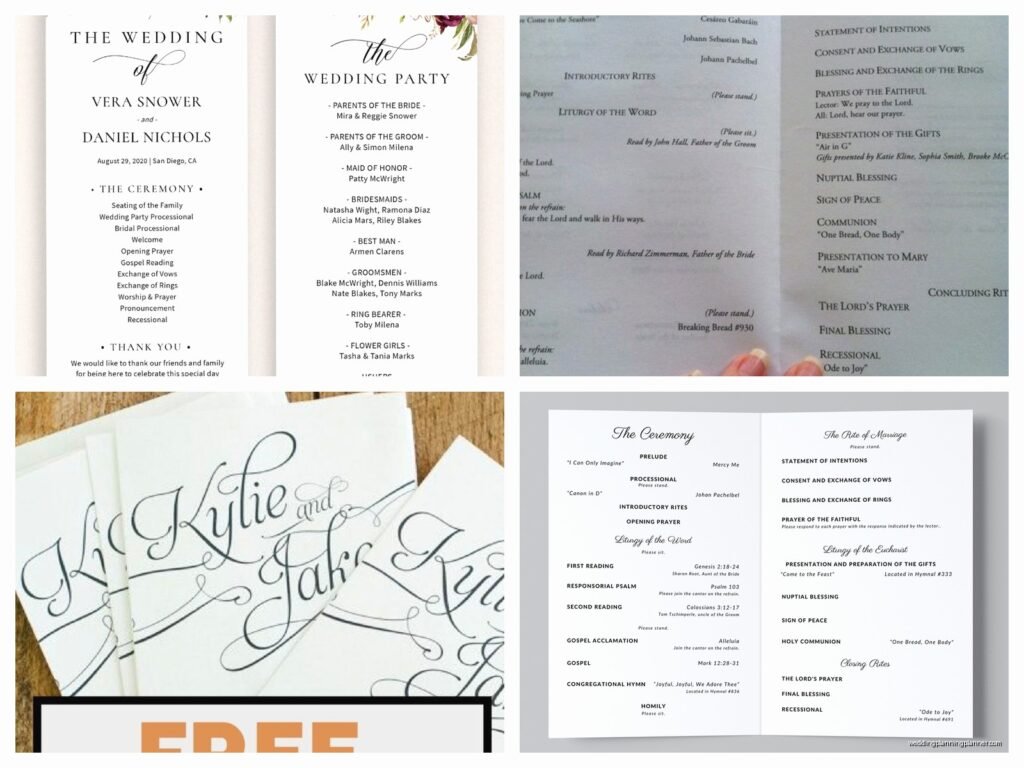
Free Wedding Program Template: Ceremony Order Downloads
Jul
Getting Started With Free Wedding Program Templates
So you’re looking for free wedding program templates and honestly, this is one of those things that sounds way more complicated than it actually is. I’ve been doing wedding planning for like fifteen years now and the number of brides who stress about programs when they could literally download something in ten minutes is… well, it’s a lot.
First thing – you gotta know what order your ceremony is actually gonna follow before you start downloading random templates. I learned this the hard way in summer 2021 when a bride downloaded this gorgeous template, filled everything out, printed 150 copies, and then her officiant was like “oh we’re doing the unity candle AFTER the vows not before” and she just about lost it. We had to reprint everything two days before the wedding.
Basic Ceremony Order Structure
Most ceremonies follow a pretty standard format but you can obviously mix it up. Here’s what I typically see:
- Processional (this is when everyone walks down the aisle)
- Welcome and opening remarks from the officiant
- Reading or two – could be poems, Bible verses, whatever
- The actual vows
- Ring exchange
- Unity ceremony if you’re doing one (candle, sand, that wine box thing people are obsessed with)
- Pronouncement (the “I now pronounce you” part)
- The kiss obviously
- Recessional (walking back down as a married couple)
You don’t have to include ALL of these elements in your program, but listing them helps guests follow along, especially if you’ve got a religious ceremony or cultural traditions that might be unfamiliar to some people.
Where To Actually Find Free Templates
Okay so there are like a million places online but I’m gonna tell you which ones are actually worth your time because I’ve downloaded probably hundreds of these over the years.
Canva is probably my number one recommendation now. They have tons of free wedding program templates and you can customize them right in your browser. You don’t need to download special software or anything. The free version has enough options that you really don’t need to pay unless you want access to their premium photos or fonts. I use this for probably 60% of my clients now.
Microsoft Word and Google Docs both have template galleries. They’re kinda basic but if you’re going for simple and classic, they work perfectly fine. The Word ones are usually better formatted but you need Microsoft Office. Google Docs ones are free free, no software purchase needed.
Template.net has a whole section of wedding programs. Some are free, some aren’t – you gotta watch for that. The free ones usually have pretty decent designs though.
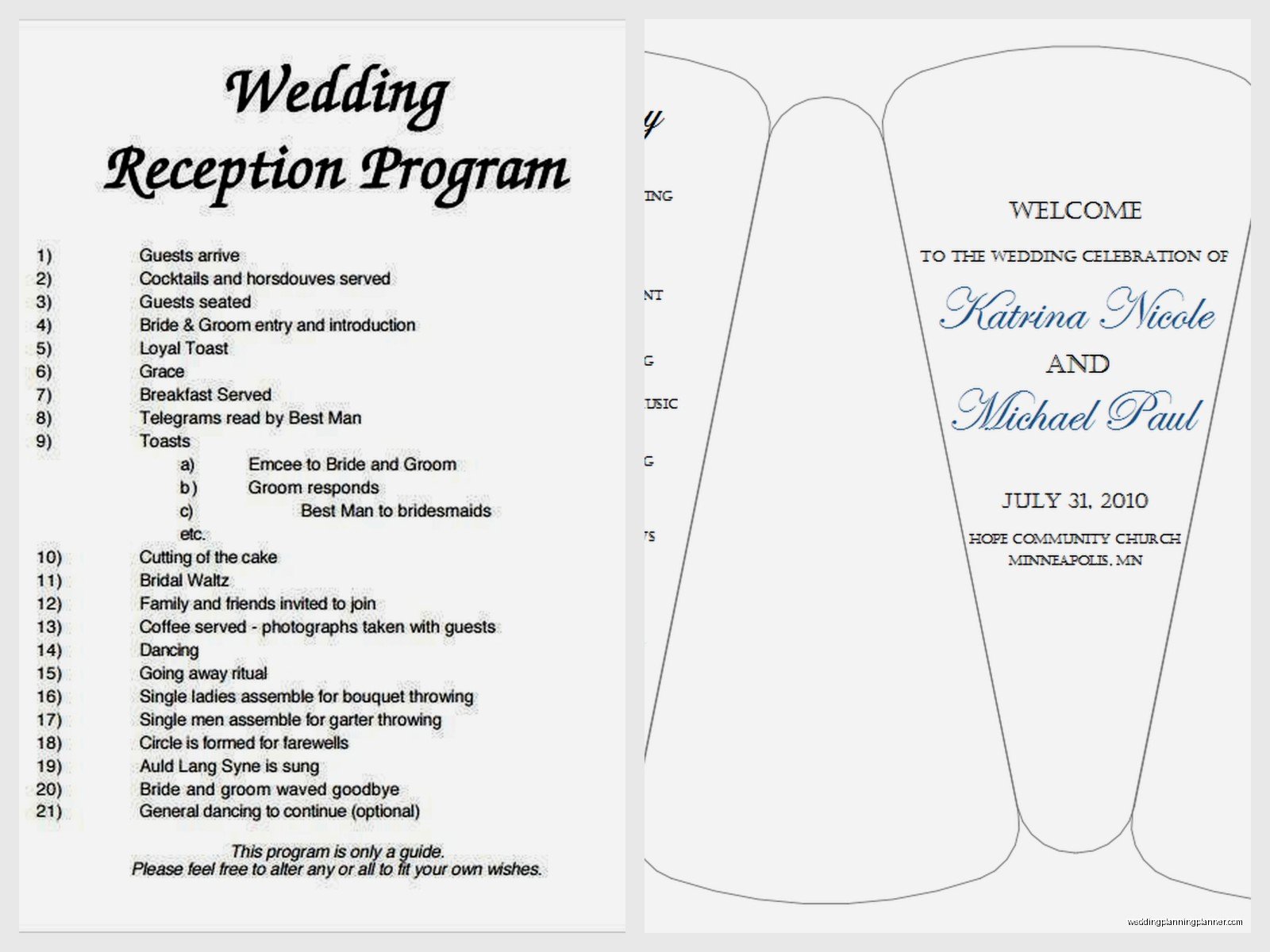
Pinterest isn’t technically a template source but like… it kinda is? You’ll find links to free downloads all over the place. Just be careful because sometimes those links are dead or they redirect you to sites that want your email address and then spam you forever. Been there, it’s annoying.
Formatting Types You’ll See
Programs come in different physical formats and you need to think about this before you download because it affects which template you choose.
Bifold programs are the most common – they’re one sheet folded in half. Super easy to print at home or at a print shop. This is what I recommend if you’re DIYing it.
Trifold programs give you more space if you have a lot of info to include (big wedding party, multiple readings, detailed explanations of cultural traditions). They’re just one sheet folded into thirds.
Flat programs are single sheets, no folding. These work great if your ceremony is simple and you don’t have much to list. Also they’re cheaper to print obviously since you’re only doing one side usually, or front and back if you need it.
Booklet style programs are multiple pages stapled or tied together. These are gorgeous but honestly unless you’re having like a full Catholic mass or a really elaborate ceremony, you probably don’t need this much space. Plus they’re more expensive to print and more work to assemble.
Fan programs are trending right now especially for outdoor weddings. They’re functional AND informational which I love. You can find templates for these too – they usually print on card stock and then you attach a handle. My cat knocked over a whole box of fan program handles last spring and they went EVERYWHERE, I’m still finding them.
What Information You Actually Need To Include
This is where people overthink things. You don’t need to list every single person’s middle name and their relationship to you and where they went to college or whatever.
Essential stuff:
- Your names (obviously)
- The date
- The location
- Order of ceremony events
- Wedding party names
Nice to include but not required:
- Thank you message to guests and parents
- In memory of section for deceased loved ones
- Explanation of special traditions or rituals
- Lyrics to songs if you want guests to sing along
- Information about the reception location if it’s different
One thing that really annoys me is when couples try to cram their entire love story into the program. Like, I get it, you met at a coffee shop in 2019 and he spilled his latte on your laptop and it was destiny or whatever, but your program isn’t the place for a 500-word narrative. Save that for your wedding website or keep it to like two sentences max.
Customizing Your Downloaded Template
So you found a template you like, now you gotta make it yours. Most templates come as Word docs, PDFs, or Canva files.
If it’s a Word document, you can usually just click into the text boxes and start typing. Watch out for text boxes that are locked though – sometimes you’ll need to unlock editing to change everything. Also fonts… if the template uses a fancy font you don’t have installed, Word will substitute it with something else and it might look weird. You can usually download the font for free if you Google it.
PDF templates are trickier because you need PDF editing software. Adobe Acrobat works but it’s expensive. I usually tell people to find a Word or Canva version instead unless they already have PDF editing capability.
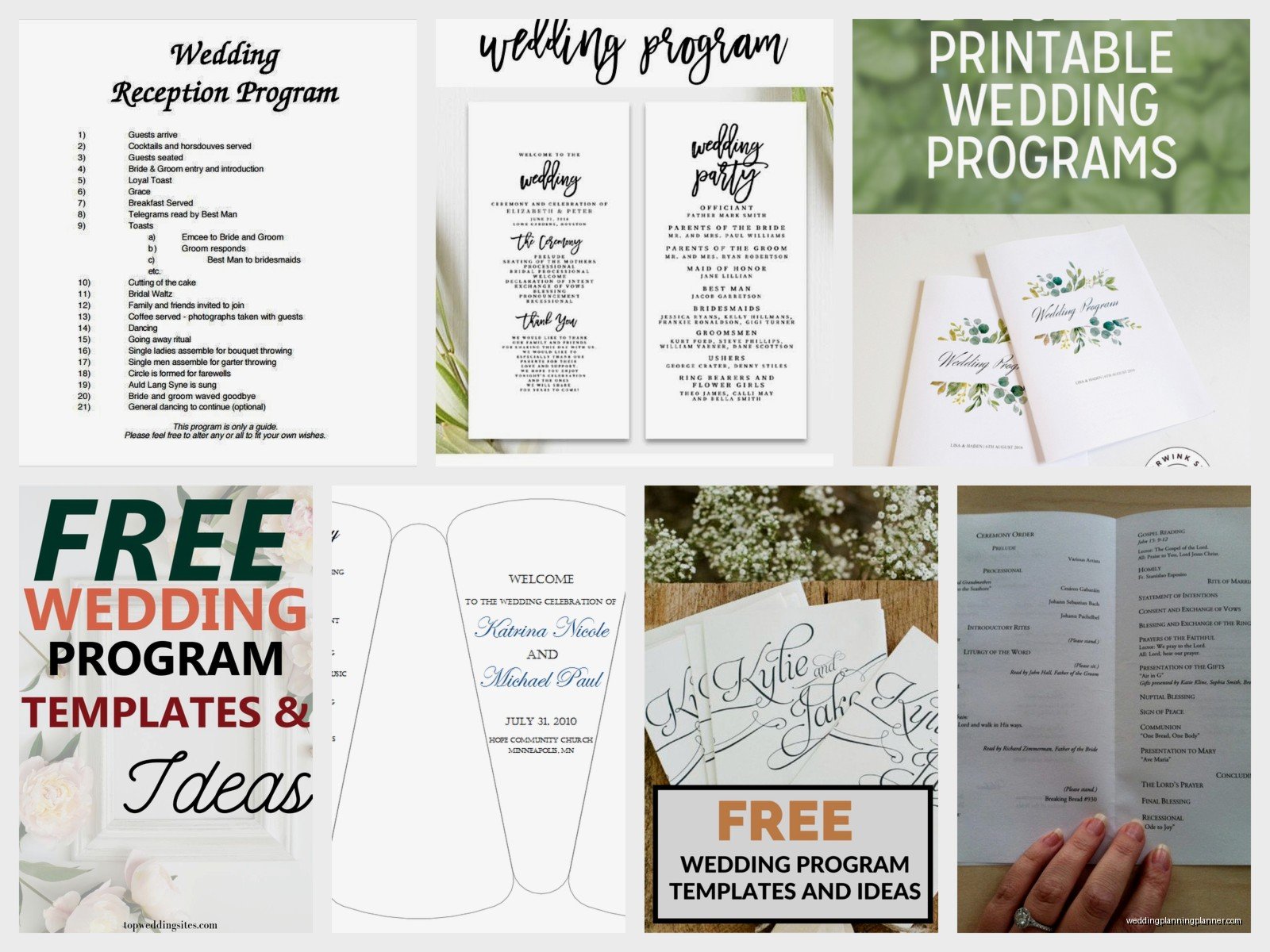
Canva templates are the easiest to customize honestly. Everything is drag and drop, you can change colors with one click, swap out fonts, add elements. Just make sure you’re downloading the right file type when you’re done – usually you want PDF for printing.
Printing Your Programs
You’ve got options here depending on your budget and how much time you have.
Home printing is totally doable if you have a decent printer and you’re not doing like 200+ programs. Get good quality paper – at least 28lb weight, preferably 32lb. Regular printer paper looks cheap and flimsy. You can find nice paper at any office supply store or online. Cream or ivory colored paper usually looks more elegant than bright white.
If you’re doing bifold or trifold programs at home, make sure you test the fold first. Some paper folds cleanly, some cracks along the fold line. Scoring the paper before you fold it helps – you can use a bone folder or even just a butter knife and a ruler.
Office supply store printing (Staples, Office Depot, FedEx Office) is my go-to recommendation for most couples. It’s not that expensive, they have good quality paper options, and they can usually turn it around in a few days. Bring your file on a USB drive or email it to yourself so you can access it from their computers. Spring 2023 I had a bride whose file got corrupted on her USB drive and we had to completely redo it at the store, it was a whole thing… anyway, always have a backup.
Professional printing companies like Vistaprint, Minted, or Zazzle are good if you want really high-quality printing or special finishes. They’re more expensive but the quality is noticeably better. Turnaround time is usually longer though – plan for at least two weeks, sometimes more.
Timing and Quantities
Print your programs no earlier than two weeks before the wedding. I know you want to check it off your list but things change – wedding party members drop out, readers cancel, you decide to rearrange the ceremony order. I’ve seen it happen so many times.
How many do you need? General rule is one program per couple or family, not one per guest. So if you have 150 guests, you probably need about 75-80 programs. Print a few extra for keepsakes though – like 10-15 extra. You’ll want some for your parents, your wedding album, yourself, and inevitably someone will spill something on one or they’ll blow away if you’re outside or… yeah, just print extras.
Design Tips That Actually Matter
Keep your font size readable – nothing smaller than 10pt, honestly 11pt or 12pt is better especially if you have older guests. I can’t tell you how many times I’ve seen programs with like 8pt font in some elaborate script and nobody can read it without their phone flashlight.
Don’t use more than two or three different fonts. It starts looking messy and chaotic. Usually one fancy font for names/headings and one clean simple font for body text works best.
White space is your friend. You don’t need to fill every single inch of the page. Actually programs with lots of breathing room look more elegant than ones crammed with information.
Match your program design to your wedding style but don’t stress about it too much. Like if your invitations were floral and romantic, your programs should probably follow that vibe, but they don’t need to be identical. Nobody’s gonna be comparing them side by side except maybe you.
Alternative Ideas If Traditional Programs Aren’t Your Thing
Honestly some couples skip programs altogether and that’s fine too. You could do:
- A large display sign or poster at the entrance with the ceremony order
- Digital programs sent via email or text before the ceremony
- Info cards just for the wedding party explaining their roles
- Nothing at all – lots of ceremonies are self-explanatory enough that guests can follow along fine
I had a couple last year who did their whole ceremony program as an Instagram story highlight and just told guests to check their phones. It was… different. Not really my style but it worked for them and they saved money on printing so.
Common Mistakes To Avoid
Spelling errors are the big one. Proofread everything multiple times and have someone else look at it too. I once saw a program where the bride’s name was spelled wrong – WRONG – on 200 printed programs because nobody caught it. Check names especially. Check them twice.
Forgetting to include someone in the wedding party listing. This causes drama, trust me. Go through your list carefully.
Making the design so elaborate that it’s hard to read. Sometimes simple is better, you know? That template with the watercolor flowers all over the background might look pretty on screen but if you can’t read the text over it, what’s the point.
Waiting until the last minute to print. Printers jam, files don’t open correctly, you run out of ink, the print shop is closed on Sundays… give yourself time buffer.
File Format Stuff You Should Know
When you’re saving your finished program to take to a printer, PDF is usually your safest bet. It preserves all your formatting and fonts. If you’re printing at home, you can print directly from Word or Canva or whatever you’re using.
Make sure your file is set up for the right paper size. Most programs are printed on standard 8.5 x 11 inch paper in the US, but some designs use different sizes. Check before you print 150 copies on the wrong size paper (yes I’ve seen this happen).
Resolution matters if you’re adding photos. Use high-resolution images – at least 300 DPI for printing. Those photos from Instagram might look fine on your phone but they’ll print blurry.
Adding Personal Touches
Once you’ve printed your programs, you can dress them up a bit if you want. Ribbon tied around folded programs looks nice and holds them closed. Belly bands (those paper strips wrapped around the middle) are popular right now. You can add wax seals if you’re feeling fancy, though those are kinda time-consuming to do in bulk.
Some couples clip programs to small flowers or greenery. This looks gorgeous for outdoor weddings but just know it adds to your costs and assembly time.
You can also leave programs plain and simple and that’s perfectly fine too. Not everything needs extra decoration.
Distribution Day-Of
Decide who’s handing out programs. Usually ushers do this, or you can put them on a table at the entrance and let guests grab them. If it’s windy and you’re outside, weigh down that table or put programs in a basket – I’ve chased runaway programs across a lawn more times than I care to remember.
Have someone responsible designated to handle this. Don’t just assume it’ll get done. Assign the task specifically.
And honestly? Some guests won’t take a program and that’s okay. Some will leave them on chairs after the ceremony. Don’t take it personally – people are there for the experience, not necessarily to read every detail of your carefully planned order of events.
