
Planning Guides, Style Guide
Wedding Guest List Spreadsheet Template: Excel Tracking
Jul
Setting Up Your Wedding Guest List Spreadsheet
Okay so the first thing you gotta do is actually open Excel or Google Sheets—honestly I prefer Google Sheets because then you can share it with your partner and both work on it without that annoying version control nightmare that happened to me in spring 2023 with a bride who kept emailing me seven different Excel files named “FINAL guest list” and “FINAL FINAL guest list” and I wanted to scream.
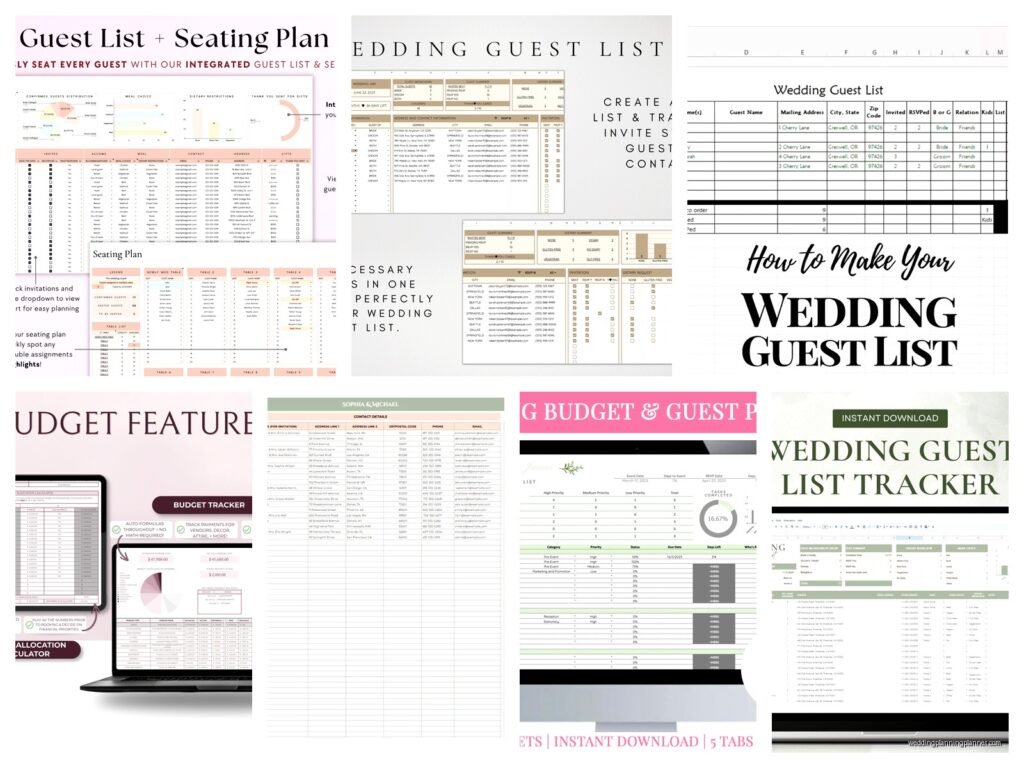
Start with these columns as your foundation: Guest Name, Category (like bride’s family, groom’s college friends, etc), Address, Phone, Email, Invited to Ceremony, Invited to Reception, Save the Date Sent, Invitation Sent, RSVP Received, Number Attending, Meal Choice, Dietary Restrictions, Plus One, Gift Received, Thank You Sent.
I know that looks like a lot but trust me you’ll want all of this. The meal choice thing especially—caterers need final counts and they get really specific about the chicken versus fish situation.
The Numbering System That’ll Save Your Life
Here’s what I do for every client and what saved me so many headaches: assign each guest or family unit a unique ID number. So like Guest 001, Guest 002, etc. This sounds tedious but when you’re tracking RSVPs and someone just scribbles “The Johnsons – 2 attending!” on their response card and you know like four different Johnson families, you’ll understand why this matters.
In column A, put the ID number. Column B is the full name or family name. Then I usually do a “First Name” and “Last Name” split in separate columns too because mail merge for invitations needs that breakdown.
Actually my cat just knocked over my coffee while I’m writing this and it’s everywhere but anyway—
The Category System
You need to break down your guests into categories and this is where couples always push back like “we don’t want to categorize people!” but listen, when you’re trying to cut 30 people from a list of 200 because your venue has a maximum capacity, you NEED to see it broken down. Otherwise you’re just staring at a sea of names having a panic attack.
Standard categories I use:
- Bride’s Immediate Family
- Groom’s Immediate Family
- Bride’s Extended Family
- Groom’s Extended Family
- Bride’s Friends
- Groom’s Friends
- Mutual Friends
- Parents’ Friends
- Work Colleagues
- Must Invite (VIPs, officiant, wedding party obviously)
- Would Like to Invite
- If Space Allows
That last tier system is crucial. Not everyone gets the same priority and that’s just reality. Your mom’s book club friend from 1987 probably falls into “if space allows” unless she’s gonna be offended, in which case that’s a whole other conversation.
Address Tracking Because the Post Office Doesn’t Care About Your Wedding
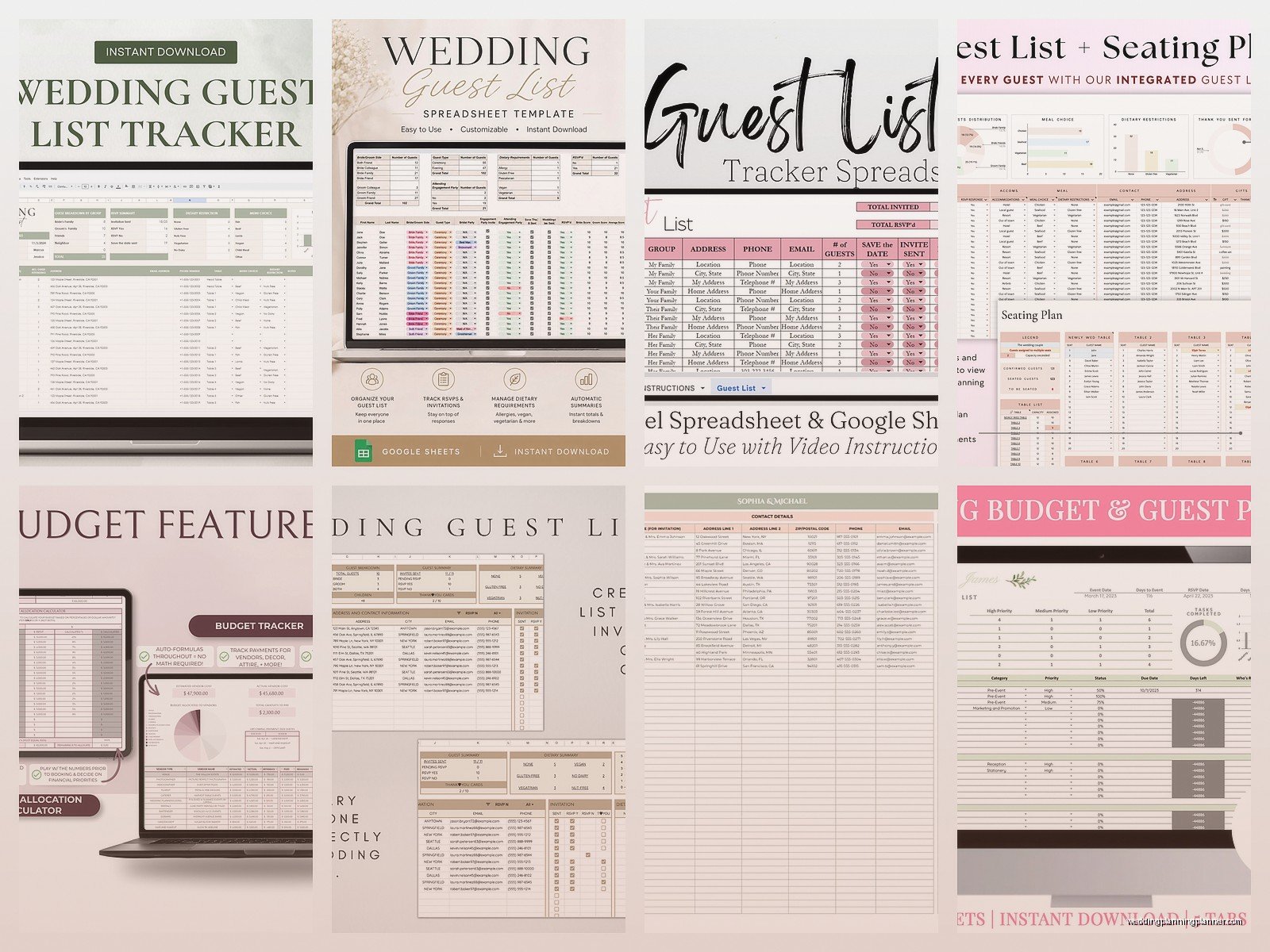
I need like four columns for addresses honestly. Street Address, Apartment/Unit, City, State, ZIP code all separate. This makes mail merge so much easier and also when you’re addressing envelopes at 11pm three weeks before your wedding, you don’t want to be parsing out apartment numbers from street addresses.
Pro tip that nobody tells you: start collecting addresses THE MOMENT you get engaged. Don’t wait until you’re ready to send save the dates. I had a couple in summer 2021 who waited and then spent six weeks tracking down addresses through Facebook stalking and awkward text chains and they were so stressed.
Make a column for “Address Confirmed” with a simple yes/no dropdown. You’d be surprised how many people’s addresses you think you know but are actually from like 2015 when they lived somewhere completely different.
RSVP Tracking That Actually Works
Okay so the RSVP section needs several columns and this is where your spreadsheet earns its keep. I set up: RSVP Status (Pending/Yes/No/Maybe), Number Invited, Number Attending, Number Declined.
The “Number Invited” versus “Number Attending” distinction matters SO much for your final headcount. If you invited the Smith family of 4 and only 2 are coming, you need both numbers tracked.
What really annoyed me once was a groom who insisted he didn’t need to track this level of detail and then three days before the wedding he’s frantically texting me asking how many people confirmed and I had to reconstruct everything from random text messages and voicemails because he didn’t update the spreadsheet. Don’t be that person.
Add a “Notes” column too for random info like “can’t make ceremony but coming to reception” or “bringing service dog” or “arrives Friday needs hotel info” or whatever weird specific situation comes up. And trust me, weird specific situations ALWAYS come up.
The Plus One Nightmare
Plus ones need their own column and honestly their own tracking system. I do “Plus One Allowed” as yes/no, then “Plus One Name” as a separate field that starts empty. When people RSVP with their plus one’s name, you fill it in.
Some couples do plus ones only for people in serious relationships or married, some do it for everyone, some do a weird hybrid system that causes drama. Whatever you decide, track it clearly because someone will definitely try to bring a random date when you didn’t offer a plus one and you need documentation.
Meal Choices and Dietary Stuff
If you’re doing a plated dinner with choices, you need columns for each guest’s selection. I usually do “Meal Choice – Guest 1,” “Meal Choice – Guest 2,” etc for families, or just one column if it’s an individual.
The dietary restrictions column is non-negotiable. Vegetarian, vegan, gluten-free, allergies, kosher, halal—all of it goes here. Your caterer will need this list and they’ll need it in a specific format probably, so keeping it organized from the start saves you from making a separate document later.
I also add a “Kids Meal” column because children under like 10 usually get different food and you need to know how many chicken fingers to order. Sounds silly but it matters for budgeting.
The Gift and Thank You Tracking Section
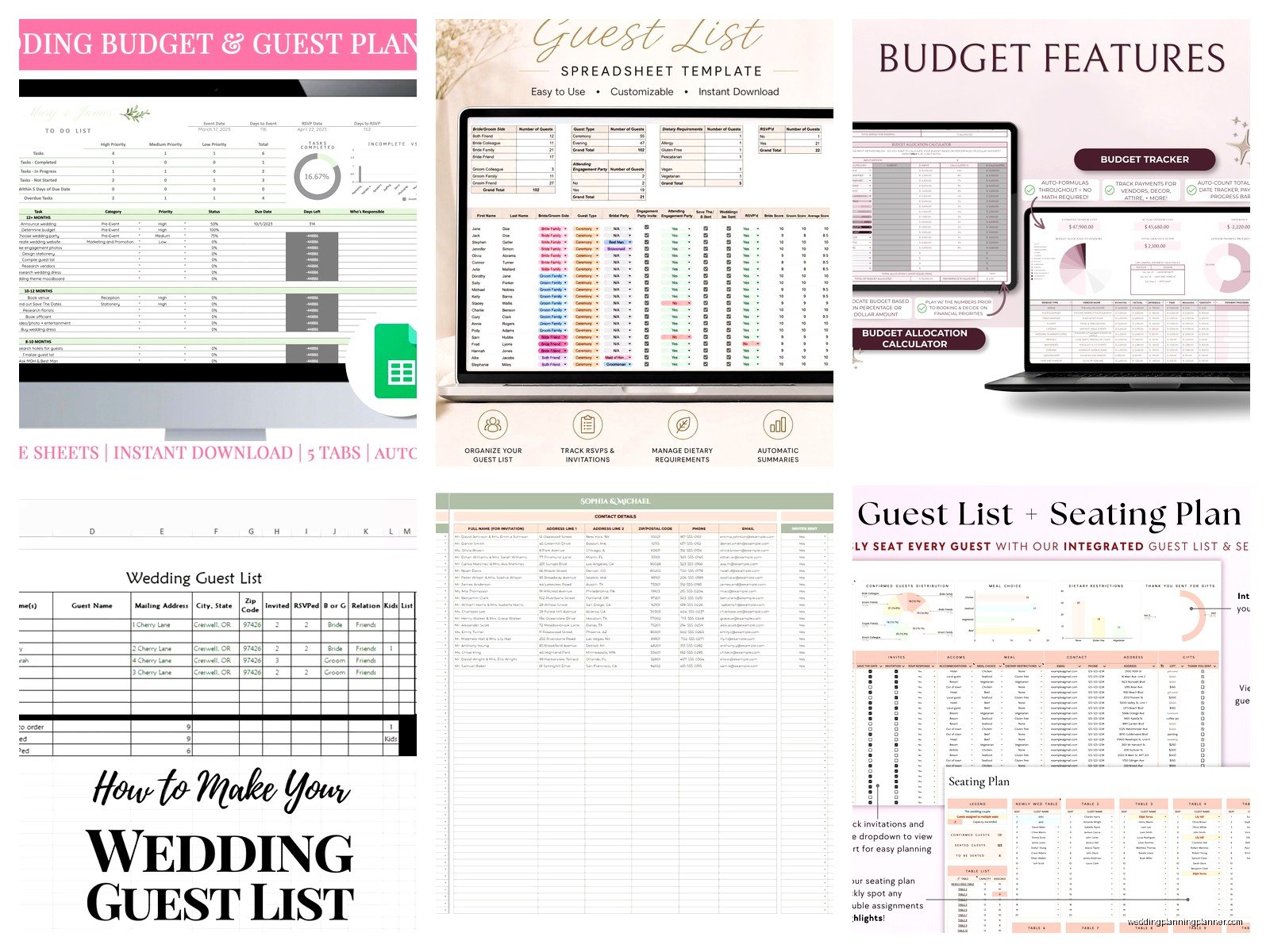
This goes at the end of the spreadsheet usually: Gift Received (yes/no), Gift Description, Gift Value (optional but helpful for insurance purposes), Thank You Note Sent, Date Sent.
You’re gonna be so overwhelmed after the wedding that tracking thank you notes in real time is the only way they actually get done. I’ve seen couples still writing thank you notes 18 months later because they lost track of who gave them what. It’s embarrassing for everyone.
Some people photograph gifts as they open them and reference the photos later, which… actually that’s kinda smart now that I think about it.
Formulas That Make Everything Easier
Okay so if you’re comfortable with Excel formulas, set these up because they’ll auto-calculate everything:
At the top of your spreadsheet, create a summary section with these formulas:
- Total Invited: =COUNTA(B:B)-1 (or however your name column is set up)
- Total Attending: =SUM(your attending number column)
- Total Declined: =SUM(your declined column)
- Still Pending: =Total Invited minus responses received
- Percentage Responded: =Responses received divided by total invited
You can also do COUNTIF formulas to see how many people from each category responded, how many meal choices of each type, all that stuff. I’m not gonna write out every formula because honestly I usually just Google “how to count cells with specific text Excel” every single time even after doing this for years.
Color Coding Because Your Brain Needs Visual Breaks
I use conditional formatting to color code rows based on RSVP status. Green for confirmed yes, red for declined, yellow for pending, orange for maybe. It gives you an instant visual of where things stand when you open the spreadsheet instead of reading through line by line.
Some people go overboard with colors and make it look like a rainbow threw up on their spreadsheet but like, you do you I guess. I keep it simple because otherwise it’s distracting.
The B-List Strategy That Nobody Admits They Use
Real talk: most couples have a B-list. These are people you’d invite if others decline and you have space. I create a separate tab in the same spreadsheet for the B-list with all the same columns.
The key is timing—you can’t send B-list invitations too late or it’s obvious and people get offended. I usually say if you’re doing a B-list, send those invitations about 6-8 weeks before the wedding, which means you need your A-list RSVPs back by like 10-12 weeks out.
This requires updating your spreadsheet regularly so you know exactly how many spots opened up. It’s sorta mercenary but also it’s practical and lets you include more people you care about so… yeah.
Sharing and Permissions
If you’re using Google Sheets, you can share it with your partner, your parents if they’re involved in the guest list, your wedding planner (hi, that’s me), and maybe your maid of honor or best man if they’re helping coordinate.
But be careful with permissions. I recommend “can edit” only for you and your partner, and “can comment” or “can view” for everyone else. You don’t want someone accidentally deleting a column or messing up your formulas.
Also make a backup copy every few weeks. Just duplicate the whole thing and save it with a date stamp. Technology fails at the worst possible moments—learned that one the hard way.
The Weekly Update Ritual
Set a recurring calendar reminder to update your spreadsheet every week. Like actually block out 30 minutes every Sunday or whatever works for you. Go through your mail, your texts, your emails, and update everything that came in.
If you let it pile up for three weeks, you’ll have 47 RSVPs to enter and you’ll hate yourself and probably make mistakes or forget someone. Regular maintenance is way less painful than sporadic panic updates.
I also recommend having one person be the “official spreadsheet updater” in the couple—either both of you do it together during your weekly check-in, or one person owns it and the other communicates all updates to them. Otherwise you get duplicate entries or missed information.
Mobile Access for On-The-Go Updates
Google Sheets has a mobile app that’s honestly pretty decent for quick updates. Like if you’re at a family dinner and your aunt tells you her sister can’t make it anymore, you can update it right there instead of trying to remember later.
Excel has a mobile app too but it’s kinda clunky in my experience. Your mileage may vary though.
Integration With Other Wedding Planning Tools
Some people use wedding websites with built-in guest list management, and that’s fine, but I always keep a spreadsheet backup anyway because those platforms can be limiting. You can export data from most wedding sites into Excel format and then manipulate it however you need.
If you’re doing online RSVPs through your wedding website, you’ll still need to manually update your spreadsheet unless you’re using something fancy that syncs automatically, which most free platforms don’t do.
The spreadsheet is your master document. Everything else is secondary. That’s my philosophy and it’s served me well through probably 200+ weddings at this point.
When to Stop Tweaking and Just Use It
At some point you gotta stop adding columns and adjusting formulas and just actually use the thing. I see couples spend hours making their spreadsheet “perfect” when they could be using that time to actually gather addresses or send invitations.
Get it to like 80% functional and move forward. You can always add columns later if you realize you need something. Perfection is the enemy of done or whatever that saying is—honestly I probably have it wrong but you know what I mean
