
Planning Guides, Style Guide
Free Wedding Card Templates: No-Cost Design Downloads
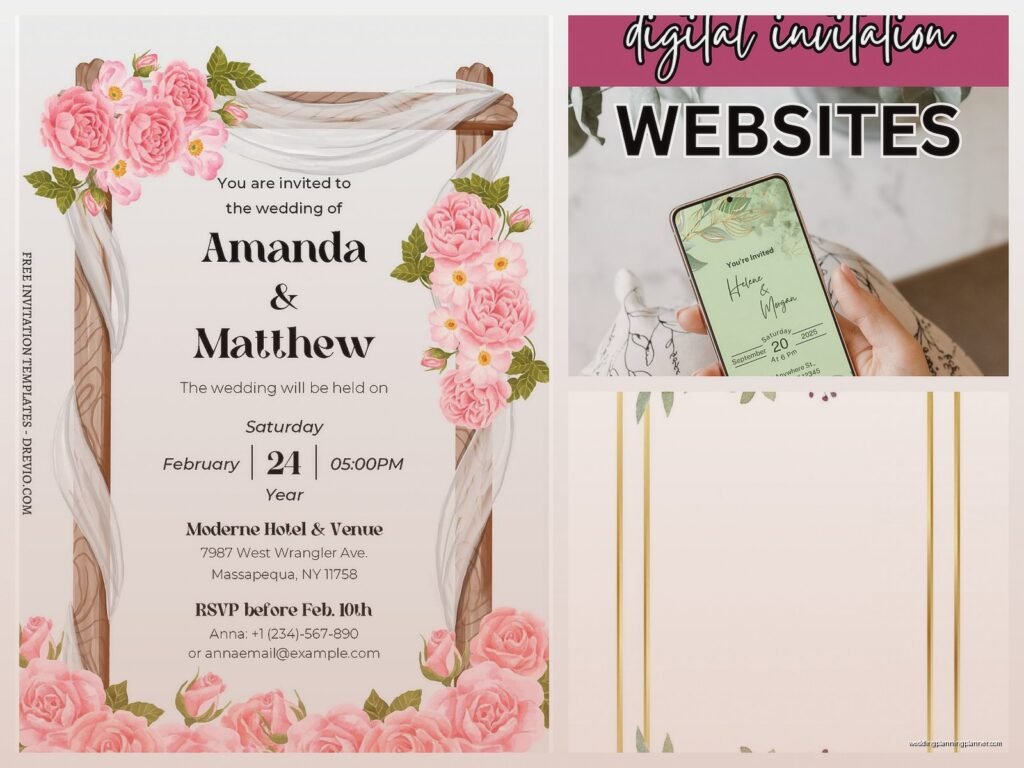
Jul
Okay So Free Wedding Card Templates Are Actually Pretty Great
Look, I’m gonna be straight with you about free wedding card templates because I spent way too long being a snob about them. Like in spring 2023 I had this client who wanted to DIY everything and I internally rolled my eyes so hard, but then she showed me what she’d done with Canva’s free templates and I literally had to eat my words. Her save-the-dates looked like they cost $8 per card when she’d spent exactly zero dollars.
The thing that really annoyed me though? How many websites claim their templates are “free” but then you get to the download page and surprise, you need a premium account. That drives me absolutely bonkers. So I’m gonna tell you where to actually find legitimately free stuff without the bait-and-switch nonsense.
Where To Actually Find Free Templates That Don’t Suck
Canva is the obvious first stop and yeah it’s kinda basic to recommend it but there’s a reason everyone uses it. They have hundreds of wedding card templates that are actually free—not “free with watermark” or “free trial.” You just need a free account. I use it myself for quick mockups when clients need to visualize something fast.
The free Canva templates work for save-the-dates, invitations, RSVP cards, thank you cards, menu cards, program cards… basically everything. You can customize colors, fonts, add your own photos. It’s drag and drop so you don’t need to be a designer or know Photoshop or whatever.
Adobe Express (used to be called Adobe Spark) has free wedding templates too. The quality is actually really good because it’s Adobe, but the free version has fewer options than Canva. Still worth checking out if you want something slightly different.
Greetings Island is this website I discovered kind of by accident when my cat walked across my keyboard and somehow I ended up there—anyway, they have genuinely free printable wedding invitations. You customize online and download a PDF. No account required for basic stuff. The designs are a bit more traditional grandmother-style if that’s your vibe.
Template.net has free downloads but you gotta be careful because they mix free and paid templates together. Look for the ones that specifically say “free” and check before you start customizing whether you can actually download without paying.
What You Can Actually Do With These Templates
So once you’ve got your template, you’re probably wondering if you can just… print them at home? And the answer is yes but also it depends on what you’re making and how picky you are.
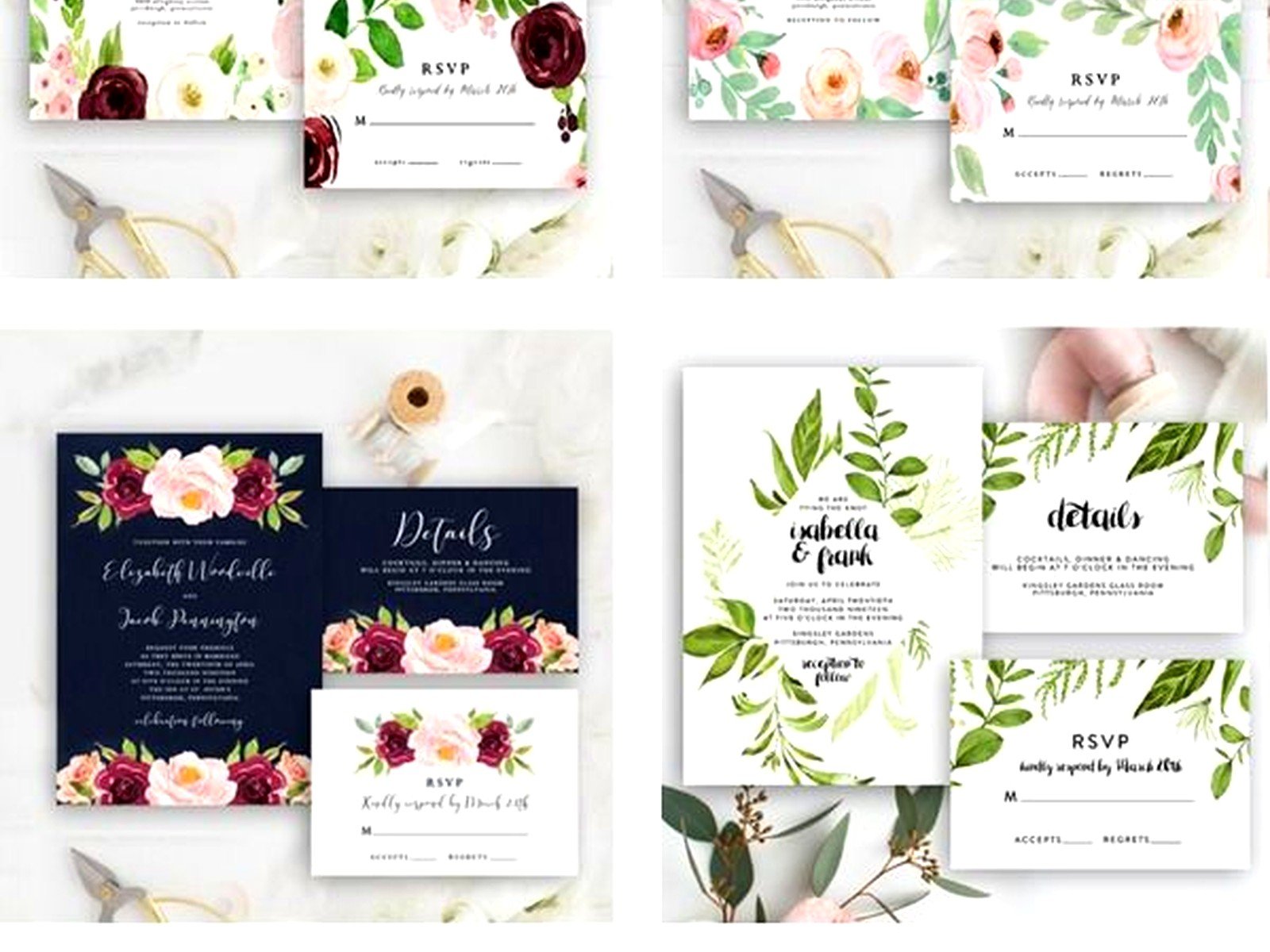
Save-the-dates are perfect for home printing honestly. Nobody expects them to be super fancy. Get some decent cardstock from Staples or wherever, print them on your home printer, and you’re done. I printed mine on my inkjet back in the day and they were fine.
Formal invitations are trickier. You CAN print at home but your printer needs to handle heavier paper and you need to do test runs because nothing’s worse than printing 150 invitations and realizing the alignment is off by like 2 millimeters. Been there, wanted to throw the printer out the window.
What I usually tell people is download the free template, customize it exactly how you want, then upload the final PDF to a print shop. Catprint, GotPrint, even Costco does wedding invitation printing. You get professional quality paper and cutting for way less than ordering pre-designed invitations from a stationery company.
RSVP cards and detail cards are great for home printing. They’re smaller so easier to manage, and people don’t scrutinize them as much as the main invitation.
How To Customize Without Making It Look Like A Kindergarten Project
This is where people get into trouble. Just because you CAN use 47 different fonts doesn’t mean you should. Stick to two fonts maximum—one for headings, one for body text. Maybe three if you’re doing something fancy with your names but that’s it.
Colors should match your wedding colors obviously but don’t go overboard. If your wedding colors are blush and gold, you don’t need to use every shade of pink that exists. Pick one or two shades and stick with them.
Photos are great but make sure they’re high resolution. A photo that looks fine on your phone will look pixelated and terrible when printed on a 5×7 card. I learned this the hard way with a client who used a screenshot from Instagram and then was shocked—shocked!—that it printed blurry.
White space is your friend. Don’t fill every single centimeter of the card with text or decorations. Let it breathe. Some of the best invitations I’ve seen are super simple with lots of blank space.
The Actual Process Step By Step Because I Know That’s What You Want
First, figure out what cards you actually need. Full wedding invitation suites include the invitation, RSVP card, details card, and sometimes a reception card if ceremony and reception are different locations. But you might not need all of that. We’re not following etiquette rules from 1952 anymore.
Go to Canva or wherever and search “wedding invitation” or whatever card type you need. Filter by free if there’s an option. Browse until something catches your eye. Don’t spend three hours on this step—you can always change it later and also you’ll never find the “perfect” template because it doesn’t exist.
Click on the template and it opens in the editor. Now start customizing. Change the names, date, venue, time, all that obvious stuff. This is when you’ll realize if the template actually works for your needs or if the layout is weird for your specific information.
Adjust colors to match your wedding. Most templates let you click on any element and change the color. Some templates have color schemes already set up which makes it easier—you just swap the whole palette.
Fonts are next. Click on the text and you’ll see font options. Remember what I said about not using 47 fonts. Also make sure the fonts are readable—script fonts are pretty but if your grandmother can’t read the address, what’s the point.
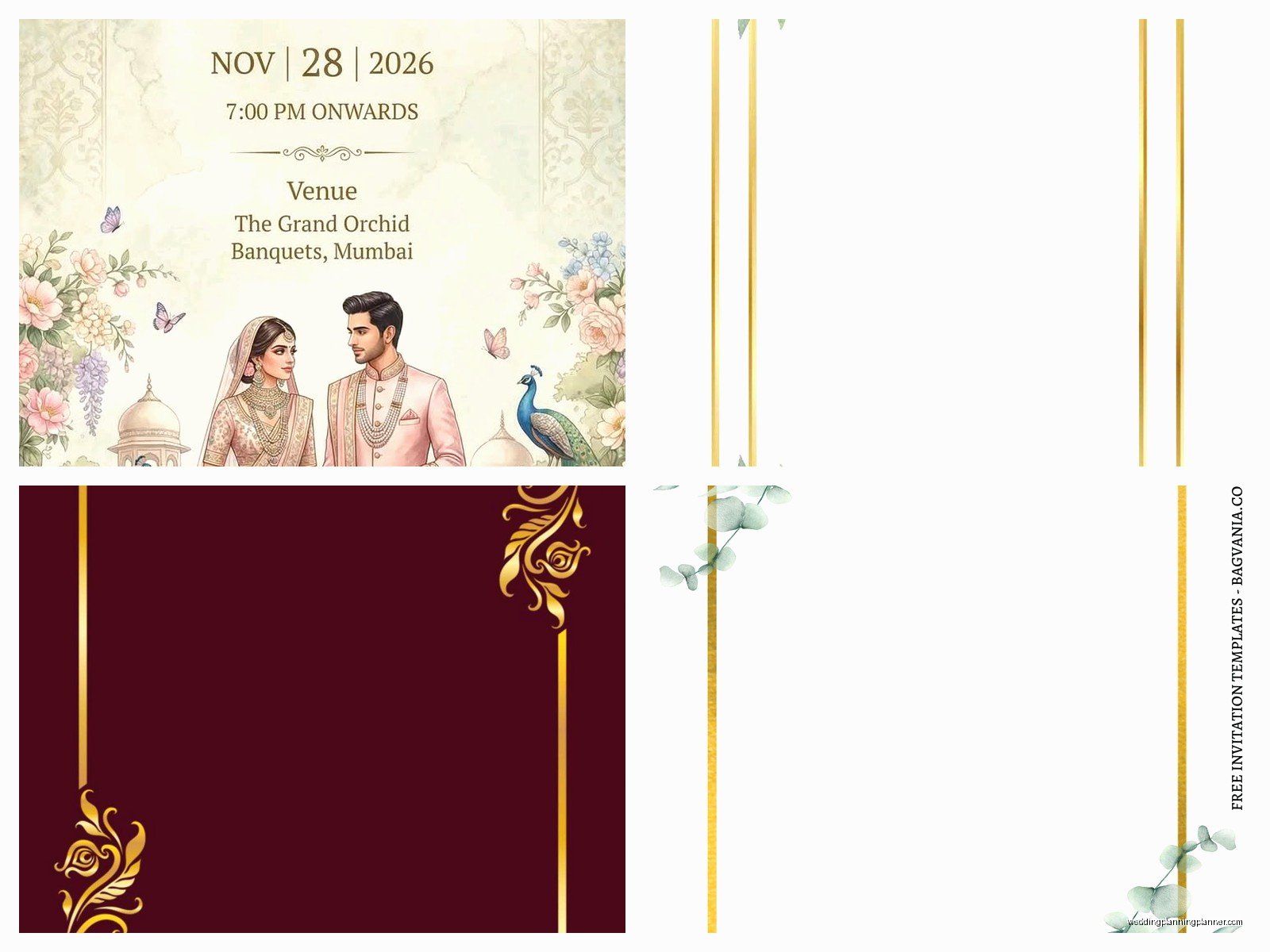
Add your own photos if you want. For save-the-dates, an engagement photo is classic. For invitations, you can do a photo or just keep it text-based. Personally I think… wait, what was I saying? Oh right, photos aren’t mandatory for formal invitations but they’re cute for save-the-dates.
Download the file. Canva lets you download as PDF, PNG, or JPG. For printing, PDF is usually best because it maintains quality. If you’re printing at home, sometimes PNG works better depending on your printer.
Printing Tips That’ll Save You From Disasters
Do a test print on regular paper first. Check alignment, check that everything fits, check that nothing got cut off. Then do a test print on your actual cardstock with just one sheet. Cardstock is expensive enough that you don’t wanna waste a whole pack.
Home printer settings matter way more than you’d think. Set it to “best quality” or “high quality,” not draft. Select the right paper type—if you’re using cardstock, tell the printer it’s cardstock not regular paper. The printer adjusts ink distribution based on paper type.
If you’re printing at home, buy more paper and ink than you think you need. You’ll mess up some, your printer will jam, whatever. I always tell people to buy 25% extra supplies.
For professional printing, most places want a PDF with bleed and crop marks if you’re doing a custom size. But if you’re using standard sizes like 5×7, you can usually just upload a regular PDF. Read the print shop’s specifications before you upload.
What About Envelopes Though
Yeah so the templates usually don’t include envelopes because envelopes are their own whole thing. You can buy envelopes separately from Paper Source, Cards & Pockets, Amazon, wherever. Match them to your card size—if you made 5×7 invitations, you need A7 envelopes.
Some people make envelope liners using free templates. There are liner templates on Canva too. You print them on decorative paper, cut them out, and glue them inside the envelope. It’s a nice touch but honestly kinda time-consuming if you’re doing a lot of invitations.
Addressing envelopes is a whole separate decision. You can handwrite them, print labels, print directly on envelopes if your printer can handle it, or hire a calligrapher. I had this moment during a stressful client situation in summer 2021 where the bride wanted hand calligraphy but also wanted to spend no money and I had to gently explain that calligraphers need to eat and pay rent like everyone else.
Stuff People Forget About
Postage. Weigh your finished invitation with all the inserts and the envelope before you buy stamps. If it’s over 1 oz you need extra postage. Square envelopes cost more to mail. Oversized cards cost more to mail. Go to the post office and have them weigh one complete invitation so you know exactly what stamps you need.
Assembly time. If you’re doing 150 invitations with multiple inserts, that’s gonna take hours. Like several hours. Maybe recruit some friends with pizza and wine.
Proofreading. Get someone else to proofread before you print 150 copies. You’ll miss your own typos but a fresh pair of eyes will catch them. Spell out everything—don’t abbreviate street or avenue or whatever. Check that the year is right (you’d be surprised).
RSVP deadline should be at least 3-4 weeks before your wedding so you have time to get final counts to your caterer and make a seating chart.
When Free Templates Don’t Work
Look, I’m all for free templates but sometimes they’re not the right choice. If you’re having a black-tie wedding at a fancy venue, a Canva template might feel too casual. If you want something really unique and specific to your style, templates are limiting by nature.
If you’re not comfortable with computers or design stuff at all, the DIY route might stress you out more than it’s worth. Your time has value too.
Complex designs with lots of layers, foil printing, letterpress, fancy die-cuts—you can’t do that with free digital templates. Those require professional printing methods.
My Actual Recommendations Based On Different Situations
Small wedding under 50 people? Free templates are perfect. You’re not printing that many so even if you do them at home it won’t take forever.
Larger wedding but tight budget? Download free templates, customize them, send the files to an online print shop. Best of both worlds—professional quality, DIY prices.
Short timeline? Templates are faster than ordering custom stationery which can take weeks or months. You can design and print in a few days if you need to.
Casual wedding vibe? Templates are great. Beach wedding, backyard wedding, brunch wedding—free templates have tons of options that fit relaxed vibes.
If you’re crafty and actually enjoy this kind of project? Go wild with templates. You can customize them way beyond the basics, add your own graphics, combine elements from different templates.
The main thing is don’t feel like you’re doing your wedding wrong by using free templates. Nobody at your wedding is gonna be like “oh my god I can tell this invitation was from a free Canva template how embarrassing.” They’re gonna be like “oh cool I’m invited to a wedding” and then they’ll probably lose the invitation and text you asking what time it starts anyway because that’s what people do with wedding invitations apparently. At least that’s what happened with mine and also what I’ve observed with literally every wedding I’ve planned so there’s that.
