
Uncategorized
Cheap Wedding Invitations: Budget-Friendly Options Under $1
Feb
So you’re trying to figure out how to do wedding invitations for under a dollar each and honestly, I’m so glad you asked because this is literally what I’ve been helping couples navigate for years and there are actually tons of ways to make this work without your invites looking like you printed them on notebook paper.
The Digital Print-At-Home Route That Actually Looks Good
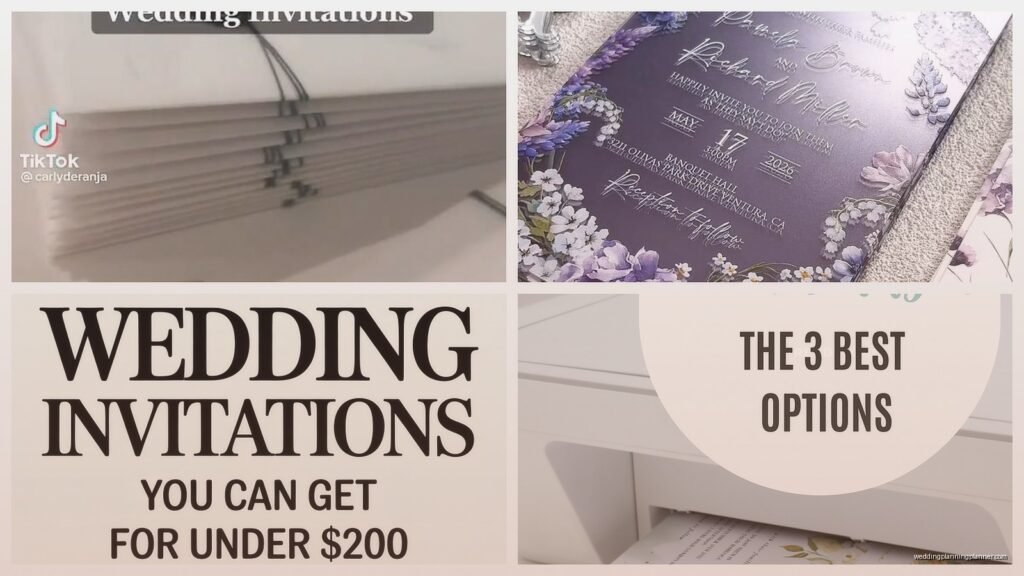
Okay so first thing, templates from Etsy are gonna be your best friend here. I’m talking like $8-15 for a template you can edit yourself in Canva or even just Photoshop if you’re feeling fancy. You download it, customize it with your info, and then here’s where it gets good – you print at home on decent cardstock. Now I know what you’re thinking, home printing sounds sketchy but wait.
I had this bride last spring who was convinced she needed to spend like $4 per invite minimum and I showed her this trick. We got 110lb cardstock from Amazon, the Neenah brand in bright white, comes out to about 30 cents per sheet. Her printer was just a regular HP inkjet, nothing special. The key is you gotta adjust your printer settings to “best quality” and use the heavyweight paper setting. Her invites came out looking like she paid $3 each, no joke.
The Actual Math on This
- Etsy template: $12 divided by however many invites you need (let’s say 100) = 12 cents each
- Cardstock: 30 cents per sheet if you’re doing 5×7 invites
- Ink costs: roughly 15-20 cents per invite if you’re not going crazy with color
- Envelopes: buy in bulk from Paper Source or Amazon, about 25 cents each for A7 size
So you’re looking at roughly 80-90 cents per invite, and that’s being generous with the estimates.
Vistaprint During One of Their Ridiculous Sales
Listen, Vistaprint gets a bad rap because people think it’s cheap looking but honestly if you catch them during a sale – which happens like every other week I swear – you can get invites for under a dollar. I’m talking their standard flat invites, not the fancy folded ones or anything with foil.
The trick with Vistaprint is you gotta customize their templates enough that it doesn’t look like everyone else’s invites. Change the fonts, move elements around, maybe add a simple line border. I had a couple do this last fall and we got 120 invites for like $95 during a 50% off sale. That’s 79 cents each including envelopes.
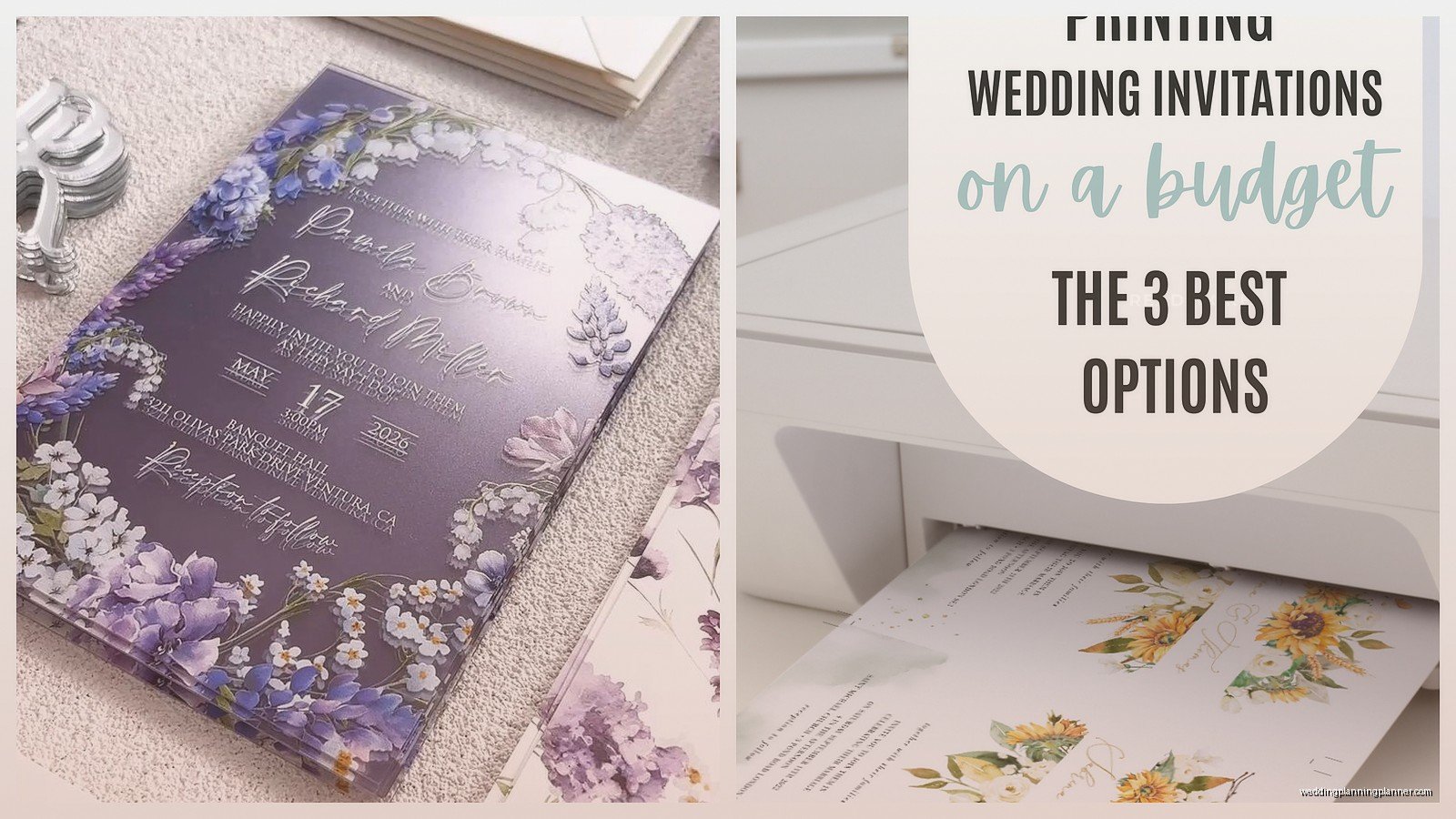
Oh and another thing, their paper quality is actually decent. It’s not gonna be that super thick cotton paper but it’s substantial enough that it doesn’t feel flimsy. The key is avoiding their glossy finish – always go for matte. Glossy screams budget in a bad way.
What to Watch Out For
Their shipping can be sneaky expensive so factor that in. Also they try to upsell you on literally everything – rounded corners, upgraded paper, matching thank you cards. Just say no to all of it if you’re trying to stay under a dollar per invite.
The Postcard Invite Hack
Okay this is gonna sound weird but postcard invites are actually having a moment and they’re inherently cheaper because there’s less material involved. You can design a 4×6 or 5×7 postcard style invite and honestly? For casual weddings or elopement announcements, they’re perfect.
I use Canva for designing these because they have postcard templates already built in. Then you can print through Canva’s printing service – last time I checked they were doing 50 postcards for like $28, so 56 cents each. Or you can export the design and print at home on cardstock for even cheaper.
My cat knocked over my coffee right in the middle of designing one of these last month and I had to start over, but anyway – the postcard style also saves you on postage because you don’t need an envelope. Just stamp and send. That’s another 20-30 cents saved right there.
Going Full Digital with a Budget Backup
So here’s something I’ve been doing more of lately – couples send like 80% digital invitations through something like Paperless Post or even just a nice email design, and then they print physical invites only for grandparents and older relatives who aren’t digital. This hybrid approach means you’re maybe printing 15-20 physical invites max.
When you’re only printing that few, you can splurge a little more per invite and still stay way under budget overall. Or you can keep them cheap and use the savings for literally anything else in your wedding budget.
The Michaels and Hobby Lobby Method
These craft stores have DIY invitation kits that people sleep on. I’m talking complete kits with printable invitations, envelopes, and sometimes even RSVP cards. Gartner Studios makes good ones. They run about $20-30 for 25-50 invites depending on the style.
The paper quality is actually surprisingly good, and because they’re designed as kits, everything coordinates. You just print at home. I tested like six different brands last year when my client canceled and I had a free afternoon – Gartner and Wilton were the best quality for the price.
Pro Tips for These Kits
Always use the 40% or 50% off coupon that both stores constantly offer. Never pay full price at these places, it’s basically a scam if you do. Also check both stores because sometimes one will have better sales than the other. And if you have time, wait for the kits to go on clearance. I’ve seen them marked down to like $8 for a full kit.
Minted and Shutterfly Guest List Discounts
Okay so normally these sites are not budget friendly at all, but both Minted and Shutterfly do this thing where the more invites you order, the cheaper they get per unit. If you’re inviting like 150+ people, sometimes you can hit that sweet spot where they drop below $1 each during a sale.
Shutterfly especially always has some promo code floating around. I literally google “Shutterfly promo code” before every order and there’s always something – 40% off, free shipping, buy one get one. Stack those discounts and you can get their basic invitations pretty cheap.
The Community College Print Shop Secret
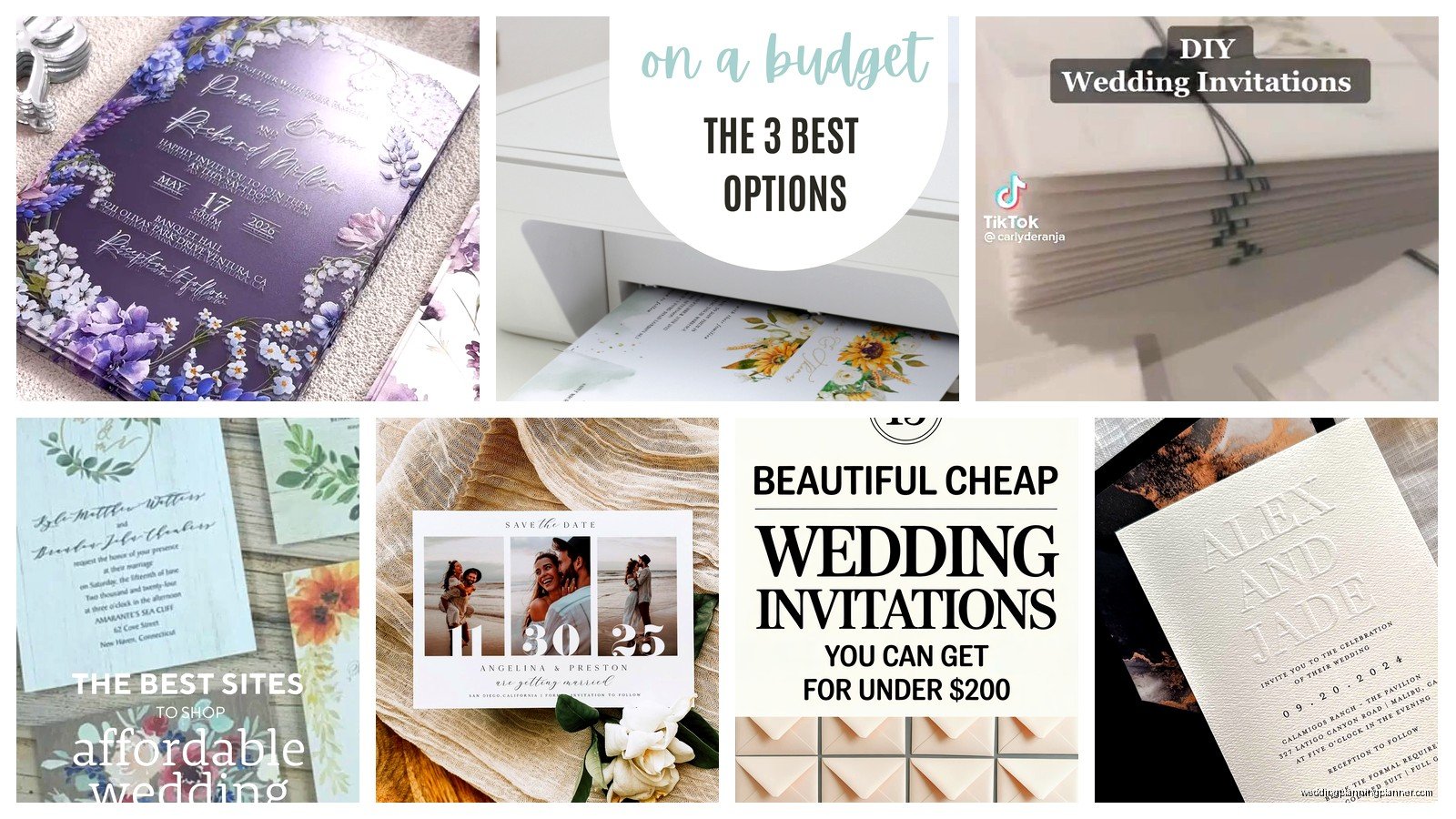
This is something I stumbled onto like three years ago and it’s honestly genius. A lot of community colleges have print shops that are open to the public, not just students. They have professional grade printers and they charge way less than commercial print shops.
I had a bride bring her invitation design on a USB drive to the local community college print center and they printed 100 5×7 invitations on their cardstock for $35. That’s 35 cents per invite for professional quality printing. You gotta call ahead and ask about public printing services, but it’s worth it.
Zazzle’s Bulk Pricing Structure
Zazzle works similarly to Vistaprint but sometimes their bulk pricing is better. Once you hit 100+ invitations, their per-unit cost drops significantly. I just checked their site yesterday and they had basic 5×7 flat invitations for about 85 cents each when ordering 100, and that included envelopes.
Their design tool is pretty user friendly too. You can upload your own design or customize one of theirs. The shipping takes a bit longer than Vistaprint in my experience – like 2-3 weeks – so you gotta plan ahead.
The Template Bundle Investment
If you’re DIY-ing multiple things for your wedding, buying a full template bundle from Etsy or Creative Market might actually save you money overall. I’m talking bundles that include invitation templates, RSVP cards, programs, menus, place cards, all coordinating.
These bundles usually run $25-40 but if you’re printing everything at home anyway, you’re spreading that cost across all your paper goods. The invitation portion might only be like 50 cents per invite when you factor in the cardstock and ink.
What Makes a Template Worth It
Make sure the template is editable in software you actually have or can access for free. Canva templates are clutch because Canva is free for basic use. Avoid templates that require Adobe Illustrator unless you already have it because that subscription cost will blow your budget immediately.
Facebook Marketplace and Craigslist Finds
Okay so this might sound sketchy but hear me out. People cancel weddings or over-order invitations all the time, and they sell the extras online. I’ve seen brides sell unused invitation kits, blank cardstock, even whole boxes of printed invitations with generic wording that could work for anyone.
Obviously you can’t use someone else’s fully customized invites, but blank DIY kits and supplies? Totally fair game. I found a bride selling 200 sheets of Crane’s Lettra cardstock for $30 last year because she changed her color scheme. That’s normally like $80 worth of paper.
The Email Invitation Printer Solution
Some online services let you email them a PDF and they print and ship it back to you. Catprint is one I’ve used before. Their pricing is super transparent – you upload your print-ready PDF, select your paper and quantity, and they show you the exact cost.
For 100 5×7 invitations on their 14pt cardstock, I think it was around $65 last time I checked. So 65 cents each for professionally printed invites that you didn’t have to fuss with at home. You provide the envelopes separately but that still keeps you under $1 per complete invitation.
Library Printing Services
This is super location dependent but some public libraries have really good printing services with high quality printers. Mine charges 50 cents for color printing on cardstock, and while that sounds like a lot per sheet, if you’re doing smaller quantities it might be worth it to not have to buy a ream of cardstock and worry about your home printer jamming.
Call your local library and ask what printing services they offer. Some even have design software you can use on their computers for free.
The Simple Typography Approach
Here’s the thing about expensive looking invitations – usually it’s not about having fancy graphics or foil stamping. Clean typography on good paper beats fussy designs on cheap paper every single time.
You can literally just do black text on white or cream cardstock with one nice serif font and it looks elegant as hell. I had a couple do this with their names in a larger font, wedding details below, simple black border. Printed at home. Everyone thought they spent serious money on them.
The fonts you choose matter more than you’d think. Avoid anything that comes standard with Word – those scream homemade. Download free fonts from Google Fonts instead. Playfair Display, Cormorant, Lora – these are all free and look expensive.
Anyway I could honestly keep going because there are so many ways to make this work, but you’ve got enough options here to figure out what fits your style and timeline. The under $1 per invite thing is totally doable, you just gotta be strategic about where you’re spending and where you’re saving.
