
Planning Guides, Style Guide
Wedding Reception Agenda Template: Free Download Files
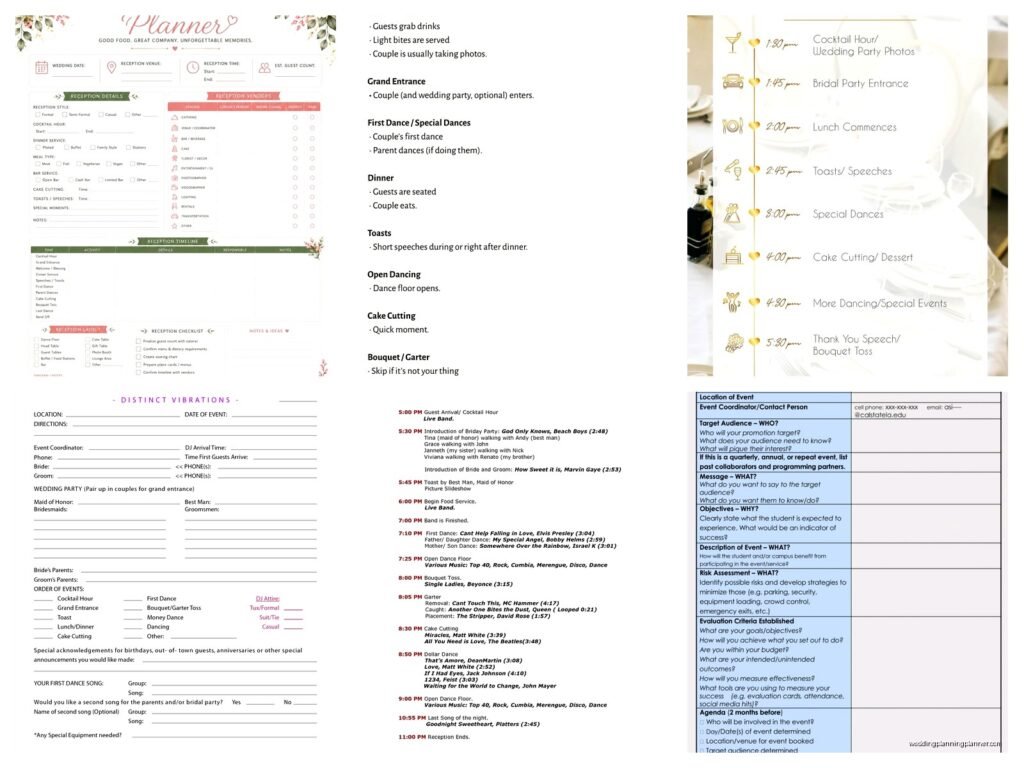
Sep
Okay So Reception Timeline Templates Are Actually Super Important
Look I’m gonna be straight with you – most couples completely underestimate how much a proper reception agenda can save their butts on the actual wedding day. Like back in spring 2023 I had this couple who thought they could just “wing it” and oh my god it was chaos. The DJ didn’t know when to announce the first dance, the caterer started serving dinner before half the guests even got through the receiving line, and the cake cutting happened while people were still eating their entrees. It was a mess.
So yeah, reception agenda templates. They’re basically your roadmap for the entire evening and honestly you need one even if you think your wedding is “laid back” or “casual” because trust me, vendors need to know what’s happening when.
What Actually Goes In A Reception Timeline
The basic structure is pretty straightforward but you gotta think about it in chunks. I usually break it down like this:
- Cocktail hour timing (usually while you’re doing photos)
- Grand entrance of the wedding party
- First dance or welcome toast
- Dinner service
- Speeches and toasts
- Cake cutting
- Special dances (parent dances, anniversary dance, whatever)
- Open dancing
- Bouquet and garter toss if you’re doing that
- Last dance and send-off
But here’s the thing – not every wedding follows this exact order and that’s totally fine. I’ve done receptions where we did cake cutting right after the grand entrance because the couple wanted to get all the formal stuff done early. I’ve also… wait actually that reminds me, my cat knocked over my coffee this morning all over my printed timeline for this weekend’s wedding and I almost had a heart attack but luckily I had backups.
The Actual Time Blocks You Need
So when you’re building your template, you need to be realistic about timing. Here’s what I typically allocate:
Cocktail Hour: 60 minutes (sometimes 75 if you know photos are gonna run long)
Grand Entrance: 5-10 minutes depending on your wedding party size
First Dance: 3-4 minutes (one full song)
Welcome Toast: 5 minutes max – seriously keep this short
Dinner Service: 45-60 minutes for plated, 60-75 for buffet
Speeches: This is where people mess up. I usually say 15-20 minutes TOTAL for all speeches combined but you know someone’s gonna go over.
Cake Cutting: 10 minutes including photos
Parent Dances: 3-4 minutes each
Open Dancing: However much time you have left, broken up by any other activities
Free Template Files You Can Actually Use
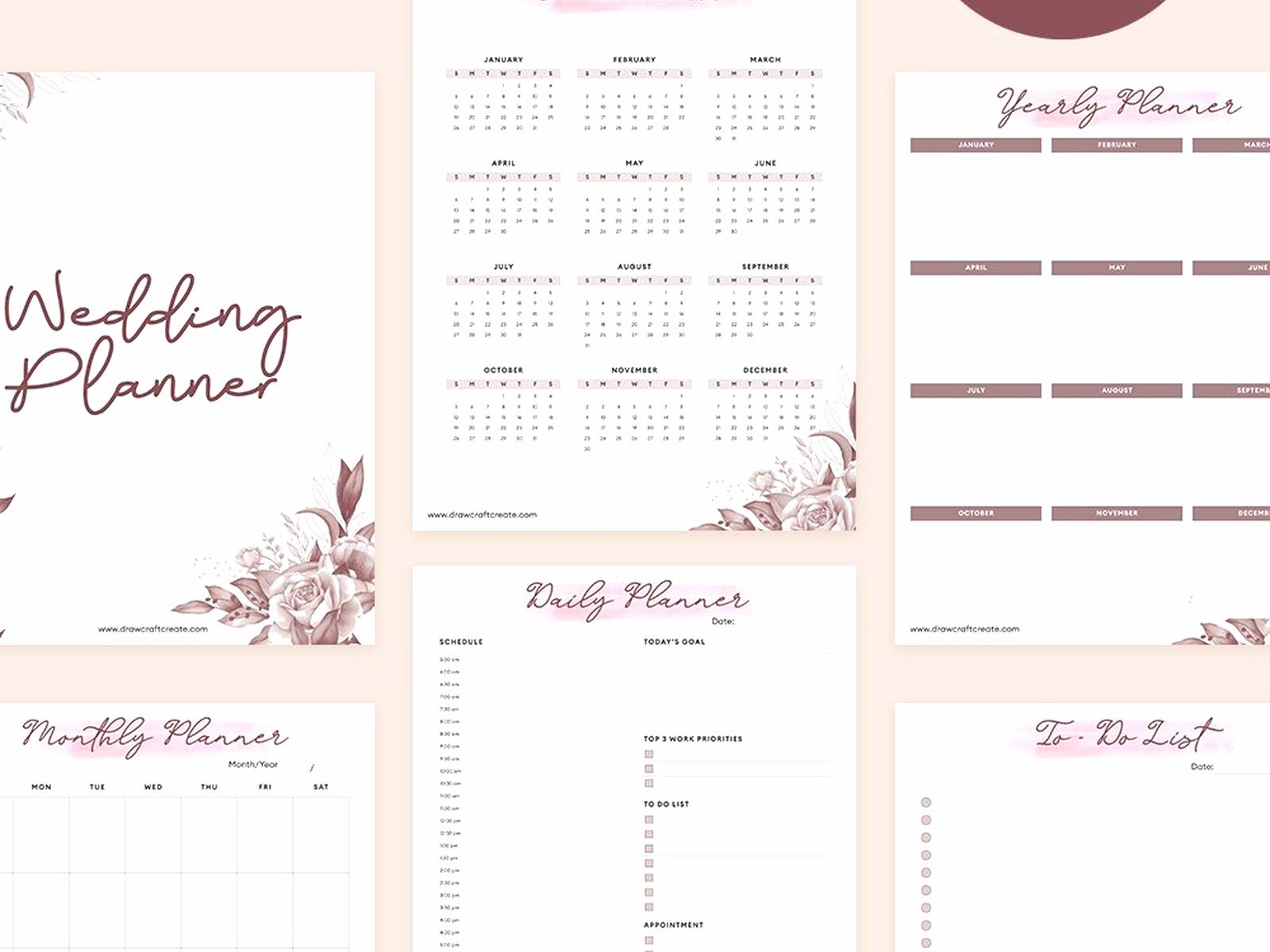
Alright so here’s what you’re probably actually here for – where to get these templates without paying for them. I’ve used a bunch over the years and some are way better than others.
Google Docs Templates
Honestly Google Docs has some decent built-in templates if you search their template gallery. They’re basic but functional. You can share them with your vendors easily which is the main point. The formatting isn’t always gorgeous but who cares, it’s a working document not a keepsake.
Microsoft Excel or Google Sheets
This is actually my preferred format because you can sort and adjust timing really easily. I have a master Excel template that I’ve been using since like 2018 and I just duplicate it for each wedding. It has columns for:
- Time
- Activity
- Duration
- Who’s responsible (DJ, planner, photographer, etc)
- Notes
The spreadsheet format makes it super easy to see if things are running over or if you have weird gaps. Plus you can color-code different sections which helps when you’re trying to quickly reference something during the actual reception.
Canva Templates
If you want something that looks prettier for some reason – like maybe you’re printing it for your wedding party or displaying it somewhere – Canva has free templates. Just search “wedding timeline” and you’ll find a ton. They’re more visual but less functional for actual planning purposes in my opinion.
Wedding Planning Websites
Sites like The Knot, WeddingWire, and Zola all have free downloadable timeline templates. They’re fine. Pretty generic but they cover all the basics. I used one from The Knot for my first few weddings before I made my own customized version.
How To Actually Fill Out Your Template
Okay so you’ve got your blank template, now what? Start with the non-negotiables – what time does your venue access start, what time does it end, what time is sunset if you’re doing golden hour photos.
Then work backwards from your end time. If you need to be out by 11pm, your last dance should probably be at 10:45pm. That means open dancing needs to wrap up by then. That means all your special events need to happen before that.
One thing that really annoys me is when couples try to cram too much into their reception. Like you do NOT need 8 different special dances and a shoe game and a bouquet toss and a anniversary dance and a hora and… you get it. Pick the things that actually matter to you and cut the rest because your guests would rather just dance and have fun than watch you do choreographed activities all night.
Building In Buffer Time
This is crucial and something I learned the hard way. Always add 10-15 minute buffers between major segments. Things WILL run late. The photographer will need an extra few minutes. A speech will go long. Someone will need to use the bathroom right before their big moment. Just build in that cushion time.
I had this wedding in summer 2021 where everything was scheduled to the minute with no buffer time and we ended up running 45 minutes behind by the time dinner was served because the couple’s photos took longer than expected and then the best man’s speech turned into like a 15-minute standup routine. The couple was stressed, I was stressed, the vendors were confused… it was not great.
What To Include In The Notes Section
This is where your template becomes actually useful instead of just a list of times. In the notes section for each item, include:
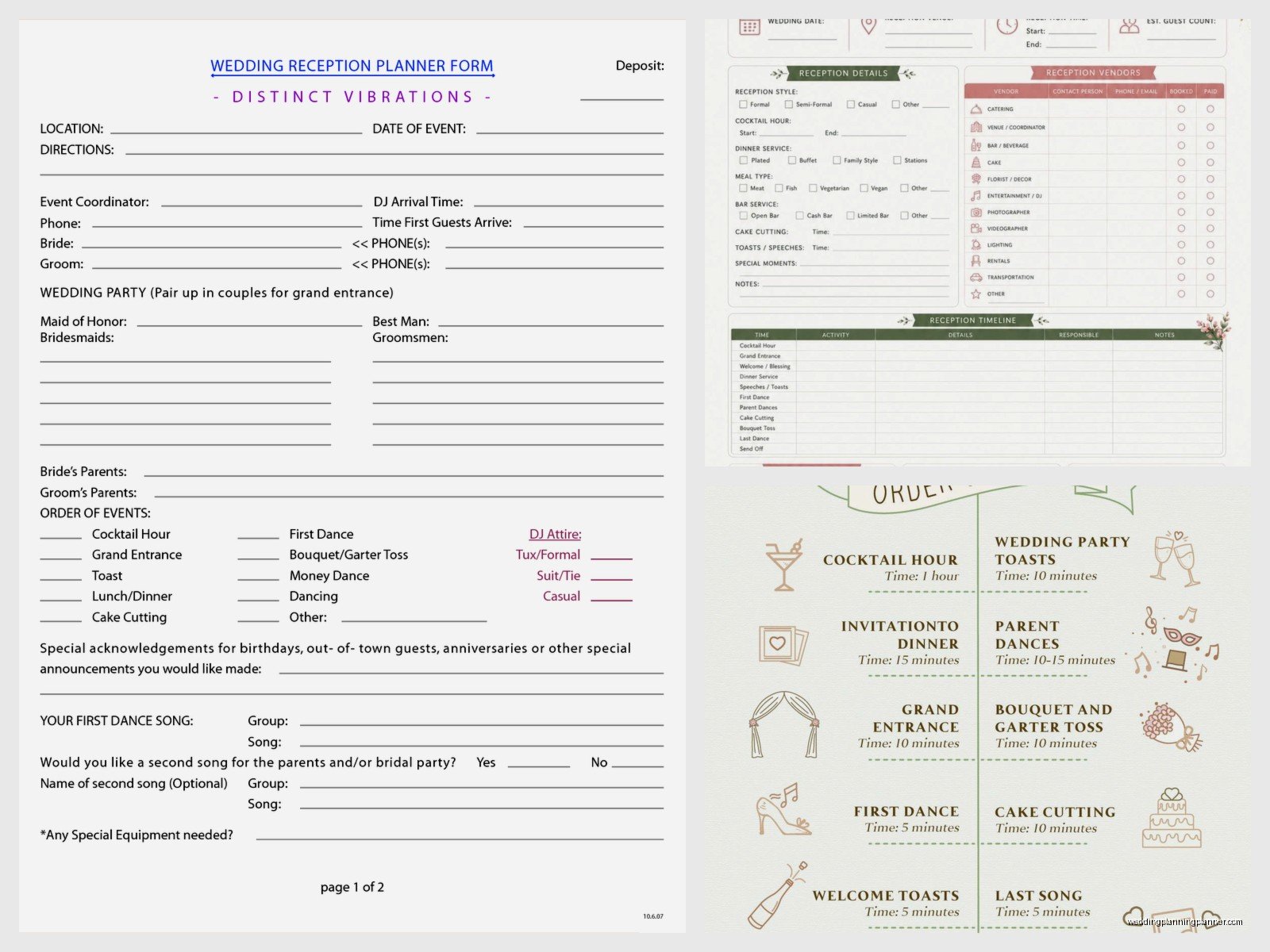
- Which vendor is responsible for making it happen
- Any special music cues or requests
- Props or items needed (like the cake knife, unity candle, whatever)
- Who needs to be notified 5 minutes before
- Any technical requirements (microphone, lighting changes, etc)
For example, for the cake cutting your notes might say: “DJ announces and plays [song name], photographer positions for shots, catering staff brings cake knife and plates, couple moves to cake table on north side of room.”
Who Actually Needs A Copy Of This Timeline
More people than you think, honestly. I typically distribute the timeline to:
- DJ or band leader
- Photographer
- Videographer
- Caterer or banquet manager
- Venue coordinator
- Wedding planner (obviously)
- Parents of bride and groom
- Wedding party members (at least the MOH and best man)
Everyone needs to be on the same page or things fall apart. I usually send out a final timeline about a week before the wedding and then bring printed copies on the day itself because someone always forgets or loses their digital copy.
The Day-Of Version vs The Planning Version
Here’s something people don’t realize – you actually need two versions of your timeline. The detailed planning version has all your notes and vendor assignments and backup plans. But you also need a simplified day-of version that’s just times and activities.
The simplified version is what you give to guests if they ask, what you might display somewhere at the venue, and what wedding party members can quickly glance at. Nobody needs to see all your behind-the-scenes coordination notes.
Common Timeline Mistakes People Make
I’ve seen these same mistakes over and over:
Not accounting for venue flip time: If you’re doing ceremony and reception in the same space, you need like 30-45 minutes for staff to flip the room. Some couples forget this entirely and wonder why their timeline doesn’t work.
Scheduling speeches during dinner: Nah, this is awkward. People are trying to eat and talk and they’re not really listening. Do speeches either before dinner or after, not during.
Putting the cake cutting too early: If you cut the cake at 7pm but you’re not serving it until 9pm, it’s just gonna sit there drying out. Coordinate with your caterer on when they actually want to serve dessert.
Not leaving enough dancing time: By the time you do cocktail hour, dinner, speeches, dances, and cake, you might only have like an hour of actual open dancing left. If dancing is important to you, you gotta trim other stuff.
Forgetting about sunset: If you want those golden hour photos, you need to build in 20-30 minutes around sunset time. This might mean stepping out of your reception briefly, so plan for that.
Adjusting Templates For Different Reception Styles
The standard template I described works for a typical dinner reception but you might need to adjust based on your situation.
Brunch or Lunch Reception
These are usually shorter – like 3-4 hours instead of 5-6. You can skip some of the traditional evening reception activities. Most people don’t do a big send-off at 2pm, for example. The vibe is also usually more casual so you might combine the grand entrance with just walking in for lunch instead of making it a big announcement thing.
Cocktail-Style Reception
If you’re doing passed appetizers and stations instead of a sit-down dinner, your timeline is way more flexible. You don’t have that big chunk of dinner service time. But you still need to schedule your key moments – toasts, cake, dances, whatever you’re doing. Just spread them out throughout the event instead of clustering them all after dinner.
Backyard or DIY Venue
These need more detailed timelines honestly because you don’t have a venue coordinator managing everything. You need to specify who’s setting up what, when vendors arrive, when they break down… it gets complicated. I’d actually recommend a separate setup timeline in addition to your reception timeline for these situations.
Digital Tools vs Paper Timelines
I’m kinda old school and I still print everything out on the day of because phones die and apps crash and you can’t always access wifi. But for the planning phase, digital is way easier for collaboration.
I use Google Sheets for planning so I can share it with couples and they can make suggestions. Then I export to PDF and print for the wedding day. Some planners use apps like Aisle Planner or AllSeated but those cost money and honestly a spreadsheet does the same thing.
The main advantage of apps is they can send automatic reminders to vendors, but you can also just… send reminders yourself. It’s not that hard.
Last Minute Timeline Changes
This happens at basically every wedding. Someone gets stuck in traffic, the ceremony runs long, weather messes things up, whatever. You need to be ready to adjust on the fly.
The key is knowing what’s flexible and what’s not. Dinner service timing is usually pretty fixed because the caterer has food ready at specific times. But you can move speeches around, you can shorten or skip certain dances, you can adjust open dancing time. Figure out your priorities beforehand so you know what to cut if you need to compress things.
I always tell couples – pick your top 3 must-have moments. Everything else can be adjusted or cut if timing gets tight. Usually it’s like ceremony, dinner with guests, and dancing, or something like that. When you know what actually matters to you, timeline problems become way less stressful.
The template itself is just a starting point. Every wedding is different and you’re gonna need to customize it based on your specific vendors, venue requirements, and priorities. But having that framework to start from makes the whole planning process so much easier. Download a free template, fill it out, share it with everyone involved, and then actually stick to it on your wedding day and you’ll be in way better shape than couples who try to wing it.
