
Planning Guides, Style Guide
Wedding Invitation Cards Online: Digital Design & Order
Oct
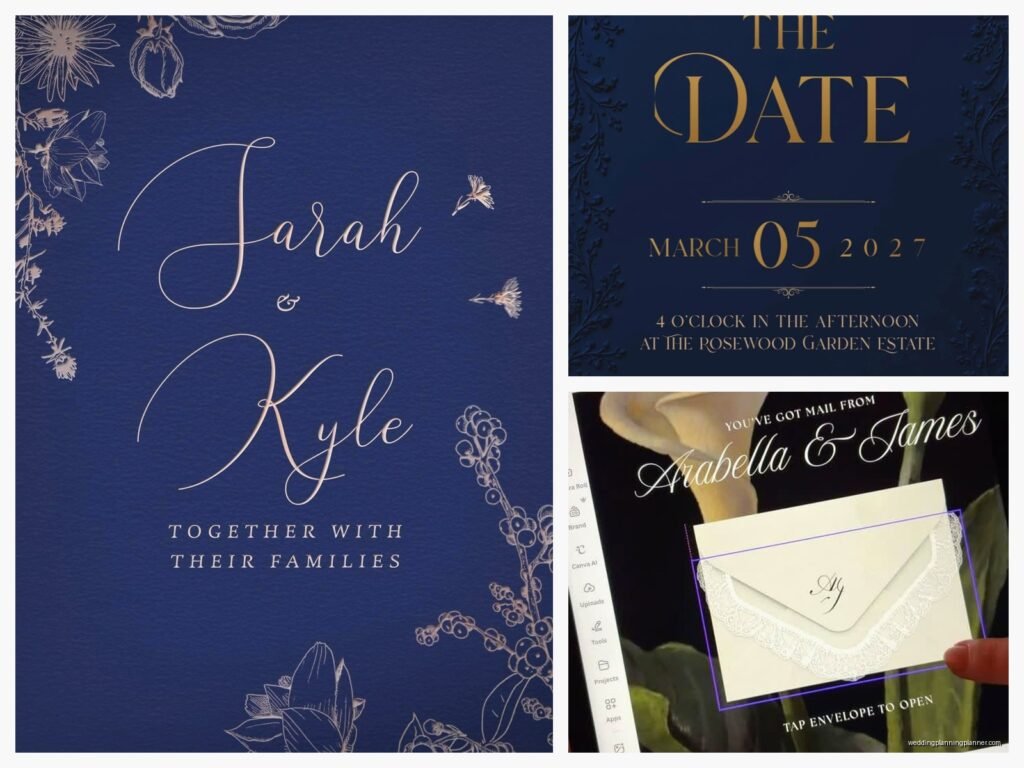
So You Wanna Design Wedding Invitations Online
Okay so the whole online invitation thing has completely changed since I started doing this professionally back in like 2008. I remember spring 2023 I had this bride who literally designed her entire suite on Canva during her lunch breaks at work and honestly? They looked better than some $2000 letterpress jobs I’ve seen. Times have changed.
First thing you gotta know is there are basically two routes here – the template route and the custom design route. Template sites are gonna be your Minted, Paperless Post, Zola, Greenvelope, and honestly about fifty other companies now. Custom design means you’re either hiring someone on Etsy or Fiverr, or you’re doing it yourself with Canva, Adobe, or similar tools.
The Template Route (Easiest Path)
If you’re not super picky and you want something that looks professional without losing your mind, templates are honestly perfect. Minted is probably the most well-known – they have this thing where they crowdsource designs from independent artists, so you’re getting actually creative stuff, not just generic flowers and script fonts.
Here’s how it usually works on these sites. You browse through hundreds or thousands of designs. You pick one. Then you customize the text – names, date, venue, all that. Most sites let you change colors and sometimes fonts, though not always. Some let you upload your own photo for the background if that’s your vibe. Then you order samples (ALWAYS order samples, I cannot stress this enough), and if you like what shows up, you place your full order.
What annoyed me about template sites for the longest time was how they’d show you this gorgeous design and then when you tried to customize it, half the elements were locked or the color options were like… three shades of the same beige. That’s gotten better though. Most sites now are pretty transparent about what you can and can’t change.
Pricing on Template Sites
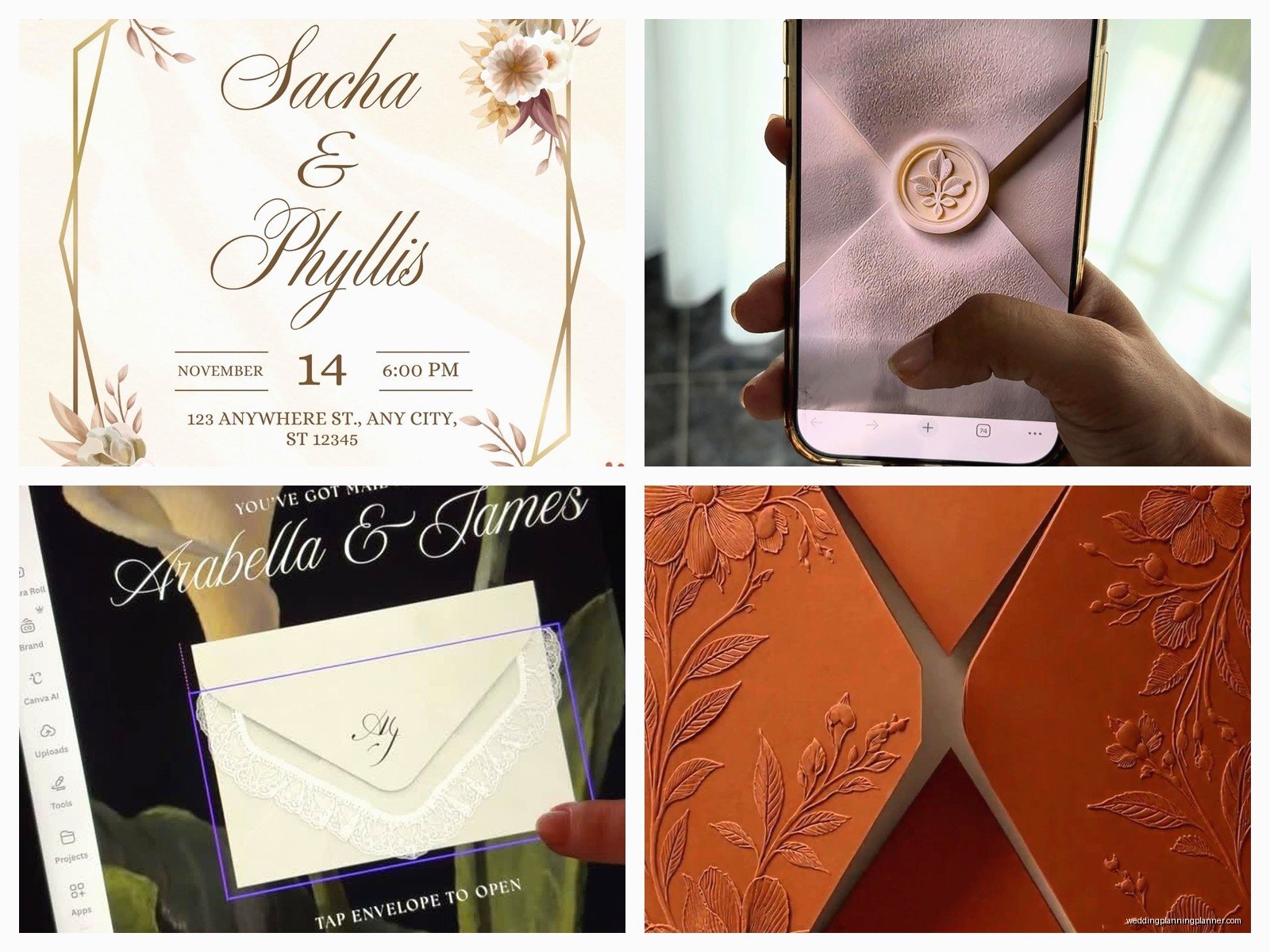
You’re looking at anywhere from $1.50 to $5 per invitation on the budget sites, and $3 to $8+ on the fancier ones like Minted or Paperless Post’s premium options. That’s just for the invite itself – if you want envelope liners, belly bands, wax seals, or fancy envelope printing, add more money. I usually tell clients to budget around $4-6 per invitation for a decent quality suite that includes the invite, RSVP card, and maybe a details card.
Oh and shipping costs can be wild, especially if you’re ordering close to your mail-out date and need rush production. Plan for at least 3-4 weeks for production and shipping, longer during wedding season (basically April through October).
Digital-Only Invitations
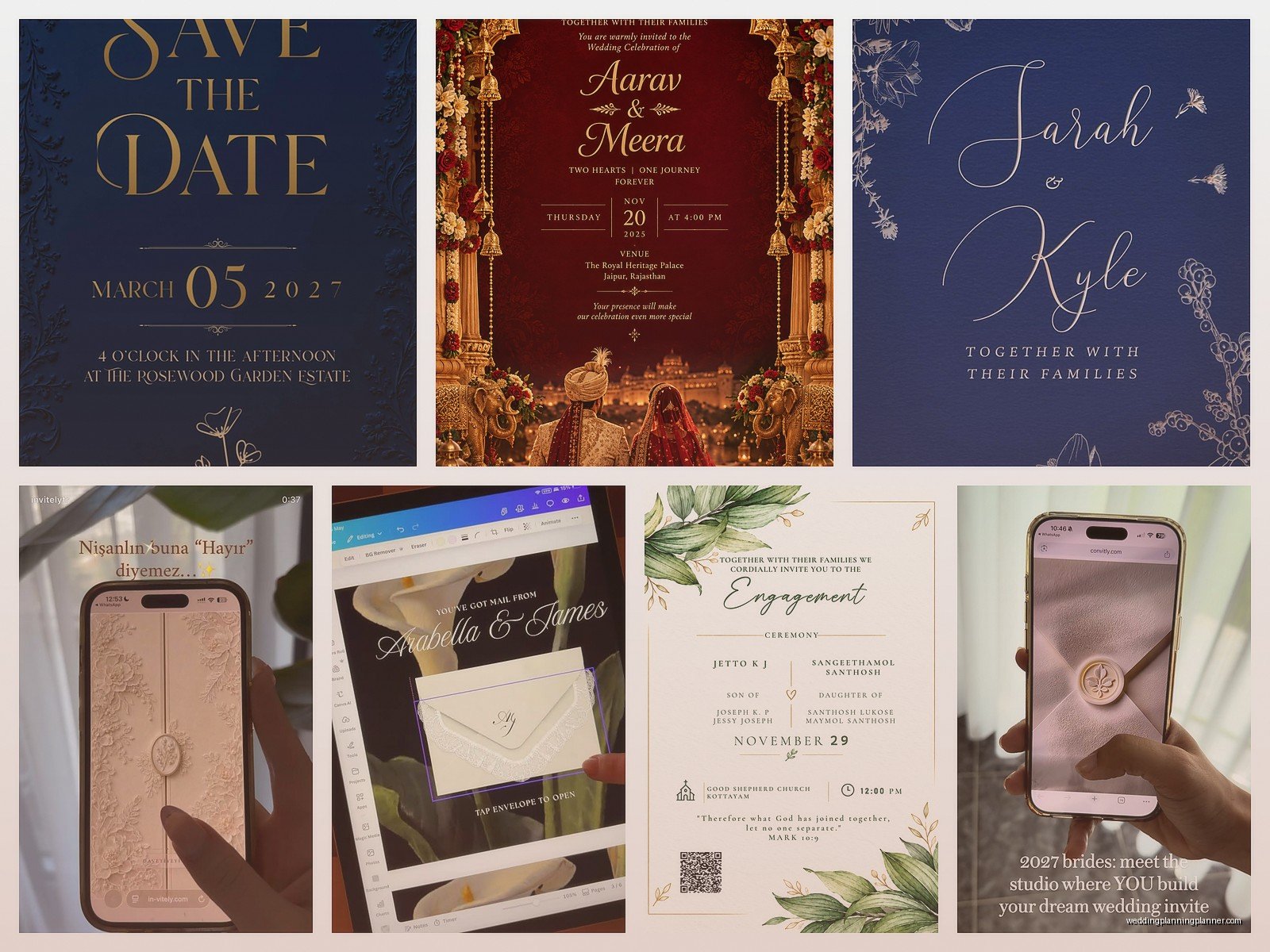
Okay so there’s also the fully digital route where nothing gets printed and mailed at all. Paperless Post is huge for this. Greenvelope too. You design the invite online, then you send it via email or text message. People open it, it’s interactive, they RSVP right there with a button click, and you’re done.
I know some people are gonna be like “but that’s not formal enough for a wedding!” and honestly… it depends on your crowd and your vibe. I’ve seen $50,000 weddings use digital invites and nobody cared. I’ve also seen families where the grandmother would literally disown you for not sending paper. Know your audience, I guess?
Digital invites are obviously cheaper – sometimes free on basic platforms, or like $1-2 per invite on the premium design sites. Plus you can track who opened them, which is kinda creepy but also super useful when you’re chasing down RSVPs.
The DIY Design Route
Alright so if you wanna design from scratch or heavily customize something, Canva is gonna be your best friend. I resisted Canva for years because I’m old school and learned on Adobe InDesign, but honestly Canva has gotten so good it’s ridiculous. They have a whole wedding section with invitation templates you can completely tear apart and rebuild.
Here’s what you need to know about designing your own invitations. Standard invitation size is 5×7 inches. That’s the default for a reason – it’s big enough to read easily but fits in a standard A7 envelope. You can do other sizes (4×6, 5.5×8.5, square formats) but you’ll pay more for non-standard envelopes and potentially more for postage if they’re weird shapes.
When you’re designing, remember that printers need “bleed” – that means your background colors and images need to extend about 0.125 inches beyond where the paper will be cut. Otherwise you get white edges. Most online printers will have templates you can download that show you exactly where the safe area is for text and where the bleed needs to extend. Don’t put important text or images right at the edge or they might get cut off.
Colors and Fonts Matter More Than You Think
Use high contrast between your text and background. I once had a client in summer 2021 who insisted on pale pink text on a white background because it looked “ethereal” on her screen, and then nobody could read the actual venue address. We had to reprint everything. Cost her an extra $400 and pushed her timeline back two weeks.
Stick to 2-3 fonts maximum. One for names/headings, one for body text, maybe one for accents. More than that looks chaotic. And please, for the love of everything, make sure your body text is at least 10-11 point size. Your grandmother with reading glasses needs to see the ceremony time without a magnifying glass.
Where to Print Your DIY Designs
Once you’ve designed your invitations, you need to get them printed. Lots of options here. Vistaprint is the budget choice – they’re fine for casual weddings or save-the-dates, but the paper quality isn’t amazing. Catprint is better quality for similar prices. Moo is great for modern designs and their paper stock is really nice and thick.
For higher-end printing, check out Artifact Uprising or Mpix. The colors are more accurate, the paper is nicer, and they just feel more expensive when people hold them. You’re gonna pay more though – maybe $3-5 per invite instead of $1-2.
If you want actual letterpress printing (where the text is pressed into the paper, you can feel it with your fingers), you’re looking at custom print shops and prices starting around $8-15 per invitation. It’s gorgeous but it’s a whole different budget category.
File Formats and Technical Stuff
Most printers want PDF files, usually with the fancy setting of “PDF/X-1a” or “high quality print” PDF. If you’re using Canva, they have a download option specifically for print that handles all this for you. If you’re using Photoshop or something, make sure your resolution is at least 300 DPI. 72 DPI looks fine on screens but prints blurry and pixelated.
RGB vs CMYK is this whole thing where screens use RGB color and printers use CMYK color, and sometimes the colors look different. Most modern online printers will convert RGB to CMYK for you, but be aware that bright blues and greens especially can look different when printed. That’s why you order samples before printing 150 invitations.
Ordering Samples Is Non-Negotiable
I said it before but I’m saying it again. Always order samples. The color on your screen is not gonna be exactly what prints. The paper texture matters. The weight of the cardstock matters. You need to hold it in your hand, see how it feels, check if the text is readable, make sure there are no typos (because there will be typos, there are always typos).
Most sites charge like $5-15 for a sample, and it takes about a week to arrive. Build this into your timeline. You should be looking at invitations 4-6 months before your wedding, ordering samples 4 months out, and placing your final order 3 months out so you can mail them 6-8 weeks before the wedding.
What to Include in Your Invitation Suite
Bare minimum: the invitation itself with your names, date, time, and location. Ideally also an RSVP card with a self-addressed stamped envelope (yes, you pay for their postage, that’s how it works). A details card or wedding website card is helpful for hotel info, registry, dress code, and all that stuff that doesn’t fit on the main invite.
You can also add: reception cards if your ceremony and reception are different locations, accommodation cards, weekend itinerary cards if you’re doing multiple events, map cards if your venue is hard to find. But honestly the more cards you add, the more expensive it gets and the more confused people get. I usually recommend keeping it to 3 pieces maximum – invite, RSVP, details.
Envelope Addressing Options
So you’ve got your invitations printed, now you need to address 100+ envelopes. You can hand-write them if you’ve got nice handwriting and a lot of patience. You can hire a calligrapher which costs like $2-5 per envelope but looks gorgeous. You can print addresses directly on the envelopes, which most online printers offer as an add-on service.
Or you can do what I did for my own wedding and print on clear labels, then stick them on the envelopes. It’s not the fanciest option but it works and it’s fast. Just use a nice font and maybe add a little design element so it doesn’t look too office-supply-store.
Oh random thing – my cat knocked over my coffee onto a stack of 40 addressed envelopes last month while I was working on a client order and I wanted to die. Back up your guest address list in multiple places, that’s all I’m saying.
Digital Design Tools Worth Knowing
Canva is the obvious one, it’s free for basic features and $13/month for Pro which gives you more templates and the ability to resize designs easily. Adobe Spark is similar, also pretty user-friendly. If you want to go pro-level, Adobe InDesign is the industry standard but it’s got a learning curve and costs $21/month.
For DIY brides who are sorta crafty, Templett is interesting – you buy an invitation template on Etsy that’s compatible with Templett, then you edit it yourself in your browser and download the PDF. No special software needed. Templates usually cost $5-15.
PicMonkey is another option that’s easier than Photoshop but more powerful than Canva. It’s like $8/month. Good middle ground if you want more control but don’t wanna learn Adobe products.
Common Mistakes People Make
Not proofreading. I’ve seen invitations go out with the wrong year, wrong venue name, misspelled last names, wrong times. Have at least three people proofread before you submit your final order. Read it backwards. Read it out loud. Check every single number and date.
Ordering too few. People always forget they need extras for keepsakes, last-minute additions, mistakes in addressing, etc. Order at least 10-15 more than your guest count.
Ignoring postage requirements. Square envelopes cost more to mail. Thick invitations with multiple inserts cost more. Anything over 1 ounce needs extra postage. Take a fully assembled invitation to the post office and have them weigh it before you buy stamps. I had a bride once who used regular stamps on heavy invitations and half of them got returned for insufficient postage.
Choosing trendy designs that don’t match their actual wedding style. If your wedding is classic and elegant in a historic mansion, your invitation with neon colors and modern geometric shapes is gonna confuse people… or wait, actually I’ve seen that work too, never mind, do what you want.
Timeline Breakdown
6 months before wedding: start looking at designs, narrow down your style, figure out your budget. 4-5 months before: finalize design, order samples. 3-4 months before: make any changes, place final order. 6-8 weeks before wedding: mail invitations. This gives people time to RSVP by your deadline, which should be about 3-4 weeks before the wedding.
Save-the-dates go out even earlier – 6-8 months before the wedding, or 8-12 months if it’s a destination wedding. You can definitely do save-the-dates online even if you’re doing paper invitations later. Lots of people do that to save money.
My Honest Take on Online Design
The online invitation world has made everything more accessible and way less expensive, which is mostly great. You don’t need a $2000 stationery budget anymore to have beautiful invitations. You can design something yourself in an afternoon that looks professional and totally represents your style.
The downside is decision fatigue – there are so many options now that people get overwhelmed and spend weeks agonizing over invitations when they could be dealing with actually complicated wedding stuff like seating charts or vendor contracts. My advice is set a time limit. Give yourself two hours to browse, pick your top 3-5 designs, sleep on it, choose one the next day. Don’t overthink it.
Also nobody remembers your invitations after the wedding. I know that sounds harsh but it’s true. They remember the food, the music, whether they had fun. Your invitation just needs to be readable and give them the information they need. It doesn’t have to be a work of art, though it’s cool if it is.
Quick Recommendations by Budget
Under $200 total: Design your own on Canva, print through Catprint or Vistaprint, address them yourself with printed labels. Do digital RSVPs through your wedding website instead of printed RSVP cards.
$200-500: Use a template site like Minted or Zola, get the basic package, maybe splurge on envelope addressing. Or design your own and use a nicer printer like Moo.
$500-1000: Premium templates with all the extras, or hire an Etsy designer for semi-custom work, use high-quality printing, add calligraphy addressing.
Over $1000: Fully custom design, letterpress or foil printing, professional calligraphy, fancy paper, envelope liners, wax seals, the whole experience.
You can get beautiful results at any of these budget levels. It’s really about how much time you wanna spend on it and how important stationery is to you personally. Some people care a lot, some people would rather spend that money on the bar tab or the photographer, both are totally valid.
