
Planning Guides, Style Guide
Online Invitation Cards: Digital Design & Ordering Platforms

Oct
Digital Invitations Are Honestly Where It’s At Now
So you’re probably looking at online invitation cards because someone told you they’re cheaper or easier or whatever, and yeah, they kinda are, but there’s also like a million platforms now and half of them are garbage. I’ve been doing this wedding planning thing for nearly two decades and the digital invitation space has exploded in ways I didn’t see coming back in 2015 when brides were still insisting on letterpress everything.
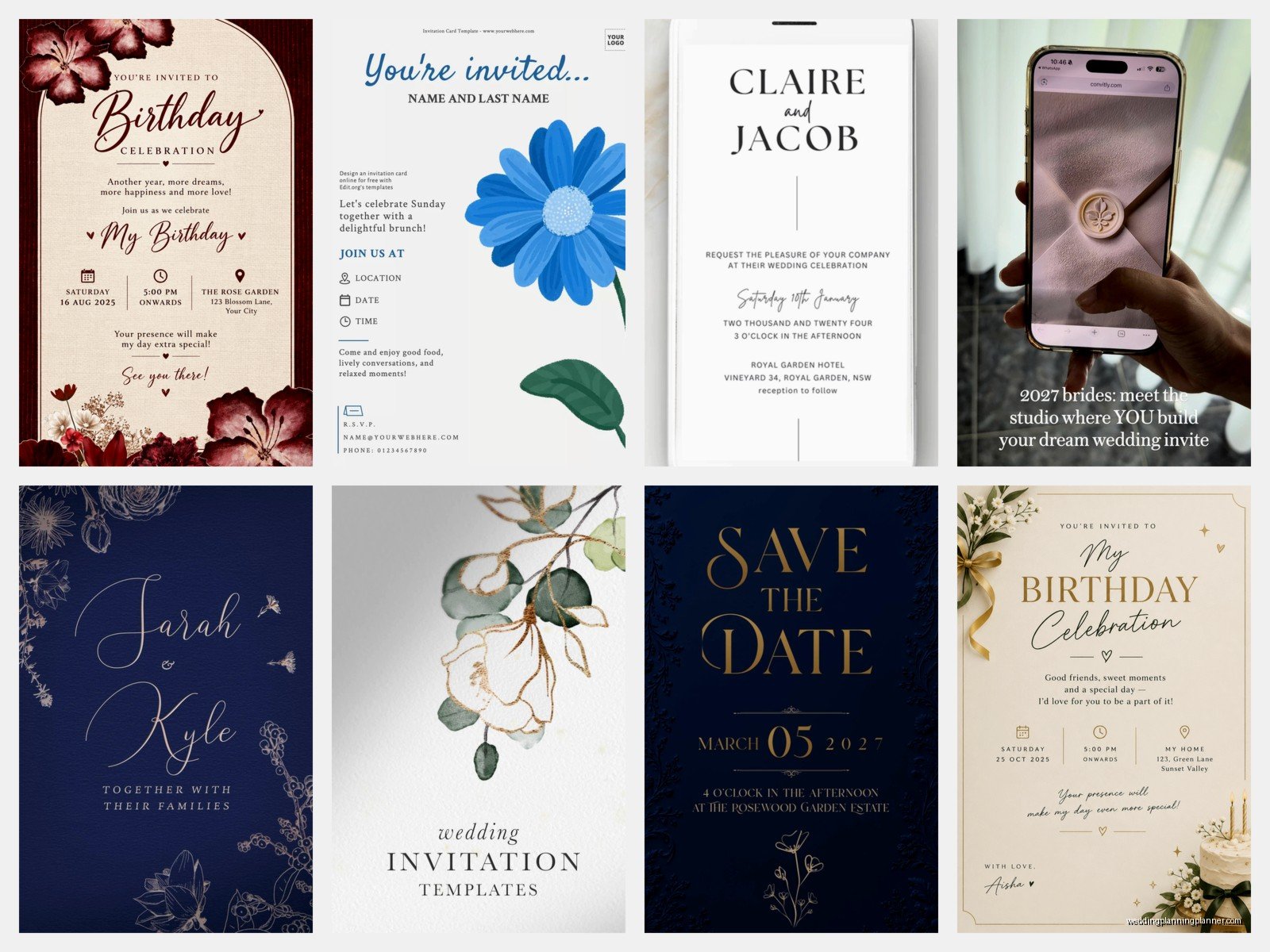
The main platforms you’re gonna want to look at are Paperless Post, Greenvelope, Evite (yes it still exists and it’s actually gotten way better), Minted, Zola, and honestly Canva has become a sleeper hit for DIY people. Each one has its weird quirks and pricing structures that’ll make you want to pull your hair out.
Paperless Post: The Fancy One Everyone Knows
This is where I send most clients who want something that looks expensive but don’t wanna spend $800 on printed invitations. You buy “coins” which is this annoying currency system they use—like why can’t we just use regular money?—but once you get past that, the designs are genuinely beautiful. They have tons of designer collaborations, so you’ll see invitations that look like they came from a boutique stationery studio.
The pricing works out to roughly $1-3 per invitation depending on which design you pick. Some are free with their branding, some cost like 8 coins, some cost 25 coins. You buy coins in packages, and I always tell people to start with the smallest package first because you WILL change your mind about the design three times. I learned this the hard way in spring 2023 when a bride bought $150 worth of coins and then decided she hated the whole aesthetic two days later.
What I actually love about Paperless Post is the envelope liner feature and the way they animate some designs. You can customize pretty much everything—fonts, colors, the wording obviously. They also have RSVP tracking built in, which saves you from that nightmare of texts and emails and your aunt commenting on Facebook that she’s coming instead of actually responding properly.
The Premium Features Worth It
If you upgrade to Premium (around $50/year), you get custom envelopes, no Paperless Post branding, and guest list management tools that are actually useful. For a wedding, I’d say it’s worth it. For your kid’s birthday party, nah.
Greenvelope: For The Eco-Conscious Crowd
This platform markets itself as the environmentally friendly option, which… I mean, all digital invitations are technically eco-friendly compared to paper, but whatever. Their designs lean more modern and minimalist. Less fussy than Paperless Post.
They do a per-event pricing model instead of per-invitation, which can work out cheaper if you’re inviting a ton of people. Like $99-299 for unlimited sends depending on which features you want. The interface is super clean, easy to use even if you’re not tech-savvy. My mom could figure this one out, and she still types with two fingers.
One thing that’s actually cool about Greenvelope is their customer service. I had a situation where a client’s invitation wasn’t displaying right on some Android phones (annoying!) and they fixed it within like an hour. They also plant a tree for every event created, if that’s something that matters to you.
Evite: Don’t Sleep On The OG
Everyone thinks Evite is just for casual backyard BBQs, but they’ve seriously upgraded their premium tier. Yeah, the free options still look kinda… 2008? But their Premium and Ad-Free options have really nice designs now. I’m talking actual wedding-appropriate stuff.
The best part about Evite is that literally everyone knows how to use it. Your grandma has used Evite. That one uncle who still has a Hotmail account can figure out Evite. There’s something to be said for that familiarity, especially for older guests who get confused by fancy platforms.
Pricing is super straightforward: free with ads (don’t do this for a wedding please), $13 for ad-free, or $60/year for Premium which gets you way more design options and customization. The RSVP management is honestly better than some of the pricier platforms—you can see who opened it, who viewed it multiple times, send reminders to people who haven’t responded.
Minted and Zola: The Print-Digital Hybrid Situation
These platforms are interesting because they started as print stationery companies and added digital options. Minted especially has GORGEOUS designs because they work with independent artists. Like, these are designs you’d pay $600 for in print form, but digital versions are way cheaper.
Minted’s digital invitations run about $18-36 for the whole thing, unlimited sends. You get matching save-the-dates, detail cards, the works. The customization options are insane—you can tweak literally every color, every line of text. But honestly? It can be overwhelming. I’ve watched brides spend three hours adjusting the exact shade of dusty rose.
Zola is similar but they’re really pushing their whole wedding website integration. If you’re already using Zola for your registry or wedding website, their invitations sync up nicely. The designs are… fine. Not as stunning as Minted, but they’re clean and modern and get the job done. Around $15-30 per invitation suite.
When Print-Digital Makes Sense
Here’s something I tell clients: sometimes you want digital for most people but print for like your grandparents or certain older relatives. Both Minted and Zola make it super easy to order a small batch of printed versions that match your digital design exactly. Just saying.
Canva: The DIY Wild Card
Okay so Canva isn’t technically an invitation platform, it’s a design tool, but hear me out. If you have any design sense whatsoever—or you’re willing to spend time on YouTube learning—you can create completely custom invitations for basically nothing.
Canva Pro costs $120/year (or like $13/month) and you get access to thousands of templates, photos, fonts, all of it. The invitation templates range from elegant to quirky to modern minimalist. You design it however you want, download it as a PDF or image, and then you email it or text it or upload it to your wedding website or whatever.
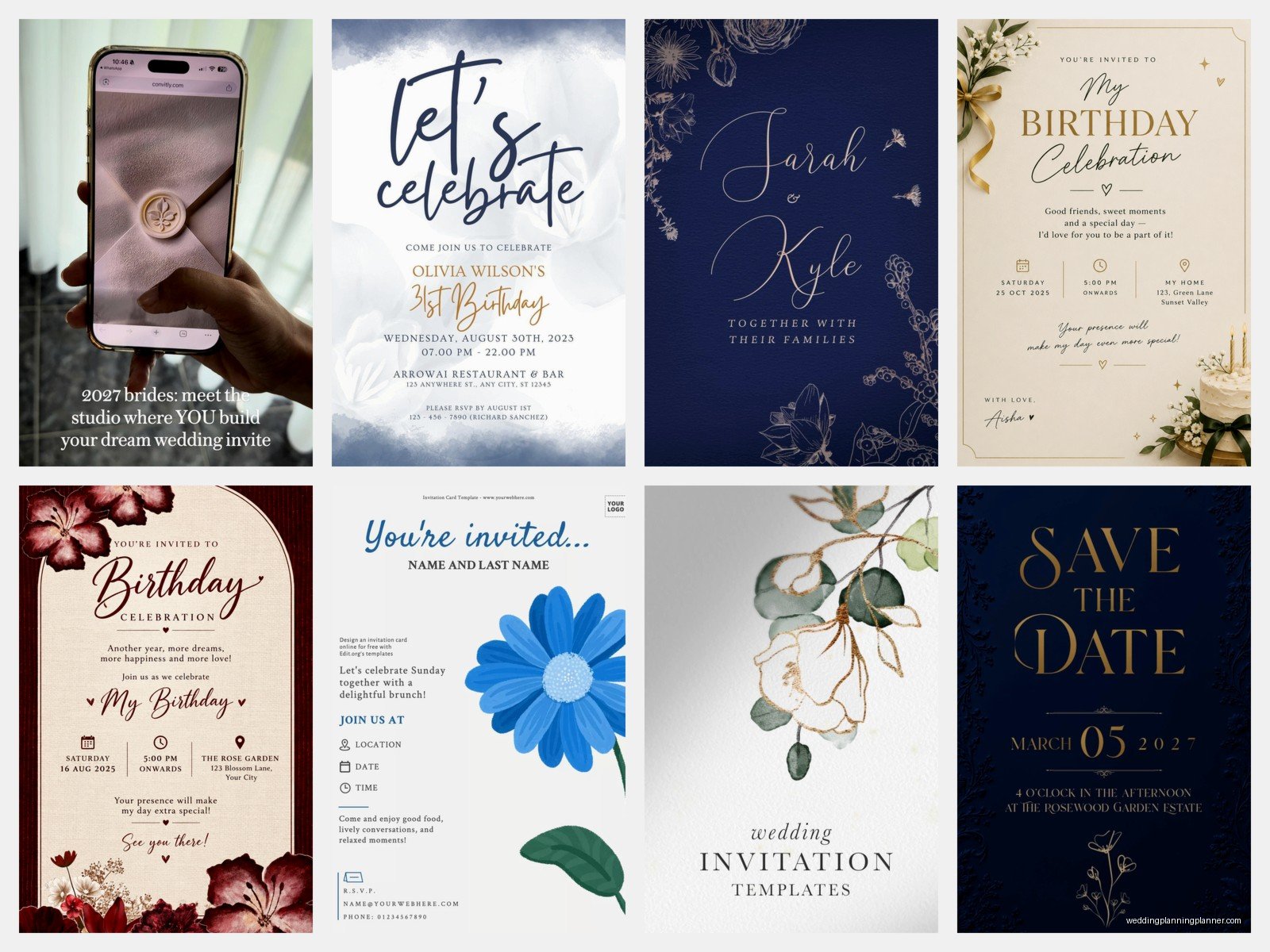
The downside is you don’t get the fancy RSVP tracking or the automatic reminders or any of that. You’re basically creating a pretty image and distributing it yourself. Which means you’ll be managing responses through… texts? Email? A Google form? It’s more work on your end.
But I’ve seen brides create absolutely stunning invitations in Canva that look like they paid a designer $500. My cat walked across my keyboard while I was designing a client’s save-the-date in Canva once and somehow made it look better than what I’d been working on for an hour, so take from that what you will.
The Actual Process Of Ordering These Things
Alright so once you pick a platform, here’s what you’re actually gonna do. First, you need your information organized: event date, time, venue address, dress code, RSVP deadline, wedding website if you have one, and any other details like hotel blocks or whatever.
Most platforms have you start by browsing designs. My advice? Don’t spend three weeks on this. Pick something you like within your budget and move on. I’ve seen people agonize over invitation designs for MONTHS and honestly, guests barely remember what the invitation looked like two weeks after the wedding.
Once you’ve picked a design, you’ll customize it. Change the wording to match your event, adjust colors if the platform lets you, upload photos if it’s that kind of design. Some platforms let you see a real-time preview, others make you wait. The real-time preview ones are better, obviously.
Testing Is Not Optional
Send yourself a test. Send your mom a test. Send your detail-oriented friend a test. Check it on your phone AND on a computer. I cannot stress this enough. In summer 2021, a client skipped the test send and their venue address autocorrected to the wrong street. Forty people showed up to a random residential street before someone figured it out and started texting the actual address.
Check for typos, obviously. Check that the RSVP link works. Check that any custom questions you added make sense. If you’re doing meal choices, make sure all the options are listed correctly. This stuff sounds basic but you’d be surprised how many people skip it and then panic when something’s wrong.
Guest List Management Hell
This is where digital invitations either save your life or make you want to throw your laptop out a window. Most platforms let you upload a spreadsheet of email addresses, which is great until you realize half your relatives have email addresses they check once a month and the other half have typos in the address you were given.
You’ll need: full names, email addresses, and honestly phone numbers as backup. Some platforms let you add plus-ones or family groups easily, others make it weirdly complicated. Paperless Post is really good at this. Evite is fine. Greenvelope handles it well. Zola’s system is… it works but it’s not intuitive.
The thing nobody tells you is that you’re gonna have people who don’t get the invitation even though you sent it. It’s in their spam folder, or they typed their email wrong, or Mercury is in retrograde, who knows. Build in time to resend to people and follow up. So much following up.
RSVP Tracking Features You Actually Need
The whole point of digital invitations beyond saving money is the RSVP tracking, right? Here’s what actually matters: you need to see who opened the invitation, who hasn’t responded yet, and you need an easy way to send reminders.
The best platforms let you send reminder emails to non-responders with literally one click. Paperless Post does this. Greenvelope does this. This feature alone is worth paying for premium versions because otherwise you’re manually tracking down 47 people who “forgot” to respond.
You also want the ability to collect meal choices, dietary restrictions, song requests, whatever questions you need answered. Most platforms support this now but double-check before you commit. And make sure the questions are optional vs. required—you don’t want someone unable to RSVP because they didn’t answer what their favorite wedding song is or something.
Exporting Your Guest List Data
At some point you’ll need to get all this RSVP information OUT of the platform and into a spreadsheet for your caterer, venue, seating chart, whatever. Make sure your platform lets you export to Excel or CSV easily. Some platforms make this weirdly difficult and it’s infuriating when you’re trying to finalize numbers three weeks before the wedding.
What About People Without Email
Yeah so this comes up. You’ll have some guests who either don’t have email addresses (rare but it happens with very elderly relatives) or who are just… not gonna engage with a digital invitation properly.
Your options are: call them directly to invite them and get their RSVP over the phone, send them a printed invitation (most platforms offer small print runs or you can make a simple one yourself), or have a family member relay the information. It’s annoying but it’s part of the deal.
I usually tell clients to identify these people early in the process so you’re not scrambling last minute trying to figure out how to invite Great Aunt Martha who doesn’t own a computer.
Timing And When To Send These
Save-the-dates go out 6-8 months before for a wedding, or like 4-6 months if you’re doing a destination thing. Invitations themselves should go out 6-8 weeks before the event. Yes, even though they’re digital and people get them instantly, you still need to give them time to actually look at their calendars and respond and make plans.
RSVP deadline should be about 3 weeks before your event. This gives you time to chase down the people who didn’t respond and finalize everything with your vendors.
One thing I’ve noticed is that people treat digital invitations more casually than print ones—they’ll wait longer to respond, they’ll change their response more easily. Build in some buffer time for this behavior.
Cost Breakdown Reality Check
Let’s talk actual money because that’s what you wanna know anyway. For 100 wedding invitations:
Paperless Post Premium with nice designs: around $150-250 total. Greenvelope unlimited package: $199. Evite Premium for a year: $60 (best value honestly). Minted digital suite: $25-35. Canva Pro: $120/year but you can use it for everything else too.
Compare that to printed invitations which START at like $300 for basic designs and go up to… I’ve seen $2000+. So yeah, digital is cheaper. But free options look cheap, so budget at least something for this.
The Etiquette Question Everyone Asks
Is it rude to send digital invitations? Nah, not anymore. Maybe ten years ago it was seen as too casual, but now it’s completely acceptable for most events. I’ve planned weddings for lawyers, doctors, CEOs—all kinds of people—and plenty of them use digital invitations.
That said, some very traditional families might raise an eyebrow. If your grandmother is gonna have a whole thing about it, maybe order printed invitations for the ten most traditional people on your list and send digital to everyone else. Nobody needs to know you did it differently for different people.
Accessibility Stuff You Should Think About
Make sure your invitation is readable for people with vision problems—good contrast between text and background, font size that’s not tiny. Most platforms have pretty good default settings for this but if you’re customizing heavily in Canva or whatever, keep it in mind.
Also consider that some people might need information in different formats. Having all the same information on your wedding website helps because screen readers work better on regular web pages than on fancy invitation designs.
