
Planning Guides, Style Guide
Marriage Invitation Card Online: Digital Design Platforms
Oct
Okay So Digital Invitation Platforms Are Actually Pretty Great Now
Look, I’m gonna be honest with you – back in like 2019 I was super skeptical about online invitation cards. I had this bride in spring 2023 who insisted we go fully digital for her 200-person wedding and I was internally freaking out because I thought it would look cheap or tacky. Turns out I was completely wrong and now I recommend digital platforms to about half my clients, especially the ones who are environmentally conscious or just don’t wanna deal with postage drama.
The biggest shift happened when these platforms actually started letting you customize things properly instead of just picking from twelve terrible templates. Now you can basically create whatever you want, and honestly some of the designs look better than printed cards that cost like $8 per invitation.
The Main Platforms You Should Actually Look At
So there’s a bunch of options but I’m gonna focus on the ones I’ve actually used with clients or tested myself when I’m procrastinating at 11pm instead of watching whatever show everyone’s talking about.
Canva (Yeah, Everyone Uses It But For Good Reason)
Canva is kinda the obvious choice and it drives me crazy when people act like it’s too basic because honestly their wedding invitation templates have gotten really sophisticated. You can start with a template or build from scratch. The free version is decent but the Pro version ($12.99/month) is where you actually get access to the good stuff – premium photos, more fonts, the background remover tool.
What I like: You can resize designs instantly if you decide you want to print some copies later. The collaboration feature means you and your partner (or your mom who insists on having input) can both edit the same design. Also their mobile app is surprisingly functional when you’re stuck waiting somewhere and wanna tweak colors.
What’s annoying: The sheer number of templates is overwhelming and like 60% of them are honestly not great for formal weddings. You gotta dig through a lot of mediocre options. Also everyone and their cousin uses Canva so you might see similar designs at other weddings if you don’t customize enough.
Paperless Post
This one feels more… grown up? Like it’s specifically designed for events and the aesthetic is cleaner. They have free options but their premium designs (called “Paper” designs) cost coins – usually between $1-3 per invitation sent, which adds up fast if you’ve got a big guest list.
The cool thing is they handle the whole RSVP tracking system really elegantly. Guests can respond directly through the invitation, you can send reminders to people who haven’t responded (there’s always like 15 people who just ignore invitations), and it integrates with your guest list management. I had a client in summer 2021 who used this for a 150-person wedding and she said tracking RSVPs was actually painless for once.
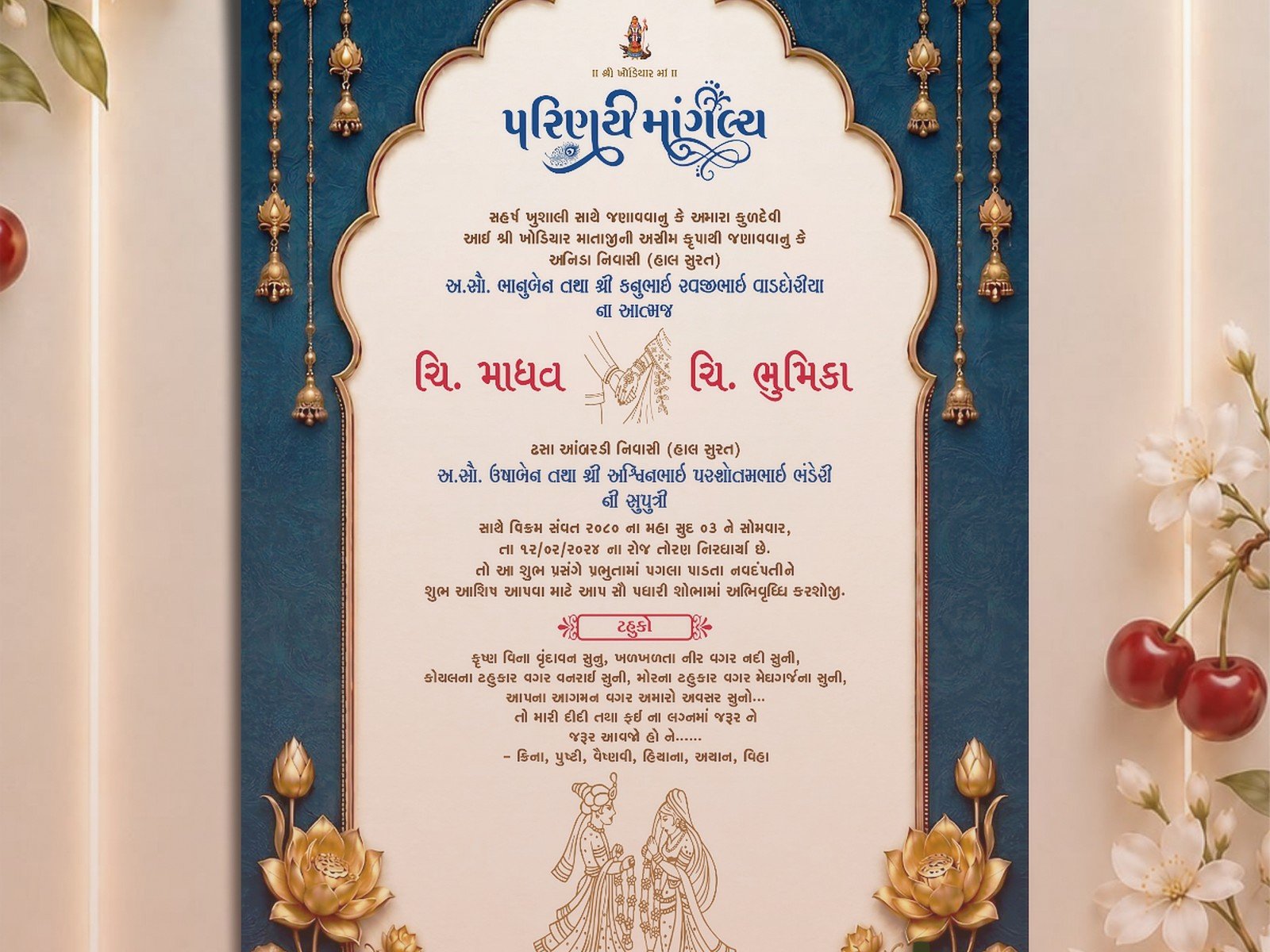
They also have this feature where you can add envelope liners and “stamps” to make it feel more like a physical invitation experience, which sounds gimmicky but actually does make it feel more special when your guests open it.
Greenvelope
If you’re going for elegant and eco-friendly, this is your platform. Everything has this sophisticated vibe – less playful than Canva, more refined than some other options. Pricing is per-event starting around $300 for unlimited sends, which seems expensive until you realize that’s probably less than you’d spend on printed invitations plus postage.
The customization options are solid without being overwhelming. You can match your wedding colors exactly, upload your own graphics or monogram, and the RSVP system includes meal choice selections and custom questions. One thing that really impressed me is their customer service – when I had a client whose invitation wasn’t displaying right on certain phones, they fixed it within like 3 hours.
Evite (But Hear Me Out)
I know what you’re thinking – Evite is for like, birthday parties and baby showers. And yeah, it kinda has that reputation. But they’ve actually upgraded their wedding-specific section and if you’re having a casual wedding or an elopement announcement, it works perfectly fine and it’s mostly free.
Nah, I wouldn’t use it for a black-tie formal wedding, but for a backyard ceremony or destination wedding where you’re keeping things relaxed? Totally acceptable. Plus literally everyone knows how to use Evite so you won’t get confused grandparents calling you asking how to “open the computer card.”
Zola
Zola is interesting because it’s a full wedding website platform and the invitations are just one piece. If you’re already building your wedding website there, you might as well use their invitation feature too – everything links together smoothly.
The designs are modern and pretty customizable. What I really like is that when guests RSVP through a Zola invitation, it automatically updates your wedding website guest list, which saves you from doing double data entry. They have free options and premium designs that cost extra, but it’s generally more affordable than Paperless Post.
My cat just knocked over my coffee which is perfect timing because I need a break from typing anyway…
Actually Designing Your Digital Invitation
Okay so once you pick a platform, you gotta actually create something that doesn’t look like you made it in ten minutes (even if you did).
Start With Your Wedding Aesthetic
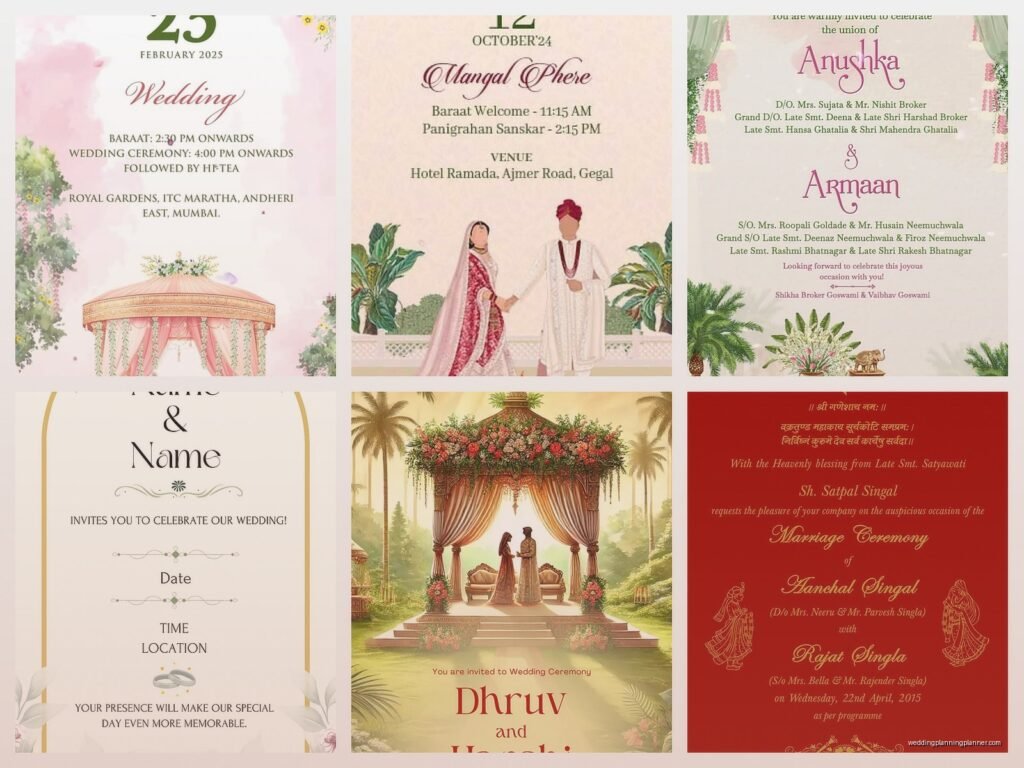
I know this sounds obvious but I’ve seen so many couples just pick a random pretty template without thinking about whether it matches their actual wedding vibe. If you’re having a rustic barn wedding, that super modern geometric design probably isn’t it. If you’re doing a formal ballroom situation, the watercolor wildflowers might be too casual.
Think about your venue, your colors, your overall vibe. Then look for templates or design elements that match. Most platforms let you filter by style – vintage, modern, rustic, minimalist, floral, whatever.
Typography Matters More Than You Think
This is something that annoys me SO MUCH – people will spend hours picking the perfect color scheme and then just use whatever default font the template came with. Fonts convey like half the personality of your invitation.
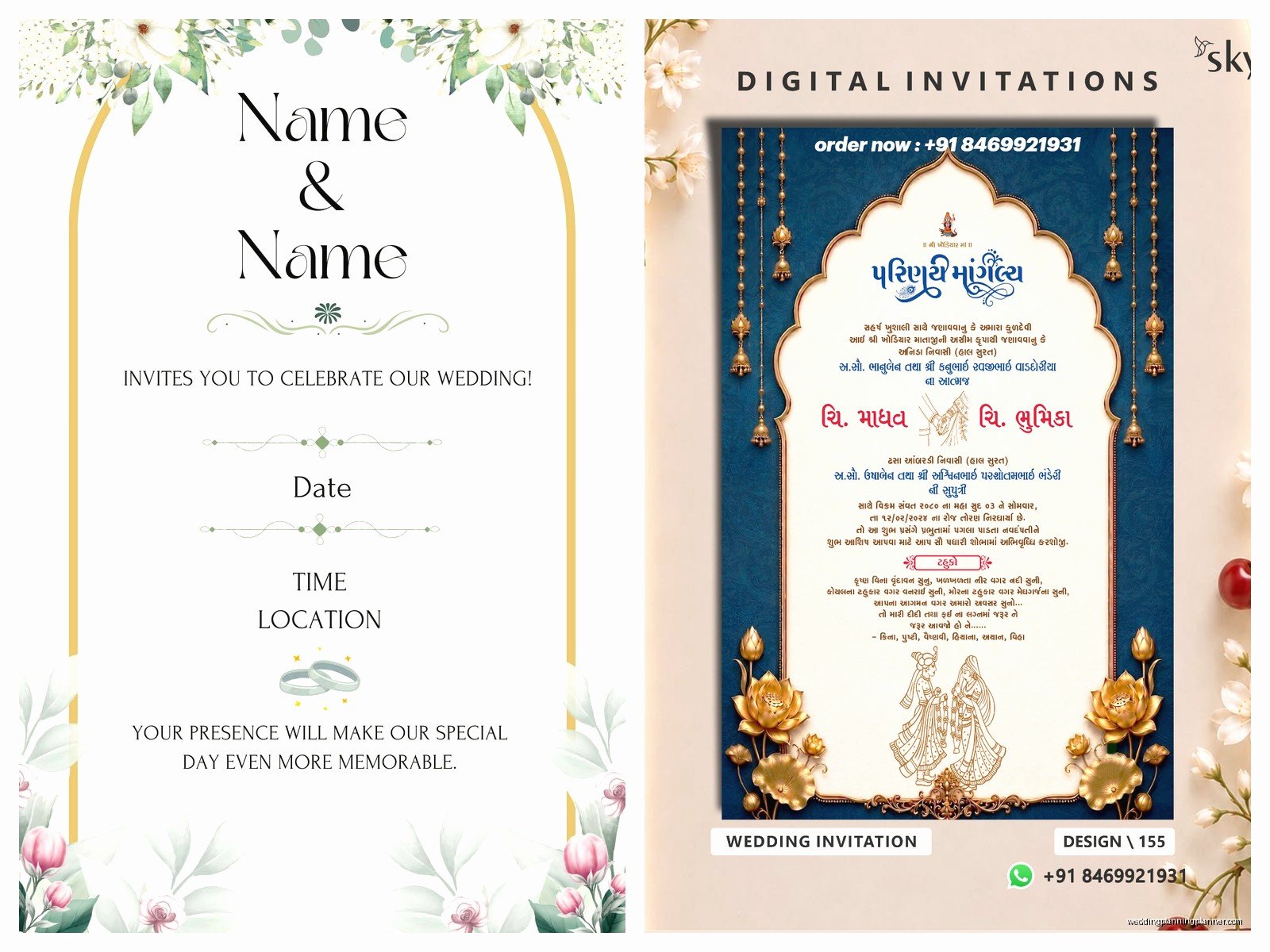
General rule: use no more than three fonts. Usually I do one fancy/decorative font for names or the main heading, one clean serif or sans-serif for the important details, and maybe a script font for accent text. Don’t use Comic Sans. I shouldn’t have to say that but I’ve seen things.
Make sure your fonts are actually readable, especially for older guests who might be viewing on their phones. That super elegant thin script font might look gorgeous but if no one can read the date and time, it’s not functional.
h3>Color Psychology Is Real (Kinda)
Different colors create different moods and you want your invitation to set the right expectation for your wedding. Deep jewel tones (emerald, navy, burgundy) feel formal and elegant. Pastels feel soft and romantic. Bright colors feel fun and casual. Black and white feels sophisticated and modern.
Also consider readability – light text on light backgrounds is a nightmare. Make sure there’s enough contrast that everything is easy to read. I once had a client who created this beautiful invitation with champagne text on a cream background and literally half her guests couldn’t read the venue address without zooming in and squinting.
What Information Actually Needs To Be There
At minimum you need: your names, the date, the time, the venue name and address (or a link to your wedding website with all details), RSVP instructions, and dress code if there is one.
You might also include: registry information (though some people say this should only be on your website, whatever), accommodation suggestions for out-of-town guests, your wedding website URL, and any special notes about the ceremony or reception.
What you DON’T need: a super long love story about how you met, excessive poetry, seven different fonts, or… actually I had a client once who wanted to include their astrological compatibility chart on the invitation and I had to gently suggest that maybe that could go on the website instead.
The Technical Stuff You Gotta Think About
Mobile Optimization Is Not Optional
Like 70% of people are gonna open your invitation on their phone first. Make sure whatever you design looks good on a small screen. Most platforms show you a mobile preview – actually look at it. Click through it. Make sure buttons work and text is readable.
I’ve seen invitations that looked stunning on desktop but completely broke on mobile with text overlapping images and buttons that didn’t work. Test it on both iPhone and Android if possible because they sometimes display things differently.
File Formats and Downloading Options
Even if you’re sending digital invitations, some guests are gonna want to print them or save them. Make sure your platform allows guests to download a PDF or image file. Canva lets you download as PDF, PNG, or JPG. Some platforms only let you share a link, which is fine but less flexible.
If you think you might want physical copies printed later (for a keepsake album or for guests who aren’t tech-savvy), design at a high enough resolution. Generally 300 DPI if you’re thinking about printing.
RSVP Management Features
This is where digital invitations actually shine compared to physical ones. Look for platforms that let guests RSVP directly through the invitation, select meal preferences, indicate plus-ones, and add notes. The fewer steps between receiving the invitation and responding, the more likely people are to actually do it.
You want a platform that sends you notifications when someone RSVPs and lets you export your guest list to a spreadsheet. Trust me, you’ll need that spreadsheet for like seventeen different things as you plan.
Sending Strategy (Because Just Hitting Send Isn’t Enough)
Timing matters. Send save-the-dates 6-8 months before for local weddings, 8-12 months for destination weddings. Send actual invitations 8-10 weeks before the wedding. You can send digital invitations a bit closer to the date than physical ones since there’s no mail delay, but don’t push it.
Consider your guest list demographics. If you’ve got a lot of older relatives who aren’t super tech-savvy, you might need to do a hybrid approach – digital for most guests and printed for the ones who will definitely call you confused about “the email card.” My aunt still prints out every email she receives so yeah, some people need paper.
Send a test invitation to yourself and a few friends first. Make sure all the links work, the RSVP form functions properly, and everything displays correctly. I cannot stress this enough – test before you send to everyone.
The Follow-Up Game
Most platforms let you send reminders to people who haven’t opened the invitation or haven’t RSVP’d. Use this feature. Some people genuinely miss emails or forget to respond (not because they don’t care, just because life is chaos).
Send a gentle reminder about 3 weeks before your RSVP deadline. Then maybe another one a week before the deadline. After the deadline, you’re gonna have to personally reach out to the stragglers because there’s always stragglers and it’s always your college roommate or your cousin who you thought was definitely coming.
Cost Breakdown Reality Check
Let’s talk actual numbers because everyone says digital is cheaper but it depends on what you’re comparing to.
Free options (Canva free, Evite, basic Zola): $0 but limited customization and sometimes ads or branding you can’t remove.
Mid-range options (Canva Pro, Paperless Post standard designs, Greenvelope): $100-400 for your whole wedding depending on guest count.
Premium options (Paperless Post luxury designs, custom design work): $400-800+
Compare that to printed invitations which typically run $2-8 per invitation for decent quality, plus envelopes, plus postage (currently like $0.68 per invitation), plus the time you’ll spend addressing and stamping everything. For 150 guests, you’re looking at $400-1,500 for printed invitations easily.
So yeah, digital is usually cheaper, sometimes by a lot. Plus you can make changes after sending if your venue time changes or whatever – try doing that with 150 printed invitations already in the mail.
Common Mistakes I See All The Time
Making the design too complicated with too many elements, colors, and fonts. Simple usually looks more elegant.
Forgetting to include timezone for destination weddings or if guests are coming from different areas.
Not checking how it looks on different email providers – Gmail displays things differently than Outlook or Apple Mail.
Choosing a template and barely customizing it so it’s obviously a template.
Making the RSVP process too complicated with too many questions or steps.
Not having a backup plan for guests who genuinely can’t access digital invitations.
Using low-resolution photos that look pixelated or blurry.
The Hybrid Approach That Actually Works
What I recommend to a lot of clients now is doing digital save-the-dates and digital invitations, but then printing like 20-30 copies for specific guests who you know will appreciate or need physical versions. Most platforms let you download a print-ready file, and you can get small batches printed at local print shops or online services pretty affordably.
This gives you the cost savings and convenience of digital for most guests while still respecting that some people really do prefer or need paper. It’s not all-or-nothing, you can mix it up based on your specific situation and guest list.
You also might want one or two printed copies just for yourself as keepsakes even if you send everything digitally. I keep one of every invitation design I create in a portfolio and the digital ones… I mean they’re on my hard drive somewhere but it’s not the same as having the physical thing to look at.
