
Planning Guides, Style Guide
Digital Wedding Invitations: E-Invite Complete Guide
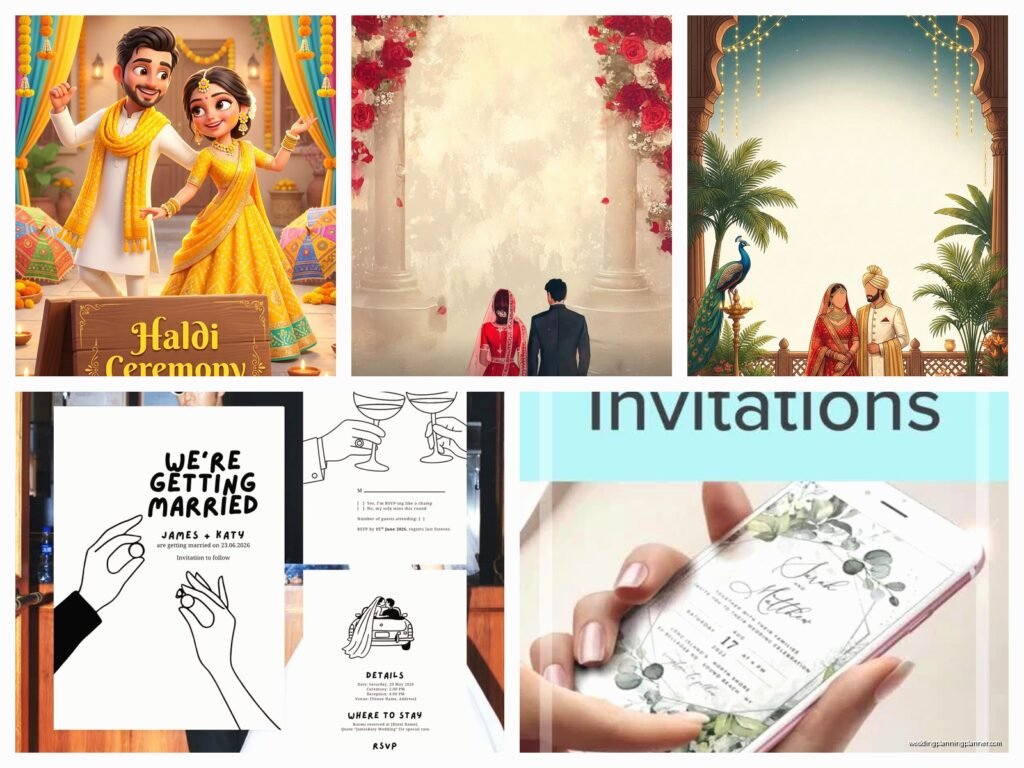
Feb
Hey! So you’re thinking about digital wedding invitations – honestly, such a smart move and I’ve been helping couples navigate this for years now.
Why Digital Invitations Actually Work
Okay so first thing, let me just say that digital invites have come SO far from those cheesy evite things from like 2010. I had this couple last spring who were super traditional, like the bride’s mom was clutching her pearls at the idea, but once we showed her what modern e-invites look like? Completely changed her mind. The quality now is kinda insane.
You’re gonna save money obviously – we’re talking like $300-800 that you would’ve spent on printing and postage. But honestly the real benefit is the tracking. You can see who opened it, who clicked through, who RSVP’d… it’s like having a wedding planning assistant that actually responds to your texts.
Picking Your Platform
Alright so there are basically a few main players here and I’ve tested literally all of them because my cat knocked over my coffee one morning and I ended up going down a rabbit hole comparing features for like three hours.
Paperless Post is probably the most elegant option. Their designs are chef’s kiss, and tbh they don’t scream “digital” in that cheap way. They have this coin system which is kinda annoying to figure out at first, but you can send beautiful invites for around $1-2 per guest. The envelope liner animations? Gorgeous.
Greenvelope is what I recommend when couples want something more eco-focused. They plant trees with every invitation sent which is a nice touch. The customization options are really solid, and their customer service actually answers emails within like an hour.
Minted does digital now too, and since their paper designs are already so good, the digital versions maintain that quality. Slightly pricier but worth it if you want that high-end look.
Joy and Withjoy are free options that work surprisingly well. I mean you’re gonna see their branding on there, but for casual weddings or if budget is tight, they’re totally acceptable.
What About Making Your Own
Listen, I’ve seen couples try to DIY this with Canva and then email it out, and… it usually doesn’t go great? The problem is tracking RSVPs becomes a nightmare, and half your guests will reply to the wrong email thread or text you instead. If you’re gonna go the DIY route, at least use a platform that has RSVP management built in.
Design Elements That Matter
Okay so here’s where my stationery consultant brain kicks in. Your digital invite needs to feel intentional, not like you forgot to order paper ones.
Motion is your friend – this is where digital actually beats paper. Subtle animations, like text fading in or floral elements that move slightly, make it feel special. But like, subtle is the key word. I saw one last month that had so much animation I felt like I was gonna have a seizure.
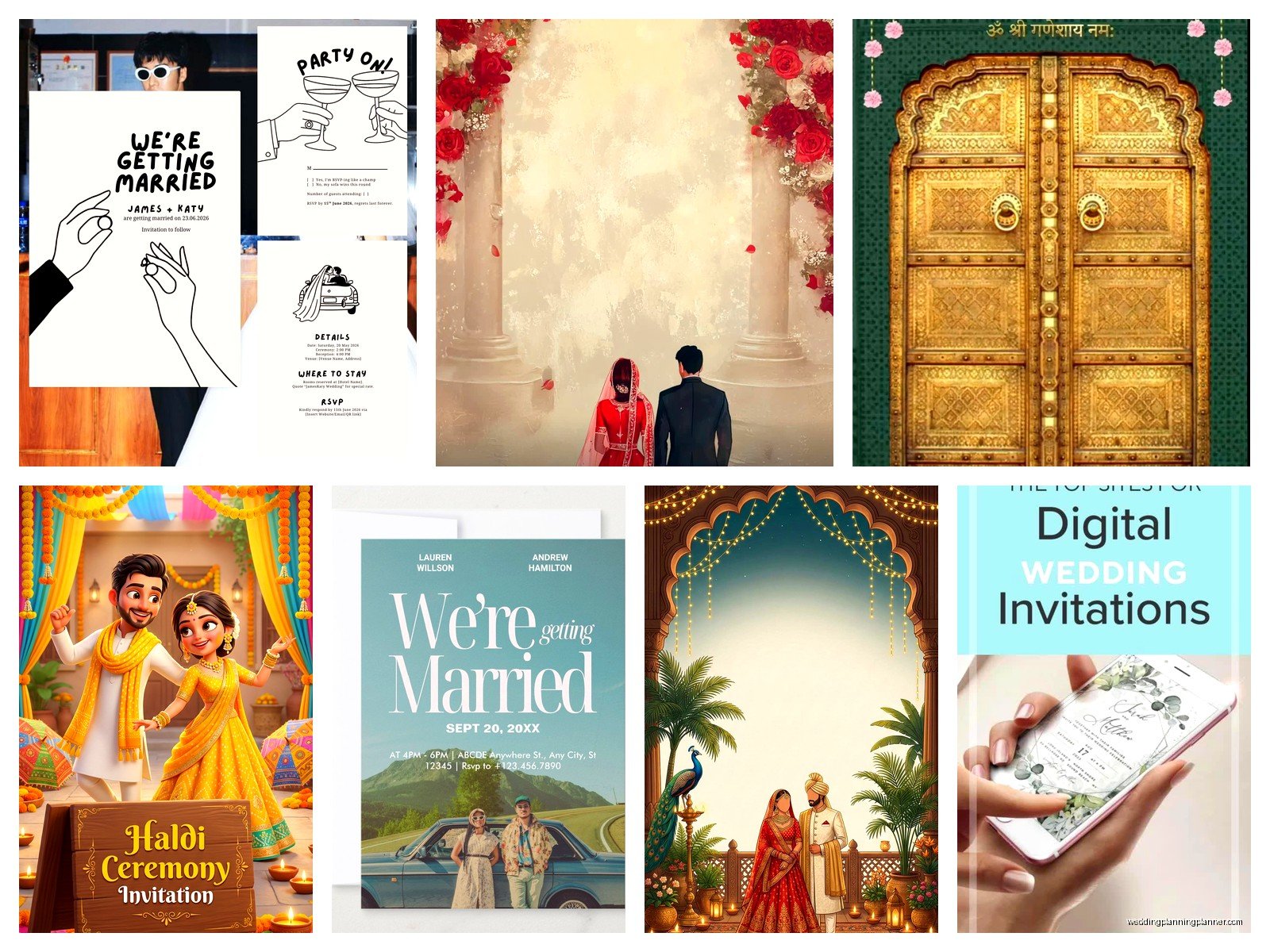
Typography choices still matter just as much as paper. Actually maybe more? Because people are viewing this on their phones mostly, so you need fonts that are readable on small screens. That gorgeous calligraphy font might look amazing on a 5×7 card but turns into a blurry mess on an iPhone.
Color psychology – I feel like this sounds super woo-woo but it’s real. Jewel tones (emerald, sapphire, burgundy) read as elegant on screens. Pastels can look washed out unless you bump up the saturation a bit more than you would for print.
The Technical Stuff You Gotta Know
Alright so this is gonna sound boring but it’s important – you need to think about how people actually receive and view these things.
Most platforms will send a text AND email notification. Always do both. Some of your older guests only check email like once a week, and some of your younger friends have 10,000 unread emails and will never see it otherwise.
Timing is different than paper invites. With digital, you can send them 6-8 weeks before the wedding instead of the traditional 8-12 weeks. People don’t need as much processing time because they can RSVP immediately.
Save the dates – honestly these are even better as digital. Send them 6-8 months out with a link to your wedding website. By the way, you’re definitely gonna want a wedding website if you’re doing digital invites. They work together perfectly.
The RSVP System
This is where digital invites really shine and also where they can get messy if you don’t set them up right.
Make sure your RSVP form asks for:
- Full names of everyone in their party
- Meal choices if you’re doing plated dinner
- Dietary restrictions (have a text box, not checkboxes – you’ll miss stuff otherwise)
- Email AND phone number for follow-up
Ngl, you’re still gonna have people who don’t RSVP or who respond incorrectly. I had a groom last fall who had someone RSVP with “maybe 4 of us?” Like… that’s not how this works Karen.
Set up reminders to auto-send. Most platforms let you do this. I usually do one reminder two weeks before the RSVP deadline. Actually make your RSVP deadline earlier than you really need it – give yourself buffer time for the inevitable stragglers.
Handling Different Guest Groups
So here’s something I learned the hard way – you’re gonna have guests who are weird about digital stuff.
Older relatives – have a plan B. I usually tell couples to order like 10-20 paper invites for grandparents and that one aunt who still has a flip phone. It’s a small cost and saves so much family drama.
International guests – digital is actually perfect for them because mail to other countries is slow and expensive. Just be mindful of time zones when you send.
Plus ones – this is where digital invites are so much better than paper. You can personalize each invite to either include a plus one or not, and it’s clear. No more “and guest” confusion.
The Wedding Website Connection
Okay wait I forgot to mention – your digital invite should link directly to your wedding website. This is like non-negotiable. The website is where you put:

- Venue details with actual addresses and parking info
- Hotel room blocks
- Registry information (never put this on the invite itself)
- Schedule of events
- FAQ section
I usually use The Knot or Zola for wedding websites because they integrate well with most digital invitation platforms. Withjoy obviously works best with their own invites.
Etiquette Questions Everyone Asks
Is it rude to send digital invites? Honestly no, not anymore. Maybe five years ago it was questionable for formal weddings, but post-2020 everyone got used to digital everything. I’ve done $100k+ weddings with digital invites and nobody batted an eye.
Should you tell people it’s coming? Yeah, I usually suggest sending a quick text to your VIP guests (parents, wedding party, close family) giving them a heads up like “digital invite coming your way Thursday, watch your email!” This prevents the “I never got it” excuse.
What about dress code? Put it clearly on the invite just like you would paper. “Black Tie,” “Cocktail Attire,” “Beach Casual” – whatever. And then elaborate on the website with photos or more description if needed.
Common Mistakes I See All The Time
Okay so let me save you from the things that trip people up…
Too much information on the invite itself – the digital invite should be clean and simple. Ceremony time, location, dress code, RSVP button. Everything else goes on the website. I’ve seen invites that scroll for like three pages and it’s just too much.
Forgetting to proofread – just because it’s digital doesn’t mean typos are okay. Actually proofread EXTRA carefully because you’re probably designing it at 11pm after watching The Great British Baking Show and your brain is tired.
Not testing it first – send a test version to yourself and like three friends on different devices. iPhone, Android, computer. Make sure everything displays correctly and links work.
Ignoring your spam folder – tell guests to check spam if they haven’t received it. Wedding invitation emails sometimes get flagged, especially from certain platforms.
The Money Breakdown
Since I literally just helped a couple budget this yesterday, here’s what you’re looking at:
Premium platforms (Paperless Post, Greenvelope, Minted): $100-300 for 150 guests
Mid-range (Evite Premium, Punchbowl): $50-150 for 150 guests
Free options (Joy, Withjoy, basic Evite): $0 but with platform branding
Add maybe $50-100 for a few paper invites for holdouts, and you’re still looking at a fraction of what paper invites cost. Traditional paper invites for 150 people? Easily $500-1200 depending on printing methods and fancy you wanna get.
Following Up After You Send
This is gonna sound weird but check your dashboard like every day for the first week. You’ll see who’s opened it, and you can personally reach out to people who haven’t. “Hey! Just wanted to make sure you got our wedding invite – check your email!” Usually people just forgot or it went to spam.
Two weeks before your RSVP deadline, download your guest list and compare it to who’s responded. Start texting the non-responders. Yeah it’s annoying but it’s way easier than calling everyone later in a panic.
Keep your website updated with any changes. Weather looks bad? Update the outdoor ceremony plan B. Venue parking lot gonna be full? Add that shuttle bus info. The beauty of digital is you can communicate updates easily.
Making It Feel Personal
Here’s the thing – some people worry digital feels impersonal, but you can actually make it MORE personal than paper. Add a photo of you two. Record a short video message (like 15 seconds, nothing crazy). Use your actual voices and personalities in the wording.
Instead of “Mr. and Mrs. Johnson request the honor of your presence” you can say “We’re getting married! Please join us…” It’s your wedding, you can be yourselves.
I had a couple who included a Spotify playlist link on their invite – songs that were special to them. Little touches like that make digital invites feel thoughtful and unique.
The save-the-date can even be more casual – some couples do Instagram story-style announcements or short video clips. As long as the actual invitation has all the formal details, you’ve got room to play with the save-the-date format.
