
Planning Guides, Style Guide
Basic Invite Wedding Invitations: Customization Platform
Mar
So You’re Looking at Basic Invite for Wedding Invitations
Okay so Basic Invite is honestly one of those platforms I wish I’d known about earlier in my career because it would’ve saved me SO much back-and-forth with couples who couldn’t decide on invitation designs. I remember this one situation in spring 2023 where I had a bride who changed her mind about her invitation color scheme literally four times and we’d already ordered samples from two different companies and she was stressed about the cost and I was just… anyway, Basic Invite would’ve been perfect for that mess.
The main thing you need to know is that Basic Invite is basically a customization platform where you can change almost everything about your wedding invitation. And I mean everything. Not just the text or picking from like three color options. We’re talking over 180 different color choices for every single design element. Which sounds overwhelming but it’s actually kinda genius once you get the hang of it.
How the Customization Actually Works
When you land on their site, you’ll see thousands of templates. Don’t panic about the number. Just use their filters – you can search by style (modern, rustic, floral, whatever), by color, by theme. Once you click on a design you like, that’s where the magic happens. Every single design element can be customized. The background color, the text color, the accent colors, the envelope liner colors. You’re basically working with a design that’s more like a framework than a finished product.
The customization tool itself is pretty straightforward. You click on the element you wanna change, pick your new color or text, and it updates in real-time. No waiting for a proof to come back three days later. You see it immediately. This is huge for indecisive couples or for when you’re trying to match a very specific wedding color palette.
The Color System Thing
Alright so here’s where Basic Invite really stands out. Those 180+ colors aren’t just random – they’re organized in a way that actually makes sense. You’ve got your basics, your pastels, your jewel tones, metallics, all categorized. But here’s what I do: I tell my couples to get their wedding color swatches (you know, from the bridesmaids dresses or the florals or whatever) and we literally hold them up to the screen to find the closest match.
Is it perfect? Not always. Screens display colors differently and printed colors can vary slightly. But Basic Invite does offer – and this is important – unlimited free sample prints. You just pay shipping. So you can literally order samples of the same invitation in five different color variations to see which one actually matches your vision in person. I’ve had couples order like eight different samples before committing and honestly that’s smart.
Text Customization and Wording
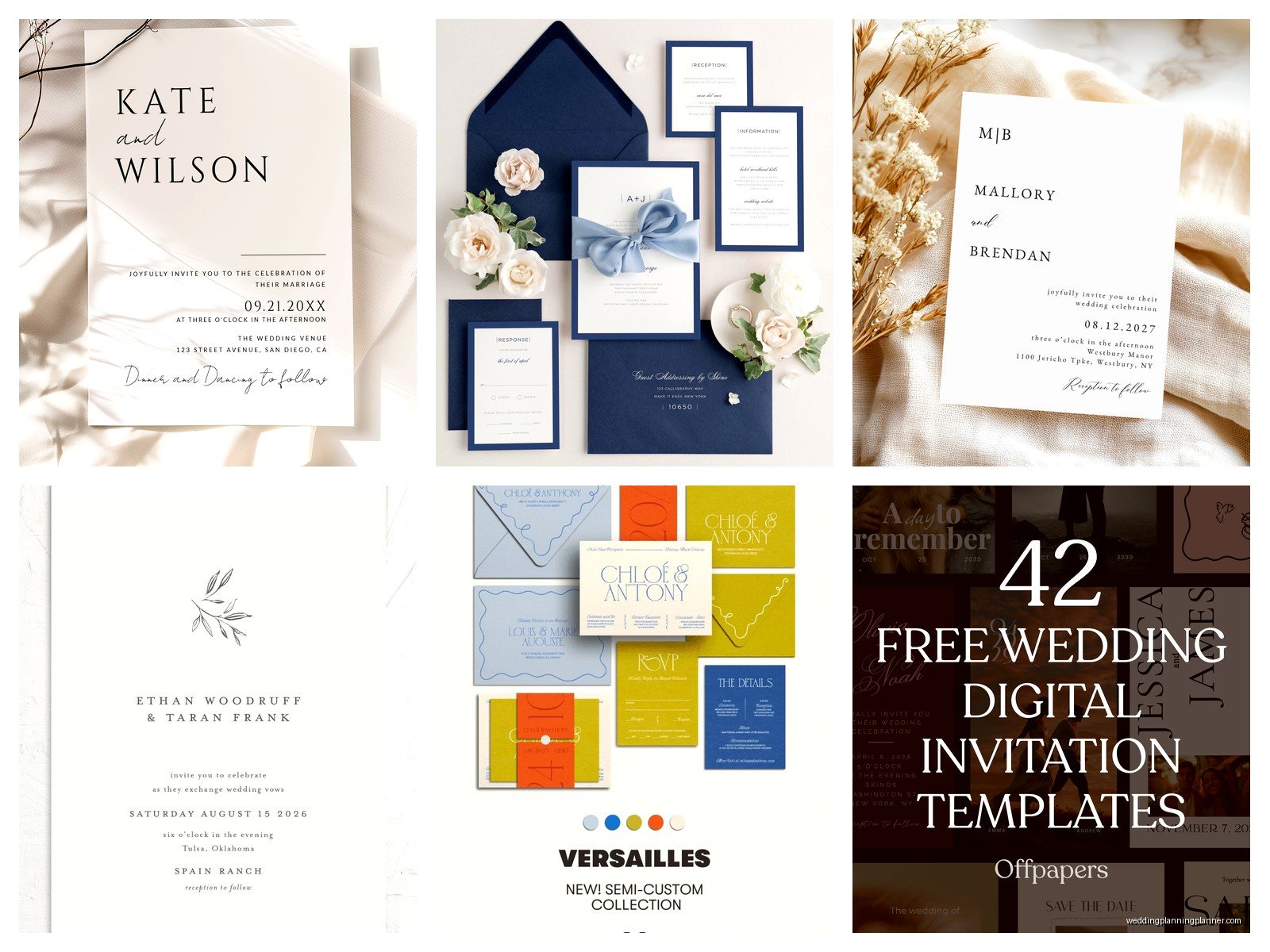
You can change all the text obviously. The names, the date, the venue info. But you can also change the fonts. They have a pretty decent font library with different styles – script fonts, modern sans-serifs, traditional serifs, that hand-lettered look that’s been everywhere for the past few years. You can mix and match fonts too, like use a script for the couple’s names and a clean sans-serif for the details.
One thing that annoyed me though – and this is such a small thing but it bothered me – is that some font combinations just don’t look great together and the platform doesn’t really guide you away from bad choices. I had a groom pick like three different script fonts on one invitation and it looked like a ransom note. So I guess just… use common sense? Stick to two, maybe three fonts max. One for headers, one for body text, maybe one for accents.
The Envelope Situation
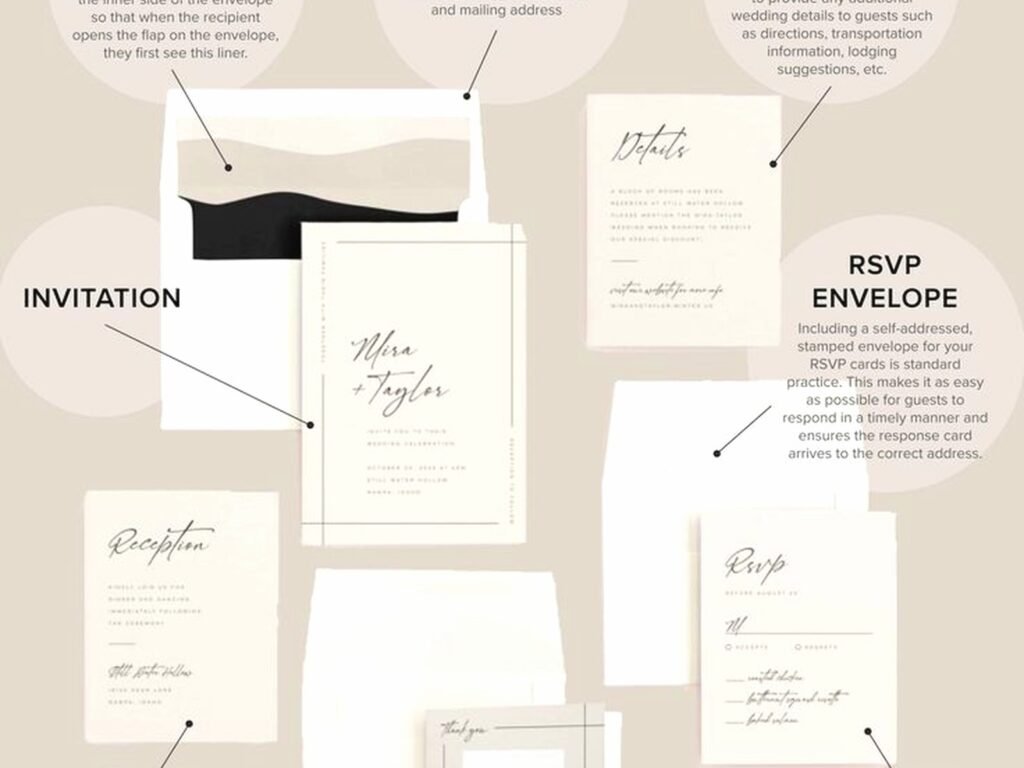
Basic Invite does this cool thing with envelopes that I haven’t seen executed as well on other platforms. You can get peel-and-seal envelopes in over 40 colors to match your invitations. But wait there’s more – you can add envelope liners in different colors and patterns. And you can get recipient addressing printed directly on the envelopes.
The addressing thing is a game-changer for couples who don’t have great handwriting or don’t wanna hire a calligrapher. You upload your guest list, pick a font, pick a color for the printing, and Basic Invite prints all the addresses directly on your envelopes. It looks clean and professional. Way better than printed labels, which I personally think look cheap on wedding invitations but that’s just me.
They also do return addressing on the envelope flap, which saves time. You can match the font and color to your recipient addressing or do something different. I usually recommend keeping it simple on the return address – smaller font, maybe a less fancy style than the front.
Design Elements You Can Actually Control
Let me break down what you can specifically customize because it’s kinda wild:
- Background colors and patterns
- Text colors for every different text element (so your names can be one color, your venue details another, etc.)
- Borders and frames
- Accent graphics and icons
- Photo placements if you’re doing a photo invitation
- The back of the invitation design
- Envelope colors and liners
- Fonts and font sizes
You can also add things like monograms or custom graphics if you have them. Though honestly most couples stick with the template graphics because they’re already designed to work together.
Foil Options Because Everyone Asks About This
Basic Invite offers foil stamping, which adds that metallic shine to certain elements of your invitation. You can get gold foil, silver foil, rose gold (of course), copper, and a few other options. It’s an upgrade cost but it’s not as expensive as traditional foil stamping through a print shop.
Here’s the thing with foil – it looks amazing in person but you gotta be strategic. Don’t foil everything or it looks overdone. Pick one or two elements. Maybe just the couple’s names. Or just a border. Or just a monogram. Less is more with foil, trust me. I learned this the hard way with a New Year’s Eve wedding where the bride wanted gold foil on literally every word and it just looked… like too much. She was happy with it though so whatever.
The Whole Suite Thing
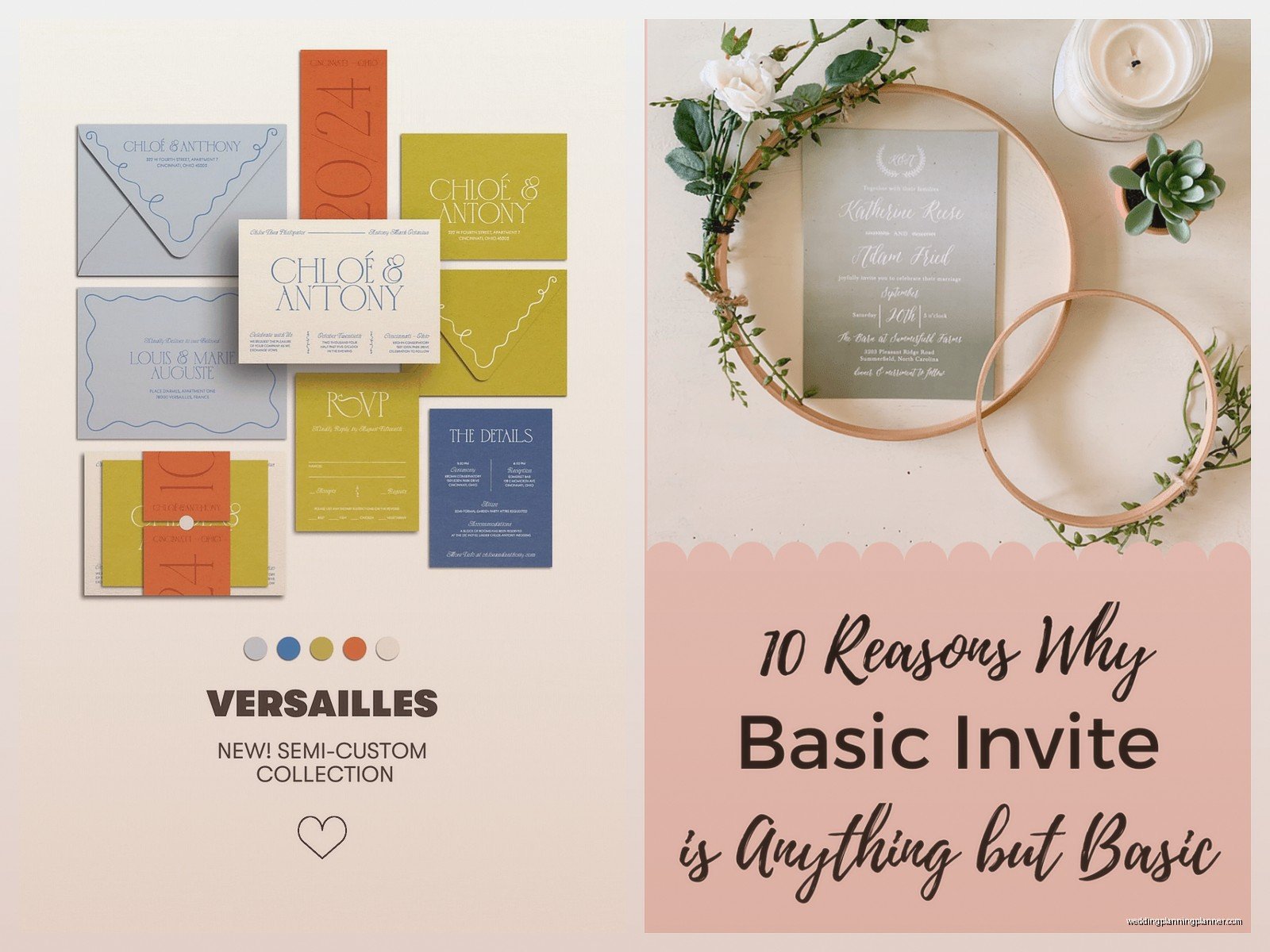
You’re not just getting invitations. Basic Invite lets you create matching pieces for your entire wedding stationery suite. Save the dates, RSVP cards, details cards, thank you cards, programs, menus, place cards, table numbers. All using the same design and color scheme you picked for your invitation.
This is actually super helpful for brand consistency – which sounds corporate but basically means everything looks like it goes together. When you customize your invitation and get the colors exactly how you want them, those same customization choices carry over to all the other pieces. You don’t have to redo the color selection for each item. My cat just knocked over my water bottle, hang on…
Okay where was I. Right, so the matching suite thing. It makes everything look cohesive and professional. Plus you’re not trying to remember “wait was that navy #47 or navy #52 that we used on the invitations?” It’s all saved in your account.
Practical Tips From Actual Wedding Planning
So after using Basic Invite for a bunch of clients and for some personal projects, here’s what I’ve figured out:
Order Samples First Always
I mentioned this before but seriously. Order samples. Order multiple versions if you’re torn between colors. The free samples thing is there for a reason. Colors look different on screen versus in print. Paper quality matters. You wanna see and feel the actual product before you order 150 invitations. Also check the samples in different lighting – natural light, indoor light, evening light. Colors can shift.
Give Yourself Time for Proofreading
The platform shows you a preview but you need to proofread everything yourself. Multiple times. Have someone else proofread it too. I cannot tell you how many times I’ve caught errors that couples missed because they’d been staring at their invitation for weeks. Check the date format, check the time, check that the venue name is spelled correctly, check that Uncle Mike’s name isn’t spelled Miek. These invitations are getting mailed to everyone you know.
Use the Favorites Feature
As you’re browsing designs, you can favorite the ones you like. Do this. You’ll look at hundreds of designs and if you don’t favorite them, you’ll never find that one you loved on page 47. Create a shortlist of like 10-15 favorites, then narrow down from there. Show them to your partner, your planner, your mom, whoever’s involved in decisions.
Think About Readability
This is gonna sound obvious but some couples get so focused on making everything pretty that they forget people need to actually read the invitation. If you choose a light color text on a light background, it might look elegant and minimalist but your grandma can’t read it. Make sure there’s enough contrast. Make sure the font size is readable. Details cards especially tend to have smaller text so watch that.
The Paper Stock Matters
Basic Invite offers different paper options – standard, premium, and some specialty finishes. The standard is fine honestly. It’s not flimsy. But if you want something that feels more luxurious, the premium stock is worth it. There’s also options for rounded corners, which is a small detail but makes invitations feel more custom and high-end.
What About Pricing Though
So Basic Invite isn’t the cheapest option out there but it’s not the most expensive either. You’re paying for the customization flexibility basically. Prices vary depending on what you’re ordering, quantity, paper stock, whether you add foil, whether you get envelope addressing, all that stuff.
They run sales pretty frequently – like 15% off or 20% off type deals. I usually tell couples to wait for a sale if they have time. Sign up for the email list, you’ll get notified. The discount codes work on everything including samples.
The envelope addressing is an additional cost per envelope but honestly it’s cheaper than hiring a calligrapher and faster than doing it yourself. For a wedding with 150 guests you’re looking at maybe $50-75 for addressing depending on current pricing. Which in the grand scheme of wedding costs is nothing.
Quantity Considerations
Order more than you think you need. Not like a hundred extra, but maybe 10-20 extra. Someone will give you a wrong address. Someone will spill coffee on theirs and ask for another one. You’ll want extras for your own keepsake box, for parents who want extras, for the inevitable “oh we forgot to invite so-and-so” situation that happens with literally every wedding.
Basic Invite does offer reprints at the same customization, which is helpful if you do run out. But reprints take time and cost money so just order enough the first time.
Things That Make Basic Invite Different
Compared to other platforms like Minted or Paperless Post or Zola, Basic Invite’s whole thing is the customization depth. Minted has beautiful designs but you can’t change as much. Zola is convenient if you’re already using their registry but the design options are more limited. Paperless Post is great for digital but if you want physical invitations with this level of control, Basic Invite wins.
The instant preview is huge. Some platforms make you wait for a digital proof that someone has to manually create. With Basic Invite you’re seeing changes in real-time as you make them. This speeds up the whole design process so much.
Also the fact that everything’s online means you’re not making appointments at stationery stores or dealing with shipping samples back and forth with a local printer. You can work on your invitations at midnight in your pajamas if you want. Which honestly is when most couples do their wedding planning anyway because everyone’s busy during normal business hours.
Customer Service Stuff
I’ve had to contact their customer service a few times for various client issues – wrong shipping address, questions about paper stock, one time an order got delayed. They’re pretty responsive. Not instant but usually within a day. They have a chat function on the site which is faster than email. The one time we had a printing error on an order, they reprinted and rushed shipped it without charging extra, so that was good.
Real Talk About DIY vs Professional Design
Basic Invite sits in this interesting middle ground between totally DIY and hiring a professional stationer. You’re doing the customization yourself but you’re working with professionally designed templates. So it doesn’t require design skills but you do need decent taste and decision-making ability.
If you’re someone who gets overwhelmed by choices or who second-guesses every decision, the platform might stress you out because there are SO many options. In that case you might want to work with a planner or a stationer who can guide you. But if you’re confident in your vision and you like having control over details, you’ll probably love it. I’m somewhere in the middle – I like the control but sometimes I miss just… having fewer choices? Is that weird? Like sometimes I look at their color options and I’m just like, can someone just tell me which blue to pick…
Anyway the point is it’s user-friendly enough that you don’t need to be a graphic designer, but flexible enough that you can create something that feels custom and personal to your wedding. Which is kinda the whole goal with wedding invitations – they should represent you as a couple and give guests a preview of what your wedding will be like
