
Planning Guides, Style Guide
Evite Wedding Invitations: Online Platform Free Options
Mar
Okay So About Evite for Wedding Invitations
Right so you’re asking about Evite and honestly, I have mixed feelings about this platform because back in spring 2023 I had this bride who wanted to do everything free and I mean EVERYTHING, and she kept pushing Evite even though… well, let me just walk you through what actually works here and what doesn’t.
The Basic Free Account Situation
Evite has free wedding invitation options but you gotta understand what you’re actually getting. The free tier gives you access to their basic designs which are honestly pretty limited for weddings specifically. You can send unlimited invites which is nice, and you get the RSVP tracking which is literally the main reason anyone uses online invites anyway.
When you set up a free account you just need an email address. No credit card required upfront which is good because some of these platforms will try to—oh my dog is barking at literally nothing again, hold on—anyway, some platforms auto-enroll you in trials and that’s annoying. Evite doesn’t do that at least.
Design Options That Don’t Cost Anything
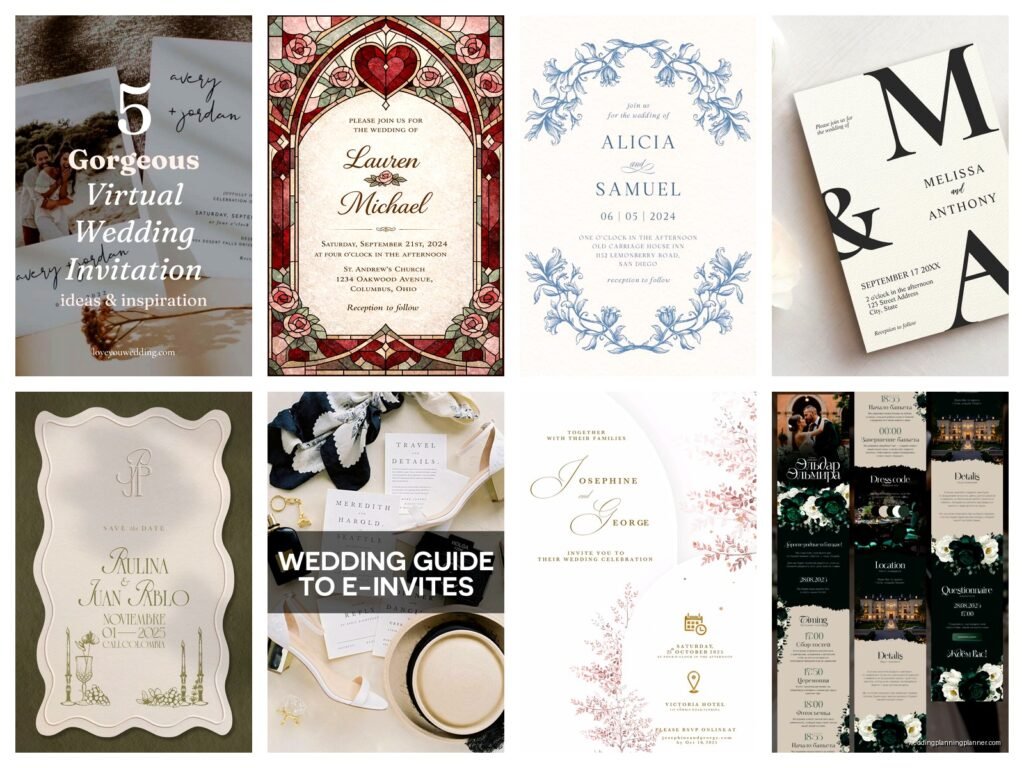
The free designs are very… how do I say this… they’re very “birthday party” vibes even in the wedding section. You’ll see a lot of florals, some basic geometric patterns, and generic romantic imagery. Nothing custom. One thing that really annoyed me was that the nicest designs always have that little “Premium” tag on them, so you spend time browsing and getting excited and then nope, gotta pay.
Here’s what you can actually do with free designs:
- Change the text and wording completely
- Adjust colors on SOME templates but not all
- Add your own photo as a header image on certain templates
- Include basic event details like date, time, location with map integration
- Set up RSVP questions
The photo upload thing is clutch because if you have engagement photos, you can at least personalize it that way even if the template itself is basic.
RSVP Management Features
This is where Evite actually shines even on the free plan. You get real-time RSVP tracking, you can see who opened the invitation, who responded, who’s bringing a plus-one. I had a micro-wedding client in summer 2021 during that weird post-lockdown phase where everything was uncertain and she used Evite free tier and honestly the RSVP tracking saved her so much stress.
You can set custom RSVP questions like:
- Meal preferences
- Dietary restrictions
- Song requests
- Whether they’re attending ceremony and reception or just reception
The system sends automatic reminders to people who haven’t responded which is helpful because you know how people are with RSVPs, they just… forget or procrastinate or whatever.

What You Lose With Free vs Premium
Alright so the premium features start at like $5 per event or something, prices change, but here’s what you DON’T get with free:
- Ad-free experience for your guests (this is big, we’ll come back to this)
- Premium design templates which are significantly prettier
- Envelope feature that creates a more formal presentation
- Text message invitations alongside email
- Advanced customization options
- Guest list management tools that are more robust
The ads thing is what gets most couples. Your guests will see advertisements when they view the invitation and when they RSVP. It’s not like terrible or intrusive but it definitely makes it feel less elegant. For a wedding that’s trying to feel upscale or formal, this kinda kills the vibe.
Setting Up Your Free Wedding Invitation
When you’re actually creating it, the process is pretty straightforward. You pick your template from the free options, then you’ll fill in:
- Event title (obviously the couple’s names and “wedding” or “wedding celebration” or whatever)
- Date and time
- Venue name and address
- RSVP deadline
- Any additional details in the description box
The description box is where you can add info about dress code, parking, accommodations, registry info. There’s no character limit on the free version which is good because some couples have a LOT to say.
You can also add what they call “What to Bring” section but for weddings this feels weird, like are you asking guests to bring… I usually skip this unless it’s a super casual backyard thing.
Guest List Management on Free Plan
You can upload a guest list via CSV file or manually enter email addresses. The free version lets you organize guests but it’s not as detailed as premium. You can’t create different groups easily or send different versions of the invite to different people, which sometimes matters if you’re doing adults-only ceremony but kids welcome at reception or— wait that’s probably rare actually.
One annoying limitation is that you can’t easily track plus-ones as separate entities. Like if you invite Sarah and guest, it counts as one invitation unit and Sarah has to specify in her RSVP if she’s bringing someone. For smaller weddings this is fine but for larger ones it gets messy in your headcount.
The Email Delivery Thing
Evite sends the invitation via email and honestly this is where online invites in general get tricky. Some of your guests will have the email go to spam especially older relatives who have aggressive spam filters. I always tell couples to give people a heads-up via text like “hey watch for our wedding invite from Evite in your email.”
You can schedule when the invitations send out which is helpful. I usually recommend 8-10 weeks before the wedding for the invitation itself but you can send save-the-dates earlier if you want, though umm… Evite isn’t really designed for save-the-dates specifically, people just repurpose the invitation feature.
When Free Evite Actually Makes Sense
Look, I’m gonna be real with you. Free Evite works for:
- Very casual weddings
- Elopement announcements or post-wedding celebrations
- Courthouse wedding with small dinner after
- Backyard or super intimate gatherings
- Younger crowds who are very online and don’t care about formality
- Engagement parties or wedding showers (works better for these honestly)
It does NOT work well for:
- Traditional formal weddings
- When you have older guests who aren’t tech-savvy
- When you want something that feels high-end
- Multi-event weddings where you need complex coordination
That bride I mentioned from spring 2023? She had a 150-person formal wedding at a country club and wanted to use free Evite and I just… I tried to explain that the mismatch between the venue formality and the invitation would confuse guests about dress code and expectations but she was SO budget-focused that she couldn’t see it. Eventually she compromised and at least paid for premium Evite but initially she wanted completely free.
Alternative Features You Should Know About
The free version includes a “What to Expect” section where you can outline the timeline of the day. Like cocktail hour at 5, ceremony at 6, reception at 7, whatever. This is actually useful because it reduces the number of questions you’ll get.
There’s also a comment section where guests can leave messages which is… cute I guess? Some couples like it, some find it cluttered. You can turn it off if you want.
Photo sharing is available where guests can upload photos from the wedding after the event. The free version limits storage though so if you have a big wedding and everyone uploads photos, you might hit the limit pretty fast.
The Mobile Experience
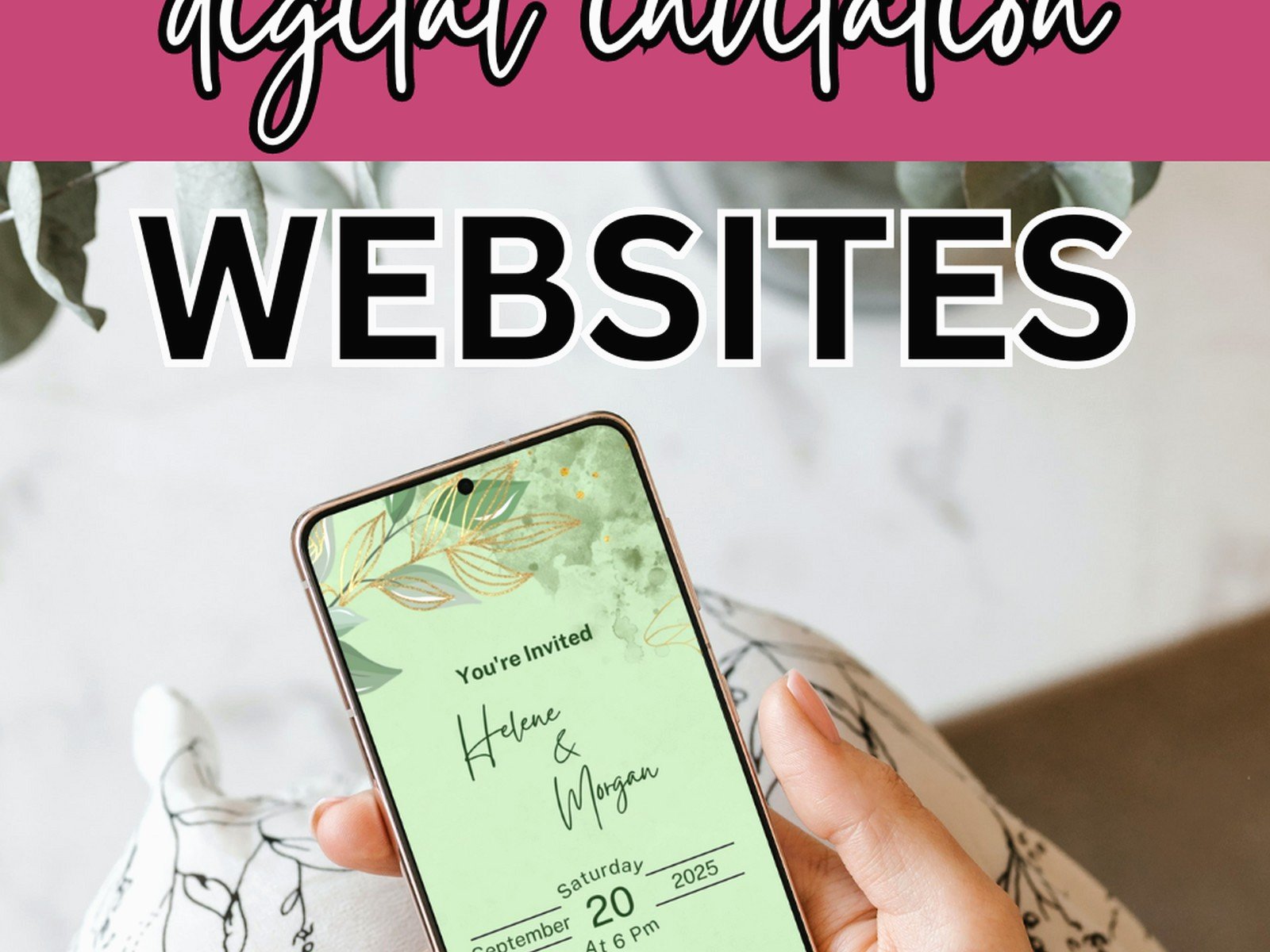
Most of your guests are gonna view this on their phones so that matters. The free Evite templates are mobile-responsive which means they adjust to phone screens automatically. The RSVP process on mobile is pretty smooth actually, like three taps and you’re done.
There’s an Evite app but honestly your guests don’t need to download it, they can just click the link in the email and respond through their browser.
Tracking and Reminders
You can send reminder messages through the platform to people who haven’t RSVPed. The free version lets you send these but they’re pretty generic, you can’t customize them much. It’ll just say like “Reminder to RSVP to Sarah and John’s wedding” with a link.
The dashboard shows you who viewed the invitation but didn’t respond yet which is helpful for following up personally. I was watching The Bear while helping a client go through her RSVP list and we were literally texting people like “hey did you see the invite” and so many people were like “oh it went to spam” or “oh I forgot to respond” so the tracking helped identify who needed the nudge.
Integration With Other Tools
Free Evite doesn’t integrate with wedding planning apps or registry services directly. You can include links in your description but there’s no like embedded registry or connection to your wedding website if you have one. It exists as its own standalone thing which can be good or bad depending on how you’re organizing everything.
Some couples use Evite just for the RSVP management and send separate paper invitations with a note to RSVP online. That way they get the elegant paper invite but the easy digital tracking. The free Evite works fine for this purpose.
Guest Communication After They RSVP
Once people RSVP you can send updates to all guests or just those who said yes. Free version lets you do this unlimited times which is good because weddings always have last-minute changes or updates. Weather backup plans, parking updates, whatever.
The messages go out via email and there’s no way to text guests directly unless you pay for premium, so if you need to communicate something urgent day-of, you’re better off having a phone tree or group text situation set up separately.
Printing Options
This is sorta random but some people want to print their Evite design to have physical copies for like elderly relatives who don’t do email. The free version doesn’t give you a printer-friendly format really. You can screenshot it I guess but it’ll look pretty amateur. If you need physical invites even for a few people, you’re better off designing something separate in Canva and printing those while using Evite for everyone else.
Privacy and Guest Information
Evite keeps your guest list private obviously and on the free version you still get basic privacy controls. Guests can’t see who else is invited unless you enable that feature which some people like for social events but for weddings it’s usually kept private.
Your guest contact information stays in the Evite system and you can export it as a spreadsheet which is helpful for thank-you cards later or building your holiday card list or whatever you wanna do with it after the wedding.
