
Planning Guides, Style Guide
Greetings Island Wedding Invitations: Design & Ordering Guide
Mar
What Greetings Island Actually Is
Okay so Greetings Island is basically this free online invitation platform that lets you customize wedding invitations without spending a fortune. I discovered it back in spring 2023 when a bride came to me literally three weeks before her wedding because her original stationer just… disappeared? Like ghosted her completely with her deposit. We needed something fast and she had maybe $200 left in her stationery budget after that disaster.
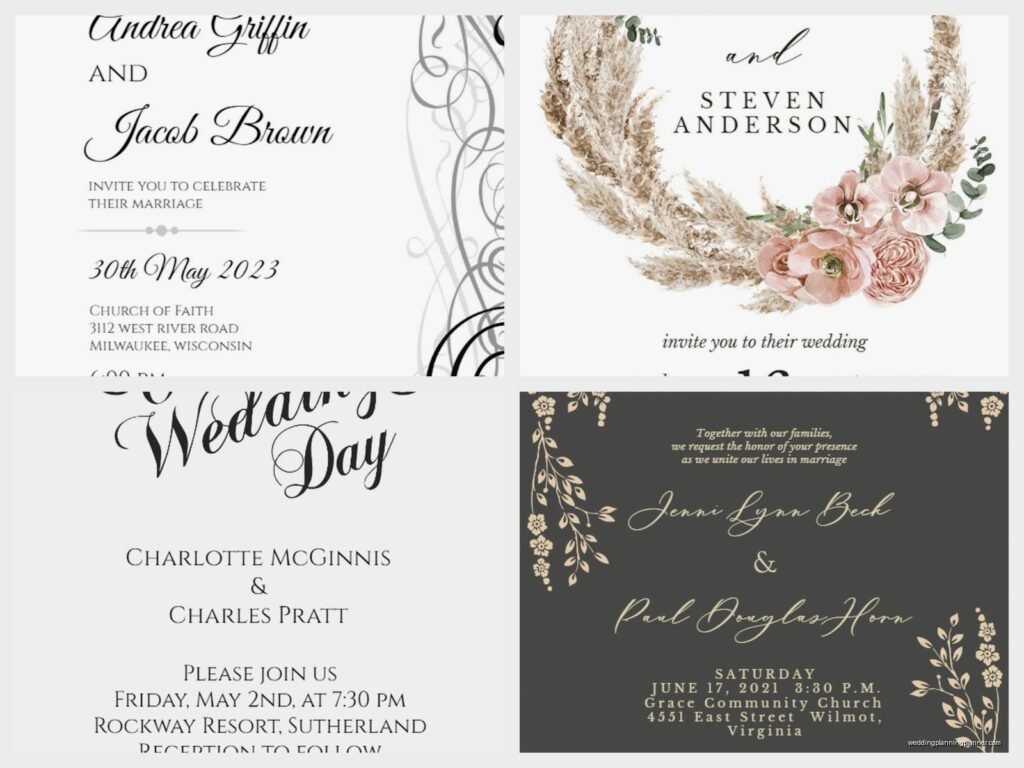
The platform has hundreds of templates you can personalize with your own text, colors, and sometimes photos. You can either download the designs as PDFs to print yourself or order printed cards directly through their site. It’s not gonna give you that luxury letterpress feel, but honestly for couples on a tight budget or doing casual weddings, it works.
How Their Design System Works
When you first land on Greetings Island, you’ll see they organize everything by category—wedding invitations, save the dates, RSVP cards, thank you notes, the whole deal. The search function is pretty decent but sometimes I just scroll through because their tagging system is kinda… inconsistent? Like you’ll search “rustic” and get florals that are definitely more garden party than rustic barn.
Once you pick a template, their editor opens up. It’s drag-and-drop, which sounds simple but there’s actually a learning curve. You can edit text boxes, change fonts (they have maybe 50-60 options), swap colors, and add graphic elements from their library. Some templates let you upload your own photos for like engagement pics or whatever.
Here’s what annoyed me though—the layers system is NOT intuitive. I spent twenty minutes once trying to move a text box behind a floral element and kept clicking the wrong thing. My cat literally walked across my keyboard and somehow fixed it. Still don’t know what key combination she hit.
Free vs Premium Templates
They have both free and premium templates. Free ones you can customize and download without paying anything, but they’ll have a small Greetings Island watermark at the bottom. Premium templates cost usually between $5-15 and come without watermarks. If you’re ordering prints through them, the watermark gets removed automatically even on free templates.
The premium ones generally have more sophisticated layouts and better graphics. But honestly? I’ve used free templates for clients that looked just as good after customization. It depends more on your design eye than the template price.
Customizing Your Invitation
So once you’ve picked your template, here’s how I usually approach the customization because just winging it leads to weird spacing issues…
Start with your text first. Replace all the placeholder text with your actual wedding details—names, date, time, venue address, RSVP info. Their text editor lets you change font, size, color, alignment, and letter spacing. Pro tip: don’t go smaller than 10pt font for addresses because older guests will struggle to read it.
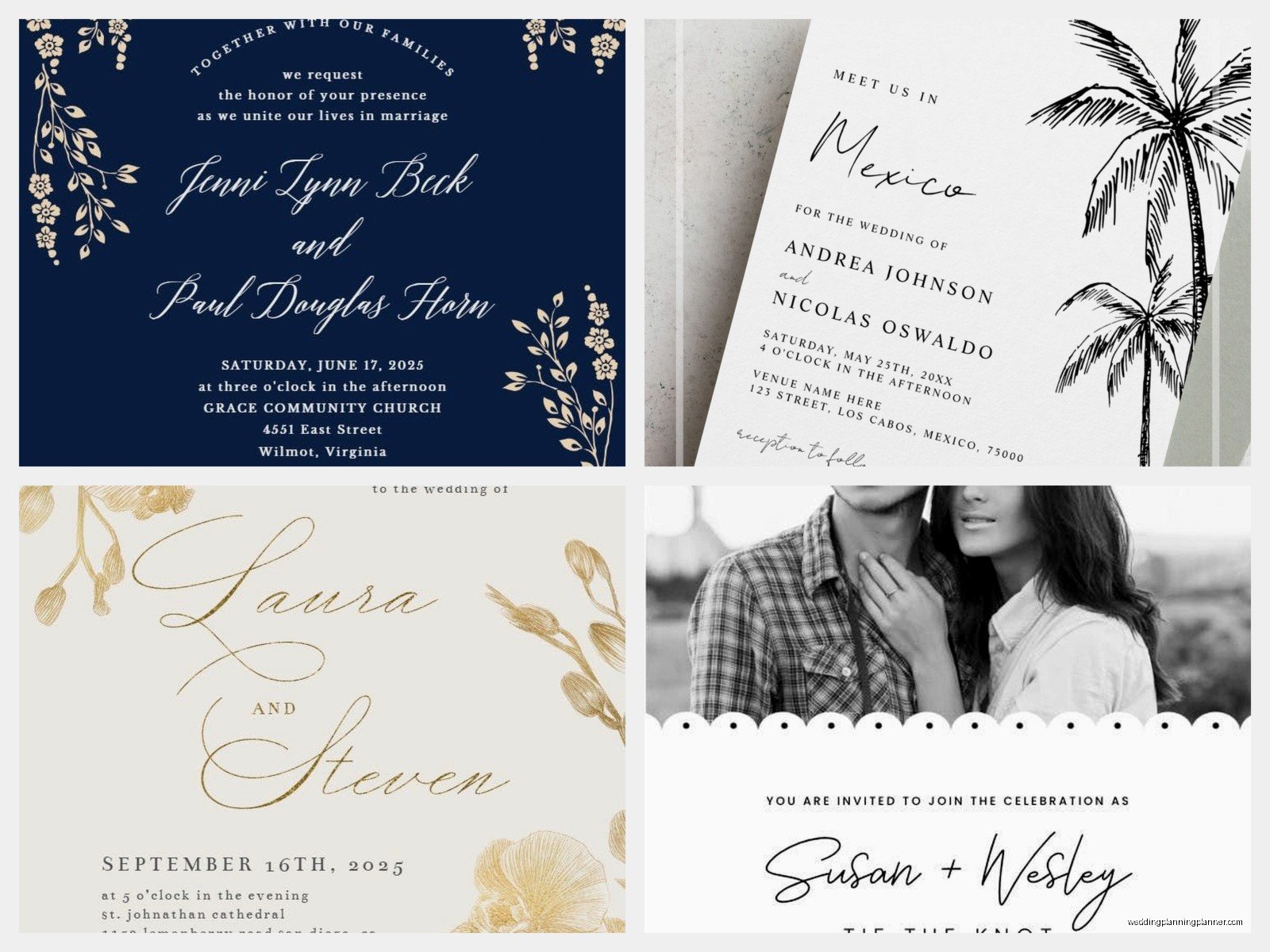
Then tackle colors. Most templates let you change the color scheme. You can either pick from their preset palettes or input specific hex codes if you’re matching brand colors or bridesmaid dresses or whatever. The hex code option is clutch for matchy couples, and you know there are a LOT of those.
After colors, mess with the layout elements. You can usually move, resize, or delete graphic elements like florals, borders, or decorative shapes. This is where that annoying layers thing comes in—sometimes you gotta click around to select the right element because they overlap.
Photo Uploads
If your template supports photo uploads, you can add engagement photos or pictures of your venue. The upload process is straightforward but watch your image quality. I learned this the hard way when a client uploaded a photo from Instagram (already compressed) and it looked pixelated when printed. Use high-resolution images, at least 300 DPI if you’re printing.
You can crop and position photos within the template frames. Some templates have circular frames, some rectangular, some weird organic shapes. Just make sure faces aren’t cut off in awkward ways.
The Printing Options
Alright so this is where it gets interesting because you’ve got two routes: download and print yourself, or order through Greetings Island.
Download and Print Yourself
If you download the PDF (free for watermarked versions, paid for premium), you can print at home, at a local print shop, or through an online printer like Catprint or Vistaprint. I usually recommend local print shops because you can see paper samples first and they can troubleshoot if colors look off.
When printing yourself, pay attention to paper weight. You want at least 80lb cardstock for invitations, preferably 100lb or 110lb. Regular printer paper looks cheap and flimsy. Also consider finish—matte, glossy, or linen texture. I’m partial to matte or linen because glossy can look too… corporate newsletter?
Trim sizes matter too. Standard invitation sizes are 5×7 inches or 4×6 inches because those fit normal envelopes you can buy anywhere. If your design is a weird size, you’ll need custom envelopes which adds cost and hassle.
Ordering Through Greetings Island
If you order prints directly through their site, they handle everything. You pick your quantity (usually minimums around 10-25 depending on the product), paper type, and any finishing options. Their paper quality is decent—not luxury but definitely acceptable for most weddings.
Pricing varies but expect around $1-3 per invitation for basic printing, more if you add premium finishes. They offer standard cardstock, premium cardstock, and sometimes specialty options like kraft paper or recycled paper.
Turnaround time is usually 5-10 business days for production plus shipping. So if you’re on a tight timeline, factor that in. I’ve had orders arrive in a week and others take almost three weeks because of shipping delays, so don’t wait until the last minute.
The Whole Suite Thing
One thing I actually like about Greetings Island is you can design matching pieces—invitations, RSVP cards, details cards, thank you notes, programs, menus, even table numbers. They have suite collections where templates match, which makes coordination way easier.
When planning your suite, think about what you actually need. At minimum, most couples need invitations and RSVP cards. Details cards are helpful if you have lots of weekend events or complicated directions. Programs depend on your ceremony—religious ceremonies usually want them, casual outdoor weddings often skip them.
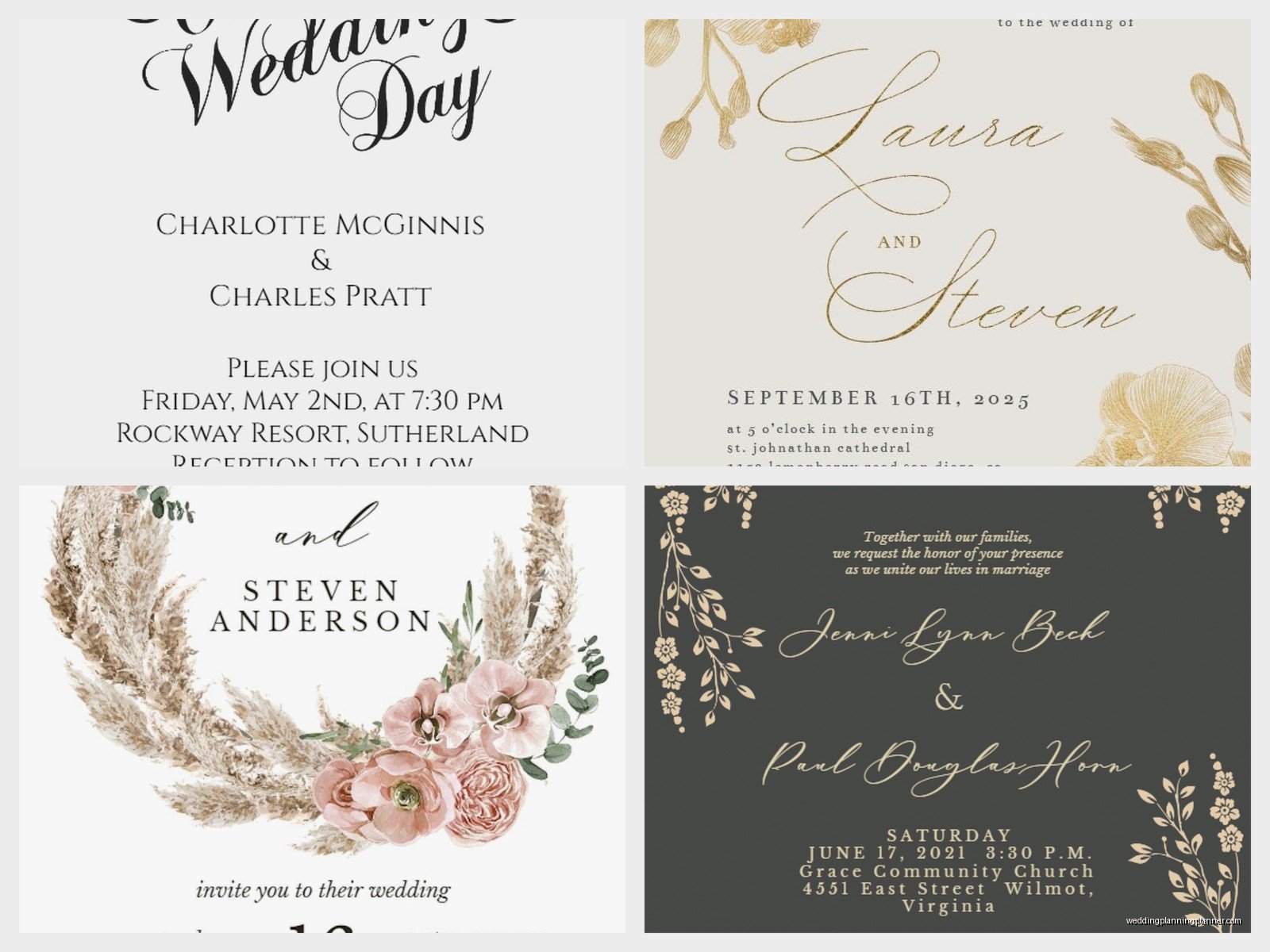
You can mix and match from the same collection or different templates if you’re confident in your design skills. I had a bride once who used three totally different templates for her invitation, RSVP, and details card and somehow made it work because she kept the color palette consistent. But that’s risky if design isn’t your thing.
RSVP Cards Specifically
Their RSVP card templates usually include space for guest names, meal choices, and a response deadline. You can customize what info you collect. Some couples add song requests or dietary restrictions.
One thing to remember—if you’re doing mail-back RSVPs, you need to include a pre-addressed, pre-stamped envelope. Greetings Island doesn’t automatically include envelopes with RSVP cards, so budget for those separately. Or honestly, just set up a wedding website with online RSVPs and skip the mail-back hassle entirely.
Envelopes and Assembly
So here’s something that kinda trips people up—Greetings Island doesn’t really sell envelopes separately in a super obvious way. If you order printed invitations through them, sometimes envelope options appear during checkout, but the selection is limited.
Most people end up buying envelopes elsewhere. Cards & Pockets, Envelopes.com, or even Amazon have tons of options. Just make sure you know your exact invitation dimensions before ordering envelopes. A 5×7 invitation needs an A7 envelope (5.25×7.25 inches). Give yourself a little wiggle room.
For assembly, you’ve got the invitation (obviously), maybe an RSVP card with its own envelope tucked inside, a details card if you’re doing one, and sometimes belly bands or vellum overlays if you’re getting fancy. Stack them in order of importance—invitation on bottom, then details, then RSVP on top with its envelope.
I usually tell couples to do a full assembly test with one complete invitation before stuffing all 150. Make sure everything fits in the envelope without forcing it. If you’re cramming things in, guests will receive wrinkled, bent invitations and that’s not cute.
Design Tips That Actually Matter
Okay so after using Greetings Island for multiple clients and my own niece’s wedding invitations (long story), here’s what actually makes a difference…
Keep text hierarchy clear. Your names should be the most prominent, then date and time, then venue details. Don’t make everything the same size or it’s just visual chaos. Use font size and weight to create that hierarchy—maybe 24pt for names, 16pt for date, 12pt for venue address.
White space is your friend. Don’t fill every inch of the invitation with text or graphics. Breathing room makes designs look more expensive and easier to read. If your template feels crowded, delete some decorative elements.
Proofread like your life depends on it. Then proofread again. Then have someone else proofread. I cannot tell you how many times I’ve caught typos in venue addresses or misspelled months. Summer 2021, I had a groom who somehow typed “Satruday” on 200 invitations and didn’t notice until they were printed. We had to use correction labels. It was a whole thing.
Test print before ordering in bulk. If you’re downloading to print yourself, print ONE invitation first on your actual paper stock. Check colors, make sure nothing is cut off, verify text is readable. Screens and printers show colors differently, so what looks perfect on your laptop might print too dark or too light.
Color Choices
Be careful with really dark backgrounds or heavy color coverage because that uses tons of ink if printing at home. It also sometimes looks muddy when printed on certain papers. Light backgrounds with dark text are your safest bet.
If you’re matching wedding colors, consider that your invitation colors don’t have to EXACTLY match your bridesmaid dresses or whatever. Close enough works. Getting obsessive about matching dusty rose hex codes is gonna drive you crazy.
When Greetings Island Makes Sense
This platform works best for specific situations. If you’re budget-conscious and need decent invitations without spending $500+, it’s perfect. If you’re having a casual wedding—backyard, beach, small venue—the vibe matches. If you’re comfortable with computers and DIY projects, you’ll figure out their system quickly.
It’s also great for super short timelines. That bride I mentioned from spring 2023? We designed, ordered, and received her invitations in under two weeks. Saved her wedding from complete stationery disaster.
Where it doesn’t make sense: luxury weddings where you want foil stamping, letterpress, or handmade paper. Greetings Island is digital printing, period. It can’t replicate those high-end finishes. Also if you have zero design sense and get overwhelmed by choices, you might struggle with the customization process. Some people just need a stationer to hand them finished products.
Common Problems and Fixes
The download won’t work—usually a browser issue. Try a different browser or clear your cache. Chrome works best in my experience.
Colors look different when printed—this is a color profile thing between your screen and printer. If using a print shop, ask them to do a test print. If printing at home, you might need to adjust your printer’s color settings or accept that it won’t be perfect.
Text is blurry in the PDF—you probably need to increase the DPI export settings. Look for quality or resolution options before downloading. Higher DPI means crisper text but larger file sizes.
Can’t move an element where you want it—that layers issue I mentioned. Try clicking on different parts of the design to select the right layer, or use the layers panel if your template has one. Sometimes you gotta delete an element and re-add it to get it in the right position, which is annoying but works.
Addressing and Mailing
Once your invitations are printed and assembled, you’ve gotta address them. You can handwrite addresses (time-consuming but personal), print labels (efficient but some people think it looks cheap), or print directly on envelopes if your printer can handle it.
For printing on envelopes, you’ll need to set up the correct paper size in your printer settings and do test runs on scrap envelopes first. The learning curve is real and you will waste some envelopes figuring it out.
Before mailing, take ONE fully assembled invitation to the post office and have them weigh it. If it’s over 1 ounce or has a weird shape, you’ll need extra postage. Square envelopes cost more to mail than rectangular ones because they can’t go through sorting machines. This is a stupid postal rule but it is what it is.
Mail invitations 6-8 weeks before your wedding date. Save the dates should go out 4-6 months before, or even earlier for destination weddings. Give people time to plan, especially if they need to travel or request time off work.
