
Planning Guides, Style Guide
The Knot Ultimate Wedding Planner & Organizer: Professional Services Guide
Mar
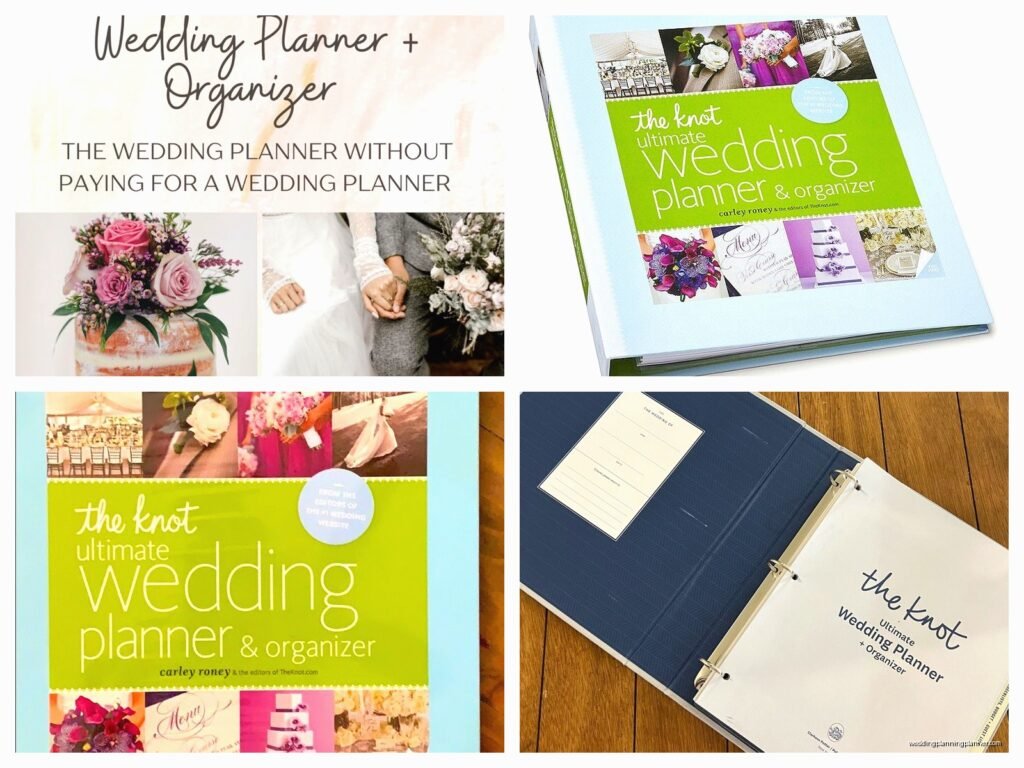
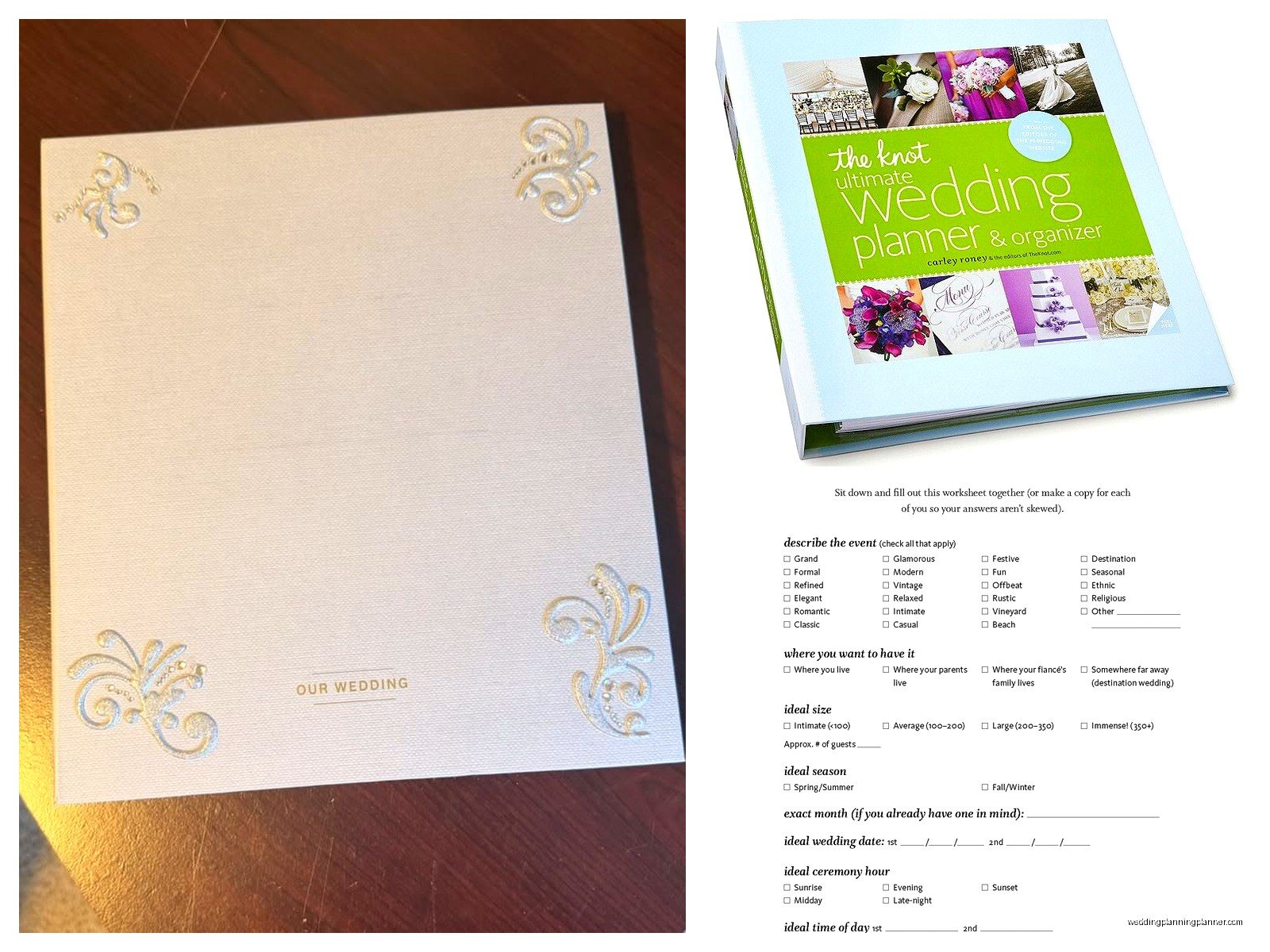
So You Got The Knot Ultimate Wedding Planner
Okay so first thing – this binder is actually pretty decent for what it is, but you’re gonna need to figure out how to use it alongside your actual professional workflow, not replace it. I learned this the hard way back in spring 2023 when I had a bride who brought this thing to our first meeting already half-filled out and I realized we were speaking completely different organizational languages.
The Professional Services section is basically where The Knot tries to help couples navigate hiring vendors, and honestly it’s not terrible for getting clients to think about what they actually need. But here’s what annoyed me – it’s so consumer-focused that it doesn’t teach couples HOW to work with professionals properly. Like they’ve got all these checklists but nothing about respecting vendor time or understanding contract terms or… anyway.
What’s Actually In This Thing
The professional services guide portion covers the major vendor categories – photography, videography, catering, florals, music, officiant, hair and makeup, transportation, and rentals. Each section has worksheets for comparing vendors, tracking deposits, and noting contract details. It’s organized chronologically by when you typically book these services, which is actually smart.
There are budget tracking pages that cross-reference with the master budget sheet, contact information fields, appointment trackers, and these little boxes for “must-haves” versus “nice-to-haves” which I actually think are useful for keeping clients grounded.
Photography and Videography Section
This part has comparison worksheets where couples can rate different photographers on style, personality, price, and package inclusions. You’ll notice it prompts them to ask about turnaround time, rights to images, album options, and engagement session availability.
Here’s where I integrate this with my process – when clients come to me with this already started, I use it as a conversation starter. Like “oh I see you marked natural light photography as a must-have, let’s talk about what that means for your November indoor reception” or whatever. It gives me insight into what they’ve been thinking about without me having to pull it out of them.
The video section is separate which is kinda weird because most couples book these together now, but it covers similar ground. Raw footage versus edited highlight reels, drone coverage, number of videographers, audio considerations.
Catering and Bar Service
This section gets real detailed real fast. There are pages for tracking tastings (with actual rating boxes for each dish you try), staffing ratios, service style preferences, bar package comparisons, and cake or dessert planning.
What I tell clients is to use the tasting notes section religiously because you will not remember what you ate at five different tastings. Trust me. I had a couple in summer 2021 who swore they wanted the short rib from one caterer but couldn’t remember which caterer, and we had to… well it was a whole thing that could’ve been avoided.
The bar service worksheet asks about consumption versus flat-fee pricing, whether you want a signature cocktail, champagne for toasts, and coffee service timing. It’s pretty thorough but doesn’t really address the whole “should we have an open bar or is that gonna blow our budget” conversation, which is where you come in as the planner.
How I Actually Use This With Clients
So when a client shows up with The Knot planner, I don’t ignore it or act like it’s beneath me or whatever. I incorporate it into my client portal system. They can keep using the physical binder for their personal notes and comparisons, but I need everything in my project management software too.
What works: Having them fill out the comparison worksheets BEFORE vendor meetings. This forces them to think about their priorities. Then we review together and I can course-correct if they’re focused on weird things or missing important questions.
What doesn’t work: Letting them use ONLY this system because it doesn’t track enough detail for professional planning. Like there’s nowhere to note a florist’s preferred delivery time or a photographer’s equipment insurance details or the DJ’s backup plan if they get sick.
Florals and Decor
The floral section has these cute little diagrams where you can sketch bouquet shapes and centerpiece ideas, plus worksheets for tracking proposals from different florists. It asks about ceremony flowers, reception centerpieces, bouquets, boutonnieres, corsages, and “extras” like cake flowers or bathroom arrangements.
I actually had a bride once who drew the most detailed centerpiece sketches in here and then got mad when the florist’s interpretation didn’t match her stick figures, so like… manage expectations about what these sketches communicate. They’re for YOUR reference, not professional design specs.
The decor pages are more general – linens, lighting, signage, that sort of thing. There’s overlap with the rentals section which can get confusing because who provides what varies by venue and region.
Music and Entertainment
This covers ceremony musicians, cocktail hour entertainment, and reception DJ or band. There are worksheets for must-play songs, do-not-play songs (thank god), and timeline coordination.
Here’s what I add to this: The Knot’s version doesn’t really address MC duties, pronunciation guides for names, or equipment needs and power sources. You gotta layer in those professional details yourself. My cat knocked over my coffee while I was filling out one of these with a client last month and we just… kept going with half the page stained brown, which honestly felt very on-brand for wedding planning chaos.
The DJ comparison worksheet asks about experience, music library size, equipment, and whether they take requests from guests. It’s missing questions about backup equipment and whether they’ve worked your venue before, which are kinda crucial.
The Vendor Management Pages
There’s a master vendor contact list that’s supposed to have everyone’s info in one place – names, company, phone, email, Instagram handles (very 2020s), and contract status. This is actually handy for clients to have as a quick reference, but I maintain a much more detailed version in my systems.
The contract tracker pages let you note deposit amounts, payment schedules, cancellation policies, and final payment due dates. It’s basic but functional. What’s missing is any guidance on what contract terms to actually look for or red flags to avoid, which is where your expertise comes in.
Hair and Makeup
This section has trial tracking sheets, timing worksheets for the wedding day, and comparison pages for different artists. It prompts couples to ask about travel fees, touch-up services, and how many people the artist can handle in the allotted time.
I always supplement this with a more detailed day-of timeline because the planner doesn’t account for realistic prep time. Like it might say “hair and makeup: 3 hours” but doesn’t specify if that’s for one person or six bridesmaids, you know?
Transportation and Accommodations
The transportation pages cover guest shuttles, wedding party vehicles, and getaway car options. There are fields for tracking capacity, rental duration, and whether the company provides decorations or champagne or whatever.
This is where the planner gets a little scattered because it jumps between guest transportation and couple transportation without really distinguishing the different purposes and priorities. I usually have clients highlight which sections apply to them so they’re not filling out irrelevant worksheets.
Hotel room blocks get their own pages with fields for negotiated rates, booking deadlines, and amenities. It’s pretty straightforward.
Integrating This Into Your Professional Workflow
Look, you’re not gonna use this as your primary planning tool. But here’s how to make it work alongside your actual systems…
First, during your initial consultation, ask if they’ve already started using The Knot planner or any other organizational system. If they have, request photos of their completed pages or bring the physical binder to meetings. This shows you what they’ve been thinking about and where their heads at.
Second, use their completed comparison worksheets to inform your vendor recommendations. If they’ve already researched three photographers and rated them, you can see what they valued and suggest others that match those criteria. Or you can identify if they’re prioritizing the wrong things and need guidance.
Third, don’t duplicate effort. If they’re tracking deposits and payments in the planner, great – but make sure those numbers match your master budget. Designate one source of truth (hint: it should be your system) and treat their planner as secondary notes.
Where The Planner Falls Short
There’s no real section for vendor coordination and communication. Like it has contact info but doesn’t help couples understand WHEN to contact vendors or what information to provide. That’s your job to layer in.
It doesn’t address contract negotiations, payment methods, or what to do if a vendor cancels or underperforms. Again, this is where professional planning services become essential, not just nice-to-have.
The timeline integration is weak. The professional services guide doesn’t really connect to the day-of timeline pages effectively, so vendors might be booked without clear understanding of when they’re actually needed or for how long or…
Oh and it barely touches on gratuity tracking, which always becomes this last-minute scramble if you don’t plan for it from the beginning. I add a whole separate gratuity worksheet to my client packets because The Knot just kinda mentions it in passing.
Making It Work For Different Client Types
For super organized clients who love worksheets, The Knot planner is honestly perfect. Let them go wild with it. Just make sure you’re reviewing their work and catching errors or oversights.
For overwhelmed clients who find the whole thing intimidating, break it down. Don’t make them fill out every single page. Focus on the comparison worksheets for their top priority vendors and skip the rest until later.
For clients who ignore it completely, don’t force it. Some people just aren’t binder people, and that’s fine. You’ll track everything in your systems anyway.
The Vendor Meeting Worksheets
Each vendor category has a questions-to-ask worksheet that’s actually pretty solid for couples meeting vendors alone. It covers basics like availability, pricing structure, what’s included in packages, and references.
I tell clients to bring these to meetings if I’m not attending with them, then we debrief afterward. It ensures they gather consistent information across vendors, which makes comparison easier.
But here’s the thing – the questions are sometimes too surface-level. For photographers, it asks about package inclusions but not about second shooter experience or how they handle family photo lists. For caterers, it covers menu options but not food safety certifications or allergy protocols.
You gotta supplement with your own professional-grade question lists for any vendor meetings you’re not personally attending.
Budget Integration Problems
The professional services section is supposed to tie into the master budget pages, but the connection is sorta clunky. You’re constantly flipping between sections, and there’s no easy way to see how booking one vendor affects your remaining budget for others.
What I do is maintain a live budget spreadsheet that I update in real-time as vendors are booked, then the client can transfer final numbers to their Knot planner if they want to keep everything in one place physically. But my spreadsheet is the actual working document.
The planner also doesn’t handle budget flexibility well. Like what happens when your first-choice photographer is $1000 over budget but you really want them? It doesn’t help you identify where else to cut or reallocate funds. That’s strategic planning work that goes beyond worksheet completion.
Final Vendor Confirmations
There are pages toward the back for final confirmations in the weeks before the wedding – confirming arrival times, final headcounts, payment methods, that kind of thing. These are actually useful checklists that you can work through together.
I usually schedule a final vendor confirmation meeting about two weeks out where we go through these pages together, cross-reference my detailed timeline, and make sure nothing’s been missed. It’s a good safety net even though most of this should already be handled through your professional communications.
