
Uncategorized
Wedding Invitation Templates: Free & Premium Designs 2026
Feb
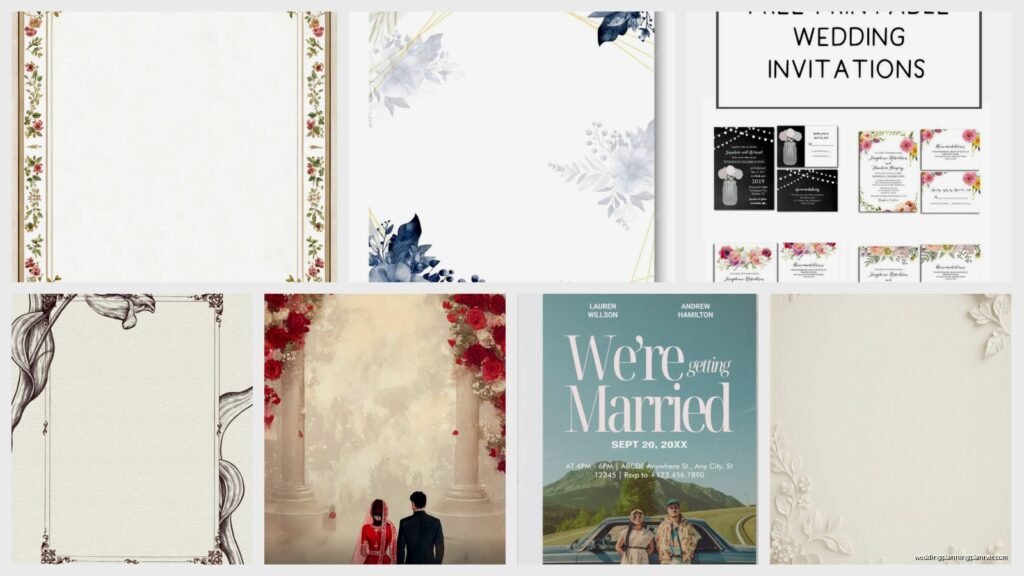
So I’ve been drowning in wedding invitation templates lately because three of my couples changed their entire color schemes last month and honestly, the template world has gotten SO much better than it used to be. Like, remember when free templates meant clipart roses and Comic Sans? Yeah, we’re way past that now.
Where I Actually Find Good Free Templates
Canva is still my go-to for free stuff, and I know everyone says this but it’s true. They added like a thousand new wedding templates for 2026 and some of them are legitimately gorgeous. The trick is you gotta scroll past the first page because that’s where everyone gets their designs and then you end up with the same invite as someone else’s cousin’s wedding. I learned this the hard way when two of my clients almost picked identical designs without knowing it.
The filters are your friend here. Click on Style and go for “Elegant” or “Minimalist” if you want something that doesn’t scream free template. The botanical ones they added are chef’s kiss, very on-trend for 2026 with those muted sage and terracotta color combos everyone’s obsessing over.
Template.net has this weird interface that looks like it hasn’t been updated since 2015, but don’t let that fool you. They’ve got hundreds of actually usable templates, and the download process is straightforward. You’ll need to create an account which is annoying, but whatever. Their vintage-inspired designs are really strong right now.
The Free Options That Surprised Me
Greetings Island is one I stumbled on when my dog knocked over my coffee and I was stress-browsing at 11pm. They let you customize everything right in your browser, no download needed. The quality isn’t gonna win awards but for save-the-dates or casual backyard weddings? Totally fine. Plus they have this feature where you can add your own photos which most free sites don’t offer.
Adobe Express, which used to be Adobe Spark, has stepped up their game. If you’ve got any Adobe account already you can access their premium wedding templates and the quality rivals paid options honestly. The typography choices alone make it worth checking out.
When You Should Actually Pay For Templates
Look, I’m all for saving money where you can, but there are times when spending $15-50 on a template is just… gonna save your sanity. If you’re having a formal wedding, if you need matching suite pieces (like RSVP cards, details cards, menus, programs), or if you want something you can fully customize without watermarks.
Etsy is obviously the big player here. I’ve probably bought from 30 different sellers at this point testing things for clients. Some shops I keep going back to:
- Templett templates are genius because they’re editable in your browser, no software needed
- Corjl-based shops work the same way and the interface is super user-friendly
- Instant download shops that give you Canva links so you can edit there
The price range on Etsy goes from like $8 to $60 depending on what’s included. A full suite with 10+ matching items? That $40 price tag makes sense. A single invite template for $35? Probably overpriced unless it’s really intricate.
Creative Market and the Premium Marketplace Situation
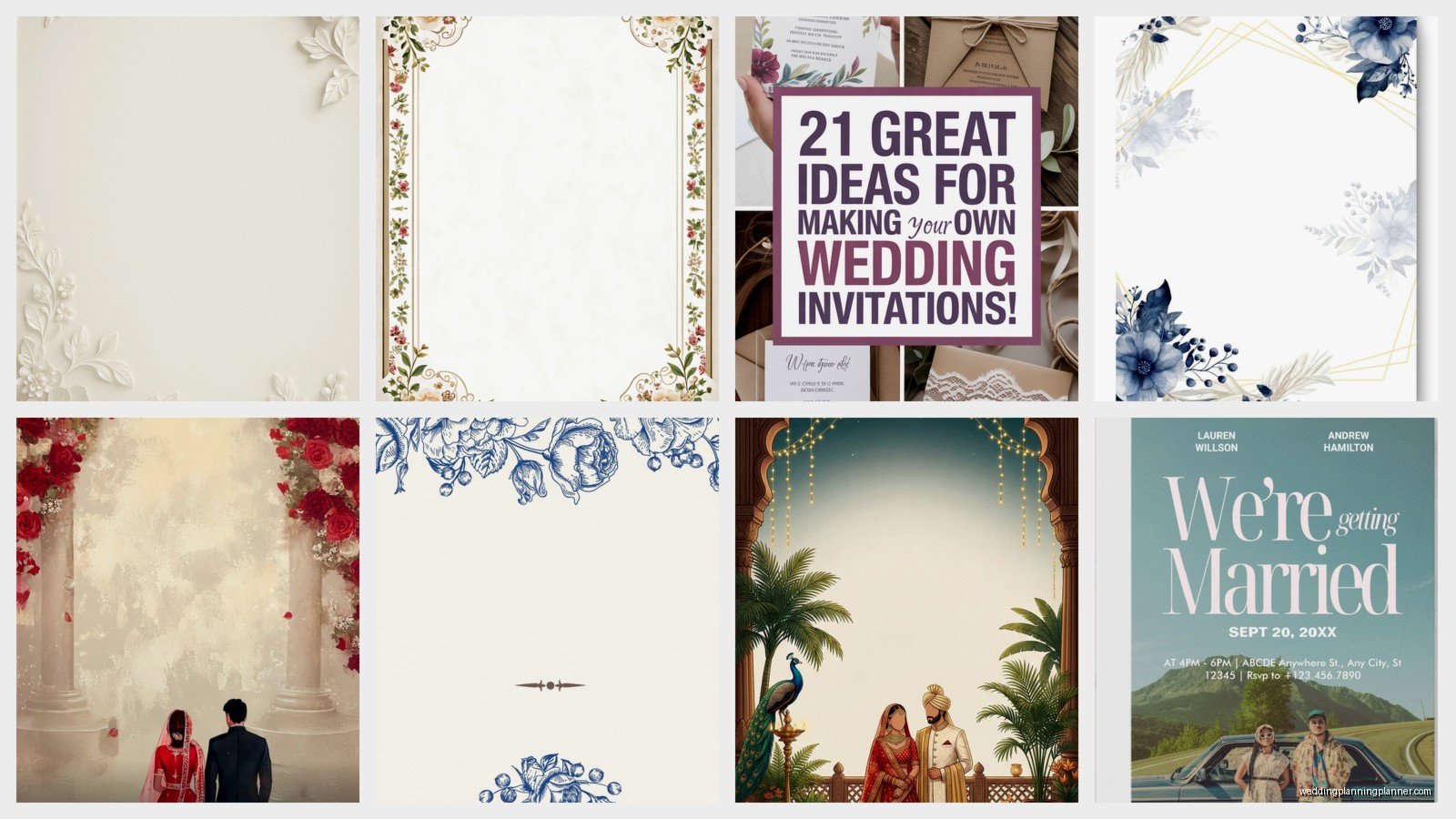
Creative Market is where I go when a client has a specific aesthetic that needs actual design files. You’re getting PSD or AI files usually, which means you need Photoshop or Illustrator or at least Canva Pro to edit them properly. But the designs here are really sophisticated. I’m talking watercolor florals that don’t look cheesy, modern geometric layouts that actually work, vintage art deco that feels authentic.
They do sales constantly. Like, almost every week something’s on sale. Never pay full price there, just wait three days and it’ll be 30% off.
Minted and Paperless Post have their own template systems where you’re basically ordering through them. These aren’t download-and-print situations, you’re paying for their printing services or digital delivery. Minted starts around $1.50 per invitation for basic designs and goes up to like $8+ for the fancy foil-pressed ones. Worth it if you don’t wanna deal with printing logistics yourself.
The 2026 Design Trends Actually Showing Up
Okay so everyone’s doing this painted arch thing right now. Like a watercolor arch frame around the text. It’s pretty but it’s EVERYWHERE. If you want your invites to still look current in a few years, maybe skip that one.
What’s actually staying power:
- Minimalist text-focused designs with one statement font
- Pressed flower aesthetics (real or illustrated)
- Terracotta and rust color palettes mixed with cream
- QR codes integrated into the design for RSVPs (finally people are doing this elegantly)
- Asymmetrical layouts instead of centered everything
The vellum overlay trend is still going but it’s evolved. Now people are printing on the vellum itself instead of using it as a blank layer. Looks expensive, isn’t necessarily.
Fonts That Don’t Make Me Cringe
This is gonna sound weird but half the battle with templates is swapping out the fonts for better ones. A gorgeous template with bad typography is still gonna look off.
For script fonts in 2026: Allura, Brittany Signature, and Sacramento are free and elegant. Southern Aire is worth paying for if you want something really special.
For serif body text: Cormorant Garamond is free and stunning. Lora also. Both on Google Fonts so super accessible.
Sans serif accents: Montserrat Light or Futura if you have it. The clean contrast with script fonts is chef’s kiss.
The Actual Workflow I Use With Templates
When I’m setting up a template for a client, this is the process that works:
- Download or open the template and immediately save a copy with the couple’s names in the filename
- Replace all text but don’t mess with formatting yet
- Swap colors if needed, usually just 2-3 main colors max
- Adjust font sizes so nothing looks cramped or too spaced out
- Check margins, especially if you’re printing at home because most home printers can’t print to the edge
- Export as high-res PDF, at least 300 DPI
Oh and another thing, always always ALWAYS print a test on the actual paper you’re using before you print 150 invitations. I cannot stress this enough. Colors look different on screen versus paper, and some printers add a weird warm or cool cast to everything.
Paper Makes a Bigger Difference Than You Think
You can use a basic template and make it look expensive with good paper. My go-to weights are 110lb cardstock for invitations and 80lb for inserts. Anything lighter feels flimsy.
Texture matters too. Linen finish adds elegance without being fussy. Smooth finish is better for detailed designs or photos. Metallic or pearl finishes are having a moment but they’re tricky to print on at home, you’ll probably need a professional printer.
Where to buy: Paper Source, Cards & Pockets, LCI Paper. Or honestly Michaels with a 40% off coupon works fine for basic cardstock.
Digital Invitations Are Actually Good Now
I resisted this trend for so long because I’m old school about wedding stationery, but digital invites have come so far. For 2026 especially with everyone being more eco-conscious or budget-conscious or whatever.
Paperless Post has animated templates now that are genuinely lovely. They have this coin system which is annoying to figure out at first, but basically fancy designs cost more coins. You can send pretty nice invites for free or under $20 for your whole guest list.
Greenvelope is the premium option here. The designs are more sophisticated and they have better tracking for RSVPs. You’re paying per event, usually $200-300 for unlimited guests and all the features. Worth it if you’re doing a full digital suite.
For DIY digital, you can create a design in Canva and export as PDF, then use a service like WithJoy or Minted’s free websites to actually send them. More work but costs basically nothing.
The Hybrid Approach That’s Working
What I’m seeing work really well: printed save-the-dates that are simple and cheap, then beautiful digital invitations with all the details and live RSVP tracking. You get the tangible mail moment without the huge printing costs for the full suite.
Or flip it, do digital save-the-dates and spend your budget on really nice printed invitations for the actual invite. Depends on your priorities.
Customization Tips From Someone Who’s Done This Too Many Times
Most templates are designed for standard wording but real weddings don’t always fit the standard. Here’s how to adapt:
If you have a long venue name, break it into two lines and reduce the font size slightly. Better than text running off the page or being so small it’s unreadable.
When you’ve got multiple hosts (both sets of parents plus the couple), you’re gonna need more space at the top. Look for templates with simpler graphics or move decorative elements down.
For non-traditional ceremonies, most templates say “request the honor of your presence” or something formal. Just… change it. “Invite you to celebrate” works for everything and sounds more personal anyway.
If your names are really long together, consider stacking them vertically instead of side by side. Or use first names only in the main design and put full names smaller somewhere else.
The Details Card Is Your Friend
Honestly stuff like dress code, hotel blocks, website URL, registry info… it doesn’t all need to be on the main invitation. That’s what details cards are for. Keep your invitation focused on the essential who-what-when-where.
A lot of premium template bundles include matching details cards. If you’re using a free template for the invite, you can usually find a simple matching design or just do a text-only details card in the same fonts.
Printing Logistics Nobody Tells You About
If you’re printing at home: get an Epson EcoTank or similar. The ink costs alone for 100+ invitations will kill your regular inkjet budget. Also check your printer’s maximum paper weight, some can’t handle thick cardstock.
Local print shops are underrated. I’ve had great luck with FedEx Office and local small print shops. Bring your PDF on a thumb drive, ask for a test print first, and usually you’re looking at like $1-2 per invitation including paper. Not bad for the convenience.
Online printing: Catprint is cheap and decent quality. Moo is expensive but really beautiful. Vistaprint is hit or miss depending on the specific product. Overnight Prints is my middle-ground choice, good quality for reasonable prices.
Turnaround times for 2026: everyone’s busy May through October. Order at least 3 weeks before you need them, 6 weeks if you want foil or letterpress. I had a client try to order foil-pressed invites 10 days before she needed to mail them and that was… a stressful week for everyone.
Envelopes Are Their Own Thing
Most templates don’t include envelope design and honestly you don’t need anything fancy. Solid colored envelopes that match your color scheme are perfect. A7 size (5.25 x 7.25 inches) fits standard 5×7 invitations.
Where this gets fun: envelope liners. You can DIY these with matching template patterns printed on regular paper and glued in. Or buy pre-made ones. Or skip entirely because not everyone needs to see a pattern when they open the envelope.
Addressing options: hand calligraphy is beautiful and expensive ($2-5 per envelope). Digital calligraphy printed on the envelopes looks good and costs way less. Or just a nice printed label honestly. We’re past the era where labels are tacky.
Wait I forgot to mention, if you’re doing any custom printing or foil work, you gotta factor in envelope printing too. Most places charge extra for that and some fancy finishes don’t work on envelopes at all.
Red Flags to Avoid When Shopping Templates
Super low resolution preview images usually mean the actual file is also low quality. If you can’t zoom in and see crisp text on the seller’s preview, pass.
Templates that require specific software you don’t have access to. Unless you’re ready to pay for that software or learn it, which is a whole separate time investment.
Sellers with no reviews or all reviews from the same month. That’s usually fake or they’re new and you’re gambling on quality.
Templates marketed as “fully customizable” but they’re actually flattened JPGs. You need editable layers or live text to really customize. Check the file format before buying.
Anything that looks trendy in a way that feels very right now. Like, those acrylic-looking designs with holographic gradients? They’re cool but they’re gonna look dated fast. Classic designs with modern touches age better.
