
Planning Guides, Style Guide
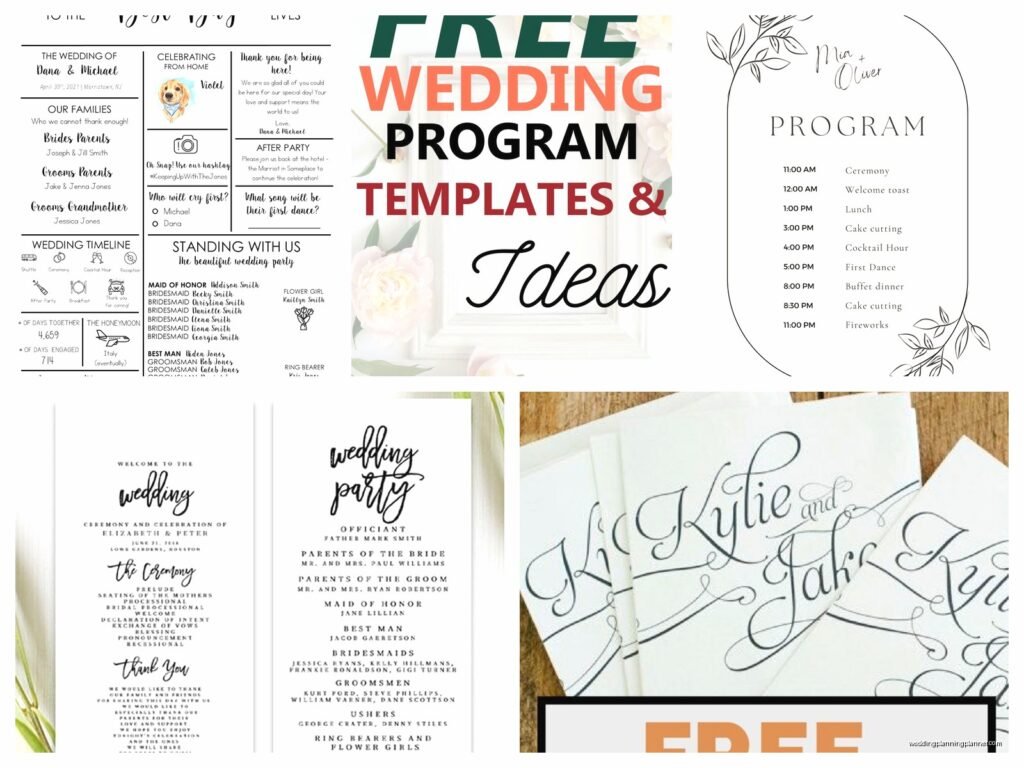
Wedding Program Template: Ceremony Order Free Downloads
Mar
So You Need a Wedding Program Template
Okay so wedding programs. Let me just dump everything I know about this because honestly I’ve been doing this for like 15 years and there’s SO much weird stuff people get wrong about ceremony programs that it drives me nuts.
First thing – and this annoyed me SO much last spring when I had this bride who insisted on ordering printed programs before finalizing her ceremony order – DO NOT print your programs until like a week before the wedding. I’m serious. The number of times the officiant changes something or someone drops out of the wedding party or suddenly there’s a unity ceremony that wasn’t there before… it’s like every single time. I had this whole situation in June 2024 where the couple decided three days before their wedding to add a sand ceremony and they’d already printed 200 programs and I was like welp, here we go again.
What Actually Goes In A Wedding Program
Alright so the basic structure is pretty straightforward but people overthink it. You need:
- Cover page with names and date and location
- The ceremony order (this is the important part)
- Wedding party names and their roles
- Thank you section to parents or whoever
- Maybe some explanation of traditions if you’re doing cultural stuff
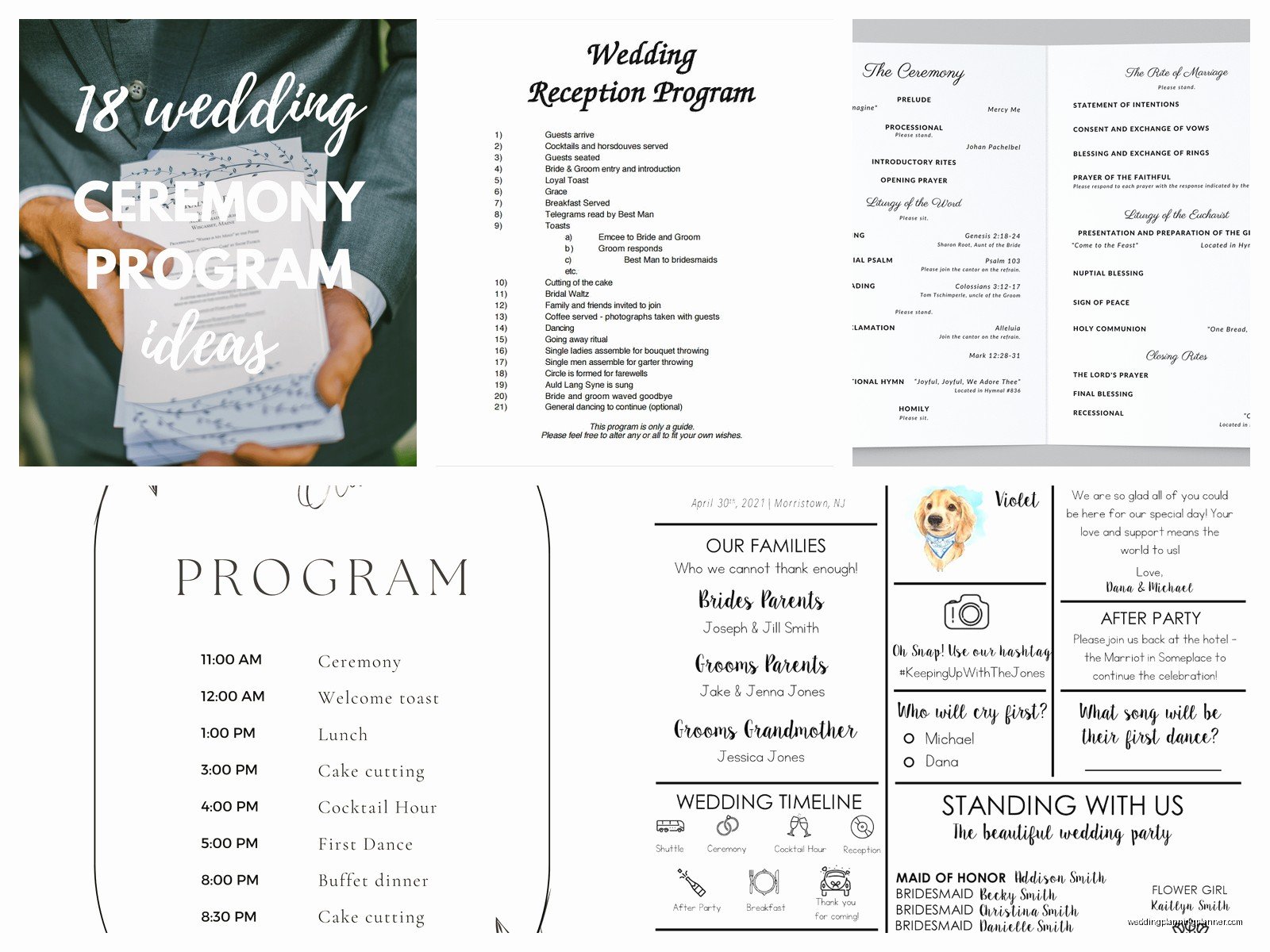
The ceremony order part is where you actually list out what’s happening and when. Like processional, welcome remarks, readings, vows, ring exchange, pronouncement, recessional. That order. But here’s the thing – every ceremony is different and cookie-cutter templates online don’t always work.
Free Templates vs Custom Design
Gonna be honest with you, free templates are fine for most couples. Canva has a ton of them now and they’re actually pretty decent. Microsoft Word templates exist too but they’re kinda ugly in that early 2000s clip art way that makes me want to cry a little bit.
The free templates you can download from sites like Template.net or WeddingWire are… okay. They work. But they’re very generic and if you have any kind of specific aesthetic you’re going for, you’ll need to customize them heavily.
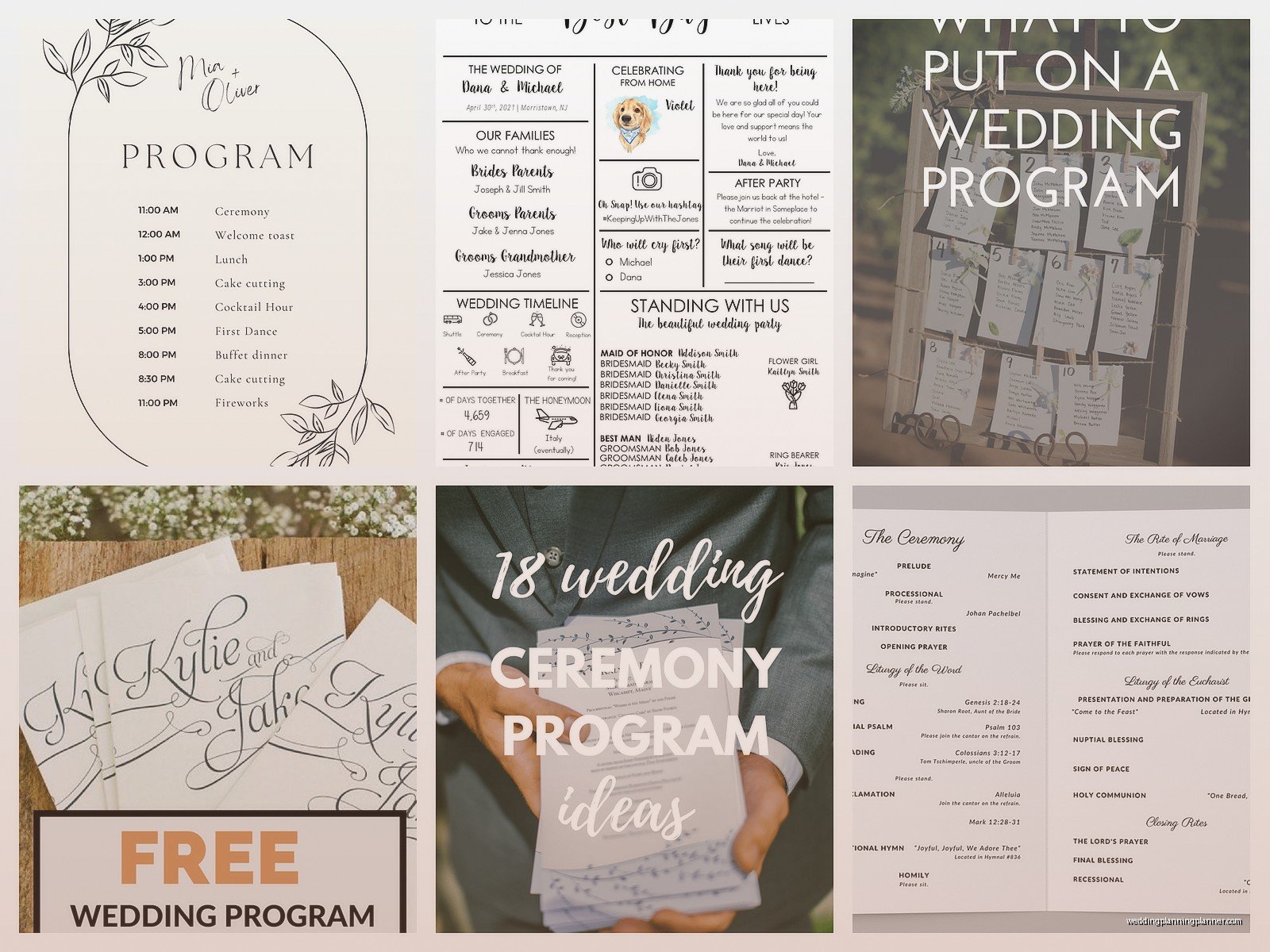
I usually tell couples to start with a free template just to get the structure down and then play with fonts and colors to match their invitations. Consistency matters more than people think. If your invitation was this gorgeous romantic script font on cream cardstock, your program shouldn’t be in Arial on white printer paper, you know?
Breaking Down The Ceremony Order Section
This is the meat of the program and where people get confused. Let me walk through a standard ceremony order:
Prelude
This is just the music playing while guests arrive. You can list it as “Prelude” or “Seating of Guests” or whatever. Some couples list the actual song names here which is nice if you have specific musicians or meaningful songs. I had a couple last fall who had their friend play guitar and they listed every single song title and it was actually really sweet because their guests could follow along.
Processional
This is everyone walking down the aisle. The order usually goes:
- Officiant enters and takes position (sometimes listed, sometimes not)
- Groom/Partner 1 enters with parents or alone
- Wedding party enters – grandparents, parents of bride, bridesmaids, groomsmen, maid of honor, best man, flower girl, ring bearer
- Bride/Partner 2 enters with escort or alone
You don’t need to list every single person’s name here necessarily. Some programs just say “Processional: Bridal Party Enters” and then list the actual names in a separate wedding party section. Other programs list each person as they walk which is nice but takes up more space.
Oh and if you’re doing a same-sex wedding, the processional order can be whatever you want obviously. I’ve seen couples enter together, enter separately, enter with their whole wedding parties in a big group… there’s no rules anymore and honestly that’s refreshing.
Welcome and Opening Remarks
The officiant talks. You can write this as “Welcome” or “Opening Words” or “Invocation” if it’s religious. This is usually pretty short. Some couples write what the officiant will actually say in the program but that’s rare and also kinda unnecessary? Like guests are about to hear it, they don’t need to read along.
Readings or Musical Selections
If you have readings, list them here with the reader’s name. Like:
Reading: “Union” by Robert Fulghum
Read by Sarah Martinez, Friend of the Bride
Or if it’s a song performance:
Musical Selection: “Make You Feel My Love”
Performed by James Cooper, Brother of the Groom
This is helpful for guests because it tells them who these random people standing up are. I cannot tell you how many times I’ve been to weddings where someone gets up to read and half the guests are whispering “who is that?” to each other.
The Ceremony Address or Homily
If your officiant is giving a longer talk or sermon, you can list it here. Usually just called “Ceremony Address” or “Words from the Officiant” or if it’s religious, “Homily” or “Sermon.” Pretty straightforward.
Declaration of Intent
This is the “do you take this person” part. You can write it as “Declaration of Intent” or “Exchange of Intent” or honestly just “The Big Question” if you want to be cute about it. I had a couple do that once and their guests thought it was funny.
Exchange of Vows
Self explanatory. This is where you say your vows. You can note if they’re traditional vows or personal vows. Like “Exchange of Personal Vows” lets guests know to pay extra attention because it’s probably gonna be emotional.
Ring Exchange and Blessing
The ring part. Some couples separate this into “Blessing of the Rings” and then “Exchange of Rings” if the officiant is blessing them first. Jewish weddings have the ring ceremony as a specific required element so definitely list it clearly.
Unity Ceremony
If you’re doing a unity candle, sand ceremony, hand fasting, wine ceremony, tree planting, whatever… list it here. And honestly please include a brief explanation if it’s a cultural tradition your guests might not know. Like:
Unity Sand Ceremony: The couple will blend two colors of sand together, symbolizing their two lives becoming one while still retaining their individual identities.
That’s helpful! Guests appreciate knowing what they’re watching, especially older relatives who might not have seen these things before.
Pronouncement of Marriage
The “I now pronounce you” moment. Can also be called “Declaration of Marriage” or “The Pronouncement.” This is where you’re officially married.
The Kiss
Some programs actually list this as its own item which I think is kind of funny but also cute? Like “The First Kiss” or “You May Kiss!” with an exclamation point. It’s not necessary but if you want your program to be really detailed, go for it.
Presentation of the Couple
The officiant introduces you as a married couple for the first time. “I present to you Mr. and Mrs. Smith” or “for the first time as a married couple, Jamie and Alex Rodriguez” or however you want to be introduced.
Recessional
Everyone walks back down the aisle. You can list the order here too – newlyweds first, then flower girl and ring bearer, maid of honor and best man, bridesmaids and groomsmen, parents. Or just write “Recessional: Wedding Party Exits” and call it a day.
Design Considerations That Actually Matter
Okay so now that you know what goes IN the program, let’s talk about how to make it not look like garbage.
Size and Format
Most programs are either:
- Single sheet, front and back (cheap, easy, can be done on home printer)
- Bifold (one sheet folded in half, gives you 4 panels to work with)
- Trifold (fancier, more space, but more expensive to print)
- Multi-page booklet (for like very long religious ceremonies or cultural weddings with lots of traditions to explain)
The bifold is the most common and honestly the best option for most couples. It’s easy to hold, doesn’t blow away in the wind if you’re outside, and gives you enough space without being overwhelming.
Standard size is 5×7 inches or 5.5×8.5 inches. The 5.5×8.5 is half of a regular letter paper so if you’re printing at home, that’s your size. Just print on 8.5×11 and fold it in half.
Paper Quality
This matters more than you’d think. Regular printer paper feels cheap and it IS cheap and your guests can tell. Get at least 28lb paper, preferably 32lb. Cardstock is even better if your printer can handle it – 65lb or 80lb cardstock feels substantial and nice.
Texture matters too. Linen texture paper is classic and elegant. Smooth finish is modern and clean. Kraft paper is trendy for rustic weddings but can be hard to read if your font choice is bad.
I’m watching my cat knock over a plant right now and I gotta say, this is exactly how I feel when couples choose terrible paper that curls in humidity for their outdoor summer wedding. Just… why.
Font Choices That Won’t Make Me Cringe
Please for the love of everything do not use more than three fonts. I’m begging you. One for headers, one for body text, maybe one accent font for names or special elements. That’s it.
Script fonts are pretty but they need to be READABLE. If your grandma needs reading glasses AND a magnifying glass to read your program, your font is too fancy. I saw this program in spring 2022 where the entire thing was in this super elaborate calligraphy font and literally no one could read it. The couple thought it looked elegant but it was just frustrating for guests.
Good font combinations:
- Playfair Display for headers + Montserrat for body text (classic, elegant)
- Great Vibes for names + Lato for everything else (romantic but readable)
- Cormorant for headers + Proza Libre for body (sophisticated, literary vibe)
- Cinzel for headers + Fauna One for body (formal, traditional)
Body text should be at least 10pt, preferably 11pt or 12pt. Headers can be bigger obviously. But please make sure older guests can actually read it without struggle.
Color Schemes
Match your wedding colors but don’t go crazy. A good rule is to use your main wedding color as an accent, not as the background. Like if your wedding colors are navy and blush, maybe do black text on white or cream background with navy headers and blush decorative elements.
Dark text on light background is always easier to read than light text on dark background. I know the inverse looks dramatic and modern but in bright sunlight or dim church lighting, it’s hard to read.
And umm… please consider your venue lighting when choosing colors. Dark gray text might look gorgeous on your computer screen but in a dimly lit church, it’s gonna be hard to read. Black is usually safest.
Free Download Sources That Don’t Suck
Alright here’s where you can actually get free templates:
Canva
Canva is probably your best bet honestly. They have hundreds of wedding program templates and most are free. The pro templates are locked unless you have Canva Pro but there’s plenty of free ones that look professional.
The good thing about Canva is you can customize everything easily even if you’re not a designer. Just click and change text, swap colors, move elements around. They also have the dimensions already set up correctly so you don’t have to figure out margins and bleed and all that printing stuff.
You can download as PDF for printing at a print shop or as high-res JPG if you’re printing at home. Just make sure you download at the highest quality setting.
Microsoft Word Templates
Microsoft Office has built-in wedding program templates. They’re… fine. Basic. Kinda dated looking but functional. If you’re comfortable with Word and don’t care about having something super trendy, these work.
The advantage is that Word is easy to edit and most people already have it. The disadvantage is that they look like Microsoft Word templates, you know? Very 2010 office document vibes.
Template.net
They have a bunch of free wedding program templates in different formats – Word, Pages, Google Docs, Publisher. The designs are hit or miss. Some are actually nice, some look like they were made in 2005 and never updated.
You have to create a free account to download which is annoying but not a huge deal. Just be prepared to unsubscribe from their marketing emails later.
Google Docs Templates
Google has a template gallery with some wedding program options. Very basic, very simple, but they’re free and easy to share with your partner or wedding planner for collaborative editing.
