
Planning Guides, Style Guide
Zazzle Bridal Shower: Custom Party Invitation Designs
Mar
Getting Your Zazzle Bridal Shower Invitations Right
Okay so Zazzle is honestly one of those platforms I resisted for way too long because I thought it was gonna be cheesy or limited, but then in spring 2023 I had this bride whose MOH was organizing the shower on like a $600 total budget and needed invitations for 45 people, and suddenly Zazzle made a lot more sense. The customization options are actually pretty solid if you know what you’re doing.
Why Zazzle Works for Bridal Showers
The main thing with Zazzle is that you get decent quality without paying boutique prices. You’re not getting letterpress or hand-deckled edges, but for a bridal shower? Most guests aren’t analyzing the cardstock weight. What matters is that the design reflects the bride’s style and gives people the info they need.
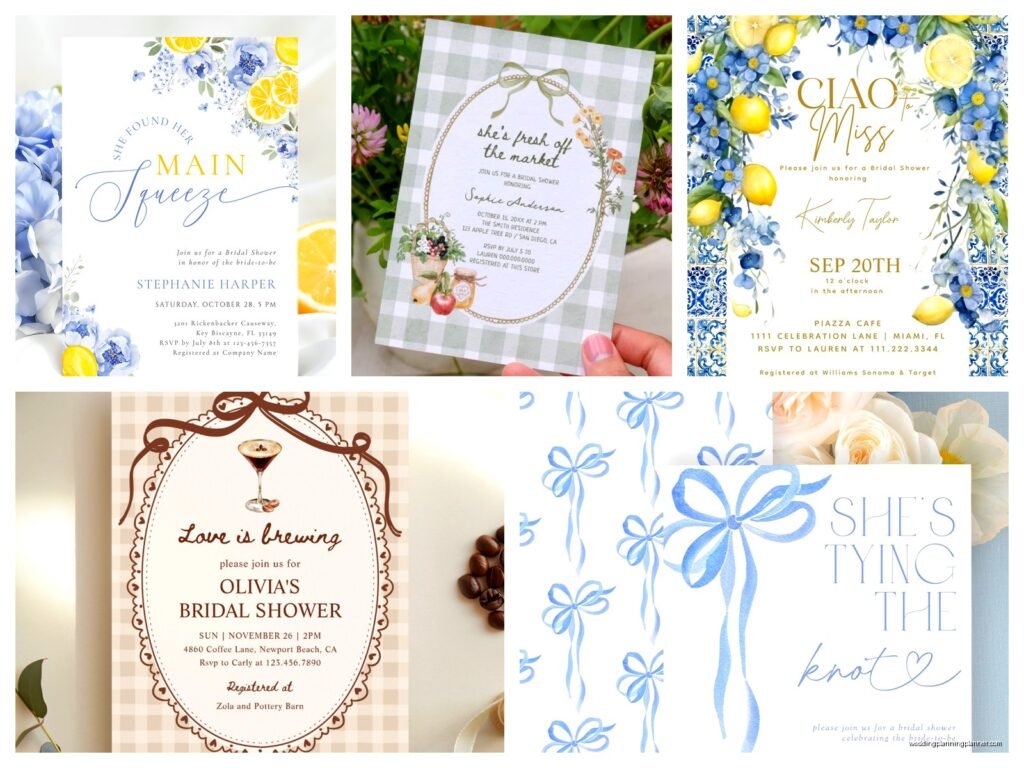
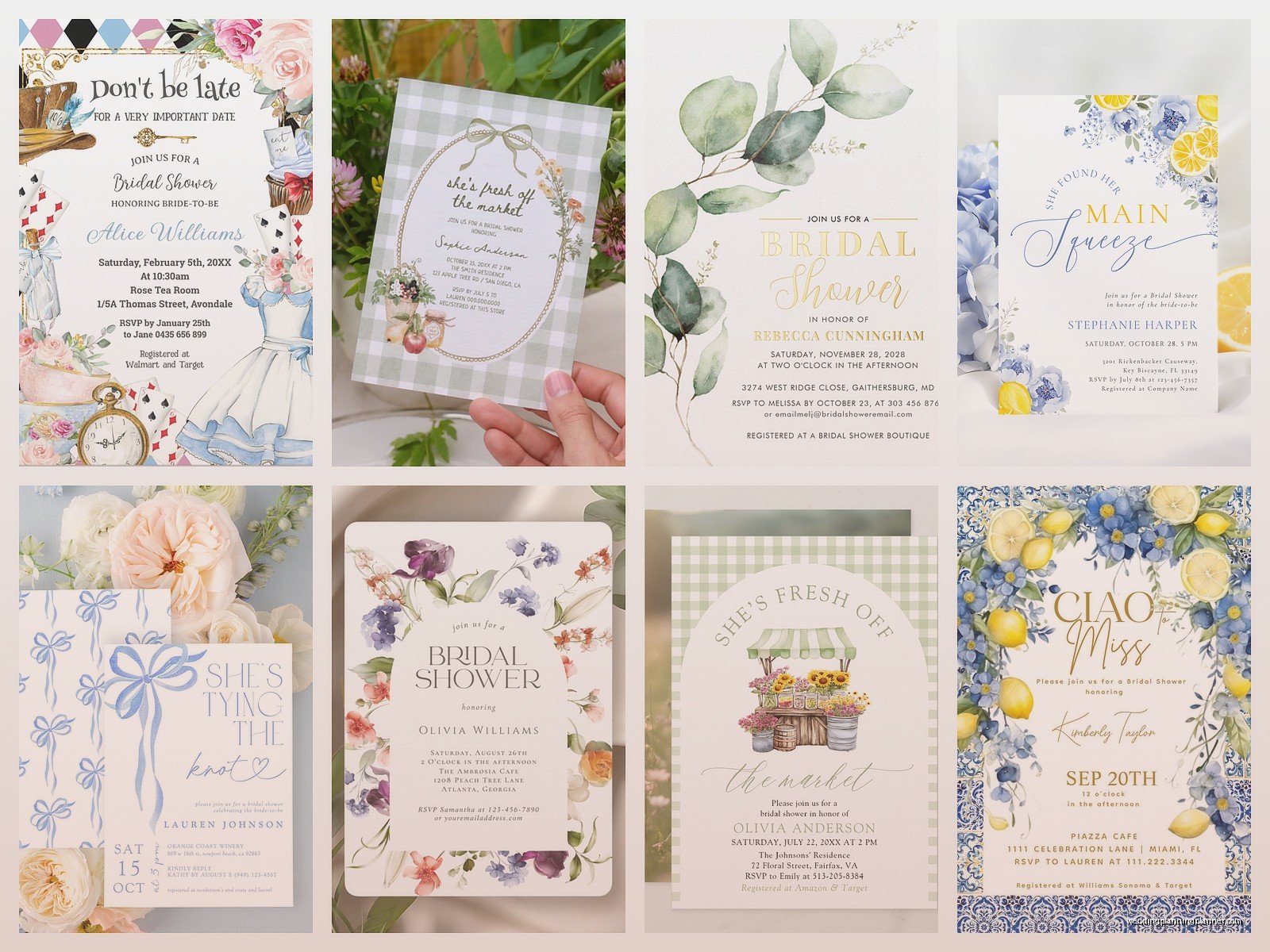
I’ve used Zazzle for clients who wanted everything from boho florals to modern minimalist designs, and the template library is massive. Like, overwhelming at first. You can filter by color, theme, style—there are literally thousands of options just for bridal showers.
Starting Your Design Process
Before you even open Zazzle, you need to figure out a few things. What’s the shower theme? What colors is the bride using for her wedding? Is this a surprise shower or does she know about it? These answers will guide everything.
I always tell people to create a little mood board first—even if it’s just screenshots in a folder on your phone. Grab images that match the vibe. If the bride is doing a garden party theme, look for invitation designs with greenery, soft florals, maybe some gold accents. If it’s a lingerie shower (which, side note, are way less popular than they were ten years ago), you might want something more playful with blush tones or script fonts.
Once you’re on Zazzle, use their filter system. Don’t just scroll endlessly through pages of templates because you’ll lose your mind and everything starts looking the same after… I don’t know, page seven? Search specifically: “greenery bridal shower invitation” or “modern geometric bridal shower” or whatever matches your vision.
Customizing Templates the Smart Way
Here’s what annoyed me about Zazzle when I first started using it—the customization interface isn’t always intuitive. Some templates let you move text boxes around freely, others have fixed positions. Some let you change background colors, others don’t. You kinda have to click into each template to see what’s actually editable.
My advice is to pick three or four templates you like and test the customization on each one before committing. Click “customize it” and see how much control you actually have. Can you upload your own photos? Can you adjust the font sizes? Can you change that ugly ribbon graphic they included?
When you’re editing text, be really careful with font choices. Zazzle offers a ton of fonts, but not all of them are appropriate for formal events. I’ve seen people choose fonts that are basically unreadable in script form—super curly, super condensed. Your guests need to actually read the date and time, so if you’re using a decorative font for the bride’s name, balance it with something clean for the details.
Essential Information to Include
Okay this should be obvious but I’ve literally seen invitations that forget critical info, so here’s your checklist:
- Bride’s full name (or first name depending on formality)
- Date and time of the shower
- Full address of the venue (not just “Sarah’s house”—give the actual street address)
- RSVP deadline and method (phone number, email, or those online RSVP links)
- Registry information if applicable
- Dress code if there is one
- Theme if it’s not obvious from the invitation design
For registry info, you can either list it directly on the invitation or include a separate details card. Traditionally, etiquette people say registry info shouldn’t be on the invitation itself, but honestly for bridal showers it’s pretty standard now and saves everyone time.
Color Schemes and Coordination
If you know the wedding colors, try to incorporate them into the shower invitation. It creates this nice continuity and makes everything feel more cohesive. But you don’t have to be super literal about it—if the wedding is navy and burgundy (very fall 2019 of them), the shower invitation could be softer versions like dusty blue and blush.
Zazzle’s color customization tool lets you adjust most design elements, but here’s a trick I learned: if you’re trying to match a specific color, use a hex code. You can find hex codes by uploading a photo of the wedding colors to a site like imagecolorpicker.com, then plug that exact code into Zazzle. Way more accurate than trying to eyeball “is this the right shade of sage green?”
Photos vs. No Photos
Some templates have spaces for engagement photos or couple photos. Whether you use them depends on the vibe. More formal showers? Maybe skip the photo. Casual backyard shower? A cute photo of the couple can be really sweet.
If you do include a photo, make sure it’s high resolution—at least 300 DPI. Zazzle will usually warn you if your image quality is too low, but I’ve seen people ignore that warning and then complain when their invitations arrive with a pixelated mess. The platform literally tells you when the image quality is concerning, so listen to it.
Paper Stock and Size Options
Zazzle offers different paper types: matte, glossy, felt texture, and some premium options. For bridal showers, I usually recommend matte or the felt texture (which they call “linen” or “felt finish” depending on the product). Glossy can look cheap for events like this—it works better for kids’ birthday parties or super modern designs.
Standard invitation size is 5×7 inches, which fits perfectly in those standard invitation envelopes you can buy anywhere. They also offer 4×6 (postcard style), square options, and larger sizes. Stick with 5×7 unless you have a specific reason not to. It’s the expected size, it’s easy to mail, and your guests know exactly what it is when they see it in their mailbox.
Practical Ordering Tips
Quantities and Timing
Order more than you think you need. If your guest list is 40 people, order at least 45-50 invitations. People make addressing mistakes, invitations get damaged, you might forget someone—it happens. The cost difference between 40 and 50 is usually pretty minimal, and reordering later means paying for shipping twice.
Timing-wise, order your invitations at least 4-5 weeks before the shower. Zazzle’s production time is usually 3-5 business days, then shipping is another few days to a week depending on which option you choose. You want to mail invitations 4-6 weeks before the event, so work backwards from there.
I had this situation once where a client ordered invitations two weeks before the shower because she kept changing her mind about the design, and we ended up paying like $40 for rush shipping when the original shipping would’ve been $8. Just… don’t do that to yourself.
Proofreading is Not Optional
Read everything three times before you submit your order. Then have someone else read it. Then read it again. I’m serious about this because Zazzle prints exactly what you approve, and if you spelled the venue name wrong or put the wrong date, that’s on you.
Check the AM/PM on the time. Check the month and date. Check that the address is complete. I once saw an invitation that said “Bridal Shower for Sarah” when the bride’s name was actually Sadie—autocorrect strikes again. These mistakes are expensive to fix because you’re basically eating the cost of the first order and paying for a completely new one.
Envelope Coordination
Zazzle sells matching envelopes for most invitation designs, but they’re honestly overpriced. You can get plain envelopes from any craft store or Amazon that coordinate with your color scheme for way less money. If your invitations are blush and gold, grab some blush envelopes from Paper Source or wherever.
You can also get colored envelope liners if you wanna be fancy without spending Zazzle’s premium prices. My cat actually knocked over a whole stack of lined envelopes I was assembling once and I wanted to cry, but anyway—liners add a nice touch if you have the budget and patience.
Design Elements That Actually Matter
White Space is Your Friend
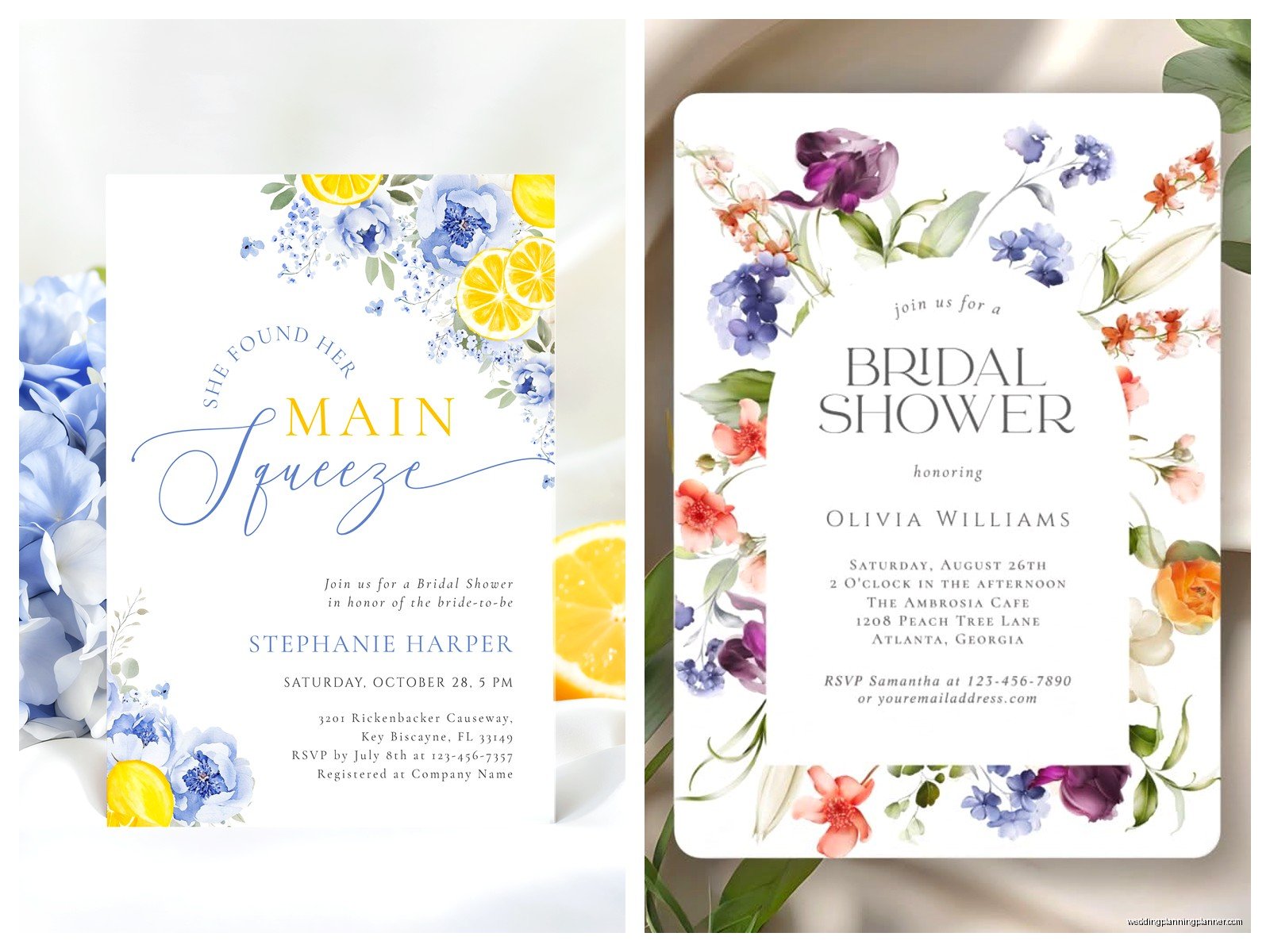
Don’t cram every inch of the invitation with text or graphics. Some of the templates on Zazzle are really busy, and while they might look cute in the thumbnail, they can be overwhelming in person. You want enough white space (or negative space if we’re being design-proper about it) that the invitation feels balanced.
If a template feels too cluttered, see if you can delete some decorative elements. Most templates let you remove graphics you don’t want. That border of flowers might look nice, but if it’s competing with the text and making everything feel cramped, get rid of it or make it more subtle.
Readability Testing
Before finalizing, zoom out on your computer screen or look at the preview from across the room. Can you still read the important details? The date, time, and location should be immediately visible. If you have to squint or search for that information, your font is either too small, too decorative, or the color contrast isn’t strong enough.
Light gray text on a white background might look elegant and minimalist, but it’s also really hard to read, especially for older guests. Make sure there’s enough contrast between your text and background.
Matching RSVP Cards and Extras
You can order matching RSVP cards, thank you cards, shower games, and even decorations through Zazzle using the same design template. Whether you need all that depends on your budget and how coordinated you want everything to be.
For most showers, the invitation itself is the priority. RSVP cards are nice but you can also just ask people to RSVP via text or email—it’s 2024, nobody’s gonna judge you for that. I’ve had clients do beautiful Zazzle invitations and then handle RSVPs through a free Google Form, which worked perfectly fine.
Digital vs. Printed
Zazzle also offers digital downloads of designs, which is tempting if you’re on a super tight budget. You can buy the digital file and then… well, you could print them yourself at home, but honestly unless you have a really good printer and proper cardstock, they’re gonna look homemade in a not-cute way.
If you go the digital route, take the file to a professional print shop like FedEx Office or a local printer. They can print on actual invitation cardstock and it’ll look way better than your inkjet printer. Sometimes this ends up costing about the same as just ordering through Zazzle directly though, so do the math first.
Common Mistakes to Avoid
Don’t use more than three fonts on one invitation. It looks chaotic. One decorative font for names or headers, one clean font for details, maybe an accent font if you really need it—that’s it.
Don’t make the invitation a totally different style than the wedding. If the bride is having a formal ballroom wedding, her shower invitation probably shouldn’t be covered in cartoon champagne bottles and “bride tribe” graphics. Keep it appropriate to her actual taste.
Don’t forget to account for envelope addressing time. Even if you’re printing labels or using calligraphy, addressing 50 envelopes takes longer than you think. Factor that into your timeline or you’ll be up until midnight the night before you wanted to mail them.
And this is sorta random but relevant—double-check the shower date against major holidays or events. I had someone almost schedule a shower for the same day as the Super Bowl and like half the guests wouldn’t have been able to come. Check the calendar.
Budget Breakdown
For 50 Zazzle invitations with standard shipping, you’re looking at roughly $75-150 depending on the paper quality and any premium design features. Add envelopes (if buying through Zazzle) and you’re adding another $20-40. If you need matching RSVP cards, that’s another chunk.
My recommendation is to spend the money on good invitations and save elsewhere. Cheap invitations set a weird tone, but you can absolutely save money on shower decorations by DIY-ing or shopping at dollar stores. The invitation is what people receive first and it creates an expectation for the event, so it’s worth getting right.
