
Planning Guides, Style Guide
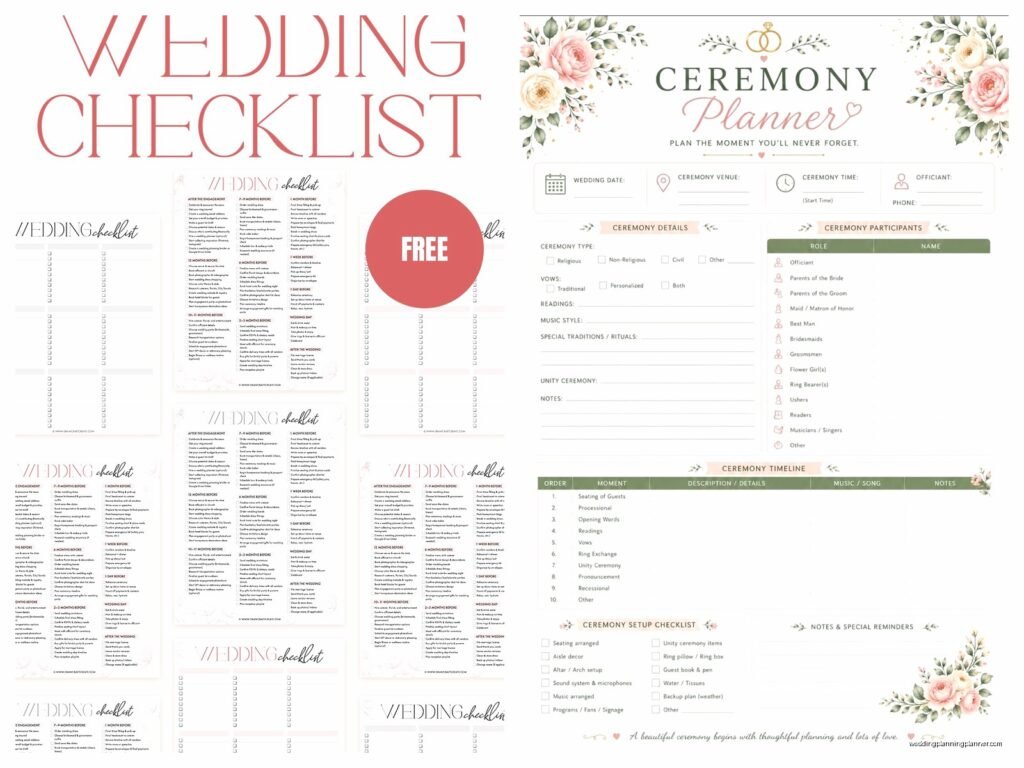
Wedding Planning Templates: Free Organizational Downloads
Jun
Wedding Planning Templates You Actually Need
Look, I’ve been doing this for over fifteen years and the number of brides who show up to our first meeting with random notes on their phone and Pinterest boards but zero actual organization is… honestly it’s most of them. And that’s fine! That’s literally why you hire someone like me. But even if you’re working with a planner, you need templates to keep your own sanity intact.
The thing about wedding planning templates is that there are approximately eight million available online and most of them are either way too complicated or they’re missing the stuff you actually need to track. I’m gonna walk you through the ones that actually matter and where to find decent free versions because spending money on a template when you’ve got a venue deposit due is kinda ridiculous.
Budget Tracker Template (The Most Important One)
Start here. Seriously, start here. I had this bride back in spring 2023 who came to me three months before her wedding absolutely panicking because she’d been tracking expenses in her head and suddenly realized she was $8,000 over budget. We fixed it, but it was painful and she had to cut some things she really wanted.
A good budget template needs to have:
- Estimated costs for each category
- Actual costs as you book vendors
- A column for deposits paid
- A column for balance due
- Due dates for final payments
- A running total that updates automatically if you’re using a spreadsheet
You can find basic budget templates on The Knot and WeddingWire for free. They’re fine. They do the job. Google Sheets also has wedding budget templates in their template gallery that you can copy and customize. I actually prefer Google Sheets over Excel because you can share it with your partner and you both see updates in real time, which prevents the “I thought you paid the photographer deposit” arguments.
What annoys me about most budget templates though is they always allocate like 8-10% for stationery and paper goods when realistically most couples spend 2-3% these days because everyone does digital invites or those cheap online printing services. The percentages are based on like… weddings from 2010 or something.
Customizing Your Budget Template
Delete the categories you don’t need. If you’re not having a videographer, delete that row. If you’re doing a backyard wedding, you probably don’t have a venue rental fee. Make it match YOUR wedding, not some generic wedding from a template.
Add a notes column. Trust me on this. You’ll want to write stuff like “includes setup and takedown” or “price increases if guest count goes above 150” and you won’t remember these details three months later.
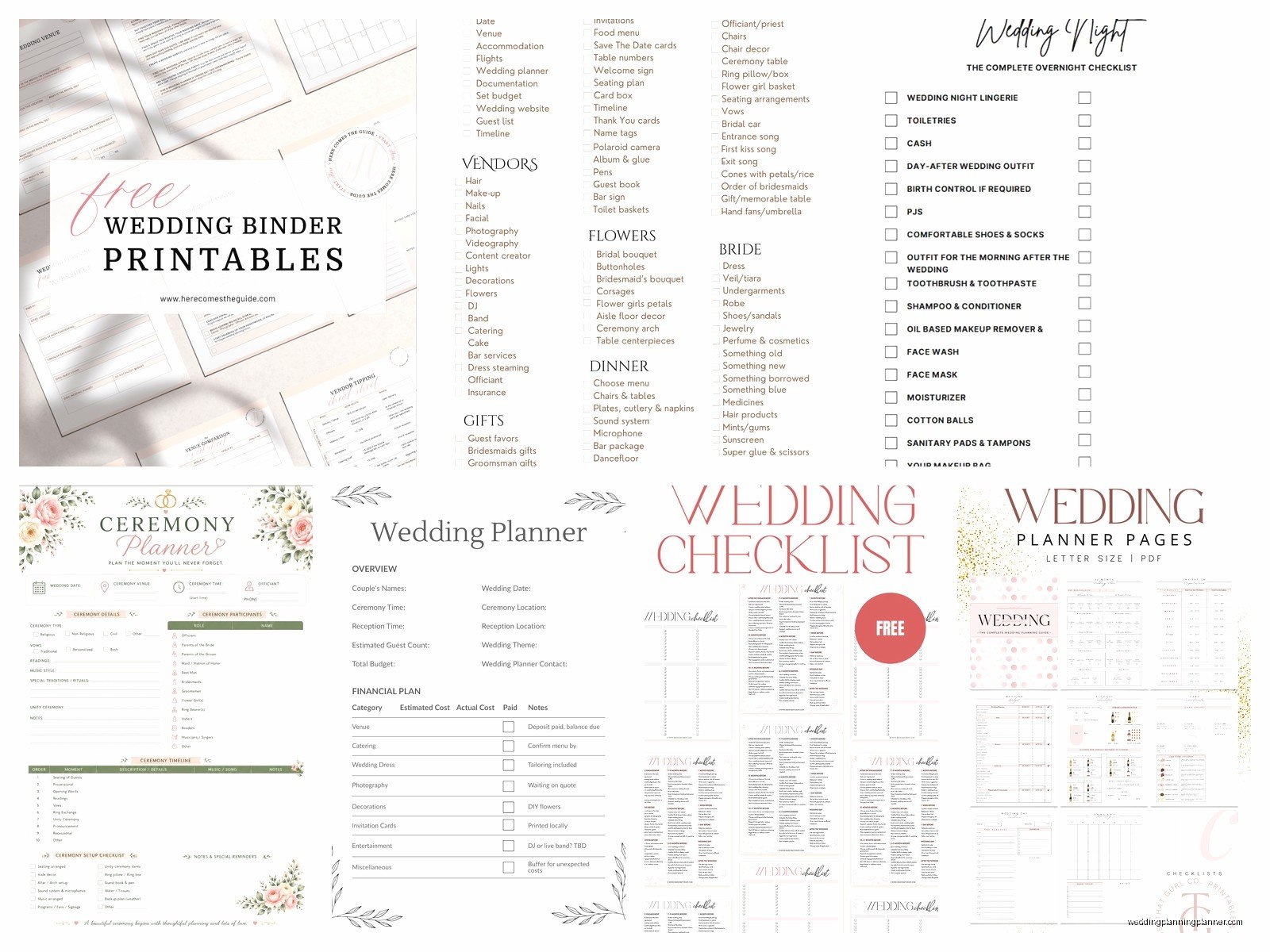
Guest List Manager
This is where things get messy for everyone. Your guest list isn’t just names and addresses—it’s tracking RSVPs, meal choices, plus-ones, gift tracking (if you’re into that), and about seventeen other data points.
The free template I recommend most is actually just creating your own in Google Sheets because the pre-made ones are either too simple or they’re trying to do too much. Here’s what columns you need:
- Guest name
- Address
- Email and phone
- Which events they’re invited to (if you’re doing multiple events)
- Plus-one status
- Save the date sent (date)
- Invitation sent (date)
- RSVP received (yes/no/no response)
- Number attending
- Meal choice
- Dietary restrictions
- Table assignment
- Thank you note sent
I know that looks like a lot but you’re gonna need all of it. Well, maybe not the thank you note tracking if you’re not super organized about that, but the rest you definitely need.
One thing I learned the hard way—and by hard way I mean watching my couples learn it—is that you should have a column for “Group/Category” where you tag people as “Bride’s Family,” “Groom’s College Friends,” “Work Colleagues,” etc. Makes it SO much easier when you’re trying to figure out seating arrangements or when you need to cut people and you’re trying to keep things balanced.
Vendor Contact Sheet
This is basically your wedding day bible. Every vendor you hire needs to go in here with their contact info, but also the contact info for the actual person who will be there on your wedding day because sometimes that’s not the same person you’ve been emailing for six months.
Include:
- Vendor name and company
- Service they’re providing
- Main contact person and their cell phone
- On-site contact if different
- Contract signed date
- Total cost
- Payment schedule
- Arrival time on wedding day
- Any special notes or requirements
The Knot has a vendor manager tool that’s free with an account. It’s alright. Does what it needs to do. But honestly a simple spreadsheet works just as well and you don’t have to log into anything.
Print this out the week before your wedding and give copies to your planner, your maid of honor, and maybe your mom or whoever is your backup person. When something goes wrong—and something always goes a tiny bit wrong—you need to be able to reach people quickly.
Timeline Templates
You actually need two different timeline templates and people don’t realize this.
Planning Timeline
This is your countdown checklist from engagement to wedding day. What needs to happen when. Most wedding websites have these and they’re pretty standard—book venue 12 months out, send invitations 8 weeks out, etc.
But here’s what I tell my clients: adjust it for YOUR timeline. If you’re planning a wedding in 6 months, a template that starts at 18 months out is gonna stress you out. Just delete everything that’s already passed and focus on what’s ahead.
Wedding Wire has a decent planning timeline checklist. So does Zola. They’re all basically the same with minor variations.
Day-Of Timeline
This is the minute-by-minute schedule for your actual wedding day. This one’s critical and also this is the one I see couples skip until like a week before and then they’re panicking.
Your day-of timeline needs to include:
- What time everyone needs to be where
- Hair and makeup schedule with specific times for each person
- Vendor arrival times
- Photo session blocks (getting ready photos, first look if doing one, family photos, wedding party photos)
- Ceremony start time
- Cocktail hour
- Reception entrance
- Dinner service
- Speeches and toasts
- First dance, parent dances
- Cake cutting
- Bouquet/garter if you’re doing that
- Last song and exit
- Vendor breakdown/departure times
I made a template for this years ago that I still use with clients and honestly you can just… make one in a Word document or Google Doc. It doesn’t need to be fancy. It just needs to be clear.
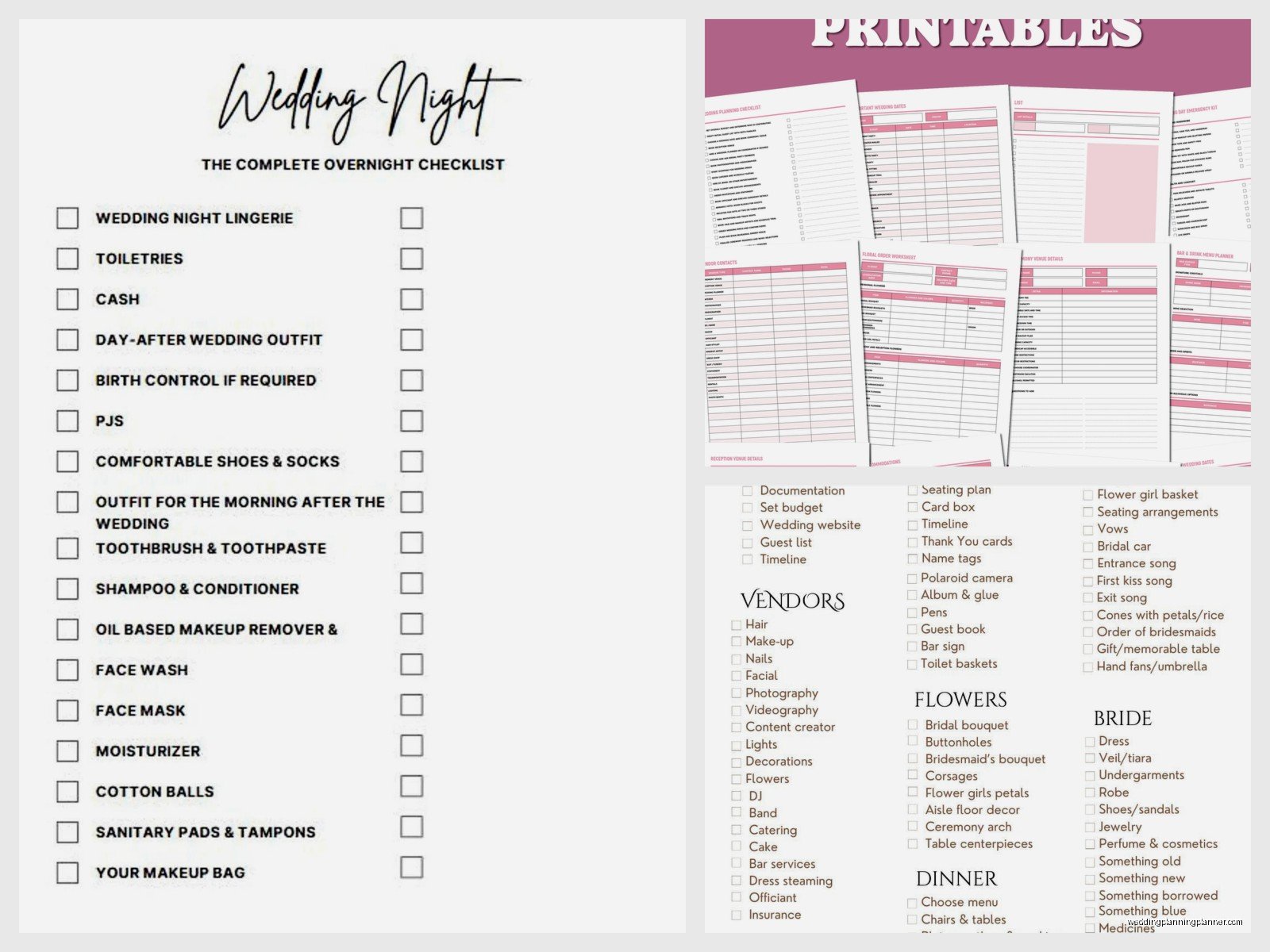
The important thing is that you share this timeline with EVERYONE—your wedding party, your parents, all your vendors. Everyone should have the same document so everyone’s on the same page.
Seating Chart Template
Oh man, this is where things get real. Seating charts are actually the worst part of wedding planning for most couples and I don’t blame them because you’re basically trying to solve a puzzle where half the pieces have family drama attached to them.
For templates, you’ve got a few options. There are websites like AllSeated that have free versions where you can drag and drop guests onto virtual tables. That’s cool if you’re into that. There’s also Wedding Wire’s seating chart tool.
But honestly? I usually just use a spreadsheet with table numbers and guest names. Keep it simple. You’ll move people around forty times before you finalize it anyway so don’t get too attached to making it look pretty in some fancy software.
My cat just jumped on my keyboard and almost deleted this whole section, which would’ve been ironic since I’m talking about organization…
Anyway, what you need in your seating chart:
- Table numbers or names
- Guest names assigned to each table
- Total count per table (make sure it doesn’t exceed table capacity)
- Notes about any special seating needs (wheelchair accessible table, near bathroom, away from speakers, etc.)
Start with your VIP table—usually the couple’s table or head table—and your parents’ tables. Then do your wedding party if they’re not at the head table. Then fill in everyone else working outward from there.
Photography Shot List
Your photographer will have their own list of standard shots they always get, but you should still make a list of specific photos you want. Family combinations especially because your photographer doesn’t know that you need a photo with just your mom’s side of the family or that your grandmother needs to be in every possible photo because this might be… okay that got dark, but you know what I mean.
Create a simple list organized by:
- Getting ready shots you want
- First look shots if applicable
- Ceremony must-haves
- Family photo combinations (be specific: “bride with parents,” “groom with siblings,” “bride with maternal grandparents,” etc.)
- Wedding party photos
- Reception details to capture
- Special moments (cake cutting, first dance, etc.)
Just type this up in a document and email it to your photographer a month before the wedding. They’ll appreciate it even if they don’t follow it exactly.
Menu Planning and Catering Template
If you’re doing a catered event, you need to track meal choices. This connects to your guest list spreadsheet but sometimes it helps to have a separate document just for the caterer.
What your caterer needs to know:
- Total guest count
- Number choosing each entree option
- Number of vegetarian/vegan meals needed
- Specific dietary restrictions or allergies (and which guests have them)
- Number of vendor meals needed
- Kids meal count if different from adult meals
I had a wedding in summer 2021—right when things were opening back up after COVID—and the bride had tracked RSVPs but not meal choices and we had to call like 60 people the week before the wedding to ask what they wanted to eat. It was chaos. Don’t be that bride.
Decoration and Setup Notes Template
If you’re doing any DIY decor or you just want to make sure your vision actually happens, create a setup document with notes about where everything goes. This is especially important if you’re not having a full-service planner who handles setup.
I usually recommend creating this as a combination of a written document and photos/inspiration images. Like, don’t just write “centerpieces on tables”—describe what the centerpieces look like, how tall they should be, what goes in them, and include a photo of what you’re going for.
Sections to include:
- Ceremony space setup (altar/arch, aisle decorations, seating arrangement)
- Cocktail hour space
- Reception tables (centerpieces, place settings, table numbers)
- Gift table, guestbook table, card box
- Sweetheart table or head table
- Cake table
- Bar area
- Any special decor elements (photo displays, signage, etc.)
This template doesn’t need to be formal. It can literally be a Google Doc with notes and image links. Just something you can hand to whoever’s setting up so they’re not texting you questions while you’re getting your makeup done.
Where to Actually Find These Templates
Okay so I’ve been talking about templates but where do you actually get them? Here’s my go-to list:
The Knot – Has pretty much everything. Budget tracker, guest list, vendor manager, checklist. Free account required but it’s actually free, not “free trial then pay” free.
WeddingWire – Similar to The Knot. Their budget tool is solid and their checklist is comprehensive maybe too comprehensive honestly.
Google Sheets Template Gallery – Search “wedding” and you’ll find budget templates, guest lists, timelines. The advantage here is you can customize everything and share with your partner easily.
Zola – Their free wedding planning tools are actually really good. Guest list manager is clean and simple to use.
Etsy – Wait hear me out. Yes most Etsy templates cost money but there are free ones if you search “free wedding template” and some sellers offer free basic versions. Plus if you’re gonna spend money on a template, spending $5-10 on Etsy for something really well-designed isn’t the worst idea if the free ones aren’t working for you.
Canva – Has timeline templates and day-of schedule templates that are visually nice if you care about that. Free account works fine.
How to Actually Use Templates Without Getting Overwhelmed
Here’s the thing about templates—they’re only useful if you actually use them. And I see couples download like fifteen different templates and then use none of them because it’s too much.
Start with just three: budget tracker, guest list, and vendor contact sheet. That’s it. Get those three going and keep them updated. Everything else can wait until you’re further into planning.
Set a weekly time—like Sunday morning with coffee or whatever—to update your templates. If you wait until you “have time” you’ll never do it and then your templates become useless because the information is three months old.
Share access with your partner or whoever’s helping you plan. Nothing’s more annoying than having to manually tell someone information that’s already in a spreadsheet they could just look at themselves… okay that’s the thing that annoys me most actually, is when couples don’t share their planning documents with each other and then they’re both asking me the same questions.
Don’t feel like you need to fill out every single field in a template. If there’s a section you don’t need, ignore it or delete it. Templates are starting points, not rules.
Mobile Access Stuff
Make sure whatever templates you’re using, you can access them from your phone because you’re gonna need to check details when you’re out meeting with vendors or when you’re at the venue doing a walkthrough or when you’re lying in bed at 11pm suddenly worried that you forgot to… whatever thing you’re worried about.
This is why I push Google Sheets and Google Docs over downloadable Excel or Word files. They sync across devices automatically and you can pull them up anywhere. The Knot and WeddingWire apps also let you access your planning tools from mobile which is handy.
Download offline copies of your most important documents like your vendor contact sheet and day-of timeline as backup in case you don’t have cell service at your venue. Because that happens more often than you’d think, especially at rustic venues or locations outside the city.
