
Planning Guides, Style Guide
Wedding To Do List Template: Task Checklist Downloads
Jun
Getting Your Wedding To-Do List Sorted Out
Okay so wedding to-do list templates are literally one of those things I tell every single couple to download the second they get engaged and honestly most people ignore me until like month 8 when they’re panicking about forgetting the marriage license. Which reminds me I need to renew my own driver’s license but anyway.
The thing about wedding planning is there are approximately one million tasks and your brain will absolutely not remember them all. I learned this the hard way in summer 2021 when I had a bride who swore she didn’t need a checklist because she “had it all in her head” and then three weeks before the wedding she realized she never actually booked transportation for the bridal party. We figured it out but it was… not fun.
So here’s what you gotta know about wedding to-do list templates and how to actually use them without losing your mind.
Why You Need a Template in the First Place
Look, you could make your own checklist from scratch. You could also make your own wedding dress from scratch but like, why would you when there are already good options out there? Templates exist because wedding planners have been doing this for decades and we know what tasks actually need to happen.
The templates I recommend have tasks broken down by timeline – usually 12 months out, 9 months, 6 months, 3 months, 1 month, 1 week, day before, and wedding day. This matters because booking your photographer 2 weeks before your wedding is gonna be a problem but ordering your favors 14 months in advance is just creating storage issues.
I use templates with my clients even though I literally do this for a living because there’s always something. Always. Last spring I almost forgot to remind a couple about their vendor meals until the week of and that would’ve been awkward since we had like 8 vendors who needed to eat.
Types of Templates You Can Download
There are so many formats and honestly it depends on how your brain works which is best for you.
Spreadsheet Templates
Excel or Google Sheets templates are my personal favorite for clients who like checking boxes and seeing percentages. You can usually filter by category, sort by due date, add your own notes, and some of the fancy ones even have budget tracking built in on separate tabs.
The downside is they can feel kinda overwhelming when you first open them and see 200 rows of tasks. But you can hide completed tasks which helps. I have one master template I’ve customized over the years that has literally every possible task including stuff like “order yarmulkes” and “book steel drum band” that obviously don’t apply to everyone but you just delete what you don’t need.
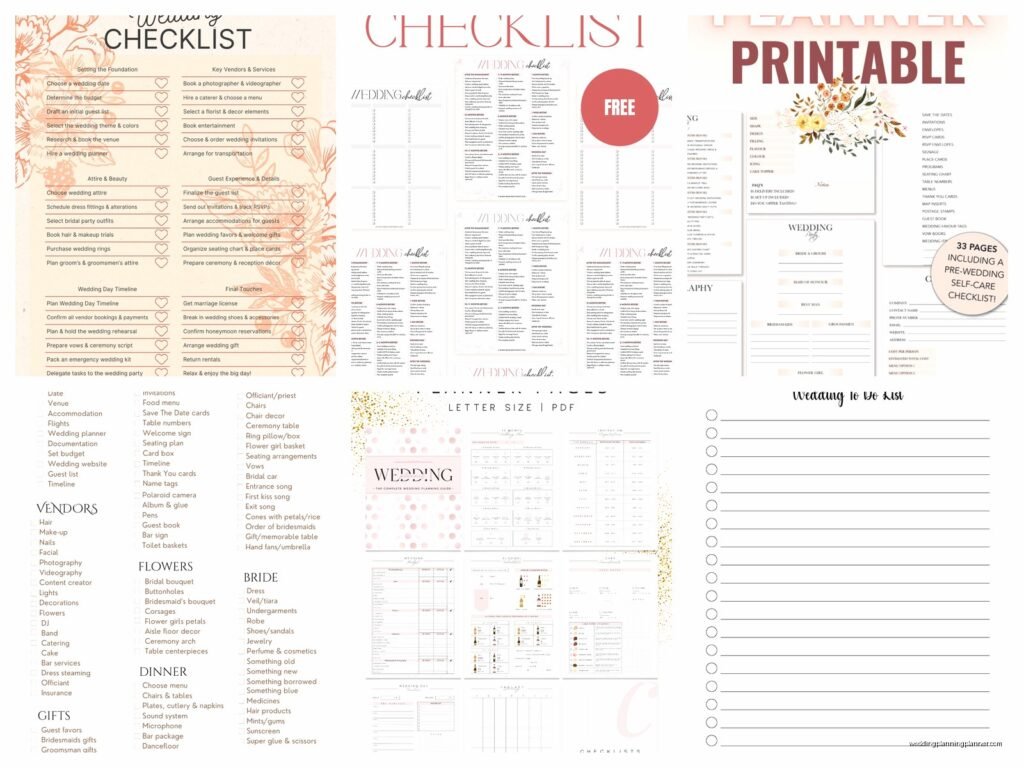
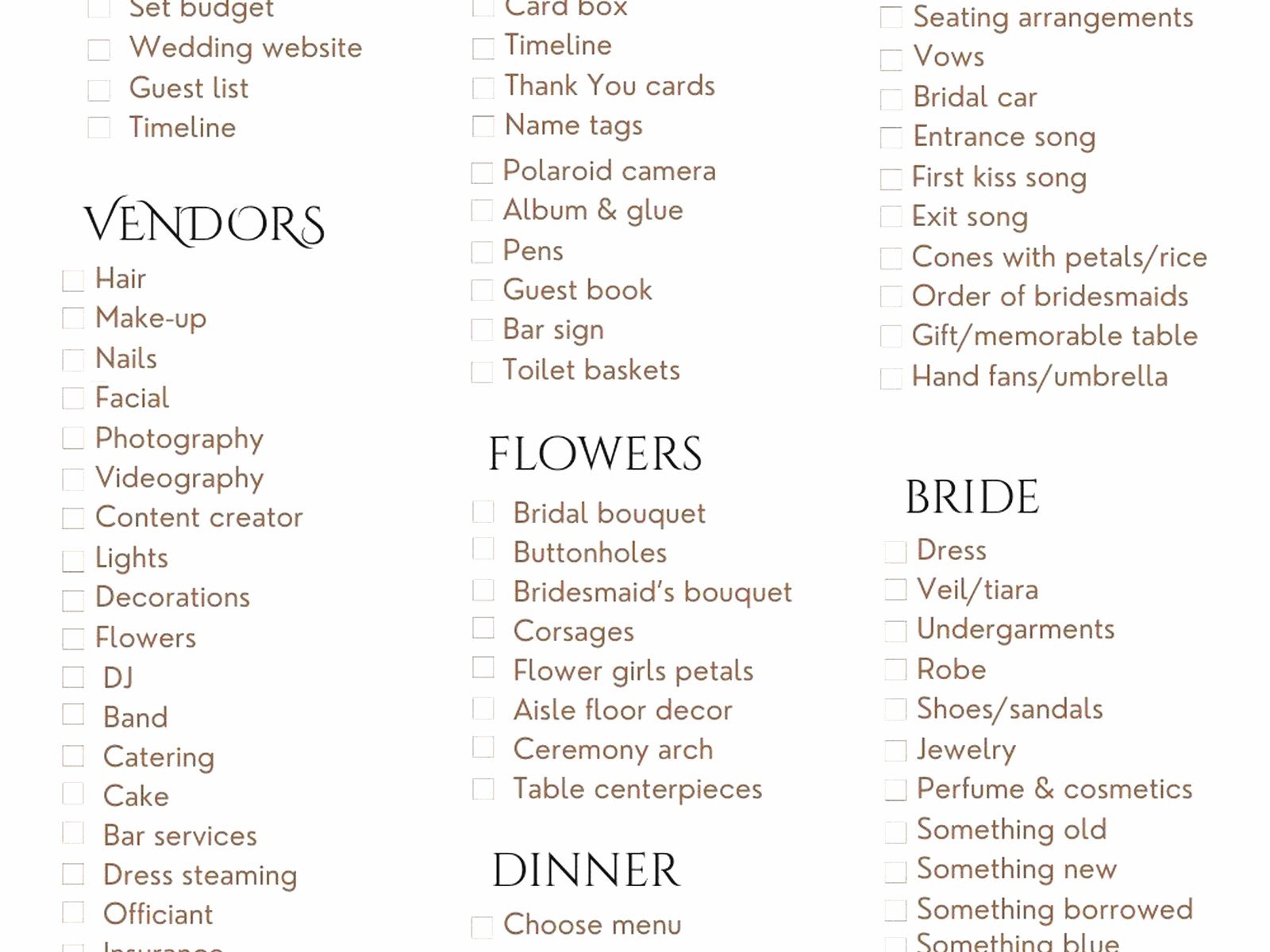
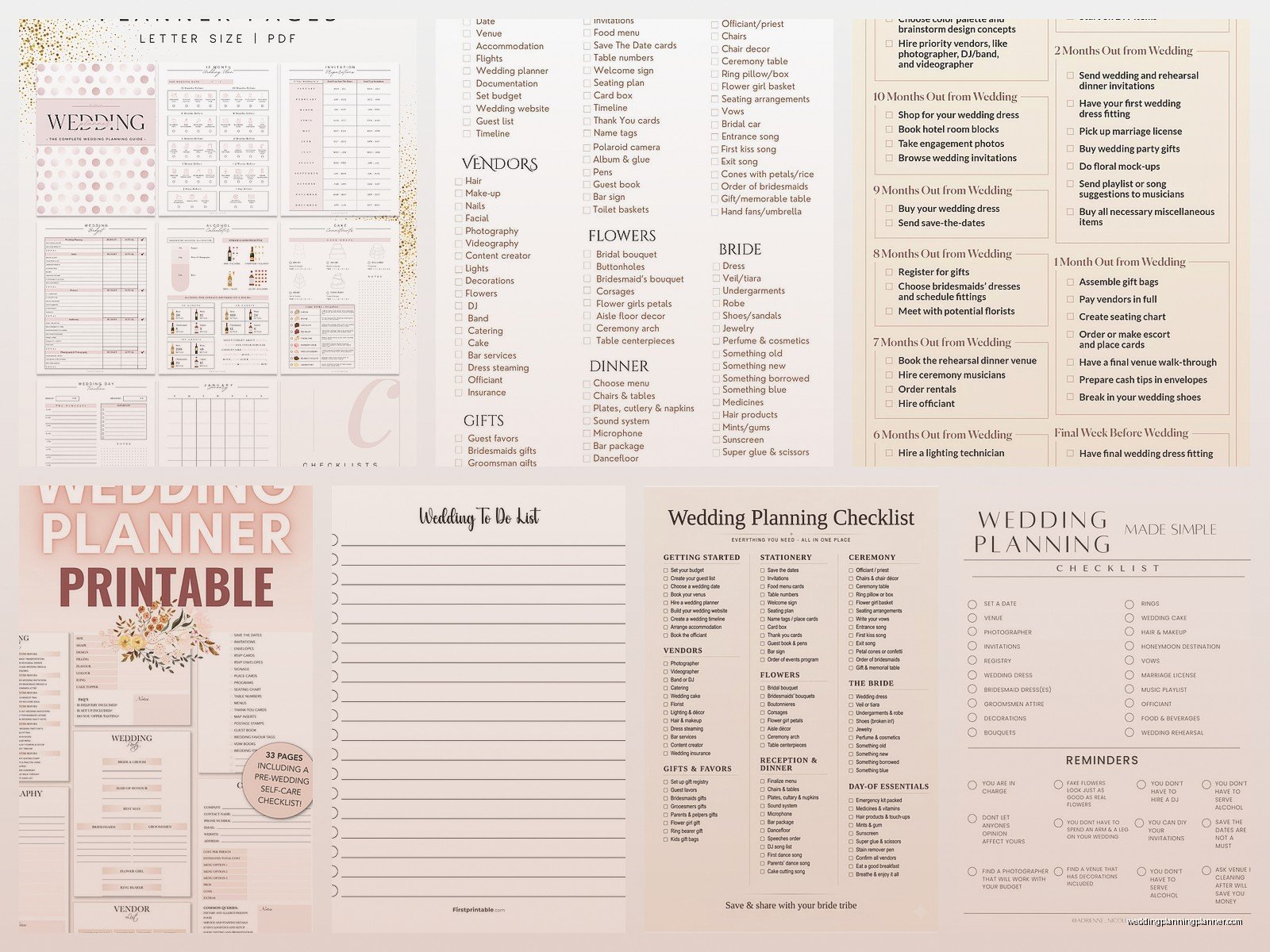
PDF Printable Checklists
These are great if you’re the type who needs to physically cross things off with a pen. There’s something satisfying about that. The wedding planning binder people love these – you know the ones with the color-coded tabs and the plastic sleeves. I’m not that organized in my personal life, my cat knocked over my coffee this morning and I just… left it there for 20 minutes while I answered emails, but I get the appeal for weddings.
PDF checklists usually look prettier than spreadsheets too if aesthetics matter to you. But you can’t easily rearrange tasks or add automatic reminders.
App-Based Templates
Wedding planning apps have built-in checklists and they’ll send you push notifications which is helpful if you’re someone who ignores emails. I’ve had clients use ones like The Knot, WeddingWire, Zola, and some project management apps like Asana or Trello adapted for wedding planning.
The thing that annoyed me about a lot of these apps though is they’re trying to sell you vendors constantly. Like I just want to check off “order invitations” without seeing 47 sponsored invitation companies. It’s so much.
What Should Actually Be On Your Template
A good template needs to cover the obvious stuff plus the things people always forget. Here’s what I make sure is included:
The Big Vendor Bookings
Venue, photographer, videographer, caterer, florist, DJ or band, hair and makeup, officiant, transportation, cake or desserts. These should all be listed in your template with recommended booking timelines. Most venues and photographers book 12-18 months out in popular wedding markets, but your bakery might only need 3-6 months notice.
The Legal Stuff Nobody Thinks About
Marriage license application (check your county requirements because they vary wildly), name change documents if applicable, vendor contract reviews, liability insurance for your venue if required. One couple I worked with in 2022 didn’t realize their venue required them to get event insurance until 2 weeks before and that was a whole thing.
Stationery Timeline
Okay this is my specialty area so I have opinions. Your template should break down: save the dates (mail 6-8 months before), invitations (order 4-5 months before, mail 6-8 weeks before), programs, menus, place cards, thank you cards, and any day-of signage. People always underestimate how long printing takes especially if you want letterpress or foil stamping or…
Sorry I get excited about paper goods. But seriously the stationery timeline is important and most generic templates don’t break it down enough.
Attire Tasks
Dress or suit shopping, alterations appointments (multiple), accessories, shoes, undergarments, wedding party outfits, getting everything steamed or pressed. Alterations take longer than you think. I had a bride who bought her dress 10 months out but didn’t start alterations until 6 weeks before and her seamstress nearly had a breakdown.
The Random Stuff That Matters
Guest list management, hotel room blocks, wedding website, registry, rehearsal dinner planning, welcome bags if you’re doing those, vendor tips and payments, emergency kit assembly, arranging vendor meals, collecting vendor arrival times and contact info, final walk-through at venue, marriage prep classes if your officiant requires them.
Oh and someone needs to be assigned to wrangle family members for formal photos. Put that on the list. Seriously.
How to Actually Use the Template
Downloading a template is step one. Actually using it is where people fall apart. Here’s what works:
Customize it immediately. Delete tasks that don’t apply to your wedding. Not having a religious ceremony? Remove those tasks. No wedding party? Delete all the bridesmaid and groomsmen stuff. Not doing favors? (Good choice honestly, half of them get left behind anyway.) Take them off the list. A shorter, relevant list is way less intimidating.
Assign ownership. Who’s doing what? If you’re planning together, mark whose responsibility each task is. If you have a planner like me, we’ll take a bunch of these off your plate but you still need to know who’s handling what. The couples who share a checklist and both assume the other person did something are the ones who show up at rehearsal without rings because each thought the other picked them up from the jeweler.
Add deadlines. Most templates have suggested timelines but you need to put actual dates. “6 months before wedding” doesn’t mean anything until you convert it to “June 15th.” Put it in your phone calendar. Set reminders. I’m not even kidding, set multiple reminders for the important stuff.
Review it weekly. Pick a day, maybe Sunday morning with coffee, and look at what’s coming up. What needs to happen this week? What’s due in the next month? This 15-minute check-in will save you from those 2am panic moments where you suddenly remember something.
Where to Find Good Templates
You can Google “wedding checklist template” and get a million results but here’s what I actually recommend to clients:
The Knot and WeddingWire both have free downloadable checklists that are pretty comprehensive. They’re gonna try to get your email address but the templates are solid. Martha Stewart Weddings has a good PDF version that’s organized nicely. If you want spreadsheet versions, search for wedding planning templates on Etsy – there are wedding planners who sell their customized versions for like $10-30 and they’re usually more detailed than the free ones.
For my stationery clients I have a separate paper timeline template that goes deeper into invitation wording approval, proofreading rounds, envelope addressing options, postage calculations… it’s very detailed because I’ve seen too many invitation disasters.
There are also master planning spreadsheets that include checklists plus budget tracking, guest list management, seating charts, and vendor contact info all in one. Those are worth it if you want everything in one place.
Common Template Mistakes
People download a template and then just let it sit in their downloads folder. That’s mistake number one. Actually open it, put it somewhere you’ll see it, and start using it right away.
Mistake two is treating the template like it’s set in stone. It’s a starting point. Add tasks specific to your wedding. Having a morning-after brunch? Add those tasks. Doing a destination wedding? You’ll need travel coordination tasks that aren’t on standard templates. Having a cultural ceremony with specific requirements? Add those.
Also people forget to update it. You booked your photographer? Check that box or mark it complete. Otherwise you’ll waste mental energy remembering what’s done versus what’s still pending. The whole point is to free up your brain space.
Making It Work for Different Wedding Styles
A 12-month engagement timeline template won’t work if you’re planning a wedding in 3 months. Short engagement templates exist and they’re structured differently with tasks compressed and some things simplified or eliminated. You’re probably not doing custom invitations if you have 8 weeks, you’re doing digital or simple printed ones.
Destination wedding templates need different tasks – coordinating guest travel, understanding legal requirements for marriages abroad, shipping your dress, arranging multiple events over several days. The standard checklist doesn’t really cover that.
Elopement or micro wedding templates are much shorter. You don’t need a seating chart for 15 people. But you might need to think about how to include people virtually or how to celebrate with a larger group later.
My Actual Real-World Template System
For my clients I use a master spreadsheet that has separate tabs for checklist, budget, guest list, vendor contacts, and timeline. Everything links together so when they mark a vendor as booked in the checklist, it updates their budget spend automatically. I didn’t create this system myself, I bought a template and customized it over probably 5 years of use and now it’s got formulas and conditional formatting and it’s kinda my baby.
But that’s probably overkill for most couples planning their own wedding. A simple checklist where you can check off completed tasks and see what’s coming up next is honestly enough. The fancy systems are great until they’re so complicated you stop using them.
The main thing is having something external to your brain tracking all this. Wedding planning brain is real and you will forget things. I’ve been doing this since I was 32 and I still need lists for everything or I’ll space out on important stuff while remembering random details like the exact shade of ribbon someone wanted in 2019.
Sharing Your Template
If you’re planning with a partner, you need a shared system. Google Sheets works great for this – you can both access it, make updates, add notes. Fighting over who has the most current version of an Excel file is not how you want to spend your engagement.
Share the relevant parts with your vendors too. Your planner, day-of coordinator, or helpful family member should have access to your timeline and know what still needs doing. I always ask clients to share their master checklist with me so I can see the full picture and remind them about stuff that’s coming up.
Just be careful about too many people having edit access. View-only sharing exists for a reason. You don’t want your well-meaning mom accidentally deleting half your checklist while trying to add a note about napkin colors.
The couples who stay most calm during wedding planning are the ones who have a system and stick to it. Download a template, customize it, review it regularly, and actually use it to drive your planning. It’s not glamorous but it works and honestly that’s what matters when you’re trying to coordinate 47 different vendors and keep your family from going rogue on the planning
