
Planning Guides, Style Guide
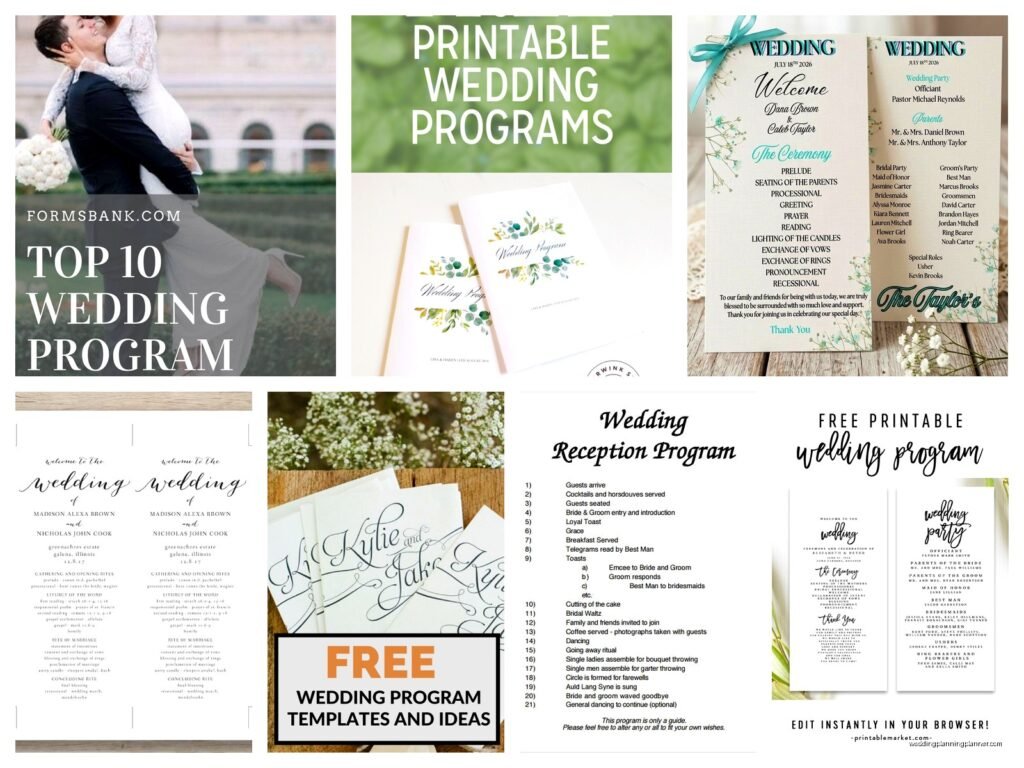
Wedding Program Template: Ceremony Order Downloads
Jun
Why You Actually Need a Wedding Program Template
Okay so wedding programs are one of those things couples either obsess over or completely forget about until like two weeks before the wedding. I had this bride in spring 2023 who literally texted me at 9pm on a Thursday asking if programs were “still a thing” and could I help her make them by Saturday. Spoiler: we did it, but I was running on coffee and spite for those 48 hours.
The thing is, ceremony programs are actually super helpful for your guests. They tell people what’s happening, who’s who, and when they can expect to sit down or stand up or whatever. Plus if you’ve got a religious ceremony or cultural traditions that not everyone knows about, programs explain what’s going on so Aunt Karen isn’t whispering loudly asking why everyone’s lighting candles.
What Actually Goes In a Ceremony Program
Alright so the basic structure is pretty straightforward but you can customize it however you want. Here’s what I usually tell couples to include:
- Cover with your names and wedding date
- Order of ceremony events
- Wedding party names and roles
- Parents and grandparents names (optional but nice)
- Readings or song titles
- Special notes about unity ceremonies or traditions
- Thank you message to guests
- Memorial section for loved ones who passed
You don’t gotta include all of this. Like if you’re having a super casual backyard wedding, maybe you just do the ceremony order and wedding party. But if you’re doing a full Catholic mass or a traditional Hindu ceremony, you’re gonna want more explanation because those run long and have specific moments.
The Ceremony Order Section Explained
This is the main part everyone actually reads. You basically list out what happens from the moment the ceremony starts until you walk back down the aisle married. Here’s a typical order for a non-religious ceremony:
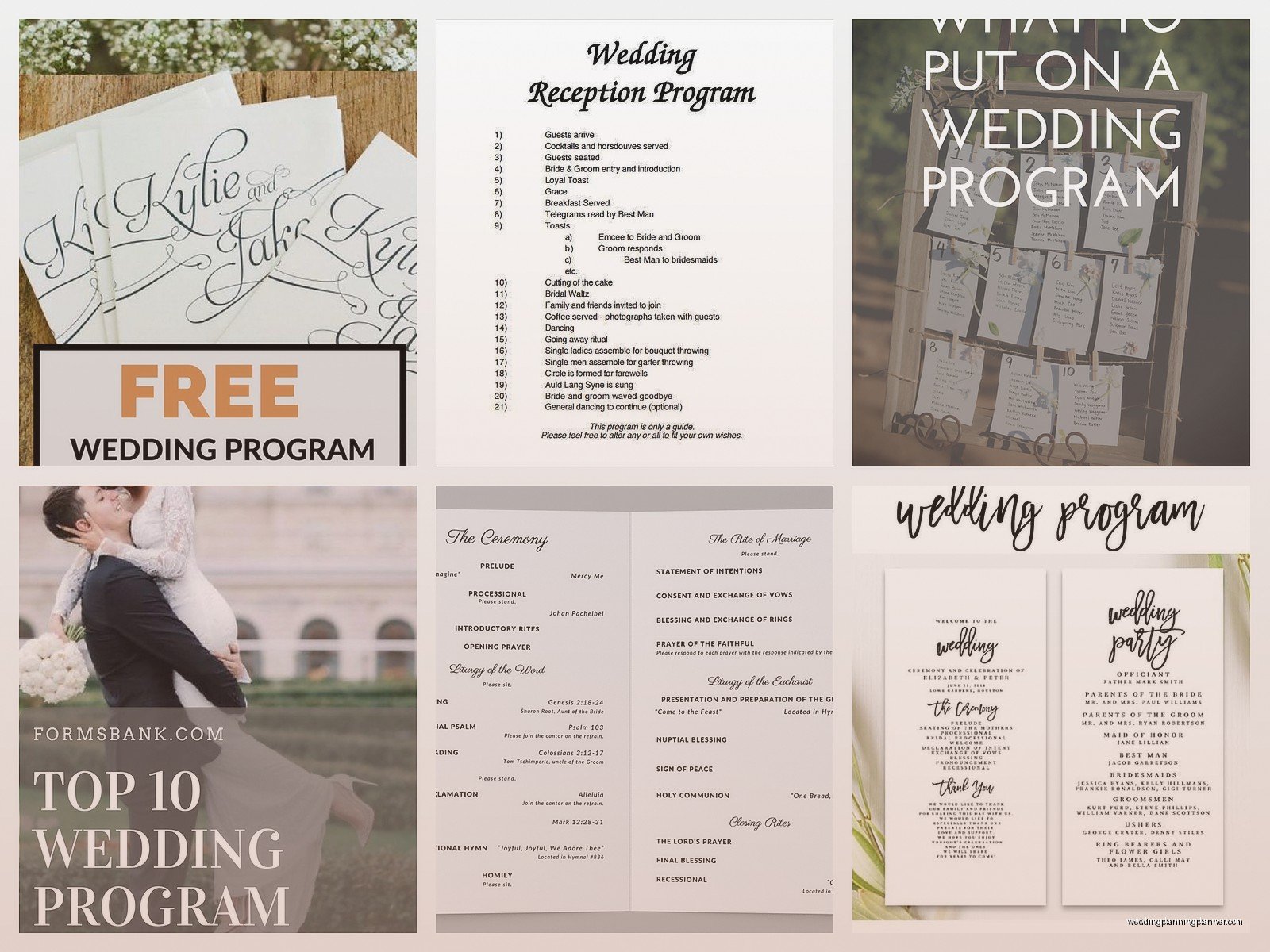
- Processional
- Welcome and opening remarks by officiant
- Reading or poem
- Officiant’s message about marriage
- Exchange of vows
- Ring exchange
- Unity ceremony (candle lighting, handfasting, whatever)
- Pronouncement of marriage
- First kiss
- Recessional
Religious ceremonies have more parts obviously. Catholic weddings have like the liturgy of the word, the nuptial blessing, communion if you’re doing a full mass… it gets lengthy. Jewish ceremonies have the ketubah signing, the seven blessings, breaking the glass. My point is you adapt the template to match what’s actually happening at YOUR ceremony.
Where to Find Good Templates
So there’s approximately a million places to download wedding program templates and honestly some of them are terrible. I’ve seen templates that are so overdesigned you can’t even read the text, or they’re formatted weird and won’t print correctly.
Here’s where I actually send couples:
Canva has a ton of free and paid templates. You can edit them right in your browser which is super convenient. They’ve got every style from minimalist to boho to formal. The only annoying thing is sometimes the free templates are kinda basic and the really pretty ones cost like $12-15.
Etsy is my go-to for unique designs. You’re buying from actual designers who made custom templates. Usually costs between $8-30 depending on how elaborate it is. You download it as a PDF or Word doc or Canva link and then edit it yourself. Just make sure you read the description carefully because some sellers only give you the design and you have to recreate it yourself which is… frustrating if you’re not expecting that.
Microsoft Word templates are free if you have Office. They’re pretty basic looking but functional. Good if you’re on a tight budget or just need something simple that works.
Google Docs templates same deal as Word basically. There’s a template gallery with some wedding program options. Nothing fancy but free is free.
The Format Question Nobody Thinks About
Okay this is the thing that annoyed me SO MUCH last summer. I had a couple download this gorgeous template from Pinterest (first mistake, Pinterest links are chaos) and they spent hours customizing it and then realized it was formatted for A4 paper which isn’t standard in the US. So when they went to print it at FedEx, everything was cut off weird and they had to redo the whole thing.
Wedding programs typically come in these formats:
- Bifold (one sheet folded in half, 4 panels total)
- Trifold (one sheet folded in thirds, 6 panels)
- Single sheet flat card
- Booklet style (multiple pages stapled or bound)
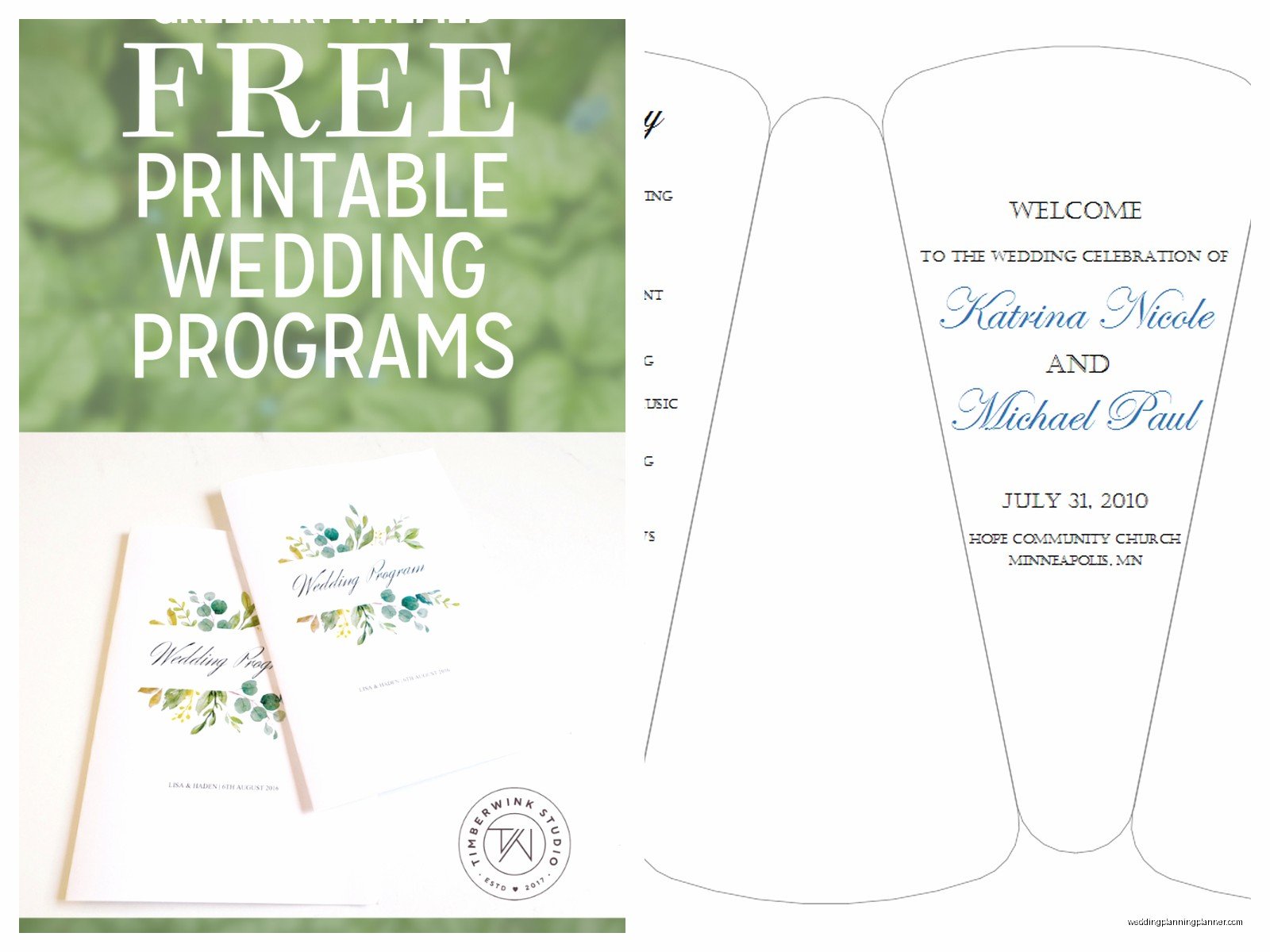
- Fan programs (shaped like a hand fan, good for outdoor summer weddings)
The bifold is most common because it’s easy to print and fold yourself. You just need 8.5 x 11 inch cardstock and you’re set. Trifolds look more sophisticated but they’re harder to fold neatly if you’re DIYing it. I usually recommend trifolds only if you’re having them professionally printed.
Fan programs are adorable for outdoor weddings but here’s the thing – they’re more expensive to make and guests will definitely leave them on the chairs after the ceremony. So if you’re gonna spend $5 per fan program, just know half of them will end up in the trash. Not trying to be negative just realistic.
Editing Your Downloaded Template
So you found a template you like and downloaded it. Now what? Most templates come with placeholder text that you replace with your actual information. Seems obvious but you’d be surprised how many people forget to change something and end up with “BRIDE NAME” printed on 150 programs.
Here’s my editing process:
First pass: Replace all the basic info – your names, date, location, time. Do this first so you can see how much space you’re working with.
Second pass: Add your ceremony order. Be specific but concise. Instead of just “Reading,” write “Reading: 1 Corinthians 13 read by Sarah Mitchell.” Gives people more context.
Third pass: Add wedding party names and family. Double-check spelling. I cannot stress this enough. I once had a program go to print with a bridesmaid’s name spelled wrong and she was… not happy. Check it twice, then have someone else check it.
Fourth pass: Personal touches. Thank you notes, memorial sections, fun facts about how you met, whatever feels right for you. This is where you can get creative or keep it simple, totally up to you.
One thing I learned – and this might sound weird – but read the whole program out loud before you finalize it. You’ll catch awkward phrasing or sentences that are too long or parts that don’t flow well. My cat usually sits there judging me while I do this but it works.
Paper and Printing Considerations
If you’re printing at home, use cardstock that’s at least 80lb weight. Regular printer paper is too flimsy and looks cheap. Cardstock makes it feel more substantial and it won’t flop around when people are holding it.
Most home printers can handle 80lb cardstock but anything heavier might jam. Test print one copy before you commit to printing all 150 or however many you need. Trust me on this. I’ve seen too many people waste expensive paper because they didn’t test first.
If you’re having them professionally printed, you’ve got more options. You can do heavier cardstock, textured paper, even vellum overlays if you wanna get fancy. Places like Vistaprint, Minted, and Zazzle all do wedding programs. Local print shops can do them too and sometimes they’re cheaper for rush orders.
Here’s a rough cost breakdown: DIY printing at home costs maybe $20-40 total for paper and ink. Professional printing ranges from $1-5 per program depending on paper quality and design complexity. So for 100 programs, you’re looking at $100-500 if you go the professional route.
How Many Programs Do You Actually Need
This is kinda a personal preference thing but I usually tell couples to print one program for every two guests. Not everyone needs their own copy – couples and families can share. Plus some people won’t take one at all.
So if you have 150 guests, print like 80-85 programs. Maybe print an extra 10-15 as backups in case you mess some up during assembly or folding. You don’t need 150 programs for 150 people, that’s just wasteful and you’ll have a ton left over.
Although honestly some couples want everyone to have their own copy as a keepsake which is fine too. Just depends on your budget and how important programs are to you overall.
Assembly Tips Because Folding Sucks
If you’re doing bifold or trifold programs yourself, set up an assembly line situation. Get your bridesmaids or family members together, put on a good playlist or trashy TV show (I’m partial to Love Island for this kind of thing), and make it a party.
Here’s the process: print all your programs first, obviously. Then score the fold lines with a bone folder or the edge of a ruler. This makes the folds crisp and professional looking. Then fold them all. Then if you’re adding ribbons or belly bands, do that last.
The scoring step is what most people skip and then their programs look homemade in a bad way. It takes an extra 30 seconds per program but makes such a difference. You can get a bone folder for like $8 on Amazon or at any craft store.
Digital Programs Are a Thing Now
Okay so this is kinda new-ish but some couples are doing digital programs instead of printed ones. You create a PDF or a simple wedding website page with all the ceremony info and either email it to guests beforehand or have a QR code at the ceremony entrance that links to it.
I’m gonna be honest, I have mixed feelings about this. It’s definitely eco-friendly and saves money. But it also assumes all your guests are tech-savvy enough to pull up a PDF on their phone during the ceremony, and like… have you met grandparents? Some of them still can’t figure out how to unmute themselves on Zoom.
If you go this route, maybe print like 20-30 physical programs as backups for older guests or anyone who doesn’t want to look at their phone during your ceremony. Best of both worlds situation.
Common Mistakes to Avoid
Don’t put too much text on the programs. I’ve seen programs that are basically essays about the couple’s relationship and family history and by page three everyone’s eyes are glazed over. Keep it concise. Ceremony programs aren’t the place for your entire love story.
Don’t use fonts smaller than 10pt. Your guests shouldn’t need reading glasses to see who’s walking down the aisle. I usually stick with 11-12pt for body text and 14-18pt for headers.
Don’t forget to proofread multiple times. Spell check won’t catch everything, especially names. Have at least two other people read through it before printing.
Don’t wait until the last minute. I know I mentioned that spring 2023 client who did exactly this, but seriously, give yourself at least 2-3 weeks before the wedding to finalize and print programs. Printers break, files get corrupted, shipping gets delayed… stuff happens and you need buffer time.
What If You Don’t Want Programs At All
Here’s a secret: programs are totally optional. If your ceremony is short and straightforward, you might not need them. If your budget is super tight, skip them and put that money toward something else. If you’re having an intimate wedding with like 30 people who all know each other, programs might feel unnecessary.
Some couples do a big sign or poster at the ceremony entrance with the wedding party names and ceremony order instead. Costs way less than printing individual programs and still gives guests the information. Or you could have your officiant do a quick intro explaining what’s gonna happen before the ceremony starts.
There’s no wedding police who’ll show up if you don’t have programs. Do what makes sense for your wedding and your budget and don’t stress about what you’re “supposed” to do.
