
Planning Guides, Style Guide
Wedding Pamphlet Template: Ceremony Program Downloads
Jul
So You Need a Wedding Ceremony Program Template
Okay so ceremony programs are one of those things that couples either obsess over or completely forget about until like three weeks before the wedding. There’s no in between. And honestly? Both approaches are totally fine, but if you’re here looking for templates and downloads, I’m gonna walk you through what actually works.
First thing – ceremony programs aren’t technically required. Like, your wedding will happen with or without them. But they’re super helpful for guests who don’t know your family, can’t figure out who that random guy doing a reading is, or need something to fan themselves with during an outdoor ceremony. I had this wedding in summer 2021 where we skipped programs because the couple wanted to be “minimalist” and I swear half the guests spent the ceremony whispering “who’s that?” back and forth. Kinda defeated the whole peaceful vibe they were going for.
What Actually Goes In A Ceremony Program
The basic stuff you gotta include:
- Your names (obviously)
- The date and location
- Order of ceremony events
- Names of your wedding party
- Names of anyone doing readings or performances
- Parents’ names if you want
- A little thank you note to guests
Some people add like entire family trees and I’m just… why? You have a reception for that. Keep it simple unless you genuinely want to explain how your grandmother’s cousin twice removed fits into the picture.
Where To Find Good Templates
Alright so there are basically a million places to download ceremony program templates and honestly most of them are fine? But here’s what I tell clients when they ask:
Canva is gonna be your best friend if you want something customizable but easy. They have free and paid templates. The free ones are perfectly good – you don’t need to pay for Canva Pro unless you’re already using it for other wedding stuff. You can change colors, fonts, add your own photos. My cat literally walked across my keyboard once while I was designing a program in Canva and somehow made it look better, so it’s pretty forgiving.
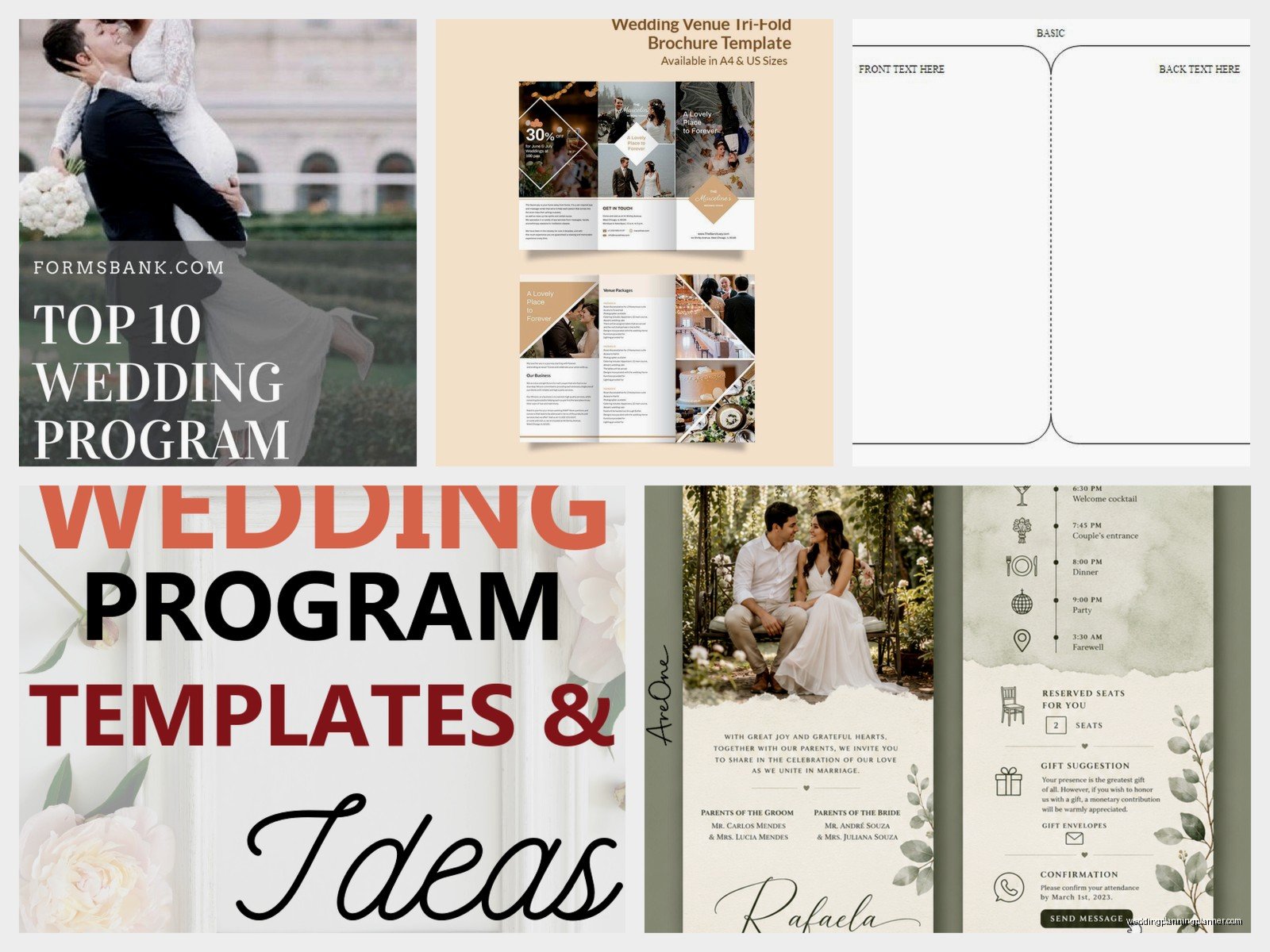
Etsy has tons of downloadable templates, usually between $5-25. You’re paying for someone’s design work, and you get the file to edit yourself (usually in Canva, sometimes in Word or Pages). The quality varies wildly. Read the reviews. Make sure it says you can edit it – some sellers just send you a PDF you can’t change and that’s annoying as hell.
Microsoft Word templates exist and they’re free if you already have Word. They look kinda dated honestly but if you’re going for simple and classic, they work fine. The formatting can be weird when you try to print them though.
Adobe Express (used to be called Adobe Spark) has some decent options. Similar vibe to Canva but slightly different template styles.
Template Formats That Actually Make Sense
You’ve got a few standard formats for ceremony programs and they each have pros and cons:
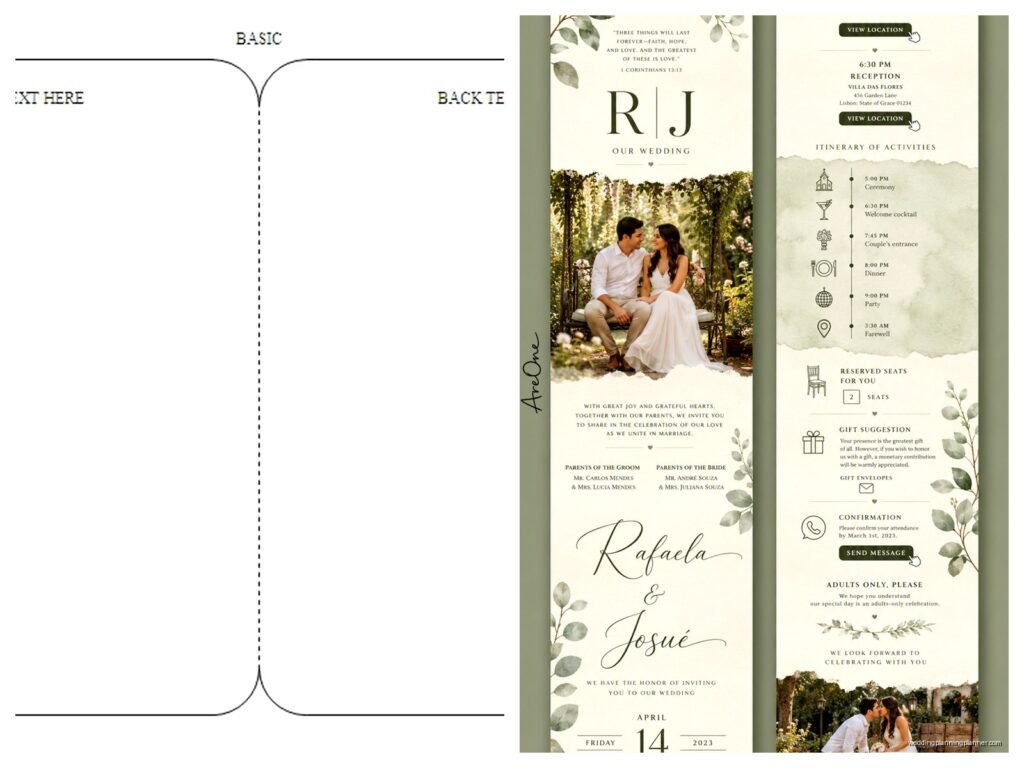
Bifold programs – This is just a single sheet folded in half. Super common. Easy to print at home or at a print shop. Fits in your hand nicely. This is what like 60% of my couples end up doing because it’s straightforward.
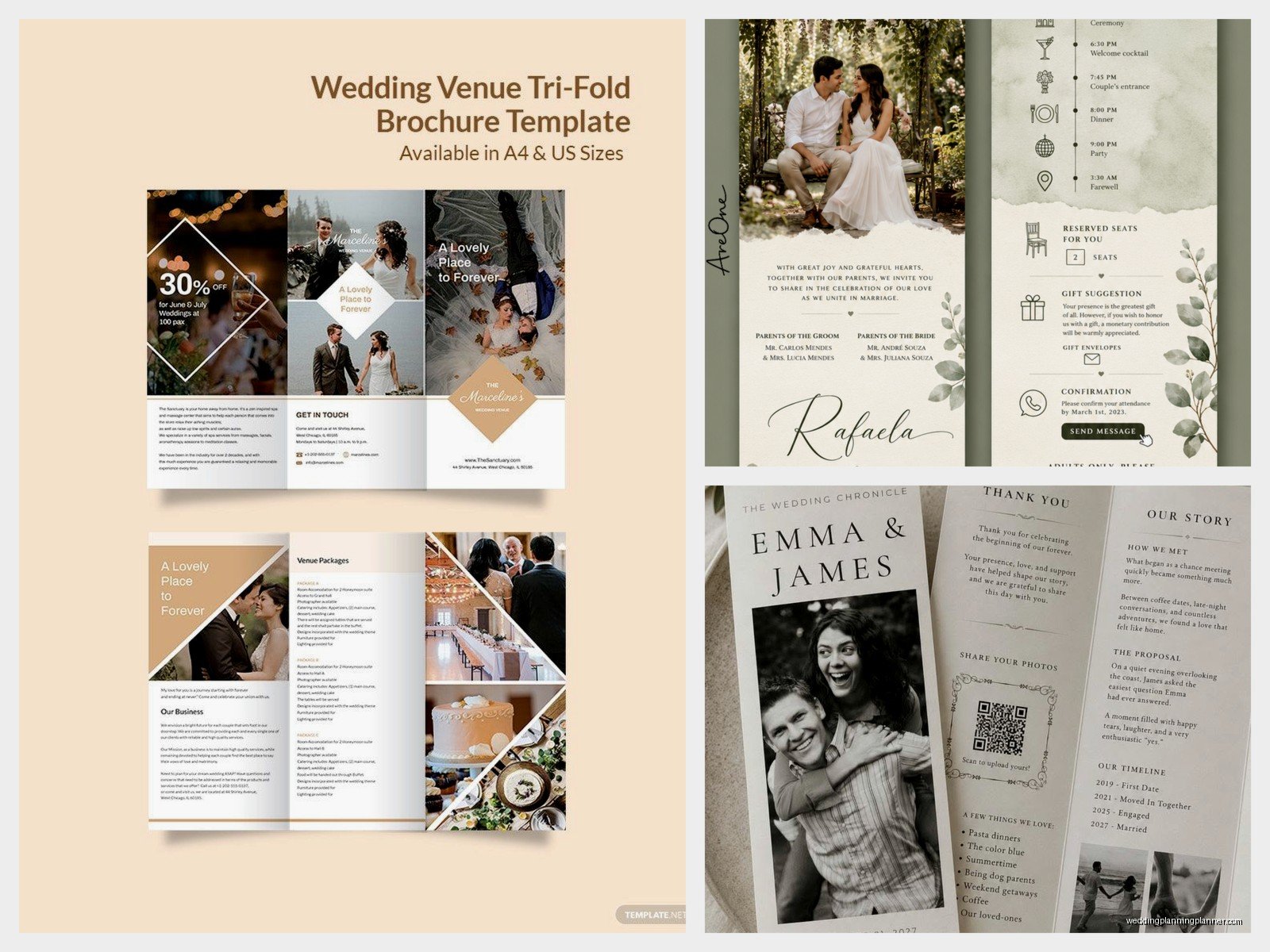
Trifold programs – Folded in thirds like a brochure. Gives you more space if you have a long ceremony or lots of people to mention. Can feel a bit bulky though.
Single page flat programs – Just one page, no folding. Works if your ceremony is short and simple. Easier to print but can look a bit plain unless your design is really good.
Booklet style – Multiple pages stapled or bound together. This is for people who are doing like full Catholic mass or have a ton of content. Honestly most couples don’t need this much space, but if you’re including full song lyrics or prayers, it makes sense.
Fan programs – The program is attached to a handle so guests can use it as a fan. Perfect for outdoor summer weddings. Slightly more expensive to produce but your guests will actually appreciate it. I did a wedding in spring 2023 where it was unexpectedly 85 degrees and we had these fan programs and people were SO grateful.
Designing Your Program Without Losing Your Mind
Here’s the thing that drives me crazy about ceremony program templates – people download them and then try to cram in WAY too much information. The text gets tiny, the spacing gets weird, and it ends up looking cluttered and hard to read.
Your program should be readable from arm’s length. If you’re using a font smaller than 10 or 11 point, you’ve included too much stuff. Cut something out.
Font Choices That Don’t Suck
Stick with maximum two fonts – one for headings and one for body text. Mixing three or four different fonts makes it look like a ransom note. I like pairing a script font for names or headings with a clean sans-serif for the details. Or go all classic with a nice serif font for everything.
Fonts that work well: Montserrat, Cormorant, Playfair Display, Lora, Raleway, Libre Baskerville. You can find all these free on Google Fonts if your template lets you customize.
Fonts to avoid unless you hate your guests: anything too swirly that’s impossible to read, Comic Sans (I shouldn’t have to say this but I’ve seen it), or super trendy fonts that’ll look dated in photos.
Color Schemes
Match your wedding colors but don’t go overboard. If you’re printing at home, remember that printing full-color backgrounds uses a TON of ink and costs way more than you’d think. A simple colored border or header with mostly white space is cheaper and looks clean.
Also test print one copy before you print 150 of them. I cannot tell you how many times couples have designed something that looks gorgeous on screen and then prints out with colors that are completely off or text that’s too light to read easily.
The Printing Situation
So you’ve downloaded your template, you’ve customized it, it looks amazing on your computer. Now what?
Printing at home: Doable if you have a decent printer and you’re not making more than like 50 programs. Buy good cardstock – at least 80lb, preferably 100lb or 110lb. Regular printer paper is gonna feel cheap and flimsy. You can find cardstock at any office supply store or on Amazon. Make sure your printer can handle the thickness though or you’ll end up with jams.
Pro tip: print a few extra because someone will always mess up the folding or you’ll smudge one with your fingers or whatever.
Print shops: Places like FedEx Office, Staples, or local print shops can do this for you pretty affordably. Upload your file, pick your paper, done. They’ll have more paper options and better quality than your home printer. Usually costs somewhere between $1-3 per program depending on paper quality and any special finishes.
Online printing services: Vistaprint, Minted, Shutterfly, Zazzle – they all do ceremony programs. You upload your design or customize one of theirs. Quality is generally good, prices vary. The downside is you gotta plan ahead because shipping takes time. Don’t wait until the week before your wedding to order these.
Paper Weight and Finish
Okay this is gonna sound picky but it matters – the paper you choose changes the whole feel of your program.
Matte cardstock is classic and easy to write on if you’re hand-addressing or adding notes. Glossy can look more formal and photos print beautifully on it, but it shows fingerprints like crazy. Linen or textured cardstock adds a nice upscale feel without being over the top. Kraft paper gives you that rustic vibe if that’s your thing.
For weight, anything under 80lb is too flimsy. 100lb or 110lb is the sweet spot for programs that feel substantial but aren’t like… rigid.
Common Mistakes I Keep Seeing
People forget to proofread and then their programs say “Ceermony” or have someone’s name spelled wrong. Triple check everything. Have someone else read it too because you’ll miss your own typos.
The timeline of events is wrong or incomplete. If you’re having a unity ceremony or special cultural tradition, list it. Otherwise guests get confused about what’s happening.
The formatting gets messed up when they convert files or send to the printer. Always save and send PDFs, not Word docs, unless the printer specifically asks for something else. PDFs preserve your formatting.
They make programs way too wordy. Like I mentioned before, guests don’t need your entire love story in the ceremony program. Save that for the reception or your wedding website.
Timing and Quantity
You don’t need one program per person. One per couple or family works fine. So if you’re expecting 150 guests, 75-100 programs is probably enough. Some people won’t take one anyway, and couples usually share.
Get them done at least two weeks before the wedding. Gives you time to fix anything that goes wrong with printing and you’re not scrambling the night before trying to fold 100 programs while also dealing with everything else.
DIY Assembly Tips
If you’re folding bifold or trifold programs yourself, use a bone folder or the edge of a ruler to score the fold line first. Makes it crisp and professional looking instead of wonky and crooked.
Set up an assembly line if you have bridesmaids or family who offered to help. One person scores, one person folds, one person stacks them neatly. Put on a show or something – I usually recommend something you’ve seen before so you don’t get too distracted… my couples have assembled programs while binging everything from The Office to those baking competition shows.
For fan programs, you can buy the handles on Amazon or at craft stores. There’s usually a little adhesive strip or you use a glue stick to attach the program to the handle. It’s not complicated but it does take time.
Digital Alternatives
Some couples are skipping printed programs entirely and just putting all the info on a sign at the ceremony entrance or on their wedding website. Honestly? This works fine for casual weddings or if you’re trying to be eco-friendly. But older guests especially appreciate having something in their hands, and programs give people something to look at while they’re waiting for the ceremony to start.
You could also do a QR code on the seats that links to a digital program on your website. I’ve seen this done and it’s… fine I guess? But it requires all your guests to have smartphones and be comfortable using QR codes, which isn’t a safe assumption depending on your guest list.
What About Wording
The wording in your ceremony program can be as formal or casual as you want. Here’s a basic structure that works:
At the top: your names and the date. You can do “The Wedding Celebration of Emma and James” or just “Emma & James” or whatever feels like you.
Then list out the ceremony order. Something like:
- Processional
- Welcome and Opening Remarks
- Reading: [name of reading] by [person’s name]
- Exchange of Vows
- Exchange of Rings
- Unity Ceremony (if you’re doing one)
- Pronouncement
- Recessional
After that, list your wedding party with their names and relationship to you. “Best Man: Jake Morrison, Brother of the Groom” or whatever. You can include parents, grandparents, officiant – whoever you want to recognize.
End with a thank you note. Keep it short. “We are so grateful to have you here celebrating with us today. Thank you for your love and support.” Done. You don’t need to get all sappy and write a novel here either, save that for your vows or toasts or… I don’t know, your anniversary cards to each other.
Special Situations
If you’re honoring deceased family members, you can add a small section like “In Loving Memory” with their names. Keep it tasteful and brief.
For bilingual ceremonies, you might need programs in both languages. You can do a side-by-side format or print separate programs in each language. Just depends on your guest breakdown.
If you’re having a religious ceremony with lots of responsive readings or specific prayers, definitely include the text so guests can follow along. This is where a booklet style might make more sense than a simple bifold.
Download Sites Worth Checking Out
Beyond what I already mentioned, there are some other spots to grab templates:
Template.net has free ceremony program templates in various formats. The designs are pretty basic but they’re functional.
Greetings Island has free printable templates you can customize online. No software needed which is nice if you’re not comfortable with design programs.
Creative Market has beautiful templates from independent designers. You’re paying more (usually $10-30) but the designs are really unique and professional.
Your venue or wedding planner might have templates they’ve used before too. Doesn’t hurt to ask.
File Formats You’ll Encounter
Templates usually come in a few different file types and it matters which one you get:
PDF: Easy to view and print, but you usually can’t edit these unless you have Adobe Acrobat Pro. Some Etsy sellers provide editable PDFs though.
DOCX or DOC: Microsoft Word files. Easy to edit if you have Word, but formatting can shift between different versions of Word or if you open it on a Mac vs PC.
PAGES: Apple’s word processor. Only works if you have a Mac or iOS device.
PSD: Photoshop files. You need Photoshop to edit these, so skip these unless you’re already familiar with the program.
Canva link: The seller gives you a link to duplicate their Canva template. Super easy to customize, nothing to download to your computer.
Make sure you know what format you’re getting before you buy, and that you have the software to edit it. This is one of those things that really annoyed me when I first started planning weddings – sellers not being clear about file formats and then couples couldn’t actually use the template they bought.
Last Minute Tips
If you’re completely overwhelmed and your wedding is soon, just go with a simple single-page design with the absolute basics. Name, date, order of ceremony, wedding party names. That’s it. Nobody’s gonna judge you for keeping it simple, and honestly most guests aren’t reading every single word anyway – they just want to know what’s happening when and who everyone is.
Weather-proof your programs if you’re outdoors. A little rain or humidity can turn regular paper into a soggy mess. Heavier cardstock helps, or you could put programs under each chair instead of having them out in the elements beforehand.
Consider your ceremony length too. If you’re doing a quick 15-minute ceremony, an elaborate multi-page program is overkill. Match the program complexity to what’s actually happening.
And honestly? Some of the best weddings I’ve planned had super simple programs or no programs at all, because the couple focused their energy on what actually mattered to them instead of stressing about paper details. But if programs are important to you, hopefully this helps you figure out the template situation without making it harder than it needs to be
