
Planning Guides, Style Guide
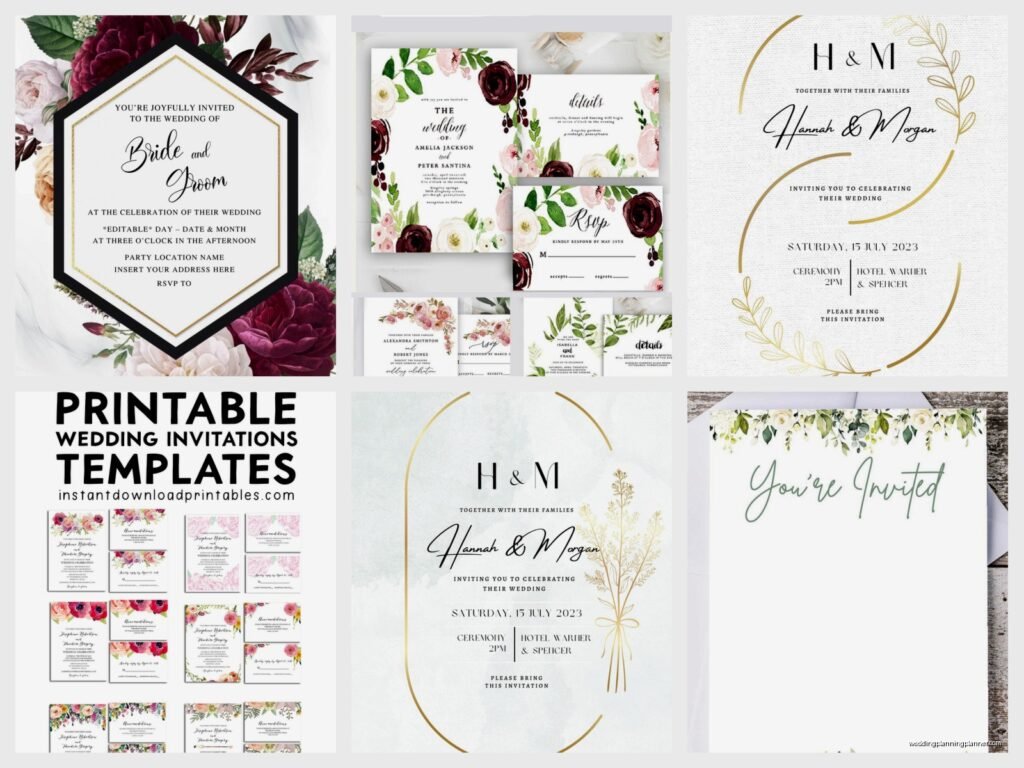
Free Wedding E-Invites: No-Cost Digital Invitations
Jul
Okay So Free Digital Wedding Invites Are Actually Pretty Great Now
Look, I’m gonna be real with you—back in like 2019, I would’ve told couples to absolutely NOT do digital wedding invitations unless they were having a super casual backyard thing. But then the pandemic happened and suddenly everyone was sending digital invites and honestly? The platforms got SO much better. I had this couple in spring 2023 who were spending like $1,200 on paper invitations and when I showed them what they could do for free online, they literally just stared at me for a solid minute.
The biggest platforms you’re gonna want to look at are Canva, Evite, Greenvelope (has free options), Paperless Post (some free templates), and honestly even just making something nice in Canva and sending it through email works perfectly fine.
Why This Actually Works Now
So the thing is, people check their phones like 96 times a day or whatever that statistic is. Your aunt might lose a paper invitation in her pile of mail, but she’s definitely gonna see an email or text. Plus you can track who opened it, who clicked on your wedding website, who RSVP’d—you get so much more information than you do with paper.
What really annoys me though is when people act like digital invitations are “cheap” in a bad way. Like, we’re in 2024, everything is digital, your save-the-dates are probably going on Instagram anyway, and you know what’s actually cheap? Spending money you don’t have on fancy cardstock that people throw away after your wedding.
The Free Platforms That Don’t Look Free
Canva is honestly my go-to for most couples now. They have a free version that’s totally sufficient—you don’t even need Canva Pro unless you want some of their fancier templates. You can customize literally everything, download it as a PDF or image, and then send it however you want. I usually tell people to create the invite in Canva, save it, and then either email it directly or upload it to a proper invitation platform.
Evite gets a bad rap because people remember those like, tacky birthday party invites from 2005, but their wedding section is actually really nice now. They have elegant templates, you can customize colors and fonts, and the RSVP tracking is built right in. The free version has ads at the bottom which is kinda annoying but honestly most people don’t even notice.
Greenvelope has some free options mixed in with their paid ones—you gotta hunt for them a bit. Filter by price and look for the $0 ones. They’re usually simpler designs but if you have a minimalist aesthetic going on anyway, they’re perfect.
How To Actually Make Them Not Look Like You Forgot To Order Real Invites
This is the important part because yeah, you can make a free digital invite, but it shouldn’t look like you made it in Microsoft Word in 2003. Here’s what I tell couples:
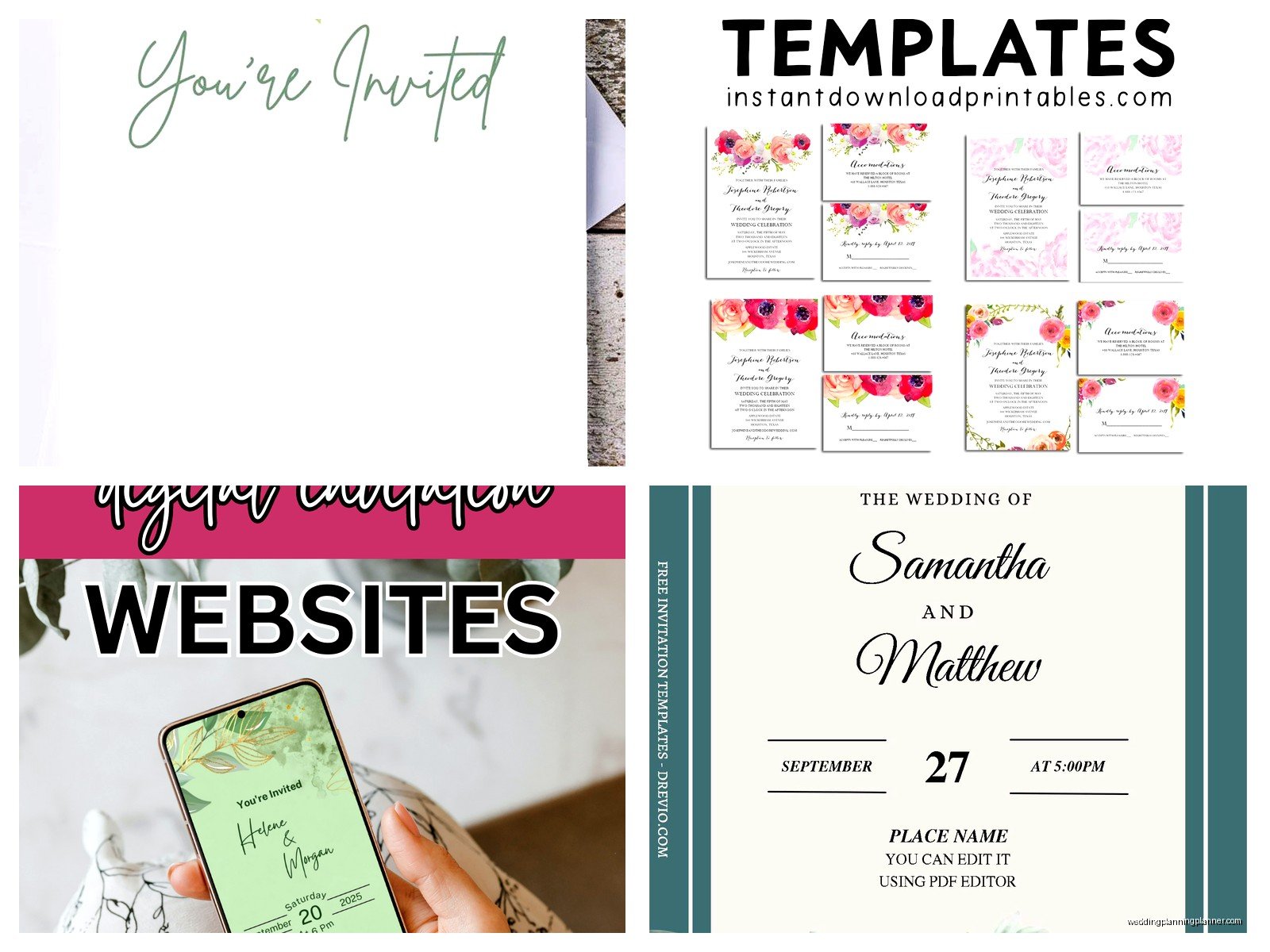
Start with your color palette—and you should already have this from your wedding planning. If you’re doing sage green and cream, your invitation should reflect that. Canva lets you input exact color codes which is amazing for brand consistency or whatever we’re calling it for weddings.
Pick ONE nice font pairing. Not seven fonts. Not Comic Sans (I’ve seen it, it was… a choice). Usually a script or serif font for names/headers and a clean sans-serif for details. Canva suggests pairings which honestly saves so much time.
Include all the actual information people need: your names (obviously), date, time, location with full address, dress code if you have one, and a link to your wedding website for more details. I cannot tell you how many digital invites I’ve seen that are just like a pretty picture with “Join us!” and then… nothing. Where? When? Am I supposed to guess?
The RSVP Situation
Okay so this is where digital invites actually become MORE useful than paper ones. With platforms like Evite or Greenvelope, the RSVP button is built right into the invitation. People click, they fill out their response, done. No stamps, no cards getting lost in the mail, no deciphering someone’s handwriting to figure out if they wrote “2 guests” or “3 guests.”
If you’re going the Canva route and just sending the image via email, you need to set up RSVPs separately. Google Forms is free and works great—I know it seems kinda basic but you can customize it to match your wedding colors and ask specific questions like meal preferences or song requests. Then you just include the Google Form link in your email along with the invitation image.
My cat just knocked over my coffee which is honestly perfect timing for a break but anyway—
Another option is using your wedding website for RSVPs. Sites like The Knot, Withjoy, and Minted all have free website options with RSVP functionality built in. You send the pretty digital invite and direct people to your website to RSVP. This actually works better for keeping everything organized in one place.
Sending Strategy That Actually Gets Responses
Here’s something I learned from a particularly stressful situation in summer 2021—send your digital invites on a Tuesday or Wednesday morning. Not Friday (people are checked out), not Sunday evening (people are dreading Monday), not Monday morning (people are overwhelmed). Mid-week, mid-morning, when people are at their desk procrastinating anyway.
Use a clear subject line: “You’re Invited: Sarah & Mike’s Wedding – October 15th” or something like that. I’ve seen people try to be cute with subject lines like “Guess what??” and it literally ends up in spam folders or people delete it thinking it’s promotional.
Send from a real email address, not some weird automated thing. If you’re using a platform like Evite, it’ll come from their system but with your name attached. If you’re sending directly, send from one of your actual email addresses that people recognize.
What To Do About Older Guests Who “Don’t Do Email”
Look, I’m not gonna lie to you, this is the one legitimate challenge with digital invites. My grandma still prints out emails to read them, so like, I get it. But also most older people DO have email now, they just might need a little extra help.
Here’s what works: send the digital invite to everyone, but for older relatives or anyone you know might struggle, follow up with a phone call. “Hi Grandma, I sent you an email with our wedding invitation! Can you check your inbox? I’ll wait while you open it.” Then walk them through the RSVP process if needed.
For the truly tech-resistant folks, you can always print out a copy of your digital invitation at home and mail it to them the old-fashioned way. It costs you like fifty cents for an envelope and stamp versus $8 per invitation suite. Include a handwritten note with your phone number so they can call or text their RSVP.
Some couples do a hybrid approach—digital for 90% of guests, paper for the handful who really can’t or won’t do digital. That’s totally fine and still saves you a ton of money.
The Timeline Thing Nobody Tells You
Digital invites should still go out 6-8 weeks before your wedding, same as paper. I know it’s tempting to think “oh it’s digital, I can send it last minute” but nah, people still need time to plan, request time off work, book travel, find a dress, whatever.
Save-the-dates should go out 4-6 months before, and yes, those can be digital too. Actually save-the-dates are probably the easiest thing to do digitally because they’re just a simple announcement, less formal, and people kinda expect them to be casual anyway.
Send a reminder email about two weeks before your RSVP deadline. Most platforms let you send updates to all guests or just to people who haven’t responded yet. This is HUGE because you will definitely have people who open the invite, think “I’ll respond later,” and then completely forget.
Making It Feel Personal Even Though It’s Free
The thing about digital invites is they can feel mass-produced if you’re not careful, but there are ways to make them feel special. Include a photo of you two—engagement photos work great for this. Write a personal message beyond just the standard invitation wording. Maybe something like “We can’t wait to celebrate with you!” or reference an inside joke if it’s going to close friends.
You can also create different versions for different groups. Like, the invite going to your college friends might have a different photo or slightly different wording than the one going to your parents’ coworkers. This sounds like more work but in Canva it takes literally two minutes to duplicate and adjust.
Some couples record a short video message to send along with the digital invite. Just like 30 seconds on your phone, “Hey everyone, we’re so excited to invite you to our wedding!” It doesn’t need to be professionally filmed or… I mean my couple in spring 2023 filmed theirs in their kitchen with their dog barking in the background and everyone loved it.
The Technical Stuff You Gotta Know
File size matters if you’re emailing the invitation directly. Keep images under 2MB or they might not send properly or could end up in spam. Canva lets you adjust quality when you download—medium quality is usually perfect for email.
Send yourself a test first. This seems obvious but you’d be surprised how many people skip this step and then realize the link doesn’t work or the image is pixelated or whatever. Send it to your own email, open it on your phone AND computer, click all the links, make sure everything works.
PDF versus image—this kinda depends on your design. If it’s a single-page invite, a JPEG or PNG works great and shows up right in the email. If you have multiple pages or want to ensure consistent formatting across all devices, go with PDF. Most people can open PDFs on their phones now so it’s not really an issue.
Common Mistakes I See All The Time
Using too many design elements. Just because Canva has 50,000 graphics doesn’t mean you need to use them all. Keep it clean and readable.
Forgetting to include the year on the date. “Saturday, October 15th” cool, which October 15th? This happens more than you’d think, especially with save-the-dates sent way in advance.
Making the text too small. What looks fine on your computer screen might be unreadable on a phone. I always tell people to check their design on their phone before finalizing it because that’s probably where most people will view it.
Not having a clear call-to-action. “Please RSVP by September 1st at [website link]” needs to be obvious and easy to find. Don’t bury it in small text at the bottom.
Getting too caught up in making it perfect. It’s a wedding invitation, not a magazine spread. At some point you just gotta send it and move on to the other 47 things on your wedding planning checklist.
What About Formal Weddings Though
I know some people worry that digital invitations aren’t appropriate for formal weddings, but honestly, it’s all about the design and how you present it. A beautifully designed digital invitation with elegant fonts, your monogram, proper formal wording—that can absolutely work for a black-tie wedding.
The key is treating it with the same care you’d give a paper invitation. Use formal language, include all the proper details, make sure the design is sophisticated. Platforms like Paperless Post and Greenvelope specifically have formal wedding templates that look just as elegant as their paper counterparts.
That said, if you’re having a super traditional formal wedding and you know your guest list skews older or more conservative, you might get some pushback. Only you can decide if saving the money is worth potentially having some guests think it’s too casual. For what it’s worth, I think most people care way more about the actual wedding than how the invitation arrived, but your mileage may vary depending on your specific family situation.
The environmental angle is also worth mentioning to people who might judge the digital route—you’re saving paper, saving shipping emissions, reducing waste. Some people respond better to “we’re being eco-conscious” than “we’re being budget-conscious” even though both are totally valid reasons.
