
Planning Guides, Style Guide
Zola Digital Invitations: Registry Platform E-Invites
Mar
What Zola Digital Invitations Actually Are
Okay so Zola started as a registry platform and honestly they’re still really good at that part, but their digital invitation system has become this whole separate thing that couples either love or find kinda limiting depending on what they want. The e-invites live inside your Zola wedding website, which means everything’s connected—your registry, your invite list, RSVPs, all of it. You’re not dealing with five different platforms which is… actually pretty nice when you’re already juggling a million wedding things.
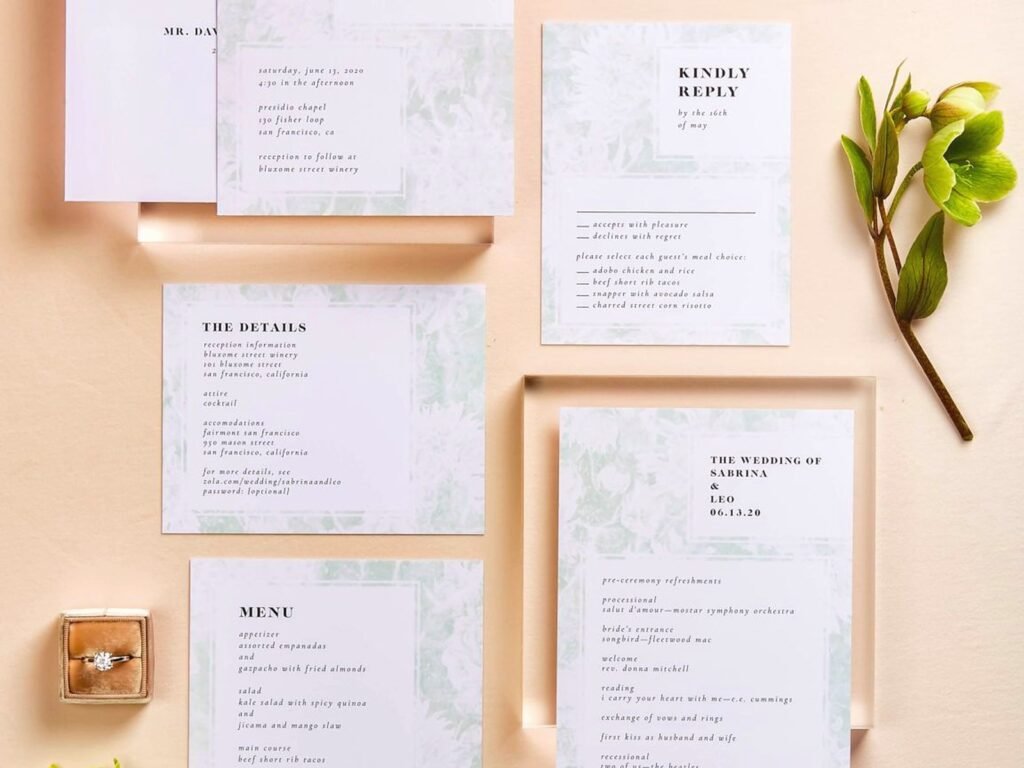
The digital invites themselves are templates. They’re not custom designs where you upload your own graphics or anything. You pick from their gallery of pre-made designs, customize the colors and text, and boom, you’ve got an invitation. Some of them are really elegant, some are more casual or quirky. I had a couple in spring 2023 who went with Zola specifically because the bride was planning everything from her phone during her commute and she literally couldn’t handle logging into different websites. The all-in-one aspect saved her sanity.
Setting Up Your Zola Account and Website
First you gotta create a Zola account, which is free. They’ll walk you through setting up your wedding website—pick a URL, enter your names, wedding date, all that basic stuff. The website is where your digital invitation will live, so this is step one. You can’t just send out a standalone email invitation with Zola, it always links back to your wedding website.
Once your site’s up, you’ll add your guest list. This part is tedious but important because your RSVP system pulls from this list. You can import from a spreadsheet which helps if you’ve been tracking people in Excel or Google Sheets. Make sure you include email addresses for everyone—that’s how they’ll receive the invitation link.
The guest list management is actually one of Zola’s stronger features. You can group people by family, tag them for specific events (like if you’re doing a welcome dinner or brunch), and track plus-ones. I always tell couples to be really careful with the plus-one settings because once you send that invite, people will see whether they’re allowed to bring someone.
Choosing and Customizing Your Digital Invite Design
This is where it gets fun or frustrating depending on your personality. Zola has maybe 100+ digital invitation designs? They’re organized by style—modern, rustic, floral, minimalist, whatever. You browse, you click on one you like, and then you customize it.
Customization options include: colors (usually you can change 2-3 accent colors), fonts (from their font library), your photo if the design includes one, and all your text obviously. Some designs have multiple pages or sections. Like the first screen might show your names and date, then you scroll and see the venue details, then RSVP section.
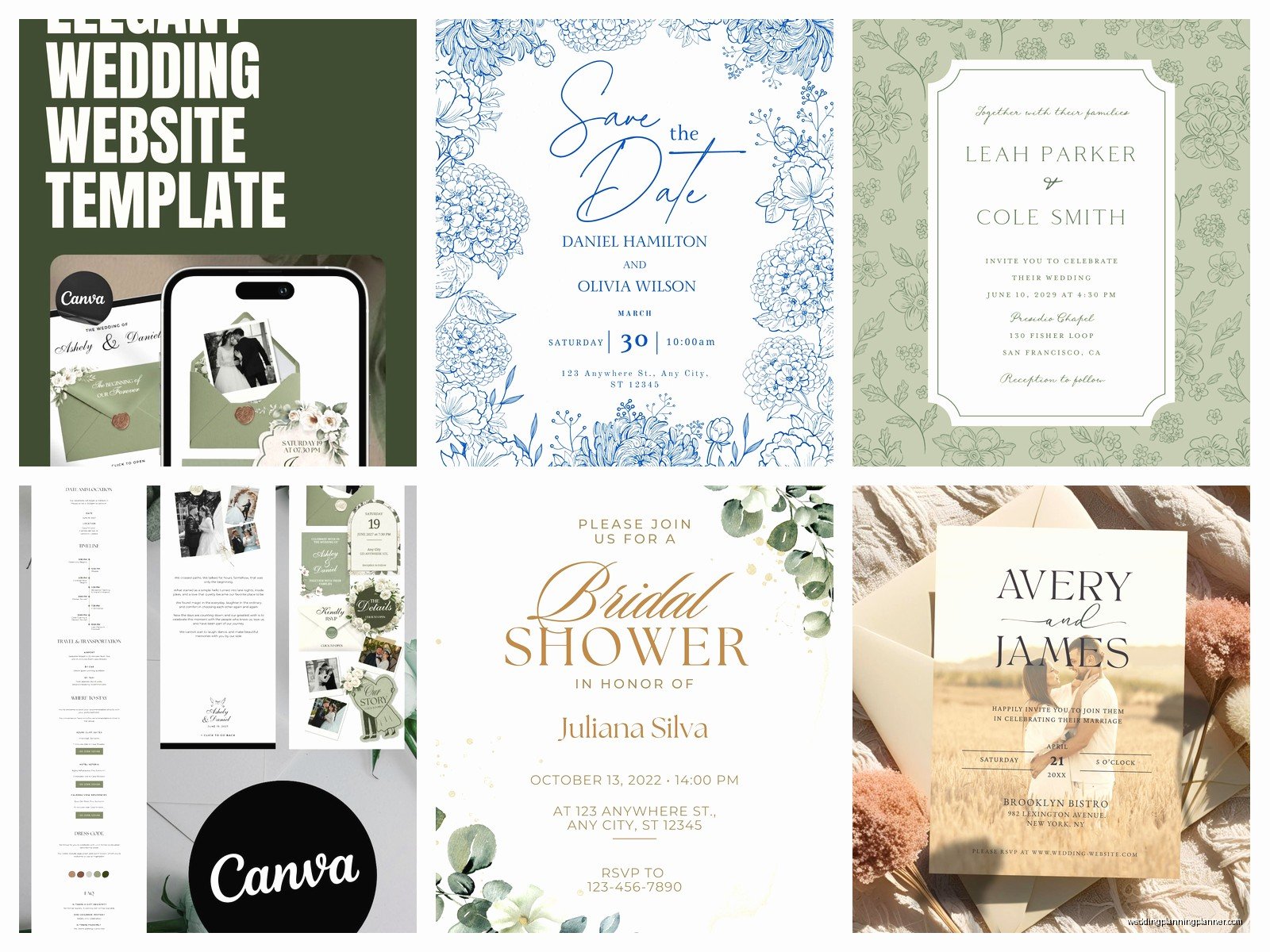
What annoyed me about Zola’s design editor is that you can’t move elements around. If a design has the photo on the left and you want it on the right, tough luck. Pick a different template. I had a bride who spent like two hours trying to figure out how to reposition the text box before I had to tell her it just… doesn’t work that way. The templates are fixed layouts.
The Registry Integration Thing
Here’s where Zola is honestly pretty smart. Your digital invitation automatically includes a link to your registry because it’s all on the same website. You don’t have to do anything special—guests click through from the invite to your website homepage, and the registry tab is right there. For couples who are doing their registry on Zola anyway, this is seamless.
You can also add your registries from other stores (Target, Crate & Barrel, whatever) to your Zola website, so it becomes this central hub. Guests appreciate not having to hunt down three different registry links. I know this sounds like I’m selling Zola but I promise I’m not—I’ve just seen how much easier it makes things when everything’s connected.
Sending Your Digital Invitations
Once your invite design is done, you schedule when to send it. You can send to everyone at once or in batches. Some couples send save-the-dates first (Zola has those too), then invitations closer to the wedding.
When you hit send, Zola emails each guest a link to view their invitation. The email itself is pretty plain—it’s basically “You’re invited to [Names]’s wedding! Click here to view your invitation and RSVP.” Then the link takes them to your wedding website where they see the pretty designed invitation you made.
One thing that trips people up: guests don’t need to create a Zola account to RSVP. They just click through and respond. But if they do have a Zola account and log in, they can track their RSVP and see their registry purchases in one place, which is kinda nice I guess.
RSVP Management and Tracking
The RSVP system is probably the main reason people use Zola’s digital invites. Guests click “RSVP,” select yes or no, indicate their meal choice if you’ve set that up, and add any guests if they have a plus-one. Everything logs automatically in your Zola dashboard.
You can see in real-time who’s responded, who hasn’t, who’s bringing a plus-one. You can send reminder emails to people who haven’t RSVP’d yet. The dashboard shows you headcount, meal preferences broken down, dietary restrictions if you asked about those.
I remember during this super stressful situation in summer 2021—peak post-pandemic wedding chaos—I had a couple whose venue needed final headcount and half their guests hadn’t responded. We used Zola’s reminder feature to send a gentle “hey we need your RSVP by Friday” email to just those people. Within two days, almost everyone responded. Way easier than texting 40 people individually.
What You Can and Can’t Customize
Let’s be real about limitations because this is important. Zola’s digital invites are template-based, which means you’re working within their framework. You can’t upload your own completely custom design. If you or your friend made a gorgeous invitation in Canva or hired a designer for something unique, you can’t use that as your Zola e-invite. You’d have to… I mean you could link to it from your Zola site I guess, but then you lose the integrated RSVP system.
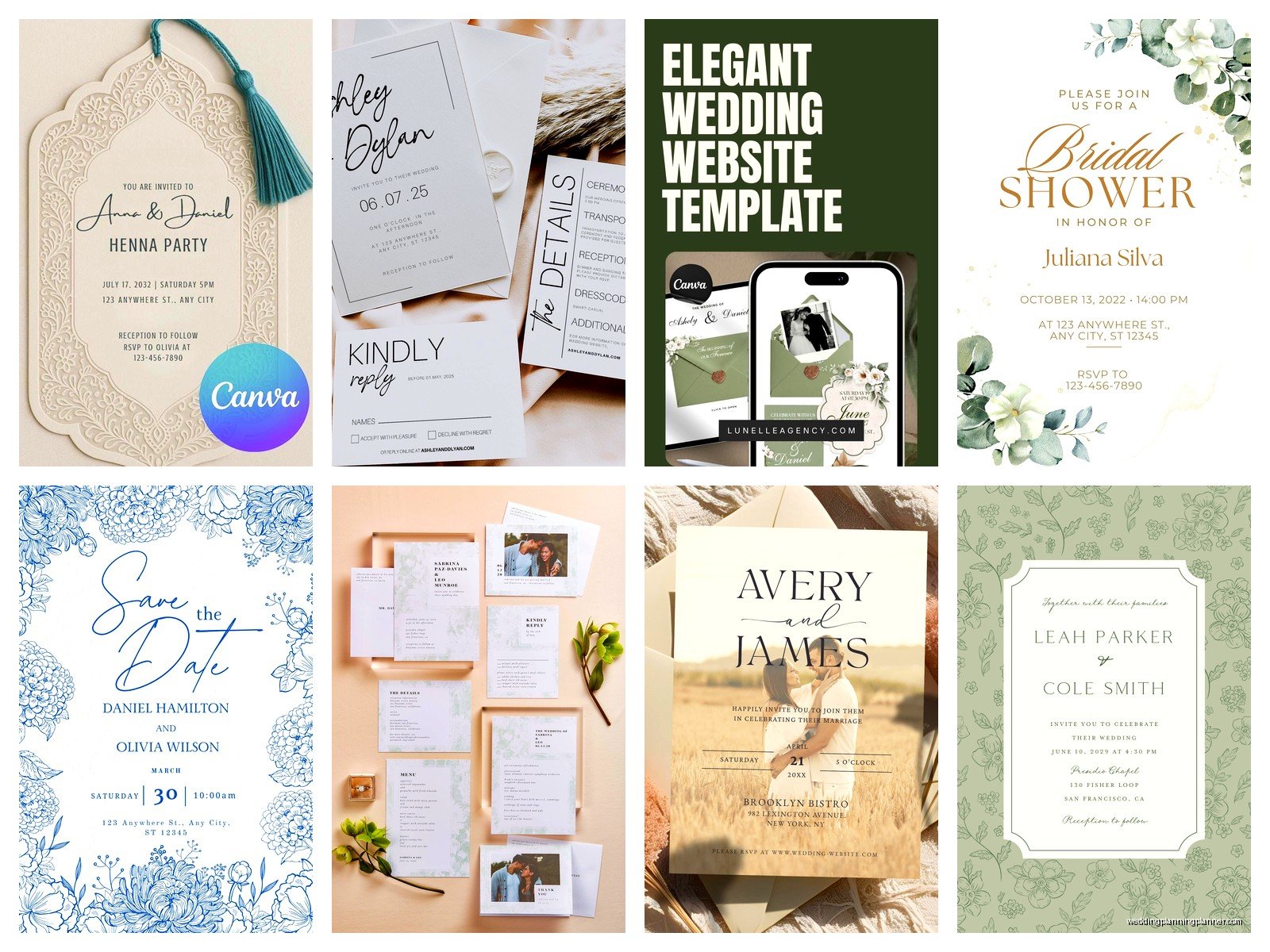
You also can’t add custom animations or interactive elements beyond what the template includes. Some templates have subtle animations—like text that fades in—but you can’t control that.
The text is customizable but there are character limits on some fields. Your venue name can’t be a paragraph, basically. Which makes sense but I’ve had couples with venues that have long official names who had to abbreviate.
Photos: if the template includes a photo spot, you can upload your engagement photo or whatever. But again, you can’t change where the photo appears or make it bigger or smaller beyond maybe one or two size options.
Multiple Events and Inserts
If you’re doing a whole wedding weekend—rehearsal dinner, welcome drinks, farewell brunch—you can create separate invitations for each event or add them as sections within your main invitation. Zola calls these “events” and you can invite different guest lists to different events.
Like maybe your rehearsal dinner is just family and wedding party. You’d set that up as a separate event, mark only those people on your guest list as invited to that event, and they’ll see it on their invitation while other guests won’t. It’s actually pretty intuitive once you’re in there clicking around.
My cat just knocked over my water bottle while I’m writing this so now I’m typing with a towel on my lap, but anyway—
Cost Breakdown
The basic Zola wedding website and digital invitations are free. Yep, totally free. You can send unlimited digital invites to your entire guest list without paying anything. This is honestly why a lot of budget-conscious couples go this route.
Where costs come in: if you want paper invitations, Zola sells those separately and they’re priced per invitation (usually $1-3 per invite depending on the design). If you want to remove Zola branding from your website, there’s a fee. If you want certain premium features or designs, some might cost extra, but most don’t.
The registry itself is free to create. Zola makes money when people buy gifts, not from you setting it up.
Comparing to Other Digital Invitation Platforms
So how does this stack up against other options? Paperless Post is probably the main competitor for digital invites. Their designs are generally more upscale and design-forward, like they have collaborations with fancy designers. But Paperless Post charges based on how many invites you send, and it adds up quickly. Zola is free but less design flexibility.
Greenvelope is another one—more expensive than Paperless Post usually, but really beautiful designs and more customization. If design is your top priority and budget isn’t an issue, Greenvelope might be better. But you won’t get the integrated registry situation.
Evite is free like Zola but honestly the designs are… not great for weddings? Evite feels more like birthday parties and casual gatherings. The RSVP tracking is fine but the overall vibe isn’t as wedding-focused.
With Zola, you’re trading some design freedom for the convenience of having everything in one place and paying nothing. That trade-off works for a lot of couples, especially if you’re already using Zola for your registry.
The Paper Backup Question
Okay so here’s something I always discuss with couples: do you need paper invitations too? Some people do digital-only and it’s totally fine. But depending on your crowd, you might want paper for certain guests.
Older relatives who aren’t tech-savvy, for example. Or if your wedding is very formal and you feel like digital doesn’t match the vibe. What some couples do is send Zola digital invites to most guests and order a small batch of paper invites for specific people. You can order paper invites through Zola that match your digital design, or go with a completely different paper invite from another vendor.
The nice thing is even if someone gets a paper invite, you can still have them RSVP through your Zola website. Just include the website URL on the paper invite. Then you’re still tracking everything in one place.
Common Technical Issues
Some guests will inevitably have problems. The email with the invitation link might go to spam—this happens a lot actually. Tell your guests to check spam folders or add a note on your save-the-date or in your engagement announcement that they should look out for an email from Zola.
Older guests sometimes don’t understand how to click through and RSVP. They’ll email you directly or call instead of using the system. Just… expect this and don’t let it stress you out. You can manually update their RSVP in your dashboard.
Sometimes people accidentally RSVP for the wrong event if you have multiple events listed. The interface is usually clear but if someone’s clicking through quickly they might miss it. Check your RSVPs periodically to make sure they make sense.
Design Tips for Actually Good-Looking Invites
Even within Zola’s templates, some invites look better than others based on how you customize them. Here’s what I’ve learned: use high-resolution photos if the template includes a photo spot. Blurry engagement pics look bad no matter how pretty the template is.
Don’t go crazy with colors. If you’re changing the accent colors, pick colors that actually match your wedding colors, and make sure there’s enough contrast. Light yellow text on a white background is gonna be unreadable.
Keep your wording concise. These are viewed on phones a lot, and long paragraphs of text are annoying to read on a small screen. Hit the key info: who, what, where, when. Save the detailed stuff (accommodations, dress code, etc.) for other pages of your wedding website.
Preview on mobile before you send. Zola lets you preview what the invite looks like on different devices. Always check mobile because that’s probably how 60-70% of your guests will view it.
Managing Guest List Drama
This isn’t specific to Zola but since you’re managing everything digitally, it’s easier for guests to… notice things. Like if someone sees they weren’t invited to the rehearsal dinner but their sibling was. Or if they realize they didn’t get a plus-one. Digital systems make this stuff very obvious very quickly.
My advice is to be really thoughtful about your guest list settings before you send anything. Double-check who’s invited to what, who has plus-ones, all that. Once it’s sent, people will see it immediately and you can’t take it back. I mean you can edit things afterward but the damage might be done if someone already saw they were excluded from something.
Timing Your Send
Digital invites can be sent closer to the wedding than paper invites because there’s no mail time. But you still want to give people enough notice. For a local wedding, 6-8 weeks before is fine. For a destination wedding or if lots of guests are traveling, 10-12 weeks or even earlier.
Save-the-dates should still go out way in advance—6-12 months depending on the wedding. Zola has digital save-the-dates too that work the same way as the invitations.
You can schedule your invites to send at a specific date and time, which is helpful if you’re finalizing details but want them to go out while you’re at work or on vacation or whatever. Just set it up and let Zola send them automatically.
