
Planning Guides, Style Guide
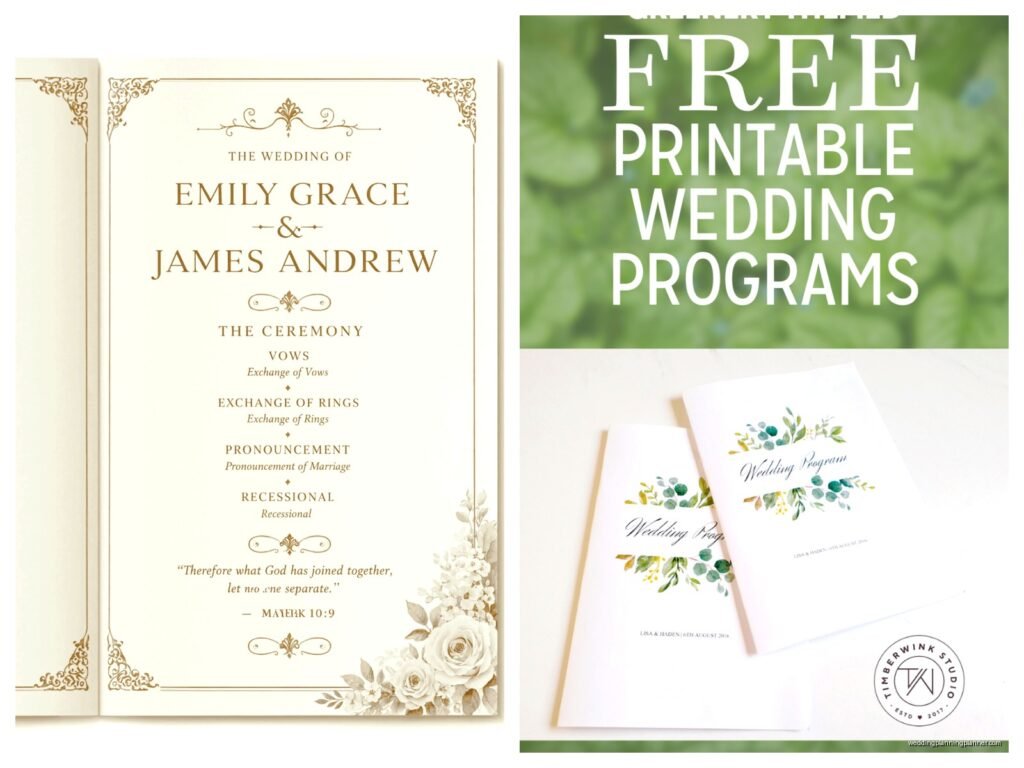
Wedding Bulletin Template: Church Program Downloads
Jul
Okay So Church Wedding Bulletins Are Actually Important
Look, I’m gonna be straight with you – wedding bulletins are one of those things couples forget about until like three weeks before the wedding and then they panic. I had this couple back in spring 2023 who literally texted me at 11pm asking if we could “just skip the programs” because they hadn’t thought about it and honestly? You can skip them, but for church weddings specifically, you really shouldn’t.
Church programs serve an actual purpose beyond just looking pretty. They tell your guests what’s happening during the ceremony, when to stand or sit, what prayers or readings are coming up, and who’s involved in the wedding party. Catholic ceremonies especially – those can run 45 minutes to an hour and people genuinely need a roadmap or they’re just sitting there confused.
Where To Actually Find Good Templates
So templates. There are approximately ten million options online and most of them are… not great. Here’s where I actually send clients:
Canva has become my go-to honestly. They have free and paid templates, and even if you have zero design skills, you can make something that doesn’t look like it was made in 1997 Microsoft Word. The pro version is like $13 a month and you get access to way more fonts and graphics. I keep a subscription year-round because I use it for basically everything.
Etsy is where you’ll find those really specific aesthetic templates. If you’re doing a vintage Catholic ceremony or a modern minimalist Protestant service, someone on Etsy has made a template for exactly that vibe. They usually run $8-$25 for a digital download. You buy it, download the file (usually a PDF or PowerPoint or Canva link), and edit it yourself.
Template.net and similar sites have free options but they’re kinda basic. Fine if you’re on a super tight budget, but you’ll need to do more customization work to make them not look generic.
Microsoft Word templates – okay so Microsoft actually has some decent built-in templates if you search “church program” or “wedding program” in their template gallery. They’re free if you have Word already. Not fancy, but functional.
What Annoyed Me About Template Sites
Can I just say how irritating it is when you download a “free” template and then realize you need premium software to actually edit it? Like, why are you offering a free Adobe InDesign template when most normal people don’t have InDesign? That’s not free, that’s bait. I downloaded this gorgeous template once for a client and it required InDesign which is like $30/month and we definitely didn’t have that in the stationery budget, so…
What Actually Goes In A Church Wedding Bulletin
Right, so content. Here’s what you gotta include:
- Cover page stuff – your names, wedding date, church name and location, maybe a verse or quote
- Wedding party names – officiant, maid of honor, best man, bridesmaids, groomsmen, flower girl, ring bearer, readers, musicians
- Order of ceremony – this is the actual important part that people need
- Readings and prayers – you can print the full text or just list the titles
- Song/hymn titles – especially if you want guests to sing along
- Thank you note – optional but nice, thanking parents and guests
- Reception details – where to go after, timing, any special instructions
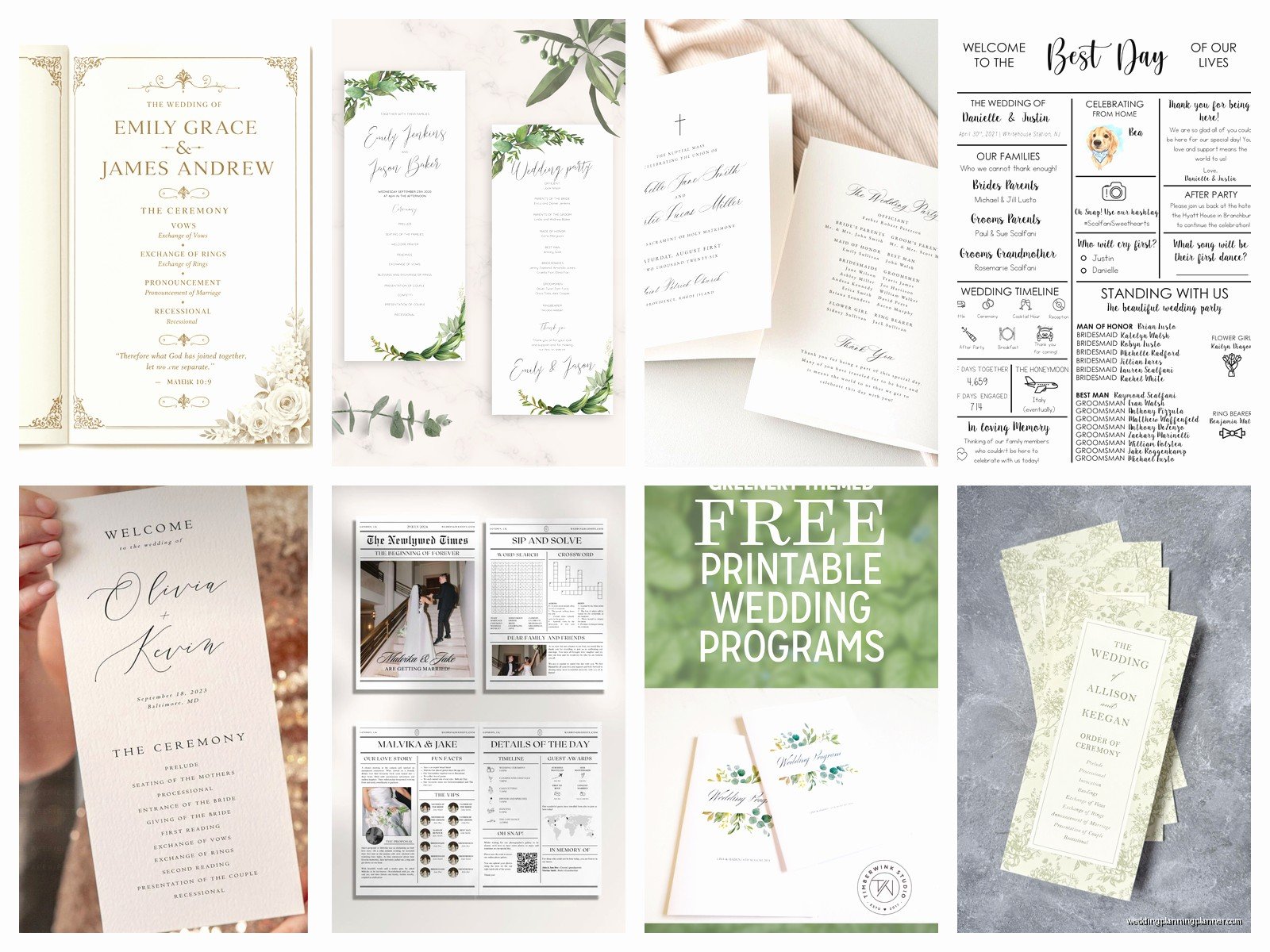
For the order of ceremony, you’ll work with your officiant to get the exact flow. Catholic ceremonies have a pretty standard structure (Processional, Opening Prayer, Liturgy of the Word, Rite of Marriage, Liturgy of the Eucharist, Nuptial Blessing, Recessional) but Protestant ceremonies vary more depending on denomination.
The Detail Level Question
Some couples want to print every single word of every reading and prayer. Others just list “First Reading: 1 Corinthians 13:4-8” and leave it at that. I usually recommend a middle ground – print the actual vows or special readings you chose, but just list the standard prayers by name. Otherwise your bulletin becomes like 8 pages long and that’s excessive.
Also if you’re printing full readings, double-check with your church about which translation they use. Some churches are particular about using specific Bible translations for official readings.
Design Stuff That Actually Matters
Okay so design. I’m not gonna tell you to match your “wedding aesthetic” or whatever because honestly as long as it’s readable, you’re fine. But here are practical things:
Size – most church programs are either 5×7 inches or 5.5×8.5 inches. The 5.5×8.5 is literally just a regular 8.5×11 paper cut in half, which makes printing cheaper. I usually go with that unless the couple really wants something different.
Format – you can do a single sheet (front and back), a bifold (one fold in the middle, so 4 pages), or a trifold. Bifold is most common for church ceremonies because you have enough content to fill 4 pages but not so much that you need more.
Fonts – please for the love of everything use readable fonts. Your grandma needs to be able to read this without her glasses if possible. I had a bride who wanted to use this super swirly script font for EVERYTHING including the order of service and it was basically illegible. Script fonts are fine for names and headers but use a clean sans-serif or serif for body text. Minimum 10pt font size, honestly 11pt or 12pt is better.
Color – printing in color costs more. Black and white is totally fine and actually looks classic and elegant for church programs. If you want color, consider just doing a colored paper stock with black ink instead of full color printing.
Printing Options And Costs
So you’ve got your template edited, now you need to actually print these things. Options:
Home printing – cheapest option if you have a decent printer. Buy nice cardstock from an office supply store (110lb cardstock works well), print at home, cut or fold yourself. This works fine for smaller weddings under like 75 guests. For my own cousin’s wedding we did this and it took us maybe two hours total including cutting time while watching Netflix.
Local print shop – places like FedEx Office or local printers can do this pretty affordably. Usually runs $1-3 per program depending on paper quality and whether you want color. Turnaround is usually a few days. Bring your file on a USB drive or email it to them.
Online printing services – Vistaprint, Minted, Shutterfly, etc. These are convenient because you upload your design and they mail you the finished programs. Costs vary wildly but expect $1.50-4 per program. You need to order like 2-3 weeks in advance though to account for printing and shipping time.
Professional stationery company – if you’re already working with someone for invitations, they can probably do programs too. Most expensive option but highest quality. We’re talking $3-8 per program potentially.
How Many Do You Actually Need
This is where people always overthink it. Here’s my formula: count the number of adult guests you’re expecting at the ceremony. Divide by 2 (assuming couples share). Add 25 for extras. So if you’re expecting 120 adult ceremony guests, that’s 60 couples, plus 25 extras = 85 programs.
You don’t need one for every single person. Families share. Some people don’t take one. But you want enough extras because you’ll want to keep some for your memory box, your parents will want copies, and a few always get messed up or left behind at the printer or whatever.
Timeline For Getting This Done
Work backwards from your wedding date. You need the programs ready at least 3 days before the wedding (ideally a week before) so you’re not scrambling. That means:
- 6-8 weeks before: finalize your ceremony details with your officiant, choose your template, start designing
- 4-5 weeks before: have your design completely done and proofread
- 3-4 weeks before: submit to printer OR start printing at home
- 1-2 weeks before: programs are done and you can stop thinking about them
I had this situation in summer 2021 where a couple waited until 10 days before the wedding to even start thinking about programs and we had to do rush printing which cost literally double the normal price. Don’t be those people.
File Formats And Technical Stuff
When you’re working with templates, you’ll encounter different file types. Here’s what you need to know:
PDF – this is what you’ll send to most printers. It preserves your formatting and fonts exactly. If you create your program in Word or Canva or whatever, export it as a PDF before sending to print.
DOCX/DOC – Microsoft Word files. Editable, which is good, but fonts might look different on different computers. Always convert to PDF for final printing.
PNG/JPG – image files. Some online printers accept these but PDF is better quality for text.
Make sure your file is high resolution – at least 300 DPI (dots per inch) for printing. This is usually automatic if you’re using templates from reputable sources, but if you’re making something from scratch or adding your own images, check this.
Bleed And Margins
Okay this is slightly technical but important if you’re doing anything that goes to the edge of the paper. “Bleed” means your design extends slightly beyond where the paper will be cut. If you want a colored background that goes all the way to the edge, you need to set up bleed (usually 0.125 inches) or you’ll get white edges where the cutting isn’t perfectly precise.
Margins – keep all your important text at least 0.25 inches from the edge, more like 0.5 inches is safer. Otherwise stuff gets cut off and it looks bad.
Proofreading Is Not Optional
I cannot stress this enough – have multiple people proofread your program before you print 100 copies. Check for:
- Spelling of all names (you’d be surprised how often people misspell their own wedding party members’ names)
- Date and time accuracy
- Church address is correct
- Order of ceremony matches what your officiant has
- Bible verse citations are accurate
- Reception location and time are right
Print ONE test copy first. Look at it in actual physical form. Stuff looks different on paper than on screen. My cat actually knocked over my coffee onto a test print once and I was so glad it was just the test copy and not the whole batch.
Alternative Ideas If Traditional Bulletins Aren’t Your Thing
Some couples are doing single-page programs instead of folded booklets – just a nice cardstock sheet with the essentials. Saves money and paper. Or those big poster boards on easels at the church entrance with the order of service, though that doesn’t help once people sit down.
Digital programs are kinda becoming a thing? Like a QR code that links to a webpage with all the info. Personally I think this is sorta impractical for church ceremonies because people don’t wanna be on their phones during church and also not everyone’s comfortable with QR codes, but if you have a really tech-savvy crowd…
You could also do a single-sided program and just include the absolute essentials – wedding party names and order of service, that’s it. Keeps costs down and honestly most people throw these away after the wedding anyway so.
Working With Your Church’s Requirements
Some churches have specific requirements or preferences for programs. Catholic churches sometimes want you to include certain prayers or texts. Some churches have rules about what you can’t include (like maybe they don’t want you listing the open bar at the reception details, idk). Check with your coordinator or officiant before you finalize everything.
Also ask if the church has a template they prefer or recommend. Some churches actually have their own templates with their logo and standard ceremony format already laid out, which can save you work.
Day-Of Logistics
Figure out who’s actually handing these out before the ceremony. Usually this is ushers or wedding party members who aren’t in the processional immediately. You need someone stationed at the church entrance with the programs starting about 30 minutes before ceremony time.
Bring the programs to the church the day before if possible, or at least a few hours early. Don’t leave this to the last minute where someone’s rushing in with a box of programs 10 minutes before guests arrive. I’ve seen that happen and it’s stressful for everyone.
Put them in a nice basket or box at the entrance – don’t just dump a stack on a table. Presentation matters a tiny bit even though these are just programs.
