
Planning Guides, Style Guide
Wedding Guest Address Labels Template Free: Envelope Printing
Jul
Getting Started With Free Address Label Templates
Okay so you’re looking for free wedding guest address label templates and honestly this is gonna save you SO much time. I learned this the hard way back in spring 2023 when I had a bride who insisted on hand-writing every single envelope for 280 guests and her hand was literally cramping two days before the wedding. We ended up switching to printed labels at the last minute and it was… an experience.
First thing – Microsoft Word has built-in templates that work with standard Avery labels. You can find them under “Mailings” then “Labels” and it’ll show you a bunch of options. The most common ones for wedding envelopes are Avery 5160 (standard address labels) or Avery 8160 if you want slightly bigger ones. But here’s the thing, those are kinda small for formal wedding invitations, so I usually go with the Avery 8163 which gives you more space for fancy fonts.
Google Docs also has label templates but they’re weirdly harder to find? You have to go to the template gallery and search for “labels” and even then the selection is pretty limited compared to Word. Canva is actually my favorite now because you can make them look really custom without needing design skills.
Template Sources That Actually Work
I’ve tried basically every free option out there because clients always want to save money on the boring stuff so they can spend more on flowers or whatever. Can’t blame them.
Avery’s website has their own free templates and design software called Avery Design & Print. You download it or use it online and it’s pretty straightforward. They have wedding-specific designs with borders, monograms, all that stuff. The annoying part is you gotta create an account but it’s free and they don’t spam you too much.
Template.net has tons of free address label templates but you need to be careful because some require paid subscriptions to download. Look for the ones that specifically say “free” and you can usually export them as Word docs or PDFs.
Canva is probably the easiest if you want something that looks more custom. They have a “label” category and you can adjust the dimensions to match whatever label sheets you buy. I use this one the most now because brides can pick their wedding colors and fonts and make it match their invitation suite. Plus you can save it and reuse the design for thank-you card labels later.
Setting Up Your Guest List For Printing
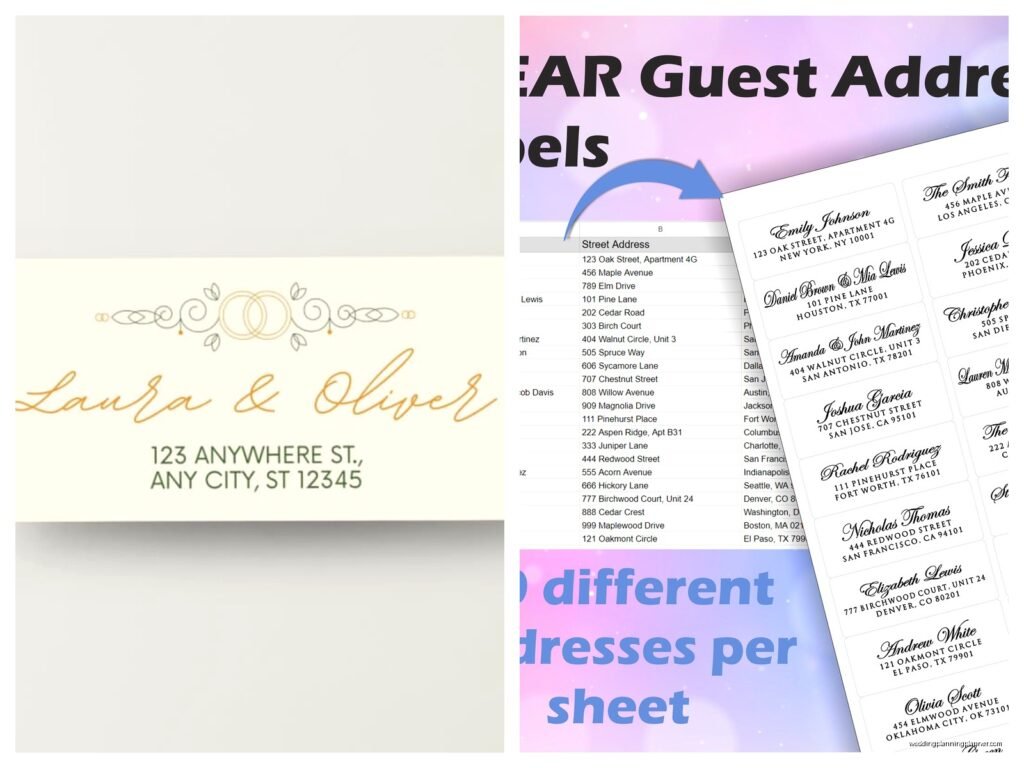
This is where people mess up constantly. You need your addresses in a spreadsheet format – Excel or Google Sheets works. Create columns for: First Name, Last Name, Street Address, City, State, ZIP Code. Some people do it all in one cell and then the mail merge gets weird, so just… don’t do that.
For couples, I usually put “Mr. and Mrs. John Smith” in the First Name field or you can get fancy and do “Mr. John and Mrs. Sarah Smith” but then you need separate columns for each person’s name if you’re doing it properly. Honestly it depends how formal your wedding is.
One thing that annoyed me SO MUCH was when a bride sent me her guest list with addresses formatted differently in every single row. Like some had apartment numbers, some didn’t, some had “Street” spelled out and some had “St.” – it looked messy when printed. Spend the extra 20 minutes making everything consistent before you start printing.
The Mail Merge Process
Okay so mail merge sounds complicated but it’s really not once you do it one time. In Word, you go to Mailings > Start Mail Merge > Labels. Pick your label type (again, I like Avery 8163 for wedding envelopes). Then click “Select Recipients” and choose “Use an Existing List” and find your Excel or CSV file with all the addresses.
You’ll see the first label box is ready for you to add fields. Click “Insert Merge Field” and add your fields in the order you want them. Usually it’s like:
First Name Last Name
Street Address
City, State ZIP
Make sure you put the comma between City and State manually – it won’t add punctuation for you. Then click “Update Labels” and it’ll copy that format to all the other labels on the sheet. Preview it by clicking “Preview Results” to make sure nothing looks wonky.
The thing is, you can format the font, size, alignment all before you finish the merge. I usually use something like Garamond or Cormorant Garamond for formal weddings, size 11 or 12 depending on how long the addresses are. For more casual weddings, Montserrat or even just Calibri looks fine.
Choosing The Right Labels And Paper
Not all label sheets are created equal and this matters more than you’d think. Cheap labels from the dollar store will jam your printer or print blurry – I’ve seen it happen mid-project and it’s stressful.
Avery is the standard brand and they’re reliable. You can get them at Target, Staples, Amazon, wherever. The 8163 (like I mentioned) gives you 10 labels per sheet and they’re 2″ x 4″ which is a good size for wedding envelopes. They’re not too big and not too small.
If you want clear labels so the envelope color shows through, Avery makes those too but they’re a bit more expensive. They look really elegant on colored envelopes though – I did a wedding with dusty blue envelopes and clear labels with navy text and it was gorgeous.
Some people try to print directly on envelopes instead of using labels and… I mean you can do that if your printer has a manual feed tray and you’re patient. Most home printers struggle with thick envelope paper and you’ll waste a bunch before you get the alignment right. Labels are just easier, trust me.
Printer Settings That Matter
Use your printer’s highest quality setting for the final print. Do a test sheet first on regular paper to make sure the alignment is correct – just hold it up to the light over a label sheet to see if everything lines up.
If the alignment is off, you can adjust the margins in Word. Go to Layout > Margins > Custom Margins and play with the top and left margins until it matches your label sheet. Sometimes it takes a few tries and wastes a couple sheets but that’s better than printing 200 labels that are all crooked.
Let the labels dry for like 30 seconds before you touch them, especially if you used a lot of ink with dark colors or graphics. Inkjet printers can smudge if you’re not careful. My cat actually stepped on a fresh sheet once and left little paw prints on three labels which was cute but also annoying because I had to reprint.
Design Tips For Wedding Labels
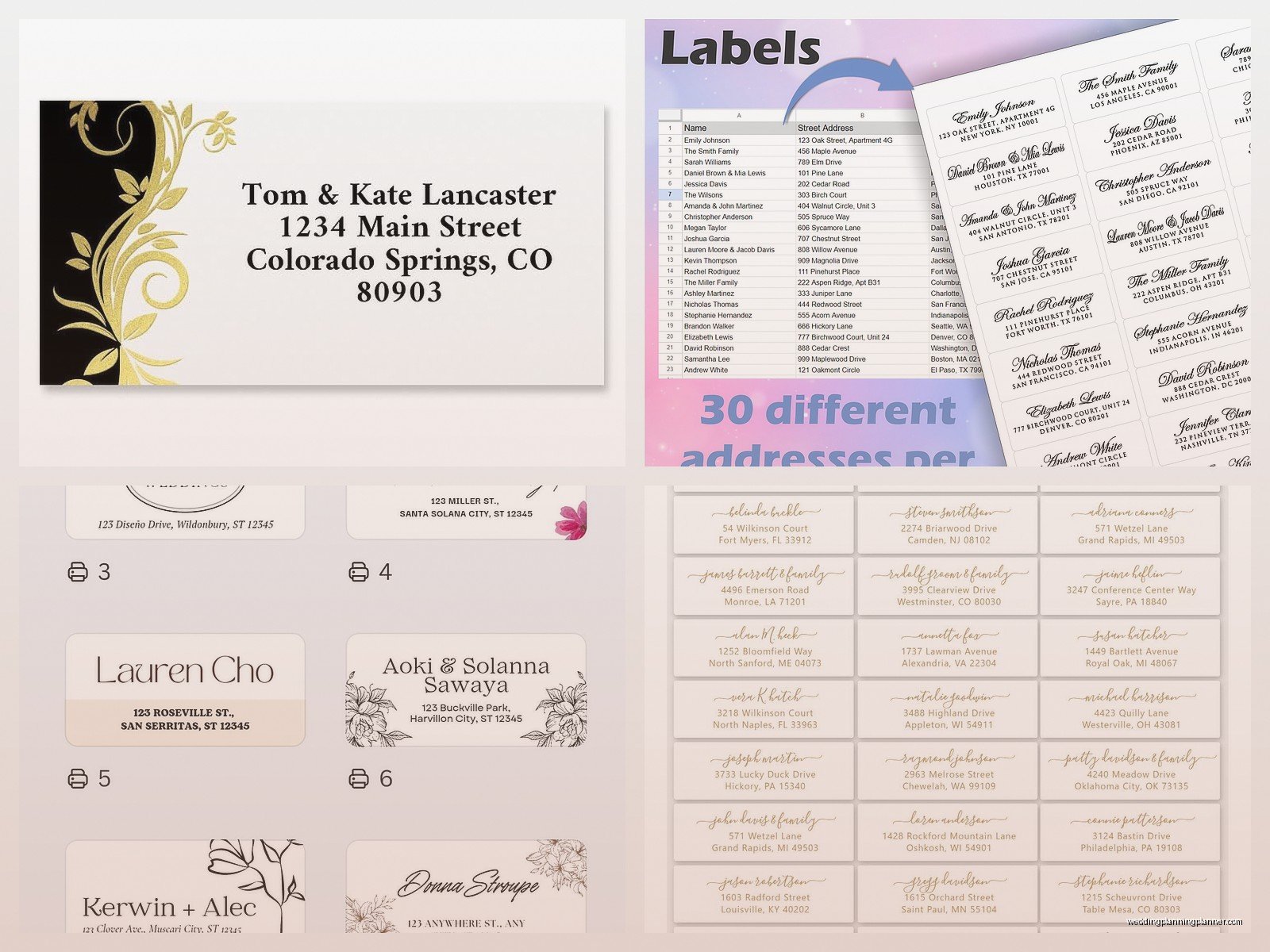
Keep it simple unless you’re going for a really specific theme. A nice serif font in black or navy is classic and readable. If you want to add a tiny graphic like a monogram or floral element, put it in the corner so it doesn’t interfere with the address.
Match the label design to your invitation style. If your invitations are minimalist and modern, don’t put ornate script and borders on your labels. If they’re romantic and flowery, then yeah go ahead and add some decorative elements.
Return address labels are usually smaller – Avery 5167 is a good size for return addresses. You can print those with just your names and address, or add a small monogram. I’ve seen people skip return address labels entirely and just print their return address on the back flap of the envelope which also looks nice and saves money on labels.
Common Problems And Fixes
Labels not sticking properly? The envelope might be too textured or you got cheap labels. Press down firmly on each label for a few seconds after applying – don’t just slap them on. Also make sure the envelope surface is clean and not dusty.
Text cutting off on the edges? Your margins are wrong or you’re using a font that’s too big. Reduce the font size by one or two points or adjust your margins inward slightly.
Printer jamming with label sheets? This happens with older printers sometimes. Feed one sheet at a time instead of loading multiple sheets. Make sure you’re putting the labels in the correct direction – the label side should face down in most printers but check your printer manual because some are different.
Names or addresses showing up wrong in the merge? Go back to your spreadsheet and check for extra spaces or formatting issues. Sometimes there’s a hidden space after a name or the ZIP code got formatted weird. Clean up the data and try the merge again.
Time-Saving Tricks I’ve Learned
If you have a bunch of guests from the same household, you can combine them into one label like “The Smith Family” instead of individual names. Just make sure that’s appropriate for your wedding formality level.
Print a few extra sheets beyond what you need because you WILL mess up some labels – someone will give you an address change, you’ll stick one crooked, whatever. I always print at least 10% extra.
You can print labels for your thank-you cards at the same time using the same template and spreadsheet. Just print enough for all your guests and store them until you need them later. Future you will be grateful, especially when you’re exhausted after the wedding and don’t wanna deal with setting up mail merge again.
For destination weddings or if you’re mailing stuff internationally, double-check that your label size is big enough for longer addresses. International addresses can be wonky with extra lines for provinces or postal codes that are longer than US ZIP codes.
Alternative Methods If You’re Struggling
If the whole mail merge thing is making you want to cry, there are websites that’ll do it for you. Minted and Shutterfly both offer envelope printing services where you upload your guest list and they print and mail everything. It costs money but if you value your time and sanity, might be worth it.
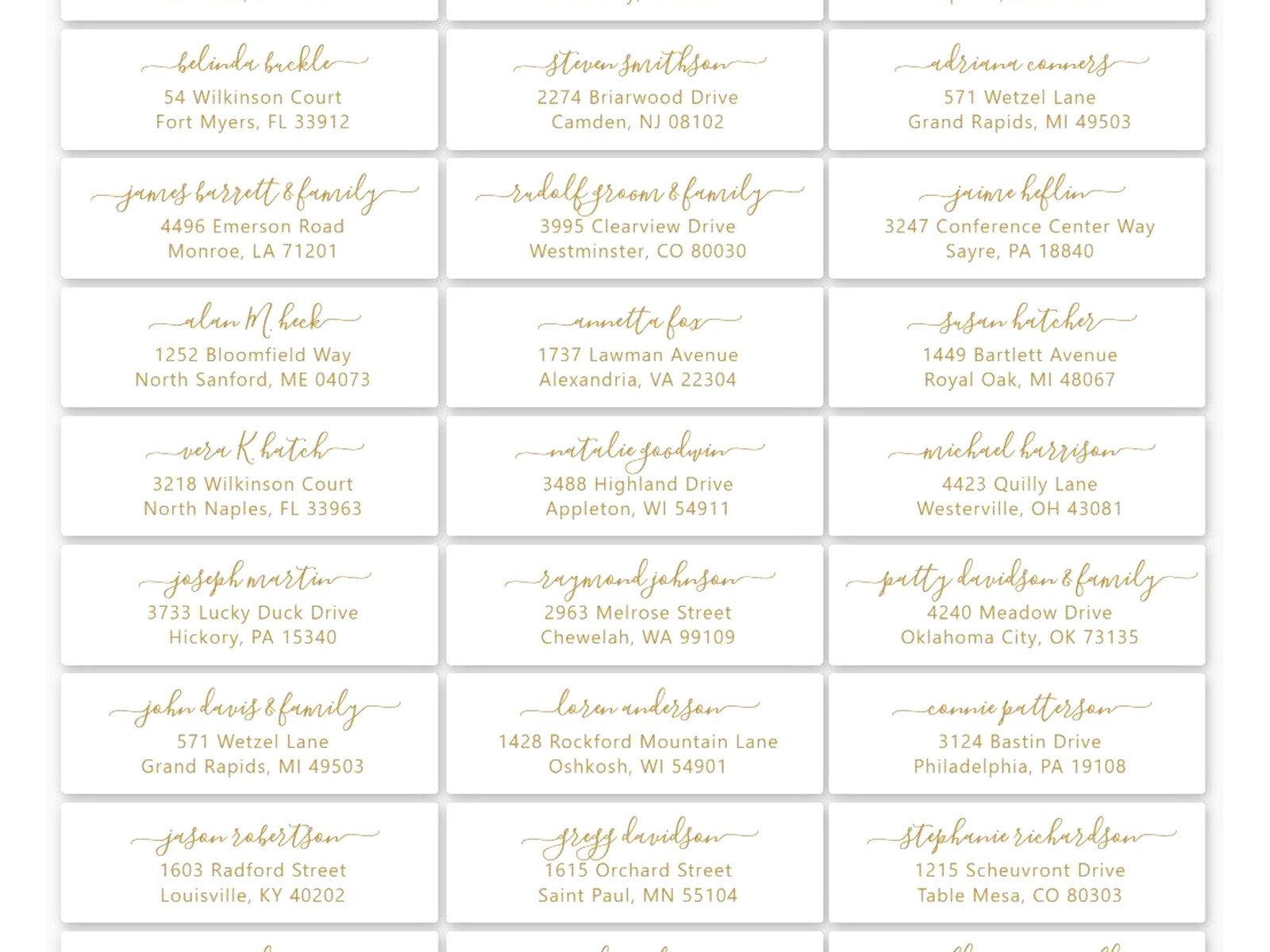
You can also hire someone on Etsy or Fiverr to format and print your labels for you. Usually costs like $20-50 depending on how many you need. Some calligraphers offer digital calligraphy that they’ll format into labels which looks hand-written but is actually printed – that’s a nice middle ground between fully printed and hand-addressed.
Or honestly, just get a friend who’s good with computers to help you. Bring wine or coffee, make it a fun afternoon activity, and they can walk you through the mail merge while you chat and get it done together.
The reality is that nobody at your wedding is gonna remember what your envelope labels looked like but they WILL remember if their invitation arrived late because you were hand-writing addresses for weeks. So just use the templates, get it done efficiently, and spend your energy on the stuff that actually matters on your wedding day. I mean, I watched an entire season of The Great British Baking Show while applying labels to envelopes for a wedding once and it was actually kinda relaxing once I got into a rhythm.
Just make sure you apply them straight because crooked labels on fancy envelopes do look sloppy, and check your guest list three times before printing because reprinting 200 labels because you misspelled someone’s street name is… not fun. Did that once, learned my lesson.
