
Planning Guides, Style Guide
Bridal Shower Invitations Online Free: No-Cost Party Cards
Jul
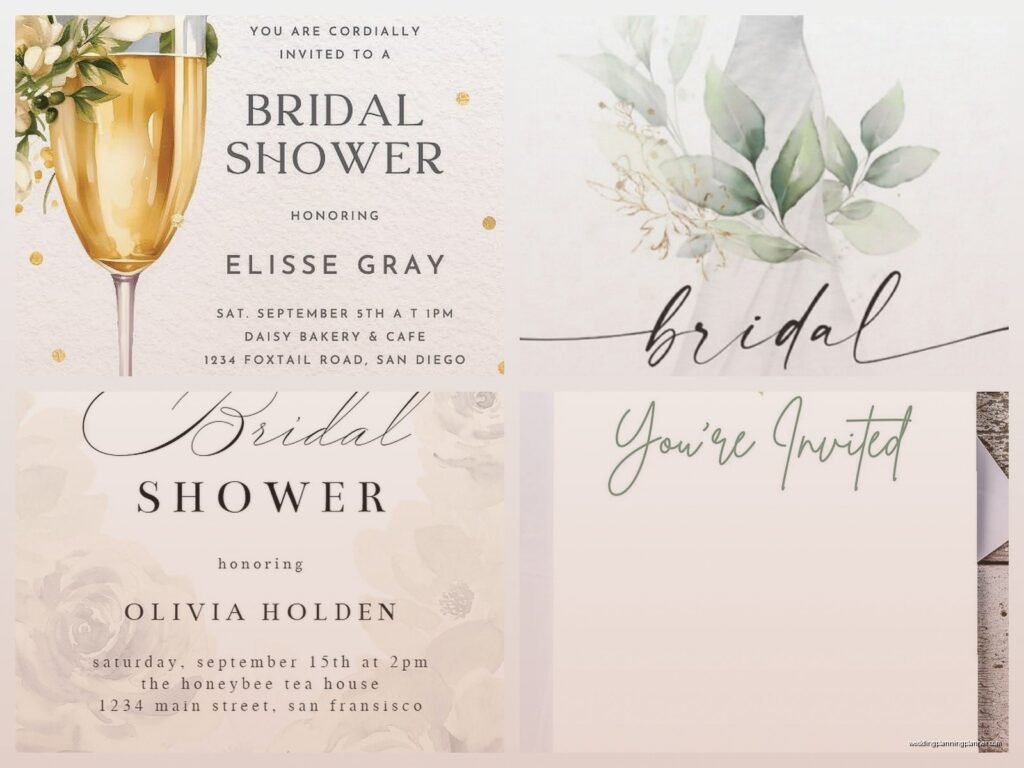
Okay So Free Online Bridal Shower Invitations Are Actually Pretty Good Now
Look, I’m gonna be straight with you – when I first started doing wedding planning back in the day, I was such a snob about printed invitations. Like, everything had to be professionally printed on cardstock with matching envelopes and the whole deal. But then in spring 2023 I had this bride whose bridesmaid was planning her shower on literally the tightest budget I’d ever seen, and she asked me about free online invitations and I was like… okay let me actually research this instead of just dismissing it.
Turns out the free options have gotten really good? Like surprisingly good. And honestly for a bridal shower – which is more casual than the actual wedding – you can totally pull off digital invitations without looking cheap.
The Main Platforms You Should Know About
So there are basically a handful of websites that do free invitations and they’re not all created equal. Canva is probably the most popular one right now and for good reason. They have tons of templates specifically for bridal showers and you can customize pretty much everything. The free version gives you access to thousands of templates which is kinda insane when you think about it.
Evite is another big one – they’ve been around forever and they specialize in digital invitations. Their interface is super easy to use and they handle all the RSVP tracking for you which is honestly the best part. You send out the invite, people click yes or no, and you can see who’s responded at any time. No spreadsheets needed.
Greenvelope is more upscale looking but their free version is pretty limited. I’d say it’s worth checking out if you want something that looks more like a traditional paper invitation but in digital form.
Paperless Post also has free options though they really want you to upgrade. They have this coin system that’s honestly annoying – like some designs are free but the “premium” ones cost coins which you have to buy. But if you stick to the actually free templates they have some cute options.
What Annoys Me About These Platforms
Okay so here’s what drives me crazy – almost all of these sites will try to upsell you constantly. You’ll be designing your invitation and they’ll show you this gorgeous envelope liner or animated element and then BAM it costs money. It’s like they’re teasing you with the paid features while you’re trying to use the free version. I get it, they’re businesses, but it’s still frustrating when you’re trying to stick to a budget.
How To Actually Make One That Doesn’t Look Free
First thing – choose your platform. I usually recommend Canva if you want maximum design control or Evite if you just want something simple and fast. Both are completely free for basic features.
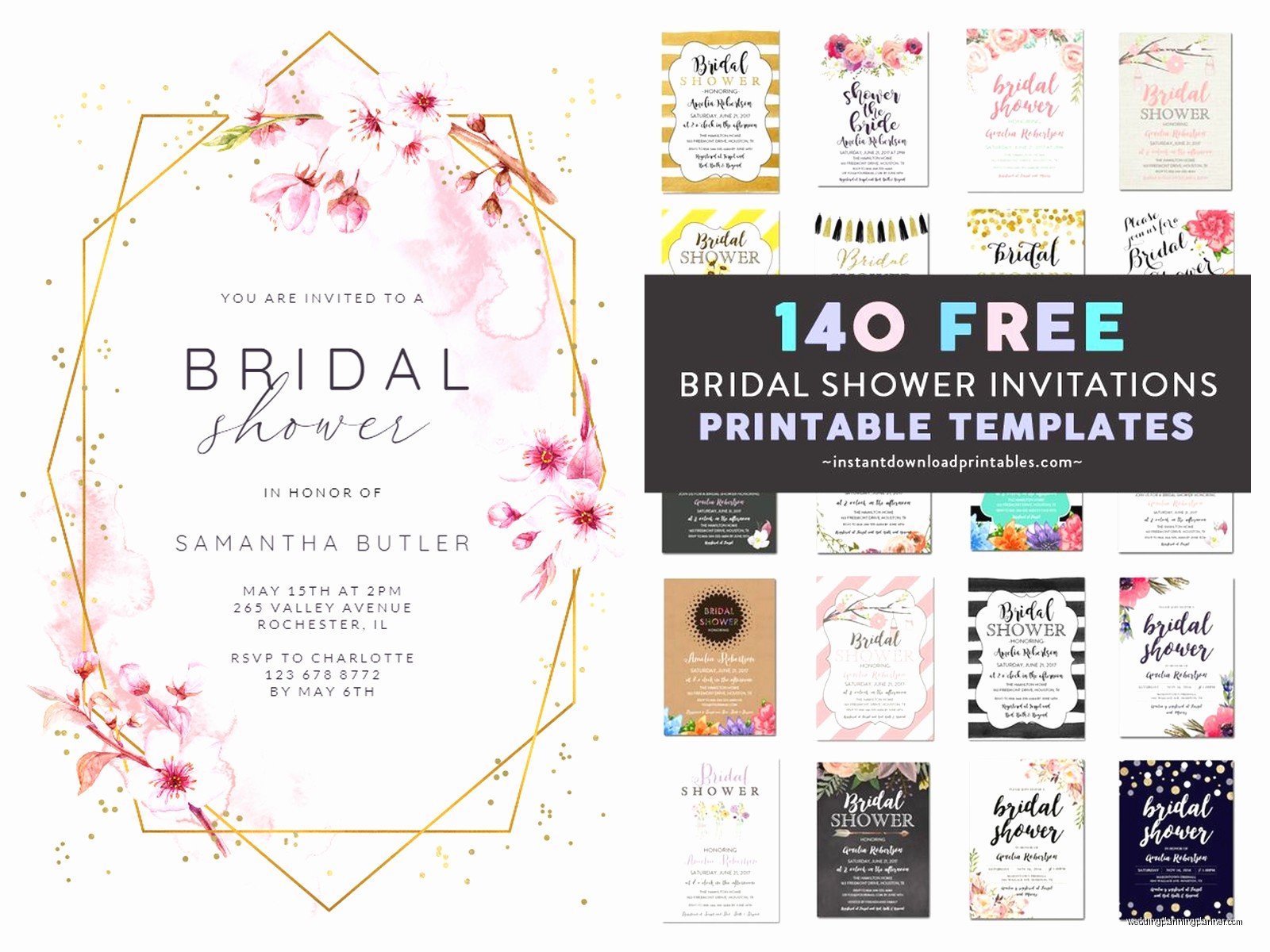
When you’re picking a template, think about the bride’s style. Is she modern and minimal? Go for something with clean lines and maybe some geometric shapes. Is she more romantic and traditional? Look for florals and script fonts. The template you choose matters way more than… wait I should mention that my cat just knocked over my coffee while I’m writing this so if this gets rambly that’s why.
Anyway, customizing is where you make it look professional. Don’t just fill in the template exactly as is. Change the colors to match the wedding colors or the shower theme. Most free platforms let you do this easily. In Canva you can literally click on any element and change its color.
Replace the default photos if there are any. Add a nice photo of the bride or use a subtle pattern instead. Stock photos can look generic so either use real photos or go with a design that doesn’t need photos at all.
The text is where people mess up most often. Keep it clear and include all the essential info:
- Who the shower is for (duh)
- Date and time
- Location with full address
- RSVP deadline and how to RSVP
- Registry information if applicable
- Theme or dress code if there is one
- Who’s hosting (usually goes at the bottom)
One thing I learned from that spring 2023 shower I mentioned – double check the RSVP method. The bride’s bridesmaid set up the Evite but then also put her phone number on the invitation for RSVPs and she got responses through like four different methods and it was chaos. Pick one system and stick to it.
Fonts Matter More Than You Think
This is gonna sound nitpicky but the font you choose makes a huge difference in whether your invitation looks free or looks intentional. Script fonts are pretty for bridal showers but they need to be readable. If your aunt has to squint or zoom in to read the date, you’ve chosen the wrong font.
I usually go with a script font for the main headline (like “Bridal Shower for Emma”) and then a clean sans-serif font for all the details. This gives you that elegant look while keeping everything legible. Canva has tons of free font pairings that work well together.
Also don’t use more than two fonts. Three maximum if you’re using a third one just for a small decorative element. More than that and it starts looking like a ransom note.
The RSVP Tracking Thing Is Honestly The Best Part
I cannot stress enough how amazing it is that these platforms track RSVPs automatically. Back when everyone did paper invitations for everything, you’d have to follow up with people individually, keep a spreadsheet, deal with people who lost the RSVP card… it was a whole thing.
With digital invitations through Evite or similar platforms, you send it out and then you can log in anytime and see exactly who opened it, who responded yes, who responded no, and who hasn’t responded at all. You can send reminders to the people who haven’t responded with literally one click.
Some platforms even let guests comment on the invitation which can be helpful for coordinating things like carpools or asking questions about the venue. Though honestly sometimes the comment section gets a little out of hand with people having full conversations which is… I mean it’s kinda cute but also not what the invitation is for?
Sending Strategy That Actually Works
Alright so you’ve designed your invitation and it looks good. Now you gotta send it. Most people send these via email but you can also share them through text message or social media which is useful if you don’t have everyone’s email addresses.
Timing wise, send bridal shower invitations about 4-6 weeks before the event. That gives people enough time to plan but isn’t so far in advance that they forget about it. If you’re having a destination shower or expecting people to travel, go for 8 weeks.
Here’s a tip I wish someone had told me earlier – send them on a weekday morning, not on a weekend. Emails sent on Saturday or Sunday tend to get buried. Tuesday or Wednesday morning seems to get the best open rates from what I’ve seen.
After you send them, check the platform after a day or two to see who’s opened them. If someone hasn’t opened it, they might have spam filters blocking it or the email address might be wrong. Follow up with those people directly.
The Whole “But Is Digital Tacky” Question
Someone always asks this. Usually an older relative or someone who’s very traditional. And look, for the actual wedding invitation, I still think paper is the way to go in most cases. But for a bridal shower? Nah, digital is totally fine and honestly more practical.
Think about it – people are more likely to have their phone with them than a paper invitation when someone asks them about the shower. They can add it directly to their calendar from the digital invite. They can easily forward it to their spouse or whoever needs to know about it. And if any details change, you can update a digital invitation and everyone sees the new information immediately.
If you’re worried about it looking too casual, just put more effort into the design. A well-designed digital invitation looks more intentional than a poorly designed paper one anyway.
Extra Features Worth Using Even On Free Plans
Most free platforms offer some features beyond just the invitation itself. Use them! On Evite you can create a poll to help pick the date if you’re coordinating with multiple people. You can also set up a what-to-bring list so guests can sign up to bring specific items if you’re doing a potluck style shower or need help with decorations.
Canva lets you create matching designs for other shower materials – like welcome signs, game cards, thank you notes. If you’re using Canva for your invitation, you can keep the same design theme going for everything else which makes the whole event look more cohesive.
Some platforms let you send thank you messages through the same system after the event which is convenient though I still think handwritten thank you notes are better for that.
Common Mistakes I See All The Time
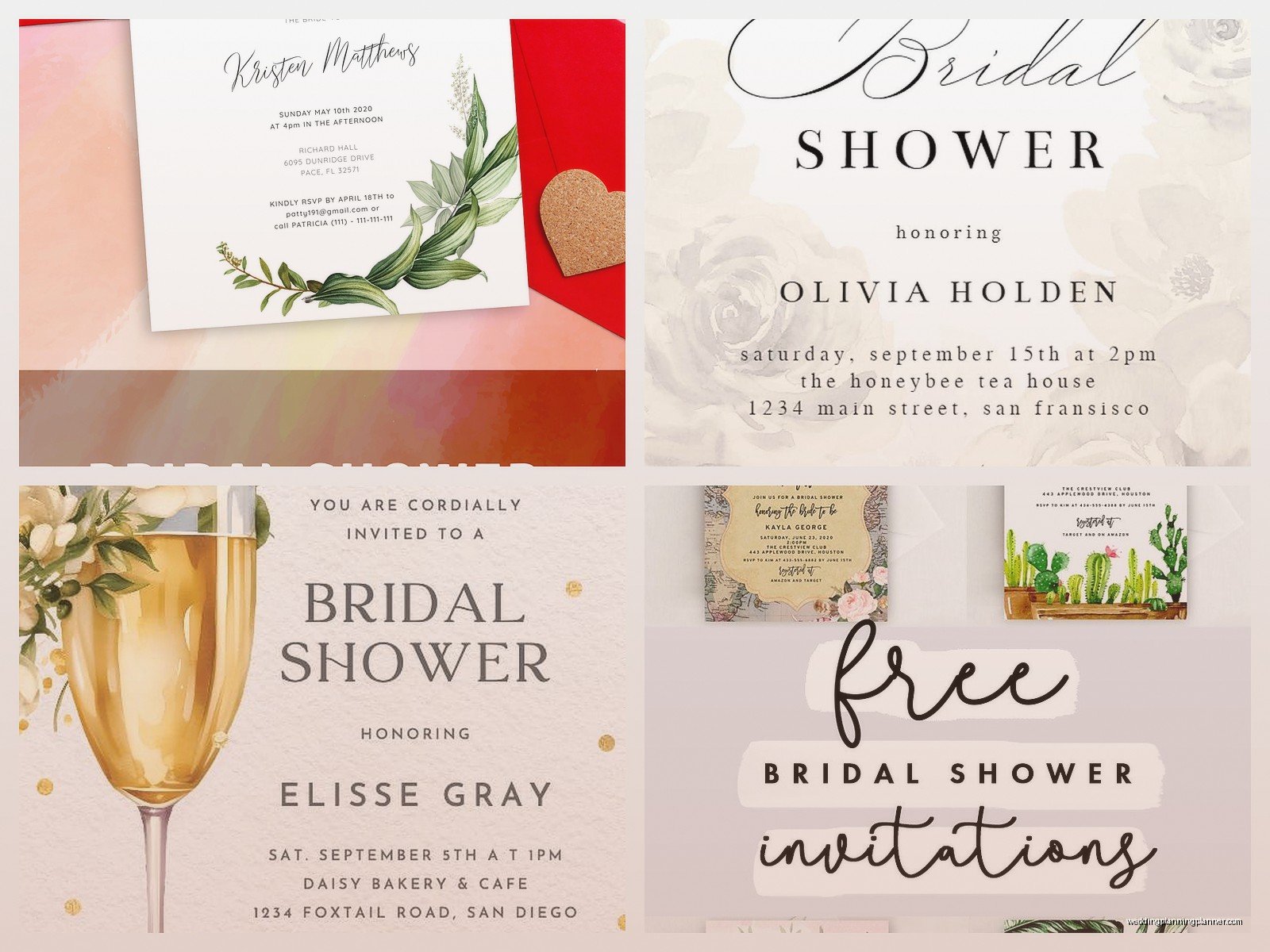
People forget to include the registry information and then everyone texts the bride asking where she’s registered. Just put it on the invitation. You can word it nicely like “The bride is registered at Target and Amazon” or whatever.
Another thing – proofread before you send. I know this sounds obvious but I’ve seen so many invitations go out with typos in the date or time. Have at least one other person look at it before you hit send. Once it’s out there you can edit most digital invitations but people who already saw it won’t automatically see the changes.
Don’t make the image files too large if you’re attaching them to emails rather than using a platform’s built-in sending system. Big files end up in spam folders or don’t load properly on phones.
And please, please include a physical address not just “Jane’s house” because not everyone knows where Jane lives and Google Maps needs an actual address to work.
What About People Without Email
Okay so this is real – some guests, usually older relatives, either don’t have email or don’t check it regularly. For these people you have a few options. You can print out the digital invitation and mail it to them (still saves money since you’re only printing a few instead of all of them). You can text them a screenshot of the invitation. Or you can call them with the details and then follow up with a text that has all the info.
I had a client once who created a beautiful Canva invitation and then printed exactly three copies for her grandmother and two great-aunts who don’t use computers. Everyone else got the digital version. Worked perfectly and saved her probably $100 on invitations.
Quick Tips For Different Shower Themes
If you’re doing a specific theme, make sure your invitation reflects it. Garden party shower? Use floral templates with lots of greenery. Kitchen shower where everyone brings a recipe? Find a template with kitchen utensils or cookbook designs. Wine tasting theme? Look for wine bottle or vineyard imagery.
The free templates on these platforms usually have tags or categories so you can search by theme. On Canva I usually search “bridal shower” plus whatever the theme is and find tons of options.
For color schemes, you can pull colors directly from the wedding colors if you know them, or go with seasonal colors depending on when the shower is. Spring showers look great in pastels, fall showers can use richer burgundy and orange tones, summer can be bright and bold or beachy.
The Group Card Feature Some Platforms Have
This is sorta unrelated but some of these invitation platforms also do group greeting cards which can be useful. Like if the shower is long-distance or some people can’t attend, you can set up a digital card where everyone adds messages and photos for the bride. Kudoboard does this well and has free options. Just mentioning it because it’s related to the whole digital shower planning thing and I’ve used it before when coordinating showers where people were spread across different states.
Honestly Just Start Playing Around With The Templates
The best way to figure out what works is to just create a free account on Canva or Evite and start clicking through templates. You don’t have to commit to anything right away. Save a few favorites and come back to them. Show them to the bride or other bridesmaids and get opinions.
Most of these platforms are intuitive enough that you can figure them out without tutorials, but if you get stuck they all have help sections with video guides. YouTube also has tons of tutorials if you search “how to make bridal shower invitation in Canva” or whatever platform you’re using.
The whole process from choosing a template to sending out invitations usually takes less than an hour once you have all your information ready. Which is way faster than designing, ordering, waiting for shipping, addressing envelopes, and mailing paper invitations. Plus no trips to the post office which is always a win in my book.
