
Planning Guides, Style Guide
Wedding Templates Free Download: Complete Resource Library
Jul
Why Free Wedding Templates Are Actually Worth Your Time
Okay so here’s the thing about free wedding templates – I used to be super skeptical about them until spring 2023 when I had three clients in one week ask me where they could find budget-friendly planning resources and I realized I was being kinda snobby about the whole thing. Free doesn’t automatically mean garbage, and honestly some of the paid template packs I’ve seen are worse than what you can grab for free if you know where to look.
The complete resource library thing sounds fancy but really what you need are templates that actually work for real wedding planning, not just pretty PDFs that look nice but don’t help you do anything. I’m gonna break down what templates you actually need and where to find decent free versions.
The Core Templates You Can’t Skip
Start with your budget spreadsheet because nothing else matters if you don’t know what you’re spending. You need something with categories already set up – venue, catering, photography, florals, all that. The free Google Sheets templates from Google’s template gallery are honestly better than half the paid ones I’ve tested. They auto-calculate and you can share them with your partner or parents without everyone needing special software.
Guest list tracker is next and this one needs to do more than just list names. You want columns for addresses, meal preferences, RSVP status, gift tracking (I know that sounds tacky but trust me you’ll want it for thank you notes), plus-one status, and maybe a notes section for like “sits near Aunt Karen” or whatever. Canva has a free wedding guest list template that’s pretty solid, though it annoys me that you have to create an account to download it.
Timeline templates are where people get confused because there are two kinds – your planning timeline (what to do 12 months out, 6 months out, etc.) and your actual wedding day timeline. You need both. The planning timeline keeps you from forgetting to book your photographer 18 months in advance when everyone good is already taken, and the day-of timeline is what you’ll give to your vendors so everyone knows when stuff is happening.
Vendor Management Stuff
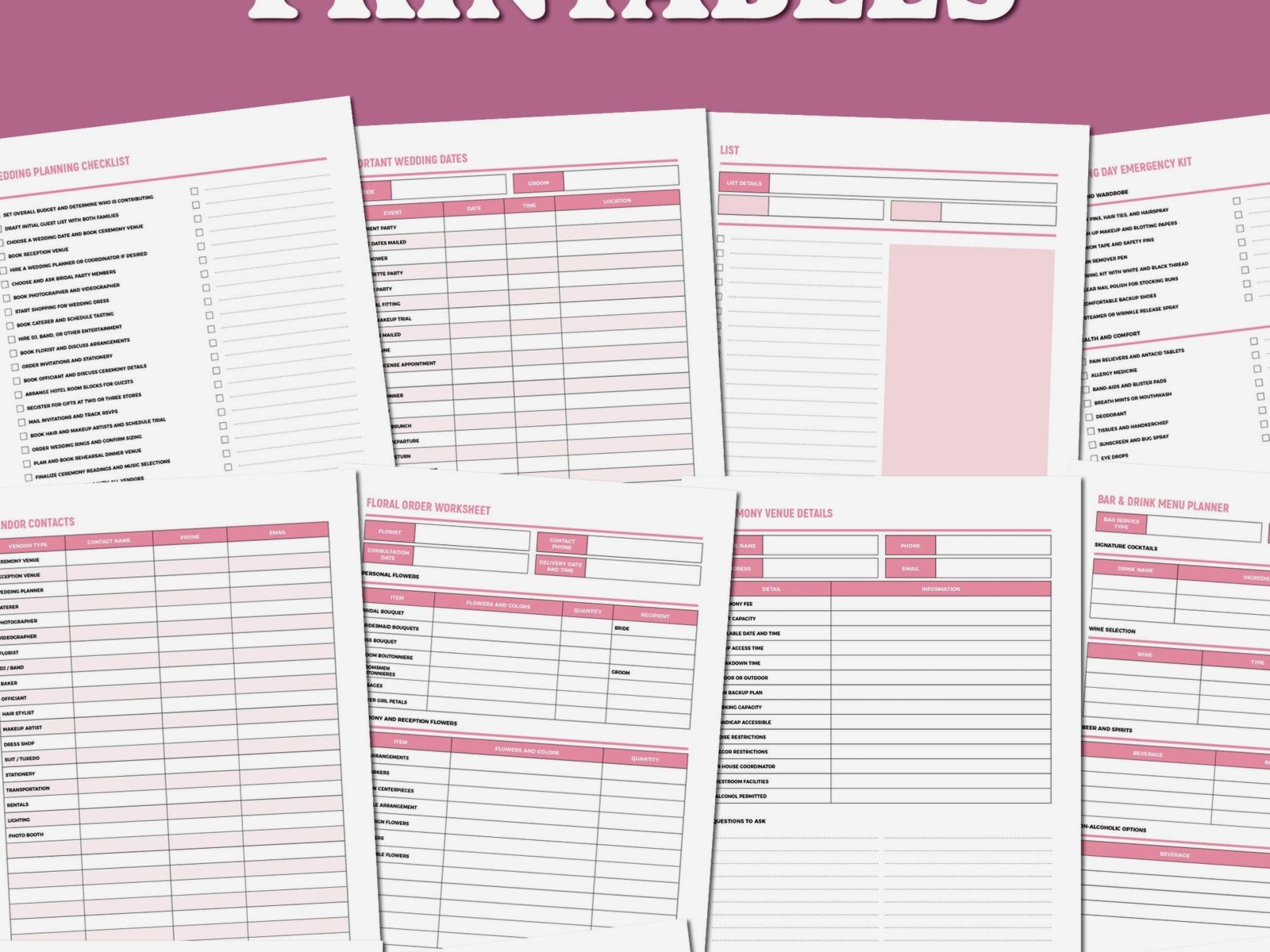
You gotta have a vendor contact sheet that lists every single person involved in your wedding – their business name, contact person, phone, email, contract date, payment schedule, what they’re providing. I keep mine in a simple table format and honestly just making it in Google Docs works fine. Microsoft also has free templates in Word if you search their template library for “vendor contact list” or “wedding vendor tracker.”
Contract tracking is separate from vendor contacts because you need to know payment due dates, what deposits you’ve paid, what’s still owed, and any specific contract terms you need to remember. Like one of my clients had a DJ contract that said they could only play until 10pm, not 11pm like she thought, and she didn’t realize until I made her fill out a contract summary template.
The Design Templates Everyone Wants
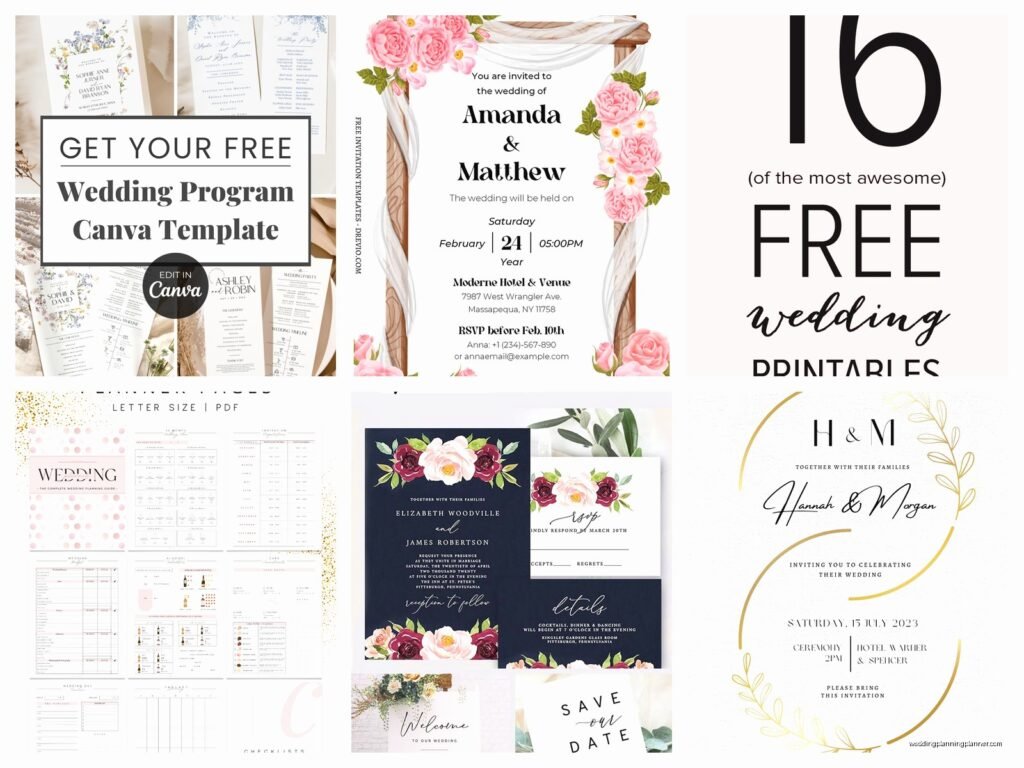
Invitation templates are the big one everyone searches for first. Canva is kinda the obvious choice here – they have hundreds of free wedding invitation templates and you can customize colors, fonts, photos, all of it. The free account limits you on some premium elements but honestly you don’t need those. Download as PDF and you can print at home or take to a print shop.
What drives me absolutely insane though is when people download a template and then don’t check if it’s the right size for standard envelopes. A7 envelopes (5.25 x 7.25 inches) are standard for invitations, so your invitation should be 5 x 7 inches. I’ve had clients print 200 invitations in some random size and then can’t find envelopes that fit.
Save the dates, thank you cards, programs, menus, place cards, table numbers – Canva has free versions of all of these. So does Adobe Express if you prefer that interface. The quality is genuinely good enough for most weddings. You’re not gonna get letterpress texture from a free template obviously, but the designs themselves are professional.
Signage Templates
Welcome signs, directional signs, bar menus, gift table signs, hashtag signs if that’s your thing. These are easy to DIY with free templates because you just need something that matches your wedding aesthetic and has the right information. Etsy has some free templates mixed in with paid ones, but you have to filter by price and set it to free… which honestly why make that so complicated, Etsy?
I remember this one time my cat jumped on my laptop right when I was downloading a welcome sign template for a client and somehow managed to download like fifteen different versions and my downloads folder was a mess, but anyway – make sure you’re downloading the editable version, not just a flat image. You want PDF, PowerPoint, or Canva format so you can change the text.
Planning and Organization Templates
Seating chart templates are weirdly hard to find good free versions of. Most free ones are just blank tables where you write names, which doesn’t help you visualize the room layout. Your best bet is honestly to use a free tool like AllSeated or Wedding Wire’s seating chart tool rather than a static template. They let you drag and drop guests and see the actual room setup.
To-do list templates should break tasks down by timeframe – what to do 12 months before, 9 months, 6 months, 3 months, 1 month, 1 week, day before, day of. The Knot has a free checklist you can download that’s pretty comprehensive, though it includes some tasks that are optional (like you don’t NEED an engagement party if you don’t want one).
The Stuff People Forget About
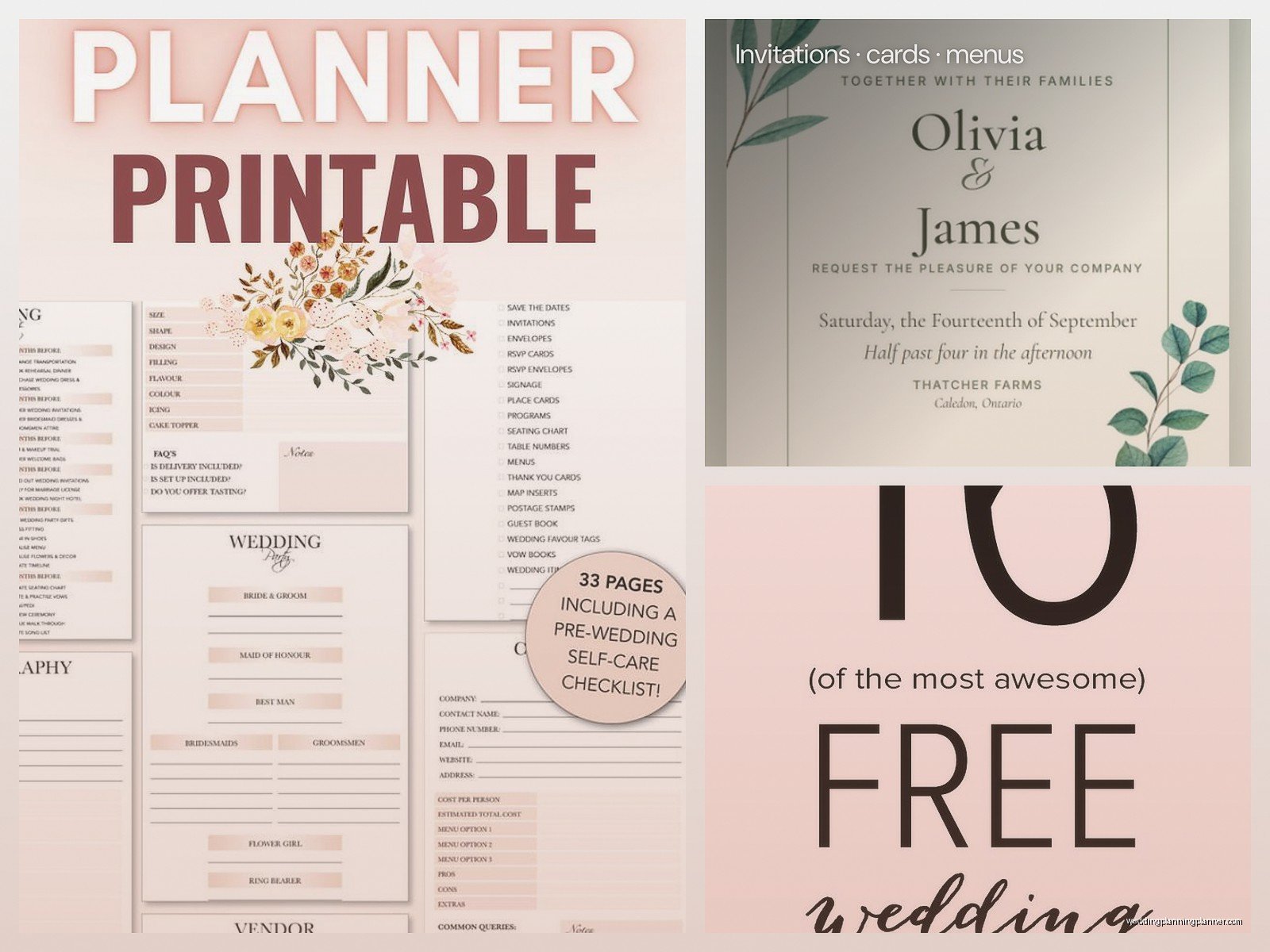
Rehearsal dinner planning templates because that’s a whole separate event you need to organize. Music playlist templates if you’re DIY-ing music or just want to give your DJ a detailed list. Wedding website templates – lots of free options through Joy, Minted, The Knot. Gift registry tracker if you’re managing gifts from multiple stores. Emergency kit checklist for day-of (safety pins, stain remover, breath mints, all that).
You also want templates for things you’ll need to communicate – like a template email for your hotel room block information, or a template for your wedding website FAQ section so you don’t have to write it from scratch.
Where to Actually Find These Templates
Canva is my go-to because everything is in one place and you can customize right in the browser. Free account gives you access to thousands of wedding templates. The paid version has more fonts and graphics but isn’t necessary for most people.
Google Docs/Sheets/Slides has a template gallery that’s underrated. Just open a new document and click on template gallery. They have wedding planning templates, invitation templates, all sorts of stuff. It’s all free if you have a Google account which like… everyone does.
Microsoft Office templates work the same way – open Word or Excel or PowerPoint and search templates. You need Office installed but if you have it, the templates are free to use. Some are better designed than others so you gotta browse a bit.
Pinterest is actually useful here because you can search “free wedding templates” and find links to actual downloadable templates, not just inspiration photos. Though you do have to click through to make sure they’re actually free and not just Pinterest pins linking to paid products.
Specific Sites Worth Checking
The Knot and WeddingWire both have free downloadable templates in their planning sections. You usually have to create an account but it’s free. Minted has some free stuff mixed with paid. Zazzle occasionally has free templates. Etsy has a “free” price filter but a lot of sellers put up “free” templates that are just samples and you have to pay for the full version, which is annoying.
Wedding Chicks has a free printables section that’s decent. Something Turquoise (the blog) occasionally posts free templates. Catch My Party has free templates for signs and decorations. You kinda have to hunt around a bit but they exist.
How to Actually Use These Templates Without Screwing It Up
First thing – download the editable version, not a PNG or JPG if you need to customize text. You want PDF, DOCX, PPTX, or a Canva link. Save the original template in a separate folder before you start editing so you don’t lose it if you mess something up.
Check the dimensions before printing anything. This is crucial for invitations, place cards, table numbers, any physical printed item. The template should tell you the size or you can check it in the program you’re using. Standard invitation is 5×7 inches, RSVP cards are usually 4.25×5.5 inches, place cards are around 2×3.5 inches.
Print a test version before you print 150 copies. Use regular paper for the test, see how it looks, check for typos (I once had a client print “Cocktial Hour” on 200 programs), make sure colors look right. Printers at home print differently than professional print shops so if you’re doing it yourself, factor that in.
Customization Tips
Change colors to match your wedding palette but don’t go crazy – two or three colors max or it looks messy. Stick with readable fonts – script fonts are pretty but not for body text. Keep hierarchy clear with different font sizes for headers versus details.
If you’re adding photos, make sure they’re high resolution (at least 300 dpi for printing). Low-res photos look fine on screen but print blurry. This was a problem back in summer 2021 when everyone was pulling photos from Instagram for their templates and wondering why they looked pixelated when printed.
Save multiple versions as you work – like “invitation-draft1”, “invitation-draft2”, etc. I learned this the hard way when… actually I’ve learned this the hard way multiple times because apparently I don’t learn lessons very well.
What’s Actually Worth Paying For
Okay so free templates are great but some things are worth paying for if you have the budget. Really unique invitation designs that match a specific theme are hard to find free. Monogram designs or custom illustrations. Super detailed planning spreadsheets with formulas already built in for complex budget tracking.
Also if you’re not comfortable with design software, sometimes paying $15-30 for a template that’s easier to customize is worth it versus spending hours frustrated with a free version. Your time has value too.
Organization Tips for Your Template Library
Create a folder on your computer called “Wedding Templates” and then subfolders for categories – Stationery, Planning, Vendor Management, Day-of, whatever makes sense for you. When you download a template, save it to the right folder immediately or you’ll never find it again.
Keep a simple list (even just in Notes on your phone) of what templates you’ve downloaded and where you found them in case you need to download again or find similar ones. Link the sources if possible.
Back everything up to cloud storage – Google Drive, Dropbox, iCloud, whatever you use. Your computer could crash and losing all your wedding planning files a month before the wedding would be a nightmare. Trust me on this one because I’ve seen it happen and it’s not pretty when someone loses their entire guest list with RSVP tracking two weeks before they need to give final counts to the caterer and they’re trying to remember who said yes based on text messages and… yeah, just back it up.
Some templates work better in certain programs so don’t force it – if something is designed for Canva, edit it in Canva. If it’s an Excel spreadsheet, use Excel or Google Sheets, not some random app that sorta reads Excel files but messes up the formulas.
