
Planning Guides, Style Guide
Wedding Program Template Google Docs: Free Download Files
Aug
Why Google Docs Templates Are Actually Perfect for Wedding Programs
So you’re planning a wedding and you need programs but you don’t wanna spend like $300 on a designer for something people literally hold for 20 minutes then leave on chairs. Smart. Google Docs is gonna save you here and honestly it’s one of my favorite tools even though I work with fancy design software all the time.
The thing about Google Docs templates is they’re free, editable, and you can share them with your bridesmaids or mom or whoever keeps insisting they need to review everything. Back in spring 2023 I had this bride who changed her ceremony order like six times because her dad kept adding readings and her sister wanted to sing and it was just… anyway, we used a Google Docs template and she could edit it herself at midnight when she had her panic moments without calling me. Life saver.
Where to Actually Find Free Google Docs Wedding Program Templates
Alright so first things first. You can find these templates in a few places and not all of them are created equal which honestly annoys me because some sites advertise “free” but then try to upsell you on every click.
Google Docs Template Gallery is your starting point. Go to Google Docs, click on Template Gallery at the top, and look under Events or sometimes they hide them under Other. The selection isn’t huge but what’s there is solid and actually designed by Google so it works properly.
Etsy has tons of sellers offering free Google Docs templates as lead magnets to get you to buy their premium stuff. I’ve downloaded probably 40 of these over the years for clients. Just search “free wedding program Google Docs” and filter by price low to high. The actual free ones pop up first.
Canva technically isn’t Google Docs but hear me out – you can create something in Canva then export it and open in Google Docs. Kinda backwards but if you find a design you love in their free library it works. The formatting gets a little weird sometimes though.
Template websites like Template.net and Hloom have sections for Google Docs wedding stuff. Some require you to sign up with your email which is annoying but you can use a throwaway email if you’re worried about spam.
What Makes a Good Wedding Program Template
Not all templates are worth downloading honestly. Here’s what I look for and what you should look for too:
Simple formatting that doesn’t rely on crazy fonts Google Docs won’t recognize. I cannot tell you how many times I’ve opened a template and half the design disappears because it was built with some proprietary font that doesn’t transfer. Stick with templates using Google Fonts or common system fonts.
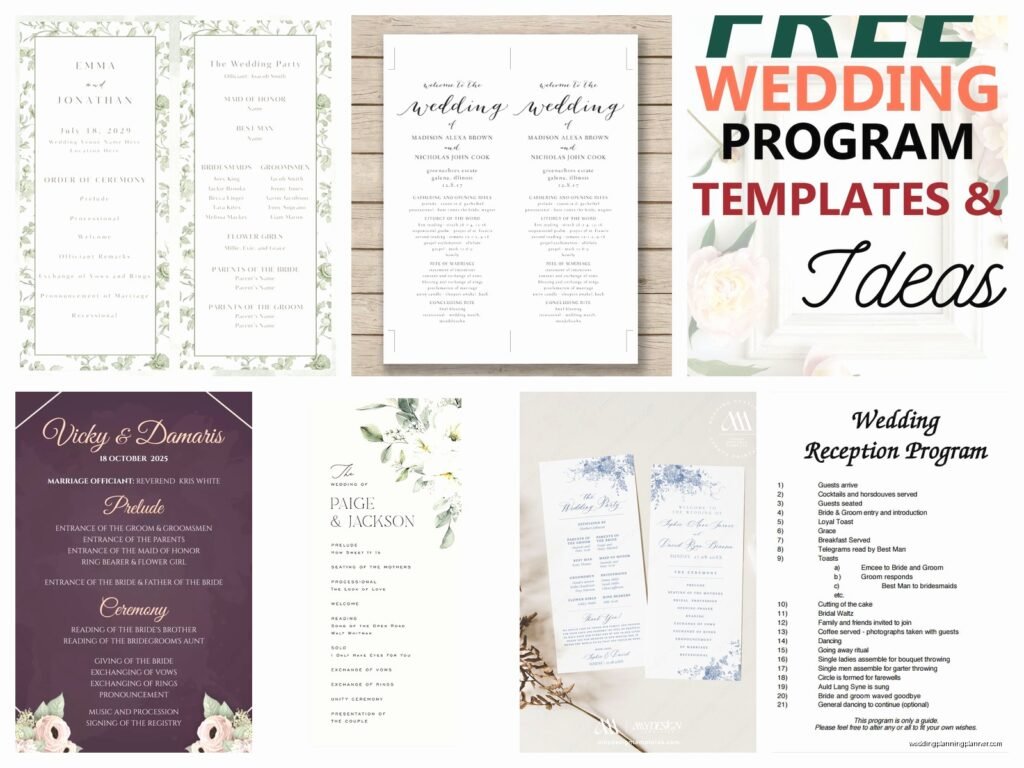
Clear sections for the ceremony order, wedding party names, and maybe a thank you note to parents. You want placeholders that are obvious so you’re not guessing where to type what.
Print-friendly design meaning it’s set up for standard paper sizes. Most wedding programs are either 5×7 inches or half-letter size (8.5×5.5). Make sure the template specifies dimensions or you’ll be doing math later and nobody wants that.
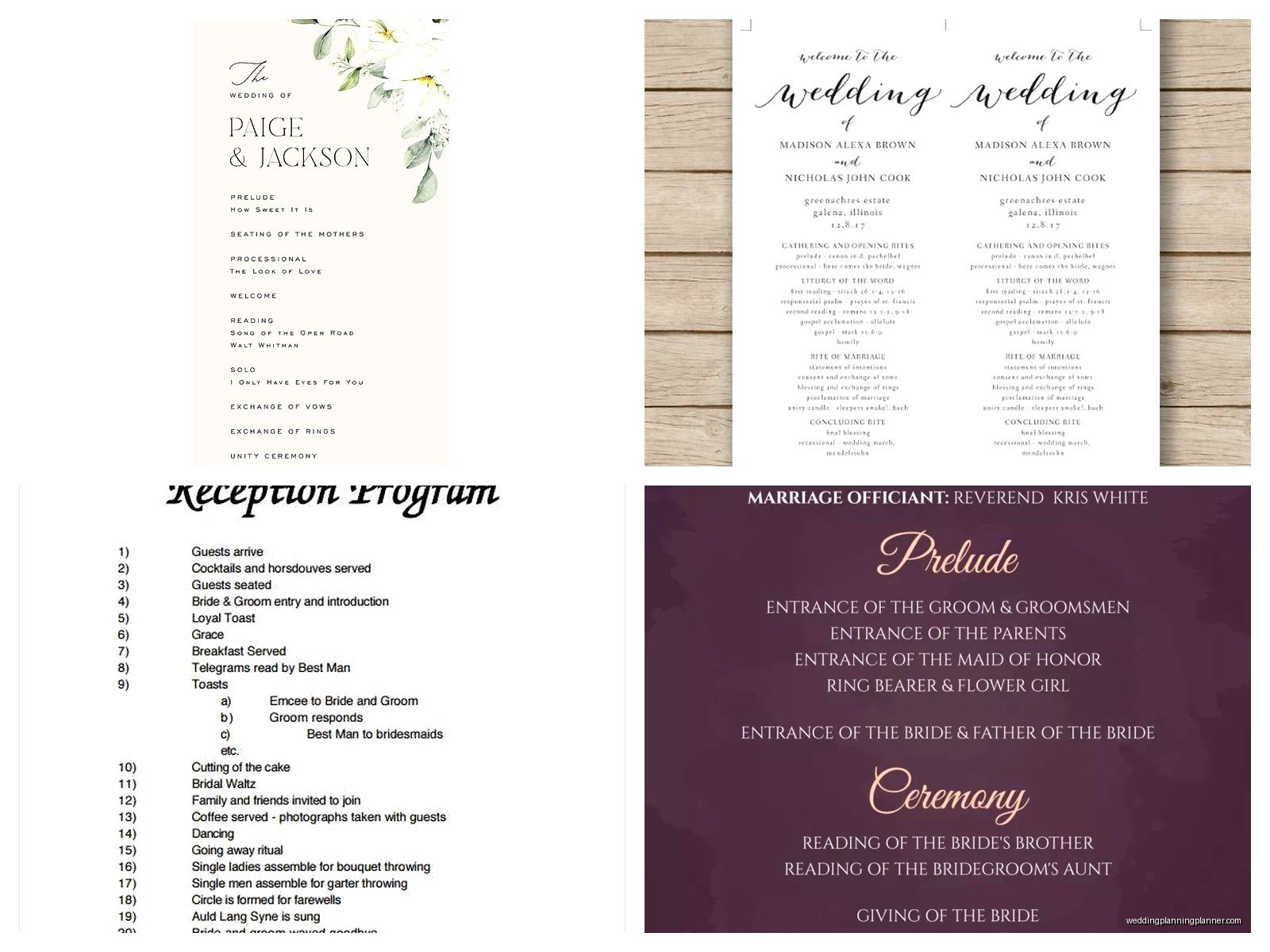
My cat just knocked over my coffee while I’m writing this so if this gets weird that’s why… anyway, columns or booklet format options are great. A lot of couples do the bifold program (one sheet folded in half) which creates four panels. Templates set up for this are chef’s kiss.
How to Actually Use and Customize These Templates
Okay so you found a template you like. Now what. This is where people get stuck because Google Docs isn’t exactly intuitive for design stuff.
Make a copy first. When you open any template, go to File > Make a Copy. Never edit the original because if you mess it up you gotta redownload and find it again and it’s a whole thing.
Set your page size correctly. Go to File > Page Setup and check the dimensions. If you’re printing at home on regular printer paper, keep it at 8.5×11. If you’re doing a custom size for a print shop, change it here. I usually do 5×7 for wedding programs because it’s a standard photo print size and cheap to print.
For changing colors, select the text or element you want to change, then use the text color or highlight color buttons. If there are shapes or borders, click on them and look for the border color or fill color options. Google Docs is kinda limited here compared to like InDesign but for a wedding program it’s fine.
Fonts can be changed from the dropdown menu but stick with readable ones. I see couples pick these super fancy script fonts that look gorgeous on screen but print blurry or are impossible to read from more than two feet away. Playfair Display, Cormorant, Lora – these are nice serif fonts that work. Montserrat, Raleway, Open Sans for clean modern looks.
The Content You Actually Need
Here’s what goes in a typical wedding program and you can copy this structure into whatever template you download:
- Cover: Your names, wedding date, location, maybe a quote or “The Wedding Celebration of” type header
- Wedding Party: List your bridesmaids, groomsmen, officiant, flower girl, ring bearer, parents. People care about this more than you think.
- Ceremony Order: Processional, readings, vows, ring exchange, unity ceremony if you’re doing one, pronouncement, recessional. Be specific so guests know what’s happening.
- Thank You Note: Short message thanking parents, guests for coming, acknowledging deceased relatives if appropriate. Keep it brief.
- Reception Details: Optional but helpful – where the reception is, what time, if there’s a cocktail hour
Some programs also include song titles for processional/recessional music, explanations of cultural or religious traditions, or a memory section about how you met. Totally up to you.
Printing Tips That’ll Save You Money and Headaches
So you’ve got your Google Docs program all designed and perfect. Now you gotta actually print these things and this is where it gets real.

Home printing works if you have a decent printer and you’re doing like 50 programs or less. Buy good cardstock – at least 80lb, preferably 110lb. Regular paper looks cheap and flimsy. I learned this the hard way during a small backyard wedding in summer 2021 where the bride insisted on regular paper and they blew away during the outdoor ceremony. It was… not great.
Print shops like FedEx Office or Staples are your friends for larger quantities. Upload your Google Doc as a PDF (File > Download > PDF Document) and bring it on a USB drive or email it to yourself and access it at their computers. Printing 100 programs on cardstock usually runs about $40-60 depending on the shop.
Online printing services – Vistaprint, Moo, Catprint – often have better quality and prices if you’re doing 100+. The catch is you need to upload files in specific formats and sizes. Your Google Doc needs to be exported as PDF with the exact dimensions they require. Read their specs carefully or you’ll get stuff back that’s cut wrong.
The Fold Situation
If you’re doing a bifold program (most common), you’ll need to fold them. For like 30 programs, hand folding is fine. Get a ruler or bone folder to make crisp creases. For 100+ programs, I’m gonna be honest, your hands will hurt and they’ll look uneven. Some print shops will fold for you for an extra fee. Sometimes it’s worth it, sometimes you rope your wedding party into a folding party with wine and make it a thing.
Common Problems and How to Fix Them
The margins are weird when I print. Go back to Page Setup and check your margins. Google Docs defaults to 1-inch margins which is fine for most printers but some need more space. Try 0.75 inches if things are getting cut off. Also make sure you’re selecting the right paper size in your printer settings – the printer needs to match what you set in the document.
Images look pixelated. You probably inserted a low-resolution image. Right-click the image in Google Docs, select “Replace Image,” and upload a higher quality version. For printing, you want images at least 300 DPI but Google Docs doesn’t actually show you DPI so just… use the biggest file size you have.
The template won’t let me edit certain parts. Some templates lock sections or use text boxes that are weird to select. Click around the edges of the text, try clicking slightly outside it, or go to Format > Clear Formatting if you’re really stuck and wanna start fresh with that section.
Fonts changed when I shared it with someone. This happens when the other person doesn’t have the font installed. Stick with Google Fonts (the ones in the Google Docs font menu) because everyone has access to those. Or before sharing, go to File > Download > PDF so the fonts are embedded and can’t change.
Actually Free vs Sneaky Not-Free Templates
This is the thing that annoys me most about searching for free templates online. So many websites say FREE WEDDING PROGRAM TEMPLATE and then you click through seventeen pages, enter your email three times, and discover you can only download a watermarked version unless you pay $9.99 for the “premium” option.
Here’s how to spot actually free stuff: if the download button is immediate and doesn’t require payment info, you’re good. If they ask for an email address, that’s usually still free, they just want to send you marketing emails. If they ask for credit card info “for verification” or show you pricing tiers before downloading – nah, that’s not free, keep looking.
The truly free templates are usually simpler designs but honestly for a wedding program simple is better. People are looking at it for like 15 minutes total. It needs to be readable and pretty enough to match your vibe, but it doesn’t need to be a graphic design masterpiece or…
Customization Ideas Beyond the Basics
If you wanna make your Google Docs template feel more custom without being a design expert, here’s some easy stuff:
Add a monogram or initials at the top. You can create a simple one using WordArt (Insert > Drawing > New, then add text and style it). Not gonna lie, the drawing tool in Google Docs is kinda clunky but it works.
Insert a photo of you and your partner on the cover or back. Engagement photos work great here. Keep it small though – like 2×3 inches max – so it doesn’t dominate the whole program.
Use your wedding colors for headers or borders. If your colors are navy and blush, make your headers navy text and add a blush-colored line (Insert > Horizontal Line, then change the color).
Add texture or patterns as a background. You can find free pattern images online, insert them into your Google Doc, then right-click and send them behind the text. Lower the opacity (you’ll need to do this in the drawing tool) so they’re subtle.
Include a timeline if your ceremony has a lot of elements. Some religious ceremonies or cultural weddings have multiple parts and guests appreciate knowing what’s happening when. Just a simple list with times works.
Coordinating Programs with Other Wedding Stationery
Your programs should kinda match your invitations and other paper goods but they don’t need to be identical. If your invitations are super formal with gold foil, your programs can be simpler with just gold-colored text. Same vibe, less expensive to execute.
I usually tell couples to carry through two or three elements: your color scheme, your primary font, and maybe a graphic element like a floral border or geometric shape. That’s enough to make everything feel cohesive without needing to recreate complex designs in Google Docs which honestly isn’t the right tool for that anyway.
If you used a specific designer for invitations and you’re DIYing programs, ask the designer if they have a font list or color codes they used. Most will share that info and it makes matching way easier. You’re trying to get close, not perfect – guests won’t be comparing them side by side.
Last-Minute Editing Because Someone Changed Something
This always happens. Always. Your officiant drops out and you get a new one. Your brother’s girlfriend gets upgraded to groomsman. Someone wants to add a poem. Whatever.
The beauty of Google Docs is you can edit up until you print. Keep the file open on your phone with the app and you can literally make changes from the hair salon on wedding morning if needed. Export a fresh PDF, send it to the print shop or your designated printer person, done.
I had a wedding where the bride’s mom texted me at 11pm two days before the wedding that they were adding a candle lighting ceremony and it needed to be in the program. Opened the Google Doc on my iPad while watching Netflix, added three lines, sent her the updated PDF. Took five minutes. Try doing that with a professionally designed InDesign file you can’t access or edit yourself.
Just make sure you’re editing a COPY and keeping the original template clean. I usually save versions like “Program_v1,” “Program_v2,” “Program_FINAL,” “Program_FINAL_forreal” because you will make multiple versions and you’ll wanna go back to an earlier one at some point, trust me.
