
Planning Guides, Style Guide
Wedding Program Template Free: Free Download Files

Aug
Okay So Wedding Programs Actually Matter More Than You Think
Look I’m gonna be totally honest with you – wedding programs are one of those things couples almost forget about until like three weeks before the wedding and then they panic. I had this bride in spring 2023 who literally texted me at 11pm asking if we could just skip programs entirely because she was so overwhelmed with everything else. I talked her down because honestly? Programs are kinda the unsung hero of keeping your ceremony from being confusing as hell for your guests.
Free wedding program templates are everywhere online but here’s what nobody tells you – most of them are actually terrible or they’re “free” but then surprise you need the premium version of Canva or whatever to actually download them. So annoying. I’ve probably downloaded like 200 different templates over the years for clients and I can tell you which ones are actually worth your time.
Where To Actually Find Free Templates That Don’t Suck
Alright so first off, Canva has legitimately free wedding program templates. You don’t need Canva Pro for the basic ones. They’ve got bifold programs, trifold, single page, ceremony fans – all that stuff. The catch is you gotta be okay with their font selection in the free version and sometimes the graphics are kinda… basic? But for a simple elegant program they’re totally fine.
Microsoft Word and Google Docs both have template galleries. I know that sounds boring but hear me out – the Word templates are actually really customizable once you figure out how to work with text boxes and columns. Google Docs templates are more limited but they’re easy to share with your mom or whoever is helping you edit stuff.
Template.net has a bunch of free downloads but you gotta watch out because they mix free and paid templates together. Look for the ones that specifically say “free download” and double-check before you spend an hour customizing something only to find out you can’t export it without paying.
I also really like AllFreePrintable and LCI Paper – they have actual PDF templates you can download immediately. No account creation, no email signup (usually), just straight downloads. My cat knocked over my coffee on my keyboard once while I was downloading from LCI Paper and I was so stressed the file would corrupt but it was fine, those PDFs are pretty sturdy.
The Main Styles You’ll See
Wedding programs basically come in like five formats and once you know what they’re called it’s way easier to search for templates:
Bifold programs are the classic – one sheet folded in half so you’ve got four panels to work with. Front cover, two inside pages, back cover. This is what most people picture when they think wedding program.
Trifold is fancier, folded in thirds like a brochure. Gives you more space if you have a long ceremony or lots of wedding party members to list. Honestly though? I think trifolds are overkill for most weddings unless you’re doing like a full Catholic mass.
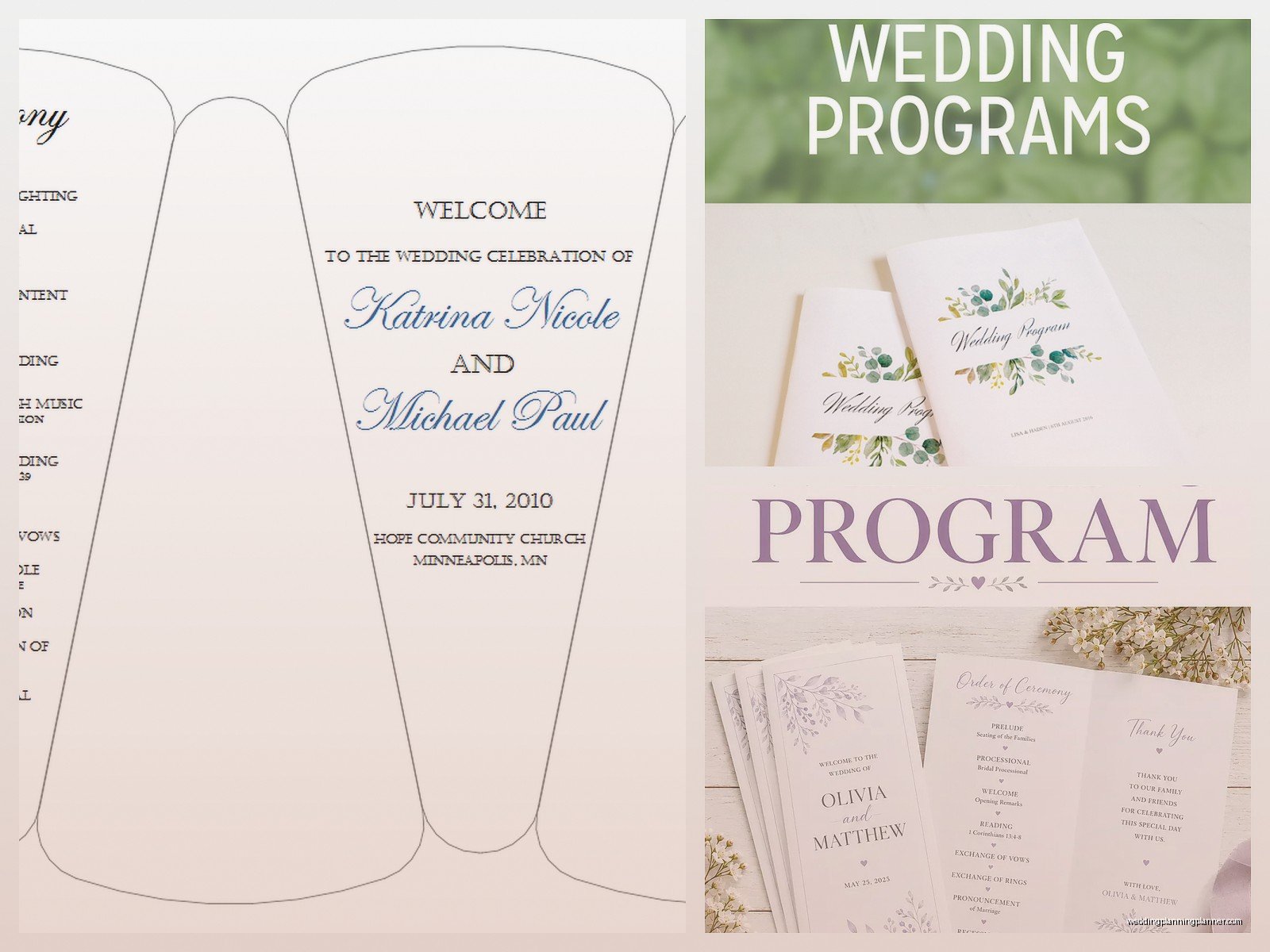
Single page or flat programs are having a moment right now. Just one sheet, printed front and back or even just front. Super minimalist and you save money on printing.
Booklet style is multiple pages stapled or bound together. This is for those really elaborate ceremonies or if you want to include like song lyrics or readings in full. Expensive to print though.
Ceremony fans are programs attached to a stick or handle. These are great for outdoor summer weddings because they’re functional – guests can actually fan themselves. I did a wedding in summer 2021 that was outside in July and we did fan programs and people were SO grateful because it was like 94 degrees.
What Actually Needs To Go In Your Program
You’d think this would be obvious but I’ve seen couples leave out the most random important stuff. Here’s what you actually need:
Your names and wedding date on the cover. Sounds basic but you’d be surprised… also a lot of people forget to include the year which seems silly but your guests might wanna keep this as a keepsake.
Order of ceremony – this is the main point of the whole program. List out what’s happening and when. Processional, welcome, readings, vows, ring exchange, pronouncement, recessional. Whatever applies to your ceremony.
Wedding party names. List your bridesmaids, groomsmen, flower girl, ring bearer, officiant. People wanna know who’s who standing up there.
Parents’ names if you’re doing the traditional thing. Or if you have a complicated family situation you can just skip this, it’s totally fine.
Special readings or songs – if you’re having someone do a reading or if there’s a special song, note it in the program. Gives people context for what’s happening.
Some couples include a little “in memory of” section for deceased family members. That’s a personal choice, not required.
Customizing Templates Without Losing Your Mind
Okay so you found a template you like, now what? First thing – save it under a new name immediately. I cannot tell you how many times I’ve seen people edit the original file and then can’t go back to the starting point when they mess something up.
Fonts are gonna be your biggest headache. If the template uses a font you don’t have installed, everything will shift and look weird. Canva handles this automatically but if you’re working in Word or downloading a PDF to edit, you might need to download the font separately or just switch to something you already have. Google Fonts is your friend here.
Don’t go crazy with colors. I know you have wedding colors and you wanna incorporate them but like… programs are small and if you use too many colors it just looks busy and kinda cheap? Stick to two or three max.
Watch your margins. This is so important and people always forget. If you’re printing at home, most printers can’t print all the way to the edge. Leave at least half an inch margin on all sides or you’re gonna have text cutting off.
Proofread multiple times. Then have someone else proofread. Then proofread again. I had a couple spell the groom’s brother’s name wrong in the wedding party list and didn’t catch it until 150 programs were already printed. Awkward.
Printing These Things Is Where It Gets Real
You’ve got options here and they all have pros and cons. Printing at home is cheapest but honestly it’s a pain. You need good quality paper – like 80lb cardstock minimum or they’ll feel flimsy. And if you’re doing bifold or trifold you gotta score and fold them all which is… tedious. I spent four hours once helping a bride fold 120 programs while watching Love Is Blind and my hands cramped up so bad.
Staples, FedEx Office, local print shops – these are good middle ground options. You upload your file, they print it, usually they’ll even fold and trim for you. Price varies a lot though so call around. I’ve seen quotes range from like $1 per program to $4 per program for the exact same thing.
Online printing services like Vistaprint or Minted are convenient but you gotta order in advance. Like two to three weeks minimum. They often have sales though so if you can wait for a discount code it’s worth it.
Paper weight matters more than you think. 80lb is minimum, 100lb is better, 110lb is premium. Anything less than 80lb feels cheap and see-through.
File Formats And Technical Stuff You Gotta Know
Most free templates come as PDF, Word doc, Google Docs, or Canva files. PDFs are easiest for printing but hardest to edit. You’ll need Adobe Acrobat or a PDF editor. Word and Google Docs are easy to edit but sometimes the formatting gets wonky when you convert to PDF for printing.
When you’re ready to print, save your final version as a PDF. Always. Even if you made it in Word or Canva, export to PDF before sending to a printer. This locks in your formatting and fonts so nothing shifts.
Resolution matters for any images or graphics. You want at least 300 DPI for printing. Those free clip art graphics you find online? A lot of them are 72 DPI which looks fine on screen but prints blurry. So frustrating when you don’t realize until you see the printed version.
My Actual Favorite Free Template Sources
I keep coming back to Canva because even the free version has enough options that you can make something that looks custom. The drag and drop is easy and you can duplicate pages if you’re doing multiple program styles.
For more traditional formal weddings, the Microsoft Word templates are actually really good. They look classic and professional. The “Elegant Wedding Program” template in particular is one I’ve used probably 30 times with different customizations.
If you want something really unique, Etsy has free templates sometimes – you gotta search specifically for “free wedding program template” and filter by price low to high. Some designers offer one free template as a sample of their work.
Pinterest is good for finding templates but it’s also kinda a rabbit hole of links that go nowhere or require email signups. I find it more useful for design inspiration than actual downloads.
Common Mistakes That’ll Make You Wanna Scream
Setting up your document in landscape when you meant portrait or vice versa. Sounds dumb but it happens and then everything’s oriented wrong.
Forgetting to check how it looks printed in black and white if you’re not doing color printing. That light gray text might look elegant on screen but disappear on paper.
Making the font too small. Seriously your guests are not all 25 with perfect vision. Nothing smaller than 10pt for body text, 12pt is better.
Not ordering a test print before doing the full batch. Always always always print one or two samples first. I learned this the hard way when a bride’s programs came back with the wrong color because the printer’s settings were off.
Waiting until the last minute. I know I mentioned the bride who texted me three weeks before but honestly even that’s cutting it close if you’re ordering from an online printer or if you need to make revisions.
Do You Even Really Need Programs Though
Real talk – programs are optional. If you’re having a super short ceremony, like 15 minutes, or if your ceremony is really straightforward, you can skip them. Some couples do a big sign at the entrance instead listing the wedding party and order of events. That works fine.
But if you’re having any kind of religious ceremony, lots of readings, cultural traditions that guests might not be familiar with, or if you just want people to know who’s who in your wedding party – programs are helpful. They give people something to read while they’re waiting for things to start and they reduce confusion during the ceremony.
Plus they’re a nice keepsake. I still have the program from my best friend’s wedding in 2019 stuck in a scrapbook somewhere… actually I think it might be in a box in my closet but the point is I kept it.
Quick Timeline For Getting This Done
Like 6-8 weeks before the wedding, start looking at templates and decide on a style. You need to know what your ceremony will actually include first though so don’t start this before you’ve planned the ceremony.
4-6 weeks out, finalize your design and all the text. Get it proofread by like three different people.
3-4 weeks before, place your printing order or start printing at home. This gives you buffer time if something goes wrong.
2 weeks before, everything should be printed and ready. You can assemble them (if they need folding or whatever) while watching TV or like… I dunno, during those last-minute wedding tasks.
The week of the wedding, assign someone to bring the programs to the ceremony venue and put them out. This should NOT be you or your partner. Delegate this to a wedding party member or family member or your coordinator if you have one.
Honestly the hardest part about wedding programs is just making yourself sit down and do it when you have seventeen other things on your wedding to-do list. But once you find a template you like, it’s maybe two hours of work total including customizing and proofreading. Not bad for something that’ll make your ceremony run smoother and give your guests useful info about what’s happening.
