
Planning Guides, Style Guide
Wedding Day Timeline Template Excel: Free Download Files

Aug
Why You Actually Need a Wedding Timeline Template in Excel
So look, I’ve been planning weddings since 2008 and I’m gonna tell you straight up – Excel timeline templates are hands-down the most practical tool you’ll use. Not the prettiest, not the most Instagram-worthy, but when you’re standing in a church basement at 2pm and the florist is texting you asking when they can set up and you need to check three different vendor arrival times… yeah, you want that spreadsheet.
I had this bride in spring 2023 who insisted she could just “wing it” with a paper list and some sticky notes. By 11am on her wedding day, her maid of honor was literally crying in the bridal suite because nobody knew if hair and makeup were running late or if the photographer was supposed to arrive before or after lunch. We pulled up my Excel template on someone’s phone and got everything sorted in like ten minutes, but man, that stress was completely avoidable.
What Makes Excel Better Than Other Options
You might be thinking – why not use Google Sheets or some fancy wedding app? And honestly, those work too, but Excel has some specific advantages. First, it works offline, which matters more than you’d think because I’ve been in venues with zero cell service. Second, most vendors actually prefer Excel attachments because they can download and print them easily. Third, the formulas and auto-calculations in Excel are just… chef’s kiss for timing buffers.
The thing that really annoyed me about all those “pretty” wedding planning apps is that they lock you into their format. You can’t customize jack. With Excel, you can add columns for literally anything – vendor phone numbers, backup contact info, payment status, whatever random detail you need to track.
Basic Structure You Need in Your Template
Alright so here’s what columns you actually need in a functional timeline template:
- Time – obviously, but format it as actual time (like 2:00 PM) not just text
- Duration – how long each thing takes
- End Time – this should auto-calculate based on start time plus duration
- Activity/Event – what’s actually happening
- Location – where it’s happening (ceremony site, bridal suite, reception hall, etc.)
- People Involved – who needs to be there
- Vendor/Contact – which vendor is responsible
- Notes – catch-all for special instructions or… you know, whatever random thing you need to remember
You can add more columns but honestly don’t go crazy. I’ve seen templates with like 15 columns and nobody actually uses half of them.
Setting Up the Formulas That’ll Save Your Life
This is where Excel really shines. In the “End Time” column, you want a formula that adds the duration to the start time. It looks like this: =A2+B2 (where A2 is your start time and B2 is your duration). But here’s the trick – format your duration column as time too, like 0:30 for thirty minutes or 1:00 for one hour.
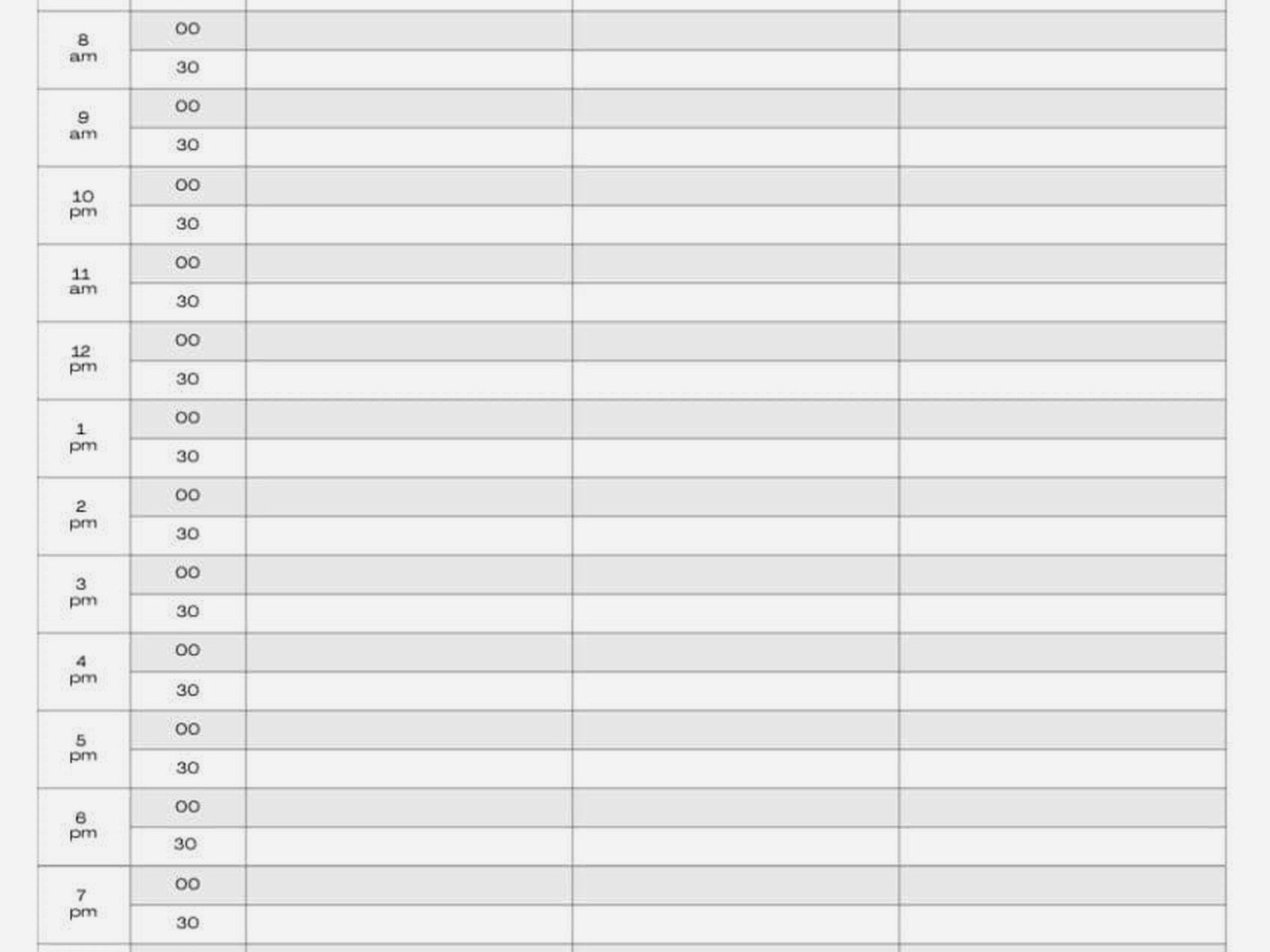
Then in the next row’s start time, you can either manually enter it OR have it auto-fill from the previous end time. I usually do manual entry because weddings don’t always run back-to-back – sometimes there’s built-in buffer time or gaps.
Another formula I use constantly is conditional formatting to highlight anything that’s supposed to happen within the next 30 minutes. Makes it super easy to glance at your timeline and know what’s coming up next. You can set this up under the “Conditional Formatting” menu – create a rule that if the time cell is less than NOW()+TIME(0,30,0), it highlights yellow or whatever color you want.
The Sections You’re Gonna Break It Into
Most wedding timelines need these main sections, and I usually separate them with a bold header row or different background color:
- Getting Ready/Pre-Ceremony – hair, makeup, photos, vendor arrivals
- Ceremony – processional, actual ceremony, recessional
- Cocktail Hour – what’s happening with guests AND what’s happening with wedding party photos
- Reception – entrances, dinner, toasts, dances, cake cutting, all that
- Vendor Load-Out – when people can start breaking down, when rentals get picked up
That last section is something a lot of couples forget about but your venue will definitely care about it, trust me.
Real Timing Examples That Actually Work
So here’s roughly what I build into most templates, though obviously every wedding is different:
Getting Ready Phase: I usually allocate 3-4 hours total. Hair and makeup takes longer than anyone thinks – figure 45 minutes per person for hair, 30-45 for makeup. If you’ve got a bridal party of six people, you’re looking at… okay I’m bad at math but it’s a lot. Usually the bride goes last so her look is freshest for photos.
Pre-Ceremony Photos: 30-60 minutes depending on how many family combinations you need. Just bride and groom? 30 minutes is plenty. Adding both families and the wedding party? You need an hour minimum.
Ceremony: Most run 20-30 minutes. I had a Catholic mass once that went 90 minutes and we had to completely rejigger the reception timeline, which was… fun. Not really fun. It was stressful.
Cocktail Hour: Standard is one hour, though I’ve seen 90 minutes work better if you’re doing a lot of post-ceremony photos.
Reception: This is usually 4-5 hours. Grand entrance (5 min), first dance (5 min), welcome toasts (10 min), dinner service (45-60 min), more toasts (15-20 min), parent dances (10 min), cake cutting (10 min), bouquet/garter if you’re doing that (10 min), and the rest is open dancing.
Buffer Time Is Your Best Friend
Here’s what nobody tells you – you need buffer time built in everywhere or you’re gonna run late. I learned this the hard way in like summer 2021 with a wedding that ran 45 minutes behind schedule because we didn’t account for the shuttle buses running late from the hotel. The couple was stressed, the caterer was annoyed because dinner was getting cold, and the photographer was worried about losing sunset light for photos.
Now I build in 10-15 minute buffers after major transitions. Between ceremony and cocktail hour? 10 minute buffer. Between cocktail hour and reception entrance? 15 minutes. It gives you breathing room when things inevitably run a few minutes late.

Where to Actually Find Free Templates
Okay so you’re probably wondering where to download these templates. Here’s the honest truth – most “free” wedding timeline templates you find online are either too basic or they’re trying to upsell you on something. But there are legit free options:
Microsoft Office Templates: Excel itself has built-in templates. Open Excel, click “New,” and search for “wedding timeline” or “event schedule.” They’ve got several decent options that you can customize. They’re kinda corporate-looking but they work.
Template.net: They have free Excel downloads, though you might need to create an account. Some of their templates are actually pretty detailed with good formulas already set up.
Vertex42: This site is run by a spreadsheet nerd (affectionate) and they’ve got really solid, functional templates. Not pretty, but the formulas and structure are chef’s kiss.
WeddingWire and The Knot: Both have free timeline templates though honestly they’re pretty basic. Good starting points if you wanna build your own from scratch.
How to Customize Whatever Template You Download
No template is gonna be perfect out of the box, so here’s what I always do first:
Delete any sections you don’t need. If you’re not doing a bouquet toss, delete that row. Not having a cocktail hour? Remove it. The template should reflect YOUR actual wedding, not some generic version.
Add your specific vendors and their contact info. I create a separate tab in the Excel file that’s just vendor contact information – names, phone numbers, email addresses. Then I can reference it quickly without scrolling through the timeline.
Color-code by responsibility. Like, everything the photographer needs to be present for gets highlighted in blue, everything the coordinator handles is green, stuff the DJ needs to know is yellow. Makes it super easy to create vendor-specific timelines by just filtering or sorting.
My cat just knocked over my coffee and I’m realizing this is probably a sign to wrap this section up…
Sharing Your Timeline With Vendors
Here’s something I see couples mess up constantly – they create this beautiful detailed timeline and then… just email it as an attachment and assume everyone will read it carefully. Nah. You gotta be more intentional.
Send each vendor their own customized version that highlights only the parts relevant to them. Your photographer doesn’t need to know when the caterer is setting up appetizers. Your DJ doesn’t need your hair and makeup schedule. Create filtered versions or literally just copy the relevant rows into a new sheet.
Also send a final timeline about a week before the wedding, then again two days before. I usually do one more confirmation the morning of the wedding day, especially with vendors who have multiple events that weekend.
And please, PLEASE put someone in charge of actually managing the timeline on the day. Usually that’s me as the planner, but if you don’t have a coordinator, designate someone – maid of honor, a responsible family member, whoever. That person needs to have the timeline on their phone AND printed out because technology fails at the worst possible moments.
Common Mistakes People Make
Not accounting for travel time between locations. If your ceremony and reception are at different venues, you need transportation time built in. Even if it’s a five-minute drive, by the time everyone gets loaded into cars or shuttles, you’re looking at 20-30 minutes.
Underestimating photo time. I mentioned this before but it bears repeating – formal photos always take longer than you think. Always.
Forgetting about vendor meals and breaks. Your photographer and DJ need to eat. Your coordinator needs to pee. Build that in or people get cranky, and cranky vendors don’t do their best work.
Making the timeline too rigid. Wedding days have a flow to them, and sometimes you gotta be flexible. If cocktail hour is going great and dinner isn’t quite ready, let people enjoy themselves for an extra ten minutes. The timeline is a guide, not a prison.
The Actual Day-Of Timeline vs. Planning Timeline
Oh here’s something that trips people up – you actually need TWO timelines. There’s the master planning timeline that has everything including vendor load-in times and when the florist arrives and what time you need to start getting your makeup done. That’s the detailed spreadsheet with all the columns I mentioned earlier.
Then there’s the simplified day-of timeline that you print out and post in the bridal suite or give to key people. This version is just the major events with times, maybe in a prettier format, definitely not an Excel spreadsheet. Like:
2:00 PM – Ceremony begins
2:30 PM – Cocktail hour starts
3:30 PM – Reception doors open
4:00 PM – Grand entrance
You get the idea. Keep the detailed Excel version for yourself and key vendors, create a simple version for everyone else.
Updating Your Timeline As Things Change
Things WILL change. Your ceremony time might shift, your photographer might need to arrive earlier for different lighting, your caterer might request adjusted timing for dinner service. This is why Excel is perfect – you can update it easily and the formulas automatically recalculate everything.
I keep a “Version History” section at the bottom of my timeline spreadsheets where I note major changes and the date. Like “Version 3 – moved ceremony from 3pm to 4pm to avoid midday sun, adjusted all subsequent times – updated 3/15/24.” Sounds nerdy but it’s saved me when couples ask “wait, why did we change that again?”
Also save multiple versions of the file with dates in the filename. “Smith-Wedding-Timeline-March15.xlsx” and “Smith-Wedding-Timeline-April2.xlsx” so you can always go back if you need to reference something from an earlier version.
What to Do When Everything Goes Wrong
Despite your best planning, sometimes things fall apart. I had a wedding where the power went out at the venue during setup. Another where the bride’s dress zipper broke twenty minutes before the ceremony. A timeline helps even in chaos because it tells you what you can skip or combine or rearrange to get back on track.
If you’re running late, look at what’s truly essential vs. what’s nice-to-have. Usually you can cut some photos, shorten cocktail hour, combine certain events. The ceremony and dinner are non-negotiable, but there’s usually flexibility elsewhere.
Alright I think that covers pretty much everything you need to know about wedding timeline templates in Excel – how to find them, set them up, customize them, actually use them. The key thing is just to start with something, even if it’s basic, and build from there as you figure out what you actually need for your specific wedding.
