
Planning Guides, Style Guide
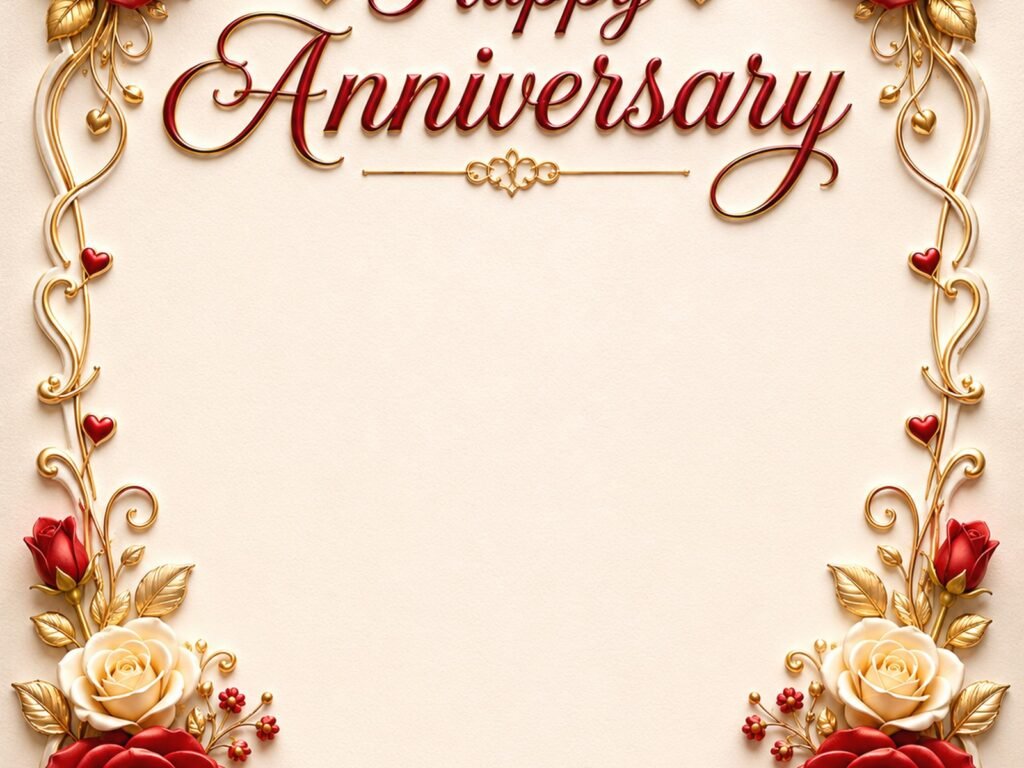
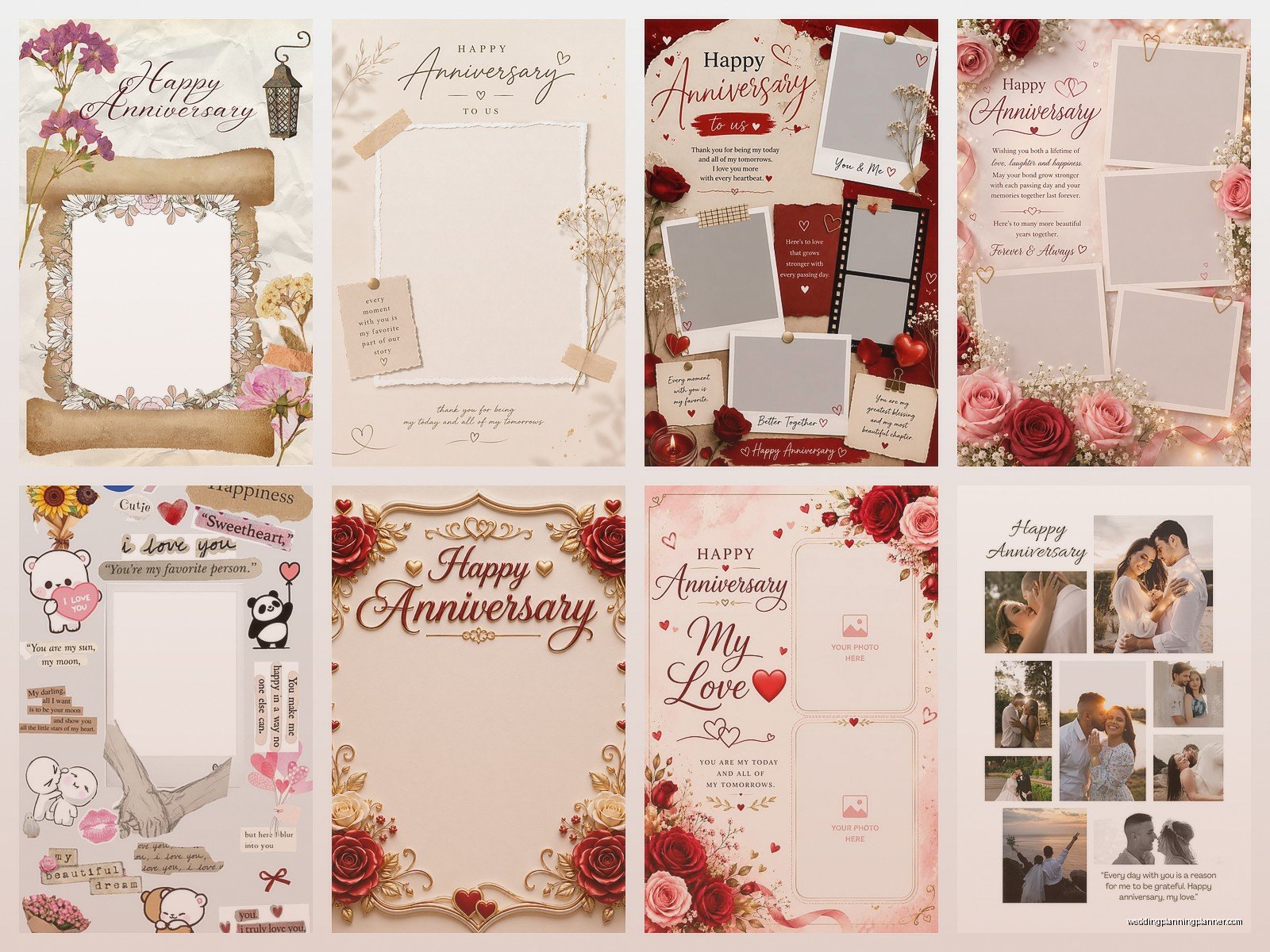
Happy Anniversary Templates: Free Download Files
Sep
So You Need Anniversary Templates Right Now
Okay so anniversary templates are basically one of those things that seem super simple until you’re actually searching for them at 11pm because you forgot your own anniversary is tomorrow or you’re helping a friend last-minute. I learned this the hard way back in spring 2023 when a client called me literally sobbing because she’d ordered custom anniversary invitations for her parents’ 50th renewal ceremony and the designer ghosted her three weeks before the event.
The thing about free anniversary templates is they’re everywhere but also nowhere? Like you’ll find a million Pinterest pins that lead to dead links or require you to sign up for seventeen email lists before you can download a basic card design. It’s honestly kinda infuriating.
Where to Actually Find Good Free Templates
Let me just jump into the places that actually work because I’ve tested probably hundreds of these over the years. Canva is gonna be your best friend here honestly. They have a free tier that gives you access to thousands of anniversary card templates, social media posts, and even printable designs. You don’t need design skills which is the whole point.
I usually start there when clients need something quick. You can customize colors, fonts, photos, and it’s pretty intuitive even if you’ve never used design software before. The paid version unlocks more options but the free stuff is honestly good enough for most situations.
Google Docs and Google Slides have template galleries that people forget about. They’re not as pretty as Canva but if you need something super simple like a dinner menu or a timeline of memories, they work. Microsoft Office also has templates built into Word and PowerPoint if you already have that subscription.
Greetings Island is this website I discovered maybe two years ago and it’s specifically for greeting cards. They have anniversary categories broken down by year, style, and whether it’s for parents, spouse, friends, whatever. You customize online and then download as a PDF to print at home or send to a print shop.
The File Types You’ll Actually Get
Most free downloads come as PDFs or JPGs. PDFs are better for printing because they hold their quality and you can usually edit text fields if the creator set it up that way. JPGs are image files so they’re good for sharing digitally like posting on Instagram or texting to someone but they lose quality if you resize them too much.
Some sites offer PNG files which have transparent backgrounds—super useful if you’re layering images or creating something custom. Occasionally you’ll find SVG files which are vector graphics that can be resized infinitely without losing quality, but you need special software like Adobe Illustrator or the free program Inkscape to edit those.
I remember getting so annoyed once when I downloaded what I thought was an editable template and it turned out to be a flattened JPG with text burned into the image. Like what am I supposed to do with that? Print it as-is with someone else’s names on it?
What Templates Actually Exist Out There
You’ve got your standard greeting cards obviously. Those come in standard sizes like 5×7 inches or A2 which is 4.25×5.5 inches if you’re in the US. Most templates specify the finished size so you know what paper to buy or what to tell the print shop.
Then there’s invitation templates if you’re throwing an anniversary party. These usually include matching RSVP cards, thank you cards, and sometimes table numbers or menu cards. The fancy term is “stationery suite” but it’s really just a bunch of coordinating designs.
Social media templates are huge right now. Square posts for Instagram, story templates with space for photos and text, Facebook cover photos announcing an anniversary. I use these all the time for my own wedding planning business when I want to celebrate client anniversaries online.
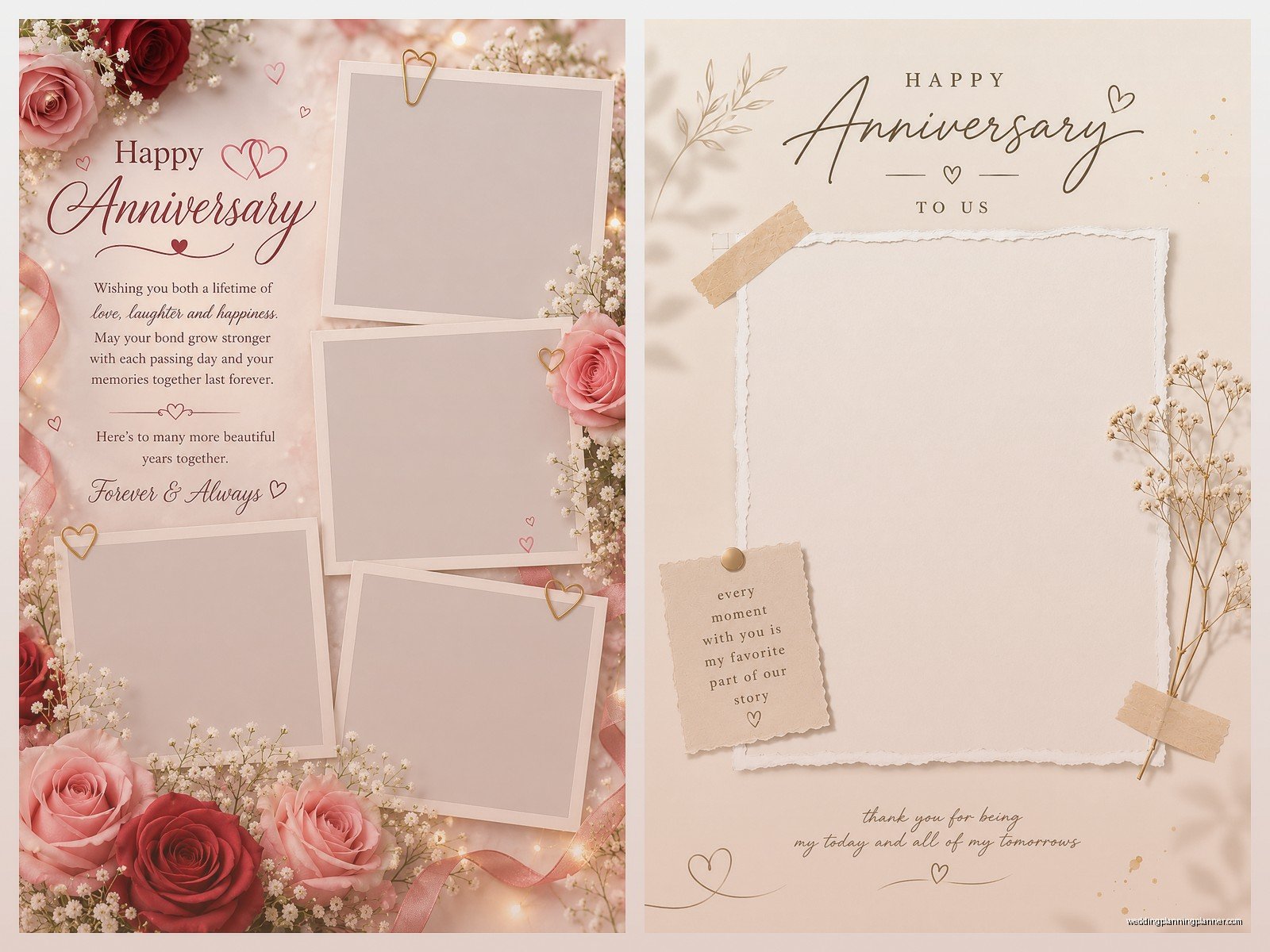
Photo collage templates are sweet for actually displaying memories. They’ll have spots for like 6-12 photos arranged in a nice layout with space for a headline and maybe a quote. You can print these as posters or use them digitally.
Certificate templates exist too which sounds weird but they’re actually cute for milestone anniversaries. Like a “50 Years of Marriage” certificate that looks official and can be framed. My parents have one from their 40th that my sister made and it’s hanging in their hallway.
Specific Sites I Actually Use
Okay so beyond Canva which I already mentioned, Template.net has a whole anniversary section. Some stuff requires premium but they clearly mark what’s free. The quality varies wildly though so you gotta dig through to find the good ones.
Creative Market does “Free Goods” every Monday where designers offer full products for free for one week. I’ve gotten gorgeous anniversary card templates from there but you have to check weekly and download immediately because once the week ends they go back to paid.
Etsy might seem weird to mention in a free template guide but search “free anniversary printable” and you’ll find designers who offer freebies to get people interested in their paid products. The free ones are usually simpler versions but still nice quality.
Papier has some free printable cards including anniversary ones. You customize online and download the PDF. They’re trying to get you to order printed cards through them obviously but the free download option is right there and they don’t hide it behind signup walls or anything.
I found this site called DIY Printables or something… actually I can’t remember the exact name which is not helpful sorry, but it was specifically for printable party stuff and had anniversary banners and cupcake toppers and stuff. Let me think… oh it might be Printabulls? Or PrintaBelle? One of those cutesy portmanteau names.
How to Actually Use These Templates
So you found a template you like, downloaded it, now what? If it’s a PDF that’s already formatted, you literally just print it. Make sure your printer settings match the paper size the template was designed for. I usually do a test print on regular paper before using nice cardstock.
Speaking of cardstock, if you’re printing at home, get decent paper. The cheap stuff jams in printers and looks flimsy. You want at least 80lb cardstock for cards, 110lb if your printer can handle it. Staples and Office Depot have variety packs so you can test different colors and textures.
For editable templates like Canva ones, you’ll customize everything online before downloading. Change the text to your names and date, swap in your photos, adjust colors to match your wedding colors or favorite colors or whatever. Then download as PDF for printing or PNG/JPG for digital use.
If you’re sending to a professional printer, ask them what file format and resolution they need. Usually it’s PDF at 300 DPI minimum. Some templates are only 72 DPI which looks fine on screens but prints blurry. This is something that’s bitten me before and it’s so frustrating to realize after you’ve spent an hour customizing.
The Printing Part That Everyone Messes Up
Home printing is cheaper but finicky. Your printer needs to be calibrated properly or colors will look off. I printed a batch of anniversary cards for a client once and the champagne gold color came out as mustard yellow because my printer was low on yellow ink but I didn’t realize it.
For important stuff, I honestly recommend professional printing. FedEx Office, local print shops, even Costco if you have a membership. Upload your file, they print on good equipment with proper color management. Costs more but looks way better.
If you’re doing home printing, do a test print first I can’t stress this enough. Check that nothing is cut off, colors look right, text is readable. Adjust your file if needed before printing twenty copies.
Also bleed and margins are a thing. Bleed means the design extends past the edge so when you cut the paper there’s no white border. Margins mean keeping important text away from edges so it doesn’t get cut off. Most templates have these built in but double-check before printing.
Customizing Without Design Skills
You really don’t need to be a designer to make these look good. The template does the heavy lifting with layout and color schemes. You’re just personalizing the content.
Stick to the fonts that are already in the template unless you really know what you’re doing. Designers chose those fonts because they work together. Swapping in Comic Sans or whatever random font you like will probably make it look worse, not better.
Same with colors. If the template uses rose gold and navy, don’t suddenly add lime green because it’s your favorite color. You can adjust shades within the same color family but totally changing the palette requires actual design knowledge to pull off.
Photos should be high resolution if you’re printing. That means at least 1MB file size for a standard photo spot, bigger if it’s a large area. Phone photos from the last few years are usually fine but old scanned photos might be too low quality and will look pixelated when printed.
My cat just knocked over my coffee while I’m writing this which is perfect timing because… nah that’s not related to anything I just needed to clean that up.
What Annoys Me About Free Templates
The biggest thing is when sites advertise “free templates” but then every single good design has a little crown icon or “PRO” badge meaning you have to pay. Like just be honest that you have three ugly free options and everything else costs money.
Also templates that are technically free but require attribution. So you can use it free as long as you include “Design by BlahBlah Graphics” on the final product. For personal use that’s kinda weird? I don’t want my anniversary card to have someone’s business name on it.
File organization is another pet peeve. You download a template and it’s a ZIP file with seventeen folders and you can’t figure out which file is the actual template versus preview images versus readme files. Just give me one clearly labeled PDF or editable file please.
Templates for Different Anniversary Types
First anniversary is traditionally paper so you’ll find lots of templates specifically for that—cards, art prints, paper flowers designs. Some templates lean into the traditional gift themes which is kinda cute if you’re into that.
Milestone anniversaries like 10, 25, 50 years have fancier template options with more formal designs and metallic accents. These are usually designed to be frameable or keepsake quality.
For parents or grandparents anniversaries you want more classic elegant designs. For your own anniversary or friends you can go more playful or modern depending on your style.
There’s also anniversary party invitations versus just cards. Party invites need to include more info like venue, time, RSVP details, dress code maybe. Card templates are simpler with just the sentiment and maybe a photo.
The Whole “Download Safely” Thing
Be careful what sites you download from because some sketch places bundle malware with free files. Stick to known sites like the ones I mentioned earlier. If a site looks super ad-heavy or redirects you through multiple pages before the download, probably skip it.
Create a burner email for signing up to template sites if you don’t want spam in your main inbox. I have an email specifically for this kind of thing and it gets like fifty promotional emails a day but who cares because I never check it except when I need to confirm a download link.
Check file sizes before opening. A template shouldn’t be like 50MB unless it’s a huge multi-page design with lots of high-res images. If a simple card template is downloading as a 2GB file something’s wrong and you probably got malware instead.
Making It Actually Personal
The point of customizing templates is making them feel personal not generic. Add an inside joke in the text, use a photo from a meaningful moment, reference something specific to your relationship or the couple you’re celebrating.
I did an anniversary card for my own parents last year using a free template but I added this tiny detail where the decorative element at the bottom was actually the same flower from my mom’s wedding bouquet. She cried when she noticed it which made me cry and it was a whole thing but that’s what makes it special versus just downloading and printing as-is.
You can also combine elements from multiple templates if you’re using something like Canva. Take the border from one design, the text layout from another, add your own photo, mix and match until it feels right. That’s basically what professional designers do anyway, they just charge you $200 for it.
Handwritten elements are underrated too. Print the template but leave space to write a personal message by hand. Or add a hand-drawn doodle if that’s your thing. It breaks up the obviously-templated look and adds genuine personality.
Sometimes I think templates are actually better than fully custom designs because they give you a professional starting point but you still make it your own, versus hiring a designer who might create something beautiful but that doesn’t quite feel like you… wait I was gonna say something else but I forgot where I was going with that thought.
Anyway the main thing is free anniversary templates are totally usable and you don’t need to spend money on custom designs unless you really want to. You just gotta know where to look and how to customize them properly so they don’t look like you grabbed the first thing you found and slapped names on it five minutes before giving it to someone
