
Planning Guides, Style Guide
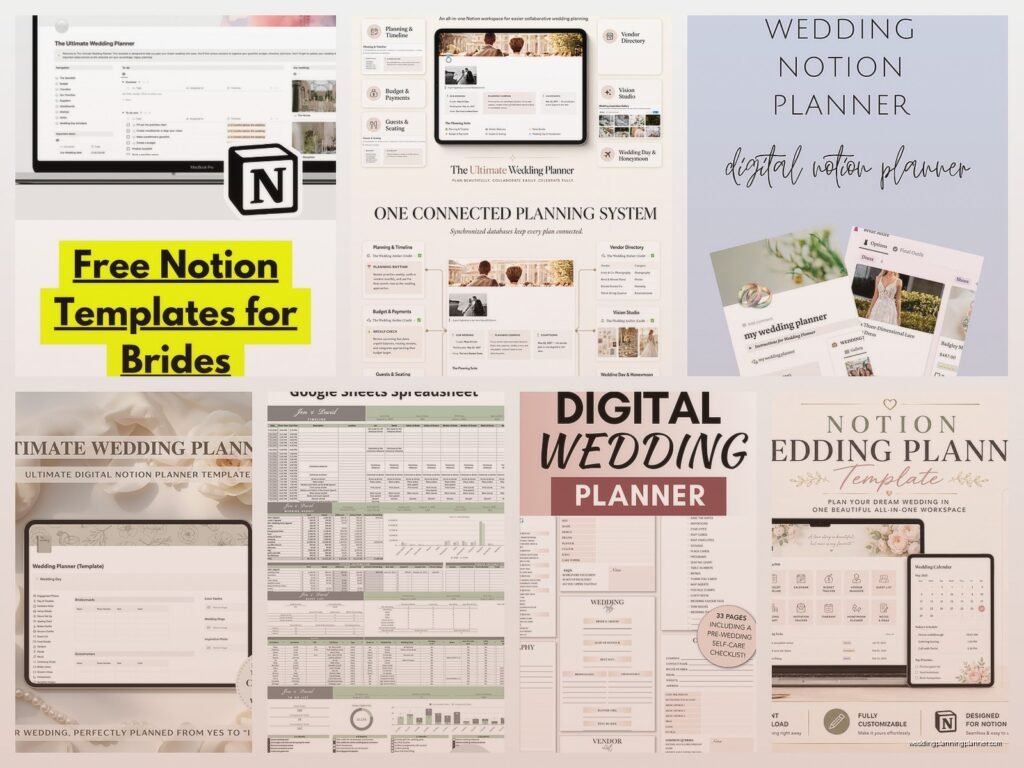
Wedding Planning Notion Template: Free Download Files
Sep
So You Want a Notion Template for Wedding Planning
Okay so I’ve been using Notion for wedding planning since like spring 2023 and honestly I wish I’d started earlier because the number of Excel spreadsheets I had before that was just… anyway, let me tell you what actually works when you’re setting up a Notion template for weddings.
The thing about Notion is it’s kinda overwhelming at first? Like you open it and there’s all these options and databases and you’re thinking “I just need to track RSVPs” but then you realize you can build this whole interconnected system. Which is either exciting or terrifying depending on your personality.
Why Notion Actually Makes Sense for Weddings
I had this bride in summer 2021 who was using like seven different apps—one for budget, one for guest list, one for vendor contacts, Pinterest for inspo obviously—and she kept losing track of what she’d already paid deposits for. That’s when I really started pushing couples toward having everything in one place. Notion lets you link databases together so your vendor list connects to your budget which connects to your timeline and suddenly you’re not frantically texting your florist at 11pm because you forgot when the final payment was due.
Plus it’s free for personal use which is huge when you’re already spending thousands on a wedding. The paid plans have more features but honestly for one wedding you’re gonna be fine with the free version.
What Should Actually Be In Your Template
Here’s what I include in every template I set up for clients or recommend they download:
Guest List Database
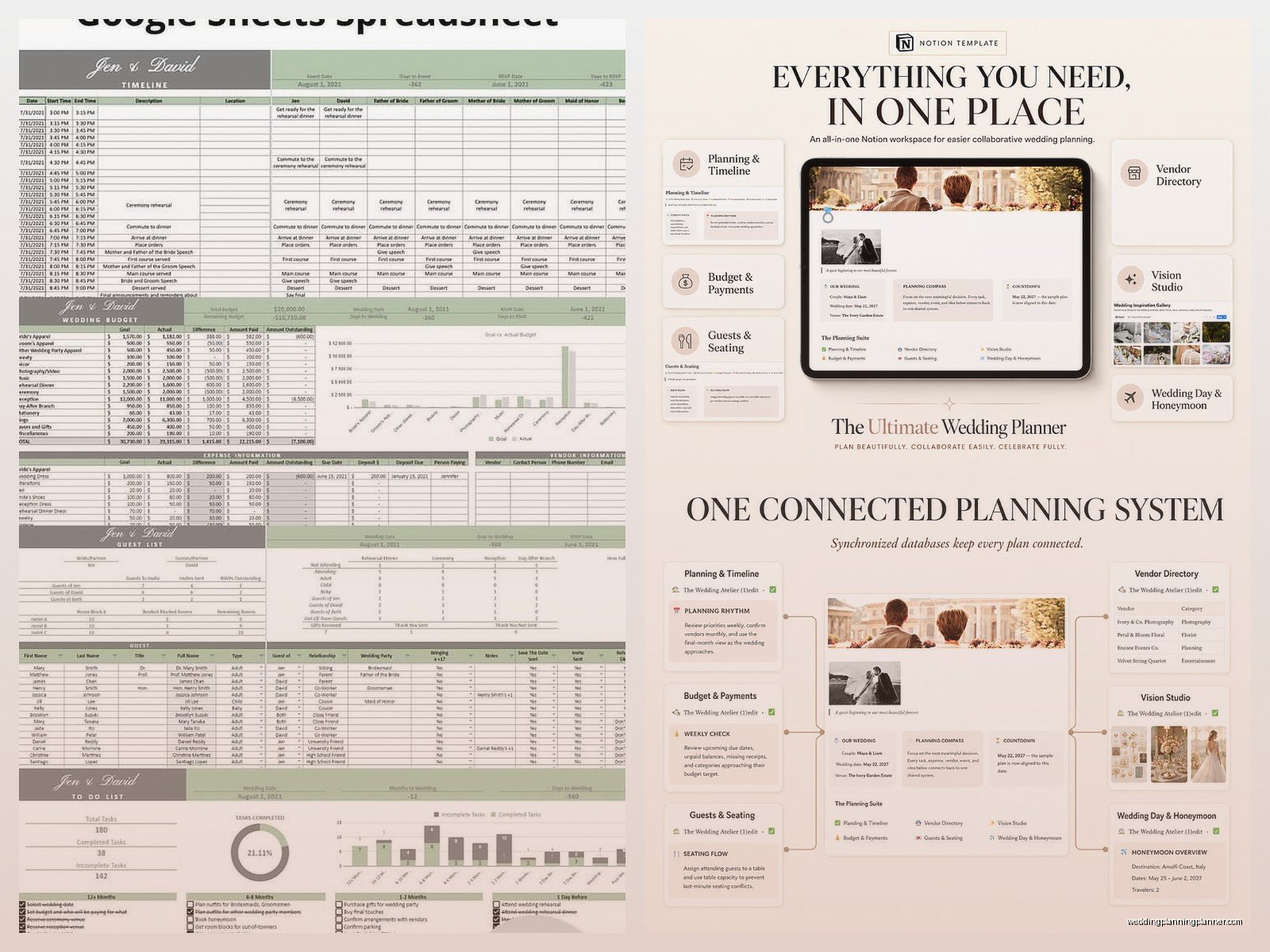
This is your foundation. You need columns for names obviously, but also relationship to bride/groom, address, phone number, email, RSVP status, meal choice, plus-one status, and whether they’re invited to rehearsal dinner. I also add a “group” column so you can tag people like “college friends” or “mom’s side” because trust me you’ll want to filter by that later.
The RSVP tracking part is where Notion really shines because you can create different views—one that shows everyone who hasn’t responded yet, one for dietary restrictions, one for just the people coming to the rehearsal dinner. My cat walked across my keyboard while I was setting one of these up last week and somehow created a view I didn’t even know I needed but anyway.
Budget Tracker
This is the part that stresses everyone out. I set mine up with columns for vendor/item, estimated cost, actual cost, deposit paid, deposit amount, balance due, due date, and payment status. Then you can add formulas to calculate how much you’ve spent versus your total budget.
One thing that really annoyed me about other budget templates I’d seen was they didn’t account for tips and taxes separately? Like you budget $3000 for catering but then there’s service charges and gratuity and suddenly it’s $3800. So I always add a “additional fees” column now.
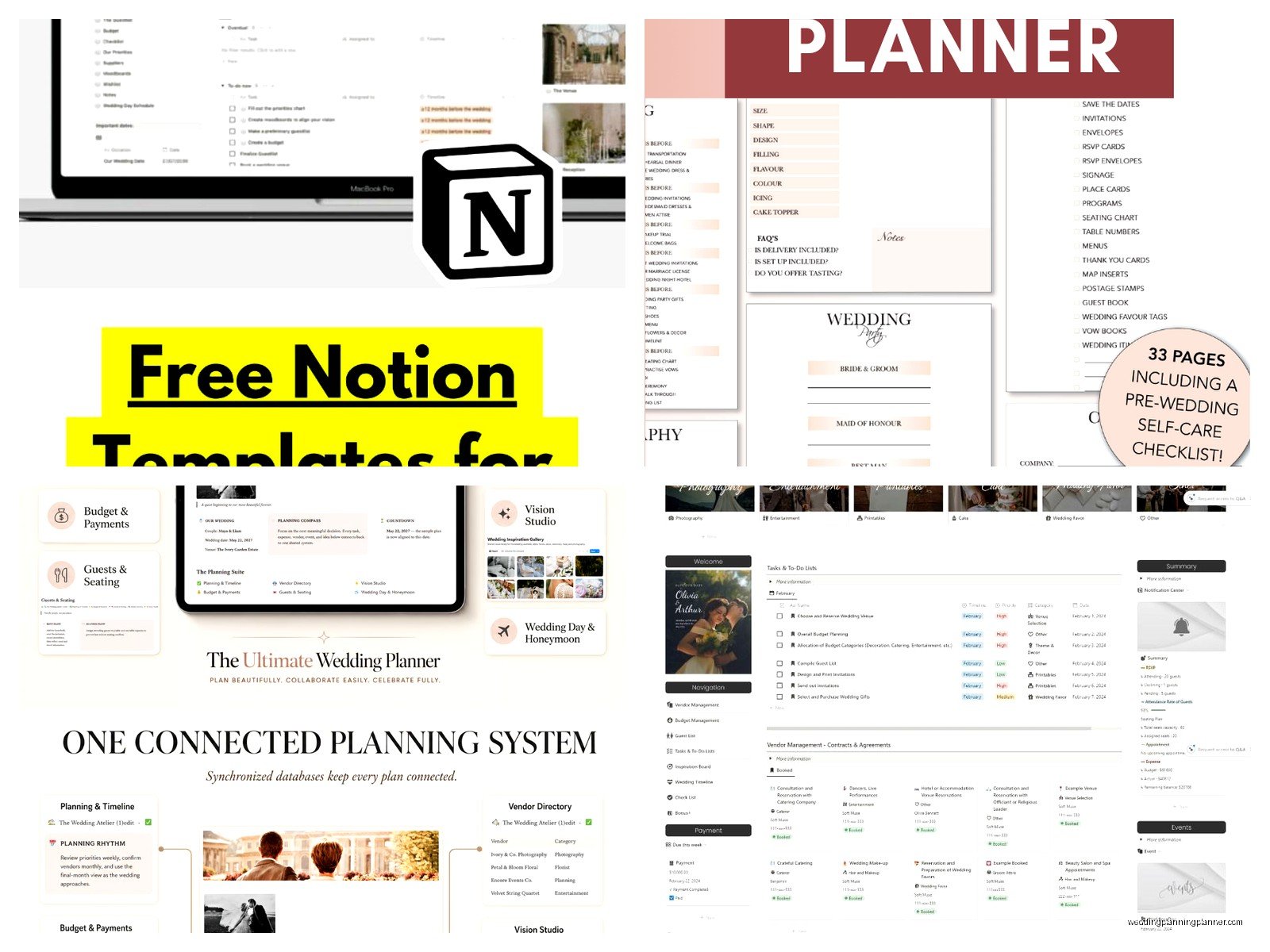
You can also link this database to your vendor database so when you click on “photographer” in your budget it takes you to all their contact info and contract details. That connection is *chef’s kiss*.
Vendor Contact Database
Names, business names, services, phone, email, website, contract status, insurance received (important!), and then I like to add a notes section for random stuff like “responds fastest to text” or “closed Mondays.” You can also upload contract files directly into Notion which is super handy instead of having them scattered across your email and Google Drive.
Link this to your timeline too so you can see when you need to follow up with each vendor.
Timeline/Task Manager
This is where you track all the things you gotta do. I organize mine by month starting from engagement through one month after wedding (yes you have post-wedding tasks like thank you notes and returning rentals). Each task gets a due date, priority level, status, and who’s responsible for it.
The Notion timeline view is really visual for this—you can see everything laid out across months and spot when you’ve got too much crammed into one week. Which will happen. Probably in the month before the wedding when you’re also trying to finalize seating charts and confirm vendor arrival times and…
Seating Chart
Okay this one’s tricky to build in Notion but totally doable. I create a database of tables with table numbers, capacity, and then a relation to the guest list so you can assign people to tables. Some people prefer doing this visually in other software which honestly fair, but having it in Notion means it’s connected to your RSVP list so if someone cancels you can quickly reassign seats.
Inspiration & Ideas
Just a gallery database where you can dump photos, links, color codes, fabric swatches (take photos of them), anything visual. Tag them by category like “florals” or “ceremony decor” or “backup dress options.” Way better than having 847 pins on Pinterest that you can’t remember why you saved.
Where to Actually Find Free Templates
So there are a bunch of places to grab free Notion wedding templates. The official Notion template gallery has a few—just go to notion.so/templates and search for wedding. They’re pretty basic but good starting points.
Reddit’s r/Notion community shares templates all the time. People post their wedding planning setups and include duplication links. Same with the Notion Facebook groups.
There are also creators who offer free versions on their websites or Gumroad—you’ll see them on Instagram or TikTok usually. Just search “free Notion wedding template” and you’ll find options. Some require email signup which is kinda annoying but most are genuinely free, not those “free but actually pay $29” situations.
I’ve got a basic one on my blog that I offer for download too. It’s got the essentials without being overwhelming.
How to Actually Use These Templates
When you download a template, you’ll get a link to duplicate it into your own Notion workspace. Click the link, hit “Duplicate” in the top right corner, and boom it’s yours to customize.
First thing I do is delete anything you won’t use. If you’re not having a rehearsal dinner, remove that database or those tasks. If you’re doing a small wedding and don’t need seating charts, take that out. Templates often include more than you need and it just creates clutter.
Then start filling in what you know. Add your guest list even if it’s rough. Put in your budget with realistic numbers—look up average costs in your area for vendors you haven’t booked yet. Add any vendors you’ve already contacted to that database.
The timeline tasks are usually pre-populated with standard wedding planning milestones but adjust the dates to match your actual wedding date. Most templates have tasks like “book venue” set for 12 months before wedding but if you’re on a shorter timeline, shift everything accordingly.
Customizing Your Template
This is where Notion gets fun but also where people get overwhelmed and give up. You don’t have to customize right away! Use it as-is for a few weeks and see what’s missing or what’s annoying.
Maybe you realize you need a gift tracker for shower and wedding gifts. Add a new database. Maybe you want to track your wedding website updates—add a page for that. Maybe you need a packing list for your honeymoon which okay that’s not wedding planning exactly but it’s wedding-adjacent so why not keep it in the same workspace.
I always add a “day of” section with the minute-by-minute timeline, vendor arrival times, emergency contacts, and who has the rings/marriage license/vendor payments. You can share this specific page with your wedding party so everyone knows where they need to be when.
Formulas and Relations
If you’re comfortable with formulas, you can do some powerful stuff. Like calculating the cost per guest by dividing your total budget by guest count. Or showing how many days until various deadlines. Or automatically marking tasks as overdue if they’re past their due date and still incomplete.
Relations between databases are huge. Link your guest list to your seating chart. Link your vendors to your budget and timeline. Link your inspiration images to your vendor notes so you remember to show your florist that specific bouquet style you loved.
But also if this sounds like too much, just… don’t worry about it? The basic template will work fine without getting into the technical stuff.
Mobile Access
Download the Notion app on your phone because you’ll want access to vendor contacts when you’re out doing tastings or meeting with planners. The app works pretty well though editing complex databases on mobile is sorta clunky. I mostly use mobile for viewing info and checking off tasks, then do the heavy editing on my laptop.
You can also share specific pages with your partner, wedding planner, or MOH so they can view or edit. Just click “Share” at the top of any page and add their email. Set their permission level—can comment, can edit, or just can view.
Common Issues I See People Run Into
The biggest mistake is building this elaborate system and then never updating it. I had a couple who spent hours setting up their Notion and then just… stopped using it after a month because it felt like homework. The template only works if you actually maintain it. Set a weekly time to update RSVPs, log expenses, check off completed tasks.
Another thing is making it too complicated from the start. Begin with the basics—guest list, budget, vendors, tasks. Add more as you need it. Don’t try to build the perfect system on day one or you’ll burn out.
Also people forget to back up their Notion. It’s cloud-based so it’s usually fine but I’ve seen glitches happen. Export your workspace as a backup every few weeks, especially your guest list and budget. Just go to Settings & Members > Settings > Export content.
Alternatives If Notion Isn’t Your Thing
Look, Notion isn’t for everyone. If you try it and hate it, there are other options. Google Sheets is free and shareable. Airtable is similar to Notion but more database-focused. Trello is good for visual task management. There are dedicated wedding planning apps like Zola or The Knot but they’re less customizable.
I still think Notion is the best free all-in-one option but use what actually works for your brain.
Sharing With Your Partner
Make sure your partner has access and actually knows how to use it. I’ve seen so many situations where the bride builds this whole system and the groom has no idea it exists or how to find anything in it. Do a quick tutorial together, show them where to find vendor contacts and the budget, explain how to mark tasks as done.
Some couples create a simplified mobile view for the less Notion-savvy partner with just the essential info in a clean layout. That way they can still access what they need without getting lost in all the databases and relations.
You can also use Notion’s commenting feature to discuss decisions without texting back and forth. Like comment on the catering budget line with “do we really need the premium bar package?” and have that conversation right there in context.
Keeping Everything Updated
Set reminders to review and update your Notion weekly. I do mine Sunday evenings with coffee while watching whatever reality TV is on. Takes like 20-30 minutes to add new expenses, update task statuses, follow up on any vendor questions, check RSVP counts.
After vendor meetings, immediately add notes to their database entry while it’s fresh. After dress shopping, upload photos to your inspiration gallery with notes about what you liked or didn’t. After your tasting, log those meal choices for guests.
The more you use it as your single source of truth, the more valuable it becomes. It’s like… okay bad analogy but it’s like training a puppy? The more consistent you are, the better it works. Anyway you get what I mean.
