
Planning Guides, Style Guide
Wedding Ppt Templates: Free Download Files
Sep
Okay So Wedding PowerPoint Templates Actually Matter More Than You Think
Look, I never thought I’d be the person lecturing anyone about PowerPoint templates for weddings but here we are. Summer 2021, I had this couple who wanted to do their entire rehearsal dinner presentation themselves and they downloaded like six different templates from sketchy websites and nothing matched and half the files were corrupted and I’m standing there with my laptop trying to salvage this thing thirty minutes before guests arrived. So yeah, I have opinions now.
The thing about free wedding PowerPoint templates is they’re everywhere but most of them are either garbage or they come with strings attached that nobody tells you about upfront. You gotta know where to look and what you’re actually downloading before you commit.
Where To Actually Find Decent Free Templates
Microsoft’s own template library is honestly your best starting point. Like, go to templates.office.com and search for wedding stuff. They’ve got slide decks for save-the-dates, rehearsal dinners, photo montages, all that. The quality is consistently okay to good, nothing’s gonna blow your mind but nothing’s gonna look like it was designed in 2003 either.
Canva has free wedding presentation templates too and I know everyone’s kinda tired of hearing about Canva but genuinely their free tier is solid for this. You can download as PowerPoint files which is clutch. The templates are more modern looking than most of what you’ll find elsewhere. Just make sure you’re filtering for actually free ones because they mix premium and free together and it’s annoying.
SlidesCarnival has some beautiful minimalist templates that work really well for weddings if you’re going for that clean aesthetic. Everything there is free and you don’t need to create an account which I appreciate. They’re more generic presentation templates but the botanical ones and the watercolor ones translate perfectly to wedding content.
Google Slides templates can be converted to PowerPoint pretty easily, so don’t sleep on those. SlidesGo has a wedding section and you can download in multiple formats. The conversion isn’t always perfect but it’s like 90% there usually.
What You’re Actually Looking For In A Template
Okay so when you’re browsing through options you want to think about what you actually need this presentation for. Is it a photo slideshow for the reception? A timeline presentation for your wedding party? A cute way to display your love story at the rehearsal dinner? The purpose matters because…
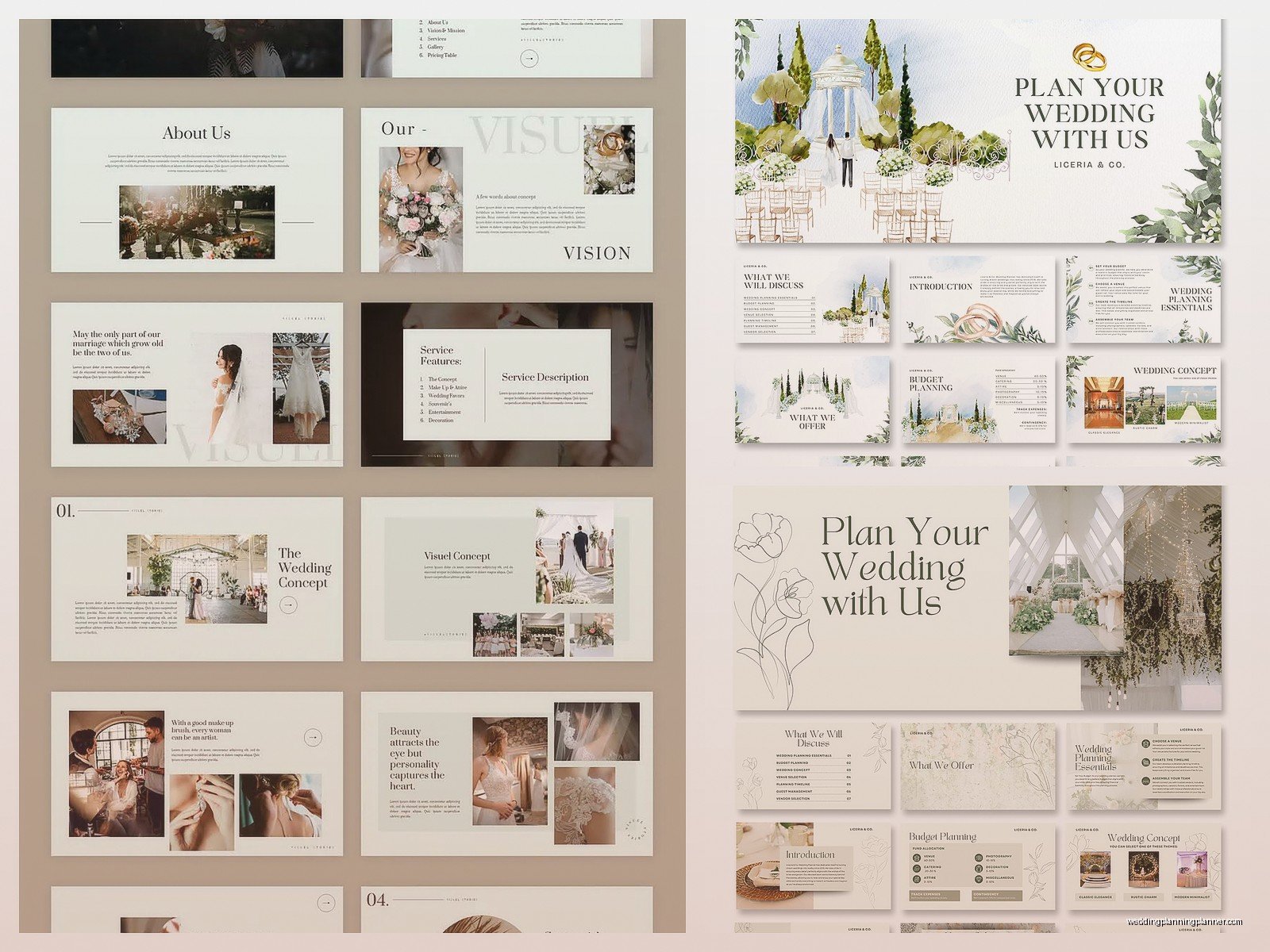
For photo slideshows you need templates with big image placeholders and minimal text areas. Look for ones that have like 20+ slides already because you’re gonna want variety. Nobody wants to see the same slide layout fifteen times in a row with different photos. Trust me on this.
For informational stuff like timelines or wedding party intros you need templates with good text hierarchy and multiple layout options. Make sure there are slides for lists, slides with headings and body text, slides with multiple columns.
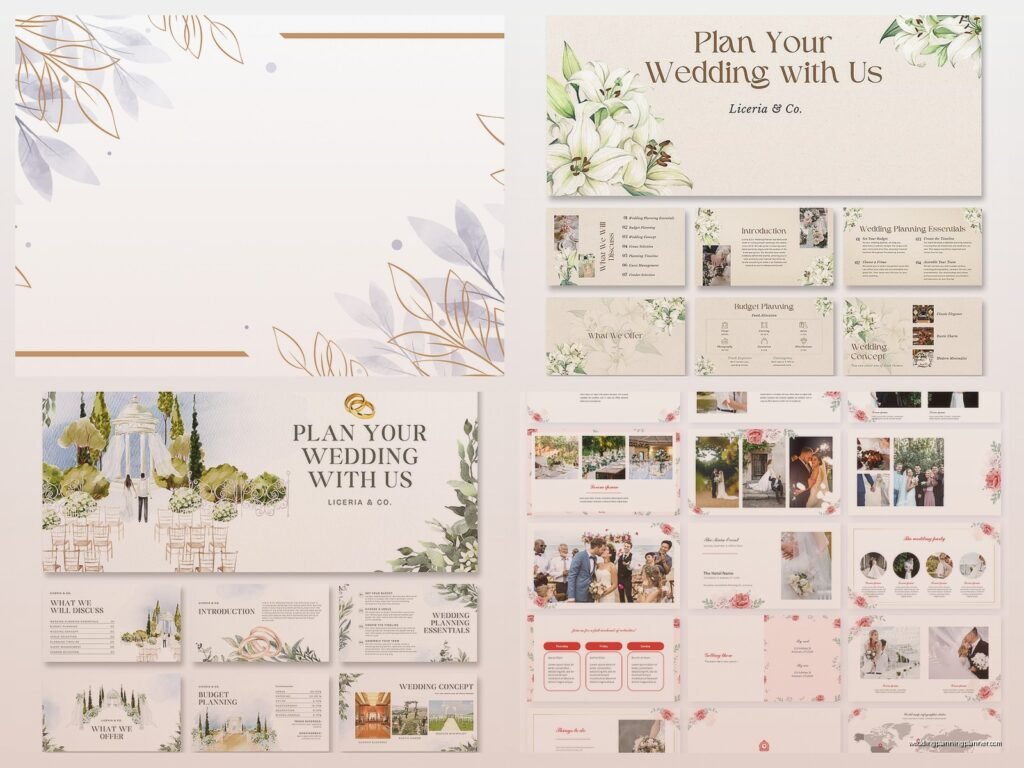
Color scheme is huge. If your wedding colors are burgundy and gold you probably don’t want a template that’s locked into pastel pink and mint green. Some templates let you easily change colors and some are a nightmare to modify. Before downloading check if there’s a preview showing multiple slides because that’ll give you a sense of flexibility.
The Download Process And What To Watch For
This is where things get sketchy sometimes. Some “free” template sites make you sign up for email lists or they give you a file that’s actually just a link to another site or whatever. My cat just knocked over my coffee while I’m writing this, great timing Whiskers.
Anyway, legitimate free downloads should be straightforward. You click download, you get a .pptx file or a .zip file containing the template. That’s it. If a site is asking you for payment info “just to verify” or wants you to complete surveys or download some kind of template manager software, nah. Close that tab.
Check the file size too. A PowerPoint template should be like 2-15MB usually, depending on how many slides and whether it includes stock photos. If you’re downloading something that’s 150MB it either has a ton of high-res images included or something’s off.
Always scan downloads with antivirus before opening them. I know that sounds paranoid but I’ve seen people get malware from template sites and it’s not worth the risk for a free PowerPoint file.
Actually Using The Template Without Losing Your Mind
So you’ve downloaded a template, congrats. Open it up and immediately do “Save As” with a new name so you’re not working on the original file. This way if you screw something up you can start over.
Most templates come with a master slide setup which controls the overall design. You can access this in PowerPoint by going to View > Slide Master. This is where you can change fonts across the entire presentation at once or adjust color schemes. It’s way more efficient than changing each slide individually.
Here’s what annoyed me recently about templates: some of them use custom fonts that aren’t standard on most computers, so when you open the file it substitutes with Arial or Calibri and everything looks wrong. If your template uses special fonts, PowerPoint should prompt you about this. You can either install those fonts on your computer or choose different ones. Just make sure whatever fonts you use are installed on whatever computer will actually be playing the presentation at your venue.
Speaking of venues, test your presentation on the actual equipment you’ll be using if possible. I had a situation in spring 2023 where a couple’s gorgeous presentation looked perfect on their MacBook but the venue’s Windows PC and projector combo totally washed out all the colors and you could barely read the text. We ended up adjusting contrast and font sizes the day before the wedding which was not ideal.
Customizing Without Making It Look Homemade In A Bad Way
The point of using a template is that someone already did the design work so you don’t have to. But you still gotta customize it to make it yours. Replace placeholder text obviously, swap in your photos, adjust colors to match your wedding palette.
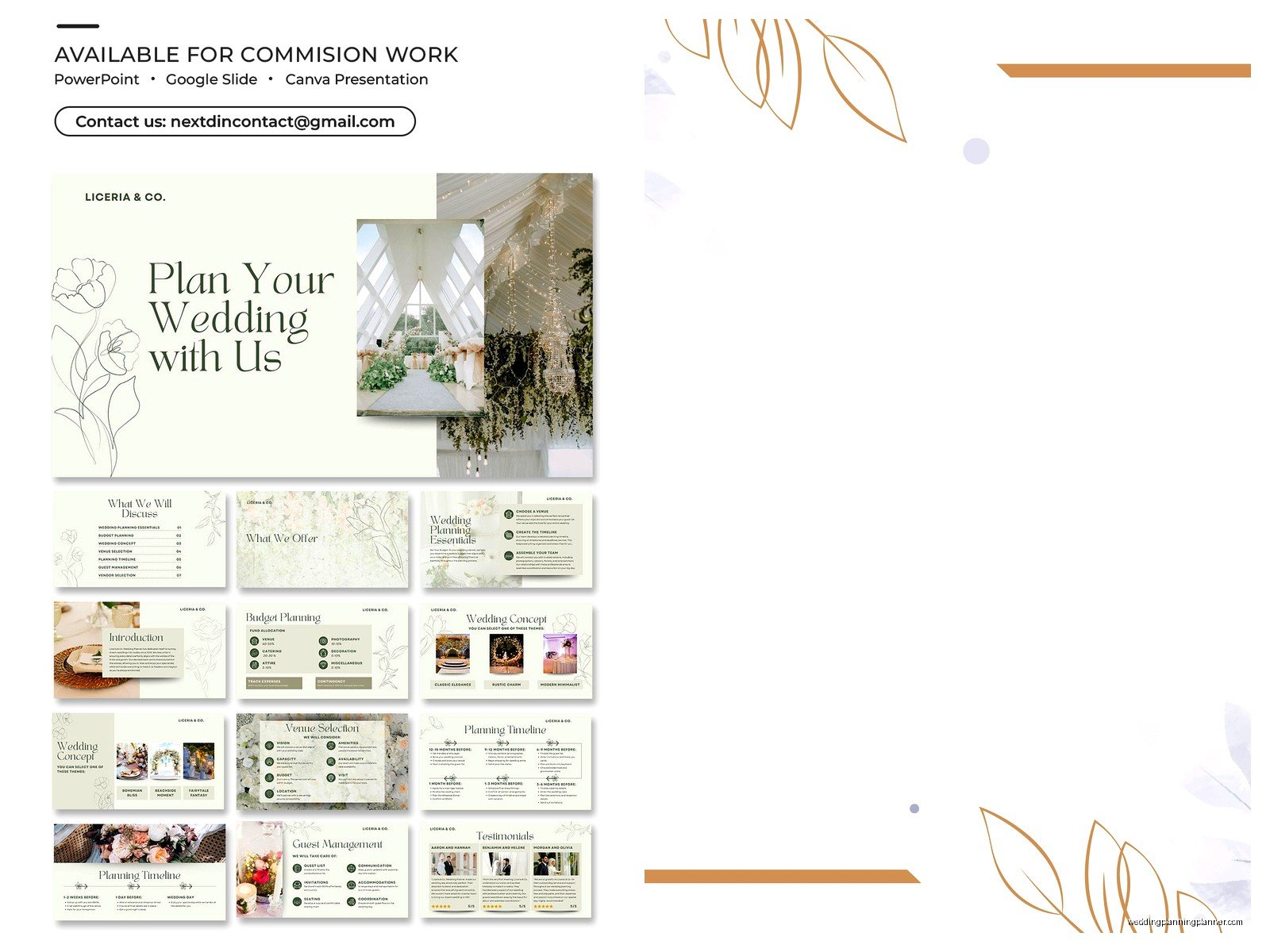
Keep the layout structure though. If the template has text aligned a certain way or images positioned in a specific spot, there’s usually a design reason for that. I see people download beautiful templates and then move everything around and suddenly it looks like a middle school book report.
When adding photos, use high resolution images. Blurry photos look worse in a presentation than in print somehow. And don’t stretch photos to fit if they’re the wrong dimensions, crop them or use the “Fill” option so they don’t look distorted.
Consistency is key across slides. If you use a certain font size for names on one slide, use that same size on other slides. If photos have rounded corners on some slides, make them all rounded corners. The template should guide this but you can still mess it up if you’re not paying attention.
Common Free Template Mistakes I See All The Time
Using too many different templates in one presentation. I get it, you found multiple cute ones and you wanna use them all but it looks disjointed. Pick one template and stick with it or at least make sure they’re from the same collection if you’re mixing.
Keeping the placeholder text or images. I’ve literally seen presentations at weddings that still say “Insert Your Photo Here” on slides because someone forgot to replace it. Double-check every single slide.
Making the presentation too long. Even if you have 500 photos from your relationship, nobody wants to sit through a 45-minute slideshow. Keep it to like 5-10 minutes max. Which means you’re looking at maybe 50-80 slides if each one displays for about 4-6 seconds.
Not testing transitions and animations. Some templates come with built-in animations and they might be too slow or too flashy or just not your style. Go through and adjust timing, remove animations you don’t like, whatever. Just don’t discover during the actual event that every slide has a weird spinning transition that makes people dizzy.
Licensing And Attribution Stuff You Should Know
Most free templates are free for personal use which weddings fall under. But read the license info because some require attribution, meaning you need to credit the designer somewhere. For a wedding presentation this could be like a small text credit on the last slide.
Some free templates are only free if you’re not using them commercially. Since you’re not selling anything this doesn’t apply but if you’re a wedding vendor using templates for client presentations, you might need commercial licenses.
Stock photos included in templates usually have their own licensing. Just because the template is free doesn’t mean you can use those stock photos anywhere else or that they’re cleared for all uses. If you’re just using the template as-is for your wedding you’re probably fine but don’t like, take those photos and use them on your wedding website or something without checking.
Alternatives If Free Templates Aren’t Cutting It
Sometimes free templates just don’t have what you need or the quality isn’t there. Premium template sites like Creative Market or Etsy have wedding PowerPoint templates usually for like $10-30. If you’re gonna be picky about design this might be worth it.
You could also hire someone on Fiverr to customize a template for you. This is kinda in between free and expensive, usually runs $20-50 depending on what you need.
Or honestly, if you have basic design skills, start with a blank presentation and use PowerPoint’s built-in design ideas feature. You pick a color scheme and some photos and it generates layout options. Not as polished as a dedicated wedding template but more customized to you.
Technical Tips For The Actual Presentation Day
Save your final presentation in multiple formats. Keep the .pptx file but also save as a .pdf as backup and if you’re really worried export it as a video file. Video files play more reliably across different systems.
Bring your presentation on a USB drive AND email it to yourself AND have it in cloud storage if possible. Redundancy saves lives, or at least saves wedding presentations when your USB decides to corrupt itself.
If you’re using video or audio in your presentation, make sure those files are embedded not linked. Otherwise they won’t play on a different computer. In PowerPoint you can check this in File > Info, it’ll tell you if you have linked files.
Show up early to test everything at the venue. And I mean like hours early if possible, not twenty minutes before. You need time to troubleshoot if the projector resolution is weird or the colors look off or the venue’s computer doesn’t have the right version of PowerPoint or whatever other chaos might emerge.
Have someone designated to advance slides or set it to auto-advance with timing. Nothing’s more awkward than a slideshow that just sits on one slide for three minutes because nobody’s paying attention to it. I usually recommend auto-advance for photo slideshows and manual advance for anything with information people need to read.
Specific Template Recommendations For Different Wedding Events
For engagement parties, go with something fun and casual. Templates with polaroid-style photo frames or scrapbook aesthetics work well. You don’t need anything super formal.
Rehearsal dinners can be more personal and storytelling-focused. Templates with timeline layouts or “our story” themes are perfect. This is where you can get into the cute details about how you met and all that.
Reception slideshows should be elegant and photo-focused. Minimal text, maybe just names and dates, let the images do the talking. Templates with fade transitions and simple borders usually work best.
If you’re doing a presentation for your wedding party as like thank you or introduction thing, look for templates with individual slide layouts where each person can have their own page with their photo and a little blurb about them.
The key thing is matching the vibe of the template to the formality level of your event. A super minimalist modern template might feel off at a rustic barn wedding, you know? And a template with lots of florals and script fonts might be weird at an industrial loft venue.
Anyway I think that covers most of what you need to know about finding and using free wedding PowerPoint templates without everything going sideways. Just remember to start looking earlier than you think you need to, test everything multiple times, and always have a backup plan because technology loves to fail at the worst possible moments.
