
Planning Guides, Style Guide
The Knot Ultimate Wedding Planner And Organizer: Professional Services Guide
Mar
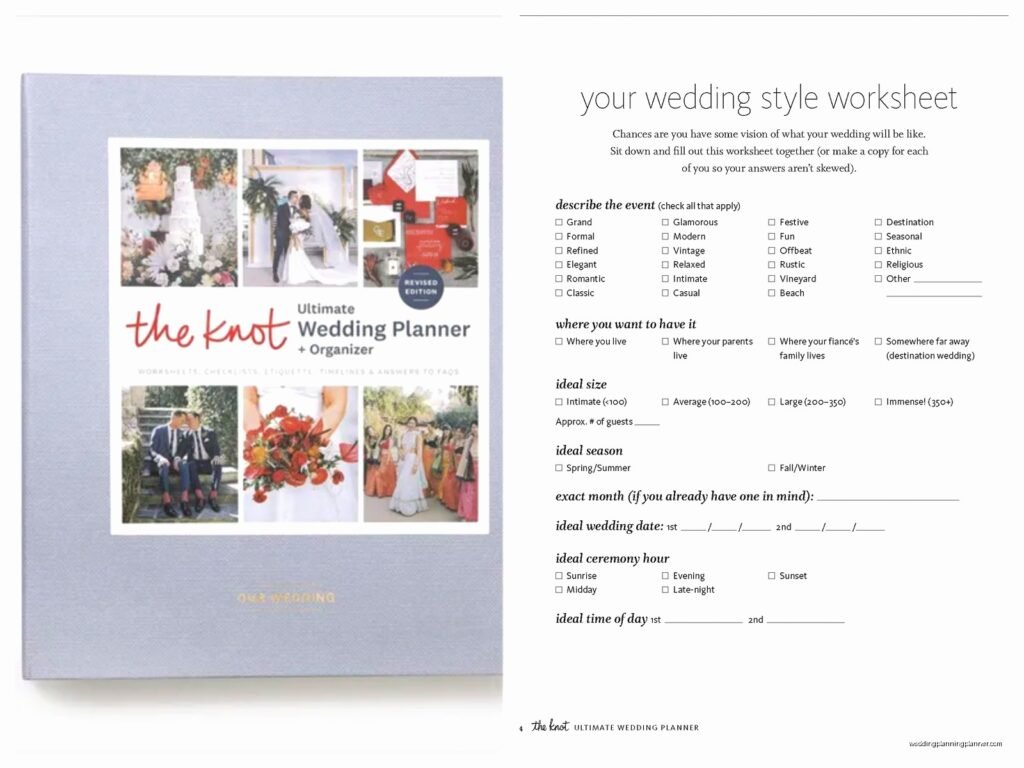
So You Got The Knot Ultimate Wedding Planner
Okay so The Knot planner is basically this massive binder situation that every wedding planner either swears by or completely ignores, and honestly I’ve been in both camps depending on the year. When I first started using it back in like 2018, I thought it was gonna revolutionize my whole business but then you realize it’s really just a framework and you gotta make it work for YOUR specific planning style.
The thing about this planner is it’s designed for couples who are DIYing their wedding BUT if you’re a professional like me, you can totally adapt it as a client-facing tool or just steal the organizational structure for your own systems. I use it mostly as a baseline checklist now because clients always come to me with it already and they’re like “we’ve been using The Knot” so you might as well speak their language, right?
What’s Actually In This Thing
The planner breaks down into these major sections and honestly some are more useful than others. You’ve got your budget worksheets, vendor contact pages, timeline builders, guest list trackers, and then all these random pockets for storing contracts and swatches and whatever else. The budget section is probably the most detailed part because The Knot really wants you to track every single dollar, which is actually smart even though it feels excessive when you’re starting out.
There’s also this whole professional services directory section that’s meant to help couples find vendors, but as a planner, I use it backwards kinda? Like I’ll show clients what categories they need to think about and then obviously I’m bringing my own preferred vendor list to the table. The categories they include are pretty comprehensive though: photographers, videographers, florists, caterers, venues, DJs, bands, officiants, hair and makeup, transportation, rentals, stationery, bakeries, and like a million other subcategories.
The Budget Breakdown Reality
So The Knot suggests allocating percentages of your total budget to different categories and I gotta say, their percentages are… optimistic? They’ll say like 10% for flowers and in reality, depending on your market, flowers can easily eat 15-20% of a budget if you’re doing anything remotely elaborate. I had this wedding in spring 2023 where the bride was CONVINCED she could stick to The Knot’s flower budget and then she fell in love with peonies and garden roses and suddenly we’re $8K over and I’m the one who has to figure out where to pull that money from.
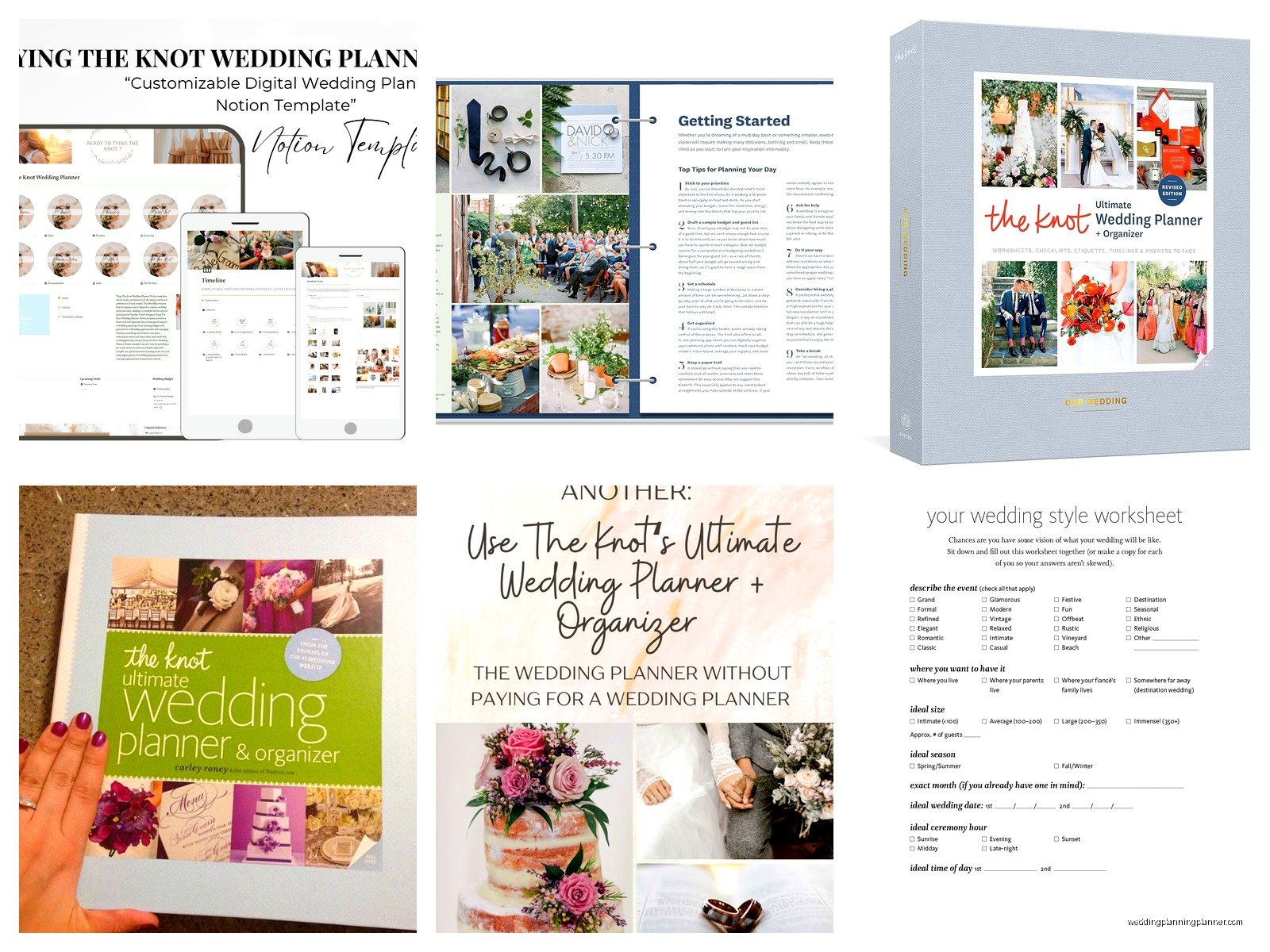
What I do now is I take their budget template as a starting point but then I customize it based on my local market rates. Like in my area, venues are insanely expensive, so that eats up way more than their suggested 25-30%. Sometimes it’s closer to 40-45% by the time you factor in the rental fees, the catering minimums, and all the stuff the venue makes you rent from their preferred vendors.
Using It With Professional Clients vs DIY Couples
Here’s where it gets interesting because the planner is marketed to everyone but it works differently depending on who’s holding it. When I work with full-service planning clients, I don’t really want them deep in the weeds of this planner because that’s literally what they’re paying ME for. But for partial planning or month-of coordination clients, I actually encourage them to use it for the parts they’re handling themselves and then we sync up regularly.
The timeline section is where I see the most confusion though. The Knot lays out this very rigid timeline like “12 months before: book venue, 10 months before: order dress” and while that’s a decent guideline, it doesn’t account for the reality that venues book up 18-24 months out now, or that if you’re getting married in peak season you need to move way faster on literally everything.
I remember this one couple came to me in summer 2021 with their Knot planner all filled out and they were so proud of their timeline but they wanted to get married in October 2022 and they hadn’t booked ANYTHING yet. I had to basically tell them that their dream venue was probably already gone and we needed to scramble. It was stressful because they kept referencing the planner like “but The Knot says we have time” and I’m like… nah, that’s national averages, not our competitive market reality.
Vendor Contact Pages Are Actually Useful
Okay so one thing I will give The Knot credit for is their vendor contact organization pages are really thorough. They have spots for contract dates, payment schedules, contact info, backup contacts, arrival times, and special notes. As a planner, I’ve actually photocopied this section format and adapted it into my own client portal because it’s just… it works.
You need to have all that information in one place especially on wedding day when things get chaotic. I keep a master vendor contact sheet that I build from the planner format but then I also make sure I have direct cell numbers for every single vendor, their assistants, and backup contacts because the number of times a vendor’s main line goes to voicemail on a Saturday is ridiculous.
The Guest List Section Needs Work Though
This is gonna sound harsh but the guest list tracker in The Knot planner is kinda outdated? Like it’s all paper-based and you’re supposed to manually check off RSVPs and meal choices and all that, which is fine if you’re having like 50 people but for a 150+ person wedding it’s a nightmare. I always tell clients to use a digital tool for this part even if they’re using the rest of the planner.
There are so many good guest list management apps now that sync with your website and track RSVPs automatically and send reminders to people who haven’t responded yet. The paper version just creates more work and honestly increases the chance of errors. I’ve seen too many situations where someone marks down the wrong meal choice or forgets to note a plus-one and then we get to the reception and there’s chaos.
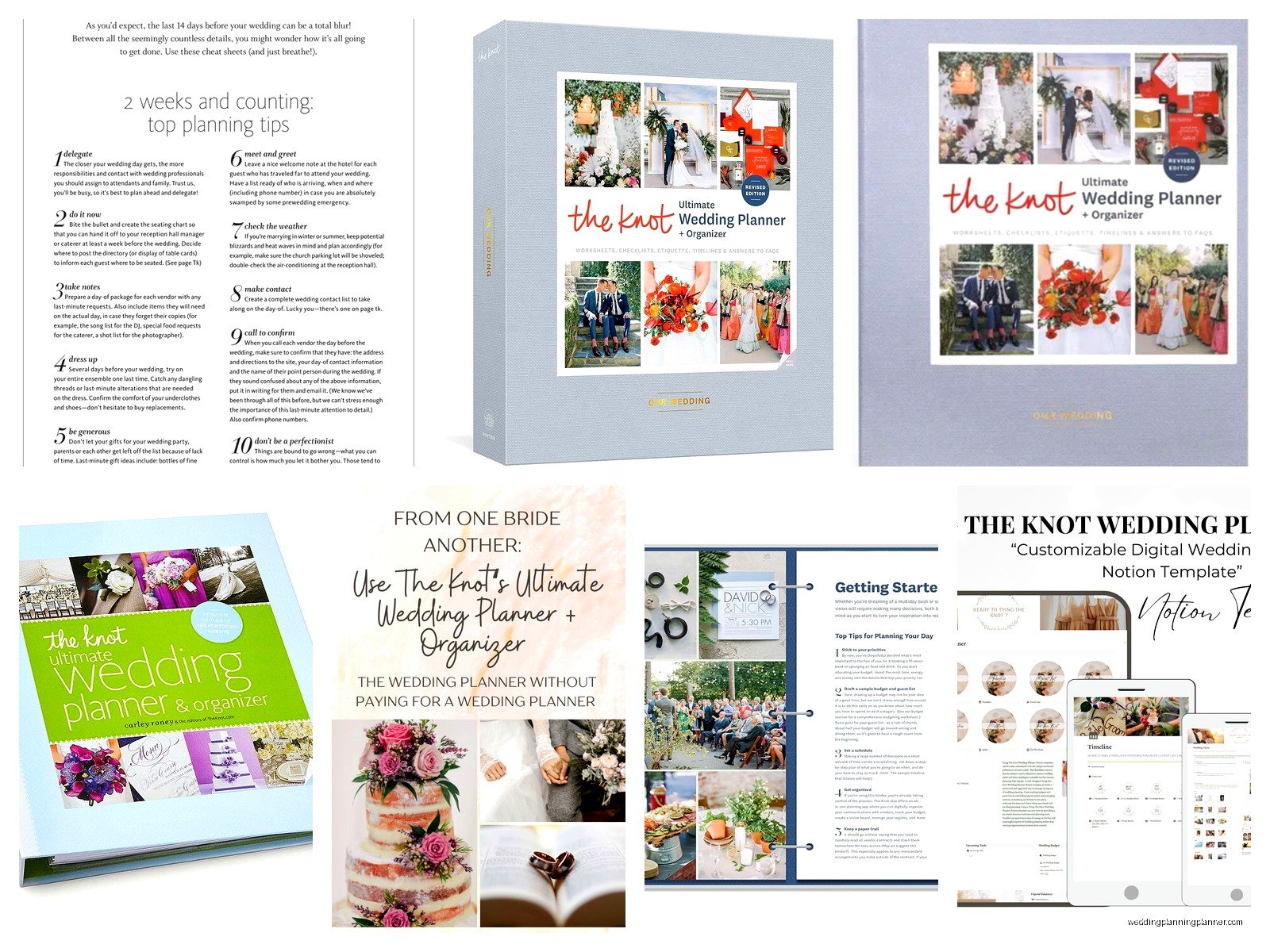
What I do is I have clients use the digital tools for active guest management but then we print out a final version for the planner binder so there’s a paper backup on wedding day. Because you know technology fails at the worst possible moments and I always wanna have that physical backup.
Timeline Builder Is Your Friend But Also Your Enemy
The timeline section has both a long-term planning timeline and a day-of timeline template, and honestly the day-of template is where this planner really shines. It’s set up in 15-minute increments which seems excessive until you’re actually running a wedding day and you realize that yeah, you really do need to know that the first look is at 3:15pm and then we need to be moving to family photos by 3:45pm or the whole schedule falls apart.
I take their template and then I customize it heavily based on each wedding’s specific needs. Like if we’re doing a first look, if we’re doing a receiving line, if there’s a tea ceremony, if we need extra time for a grand exit setup… all that stuff gets plugged into the basic framework. My cat literally walked across my keyboard while I was building a timeline last week and somehow made the whole thing align perfectly so maybe that’s the secret, just let chaos guide you?
But here’s what annoys me about their timeline template: it assumes everything goes perfectly. There’s no buffer time built in, no contingency planning, no “what if the bride is running 20 minutes late getting ready” scenarios. So when I use it, I always add 15-minute buffers between major segments and I build in catch-up time before the ceremony and before the reception.
Professional Services Guide Section Breakdown
Alright so the actual professional services guide part of this planner is like a mini vendor education section. It explains what different vendors do, what questions to ask them, what red flags to watch for, and roughly what you should expect to pay. As a professional this can be super helpful to reference when clients are interviewing vendors without you or when they’re trying to understand why certain services cost what they cost.
The photography section for example breaks down the difference between hours of coverage, what’s included in packages, album options, digital rights, and all that stuff. I actually keep this section bookmarked because when clients are confused about photography pricing I can literally show them the page and be like “see, this is industry standard, this is why your photographer isn’t being unreasonable.”
Catering And Venue Questions They Include
The venue and catering sections have probably 40+ questions listed that you should ask during tours and tastings, and while you definitely don’t need to ask ALL of them, it’s a really solid starting point. Things like “what’s your backup plan for bad weather,” “are there noise ordinances,” “when do we get access for setup,” “what’s included in your rental inventory,” “do you require us to use your preferred caterer” – all super important questions that couples often forget to ask.
I’ve started having my consultation clients review these question lists before they go on venue tours because it makes them so much more informed and then when they come back to me they actually have the information I need to help them make decisions. Instead of being like “yeah it was pretty” they can tell me about load-in times and whether there’s an in-house coordinator and what the bar package options are.
The catering section also breaks down different service styles which is helpful because not everyone knows the difference between plated service, family style, buffet, cocktail reception, stations, etc. And each style has different cost implications and timing implications and guest experience implications that you need to think through.
How I Actually Use This With Clients
So in practice what I do is during our initial consultation I ask if they have The Knot planner and probably 60% of couples already bought it. If they have it, great, we use it as a supplemental tool alongside my own planning system. If they don’t have it, I don’t necessarily push them to buy it because I have my own client portal and planning tools that are honestly more customized to how I work.
But for couples who are more hands-on or who like paper planning, I’ll recommend they grab it because it gives them something tangible to work with. Some people just think better with a physical planner in front of them and they like checking boxes and writing notes in margins and keeping everything in one binder. I’m definitely more digital at this point but I get the appeal.
For partial planning clients specifically, I’ll assign them sections of the planner to complete on their own and then we review together. Like I’ll say “okay you’re handling invitations and guest list management, so work through those sections of the planner and then let’s meet in two weeks to review where you’re at.” It gives structure to their homework basically and keeps them on track between our meetings.
The Contract Storage Pockets Are Clutch
One feature that seems minor but is actually super useful is all the pockets throughout the planner for storing contracts and receipts and payment records. On wedding day I always have the planner on hand with copies of all vendor contracts in those pockets because inevitably someone has a question about their contract terms or there’s confusion about what was included in their package.
I also have clients keep fabric swatches, invitation samples, inspiration photos, and all that stuff in the pockets so everything is centralized. It becomes this master reference binder that we can flip through during planning meetings instead of having stuff scattered across their email and their phone and random notebooks.
Where The Planner Falls Short For Professionals
Look, it’s not perfect and there are definitely areas where you need to supplement with your own systems. The planner doesn’t have great resources for managing the actual business side of planning if you’re a professional – like your own contracts, your insurance requirements, your business expenses, your time tracking, none of that is covered because it’s designed for consumers.
It also doesn’t go deep enough on cultural wedding traditions or non-traditional wedding formats. Like if you’re planning a Hindu wedding or a Jewish wedding or a same-sex wedding or a multi-day destination wedding, you’re gonna need resources beyond what The Knot planner provides. It’s very much built around a traditional American wedding format which is fine but limiting.
And honestly the design aesthetic is kinda dated at this point? Like it’s very “wedding magazine” from 2015 and weddings have gotten more personalized and less cookie-cutter since then. But whatever, it’s a planning tool not a coffee table book so I guess the design doesn’t really matter that much as long as it functions.
My Hybrid System
What I’ve landed on after years of experimenting is using The Knot planner as a client-facing organizational tool and backup system while running most of my actual project management through digital tools. So clients might keep their planner updated with vendor contacts and their timeline and their budget tracking, but I’m running everything through my planning software that has task management and automated reminders and real-time updates.
Then we sync up regularly where I review their planner and make sure my digital system matches their paper system and nothing is falling through the cracks. It’s sorta redundant but honestly in wedding planning redundancy is your friend because the consequences of missing something are really high and you don’t want to be that planner who forgot to confirm the cake delivery or… anyway you get the point.
The planner also becomes a nice keepsake for clients after the wedding which is a bonus I didn’t really think about when I first started using it. They have this complete record of their whole planning journey with all their notes and ideas and contracts and photos, and some couples really treasure that. It’s more meaningful than just having everything in digital files somehow.
