
Planning Guides, Style Guide
Best Invitation Websites: Top Online Design Platforms
Oct
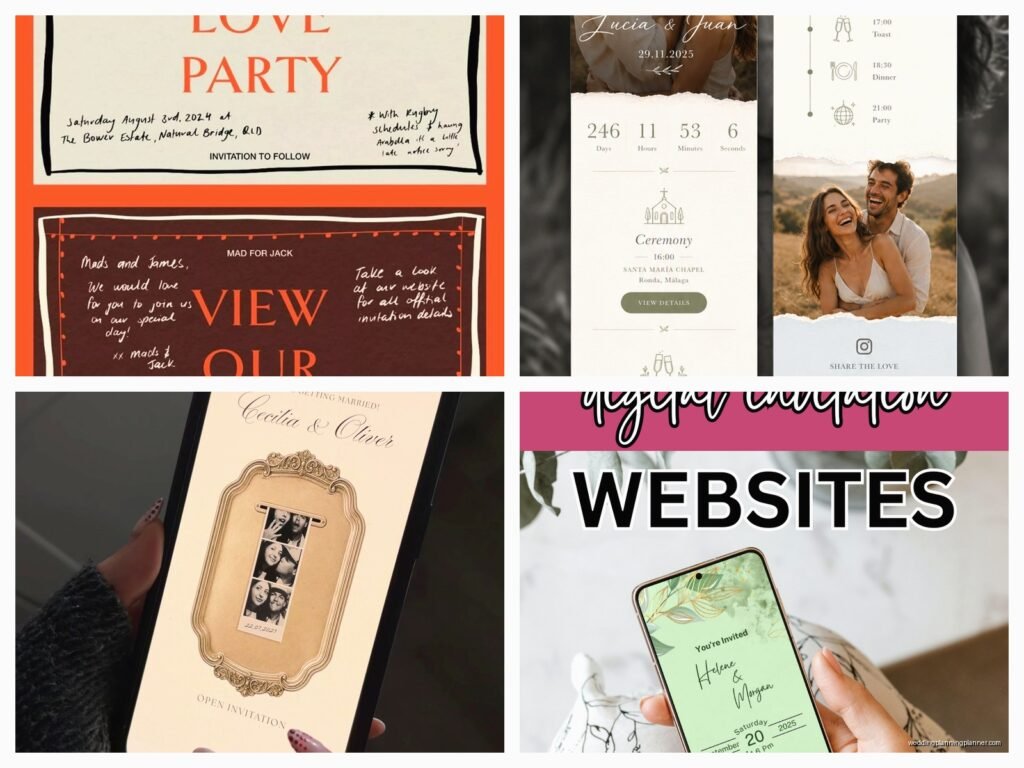
Okay So Online Invitation Platforms
Look, I’ve been dealing with invitation websites since like 2015 and honestly the landscape has changed SO much. Back in spring 2023 I had this bride who waited until literally six weeks before her wedding to start invitations and we had to go digital because there was no time for printing and mailing, and that’s when I really dove deep into what’s actually good out there versus what just looks pretty in Instagram ads.
The first thing you gotta know is that not all invitation websites are created equal. Some are amazing for DIY brides who want total control, others are better if you just want to pick something cute and be done in twenty minutes. I’m gonna break down the actual platforms I recommend and why, because there’s a lot of garbage out there that’ll waste your time.
Paperless Post – The Fancy One Everyone Knows
This is probably where you’ve already looked, right? Paperless Post has been around forever and they’ve got that thing where the digital invitations look like actual paper with textures and liners and all that. Their design selection is huge and they work with actual stationery designers, which is why some of their stuff costs coins even though it’s digital.
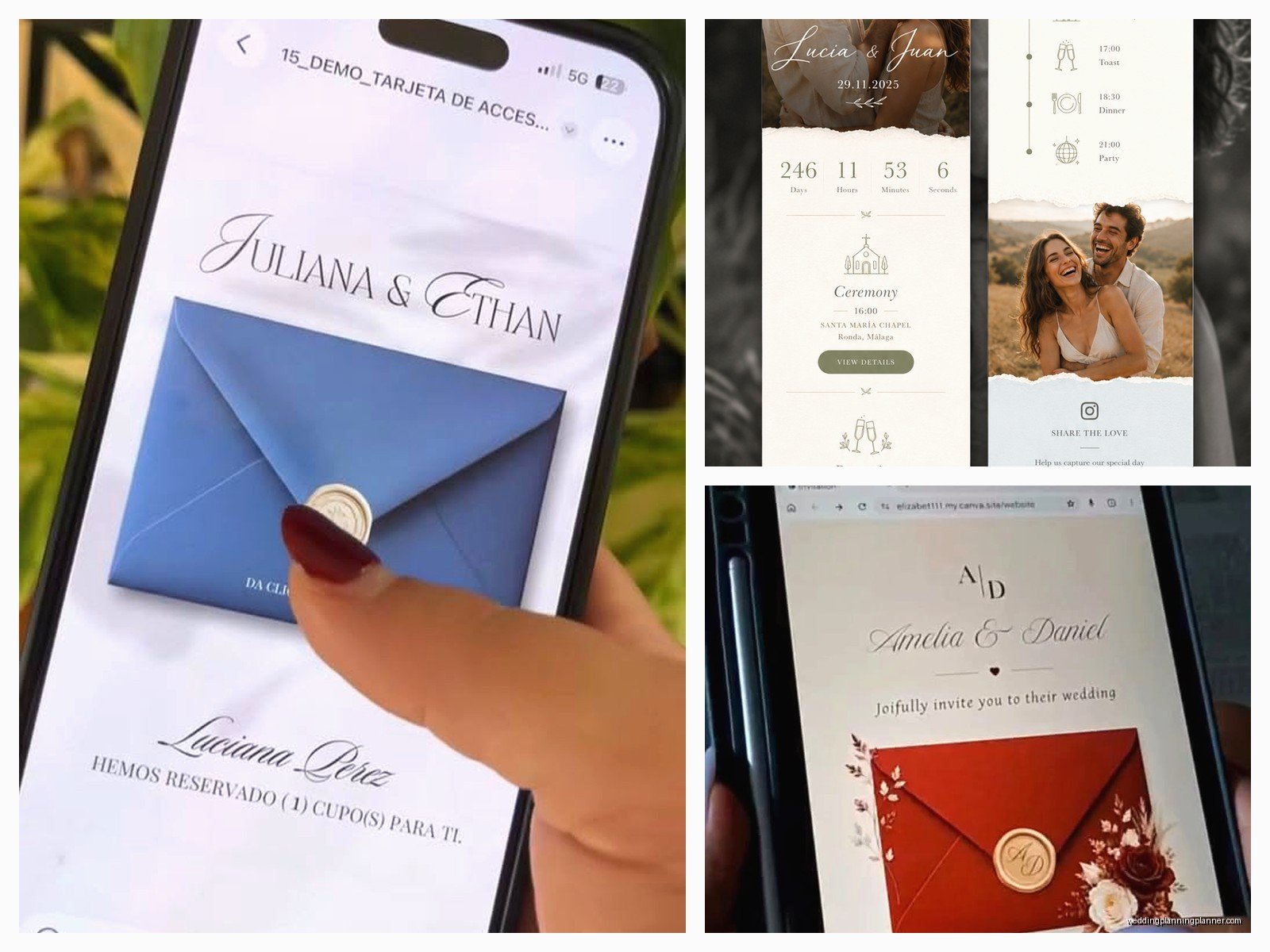
Here’s what I like: the envelope feature is kinda genius for digital invites because it gives that anticipation moment when someone opens it. You can customize pretty much everything – colors, fonts, text. The RSVP tracking is solid and integrates with your guest list smoothly. They also have both free and premium options, though the free ones are… limited.
What annoys me about Paperless Post is the pricing structure. You buy “coins” to send premium designs, and it’s this whole confusing system where you’re never quite sure how much you’re spending until checkout. Like just tell me the price upfront? I had a client spend $200 on invitations for 150 guests and she thought it was gonna be like $75. The coin thing is deliberately confusing and it drives me nuts.
Best for: formal events, people who want their digital invites to feel elegant, anyone who’s okay spending money for premium designs.
Greenvelope – The Eco-Conscious Choice
If you’ve got guests who care about sustainability or you just want to feel better about not creating paper waste, Greenvelope markets itself as the green option. Their designs are beautiful – really modern and clean. I used them for my own sister’s baby shower and the interface was super intuitive.
They have this feature where you can see when people open your invitation, which feels slightly stalker-ish but is actually useful when you’re trying to figure out if someone actually got it or if their email is wrong. The RSVP management lets you add custom questions, track meal choices, collect addresses – all the stuff you need.
The downside is it’s pricier than some other options and there’s no free tier at all. You’re paying per event, and while it’s not outrageous, it’s definitely an investment. But honestly the customer service is really good – I’ve emailed them at like 9pm on a Sunday and gotten responses.
Best for: modern weddings, eco-conscious couples, people who want excellent customer support and don’t mind paying for it.
Evite – The Original That’s Still Hanging On
Okay so Evite is what everyone used in like 2008 for birthday parties, right? It’s still around and honestly it’s gotten better. They’ve updated their designs to be less… early internet looking. You can use it completely free with ads, or pay for their premium version to remove ads and get fancier designs.
The free option is genuinely usable for casual events – I’m talking birthday parties, baby showers, casual gatherings. Don’t use free Evite for your wedding unless you want your guests to think you forgot to plan. The premium designs are actually pretty nice though, and way cheaper than Paperless Post or Greenvelope.
What I appreciate is how easy it is. Like your aunt who barely uses email can figure out Evite. The RSVP process is simple, you can add polls and potluck lists, and there’s a option for guests to comment which can be fun or chaotic depending on your crowd.
My cat literally just knocked over my coffee while I’m writing this, so if this section seems scattered that’s why…
Best for: casual events, people on a tight budget, anyone who wants simplicity over fancy features.
Minted – Designer Quality Digital Options
Minted is known for their printed stationery but they also do digital invitations now. The quality of the designs is really high because they work with independent artists. If you want something that looks genuinely unique and artistic, this is where I send people.
You can customize everything – and I mean everything. Colors, fonts, layouts, you can upload your own photos. The preview feature is excellent so you can see exactly what you’re sending before it goes out. They also have this thing where you can order matching paper goods if you want some physical elements, which is nice for hybrid approaches.
The interface is more complicated than something like Evite. You’re gonna spend more time tweaking things, but if you’re particular about design (like me, unfortunately), that’s actually a plus. The RSVP management is thorough and you can export everything to spreadsheets easily.
Pricing is mid-range – not as expensive as Paperless Post’s premium stuff, not as cheap as Evite. But you’re paying for actual artist-designed invitations that don’t look like templates everyone else is using.
Best for: design-conscious people, weddings and formal events, anyone who wants something unique looking.
Canva – The DIY Platform Everyone’s Talking About
Okay so Canva isn’t technically an invitation-specific platform but hear me out. If you want complete control and you’re even slightly design-savvy, Canva is incredible. You can create literally anything from scratch or use their templates. The free version has tons of options, and Canva Pro is like $13/month which is nothing compared to what you’d spend on other platforms.
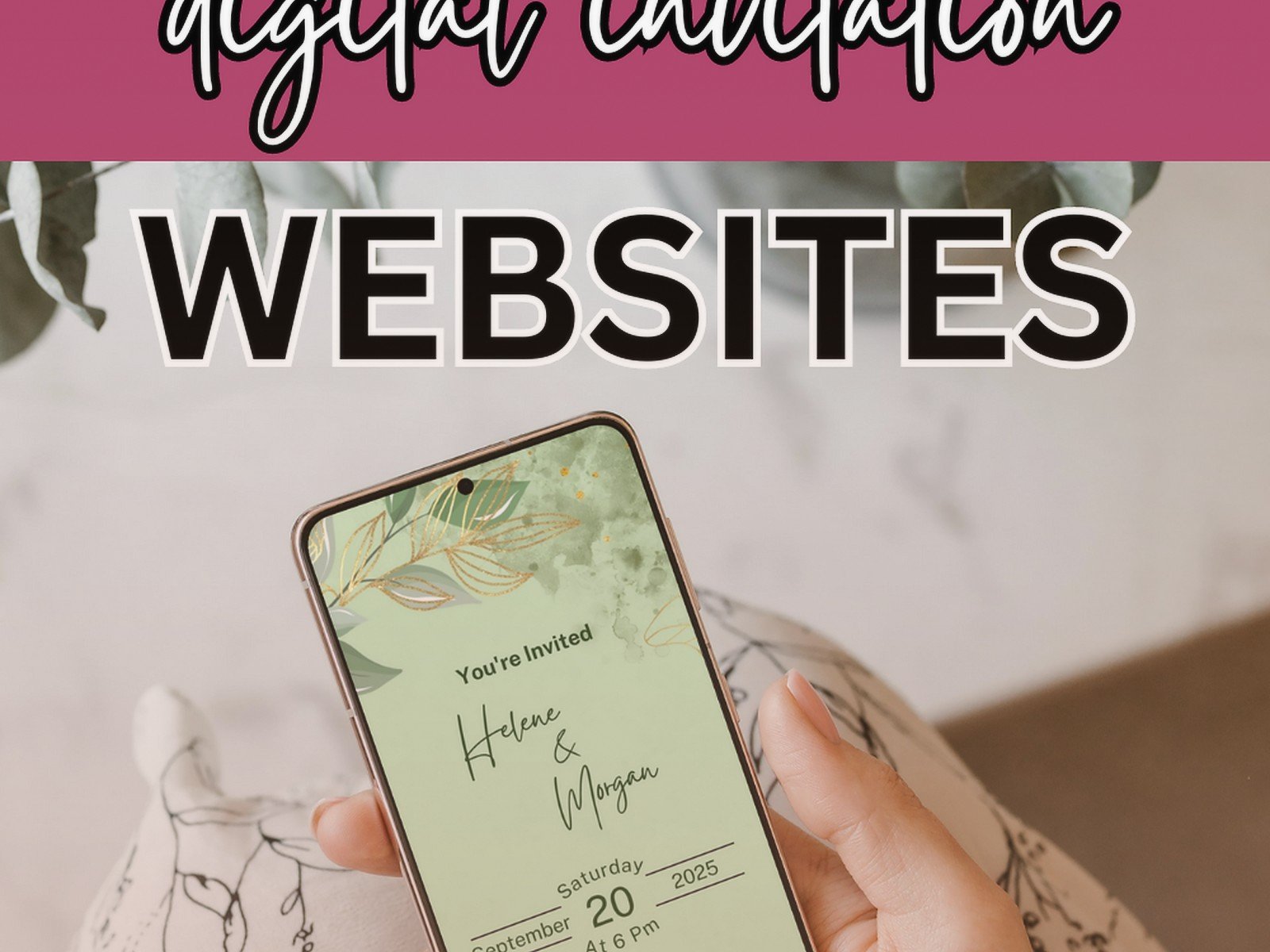
Here’s the thing though – Canva doesn’t handle RSVPs or guest management. You’re creating the design and then you have to figure out how to send it and track responses yourself. I usually pair Canva designs with Google Forms for RSVPs or just have people text/email back for casual events. It’s more work but you save money and get exactly what you want.
I’ve had brides create stunning invitations in Canva and then just text them or email them directly. For Instagram-generation people who are comfortable with digital communication, this works great. You can also create matching graphics for your wedding website, save-the-dates, day-of signage – all in the same design system.
The learning curve exists. Like if you’ve never used design software you might struggle at first, but there’s approximately eight million YouTube tutorials and once you get it, you get it.
Best for: DIY people, budget-conscious planners, anyone who wants complete creative control and doesn’t need integrated RSVP management.
Joy – Specifically Built For Weddings
Joy is newer and it’s specifically for weddings which means all the features are actually relevant. You can create a wedding website and send invitations all in one place. The designs are modern and clean – very millennial/Gen Z aesthetic if that’s your vibe.
What makes Joy different is the integration. Your invitations connect to your wedding website, your RSVP system, your registry links, everything. Guests can RSVP, see event details, get directions, view your registry – all from one place. It’s actually pretty smart for reducing the number of “wait what time is the ceremony?” texts you’ll get.
The free version is genuinely usable which is rare. You can do basically everything you need without paying. The premium version adds things like custom domains for your website and removes Joy branding, but honestly most people don’t need it.
I will say the design options are more limited than somewhere like Minted. If you want something super unique or traditional-looking, you might feel constrained. But for modern, simple weddings it’s perfect.
Best for: weddings specifically, couples who want everything in one platform, people who like modern minimalist design.
WithJoy vs Zola vs The Knot – The Wedding Website Giants
Okay so I’m grouping these together because they’re all doing basically the same thing – wedding websites with integrated invitation options. Zola and The Knot are huge, they’ve got registries and vendor directories and all that. WithJoy (which is different from Joy, confusing I know) is similar but slightly less corporate feeling.
The advantage of these platforms is everything lives in one ecosystem. Your guests go to one website for literally all information. The disadvantage is you’re locked into their design systems and honestly some of them feel kinda generic because so many people use them.
I’ve noticed that like every third wedding I work on uses The Knot for something. It’s ubiquitous which means it’s reliable but not unique. Zola has better design options in my opinion and their registry integration is smoother. WithJoy feels more boutique and personal.
All three have free options that are totally functional. You’re basically choosing based on which design aesthetic you prefer and which registry you want to use.
Best for: people who want one-stop shopping, couples who don’t want to think too hard about coordinating multiple platforms, anyone who values convenience over uniqueness.
What Actually Matters When Choosing
Here’s what I tell people to think about, because the platform doesn’t matter if it doesn’t match your actual needs:
Budget – Are you spending $0, $50, $200? This eliminates like half your options immediately. Don’t torture yourself looking at expensive platforms if you’ve got $30 to spend.
Formality level – A backyard BBQ wedding needs different vibes than a black-tie hotel ballroom situation. Some platforms skew casual, some skew formal, pick accordingly.
Your design skill level – Be honest with yourself. If you’re gonna spend six hours in Canva getting frustrated and hating everything, just pay for a template platform and save your sanity.
Guest demographics – Are your guests tech-savvy millennials or are you inviting your grandmother who prints out emails? Simpler platforms work better for less digital-native crowds.
Time you have – Some platforms you can bang out an invitation in fifteen minutes. Others require real time investment. In spring 2023 with my six-weeks-out bride, we needed fast and easy, so we went with Joy and had invitations out within two days.
Random Tips That’ll Save You Headaches
Send yourself a test invitation first. Always. I cannot tell you how many times people skip this and then realize something looks weird on mobile or a link doesn’t work.
Check your spam folder after sending tests because sometimes these platforms get flagged. If your test goes to spam, your guests’ invitations probably will too, and you need to troubleshoot that before sending to everyone.
Don’t use super long URLs for RSVP links. Some platforms generate these insane URLs that break when people try to click them in certain email clients. If you can customize the URL, do it.
Give people more RSVP time than you think you need for digital invitations. Just because they can respond instantly doesn’t mean they will. I usually recommend at least 3-4 weeks for wedding RSVPs even with digital.
Consider doing a hybrid approach – digital save-the-dates, paper invitations, or vice versa. You don’t have to be all-in on one method. Summer 2021 during all the COVID uncertainty, lots of couples did digital everything and then sent paper invitations later when they had more clarity on guest counts and it worked fine.
Read the fine print on guest limits. Some platforms charge per guest after a certain number. Others have unlimited guests but charge per event. Know what you’re getting into.
Make sure you can export your guest list data. You’ll want this for thank-you cards, holiday cards, future events. If the platform holds your data hostage that’s annoying… or I guess you could manually copy everything but who wants to do that.
