
Planning Guides, Style Guide
Best Digital Wedding Invitations: Top E-Invite Platforms
Oct
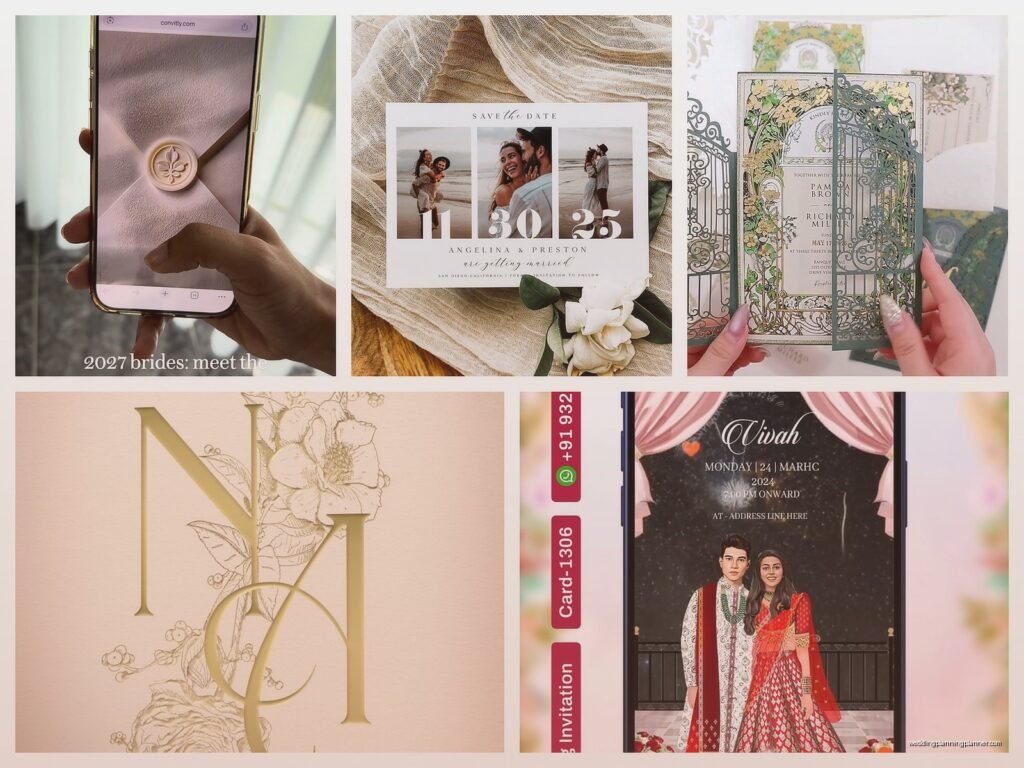
Okay so digital wedding invitations are honestly where it’s at right now
Look I’ve been planning weddings for like fifteen years and the shift to digital invites has been kinda wild to watch. Back in 2019 maybe 10% of my couples were considering them and now it’s more like half? The pandemic obviously accelerated everything but even now that we’re past all that, people are sticking with digital because honestly they’re just better in a lot of ways.
So you’re probably wondering which platforms are actually worth your time because there are approximately ten million options out there and most of them are… not great. Let me walk you through the ones I actually recommend to clients and the ones I tell them to avoid.
Paperless Post is still the gold standard honestly
I know it’s been around forever but Paperless Post is what I recommend probably 60% of the time. Their designs are actually sophisticated – like you can send these to your aunt who’s gonna judge everything and she can’t really complain because they look expensive. Which they kinda are compared to free options but we’ll get to that.
The coins system is annoying though. Like why can’t they just charge normal money? You have to buy coins and then spend coins on designs and “stamps” which is their way of tracking how many invites you send. A basic design might be free but the really nice ones cost anywhere from 10 to 25 coins per invite. You can buy 100 coins for about $16, so do the math – it adds up if you’ve got 150 guests.
But here’s what I love: the tracking is incredible. You can see exactly who opened your invite, who viewed it multiple times (always funny to see which guests are obsessive like that), and who RSVP’d. The RSVP management is clean and you can customize questions. Plus they have this “Text Message Invitations” option now where it literally texts your guests a link which… spring 2023 I had a couple do this for their super casual brewery wedding and the response rate was like 95% within three days. Insane.
Greenvelope when you want it to feel fancy
Greenvelope is the one I suggest when couples are worried about older relatives thinking digital is “cheap.” The whole interface mimics receiving a physical envelope – it has this opening animation that’s actually pretty cute? Not gonna lie, the first time I saw it I rolled my eyes but clients love showing it off.
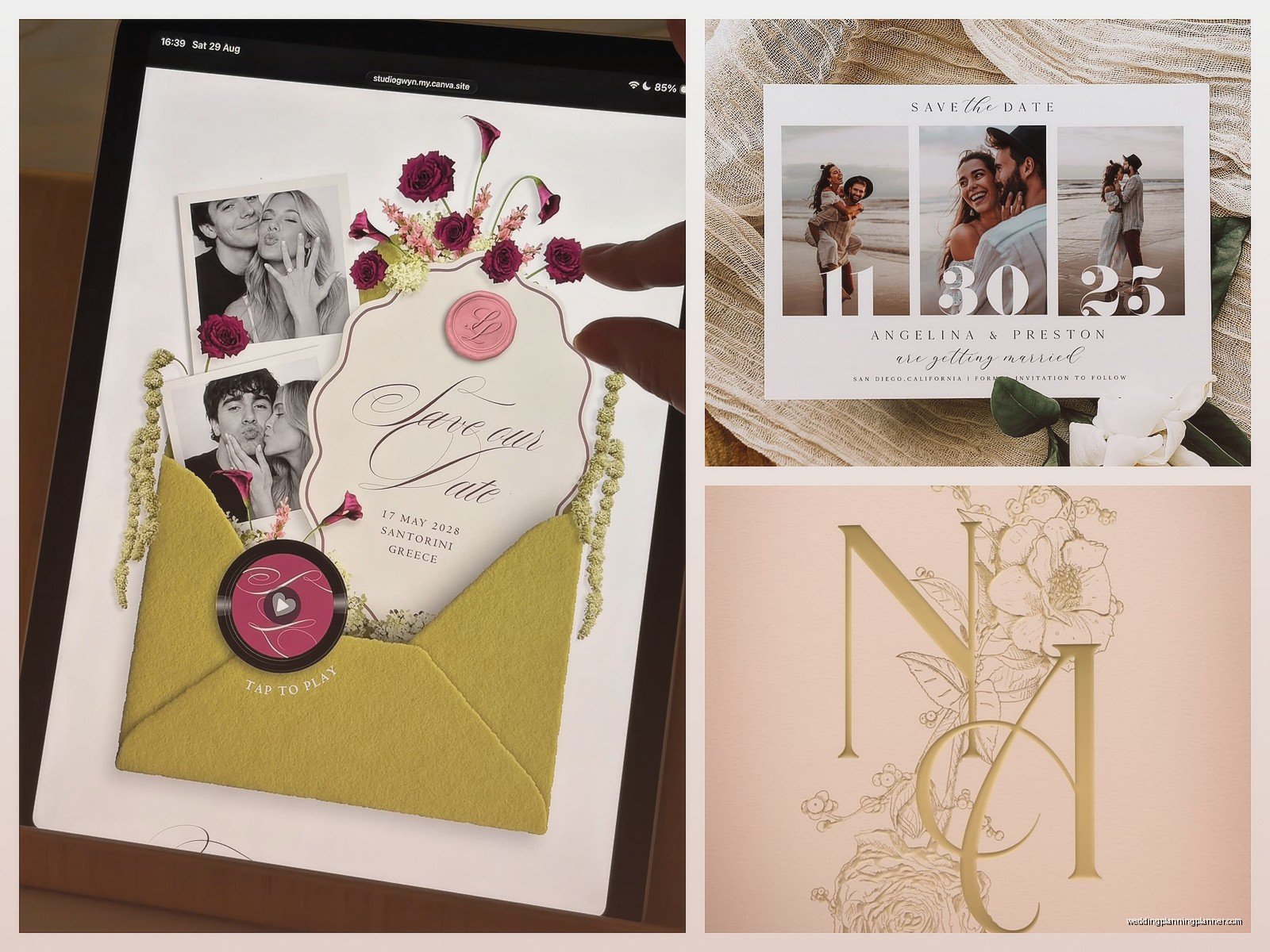
They charge per event, not per invite, which is better for bigger weddings. Plans start around $200 for unlimited invites for one event. Yeah it’s more upfront but if you’re inviting 200+ people it’s actually cheaper than Paperless Post. Plus you get matching save-the-dates, invitations, and even thank you cards all in one package.
The customization options are really good – you can upload your own monogram, match your wedding colors exactly, and they have this feature where you can add your wedding website link directly in the invite. The RSVP system lets you track meal choices and plus-ones pretty easily. My cat just knocked over my coffee while I’m writing this, hold on… okay where was I.
What annoyed me about Greenvelope
The customer service is weirdly slow? Like I had a bride in summer 2021 who needed to change her wedding date (shocking, I know) and it took them almost a week to help her update everything. For a digital platform that seems ridiculous. Also some of their design categories are limited – if you want something really modern and minimal you might struggle.
Joy is the free option that doesn’t look free
Okay so Joy is completely free for the basic version and honestly it’s pretty solid. I recommend this to couples who are on a tight budget or who are doing a smaller wedding (under 75 people maybe). The designs are… fine. Not amazing, not terrible. Very middle of the road which is actually perfect for some people.
What makes Joy worth considering is that it’s also a full wedding website platform. So you’re getting your invite, RSVP management, and website all in one place. The integration is smooth and guests can click from the invite straight to your website for more details. This is actually really smart because it reduces the number of questions you’ll get.
The free version has Joy branding on it which some couples don’t care about and others hate. You can pay $12/month to remove branding and get some fancier designs, but at that point you’re spending money anyway so…
I’ve noticed Joy works really well for casual weddings, backyard weddings, or destination weddings where people are already expecting a more laid-back vibe. For black-tie events? Probably not. Although I did have one couple use it for their formal wedding and they customized it so much that it looked fine actually.
Minted jumped into digital and brought their design game
You probably know Minted from their paper invitations which are gorgeous and also expensive. Their digital platform launched a few years ago and it’s basically what you’d expect – really beautiful designs that look like their paper versions. Which is the whole point I think, because some couples want that Minted aesthetic without the Minted price tag.
Digital invites on Minted start around $1-2 per invite depending on the design, which is more than Joy but less than Paperless Post usually. You get their signature designs from independent artists, tons of customization, and the quality just looks… expensive? Even though it’s not really.
The weird thing is that Minted’s RSVP system isn’t as robust as some others. It works fine for basic stuff but if you need to track multiple events (welcome party, ceremony, brunch) or complicated meal choices, you might find it limiting. I usually tell couples to use Minted for the actual invitation and then link to their wedding website for RSVP if they need more detailed tracking.
Evite still exists and it’s exactly what you remember
Look, Evite is… Evite. It’s what your mom uses for birthday parties. But here’s the thing – for super casual weddings or elopement announcements, it’s actually kinda perfect? It’s free, everyone knows how to use it, and there’s something charming about its refusal to be fancy.
I have exactly one couple who used Evite for their wedding and it was intentional and ironic and worked perfectly for their vibe. They got married at a pizza restaurant and the Evite matched the energy. Would I recommend this broadly? Nah. But I’m not gonna pretend it doesn’t have its place.
WithJoy versus Withjoy versus… okay they rebranded
This one got confusing because they’ve changed their name and branding like three times but I think they’re settled on Joy now? Anyway I already covered this above so moving on.
Zola does everything and that’s kinda the problem
Zola wants to be your registry, your website, your guest list manager, your invitation sender, your… everything. And for some couples that’s great! One-stop shopping! But I find it gets overwhelming and the invitation designs specifically are not their strongest feature.
The invitations are free which is nice, and the RSVP integration with their other tools is seamless. If you’re already using Zola for your registry and website, adding invitations makes sense. But if you’re choosing a platform JUST for invitations, I’d probably steer you elsewhere. The designs feel very template-y and there’s not as much customization as you’d want or… I don’t know, maybe I’m being picky but I’ve seen too many Zola invites that all look the same.
That said, their guest list management across all their tools is actually really good. You can track who you’ve sent save-the-dates to, who got invited, who RSVP’d, who bought gifts, all in one place. For organized couples this is heaven.
Canva if you wanna DIY the whole thing
Okay so technically Canva isn’t an invitation platform, it’s a design tool, but you can absolutely create invitations there and send them however you want. I’ve had several designer-y couples go this route and it can look amazing if you know what you’re doing.
You design your invite in Canva (they have templates or you can start from scratch), export it as a PDF or image, and then… well, you gotta figure out how to send it. Some people email it directly, some upload it to their wedding website, some use a different platform just for the RSVP management and include the Canva design.
This is the most work but also the most control. If you have specific branding or a very particular vision, Canva lets you do whatever you want. The free version is fine but Canva Pro ($13/month) gives you way more fonts, images, and features. Just remember you’ll need a separate solution for tracking RSVPs unless you’re gonna manage that through email or your website.
What actually matters when choosing a platform
Alright so after you’ve looked at all these options your head is probably spinning. Here’s what I tell clients to focus on:
How formal is your wedding? Black-tie events need something that looks expensive – Paperless Post or Greenvelope. Casual weddings can use Joy or Minted. Backyard BBQ vibes? Honestly anything works.
How tech-savvy are your guests? If you’ve got a lot of older relatives or people who barely use email, you want a platform that’s SUPER intuitive. Paperless Post and Greenvelope are good for this because they really hold people’s hands through the process. Joy and Zola are also pretty straightforward.
What’s your budget actually? Be honest here. Free is free (Joy, Zola, Evite). Budget-friendly is Minted or Paperless Post for smaller guest lists. Greenvelope is invest-upfront territory but worth it for big weddings.
Do you need to track complicated stuff? Multiple events, meal choices, plus-one management, guest dietary restrictions – some platforms handle this way better than others. Paperless Post and Greenvelope are strongest here. Joy is okay. Minted is gonna frustrate you if your needs are complex.
The actual process of sending them
So you’ve picked your platform, now what? Most of these work basically the same way. You’ll choose a design, customize it with your details (names, date, venue, etc.), preview it a million times because you’re paranoid about typos, and then upload your guest list.
Guest list formatting is weirdly important and also weirdly annoying. Most platforms want a spreadsheet with names and email addresses. Some let you add phone numbers for text reminders. You’re gonna spend way more time than you expect getting this list organized because people have weird email addresses and you’ll realize you don’t actually have contact info for your cousin’s new girlfriend who’s apparently invited.
I always tell couples to send a test to themselves and like five trusted friends before sending to everyone. You WILL find mistakes. The test lets you see exactly what guests see, how it looks on mobile (super important – probably half your guests will open it on their phone), and whether all the links work.
Then you schedule it to send. Most platforms let you choose the exact date and time. I usually recommend sending wedding invitations 8 weeks before the wedding, on a weekend morning. People are more relaxed and more likely to actually open it and RSVP right away instead of forgetting.
Following up because people are terrible at RSVPing
Here’s something nobody tells you: even with digital invitations where people can RSVP with literally two clicks, you will still have to chase people down. It’s maddening. The tracking features help because you can see who hasn’t even opened the invite yet (send them a text) versus who opened it five times but hasn’t responded (they’re probably trying to figure out their schedule, also text them).
Most platforms let you send reminders to people who haven’t RSVP’d. Use this feature. Set your RSVP deadline for like two weeks before you actually need to know, because you’re gonna spend those two weeks tracking down the stragglers. This is just how it works and it’s not gonna change even though digital makes everything easier in theory.
The hybrid approach some couples are doing
One thing I’m seeing more lately is couples sending digital save-the-dates and then paper invitations, or vice versa. Or sending paper to older relatives and digital to everyone else. This is totally fine and honestly pretty smart? You save money where you can but still give people the experience that matters to them.
If you’re doing this just make sure you’re organized about who’s getting what. Nothing worse than Aunt Carol getting both versions and being confused about which one is “real” or whether she RSVP’d correctly. Been there, had to fix that, not fun for anyone involved.
