
Planning Guides, Style Guide
Free Printables For Wedding Planning: Complete Guide
Sep
Why Free Printables Are Actually Useful (And Not Just Pinterest Clutter)
Okay so free wedding printables are kinda everywhere right now and honestly some of them are garbage but some are genuinely helpful if you know what to download and what to skip. I’ve been using printables with my clients since like 2019 and they can save you actual money if you’re selective about it.
The main categories you’re gonna want to focus on are planning printables versus day-of printables. Planning ones are your checklists, budget trackers, vendor contact sheets – basically anything that helps you organize the chaos before your wedding. Day-of printables are things like programs, menus, place cards, signs, stuff that guests actually see and touch.
Planning Printables That Actually Matter
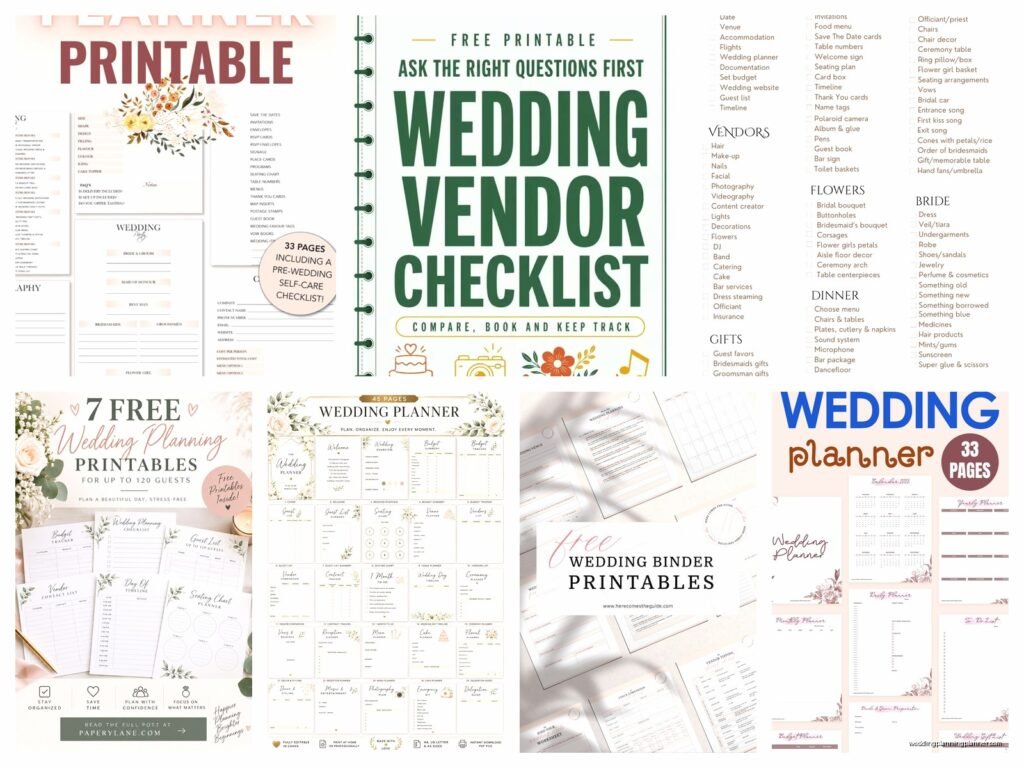
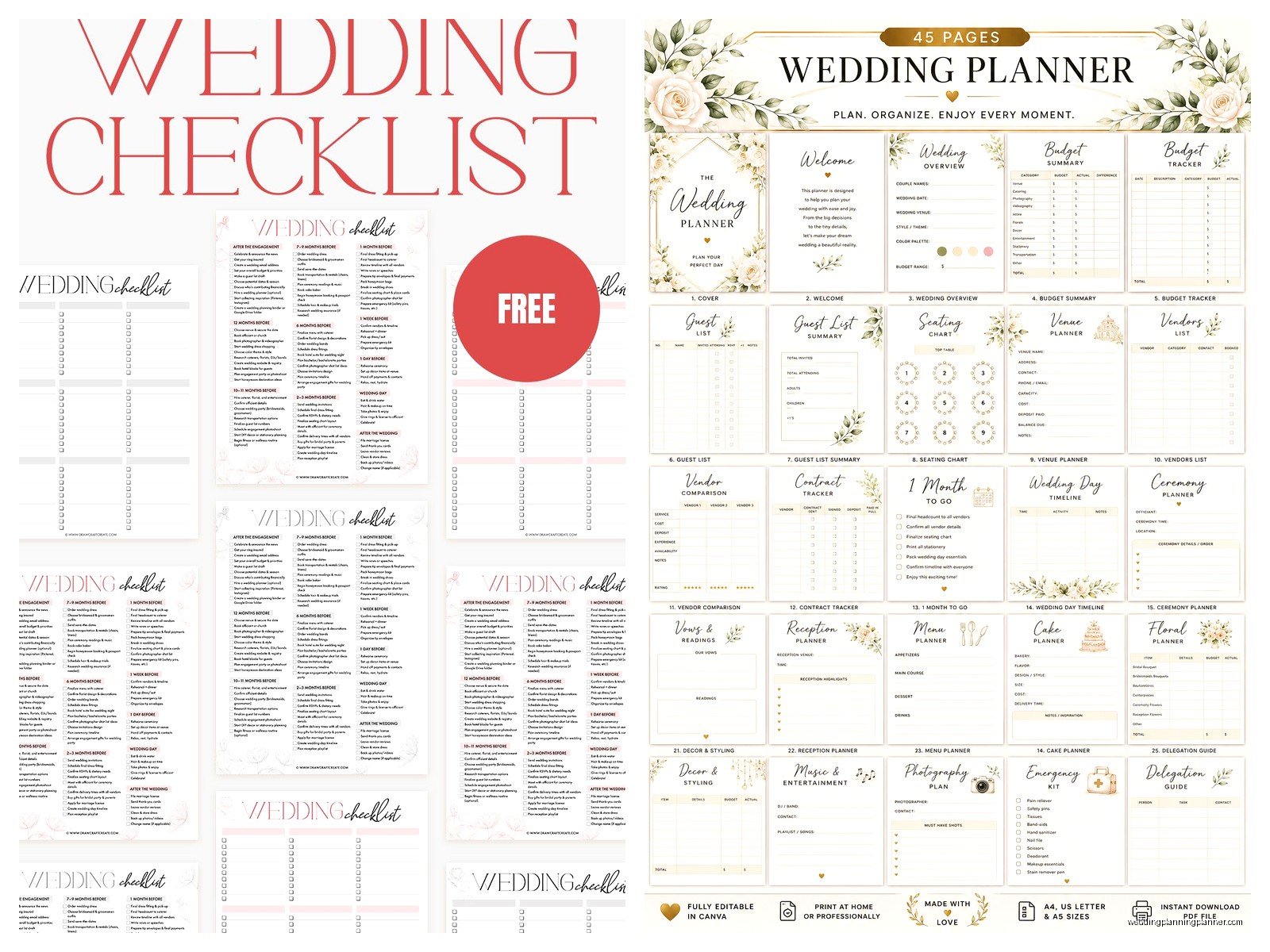
Start with a master checklist because without one you’re just gonna be stressed and forgetting things. I had this bride in spring 2023 who swore she didn’t need a checklist, she had it all in her head, and then three weeks before her wedding she realized she never booked transportation for the bridal party and… it was a whole thing. Download a timeline checklist that breaks tasks down by month, starting from 12 months out even if you’re closer to your date.
Budget trackers are the second thing you need. Excel works but honestly a printed budget sheet that you can physically write on hits different. You can see where money’s going, cross things off, make notes in the margins. I keep one taped to my desk even though I have digital versions because sometimes I just need to see the numbers on paper.
Vendor contact sheets are underrated. You want one central place with everyone’s name, company, phone, email, contract date, payment schedule, all of it. When you’re in a panic at 9pm on a Tuesday trying to remember if you paid the florist deposit, you’ll thank yourself for having this printed out.
Guest List Management
Guest list printables should include columns for: name, address, email, phone, number invited, RSVP status, meal choice, plus-one info, gift received. It sounds like overkill but trust me you need all of this. I use a template that has checkboxes for save-the-date sent, invitation sent, thank you sent because tracking this stuff gets messy fast.
Seating chart worksheets are separate from your guest list and you’re gonna need multiple copies because you’ll redo your seating like 47 times. Print out templates that have circles for tables where you can write names, erase, rewrite, cry a little, then redo it again when your aunt says she’s not sitting near your uncle.
Where To Actually Find Good Free Printables
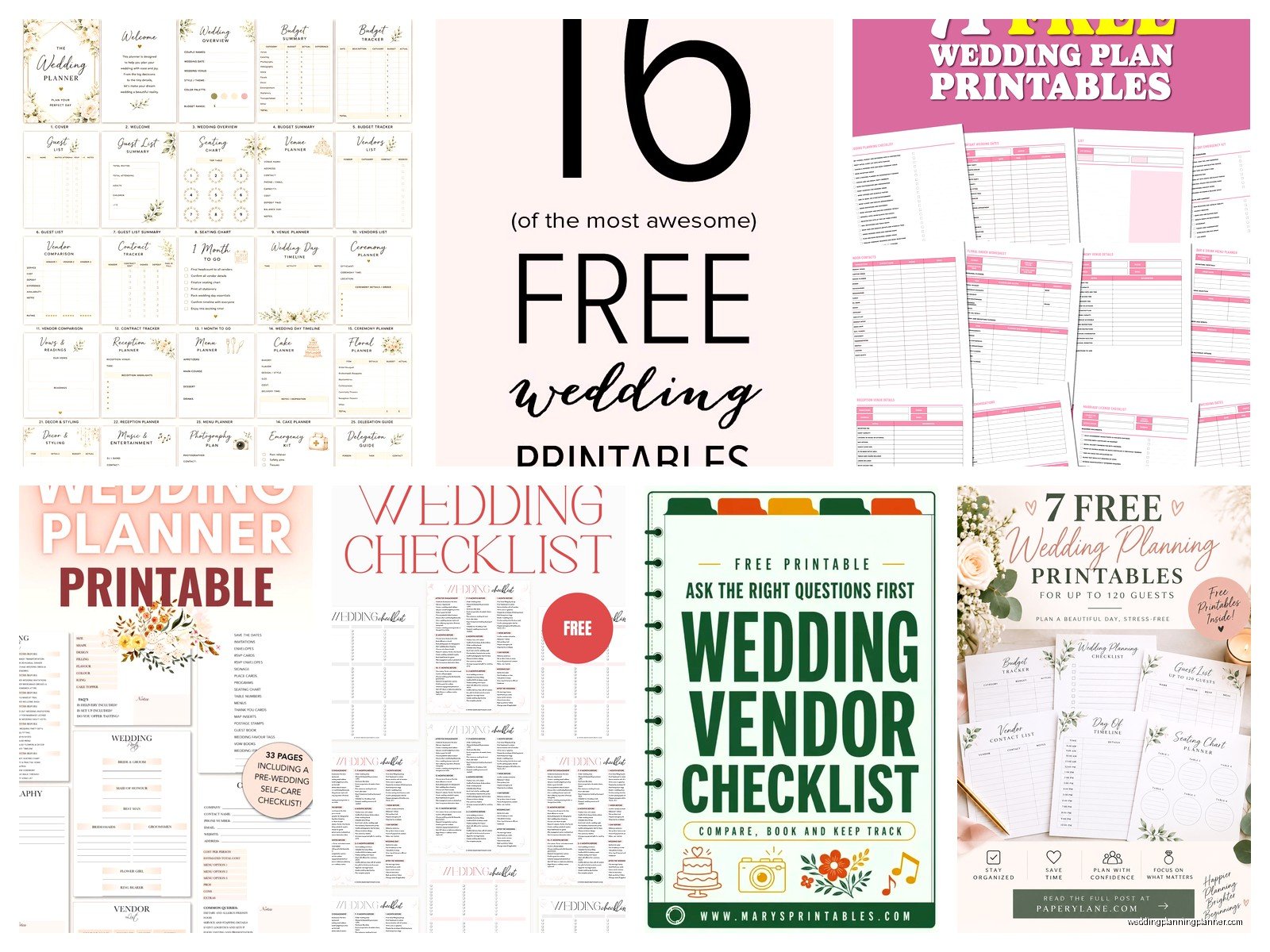
Etsy has free options if you filter correctly but you gotta watch out because some sellers mark things as “free” and then there’s like a required purchase or something annoying. I’ve found better luck on actual wedding planning blogs and sites like The Knot or WeddingWire – their printables are genuinely free and usually pretty functional.
Canva has templates you can customize and print which is kinda the best of both worlds. You can change colors, fonts, add your names and date, then download as a PDF. The free version has tons of options and I actually use this more than pre-made printables now because you can make everything match your wedding colors.
Pinterest is… look Pinterest is overwhelming and half the links are broken or lead to paid products disguised as free ones. If you’re gonna use Pinterest, only click on pins from the last year and check the comments to see if people actually got the free download or if it’s a scam.
Day-Of Printables That Guests Will See
Programs are probably the easiest thing to DIY print. You don’t need fancy cardstock honestly – regular printer paper folded in half works fine. I’ve seen couples spend $300 on printed programs and I’ve seen couples print their own for like $15 and the difference is minimal. Include the ceremony order, wedding party names, maybe a tribute to deceased family members, and that’s it. Don’t overthink it.
Menu cards are another easy one if you’re doing a plated dinner. Print them on cardstock (you can get this at any office supply store), maybe 5×7 size, one per table or one per person depending on your budget. Use a template that matches your invitation style so everything looks cohesive.
Signage That Actually Helps
Welcome signs, bar menus, hashtag signs, seating chart displays – you can print all of these yourself if you have access to a decent printer or you can send the files to a print shop. The annoying thing about DIY signage is that it can look homemade if you’re not careful with the paper quality and printing settings. I always tell clients to do a test print first before you print 10 copies of something.
Table numbers are super easy to print. You can do them on cardstock in little frames from the dollar store or you can get fancy and print them on different materials but honestly cardstock works. Just make sure the numbers are big enough to see from like 10 feet away because your caterer needs to be able to identify tables quickly.
Place cards are tedious but doable. Print them on heavier paper, cut them carefully with a paper cutter not scissors (trust me on this), and consider doing escort cards instead which are easier – one card per guest at a table near the entrance rather than individual cards at each place setting.
Printing Tips From Someone Who’s Seen It All Go Wrong
Test your printer settings before you print 150 programs. Colors look different on screen versus printed, so do a sample first. I had a client print everything in what she thought was navy blue and it came out purple and she had to reprint everything two days before her wedding.
Invest in a paper cutter if you’re doing a lot of printing. Those little scissors jobs never look clean and your hands will hurt. You can get a decent paper cutter for like $20 and it makes everything look more professional.
Cardstock weight matters – 80lb is good for most things, 110lb if you want something sturdier. Regular printer paper is 20lb for reference so anything labeled cardstock will be thicker. Office supply stores have sample packs you can feel before buying in bulk.
Print at least 10% more than you think you need because you’ll mess some up, or you’ll forget people, or someone will spill wine on a menu card and need a replacement. I always round up.
When To Just Pay For Professional Printing
Invitations are the one thing I usually tell people to either order professionally or use a service like Minted or Zazzle. Printing invitations at home almost always looks cheap unless you have professional equipment and really know what you’re doing. The paper quality, the envelope printing, getting addresses to look good… it’s not worth the stress.
Large format stuff like big welcome signs or seating charts might need professional printing depending on the size. Your home printer probably maxes out at 8.5×11 or maybe 11×17 if it’s fancy. Anything bigger needs to go to FedEx Office or a local print shop.
Anything with photos should probably be professionally printed because home printers can make photos look grainy or the colors get weird. If you’re doing a photo display or memorial table with printed pictures, send those files to a photo printing service.
Organizing Your Printable Files
Create folders on your computer by category – Planning, Day-of Decor, Guest Management, Timeline, whatever makes sense. I cannot tell you how many times I’ve watched couples frantically search their downloads folder for that budget template they got three months ago because they didn’t organize anything.
Rename files with clear names. “Wedding_Budget_Tracker.pdf” is better than “download_3847.pdf” – I know this seems obvious but you’d be surprised. Future you will appreciate present you being organized.
Keep a master document or spreadsheet that lists what you’ve downloaded, where you got it from, and what you’re using it for. This helps when you’re trying to remember where that really good timeline checklist came from or… wait I think my cat just knocked over my coffee, hold on.
Okay back – anyway yeah keep track of your sources especially if you find a designer whose style you really like because you might want to download more stuff from them later.
Customizing Templates To Match Your Wedding
Most free printables come in neutral colors or basic designs which is actually good because you can customize them. If you’re using Canva or have Adobe programs you can change colors to match your wedding palette. Even just changing the color from black to navy or burgundy or whatever your colors are makes everything feel more cohesive.
Font consistency matters more than you think. Pick 2-3 fonts max and use them across everything. One fancy script font for names or headings, one clean readable font for body text. Don’t go crazy with fonts because it starts looking like a ransom note.
Add your monogram or wedding logo if you have one. This is super easy to do in Canva and makes even basic printables look more custom and put-together.
The Stuff You Don’t Actually Need To Print
Guestbook alternative printables where people fingerprint a tree or sign a poster – these are kinda played out and honestly most end up in a closet after the wedding. If you want a guestbook get a real book or do something actually useful.
Overly complicated timeline printables with like 47 different sections. You need a simple checklist, a detailed day-of timeline, and maybe a payment schedule tracker. That’s it. Those giant planning binders with 30 different worksheets are just gonna stress you out.
Printable advice cards or marriage tips cards – nah these just create more paper waste and people write generic stuff like “never go to bed angry” and you’ll never look at them again.
Assembly Tips For DIY Printables
Set aside actual time for assembly don’t try to do it the night before. I watched a bride stay up until 3am cutting programs because she underestimated how long it takes to cut and fold 200 booklets. Give yourself at least a week before the wedding to get everything printed and assembled.
Recruit help but give people specific tasks. Don’t just hand someone a pile of stuff and say “help me” – that’s how things get messed up. One person cuts, one person folds, one person quality checks. Assembly line style works best.
Have extras of everything assembled and ready because something will get damaged or lost or left behind and you don’t wanna be assembling programs in the venue parking lot an hour before your ceremony. Been there, it’s not fun.
Store assembled items flat in boxes or folders so they don’t get bent or wrinkled. I use those plastic file boxes from Target and they work perfectly for transporting programs, menus, all that stuff to the venue without everything getting destroyed.
What I Wish More Couples Knew
The quality of free printables has gotten so much better in the last few years. You used to have to pay for anything decent but now there are legitimately beautiful free options if you know where to look and you’re willing to spend time searching.
Printing costs add up faster than you think though. Paper, ink, cardstock, cutting supplies, frames for table numbers – it’s not actually free when you factor in materials. Sometimes ordering from a professional is only slightly more expensive than doing it yourself once you add up everything.
Nobody examines your printables as closely as you do. You’re gonna stress about font size and color matching and whether the margins are perfect and your guests will glance at it for 30 seconds and move on. Do your best, make it look nice, but don’t lose sleep over perfection because it doesn’t exist anyway and summer weddings are already stressful enough without obsessing over whether your programs are aligned exactly right
