
Planning Guides, Style Guide
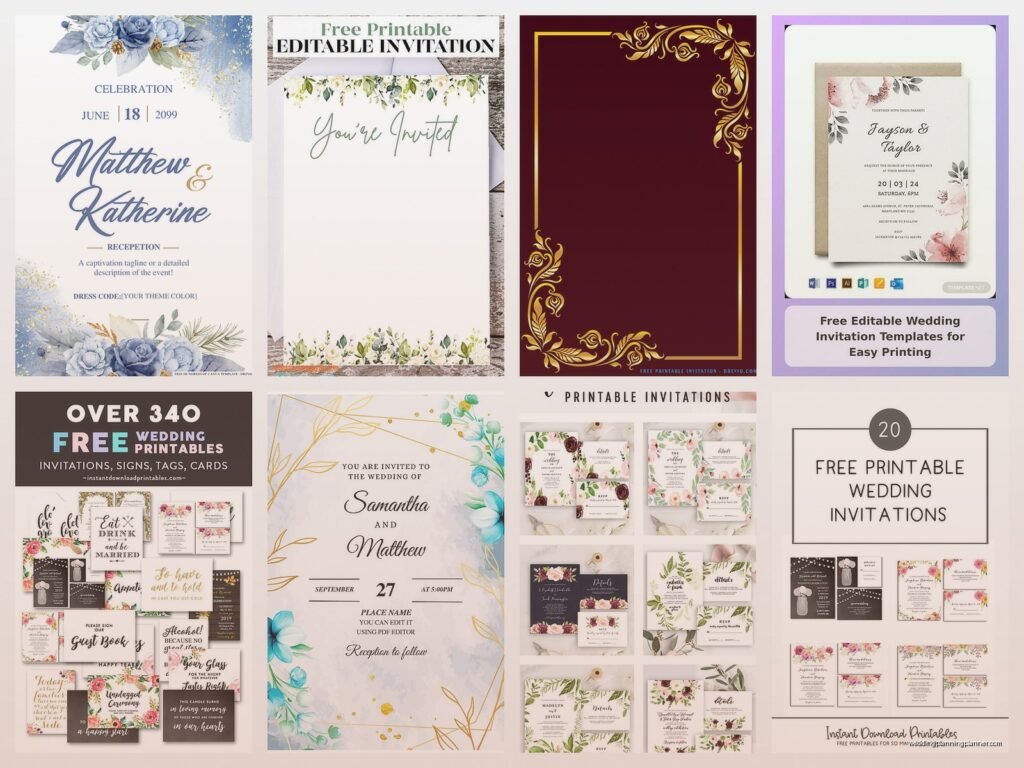
Free Wedding Invitations: No-Cost Template Downloads
Jun
Okay So Free Wedding Invitation Templates Are Actually Pretty Good Now
Look, I’m gonna be straight with you – free wedding invitation templates have come a ridiculously long way since I started in this industry. Back in like 2015, the free options were honestly embarrassing. Clipart disaster zones. But now? You can legitimately get professional-looking invites without spending a dime on design, and I’ve had clients do this successfully more times than I can count.
The key thing is knowing where to look and how to customize them so they don’t scream “I downloaded this for free.” Because yeah, some templates still have that vibe, but plenty don’t.
Where To Actually Find Decent Free Templates
Canva is probably your best bet honestly. They have a free tier that’s shockingly robust – I had this bride in spring 2023 who was planning her entire wedding on like $8,000 total, and she created invitations that looked better than some $600 custom suites I’ve seen. She used Canva’s free wedding invitation templates and just changed the colors to match her sage green and terracotta theme. The only thing that annoyed me was that she kept second-guessing herself and asking if she should splurge on printed ones, and I kept telling her no, these look amazing, just print them at home or use a print shop.
Other solid options:
- Greetings Island – totally free, no account needed for basic templates
- Evite (yeah I know, but hear me out – their printable designs are actually nice now)
- Adobe Express (used to be Adobe Spark) – free tier is good
- Template.net – kinda clunky interface but lots of variety
- Hloom – simple designs, very clean
Microsoft Word also has templates if you’re old school like that. My mom actually used a Word template for my cousin’s shower invites and they were… fine? Not amazing, but serviceable.
The Canva Deep Dive Because It’s Worth It
Since Canva is probably where you’ll end up, let me break down how to actually use it without getting overwhelmed. When you search “wedding invitation” in their template section, you’re gonna get like thousands of results. Filter by “free” first – this eliminates all the pro templates that’ll have that little crown symbol on them.
The free templates let you change basically everything except sometimes the photos/graphics are locked to pro. But text, colors, layout positioning – all fair game. You can upload your own photos for free too, which is huge.
I usually tell people to pick a template that’s close to their vibe and then customize the hell out of it. Change the font (Canva has tons of free fonts), swap the colors, maybe delete some decorative elements if they’re too much. The goal is making it yours, not just filling in your names and calling it done.
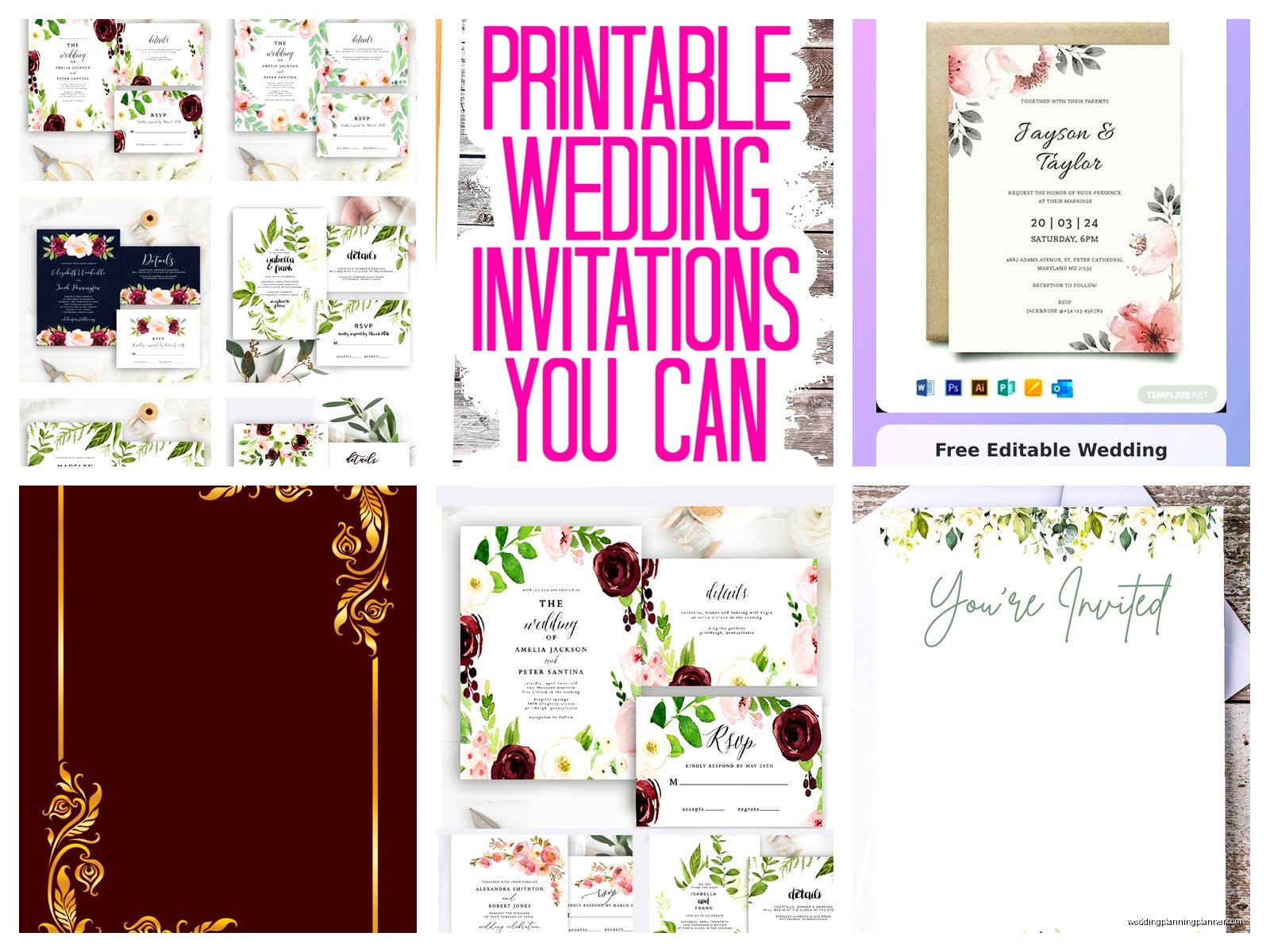
Customizing Without Making It Look Cheap
This is where people mess up. They find a template, plug in their info exactly as the template suggests, and wonder why it looks generic. Here’s what actually works:
Pick a maximum of two fonts. I see people using like four different fonts because they’re excited about all the options, and it immediately looks chaotic. One elegant serif font for names, one clean sans-serif for details. Done.
White space is your friend. Don’t feel like you gotta fill every inch of the invitation. If a template feels crowded, delete some of the decorative flourishes. Less is more, I swear.
Match your actual wedding colors. This seems obvious but you’d be surprised how many people pick a template they like and just… keep the template colors even though they’re doing completely different colors for their wedding. Takes two seconds to change them.
Proofread like your life depends on it. Then have someone else proofread. Then proofread again. I once had a client print 150 invitations with the venue address wrong and she didn’t catch it until – actually, she didn’t catch it, a guest did when they tried to GPS it. Nightmare.
The Paper Situation
Okay so you’ve got your digital template looking gorgeous. Now you need to print it, and this is where the quality really shows. Don’t print these on regular printer paper, please. I’m begging you.
Cardstock is what you want. You can get it at any office supply store – I usually recommend 110lb cardstock minimum. It feels substantial in your hand, doesn’t feel flimsy. Colors that work well: white, ivory, cream, or a soft colored stock if it matches your theme.
For printing, you have options:
- Home printer – works if you have a decent inkjet or laser printer, test print first though
- FedEx/UPS Store – reliable, not too expensive
- Local print shop – sometimes cheaper than the chains, plus you’re supporting local business
- Staples/Office Depot – fine for basic printing
I printed my own Christmas cards last year on my home printer and it took forever because I kept running out of ink, so factor that in. Wedding invitations you might wanna just outsource the printing unless you only have like 30 to do.
Digital Invites Are Also Totally Valid Now
Can we talk about how digital wedding invitations aren’t tacky anymore? Because they’re not. Especially post-2020, people get it. You can design a beautiful template, save it as a PDF, and email it or text it. Done.
Greenvelope and Paperless Post have free options (limited designs, but they exist). You can also just create your invite in Canva, download it as a PDF or image, and send it yourself via email or even create a wedding website and link to it.
The only thing is, older relatives might not vibe with this. My grandmother would be genuinely confused if she received a digital wedding invitation, she’s still figuring out her iPad. So maybe print a handful for the older generation and go digital for everyone else? That’s what I’ve seen work well.
What About RSVP Cards and Details Cards
Most free templates are just for the main invitation, but you can absolutely create matching RSVP cards and details cards using the same template style. In Canva, you’d just duplicate your invitation design and change the dimensions and text.
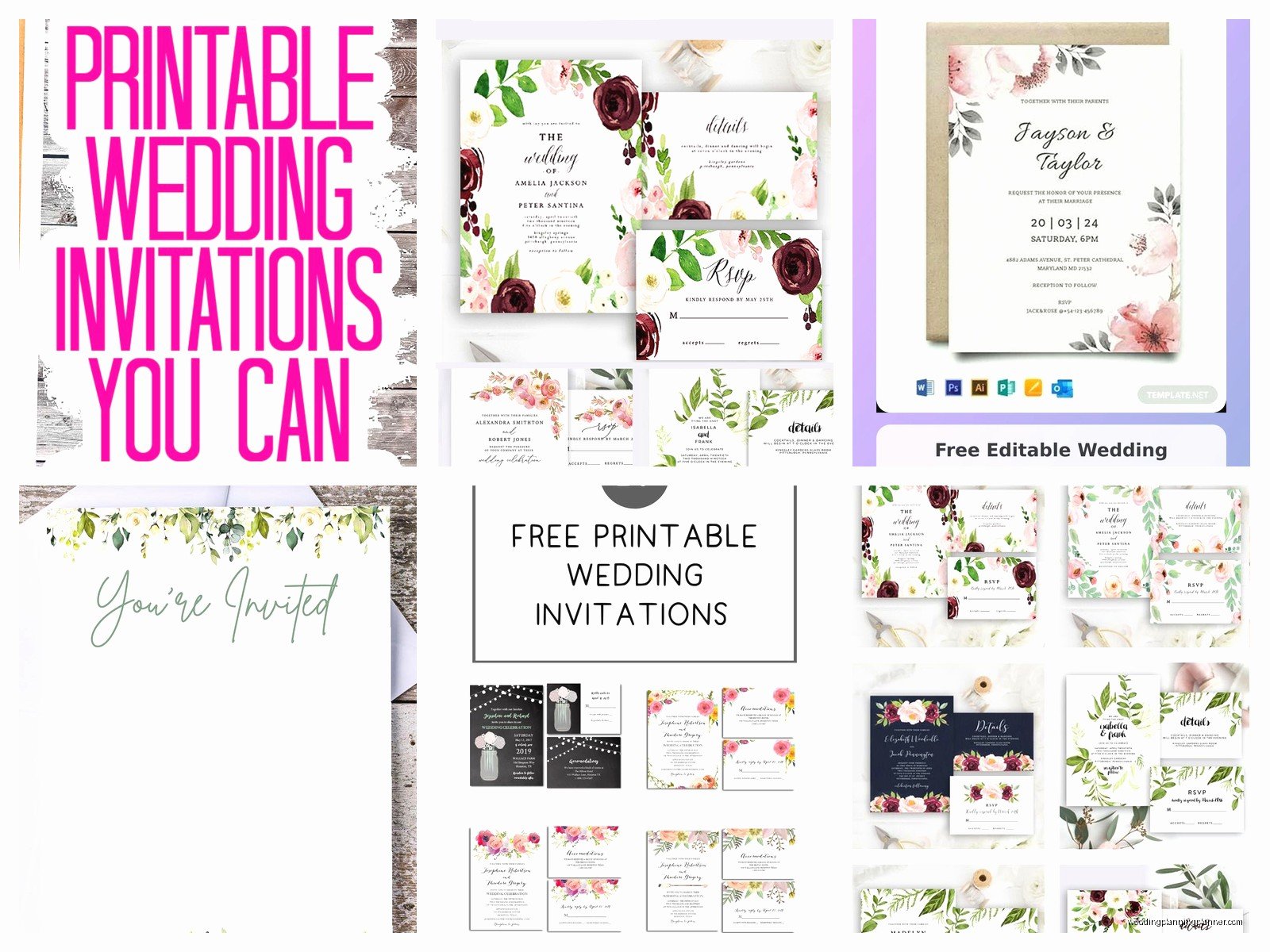
Standard sizes to know:
- Main invitation: 5×7 inches is most common
- RSVP card: 4×6 or 3.5×5 inches
- Details card: same as RSVP usually
Or honestly, you could skip physical RSVP cards entirely and do online RSVPs through your wedding website. The Knot, Zola, Minted – they all have free wedding website options with RSVP tracking. Saves you on printing and postage, plus you don’t have to deal with people who forget to mail back their RSVP cards (which is like 40% of guests, I swear).
The Envelope Question
You still need envelopes even with free templates, and this is an area where you might spend a little money. But not much – you can get a pack of 50 A7 envelopes (that’s the size for 5×7 invites) for like $10-15 on Amazon.
If you wanna get fancy, kraft paper envelopes or colored envelopes can elevate the whole look. I had a couple do free templates with dusty blue envelopes and it looked like a $500 suite, no joke.
Addressing them is another thing… you can handwrite them (time-consuming but personal), print labels (efficient but sometimes looks obviously printed), or print directly on the envelopes if your printer can handle it (test this first, some printers jam with thick envelopes).
Things That Can Go Wrong And How To Avoid Them
Speaking from experience watching clients navigate this – and from my own mishaps because yeah, I’ve used templates for personal stuff too – here are the common disasters:
File format issues. Always download your final design as a PDF for printing, not a JPEG. PDFs maintain quality better. If you’re doing digital-only, PNG works fine for sharing.
Color shifting. What looks perfect on your screen might print differently. This is especially true with blues and purples. Do a test print of one invitation before you print all 100.
Cutting problems. If you’re printing multiple invites per page and cutting them down, invest in a paper cutter. Scissors will make you lose your mind and the edges will be wonky. You can get a basic paper trimmer for like $20.
Template elements you can’t edit. Sometimes you’ll pick a template and realize certain graphics are locked behind the pro version. Super annoying. Just pick a different template, there are literally thousands.
Forgetting to include important info. Your invitation needs: your names, date, time, venue name and address, and how to RSVP. Details card should have: accommodations, dress code, registry info if you want, wedding website. Double-check you’ve got all this before printing.
My Actual Unpopular Opinion On This
I’ve planned weddings with $15,000 stationery budgets and weddings with $0 stationery budgets, and you know what? The free template invitations don’t make the wedding any less special. What matters is that your guests have the information they need and that the invite gives them a sense of your wedding style.
I get that stationery designers work hard and create beautiful custom work – I work with them all the time and they’re artists. But not everyone has $800 to spend on paper that gets thrown away after the wedding. And that’s okay! Use the free templates, put that money toward your honeymoon or your bar tab or literally anything else.
The thing that annoyed me most about this whole free template situation was actually when a stationery vendor told one of my budget-conscious brides that her Canva invitations would “ruin the first impression” of her wedding. Like… nah. That’s just gatekeeping. Her invitations looked beautiful, her wedding was beautiful, and she saved $600 that she put toward upgrading her photography package instead.
Time Investment Reality Check
Let me be real about how long this actually takes because I feel like people underestimate it. Finding the right template: 30-60 minutes of browsing. Customizing it: 1-2 hours if you’re picky like me (I once spent three hours adjusting the spacing on my cat’s adoption announcement… yeah I made an announcement for my cat, don’t judge me). Printing: depends on quantity but figure a couple hours total including test prints and fixing any issues.
So you’re looking at maybe 4-5 hours of work total? Which is very doable spread over a few days. Put on your favorite show in the background – I designed an entire suite while binging The Great British Bake Off last fall – and it’s honestly kinda therapeutic.
Some Quick Template Combos That Work
If you’re feeling overwhelmed by choices, here are some tried-and-true style combinations I’ve seen work really well with free templates:
Minimalist modern: Simple sans-serif fonts, lots of white space, maybe one thin border. Print on bright white cardstock. Clean and elegant.
Rustic botanical: Greenery graphics (eucalyptus is everywhere for a reason), serif fonts, kraft envelopes. Very 2019 but still popular.
Classic formal: Traditional script font for names, serif font for details, simple border, ivory or cream cardstock. Timeless.
Beachy casual: Sans-serif fonts, watercolor elements, soft blue tones. Works great for destination weddings.
You don’t have to reinvent the wheel here. Pick a style that matches your venue and overall vibe, find a template in that style, customize it to your colors, done.
The Postage Thing Nobody Thinks About
Oh and one more thing – check your invitation weight before you buy stamps. If your invitation suite (main invite plus inserts plus envelope) is over 1 ounce, you need extra postage. Take one complete invitation to the post office and have them weigh it. Finding out you need 70-cent stamps instead of regular Forever stamps after you already bought 100 Forever stamps is… well, it’s irritating.
Also square envelopes cost more to mail because apparently they’re harder for machines to process? The postal service is weird about this. Stick with rectangular envelopes if you’re trying to keep costs down.
Okay I think that covers most of it – free templates are legit, Canva is your best friend, print on decent paper, proofread everything twice, and don’t let anyone make you feel bad about saving money on stationery when there are approximately seven million other wedding expenses to worry about.
