
Planning Guides, Style Guide
Marriage Card Template: Traditional Design Downloads
Jul
Finding Traditional Marriage Card Templates That Actually Work
Okay so traditional marriage card templates are kinda everywhere online but here’s the thing—most of them are either outdated in a bad way or they’re trying too hard to be “vintage” and end up looking like they belong in a costume shop rather than at an actual wedding. I learned this the hard way back in spring 2023 when a client downloaded what she thought was this gorgeous traditional Indian template and it turned out the resolution was so terrible that her printer literally refused to print it. We’re talking pixelated lotus flowers that looked like blobs.
The first thing you gotta know about traditional design downloads is that “traditional” means different things depending on your cultural background. Are we talking classic Western ivory-and-gold? Indian wedding cards with elephants and paisleys? Chinese double happiness symbols? Middle Eastern geometric patterns? This matters because you’ll be searching in completely different places.
Where to Actually Download These Things
Etsy is gonna be your best friend for this, honestly. I know everyone says that but it’s true—you can filter by the exact cultural tradition you want, and most sellers include multiple file formats. Look for sellers who provide PSD files if you want to customize colors or text yourself. PDF is fine if you’re just gonna print as-is.
Creative Market has some really gorgeous traditional templates but they’re pricier. Like, you’re paying $15-40 per template instead of $5-12 on Etsy. But the quality is usually better and you get actual customer support if something goes wrong with your download.
Canva has free traditional templates but—and this annoyed me SO much when I discovered it—half of them use “premium elements” that you can only access with a Pro subscription. So you think you’re getting a free template and then you can’t actually edit the main decorative elements without paying. Super frustrating.
File Formats You Need to Understand
This is where people get confused and I don’t blame them because it’s honestly kinda technical. Here’s what you need:
- PDF – Good for printing directly, can’t really customize much
- PSD – Photoshop file, fully editable but you need Adobe Photoshop or a similar program
- AI – Adobe Illustrator file, vector format so it scales perfectly, also needs special software
- PNG – Image file with transparent background, useful for layering
- JPG – Basic image, usually lower quality for printing
- EPS – Another vector format, professional printers love these
If you’re working with a professional printer, they’ll probably want PDF or EPS files at 300 DPI minimum. If you’re printing at home or at like a FedEx, PDF usually works fine.
Resolution is Everything (Seriously)
This is the thing that’ll make or break your cards. You need at least 300 DPI (dots per inch) for printing. I’ve seen so many couples download beautiful templates that are only 72 DPI—which looks fine on screen but prints out blurry and awful. Always check the file specifications before you buy.
Standard invitation sizes are usually 5×7 inches or 4×6 inches for traditional Western cards. Indian wedding cards can be way bigger, like 8×11 or even folded booklet styles. Make sure your template matches the size you actually want to print.
Customizing Traditional Templates Without Ruining Them
So you’ve downloaded your template and now you need to add your actual wedding details. If the template came as a PSD file, you can open it in Photoshop and there should be layers you can edit. Look for text layers—they usually have a “T” icon in the layers panel.
One thing that drives me crazy is when people change the fonts in traditional templates to something completely random. Like, if you downloaded an elegant script template with classic serif fonts, don’t suddenly switch to Comic Sans or something super modern like Helvetica. It’ll look weird and disjointed. Stick with fonts that match the overall aesthetic or use the ones already included in the template.
My cat just knocked over my coffee while I’m writing this which is… anyway, back to fonts—Google Fonts has tons of free options that work well with traditional designs. Look for serif fonts like Playfair Display, Cormorant, or Libre Baskerville for Western traditional styles.
Colors and Cultural Considerations
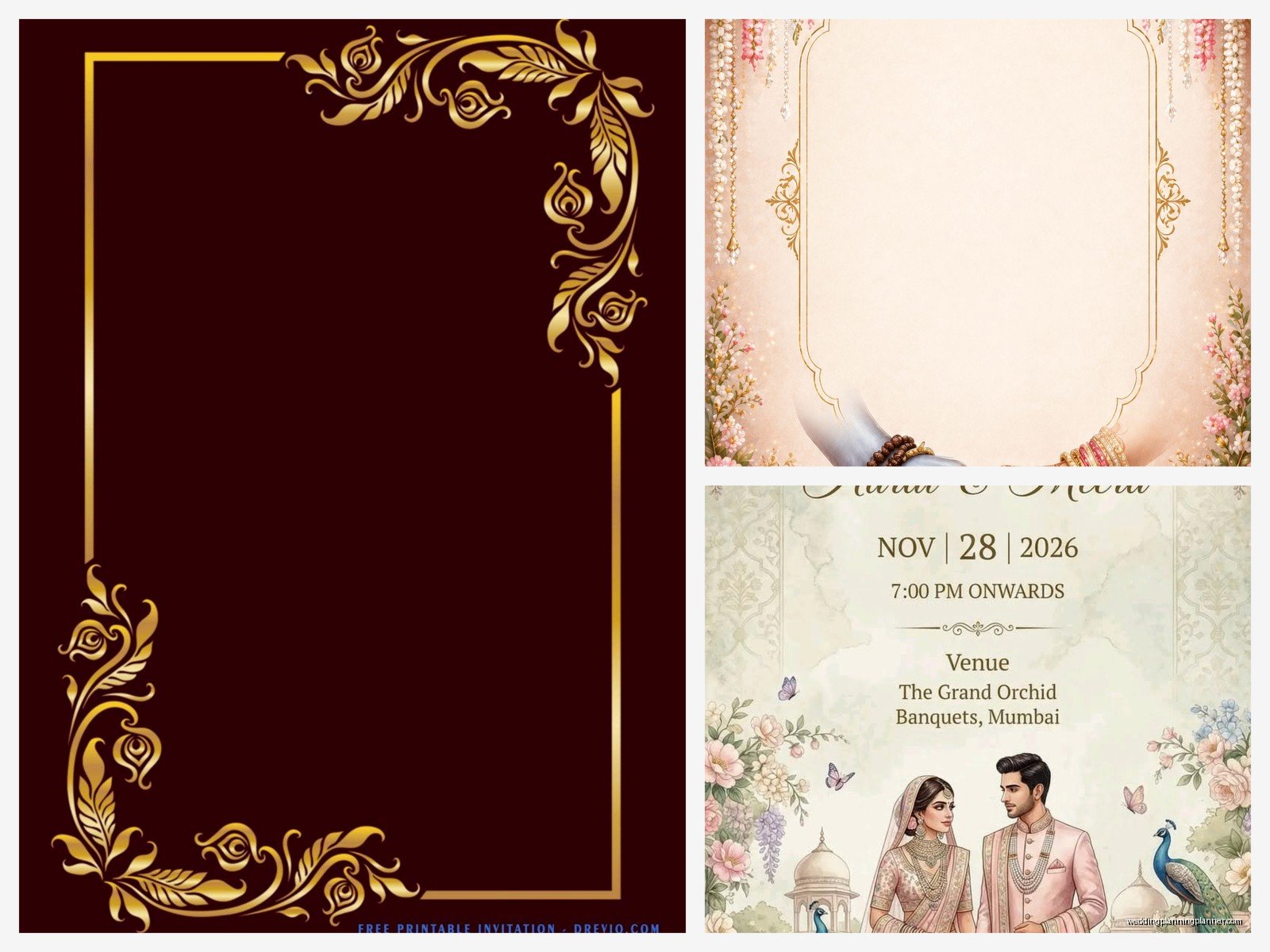
Traditional doesn’t mean you can’t adjust colors, but be thoughtful about it. In Chinese weddings, red and gold are auspicious. In Indian weddings, red, gold, and sometimes green or purple. Western traditional usually leans toward ivory, gold, navy, or burgundy.
If you’re customizing colors in Photoshop, use adjustment layers instead of directly painting over elements. This way you can always go back if you mess something up. I learned this during a stressful situation in summer 2021 when I accidentally saved over a client’s original file and had to re-download and start from scratch. Not fun.
For Hindu wedding cards, make sure any religious symbols are oriented correctly and used respectfully. Same goes for Islamic calligraphy or Jewish symbols. If you’re not sure, ask someone from that cultural background or do some research. This isn’t the place to wing it.
What to Include in Your Card Text
Traditional marriage cards usually follow pretty specific wording formats. For Western traditional:
- Host line (who’s hosting/paying—usually parents)
- Request line (“request the honor of your presence”)
- Couple’s names
- Date and time
- Location
- Reception details if separate
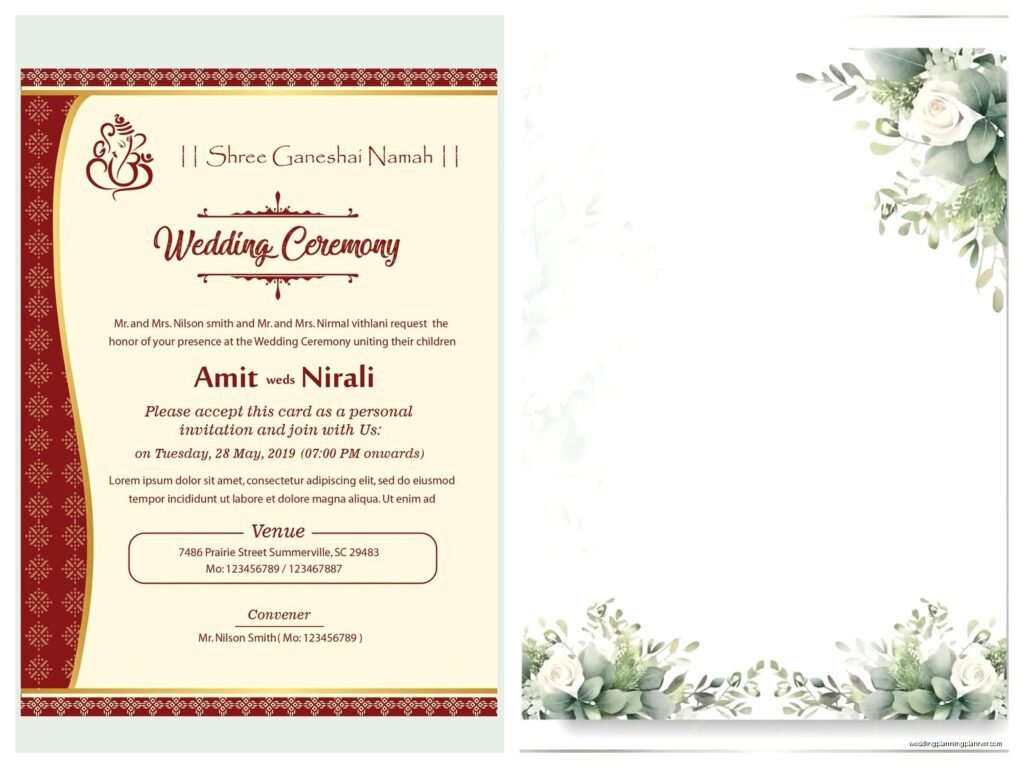
Indian wedding cards are usually way more elaborate and might include:
- Ganesh symbol or other religious imagery
- Parents’ names and sometimes grandparents
- Multiple events (mehndi, sangeet, ceremony, reception)
- Specific timing for each event
- Dress code for each function
Chinese traditional cards often include the double happiness symbol and might be bilingual with both English and Chinese text.
Printing Your Downloaded Templates
Alright so you’ve customized everything and it looks perfect on your screen. Now what? You’ve got options for printing and they all have pros and cons.
Professional online printers like Minted, Vistaprint, or Shutterfly are gonna give you the most consistent quality. You upload your file, they print and ship. Easy but less control over paper quality sometimes. Also can get expensive fast if you’re doing 150+ invitations.
Local print shops give you more control—you can see paper samples, discuss finishing options like letterpress or foil stamping. They’re usually more expensive than online but the quality can be worth it for traditional designs that deserve that extra something.
Home printing is the budget option but honestly? For traditional wedding cards I usually don’t recommend it unless you have a really good printer and know what you’re doing. The paper quality matters so much with traditional designs, and most home printers can’t handle the thick cardstock that makes invitations feel substantial.
Paper Stock Matters More Than You Think
This is where traditional designs really shine or fall flat. A gorgeous traditional template printed on flimsy paper looks cheap, period. You want at least 80lb cardstock, preferably 100lb or heavier.
For Western traditional, consider:
- Cream or ivory cardstock (pure white can look too modern)
- Linen texture adds that classic feel
- Matte finish usually works better than glossy
For Indian wedding cards, you might want metallic or shimmer cardstock, or even velvet-textured options. The more elaborate the template design, the more substantial the paper should feel.
Envelope Coordination
Don’t forget envelopes because—and this is something people always overlook—your envelope is the first thing guests see. Traditional designs usually look best with matching or complementary envelopes rather than just plain white ones.
A lot of template sellers include envelope liner designs with their downloads, which is super helpful. You print these on regular paper and insert them into store-bought envelopes. It’s a nice touch that doesn’t cost much extra.
Common Mistakes to Avoid
Mixing too many traditional styles together is… it’s gonna look confused rather than eclectic. Like if you’re doing a Western ceremony, stick with Western traditional design elements. Don’t throw in random mandala patterns just because you think they look pretty.
Another thing—not proofreading before you print 200 copies. I cannot stress this enough. Read everything three times. Have someone else read it. Check the date, time, venue address, spelling of names. I once had a client who spelled her own fiancé’s name wrong and didn’t notice until after printing. We caught it but barely.
Ignoring bleed lines if your template has them is gonna result in weird white borders or cut-off designs. Bleed is usually 0.125 inches beyond your actual card size, and it’s where the printer cuts. Keep important elements inside the safe zone.
File compression can ruin your print quality too. When you save your customized file, use the highest quality settings. Don’t email yourself a compressed version and then send that to the printer—always use the original high-resolution file.
Timeline for Template-Based Invitations
You’d think templates would speed everything up and they do, but you still need time. Here’s a realistic timeline:
- Research and purchase template: 1-2 weeks (don’t rush this)
- Customize with your details: 3-5 days
- Proofread and get feedback: 3-4 days
- Order printed samples: 1-2 weeks
- Review samples and make adjustments: 2-3 days
- Place final order: depends on printer but usually 2-3 weeks
- Addressing and mailing: 1 week
So you’re looking at roughly 8-10 weeks from start to finish, which means you need to begin this process about 4 months before your wedding to get invitations out 6-8 weeks in advance.
Budget Expectations
Template downloads are definitely cheaper than custom design work. Here’s what you’re probably gonna spend:
- Template purchase: $5-40 depending on source and complexity
- Printing (100 invitations): $100-400 depending on method and paper quality
- Envelopes: $20-60 for 100
- Envelope liners if separate: $30-80 for 100
- Postage: Budget extra for oversized or heavy invitations
So total you’re looking at maybe $200-600 for template-based traditional invitations for 100 guests, compared to $800-2000+ for fully custom designed ones.
Software You Might Need
If your template is a PSD or AI file, you’ll need editing software. Adobe Creative Cloud subscription is like $55/month which feels expensive just for wedding invitations, but you can do the free trial, customize everything in that month, and cancel. Just saying.
Free alternatives exist—GIMP can open PSD files (sometimes), and Inkscape works with vector files. They’re clunkier than Adobe products but they work if you’re on a tight budget.
Canva is honestly the easiest option for people who aren’t design-savvy, even though I mentioned the annoying premium elements thing earlier. Their interface is intuitive and you can customize templates without knowing anything about layers or design principles.
Some Etsy sellers provide templates specifically formatted for Canva or Microsoft Word, which makes customization super simple. You literally just click and type. These are perfect if you’re not comfortable with design software at all but still want something beautiful and traditional-looking.
