
Planning Guides, Style Guide
RSVP Cards for Wedding Template: Response Downloads
Jul
RSVP Card Templates Actually Worth Downloading
So you’re looking for RSVP card templates and honestly this is one of those things that seems super straightforward until you’re three hours deep into Etsy at 11pm wondering why every template looks like it was designed in 2009. I’ve been there so many times with clients who download the first cute thing they see and then realize it doesn’t actually work with their printer or their whole wedding vibe.
The thing about RSVP cards is they’re deceptively simple. You need a response card, maybe a response envelope, and the info has to be clear enough that your guests actually fill them out correctly. Sounds easy right? But then you get cards back where people wrote their entire life story in the margins or just… didn’t include their names at all.
What You Actually Need in an RSVP Template
Before you download anything, figure out what info you’re collecting. Basic setup is gonna be name line, attendance confirmation, and meal choices if you’re doing a plated dinner. Some couples add plus-one info, song requests, dietary restrictions, or that weird “share your marriage advice” thing that I personally find kinda awkward but whatever works for you.
I had this client in spring 2023 who downloaded this gorgeous template with all these fancy script fonts and flourishes, looked amazing on screen. Then she tried to print them and the file resolution was so low everything came out blurry. We had to scramble and find a replacement template like two weeks before she needed to mail them. That whole situation taught me to check the actual file specs before getting attached to a design.
File Formats That Don’t Suck
You want templates that come in editable formats unless you’re planning to handwrite everything which… nah. PDF templates are common but make sure they’re actually editable PDFs, not just flat images saved as PDFs. Microsoft Word templates are super accessible because most people have Word, and you can edit them easily without special software.
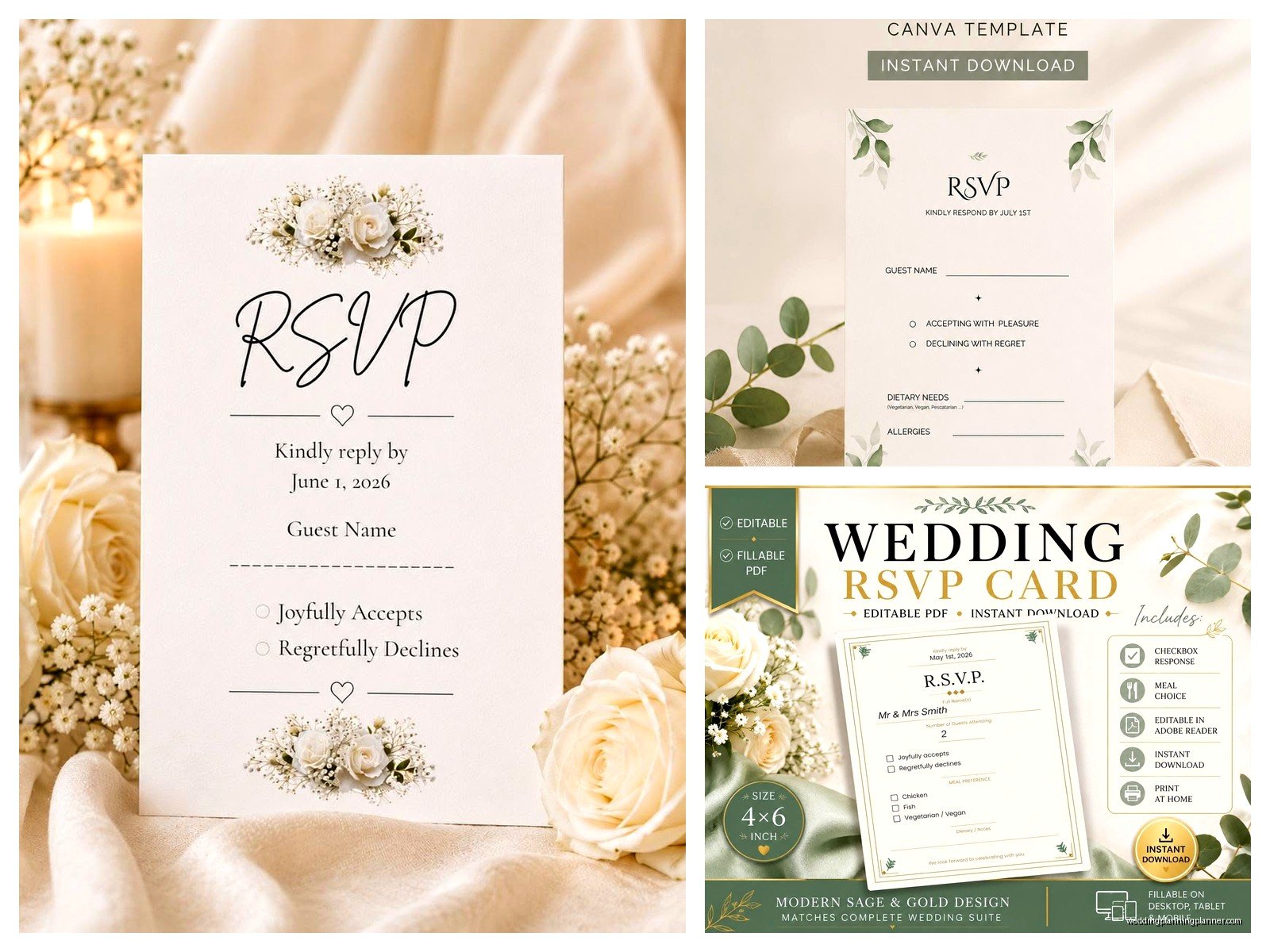
Canva templates have gotten really popular and honestly they’re pretty user-friendly. You can customize colors, fonts, all that stuff right in your browser. The downside is you’re kinda locked into Canva’s ecosystem and if you want to do anything fancy with printing you might need to export and deal with some limitations.
Adobe Illustrator or InDesign templates are great if you or someone you know has those programs and knows how to use them. They give you the most control but there’s definitely a learning curve if you’ve never touched Adobe products before.
Where to Download Templates
Etsy is obviously the big one. You’ll find thousands of options ranging from like $3 to $30. The prices don’t always reflect quality either, I’ve seen expensive templates that were just… not great, and cheap ones that were perfect. Read the reviews, check what’s included in the download, and make sure the seller offers support if something goes wrong.
Template marketplaces like Creative Market or Design Bundles have professional designers selling their stuff. Usually higher quality than random Etsy shops but also pricier. The nice thing is these platforms have standards so you’re less likely to get a garbage file.
Free template sites exist but honestly you get what you pay for most of the time. Canva has free templates built in which is probably your best bet for free options. Some wedding blogs offer free downloads too but double-check the licensing because some are only for personal use and have weird restrictions.
The Annoying Thing About Template Sizing
This drives me absolutely nuts. Not every template is designed for standard paper sizes or standard envelope sizes. I’ve seen templates that are 4.5 x 6.25 inches or some random dimension that means you can’t buy envelopes anywhere without custom ordering them. Always check the dimensions before downloading.
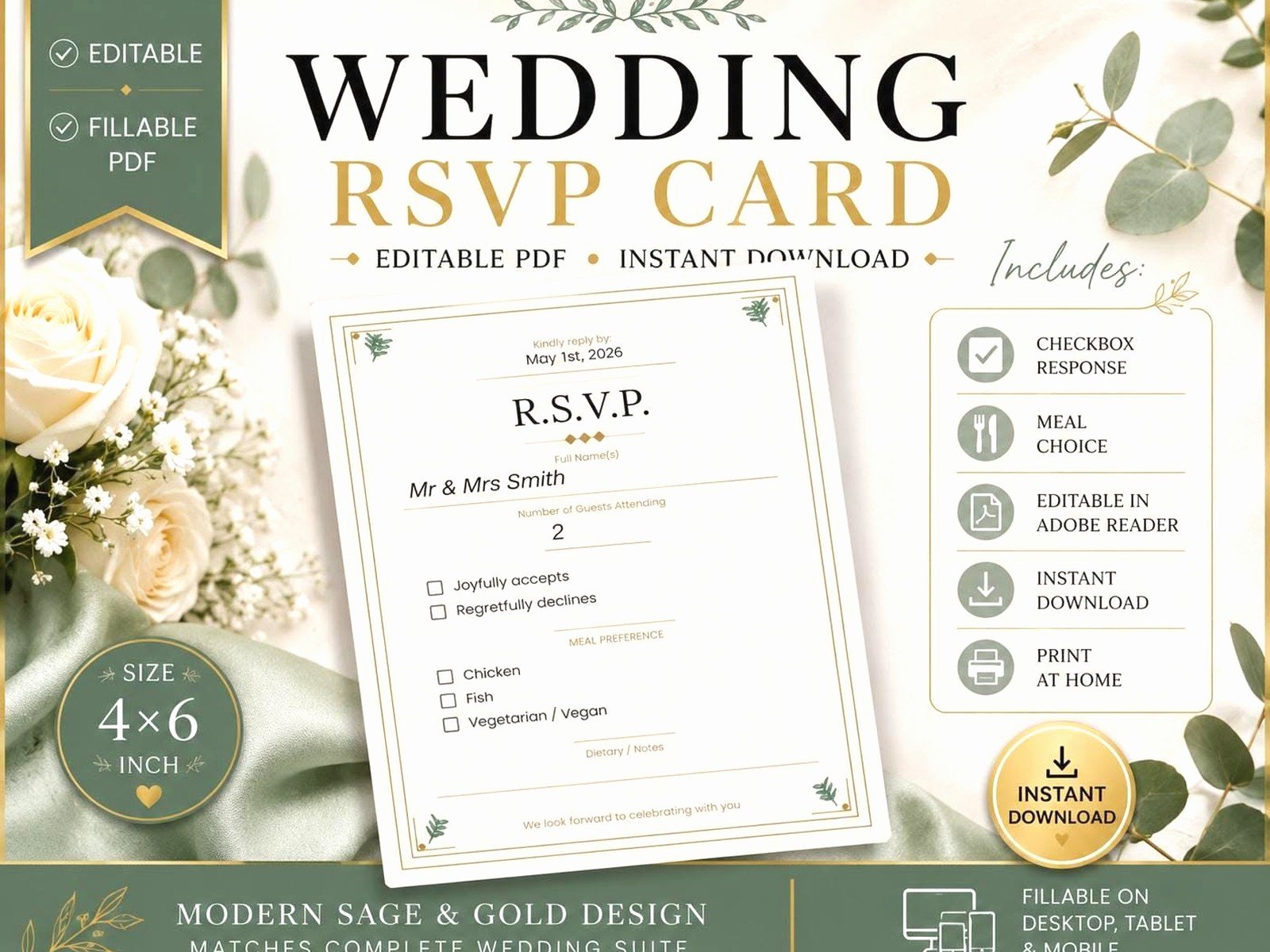
Standard RSVP card sizes are usually 4.25 x 5.5 inches (A2) or 5 x 7 inches. These sizes have readily available envelopes at any craft store or online. If you’re doing postcard-style RSVPs those are typically 4 x 6 inches. Stick with standard sizes unless you have a really good reason not to and a budget for custom envelopes.
Customizing Your Template
Once you download a template you actually like, you gotta make it yours. Change the names obviously, update the date and venue info, adjust colors to match your wedding palette. Most templates come with instructions but they’re not always clear, especially if English isn’t the designer’s first language or they just assumed everyone knows what they’re doing.
Font substitution is where people run into problems. If the template uses a specific font you don’t have installed, your computer will substitute it with something else and suddenly your elegant script looks like Arial. Download and install any fonts that came with the template before you start editing. My cat walked across my keyboard once while I was installing fonts and somehow managed to install like fifteen random typefaces I didn’t even want, that was fun to clean up later.
The Wording Part That Everyone Overthinks
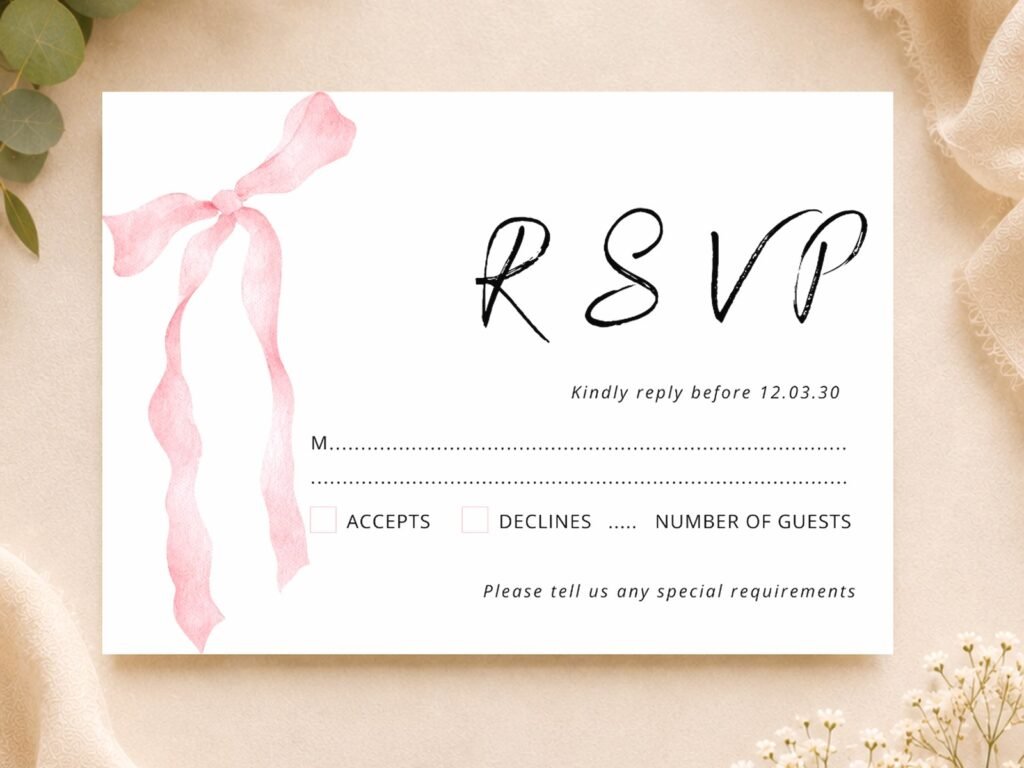
Keep it simple. “M___________” is the traditional way to have guests write their names (the M is for Mr., Mrs., Ms., etc.) but honestly a lot of people find that confusing now. “Name(s): ___________” works just fine and is way clearer.
For attendance you can do checkboxes like “__ accepts with pleasure __ declines with regret” or just “Will you be attending? __ Yes __ No” if you want to be more casual about it. I’ve seen couples try to get cute with the wording and sometimes it works but sometimes guests genuinely don’t understand what you’re asking.
Meal choices should list exactly what the options are. “Beef, Chicken, or Vegetarian” is clear. “Land, Sea, or Garden” sounds cute but then you get people checking boxes without knowing what they’re actually getting and that creates problems with your caterer.
Printing These Things
You can print at home if you have a decent printer and good quality cardstock. This is definitely the cheapest option but it’s time-consuming and you need to do test prints because what looks good on screen doesn’t always print well. I usually recommend 80lb or 100lb cardstock for RSVPs, thick enough to feel substantial but not so thick it won’t go through your printer.
Online printing services like Vistaprint, Minted, or Zazzle will print templates for you. You upload your file, they print and ship them. Quality varies by company and sometimes the colors don’t come out exactly like you expected. Order a sample first if you can, it’s worth the extra few bucks to make sure you’re happy with how they look.
Local print shops can be great if you want to support small businesses and have more control over the process. Bring your template file on a USB drive or email it to them, discuss paper options and quantities. They can usually handle weird sizes or special requests better than online services.
Response Envelopes Are a Separate Thing
Don’t forget you need envelopes for people to send the cards back in. Pre-addressed envelopes make it easier for guests to respond (they’re more likely to actually do it). Pre-stamped is even better but that adds up cost-wise depending on how many invites you’re sending.
Some templates include matching envelope designs which is nice for cohesion. You can get envelope liners, colored envelopes, whatever fits your aesthetic. Or just use plain white envelopes because honestly most people throw them away anyway and you might want to save your budget for other stuff.
Digital RSVP Options vs Physical Cards
Okay so this is kind of a tangent but you might be wondering if you even need physical RSVP cards or if you should just do everything online. There are pros and cons obviously. Online RSVPs through your wedding website are cheaper, faster, and easier to track. You get responses instantly, the info goes right into a spreadsheet, no dealing with lost mail or illegible handwriting.
But some guests (usually older relatives) don’t do well with online forms or don’t check email regularly. Physical cards feel more formal and traditional. Some couples do both – include a physical card but also put the website info on there as an option. That’s probably the safest bet if you have a mixed crowd of tech-savvy and tech-challenged guests.
Template Bundles vs Individual Cards
A lot of sellers offer full invitation suites with matching save-the-dates, invitations, RSVPs, detail cards, everything coordinated. These bundles are usually cheaper than buying each piece separately and they definitely look cohesive. The downside is you’re locked into one style for all your stationery.
If you only need RSVP cards because you’re doing something different for your main invites, buying individual templates is fine. Just make sure the style doesn’t clash too badly with your other pieces or it’ll look… I dunno, disorganized? Not the end of the world but something to think about.
Common Template Mistakes I See All The Time
People download templates and don’t check if they’re the right orientation. Portrait vs landscape matters when you’re planning your envelope sizes and overall invite layout. Also not checking bleed settings if you’re doing a design that goes to the edge of the card – you need bleed or you’ll get white borders when they’re cut.
Another thing is not proofreading after customization. You’d be surprised how many times I’ve caught typos in dates or venue addresses right before someone was about to print 150 cards. Read it multiple times, have someone else read it, maybe read it backwards to catch spelling mistakes your brain might skip over.
Oh and not ordering enough. Always print extras. People lose cards, spill coffee on them, whatever. I usually tell couples to print 10-15% more than they think they need. Templates are digital so you can always print more later but it’s easier to have extras ready to go.
Tracking Responses
This isn’t really about the template itself but you’re gonna need a system to track who responded and what they said. A simple spreadsheet works – guest names, attendance status, meal choices, plus-ones, any notes. Some people number their RSVP cards (tiny numbers on the back) so if someone forgets to write their name you can figure out who it is based on the number, kinda sneaky but effective.
During a really stressful client situation summer 2021, we had a bride who didn’t track her RSVPs at all and just threw the cards in a box. Three weeks before the wedding she realized she had no idea what her final count was or who said yes to what meal. We spent hours sorting through cards trying to organize the info and some cards were just… illegible. Don’t be like that, stay organized from the start.
Accessibility Stuff to Consider
Make sure your text is readable. Super light gray text on white background might look elegant and minimal but if your 80-year-old grandmother can’t read it, that’s a problem. High contrast between text and background is your friend. Font size should be at least 10-point, preferably 11 or 12 for the main info.
If you’re doing online RSVPs as an alternative, make sure the form is accessible for screen readers and people with various disabilities. But that’s getting into web design territory which is a whole other thing.
Timing for RSVP Cards
Send invites 6-8 weeks before the wedding, set your RSVP deadline for about 3-4 weeks before the wedding date. This gives you time to follow up with people who inevitably don’t respond (there are always some) and get your final numbers to your venue and caterer. Some templates have a built-in line for the response date, others you’ll need to add it yourself.
You can include your RSVP cards with your save-the-dates if you want really early responses but that’s kinda unusual, most people do it with the formal invitation. Although I’ve seen destination weddings where they send RSVP requests super early because people need to book travel and that makes sense.
Anyway, the main thing with templates is just find one that actually works for your needs and doesn’t require a graphic design degree to customize. Check the file format, make sure it’s the right size, print a test copy before you commit to printing hundreds of them. And maybe have a glass of wine handy because wedding planning is stressful and RSVP cards are just one tiny piece of the whole thing but somehow they take up way more mental energy than they should
